

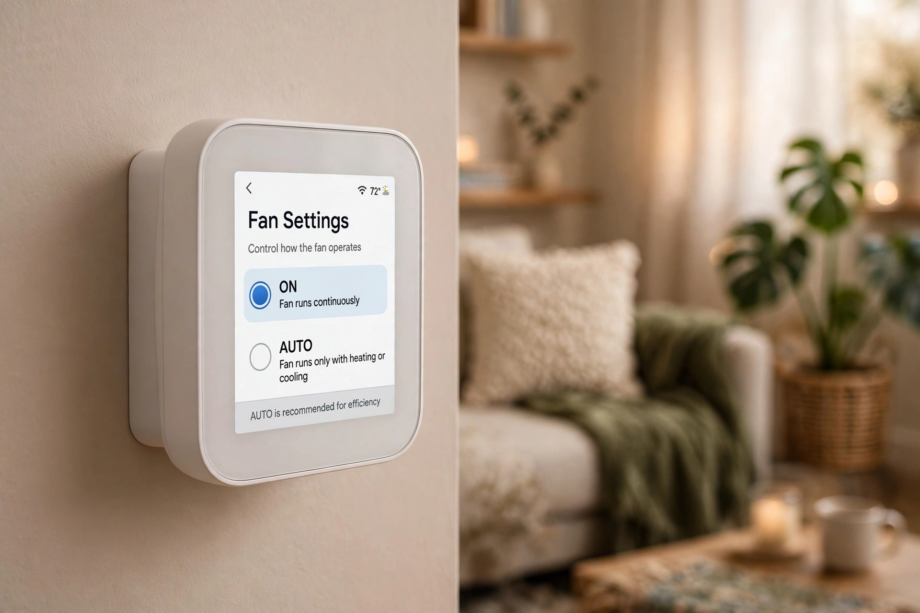
The “fan” setting on your thermostat controls the blower fan inside your heating and cooling system. It doesn’t turn the heat or AC on or off. ON means the fan runs nonstop. AUTO runs it only during heating or cooling. In plain terms, what does fan mean on thermostat? It’s simply your home’s air circulation switch.
- Your Thermostat’s Fan Switch, in Plain English
- The Two Settings: ON and AUTO
- Fan ON vs AUTO at a Glance
- The Hidden Costs of Leaving the Fan on ON
- When Fan ON Actually Makes Sense
- What Does Fan Mean on Thermostat in Different Seasons?
- Why AUTO Wins for Most Homes
- “Circulate”: The Smart Thermostat Middle Ground
- How to Change the Fan Setting
- Troubleshooting: When the Fan Misbehaves
- FAQs
- Does leaving the thermostat fan on use a lot of electricity?
- Should the fan be on AUTO or ON for heat?
- Why does my fan keep running when the AC is off?
- Is it bad to run the thermostat fan on ON all summer?
- What is circulate mode on a smart thermostat?
- Does the fan setting help with allergies?
- Conclusion
Your Thermostat’s Fan Switch, in Plain English
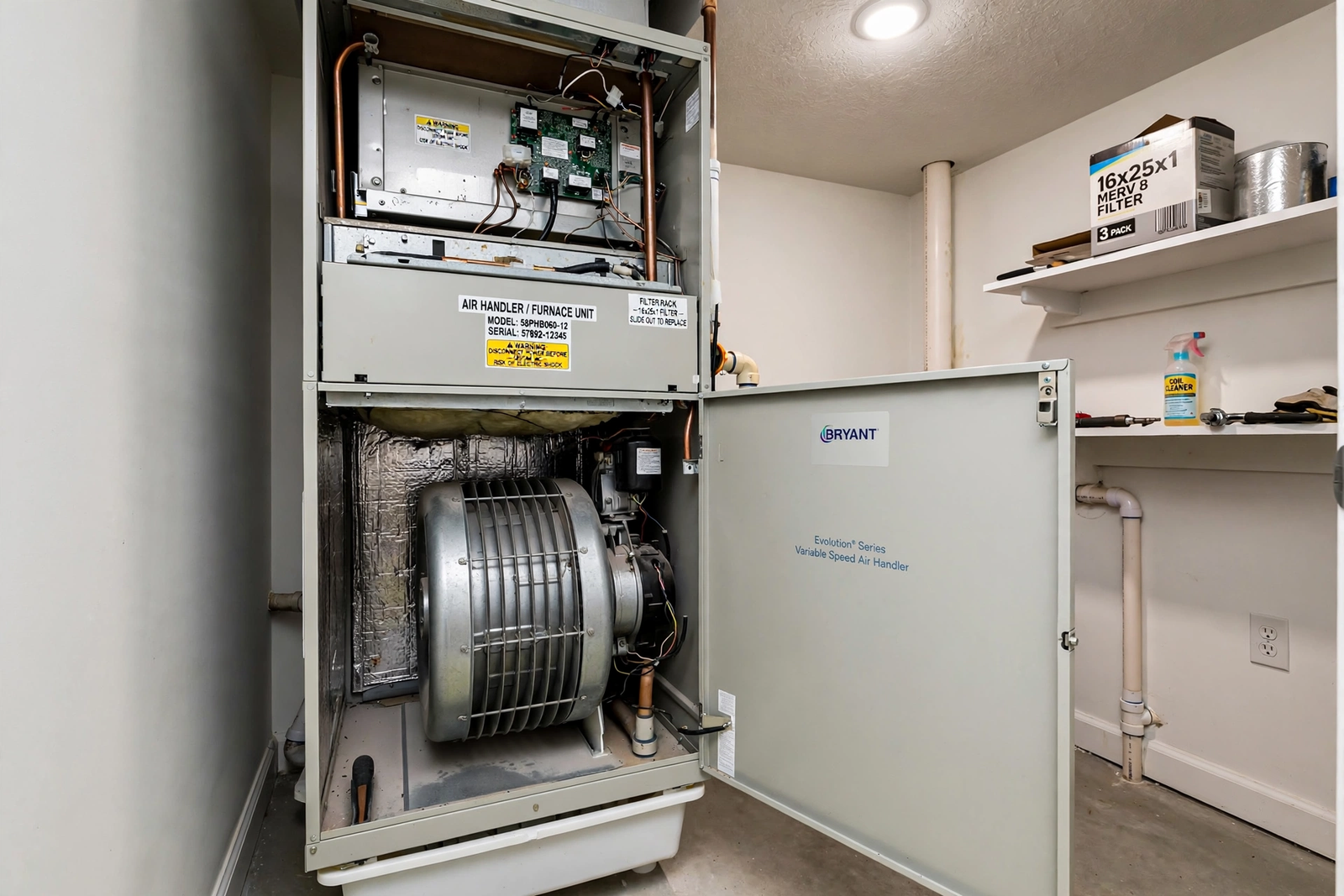
Inside your furnace or air handler sits a large blower fan, and its job is simple: it pushes air through your ducts and out of your vents. Your thermostat’s heat and cool settings decide the air’s temperature. The fan setting, in contrast, decides when that air moves.
Think of it like a ceiling fan. A ceiling fan doesn’t cool the room. Instead, it just moves the air, which makes you feel more comfortable. Your HVAC blower works the same way. The fan switch, therefore, is your way of telling it when to run.
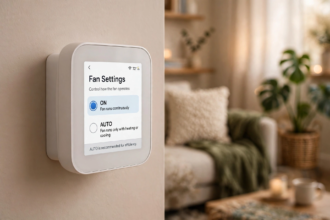
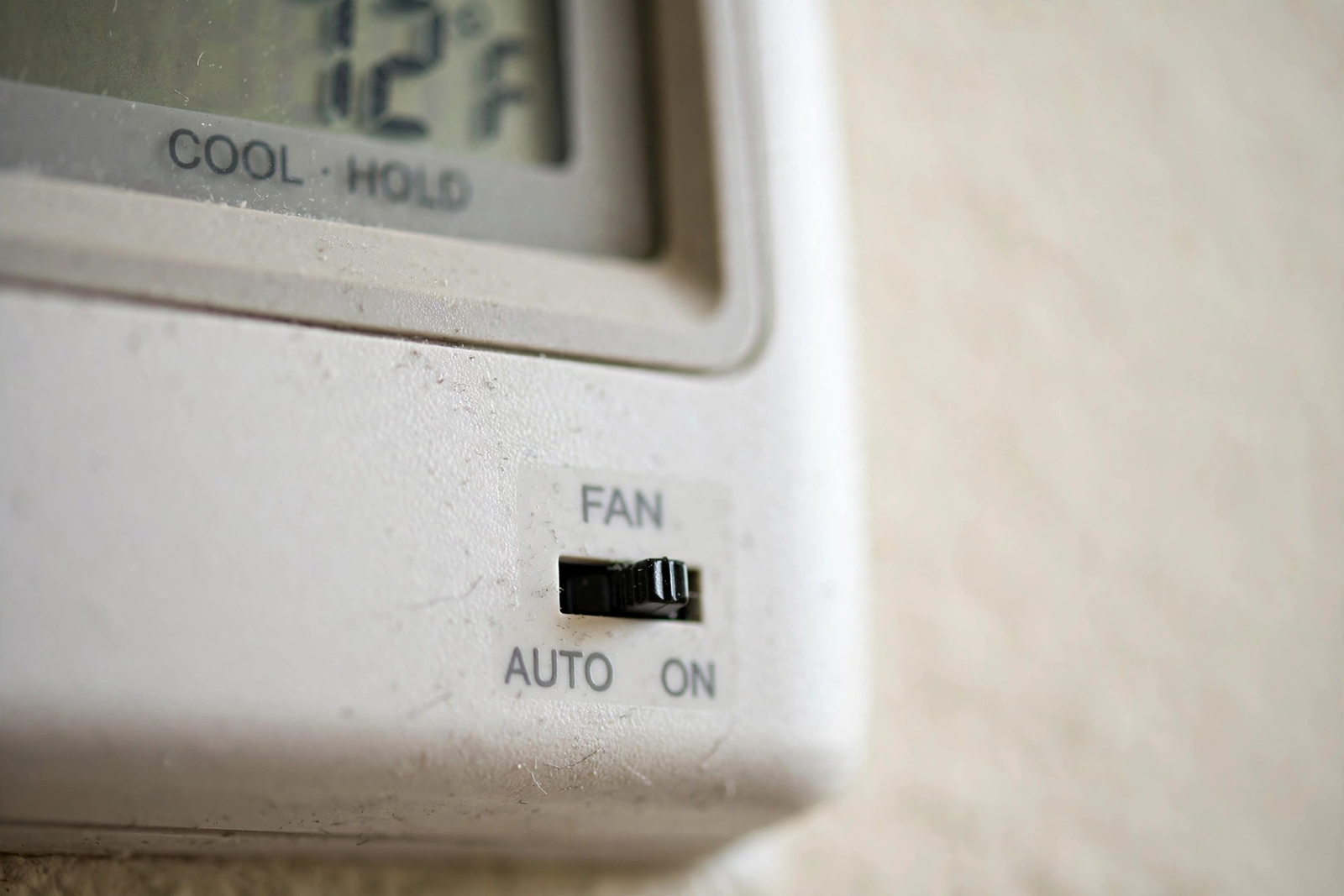
Almost every thermostat has this switch. Older models show a physical toggle marked AUTO and ON. Newer digital models, meanwhile, put it on the screen, often under a “Fan” button or menu. Smart thermostats also add a third option called “Circulate,” which we will cover below.
Ever stood under a vent and felt air blowing even though the house already felt fine? That is the fan setting at work. Someone set it to ON, but nothing is broken, since the system is still doing exactly what it was told to do.
First, the fan setting is separate from the system mode. In other words, your thermostat has two switches, not one. The system switch picks HEAT, COOL, or OFF. The fan switch picks AUTO or ON. Mixing the two up is the most common beginner mistake.
The Two Settings: ON and AUTO
AUTO: The Fan Follows Your System
With AUTO, the fan and the system move together. The thermostat calls for heat or cooling, and then the system starts. Next, the fan kicks in, usually 30 to 60 seconds later, and pushes the treated air through your vents.
When the room hits your set temperature, the system stops, and the fan stops too, often within a minute. As a result, your vents go quiet between cycles and no air moves at all.
AUTO is the default on most systems. It is, in fact, the setting most HVAC pros recommend for daily use. It uses the least energy because the fan only runs when it has a job to do.
ON: The Fan Never Rests
With ON, the fan runs around the clock. It blows air through your vents whether the system is heating, cooling, or doing nothing at all. So day and night, the air keeps moving.
Walk past a vent and you’ll always feel airflow. That is the giveaway. The system may be idle, but the fan is still on duty.
In winter, this can feel odd. The air from the vents may feel cool even though the room is warm. Moving air pulls heat from your skin, so it feels like a draft. In summer, the air may feel fine but slightly damp. We’ll explain why below.
Fan ON vs AUTO at a Glance
Table: Fan AUTO vs ON, quick comparison
| Feature | Fan set to AUTO | Fan set to ON |
|---|---|---|
| When the fan runs | Only during heating or cooling cycles | All the time, even when idle |
| Energy use | Low | Higher, the motor never rests |
| Humidity control | Better, moisture drains off the coil | Poorer, moisture blows back inside |
| Air filtration | Only during cycles | Continuous |
| Room-to-room comfort | Can leave hot and cold spots | More even temperatures |
| Filter life | Normal replacement schedule | Filters clog faster |
| Noise | Quiet between cycles | Constant background hum |
The Hidden Costs of Leaving the Fan on ON
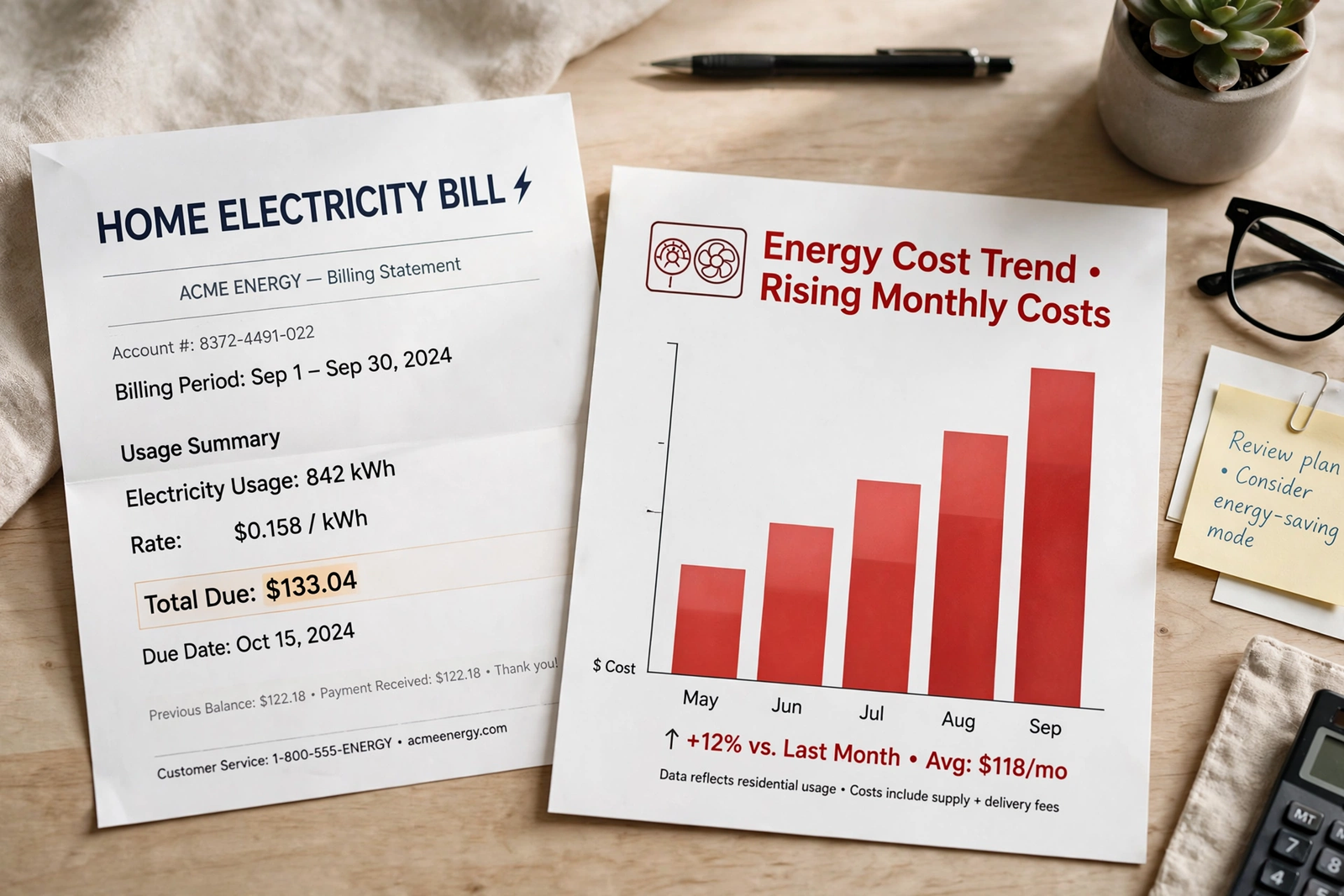
A blower motor uses real electricity. Run it 24 hours a day and the cost adds up. How much? Estimates vary a lot. Some HVAC companies put it near $50 a month. Others, however, say far less with modern motors. Your motor type and electricity rate decide the number. In short, it’s never free.
First, here is the part most guides skip. When your AC cools, moisture from the air collects on the cold evaporator coil. With AUTO, the fan stops after the cycle, so the water drips into the drain pan and leaves the house. With ON, the fan keeps blowing over the wet coil. It then evaporates the water right back into your air. As a result, your home feels cold and clammy at the same time. It’s the number one reason humid-climate homes should avoid ON in summer.
Want proof in your own home? Buy a cheap indoor hygrometer for about ten dollars. For example, run AUTO for two days and note the humidity reading. Then run ON for two days and compare. Most people see indoor humidity climb 5 to 10 percentage points on ON. That is your answer, measured in your house.
Constant airflow also wears out filters faster. A filter that lasted three months on AUTO might last one month on ON. In addition, the steady hum of the blower can bother light sleepers if a vent sits near a bedroom.
When Fan ON Actually Makes Sense
ON is not all bad. It shines in specific situations. For example, if someone in your home has allergies or asthma, constant circulation pulls more dust, pollen, and pet dander through the filter. As a result, you get cleaner air and fewer sneezes.
Got a bedroom that runs hot while the living room stays cool? Continuous airflow mixes the air and evens things out. In particular, multi-story homes benefit most, since heat rises and the upstairs often bakes.
Specifically, use it after cooking strong-smelling food or painting a room too. The steady airflow clears odors faster than calm air.
The smart move is temporary use. Switch to ON for a few hours when you need it, and switch back to AUTO afterward. You keep the benefit without paying the full-time price.
What Does Fan Mean on Thermostat in Different Seasons?
In summer, AUTO usually wins. Your AC already removes humidity while it cools. AUTO, therefore, lets that moisture drain away. ON in summer risks the cold-but-clammy feeling described above, especially in humid regions.
In winter, AUTO is still the safer default. ON can make vents feel drafty because moving air feels cooler than the room. In contrast, some heating pros like ON in winter for one reason. Warm air rises and pools near the ceiling, but continuous circulation pushes it back down, which can even out rooms with high ceilings.
In spring and fall, the system barely runs, so the choice matters less. Otherwise, AUTO keeps things quiet and cheap. If the air ever feels stale, run ON for an afternoon and switch back.
Why AUTO Wins for Most Homes
For the average household, AUTO is the right default. It uses less energy, controls humidity, and keeps filters lasting longer. Indeed, the U.S. Department of Energy backs this up in the Department of Energy’s summer energy-saving tips, which recommend running cooling equipment only as needed.

Choose ON only for a reason: allergies, stubborn hot spots, or a specific air-quality need. Finally, when the reason passes, switch back. Your energy bill will thank you.
“Circulate”: The Smart Thermostat Middle Ground
Newer smart thermostats, like Nest and Ecobee, offer a third choice: Circulate. Specifically, it runs the fan for a set number of minutes each hour, even when the system is idle. Fifteen minutes per hour is a common default.
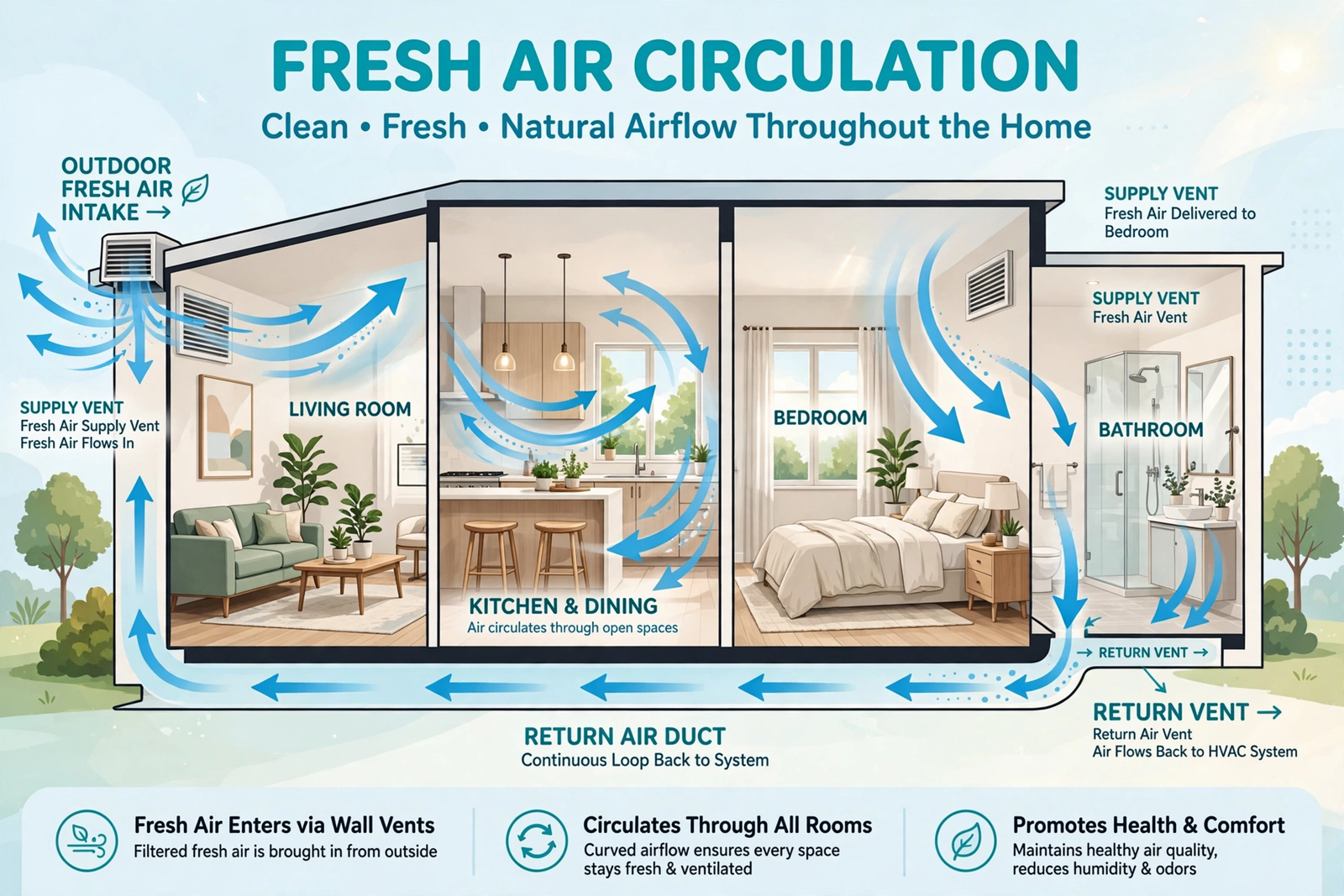
This is the best of both worlds. You get regular air mixing and filtration without the 24/7 energy cost. If your thermostat has this option, try it before committing to full ON.
Homes with variable-speed ECM blower motors get an extra bonus. These motors can run very slowly using little power. That means continuous low-speed circulation costs much less than old single-speed motors. If you have one, ON becomes a more reasonable choice.
How to Change the Fan Setting
Changing the setting takes seconds. Look for a switch or menu labeled “Fan.”
- First, find the fan control. On older thermostats it is a physical switch marked AUTO/ON. On digital models, tap the Fan button on the screen. In smart thermostat apps, open the thermostat and look for the fan settings.
- Next, select AUTO or ON. The change takes effect right away or at the start of the next cycle.
- Finally, give it a few minutes. Put your hand near a vent. Airflow while the system sits idle means ON is active. In other words, silence between cycles means AUTO is working.
On a Honeywell, press the Fan button to toggle. You can also go to Menu, open Fan Mode, and pick Auto or On. In the Nest app, open your thermostat, tap the fan icon, and set a timer or schedule. Meanwhile, on an Ecobee, go to Main Menu, System, Fan.
If you use a smart thermostat, you can also schedule the fan. For instance, many apps let you run the blower during certain hours, like only at night. That gives you the air mixing you want without running the fan all day.
Troubleshooting: When the Fan Misbehaves
Start with the obvious. First, many “broken” fans are just set to ON. Flip the switch to AUTO, wait five minutes, and check the vents again. This fixes the problem more often than you’d think.
If AUTO is selected and the fan still runs nonstop, the thermostat may be holding a stuck command. In fact, on a Honeywell, resetting a Honeywell thermostat usually clears this kind of glitch.
A fan that never runs in AUTO points elsewhere. Check the circuit breaker, the air filter, and the blower compartment switch. A badly clogged filter, for example, can overheat the system and shut the blower down as a safety measure.
Some older Honeywell models have no reset button. With these models, you clear glitches through the settings menu instead. Otherwise, call an HVAC technician. A blower that won’t stop can signal a stuck relay or a control board issue.
FAQs
Does leaving the thermostat fan on use a lot of electricity?
It adds a noticeable amount to your bill. The blower motor draws power every hour it runs, and ON means every hour. Specifically, estimates range from a few dollars to about $50 a month depending on the motor and your rates. AUTO avoids this cost by running the fan only during heating and cooling cycles.
Should the fan be on AUTO or ON for heat?
AUTO works best for most homes in winter. It runs the fan only while the furnace heats, which saves energy and avoids cold drafts from the vents. However, ON can help in homes with high ceilings by pushing warm air back down. Start with AUTO and switch to ON only if some rooms stay chilly.
Why does my fan keep running when the AC is off?
The fan setting is almost certainly on ON. Switch the fan to AUTO. If it keeps running after a few minutes, the thermostat may have a stuck setting that needs a reset. Check the setting twice, since some digital models need a minute to respond to the change.
Is it bad to run the thermostat fan on ON all summer?
It is not dangerous, but it can make your home feel clammy. After each cooling cycle, the fan blows over the wet evaporator coil and pushes moisture back into the air. Indoor humidity rises. AUTO lets that moisture drain away. As a result, your home feels cooler and drier at the same thermostat setting.
What is circulate mode on a smart thermostat?
Circulate is a middle ground between ON and AUTO. It runs the fan for a set number of minutes each hour, even when the system is idle. You get regular air mixing and filtration without the full cost of running the fan nonstop. In particular, Nest and Ecobee both offer it, usually around 15 minutes per hour.
Does the fan setting help with allergies?
Yes, setting the fan to ON can help. Continuous airflow pulls more dust, pollen, and pet dander through the filter around the clock. For the best result, therefore, pair it with a high-quality filter and replace the filter more often, since it will clog faster with the extra airflow.
Conclusion
Set your fan to AUTO and leave it there. That one choice saves energy, controls humidity, and keeps your system quiet. Switch to ON only when you have a reason, like allergy season or a stubborn hot room. Afterward, switch back to AUTO. Your next step is simple. Walk to your thermostat right now and check the fan switch. If it says ON and you don’t know why, flip it to AUTO.