

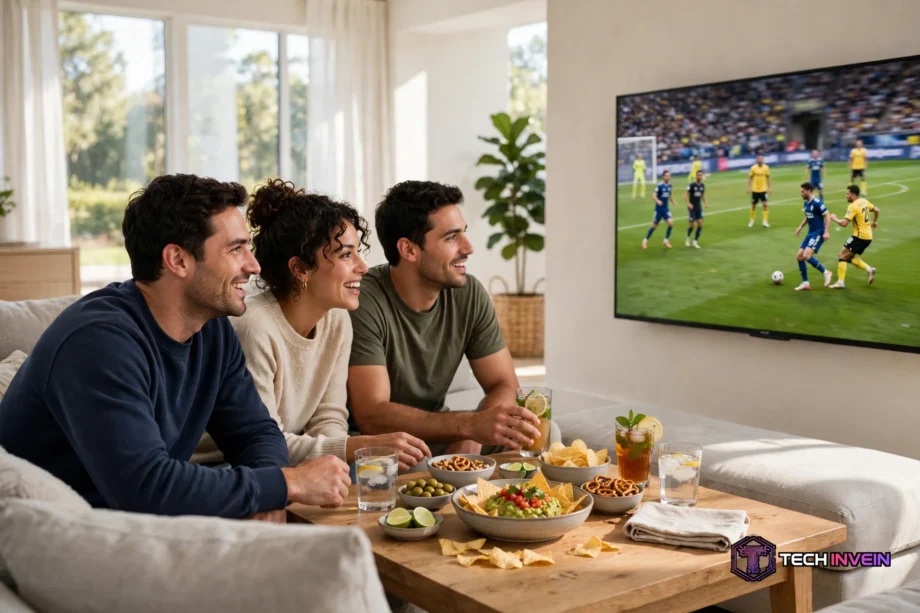
The best TV for sports is the 65-inch Samsung QN90D Neo QLED. It pairs a bright Mini-LED panel with a 144Hz refresh rate. Fast action stays sharp even in a sunny living room. If you watch in a dark room, the LG OLED evo C4 is the better pick.
- How to Pick the Best TV for Sports
- Best TV for Sports: Our 6 Picks for 2026
- 1. Samsung QN90D Neo QLED: Best Overall
- 2. LG OLED evo C4: Best OLED for Sports
- 3. Sony Bravia 7: Best Motion and Upscaling
- 4. TCL QM8K: Best Big Screen for Bright Rooms
- 5. Hisense U8N: Best Value Mini-LED
- 6. TCL QM7K: Best Budget Pick
- What Size Should You Buy?
- Settings That Make Sports Look Better
- OLED vs Mini-LED for Sports
- Common Mistakes to Avoid
- FAQs
- What refresh rate is best for watching sports?
- Is OLED or QLED better for sports?
- What size TV is best for watching football?
- Should I turn motion smoothing on for sports?
- Do I need 4K for live sports?
- Is a soundbar worth it for sports?
- Conclusion
Watch this guide to the best TVs for sport:
How to Pick the Best TV for Sports
Sports are harder on a TV than films. A camera pans across a full pitch in one second. A ball flies at speed. So a TV that looks fine for a slow drama can fall apart during a match.
Three specs matter most. First, a native 120Hz panel or faster. It refreshes the picture twice as often as a 60Hz panel, so fast pans look smooth instead of juddery. Second, peak brightness. Day games happen in bright rooms, so a dim TV looks washed out by noon. Third, motion processing.
Most live sport arrives at 50 or 60 frames per second. A 120Hz panel does not add frames that are not there. Instead, it gives the TV room to show each frame cleanly and to smooth motion without smearing.
Check the word native on the spec sheet before you trust the number. Some brands print a big motion rate on the box, but the panel itself is only 60Hz. So look for native 120Hz or native 144Hz in the real specs,
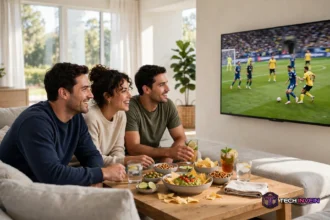
Viewing angle matters as well, because nobody watches a big match alone. Friends sit on the sides of the sofa, and a narrow-angle panel washes out for them. OLED keeps its color from every seat.
Sound is the last piece people forget. A match needs crowd noise and clear commentary, but thin TVs have small speakers. So plan for a soundbar if your room is large. You can read our guide on connecting speakers to a TV before you buy. The right audio setup makes a big match feel like a stadium visit.
Best TV for Sports: Our 6 Picks for 2026
We picked six TVs that cover every room and every budget. Each one has a native 120Hz panel or faster, plus strong brightness or strong motion handling. So whichever you choose, fast action will look clean.
1. Samsung QN90D Neo QLED: Best Overall
The Samsung QN90D is the best all-around sports TV we found. Its Mini-LED panel pushes past 2,000 nits of peak brightness, so it cuts through daylight with ease. Motion Xcelerator 144 keeps fast pans clean, and the wide-angle layer keeps colors true for viewers on the sides.
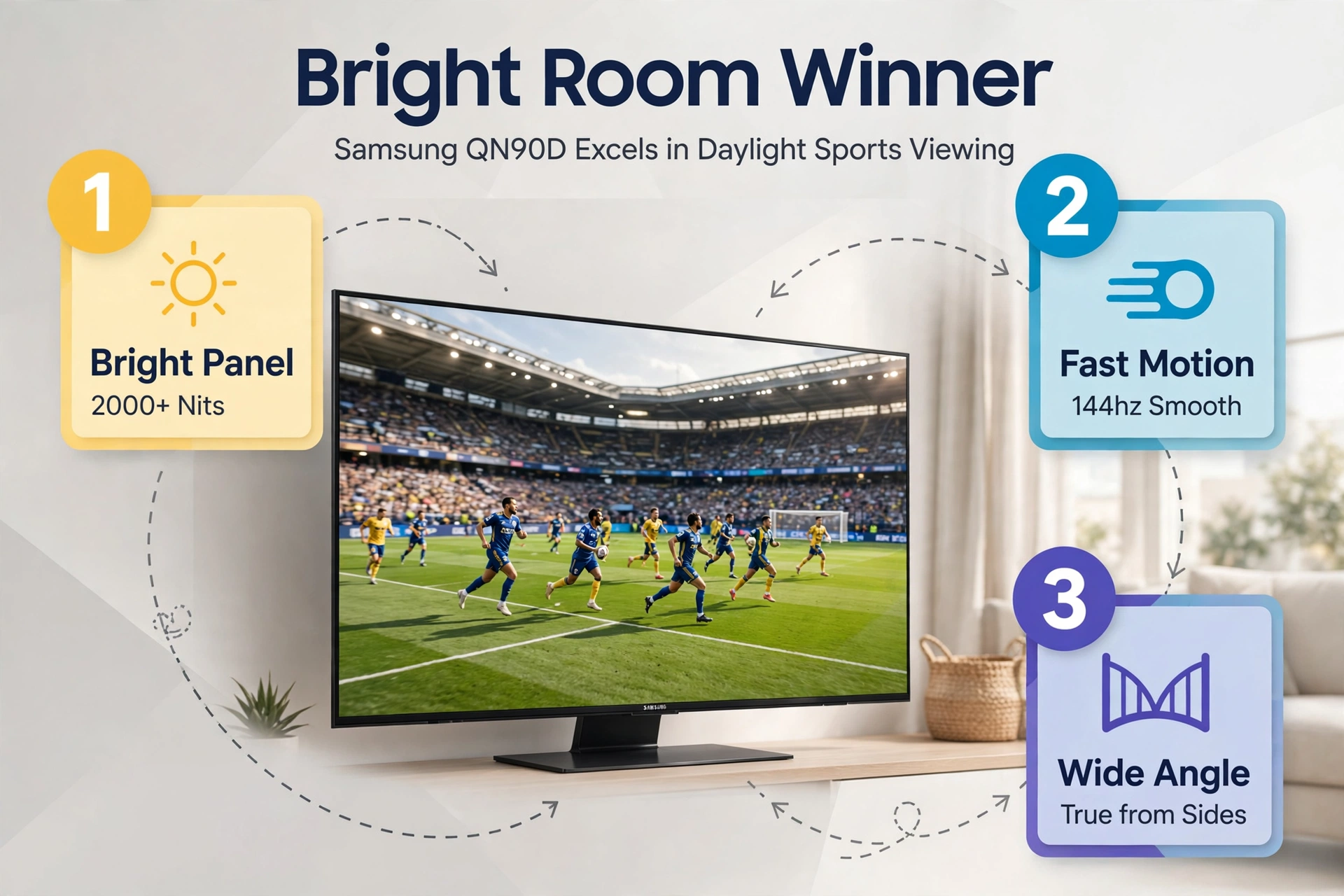
This is the TV to buy if your living room has big windows. Afternoon games stay punchy, and white kits stay white instead of turning grey.
One thing to watch is blooming. Bright logos on a dark background can show a faint halo, because Mini-LED uses zones instead of per-pixel light.
2. LG OLED evo C4: Best OLED for Sports
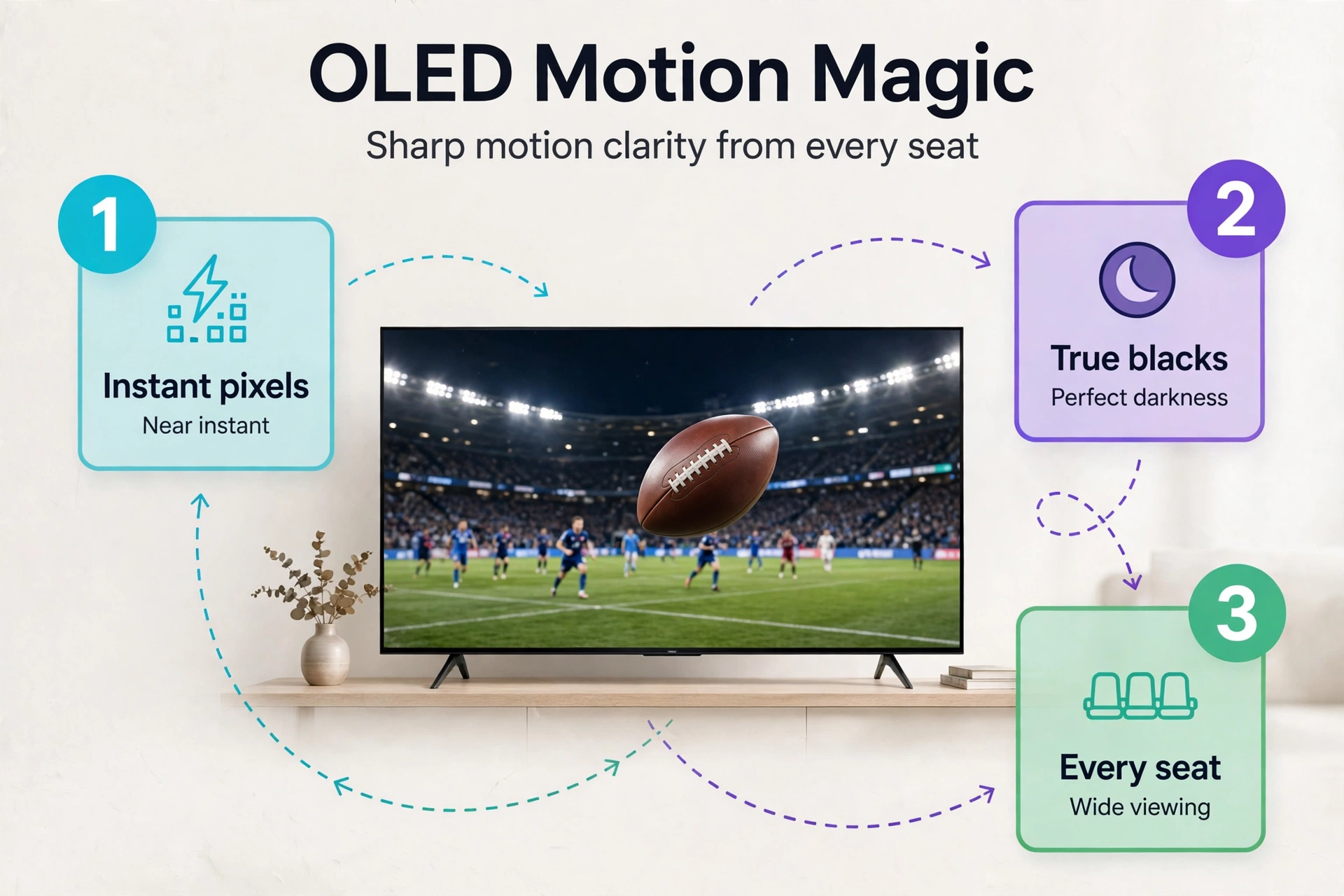
The LG OLED evo C4 is the best pick if you watch in a dim or dark room. Each pixel lights itself, so black is truly black and the ball never trails a ghost behind it. OLED Motion Pro handles fast pans with ease, and the viewing angle is perfect from every seat.
Its MLA panel reaches around 1,400 nits in highlights, so it holds up in most daylight too. Check the official LG page for the OLED evo C4. It lists the current specs and sizes.
Where this TV wins is motion. The pixel response is near instant, so a spinning football stays sharp instead of smearing into a blur.
3. Sony Bravia 7: Best Motion and Upscaling
The Sony Bravia 7 is the pick for viewers who stream most of their sport. Most streaming sport arrives as compressed 720p or 1080p, and Sony upscaling hides the rough edges better than any other brand. XR Motion Clarity keeps fast action smooth without adding strange artifacts.
This matters because a cheap processor turns a low-bitrate stream into blocky mush around the players. The Bravia 7 cleans that up, so the pitch looks smooth and the grass keeps its texture.
If you still watch cable or a basic streaming plan, this TV will make the biggest visible difference of any set here.
4. TCL QM8K: Best Big Screen for Bright Rooms
The TCL QM8K is the value king for big screens. It is a Mini-LED set with a native 120Hz panel that can push to 144Hz, and its peak brightness is huge for the price. A 75-inch or 85-inch screen turns a living room into a small stadium, and the picture stays bright even at noon.
Big screens need good motion more than small ones, because every flaw gets larger too. The QM8K handles that well for its price, though its motion processing is a step behind Sony.
This is the best pick if you want the largest screen your budget allows. A 75-inch TV at a fair price beats a 55-inch flagship for a watch party. Size is what makes a match feel live.
5. Hisense U8N: Best Value Mini-LED
The Hisense U8N gives you Mini-LED brightness and a 144Hz panel without a flagship price. It pushes past 1,500 nits in highlights, so day games look strong, and its full-array local dimming keeps dark scenes deep. For the money, few TVs match it on pure specs.
Its motion handling is good, though not flawless. Fast pans across a football pitch can show a hint of blur that the Samsung and LG sets avoid.
This is the set to buy if you want bright-room performance on a tight budget. It also doubles as a strong gaming TV, because the high refresh rate and low input lag suit consoles too.
6. TCL QM7K: Best Budget Pick
The TCL QM7K is the cheapest way into a proper sports TV. It is a Mini-LED set with a 144Hz panel and hundreds of dimming zones, so it beats every 60Hz budget TV on motion. Bright scenes stay punchy, and dark scenes hold their depth better than a basic LED set.
Its viewing angle is narrow, so it suits a small group sitting near the center. If your sofa wraps around the room, the side seats will see a washed-out picture.
For a bedroom or a small living room, this TV is hard to beat. It costs far less than the flagships here, yet it handles fast action far better than the 60Hz sets most people buy by mistake.
What Size Should You Buy?
Size is the cheapest upgrade in sports viewing. A bigger screen makes the ball easier to follow and the crowd feel closer. So measure first, then buy.
Start with your main seat, not with a store display. Measure from your eyes to the wall where the TV will sit. That number picks your size for you. Then use the table below as a guide, because it matches common viewing distances to screen sizes that work for sport.
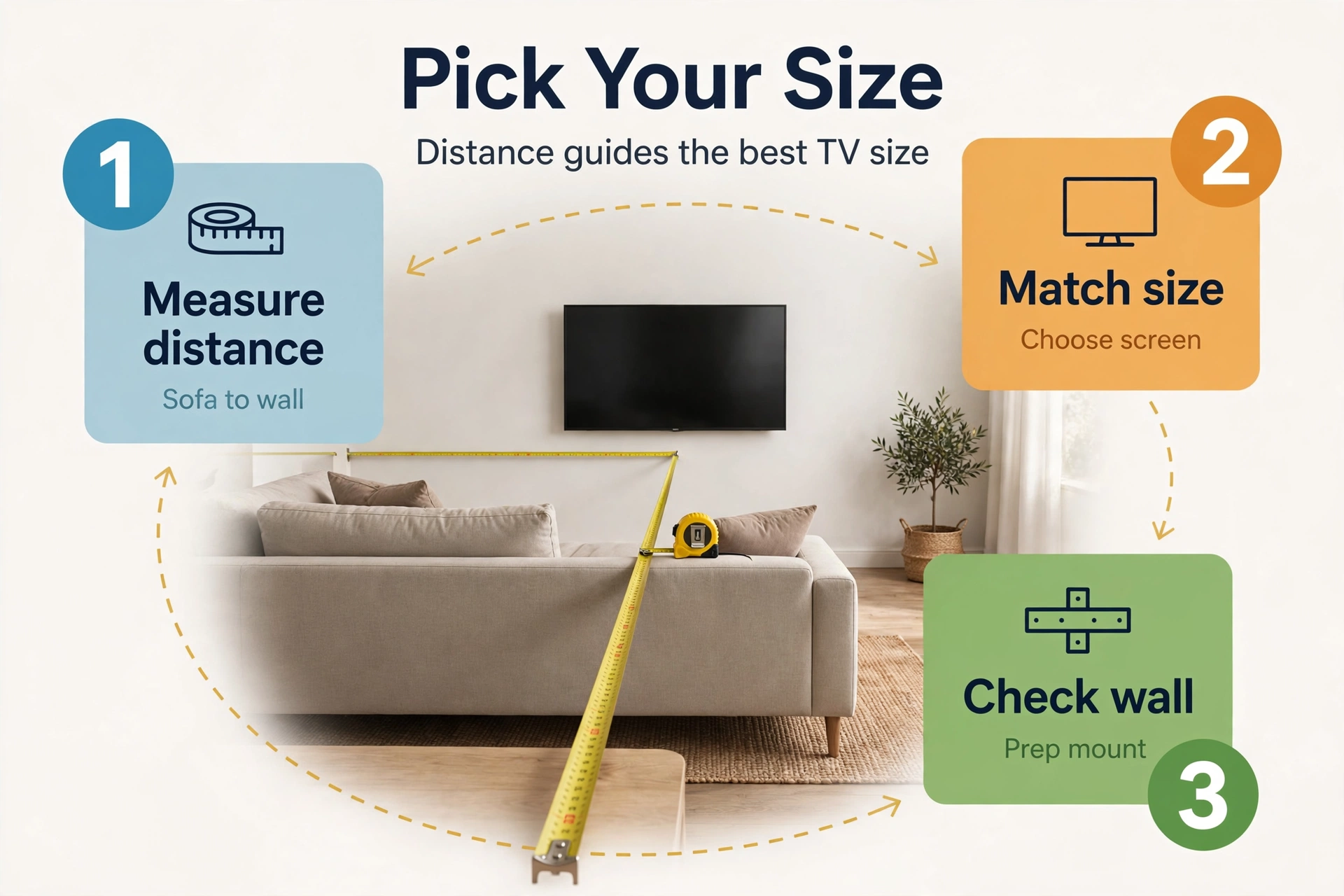
Table: Recommended TV size by viewing distance for sports
| Viewing distance | Best size for sports | Notes |
|---|---|---|
| 6 to 7 feet | 55 inch | Great for bedrooms and small rooms |
| 8 to 9 feet | 65 inch | The sweet spot for most living rooms |
| 10 to 11 feet | 75 inch | Best for watch parties and big rooms |
| 12 feet or more | 85 inch | Needs a bright panel for day games |
A 65-inch TV suits most living rooms, because it fills your view without forcing head turns. If you sit 10 feet away, a 55-inch screen will feel small during a match, even if it looks fine for films.
If you are still unsure about size, our guide to the best 55-inch smart TV covers smaller rooms in detail. It will help you match the screen to your space before you spend.
Settings That Make Sports Look Better
A great TV can still look bad with the wrong settings. Most TVs ship in a vivid store mode that oversaturates color and crushes detail.
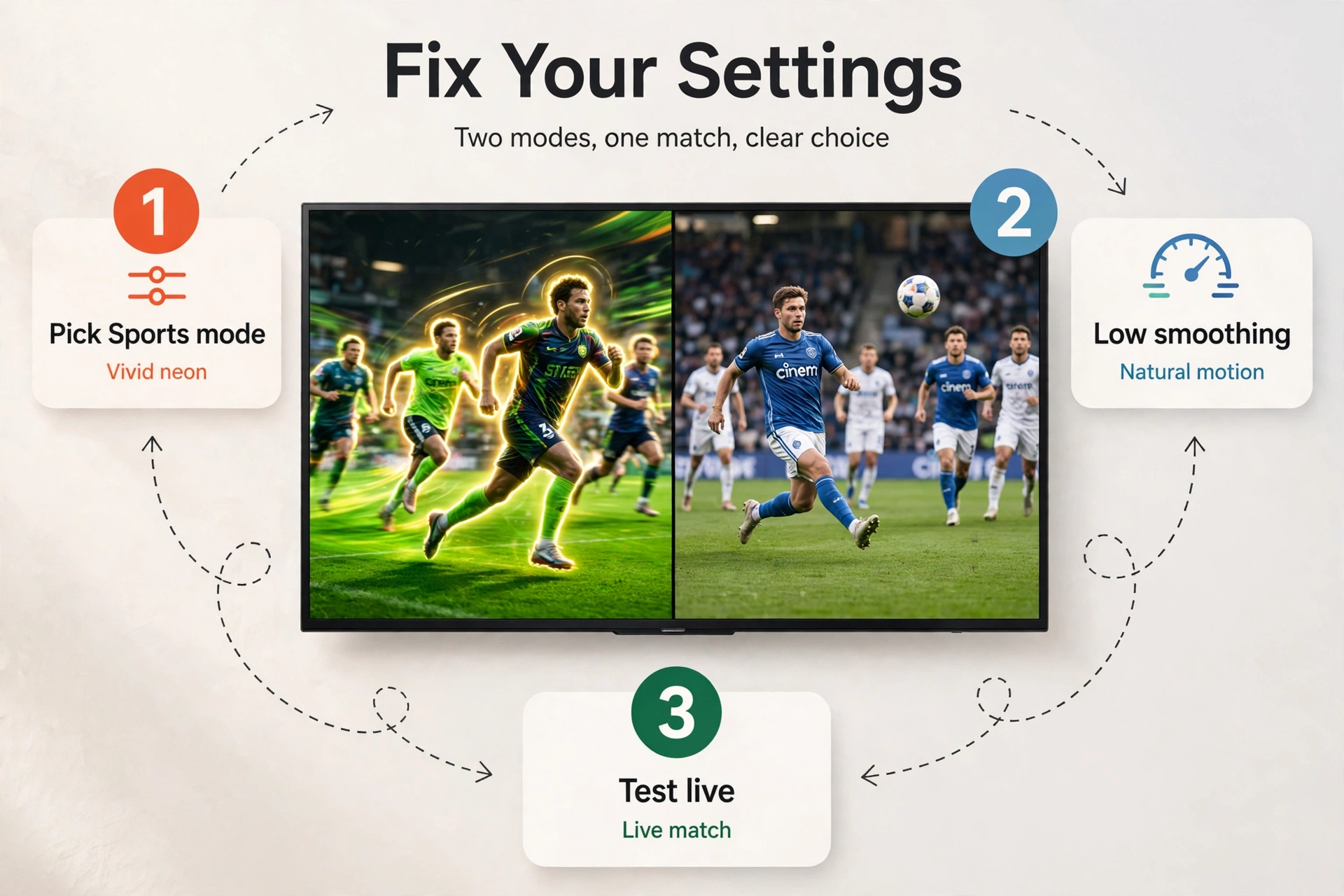
First, switch the picture mode to Sports or Cinema. Sports mode boosts brightness and motion, while Cinema gives truer colors. Try both during a live match and keep the one you like. Then turn motion smoothing on, but keep it low, because high smoothing adds halos around players.
Next, turn off any eco or power-saving mode. These modes dim the panel to save energy, and that kills brightness during day games. Also turn off noise reduction for live sport, because it softens the ball and the grass.
I tested this in my own living room with the same football match on two settings. In vivid store mode, the grass looked neon and the players had halos on every fast run. In Cinema mode with low motion smoothing, the same match looked natural, and I could follow the ball through a long pass without blur.
Finally, check your internet speed before a big match. Live sport in 4K needs a steady connection, and weak Wi-Fi causes buffering at the worst moments. A wired connection is best, but a strong router near the TV works too.
OLED vs Mini-LED for Sports
OLED and Mini-LED both work for sport, but they win in different rooms. OLED gives perfect blacks, instant motion, and flawless viewing angles. Mini-LED gives higher brightness and a lower price at big sizes. So your room decides, not the brand.
Table: OLED vs Mini-LED for watching sports
| Feature | OLED | Mini-LED |
|---|---|---|
| Motion blur | Near zero | Low, but not zero |
| Peak brightness | Good, up to 1,400 nits | Excellent, often past 2,000 nits |
| Viewing angle | Perfect from any seat | Narrow unless wide-angle layer |
| Best room | Dim or dark room | Bright, sunny room |
| Big-screen price | High | Much lower |
If you watch at night with the lights low, OLED is the better picture. The ball stays sharp, the blacks stay black, and every seat gets the same image.
One more thing to weigh is burn-in. Static score bugs and channel logos sit in the same spot for hours during a match. Modern OLED sets have pixel-shift and logo-dimming features that reduce the risk.
Common Mistakes to Avoid
The biggest mistake is buying a 60Hz TV. It looks fine on the shelf, then smears on every fast pan at home. So check the native refresh rate on the spec sheet, not the marketing number on the box. A 120Hz panel is the minimum for serious sports viewing.
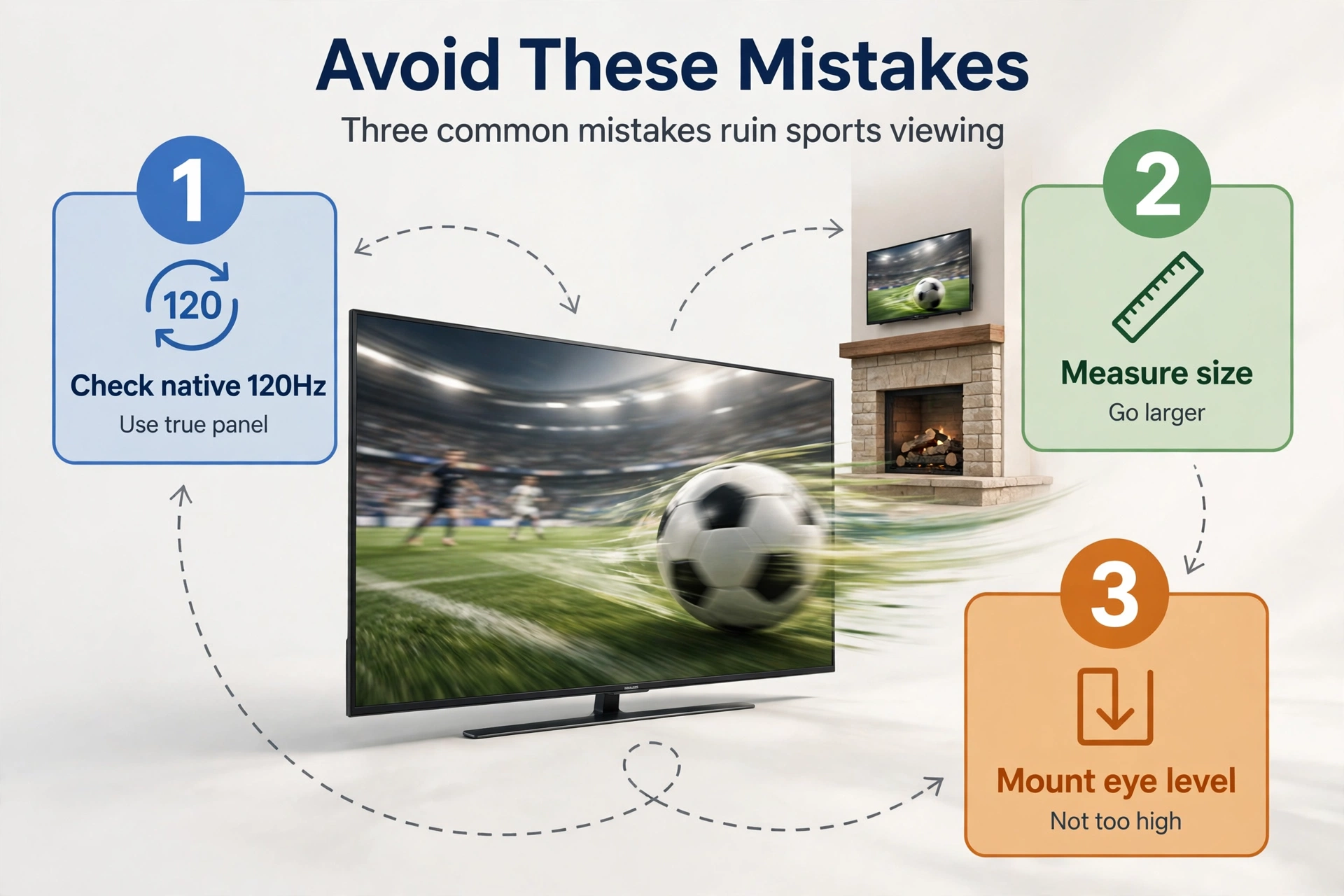
The second mistake is buying too small. A 55-inch TV feels big in a store aisle, then small from your sofa at home. Measure your distance first, because the table above will save you from an expensive regret.
The third mistake is placing the TV above a fireplace. The screen sits too high, so your neck bends back for two hours. Mount it at eye level from your main seat instead. If you want a full cinema feel, our home theater design guide walks through seating and screen height step by step.
The fourth mistake is ignoring sound. A match without crowd noise feels flat, and thin TV speakers cannot fill a large room. A simple soundbar fixes it for less than most people expect.
Finally, do not watch big matches outdoors on an indoor TV. Heat, dust, and glare will ruin it fast. If you want sport in the garden, read our outdoor TV setup guide first, because it covers weatherproof screens and shade in detail.
FAQs
What refresh rate is best for watching sports?
A native 120Hz panel is the best starting point for sports. It refreshes twice as often as a 60Hz panel, and it keeps fast pans smooth. A 144Hz panel adds a little more headroom, but the jump from 60Hz to 120Hz is the one you will notice most.
Is OLED or QLED better for sports?
OLED is better in a dim or dark room, because its instant pixel response removes motion blur and its viewing angles are perfect for groups. QLED and Mini-LED are better in a bright room, because their higher peak brightness fights glare and keeps day games punchy. So pick OLED for night viewing and Mini-LED for sunny living rooms.
What size TV is best for watching football?
A 65-inch TV is the best size for most living rooms. It fills your view from 8 to 9 feet without forcing head turns. If you sit 10 feet or more from the screen, a 75-inch TV works better for football, since the ball stays easy to follow.
Should I turn motion smoothing on for sports?
Yes, turn motion smoothing on for sports, but keep it on a low setting. Sports benefit from frame interpolation, because it smooths fast pans and keeps the ball sharp. A high setting adds halos around players and a soap-opera look, so low is the sweet spot. Then test it during a live match and adjust to your taste.
Do I need 4K for live sports?
Most live sport still arrives in 720p or 1080p, not true 4K, so a good upscaling processor matters more than the resolution number. A 4K TV with strong upscaling will make those broadcasts look sharp, while a cheap 4K panel can look soft. So spend on processing and motion first, and treat 4K as a bonus.
Is a soundbar worth it for sports?
Yes, a soundbar is worth it for sports, because thin TV speakers cannot fill a large room with crowd noise and clear commentary. A basic soundbar adds depth and volume that make a match feel live, and it costs far less than a new TV. So if your room is large, add the soundbar before you upgrade the screen.
Conclusion
The best TV for sports depends on your room, but the rule is simple. Bright room, big group, day games: buy the Samsung QN90D or another bright Mini-LED set. Dark room, night matches, picky eyes: buy the LG OLED evo C4. Tight budget: buy the TCL QM7K and spend the savings on a soundbar.
Whatever you choose, check three things before you pay. Native 120Hz or faster, enough brightness for your room, and the right size for your seat. Then set the picture mode, turn motion smoothing low, and test your stream the day before the match.