
Thread vs Zigbee comes down to one simple idea. Both are low power mesh radios for smart home gear, but Thread speaks internet language natively while Zigbee runs its own closed system. For a new setup, Thread with Matter is usually the safer long term pick. For gear you already own, Zigbee still works fine.
- What Are Thread and Zigbee?
- Thread vs Zigbee at a Glance
- How the Mesh Works in a Real Home
- Setup, Apps, and Everyday Control
- Matter vs Zigbee: The Question Behind the Question
- Zigbee vs Matter in Practice
- Thread vs Matter: Partners, Not Rivals
- Which One Should You Buy?
- Outdoor, Range, and Interference Tips
- Common Mistakes to Avoid
- FAQs
- Is Thread better than Zigbee?
- Can Thread and Zigbee devices talk to each other directly?
- Do I need a hub for Thread?
- Does Matter replace Zigbee?
- Is Zigbee dead now that Matter exists?
- Which protocol is best for battery sensors?
- Should I mix Thread and Zigbee in one home?
- Conclusion
What Are Thread and Zigbee?
Thread and Zigbee share the same radio foundation. Both run on the IEEE 802.15.4 standard at 2.4 GHz, and both send small packets at up to 250 kbps. That shared DNA is why the two names get mixed up so often. Under the surface, though, they work in very different ways.
Zigbee is a full stack protocol. It defines the network layer and the application layer, so a Zigbee bulb knows both how to reach the hub and what a command like “turn on” means. It has been around since the early 2000s, and you can buy Zigbee bulbs, sensors, plugs, switches, and remotes from dozens of brands, often at low prices.
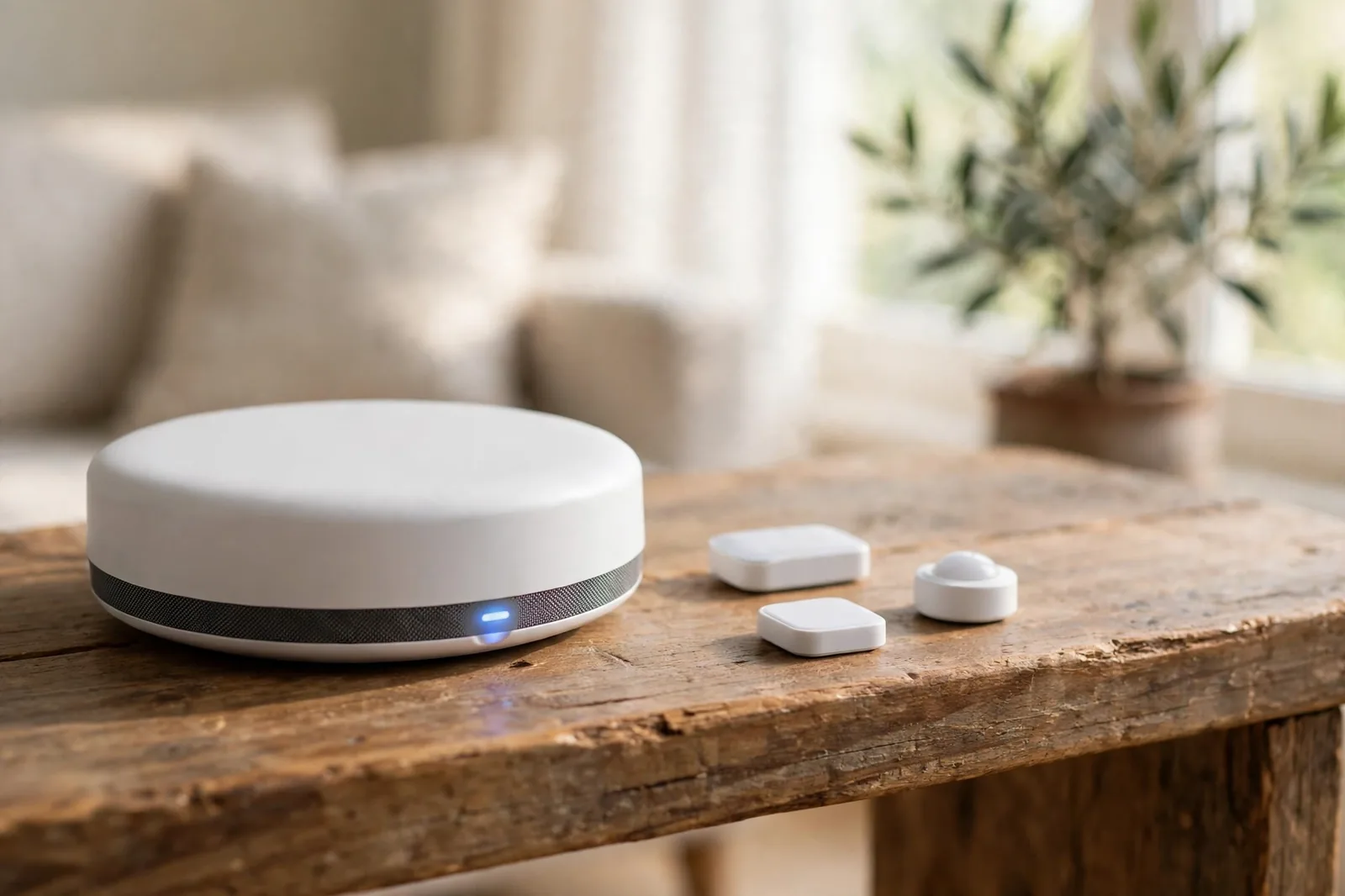
Thread is a network layer only. It moves packets over an IPv6 mesh, but it doesn’t define what a light or a lock should do. That job belongs to the application layer on top, and in practice that layer is Matter. Think of Thread as the road and Matter as the language spoken on it.
So why does this matter for your home? Because the layer split changes how devices join and how easy it is to mix brands. Zigbee needs a hub to translate its traffic onto your home network. Thread uses a border router instead, and that router gives Thread devices real IP addresses.
Thread vs Zigbee at a Glance
Here is the honest short version. Zigbee wins on device choice and price today. Thread wins on future proofing and cross brand freedom, mainly because it pairs with Matter. Neither wins on speed or battery life by a big margin, since both use the same radio.
Table: Thread vs Zigbee spec comparison
| Feature | Thread | Zigbee |
|---|---|---|
| Radio standard | IEEE 802.15.4, 2.4 GHz | IEEE 802.15.4, 2.4 GHz plus sub GHz bands |
| Top data rate | 250 kbps | 250 kbps |
| Network type | IPv6 mesh, self healing | Mesh, coordinator based |
| Application layer | None built in, Matter sits on top | Built in, Zigbee 3.0 |
| Hub hardware | Thread border router | Zigbee coordinator or hub |
| Max devices, theory | 250 plus per network | 65,000 plus per network |
| Encryption | AES-128, plus end to end with Matter | AES-128 network wide |
| Typical sensor battery | About 2 years | About 2 to 3 years |
| Device choice today | Growing, narrower | Very wide, mature |
| Cross brand freedom | High with Matter | Mixed, varies by brand |
For example, one independent test on the same Bosch multi sensor hardware reported about 3 years on Zigbee and about 2 years on Thread. Thread’s IPv6 stack does a bit more radio work, so it can sip slightly more power. In a real home, though, placement and reporting frequency matter more than that gap.
How the Mesh Works in a Real Home
Both protocols build a mesh. Powered devices like bulbs and plugs relay messages for battery devices like sensors. If one path fails, the mesh finds another route. That self healing design is why a sensor in a far bedroom can still reach the hub through a hallway bulb.
Zigbee’s mesh has one weak spot: the coordinator. Every Zigbee network has a single coordinator, usually inside your hub or a USB stick. If that coordinator dies, the network stops until you replace it.
Thread spreads that job around. It has no single coordinator. Routers share routing duties, and if one router drops out, others take over. A border router still connects the Thread mesh to your Wi-Fi or Ethernet, but you can run more than one in a home.

However, range per hop is similar on both, roughly 10 to 30 metres indoors through walls and furniture. The mesh matters more than any single hop number.
Setup, Apps, and Everyday Control
Zigbee setup varies a lot by brand. Some hubs auto discover devices in seconds. Others need you to hold a button, watch a blinking light, and retry twice. Philips Hue and Aqara hubs are known for smooth pairing, while cheaper generic hubs can feel fiddly.
Thread setup, when paired with Matter, is more standard. You scan a QR code, pick your app, and the device joins. Matter also brings multi admin support, so one device can answer to more than one app at once. A Matter over Thread bulb can live in Apple Home and Google Home at the same time, without a bridge.
Zigbee can reach Apple Home or Google Home too, but only through a bridge or a hub that exposes it. For example, our guide to an Aqara door and window sensor shows how a Zigbee sensor fits into a wider setup, yet bridging adds one more box to maintain.
Local control is a win on both sides. Neither Thread nor Zigbee needs the cloud for a basic “turn on the light” command once your hub is set up. As a result, response times stay low and your lights keep working when your internet drops.
Matter vs Zigbee: The Question Behind the Question
Here is where most buyers get confused. Matter vs Zigbee is not a fair head to head, because they sit at different layers. Matter is an application standard from the Connectivity Standards Alliance, while Zigbee is a full radio and application stack.
Matter runs over Thread, Wi-Fi, or Ethernet. It doesn’t run over Zigbee directly. A Zigbee device joins a Matter home through a bridge, which translates Zigbee commands into Matter commands. The device itself stays Zigbee, but your apps see it as a Matter device.
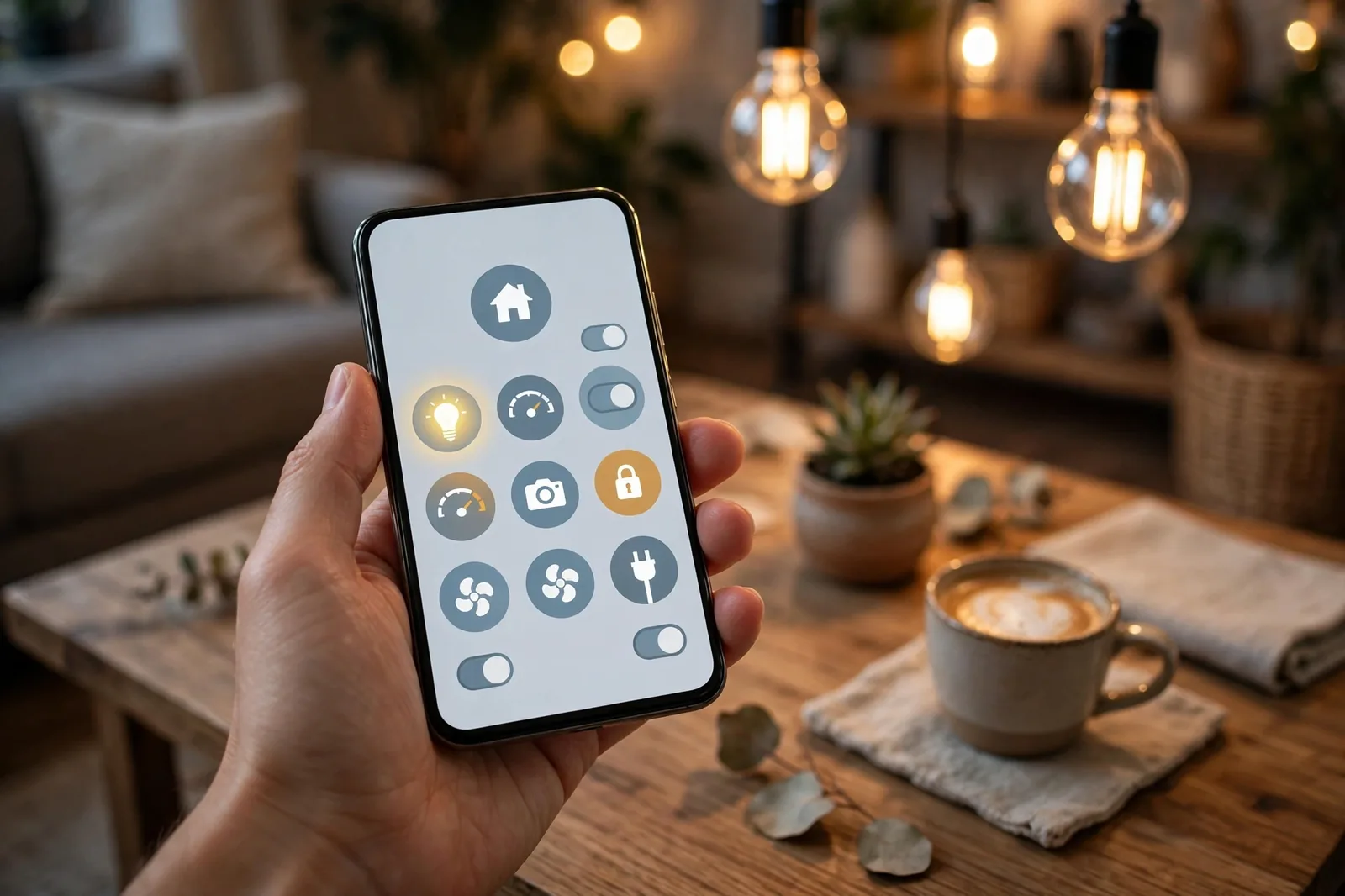
So when you ask about Matter vs Zigbee, you are really asking a buying question. Should you buy a native Matter device, or a Zigbee device that a bridge will expose to Matter? First, native Matter gives you the cleanest multi app story. Second, Zigbee gives you wider choice and lower prices right now, with a bridge doing the translation.
Our look at Roborock Matter support shows the same pattern in another category. A brand can add Matter support to existing gear, yet the underlying radio and the bridge story still shape what you actually get. Read the fine print before you assume a “Matter compatible” label means native Matter over Thread.
Zigbee vs Matter in Practice
Zigbee vs Matter plays out differently depending on what you already own. If your home already runs Zigbee bulbs and sensors, keep them. They work, the mesh is built, and replacing them all for Matter would cost real money for little daily gain. Add a Matter capable bridge when you want cross app control, and buy native Matter gear for new rooms.
If you are starting from zero, the case flips. Buying Matter over Thread first gives you freedom later. You can switch from Apple Home to Google Home, or run both, without rebuilding your device collection. That freedom is Matter’s strongest selling point.
In fact, device gaps still exist. Zigbee covers niches Matter has not reached yet, such as some irrigation controllers, garage gear, and oddball sensors. If you need one of those categories, a Zigbee device plus a bridge beats waiting for a Matter version that may not arrive this year.
Thread vs Matter: Partners, Not Rivals
Thread vs Matter confuses people because the two names always appear together. They are partners, not rivals. Thread moves the packets. Matter defines the device types, commands, and setup flow. A Matter over Thread sensor uses Thread for transport and Matter for meaning.
Matter can also run over Wi-Fi. That matters for plugged in gear like smart plugs and TVs, where power is not a concern. Wi-Fi gives those devices more bandwidth, while Thread stays the better pick for battery sensors, locks, and switches. One Matter home can mix both transports without you noticing, and the Connectivity Standards Alliance Matter pages list which device types Matter covers today.
What you need for Thread, in plain terms, is a border router. Without one, Thread devices can’t join your network or talk to your phone. On the other hand, many homes already own one without knowing it. A recent Apple TV, HomePod mini, Google Nest Hub, or Echo with Thread built in can fill the role.
Apple’s ecosystem is a good example. Our explainer on what Apple Home is covers how Apple hubs tie lights, sensors, and locks into one app, and Thread border routing is part of that story on newer Apple hardware.
Which One Should You Buy?
Start with what you own. If you have a working Zigbee network, stay with Zigbee for the categories you already run. Your mesh is an asset. Replacing working bulbs and sensors just to chase a newer label wastes money for no daily benefit.
Starting fresh? Buy Matter over Thread for sensors, locks, bulbs, and switches where those products exist. Add Matter over Wi-Fi for plugged in gear. Keep one Zigbee hub or bridge only if you need a device type Matter does not cover yet, or if a Zigbee product is far cheaper for the same job.

Running Home Assistant changes the math a little. Home Assistant can run Zigbee and Thread side by side, with a coordinator for one and a border router for the other. Our guide to a Home Assistant motion sensor automation shows the kind of local automation that works well on either protocol once the radios are in place.
Budget matters too. Zigbee sensors often cost less than their Matter over Thread twins, and the gap adds up across ten or twenty sensors. Therefore, if you need a whole house of door sensors on a tight budget, Zigbee plus a bridge can save real money.
Outdoor, Range, and Interference Tips
Both protocols share the 2.4 GHz band with Wi-Fi and Bluetooth, so interference is a real thing. A crowded Wi-Fi channel can slow Zigbee and Thread alike. The fix is simple: put your Zigbee or Thread network on a channel that sits between your Wi-Fi channels, and keep your hub away from your router.
Outdoors, the mesh does the heavy lifting. A single sensor at the end of a garden will struggle on any protocol. Add a powered repeater halfway, such as an outdoor plug, and the far device gets a stable path home. Zigbee has a head start outdoors, as seen in our review of outdoor Zigbee string lights for a patio.
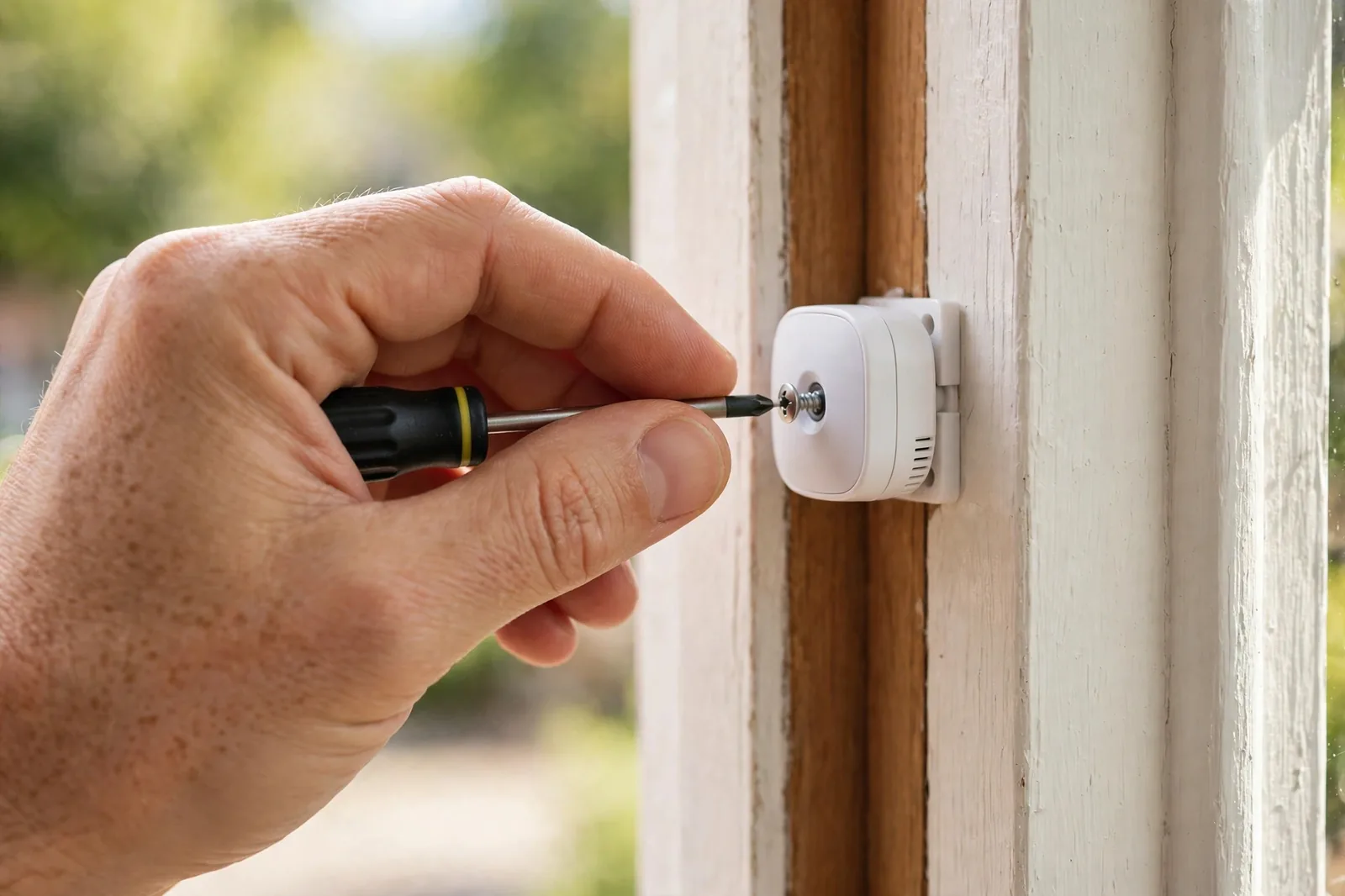
For larger homes, plan your powered devices first. Map the rooms, place a repeater in each hallway or large room, and only then add battery sensors at the edges. In short, this one habit fixes more dropped sensor complaints than any protocol switch ever will.
Common Mistakes to Avoid
The biggest mistake is treating Matter as a radio. It’s not. If a box says Matter but the fine print says Matter over Wi-Fi, don’t expect Thread battery life from it.
The second mistake is buying Thread gear with no border router. Check for a border router in your home first, or budget for one, before you order Thread sensors.
Third, don’t rip out working Zigbee gear. Zigbee is not dead. It still gets new devices, it still has the widest shelf, and bridges keep it useful inside Matter homes. Instead, replace Zigbee gear when it fails or when you need a feature it lacks.
Finally, avoid mixing too many hubs. Each extra hub adds an app, a firmware update cycle, and a failure point. So pick one main platform, bridge the rest into it where you can, and keep the hub count as low as your device mix allows.
FAQs
Is Thread better than Zigbee?
Thread is better for a new, Matter first home because it gives you IP based routing, no single coordinator, and easy multi app control. Zigbee is better when you already own Zigbee gear or need the widest choice at the lowest price. The right pick depends on what you own today, not on which protocol sounds newer.
Can Thread and Zigbee devices talk to each other directly?
No, they can’t talk directly, even though they share the same 802.15.4 radio. They use different network layers, so a Thread sensor can’t join a Zigbee mesh and a Zigbee bulb can’t join a Thread mesh. They can still work together in one home through a hub like Home Assistant that runs both radios side by side.
Do I need a hub for Thread?
Yes, you need a Thread border router, which plays the hub role for Thread. Many common devices already include one, such as Apple TV 4K, HomePod mini, newer Google Nest hubs, and some Echo models. Without a border router, Thread devices can’t join your network, so check your existing gear before you buy new sensors.
Does Matter replace Zigbee?
Matter does not replace Zigbee outright. Matter is an application layer that runs over Thread, Wi-Fi, or Ethernet, while Zigbee is a full stack of its own. Zigbee devices can join Matter homes through a bridge, so existing Zigbee gear stays useful. Matter is the future facing standard, but Zigbee still covers device types Matter has not reached yet.
Is Zigbee dead now that Matter exists?
No, Zigbee is far from dead. It still has the widest range of low cost sensors, bulbs, and switches, and major brands keep shipping Zigbee gear. Bridges from Hue, Aqara, and SmartThings keep Zigbee devices working inside Matter homes. Zigbee may shrink as Matter grows, yet it will stay relevant for years in existing homes.
Which protocol is best for battery sensors?
Both are strong for battery sensors, and the difference is small in real use. Zigbee sensors often last a little longer, with tests showing about 3 years versus about 2 years for Thread on identical hardware. Thread gains multi app freedom through Matter, so pick Zigbee for battery life and Thread when app freedom matters more.
Should I mix Thread and Zigbee in one home?
Yes, mixing is fine and often the smartest move. Run Zigbee where it is cheaper or covers a niche device, and run Matter over Thread for new sensors and locks. Use one main platform to control both, with powered repeaters on each mesh so far devices stay connected.
Conclusion
Thread vs Zigbee is not a winner takes all fight. Zigbee is the proven, cheap, wide choice for gear you own today. Meanwhile, Thread with Matter is the flexible, future facing choice for gear you buy tomorrow.
Your next step is simple. Check whether you already own a Thread border router or a Zigbee hub, list the device types you need, then buy Matter over Thread for new rooms and keep Zigbee where it already works. If you want the official specs behind this guide, the Thread Group site is the best place to confirm Thread details before you spend.