
Smart devices are everyday gadgets that connect to the internet so you can control them from your phone, by voice, or on a schedule. Lights, plugs, speakers, thermostats, locks, cameras, and robot vacuums all count. This guide explains what they do, which ones make life easier, and how to set them up without turning your home into a project.
- What Are Smart Devices?
- Smart Devices That Actually Make Life Easier
- Pick Gadgets by Room
- How to Set Up Gadgets Without the Headache
- What Do These Gadgets Cost?
- Your WiFi Has to Keep Up
- Privacy and Security Basics
- Gadgets Worth Skipping for Now
- FAQs
- Do I need a hub to get started?
- Will these gadgets work if my internet goes down?
- Can I mix brands like Google, Alexa, and Apple?
- Are smart gadgets safe to use?
- How much WiFi do I need for a house full of gadgets?
- What should I buy first?
- Start Small, Then Build
What Are Smart Devices?
A smart device is a normal household item with a small computer and a wireless radio inside. That radio lets it talk to your phone app, your voice assistant, or a central hub. So you tap a button in an app, and a light across the room turns on. You say a short command, and the speaker starts your morning playlist.
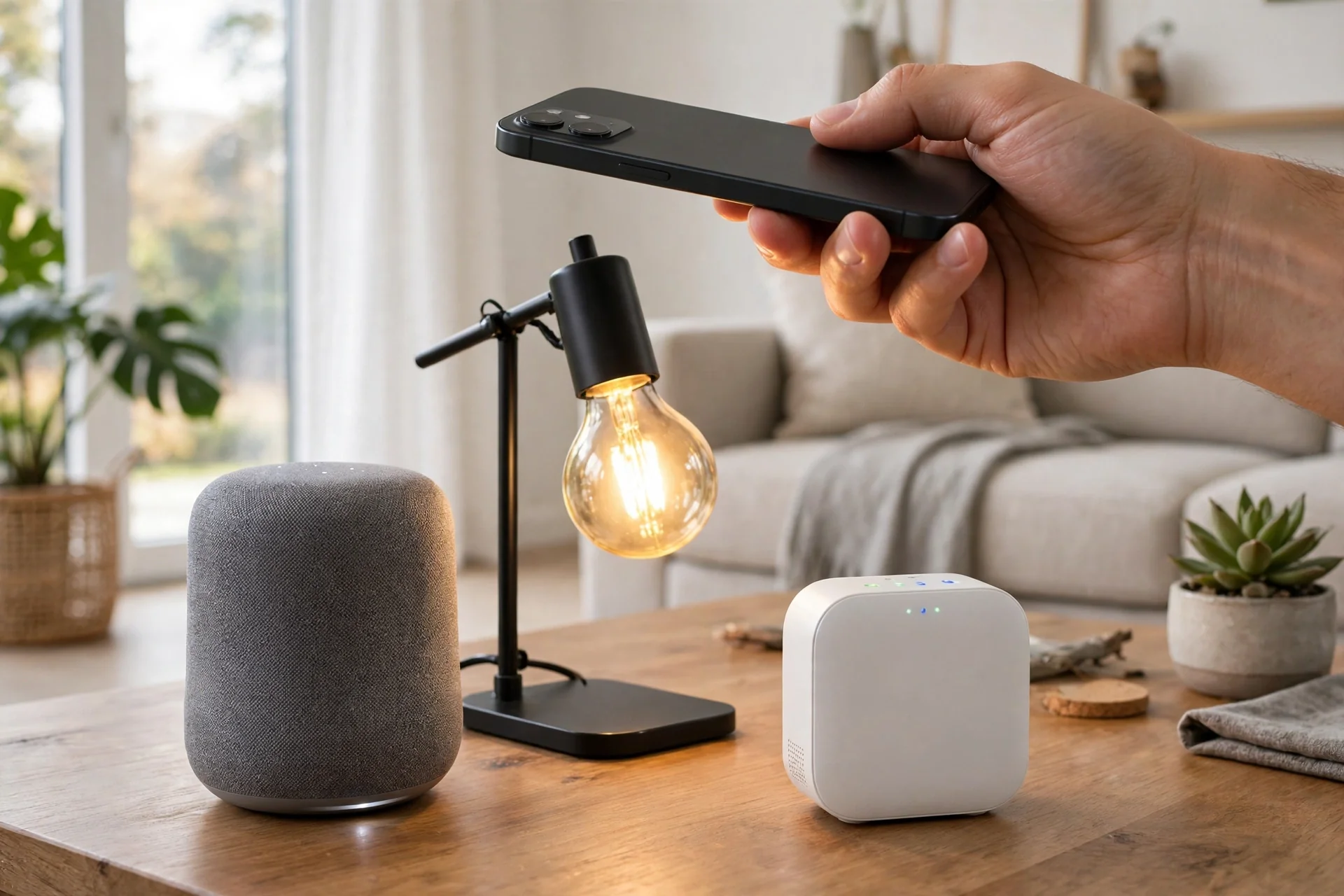
Most of these gadgets connect over WiFi, Bluetooth, or a low-power mesh network such as Zigbee or Thread. Matter is a newer shared standard that helps devices from different brands work together, which matters more than it sounds. Without a shared standard, however, you can end up with five apps for five gadgets, and that is where most people give up.
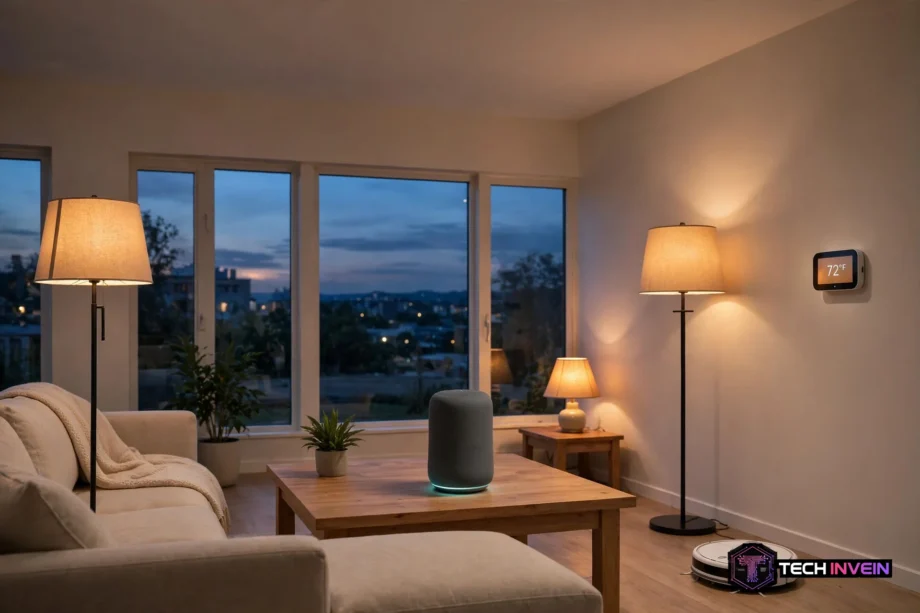
Think of a smart home as four parts. The devices themselves do the work. Your home network carries their messages. A controller, usually an app or a voice assistant, gives the orders. And automations tie it together, so a motion sensor can switch on the hallway light when you walk past at night. Still, you do not need all four parts on day one. One good device and one app is a fine start.
Smart Devices That Actually Make Life Easier
The best smart gadgets solve a small daily annoyance. They save you a trip across the house, a forgotten chore, or a few pounds on your energy bill. The worst ones, in contrast, add an app to a job that was already simple. Keep that test in mind while you shop, and as a result you will buy far fewer gadgets you regret.
Lighting and plugs
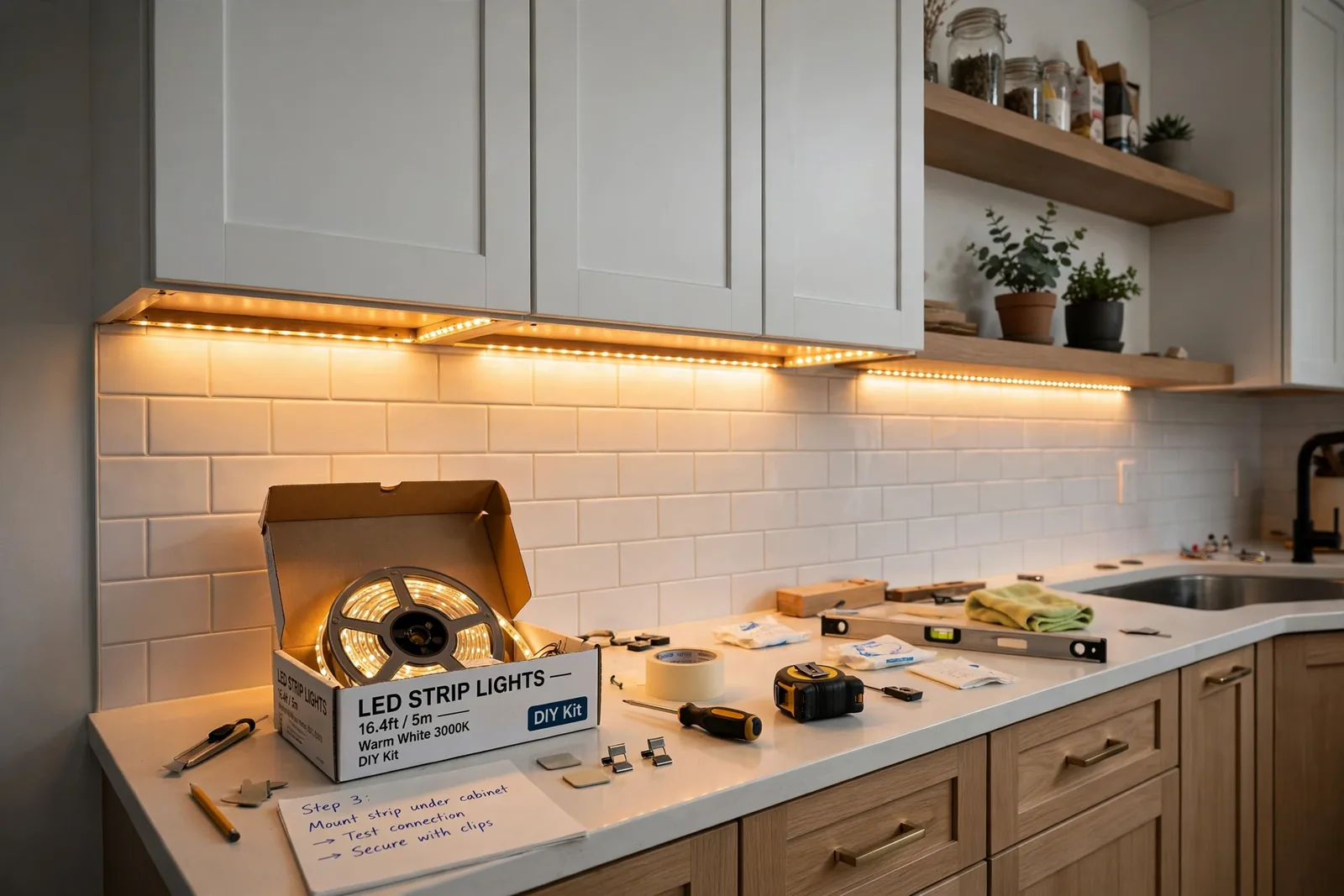
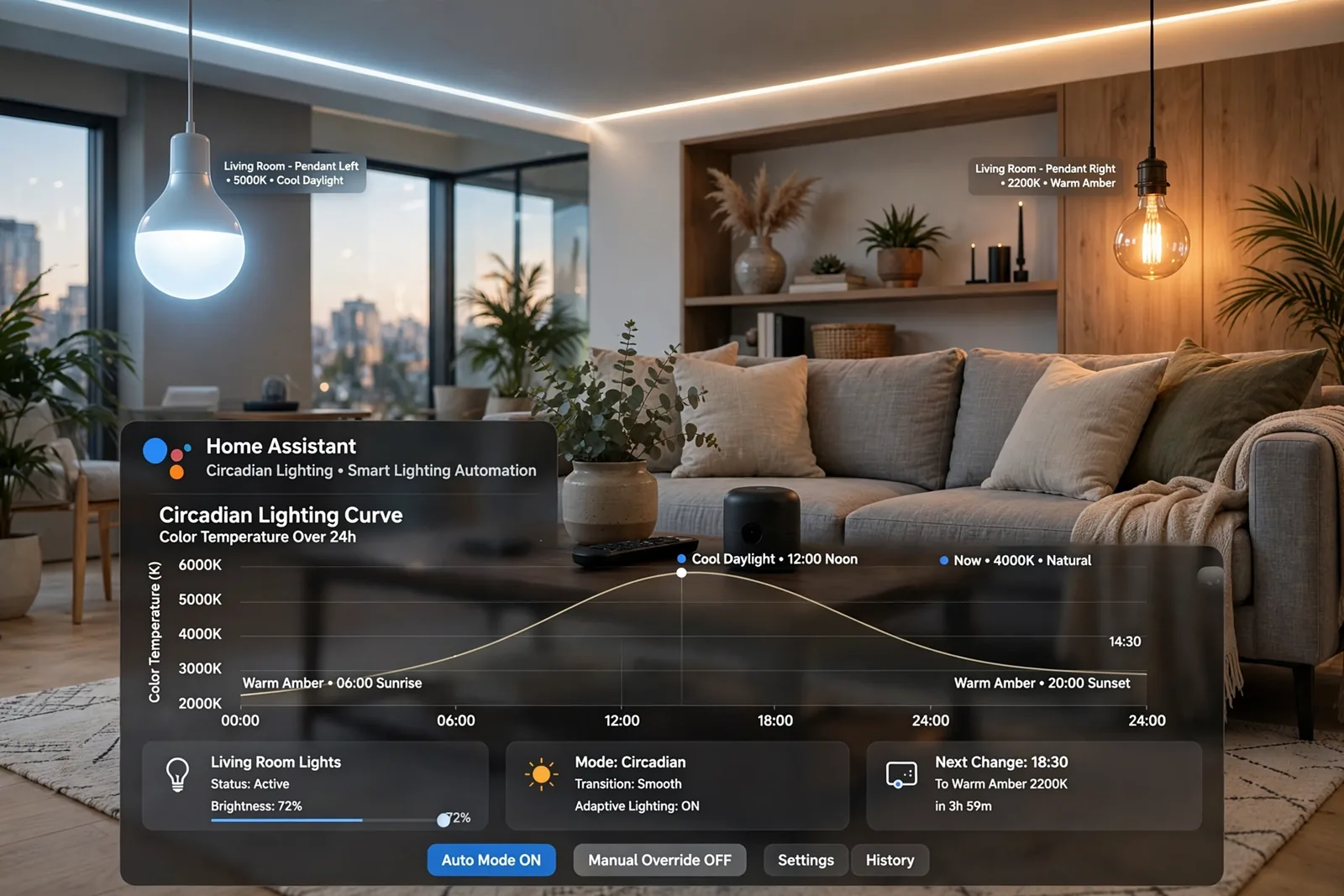
Smart bulbs and smart plugs are the easiest starting point. A bulb screws in like any other bulb, and a plug sits between your socket and an old lamp or fan. Suddenly that lamp runs on a schedule, or switches off when you say goodnight. Plugs are handy because they make a regular appliance behave like a smart one, with no rewiring and no new appliance to buy.
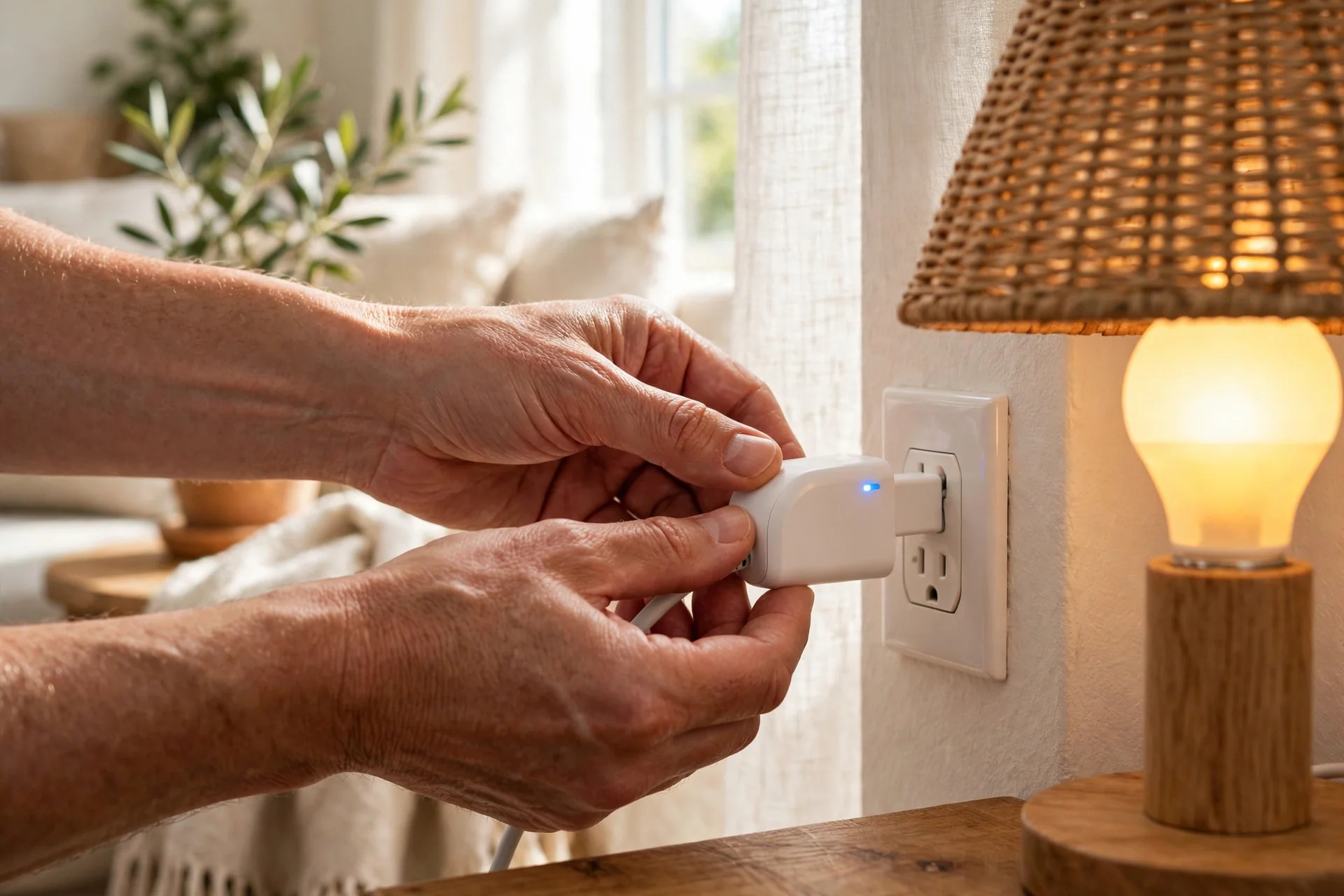
Household gadgets like plugs and sensors also teach you how your home responds to automation. First, start with the lamp you always forget to switch off. Once that routine works for a week, you will know whether you want more.
Cleaning gadgets
Smart home cleaning gadgets earn their place fast, because cleaning is a chore nobody misses. A robot vacuum maps your rooms, runs on a schedule, and docks itself to charge. In addition, some models mop as well. Pet owners notice the difference most, since fur builds up every day and a daily robot pass keeps it under control.
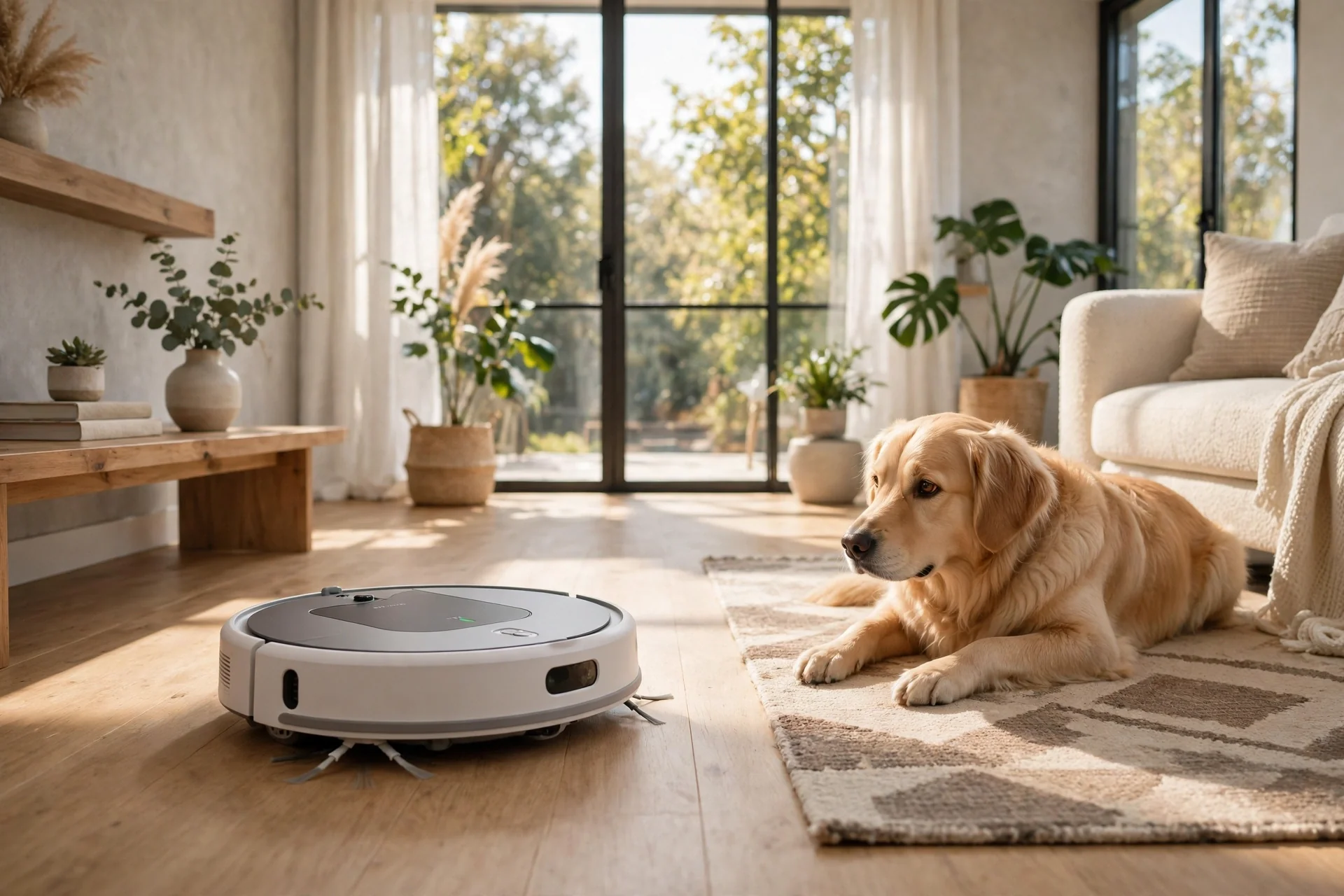
Before you buy, check two things. First, can it climb the small lip between your rooms? Second, does it avoid cables and pet bowls, or will you rescue it twice a day? A cheaper model that gets stuck, however, is not a bargain. It is a new chore.
Heating and cooling
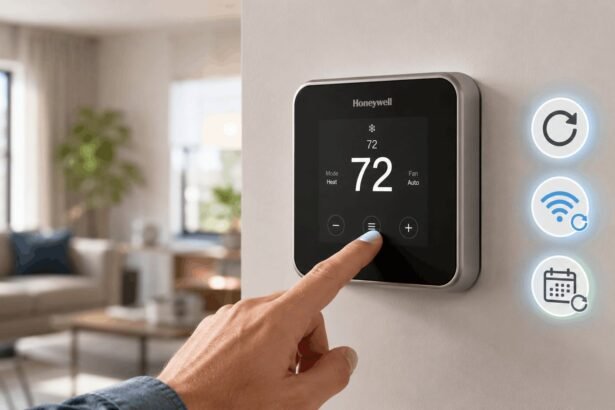
A smart thermostat learns your routine and turns the heating down when you leave, then warms the house before you return. That one change, in fact, can cut wasted heating, which is why thermostats are often the first device that pays for itself. Some models use room sensors, so a cold bedroom gets more heat than a sunny living room.
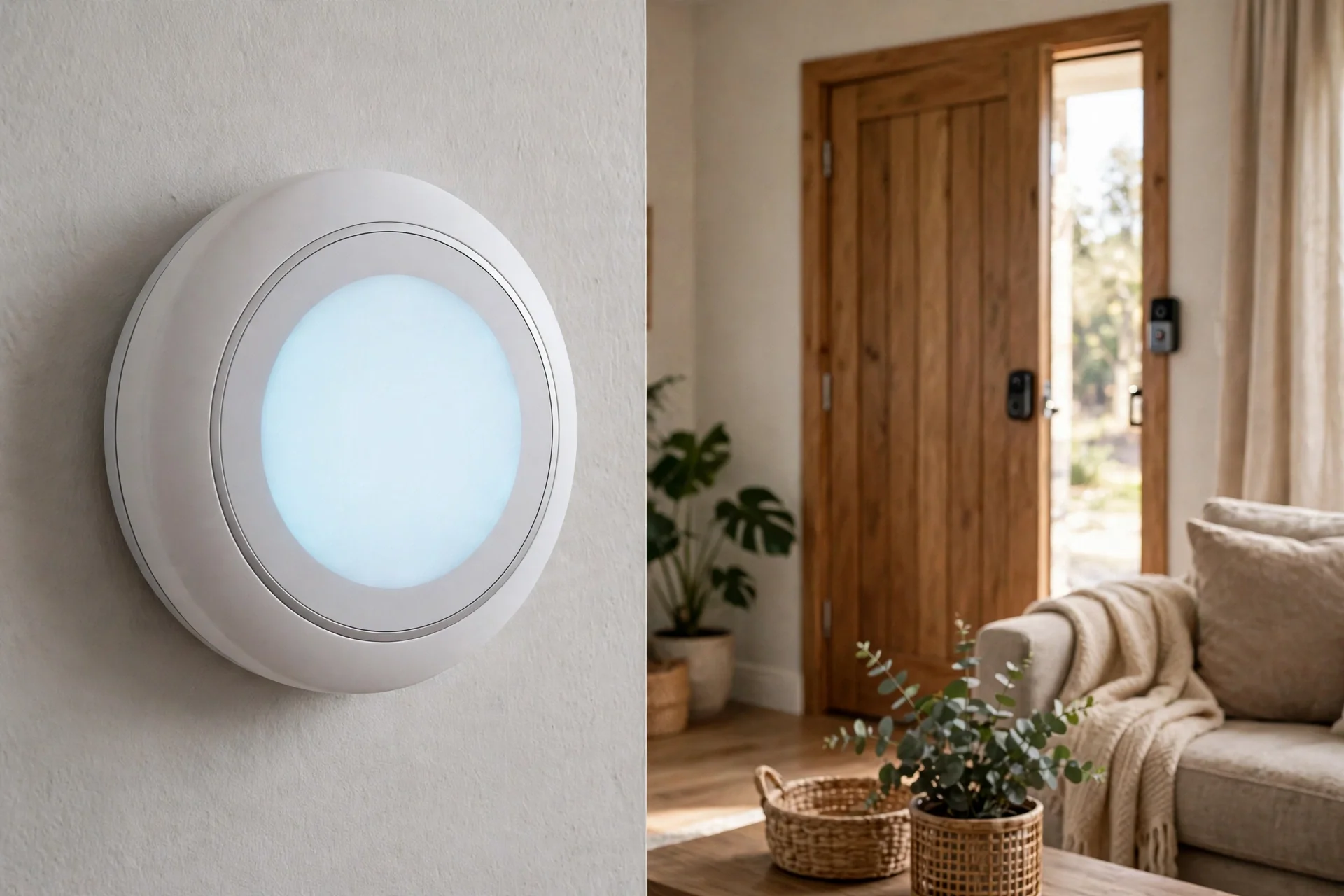
Check compatibility with your heating system before you order. Most brands, for instance, offer a free checker on their website, and five minutes there beats a return later.
Security at the door
Smart locks and video doorbells change how you handle the front door. For instance, a lock opens with a code or your phone, so you can let in a family member while you are out. A doorbell shows you who is there and records a short clip when someone moves. For parcels, that clip alone is worth it.
Security gadgets deserve a stricter buying rule than fun gadgets. Specifically, buy from a brand with a track record, keep the firmware updated, and use a strong, unique password for the account. A lock is only as good as the account behind it.
Entertainment
Smart speakers and smart TVs are the friendly face of this whole category. For example, a speaker plays music, sets timers, answers questions, and controls your other gadgets by voice. A TV streams your shows and dims the lights if you ask it to. If you want to understand what your TV can really do, read our guide on how smart TVs work before you buy a new one.
One speaker in the room you use most is enough to start. Then, you can add more later, and multi-room audio is much nicer once you know you actually use voice control every day.
Pick Gadgets by Room
Shopping room by room keeps the whole project calm. First, you fix one space, live with it for a while, and then move on. Here is a simple starting point for each room.
Table: First gadgets by room
| Room | Good first gadget | Why it helps |
|---|---|---|
| Living room | Smart speaker and bulbs | Voice control and evening scenes |
| Kitchen | Smart plug and speaker | Timers, music, and appliance control |
| Bedroom | Smart bulb and sensor | Gentle wake-up light and night routines |
| Home office | Smart plug and lights | Focus scenes and one-tap shutdown |
| Hallway and door | Video doorbell and lock | See visitors and skip physical keys |
The kitchen
Kitchen tech works best when it stays out of the way. For example, a speaker on the counter handles timers and music while your hands are busy. A smart plug on the coffee maker means coffee is ready when you walk in. Geek gadgets have their place here too, from a smart mug that holds its temperature to a small display that shows recipes, but treat those as treats, not essentials.
Keep anything with a screen away from the sink and the hob. In fact, steam and splashes kill gadgets faster than any software bug, and no warranty covers a swim.
The home office
Computer gadgets and tech accessories shape your workday more than most people expect. For instance, a decent webcam, a docking station, and a smart plug that kills power to your monitors at six in the evening can tidy up both your desk and your routine. Good lighting matters as well, and a simple smart bulb behind your monitor beats a harsh ceiling light on video calls. Our guide to a dual screen setup for your office covers the desk side of this in detail.
Set one shutdown routine for the end of the day. Lights off, monitors off, and a reminder to stand up. Small automations like that protect your evenings better than any productivity app.
Outdoors and solar
Solar gadgets suit the garden and the gate, where running a cable is a pain. For example, solar path lights charge by day and glow at night with no wiring at all. Solar cameras work the same way, though they need enough direct sun to stay charged, so a shaded north-facing wall is a poor spot for one.
Check the weather rating before you mount anything outside. In other words, a gadget that survives a drizzle but not a storm will fail in the first bad week of winter.
How to Set Up Gadgets Without the Headache
Most setup trouble comes from rushing. First, slow down, follow this order, and you will avoid the common traps. If your router is part of the trouble, our guide to configuring a router covers the basics first.
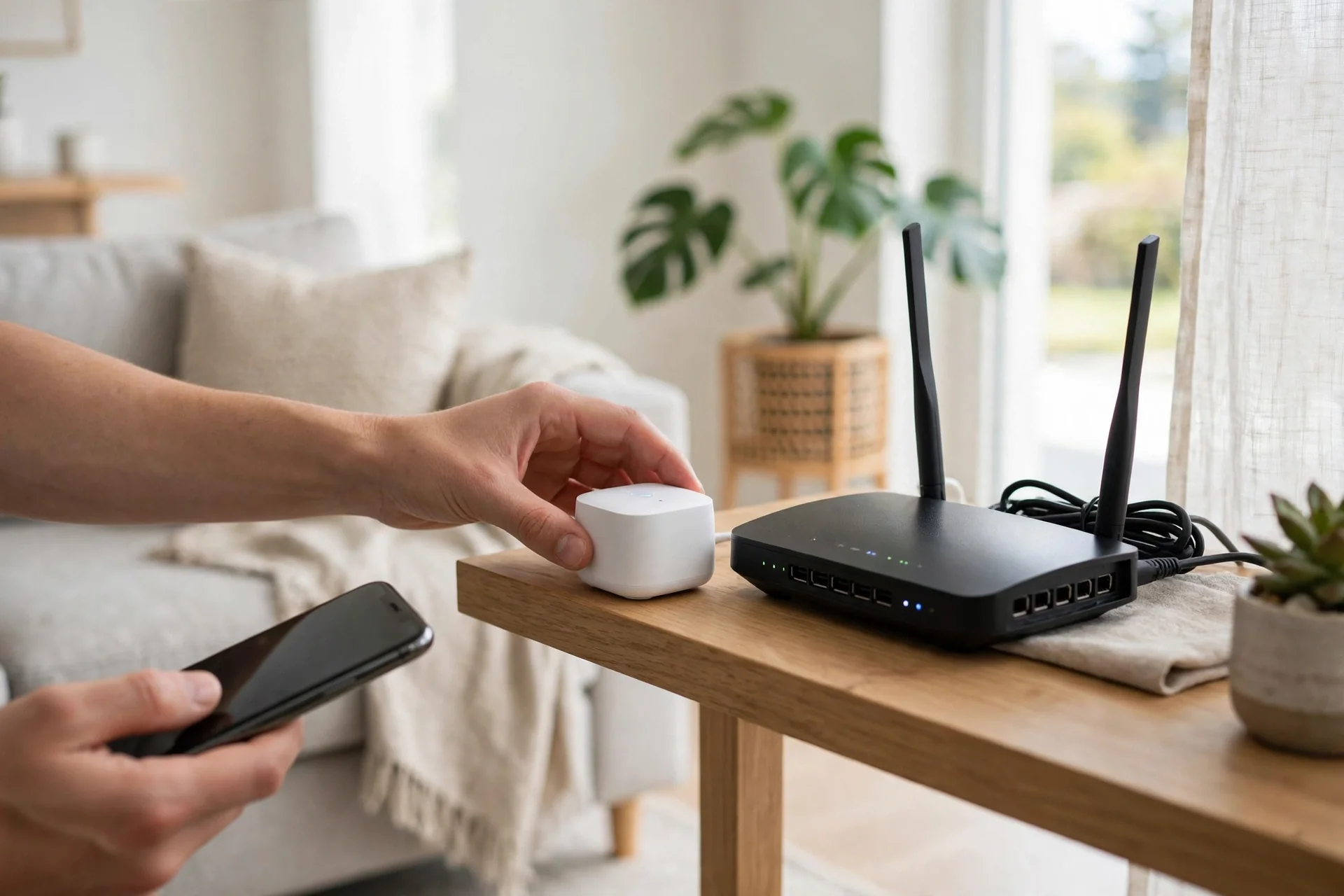
- Pick one ecosystem first. Alexa, Google Home, or Apple HomeKit all work, but mixing them at random causes the most headaches. Look at the phone and speaker you already own, then build around that.
- Check the box for Matter or your ecosystem logo before you buy. The Matter standard from the Connectivity Standards Alliance exists to make cross-brand setups simpler, and a Matter badge is a good sign.
- Put the gadget near your router for its first setup, then move it to its real spot. In fact, a weak signal during pairing causes half of all failures.
- Give every device a clear name, like “Bedroom Lamp” or “Kitchen Plug”. Indeed, vague names make voice commands fail, and you will blame the gadget for a naming problem.
- Test one routine for a week before you add more. A single working routine teaches you more than five half-built ones.
Here is the specific mistake that cost me the most time. My first smart plugs refused to pair, again and again, and I blamed the plugs. The real problem was my phone sitting on the 5 GHz WiFi band while the plugs could only see the 2.4 GHz band. Once I moved my phone to the 2.4 GHz network for two minutes, both plugs paired straight away. Many budget gadgets only use 2.4 GHz, so if pairing fails, check your WiFi band before you return anything.
Home and tech mix best when the tech stays quiet. Still, if a gadget needs your attention every day, it is not saving you time. It is renting space in your head.
What Do These Gadgets Cost?
Costs vary a lot by brand and by country, so check the current price on the manufacturer’s page before you decide. In particular, plugs and bulbs sit at the cheap end, speakers and sensors in the middle, and thermostats, locks, and robot vacuums at the top. That shape matters more than any single price, because it tells you where to start.
A sensible starter set is one speaker, two bulbs, and one plug. That covers voice control, lighting, and one appliance, and it costs far less than a full-house system. Then, add a second device only when the first ones earn their keep for a month. Tech products pile up fast when you buy on impulse, and a drawer of unused gadgets helps nobody.
Your WiFi Has to Keep Up
Every smart gadget adds one more device to your network. Ten gadgets will not trouble a modern router. However, thirty cheap WiFi gadgets can crowd the 2.4 GHz band and cause dropouts. If lights respond slowly or cameras drop offline, the network is usually the cause, not the gadget.
Three fixes solve most of it. Move your router to a central spot, add a mesh node if your home is large, and put cameras and hubs on a steady connection rather than the far corner of the house. Our guide to home network installation walks through router placement and coverage in plain terms.
One more tip that helps: keep your gadget apps and firmware updated. In addition, updates fix bugs and close security holes, and a gadget that never updates slowly becomes the weakest device on your network.
Privacy and Security Basics
Smart gadgets collect data by design. Specifically, a camera sees, a speaker listens for its wake word, and a thermostat learns when you are home. That is the deal, and you should enter it with your eyes open.
Four habits cover most of the risk. First, use a strong, unique password for each gadget account. Turn on two-factor authentication where it exists. Keep firmware updated. And think twice before putting a camera or a listening speaker in a bedroom. Convenience has a place, and so does privacy.
Gadgets Worth Skipping for Now
Not every gadget deserves your money yet. For instance, startup gadgets from crowdfunding campaigns can be exciting, and some become great products, but support can vanish if the company folds. For anything tied to security, heating, or locks, buy from an established brand with a real support page.
Also skip vague bundles that promise “smart electronics” in general but name nothing specific. In short, a box of unnamed sensors and no clear job is not a smart home. It is clutter with an app. Buy one gadget for one job, and let the system grow from things that work.
Technology items come and go, but the rule stays simple. If you cannot explain what a gadget will do for you in one sentence, do not buy it yet.
FAQs
Do I need a hub to get started?
No. Most beginners start with a phone app and one or two WiFi gadgets, like a bulb or a plug. A hub becomes useful later, when you own many gadgets or want them to work together without the internet. Start simple, and add a hub only when your setup feels messy.
Will these gadgets work if my internet goes down?
It depends on the gadget. Cloud-based gadgets usually stop responding to voice commands, though some keep their schedules. Gadgets with local control, like Zigbee bulbs paired to a hub, often keep working. If your internet drops often, favour local control for lights and locks.
Can I mix brands like Google, Alexa, and Apple?
Yes, but it takes care. Many gadgets now support more than one platform, and Matter helps brands work together. Still, life is simpler when you pick one main ecosystem and buy gadgets that carry its logo. Mixing everything at random is the fastest route to five apps and daily frustration.
Are smart gadgets safe to use?
They can be, if you set them up properly. Use strong, unique passwords, turn on two-factor authentication, and keep firmware updated. Avoid no-name cameras and locks, and think about where you place listening devices. Security is a habit, not a feature you buy once.
How much WiFi do I need for a house full of gadgets?
A normal modern router handles ten to twenty gadgets without trouble. Past that, or in a large home, a mesh system helps by spreading coverage. Keep hubs and cameras on a steady signal, and remember that many budget gadgets use the 2.4 GHz band, which gets crowded faster than 5 GHz.
What should I buy first?
Start with a smart speaker and a smart plug. The speaker gives you voice control for everything that follows, and the plug makes an existing lamp or appliance smart for very little money. Live with those two for a few weeks, and you will know exactly what to buy next.
Start Small, Then Build
Smart devices work best when they remove a small daily friction, not when they fill your home with blinking lights. Pick one annoyance, solve it with one gadget, and let the system grow from there. Check compatibility before you buy, keep your WiFi steady, and skip anything you cannot explain in one sentence. Your next step is simple: choose your ecosystem, buy one plug and one bulb, and set your first routine tonight.