
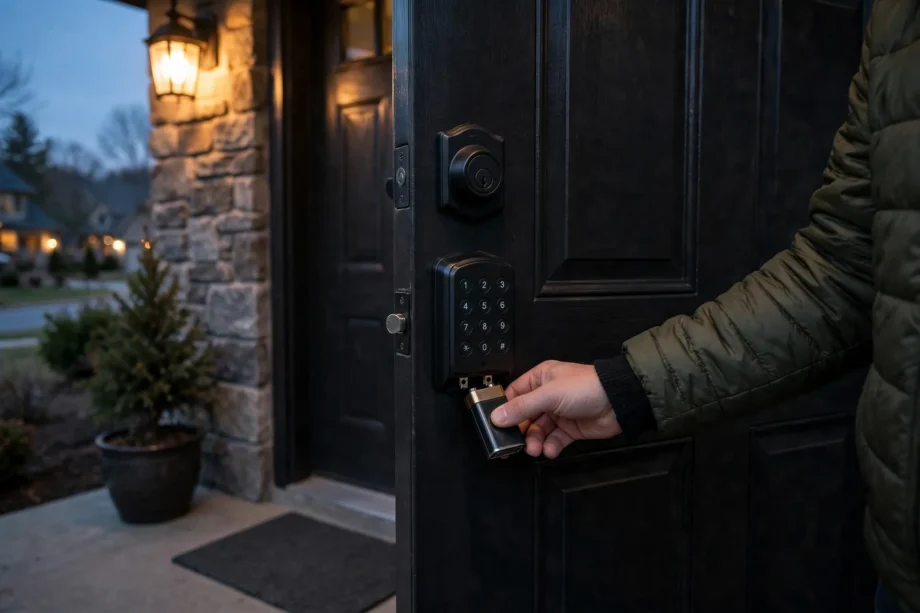
Nothing dramatic happens. Your door stays locked, your codes stay stored, and nobody is locked inside. So what happens when smart lock battery dies locked out? You simply power the lock from the outside for thirty seconds, enter your normal code, and walk in. Every decent smart lock has at least one emergency backup for exactly this moment. Here is how each one works and how to never need them.
- What happens when smart lock battery dies locked out: the truth about your codes
- The warning timeline most people ignore
- Emergency fix 1: the 9V battery jumpstart
- Emergency fix 2: the mechanical backup key
- Emergency fix 3: the USB power bank port
- Warning signs by brand
- How long batteries actually last
- Prevention: a five-minute routine twice a year
- What NOT to do when the battery dies
- Frequently asked questions
- What happens when smart lock battery dies locked out: will it erase my codes?
- How long does the 9V battery jumpstart take?
- Can I use any 9V battery for the emergency terminals?
- What happens when smart lock battery dies locked out — does the backup key still work?
- Why did my smart lock die with no warning?
- Do smart locks work during a power outage?
- Conclusion
What happens when smart lock battery dies locked out: the truth about your codes
First, the part that worries everyone. A dead battery does not erase your codes, delete your fingerprints, or unlock your door. Smart locks store their programming in non-volatile memory, which keeps data without power, the same way a USB stick keeps files unplugged. When power returns, every code works exactly as before.
Second, the lock fails safe, not open. The deadbolt is a physical piece of metal. A dead motor cannot move it. Your door stays locked against intruders, which is inconvenient for you but exactly what you want from a lock.
Third, the lock warns you long before it dies. Weeks of warnings, not minutes. Which means a battery lockout is almost always preventable. If you missed the warnings, the emergency methods below get you inside in under a minute.
The warning timeline most people ignore
Smart locks do not die suddenly. They follow a predictable pattern, and each brand signals it the same way every time. On the Yale Assure Lock 2, the gear icon at the bottom left of the keypad lights up amber when batteries run low. When it flashes red, the batteries are critically low and need replacing right away. The Yale app also pushes a notification when the battery drops below 20 percent and can send you an email alert.
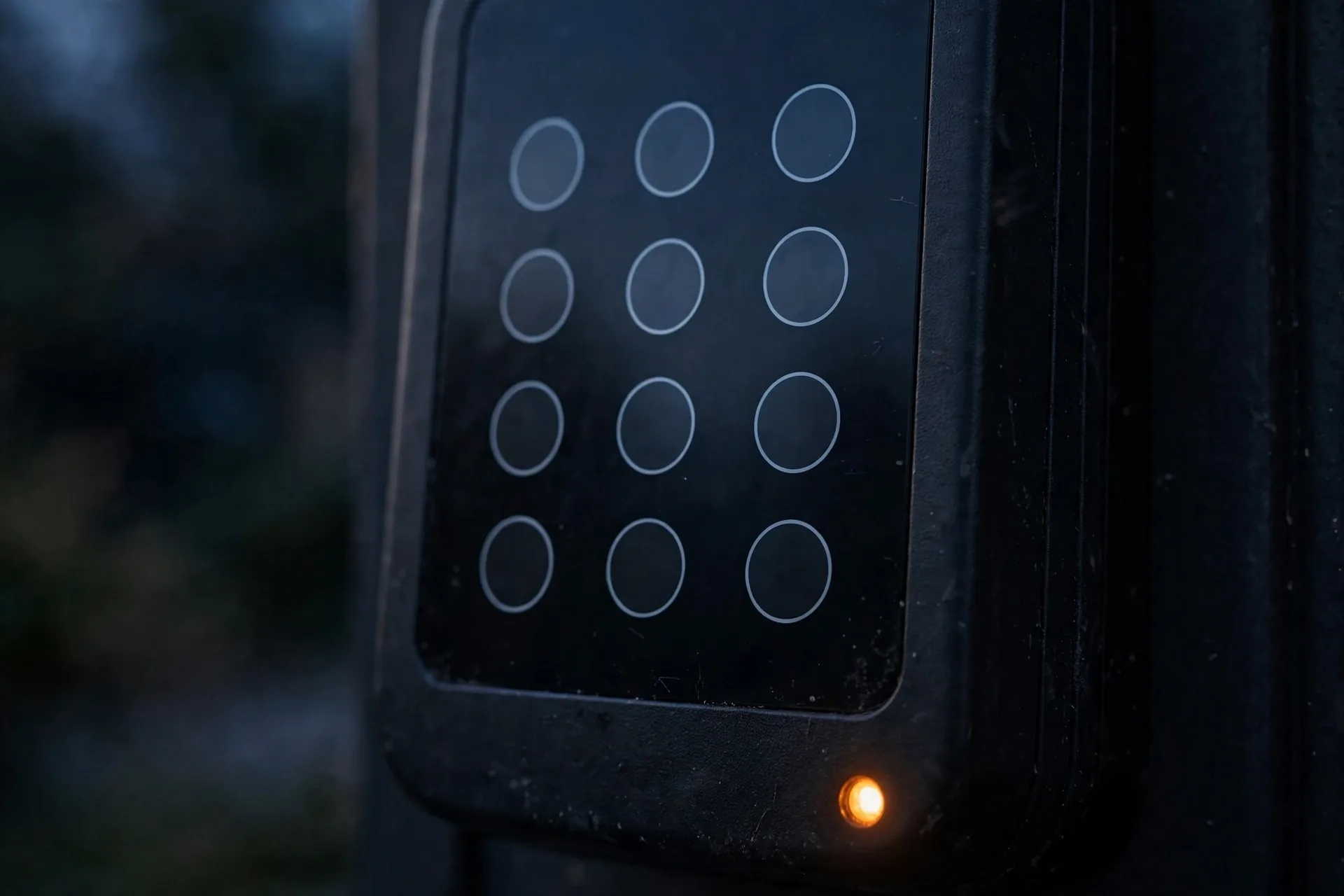
ULTRALOQ locks take a louder approach. When the battery is low, the lock flashes its tri-color LED red three times and beeps three times every time it activates. That is hard to miss if you use the door daily, but easy to ignore on a guest room door.
Schlage locks give audio and visual low-battery alerts too, and most keypad locks in general show a flashing red light or rapid beeps on code entry. The pattern is universal: normal operation, then a warning phase that lasts one to three weeks, then the motor gets sluggish, then nothing. The common thread is that the warnings start weeks early. Learning how a smart front door lock works makes these warning stages easier to recognize the first time.
Emergency fix 1: the 9V battery jumpstart
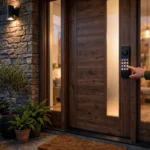
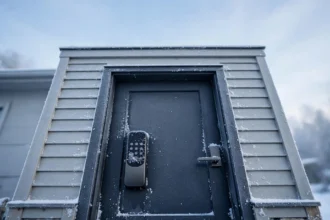
This is the fix almost every modern smart lock ships with. Look at the bottom edge of the exterior keypad. You will find two small metal terminals. Touch a fresh 9V battery to those terminals and hold it there. The lock wakes up instantly, powered by the 9V battery instead of its dead internals.
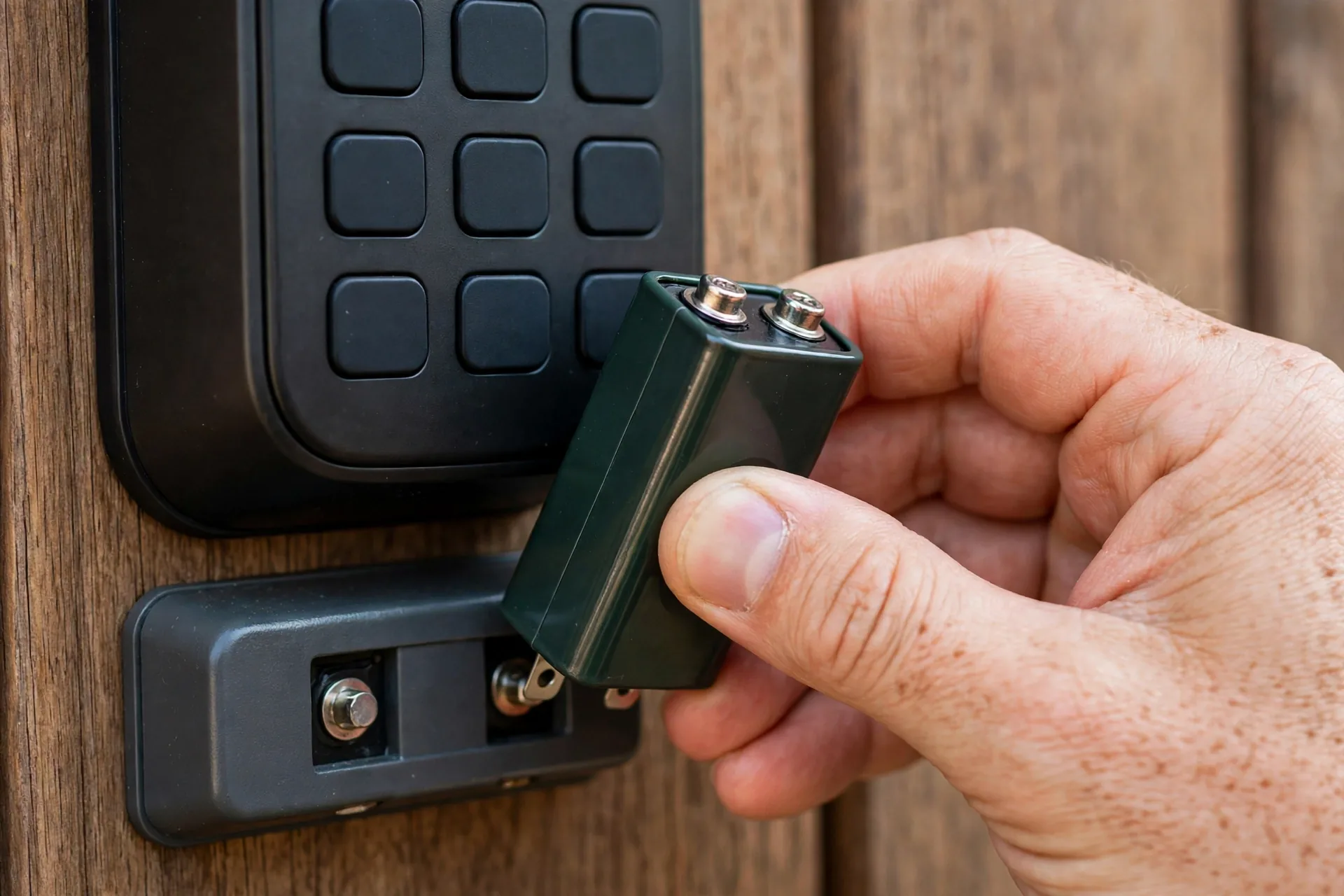
The exact steps for a Yale Assure lock are simple. Apply the 9V battery to the terminals below the touchscreen in either direction. Wake the lock by touching the keypad. For a photo walkthrough of this exact 9V jumpstart on Yale locks, see this step-by-step Yale 9V emergency power guide. Enter your normal code. The deadbolt retracts. Walk inside, then replace the four AA batteries on the interior side. You do not need to remove the 9V battery while you open the door; just hold it steady for the ten seconds the unlock takes.
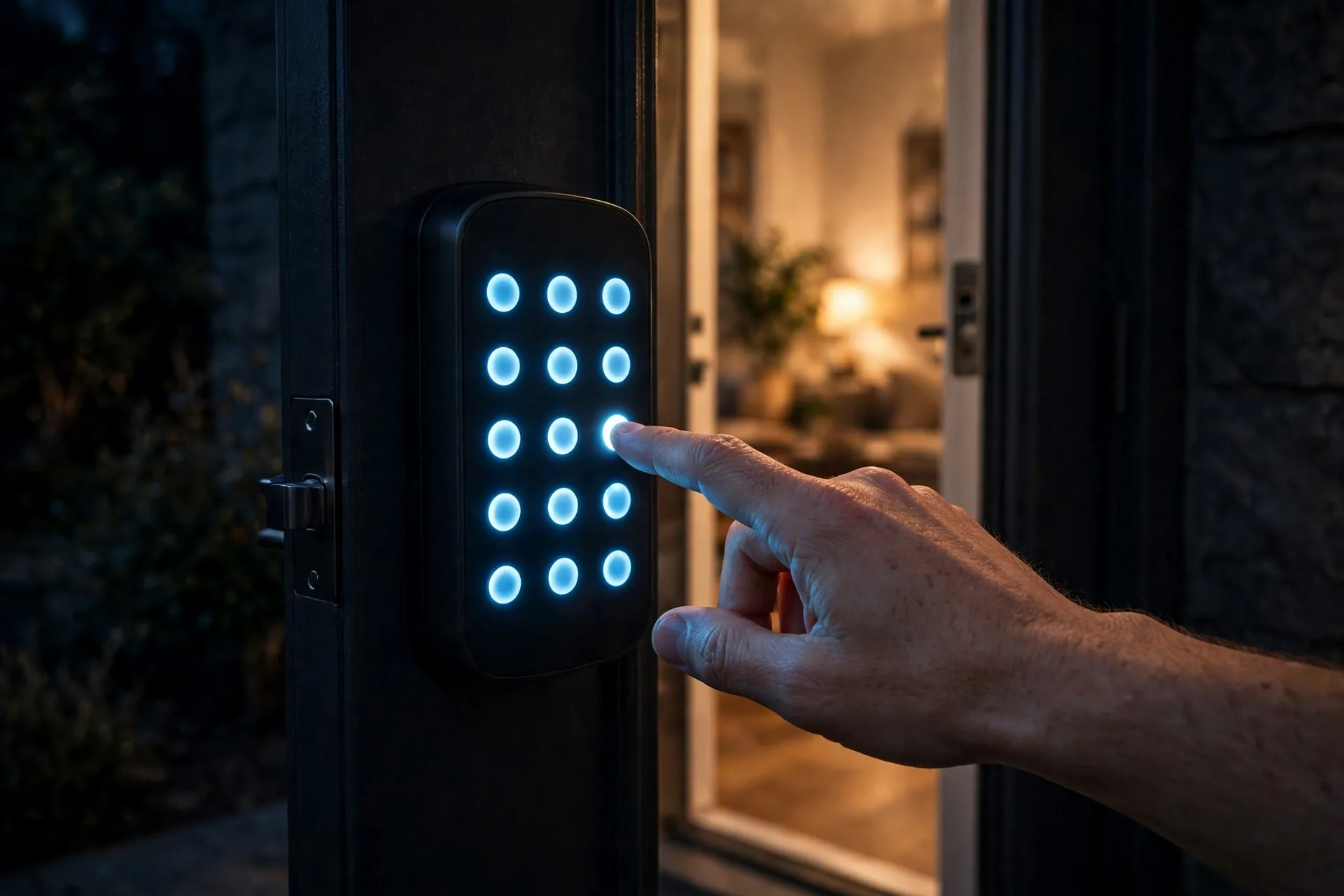
Schlage, Kwikset, and most other keypad deadbolts work the same way: terminals on the bottom of the exterior assembly, 9V battery held against them, enter your code. The one requirement is a fresh 9V battery. A half-dead one from the smoke detector you replaced three years ago may not deliver enough current to turn the motor. Keep one in a kitchen drawer or a weatherproof box near the door.
Here is the tip that makes this foolproof: practice it once before you need it. On a calm afternoon, stand outside with a 9V battery, touch the terminals, and confirm you can hear the lock wake. The whole test takes thirty seconds, and it turns an emergency into a routine you have already rehearsed.
Emergency fix 2: the mechanical backup key
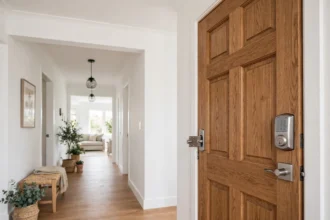
Most keypad deadbolts still carry a traditional key cylinder as the final backup. On the Yale Assure Lock 2 Touch, the keyhole sits discreetly on the bottom of the keypad. On other models it may hide under a small sliding cover on the keypad face. The key works with zero power, because it turns the deadbolt mechanically.
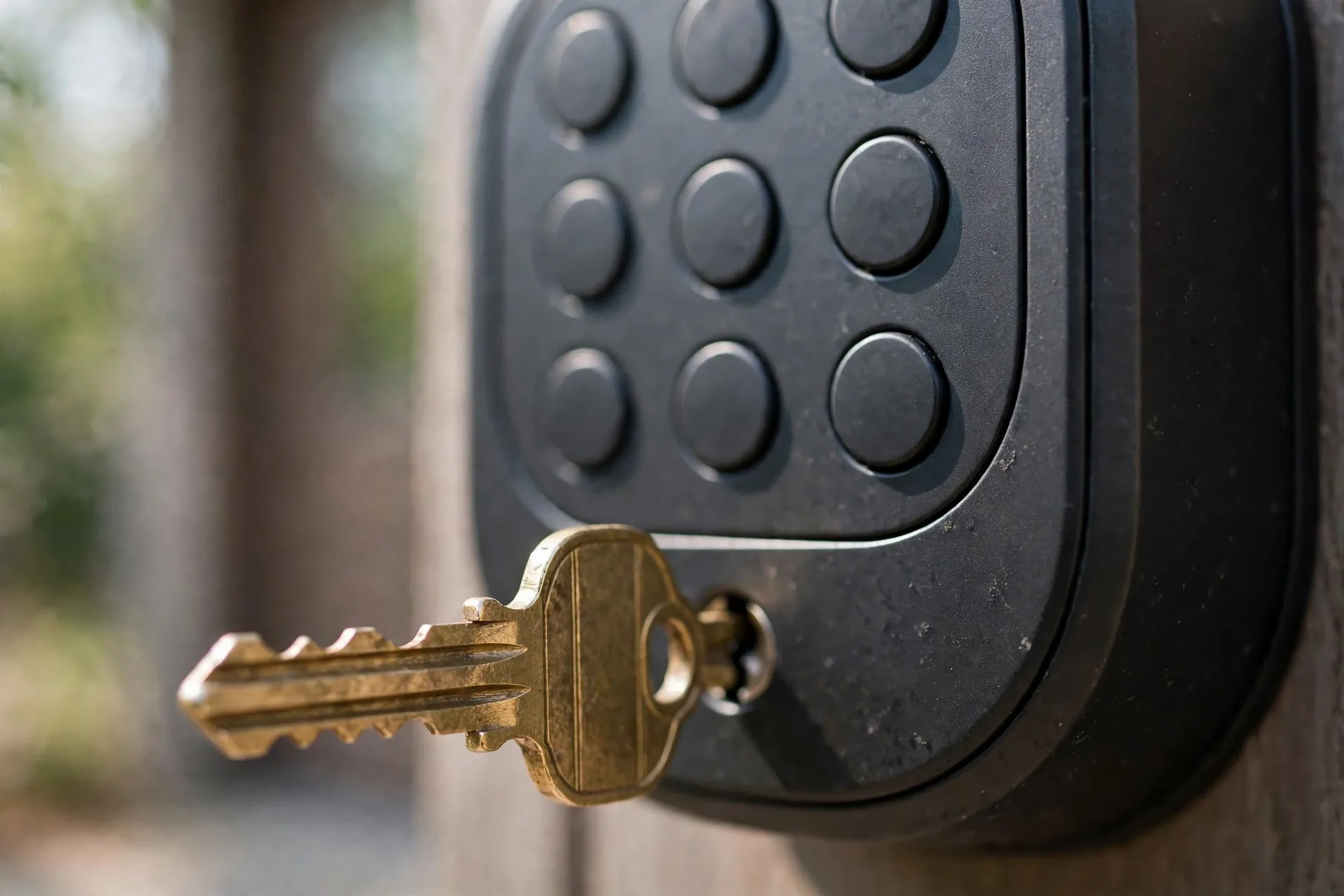
The real question is whether you know where your backup key is right now. The best answer: not inside the house it opens. Store one at a neighbor’s, in a lockbox in the garage, or at a family member’s home within driving distance. A backup key inside a dead-battery house is a souvenir, not a backup.
Some keyless models skip the cylinder entirely, especially retrofit designs. If your lock has no keyhole, check which backup it does have before you need it. August locks, for example, rely on the 9V terminals, and several Ultraloq models use a micro-USB port instead.
Emergency fix 3: the USB power bank port
ULTRALOQ’s U-Bolt Pro series takes a different approach. Instead of 9V terminals, the exterior assembly has a micro-USB backup power port. Plug in any 5V power bank with a micro-USB cable and the lock powers up long enough to accept your fingerprint or code. This is genuinely convenient because most people have a power bank and a cable nearby.
The trade-off is that you need the right cable at the moment of need. A power bank helps nobody if the only cable in the house is inside the locked house. If your lock uses USB backup, tape a short micro-USB cable to the power bank itself and keep both somewhere reachable.
Warning signs by brand
Table 1: How popular smart locks warn you before the battery dies
| Brand and model | Low battery warning | Critical warning | Emergency backup |
|---|---|---|---|
| Yale Assure Lock 2 | Gear icon lights amber, app alert at 20 percent | Gear icon flashes red | 9V terminals below keypad, backup key on bottom |
| Schlage Encode | Audible and visual alerts on keypad | Rapid beeps on code entry | 9V terminals below keypad, backup key |
| Kwikset Halo | App notification, keypad alerts | Lock responds sluggishly | 9V terminals below keypad, backup key |
| ULTRALOQ U-Bolt Pro | Red LED flashes 3 times, 3 beeps on activation | Motor turns slowly or not at all | Micro-USB port for 5V power bank, backup key |
| August Wi-Fi | App low battery notification | Auto-unlock stops working first | 9V terminals, no key cylinder on some models |
How long batteries actually last
Four AA alkaline batteries power most keypad deadbolts for six to twelve months, depending on the model and how often the door is used. Wi-Fi is the biggest battery drain. A Yale Assure Lock 2 on Wi-Fi can need new batteries every six to eight weeks of heavy use, while the same lock on Bluetooth alone can stretch toward a year. Schlage rates the Encode at up to six months on its included four AAs.
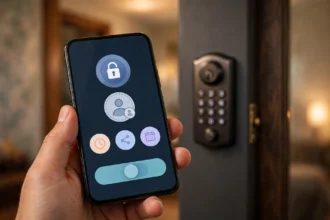
Temperature matters too. Cold weather drains alkaline batteries faster, so a lock on an exposed north-facing door dies earlier in winter. If your batteries die faster than the numbers above, something else is wrong. Our guide on why your smart lock battery drains fast covers the usual suspects, from misaligned deadbolts to excessive Wi-Fi polling.
Prevention: a five-minute routine twice a year
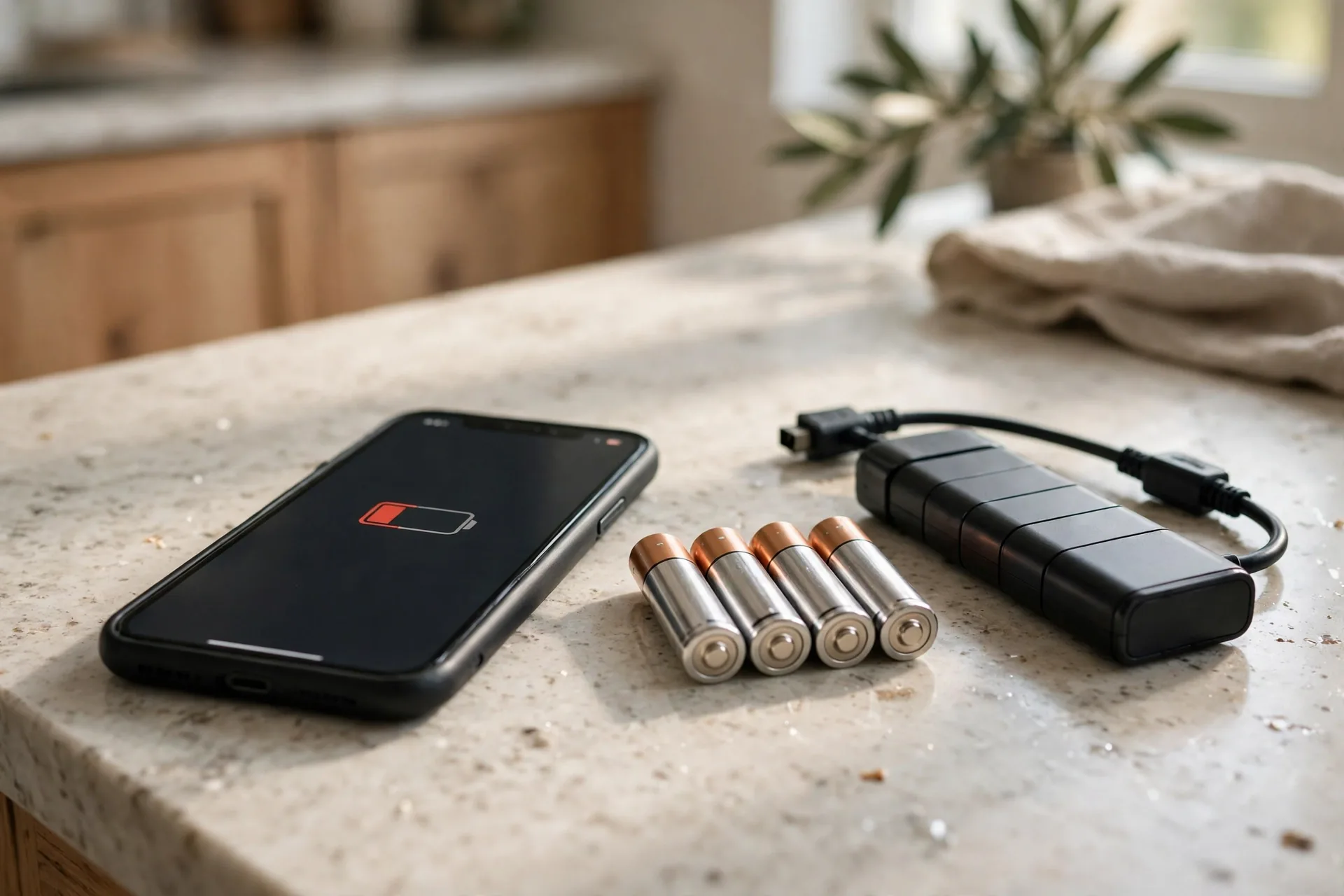
Now that you know what happens when smart lock battery dies locked out, the simplest prevention is a calendar reminder. Set one for every four months: “check smart lock batteries.” When it fires, replace all four batteries with fresh alkaline cells, even if the lock seems fine. Four AAs cost almost nothing, and a scheduled swap beats an emergency every time.
Replace all batteries at once, never one or two. Mixed old and new cells drain unevenly and confuse the lock’s low-battery detection. Use alkaline, not rechargeable. Most lock manuals specify alkaline because rechargeables run at a lower voltage (1.2V versus 1.5V), which the lock reads as “almost dead” from day one.
Enable every low-battery notification your lock offers. Open the app, find notifications, and turn on battery alerts plus email alerts if available. On Yale locks, the app pushes a warning at 20 percent. Twenty percent of a six-month battery life is more than a month of runway, which is plenty of time to buy AAs on a normal shopping trip.
For vacation homes and rentals, schedule battery swaps between bookings. A lock that sits unused for three months still drains its batteries on standby and Wi-Fi check-ins. Swap them when you do the seasonal deep clean and you will never get the panicked guest call.
What NOT to do when the battery dies
Do not pry the exterior keypad off the door. The keypad assembly does not give you access to anything useful, and forcing it can damage the wire harness that connects the keypad to the motor. The emergency power terminals are there specifically so you never have to disassemble anything from outside.
Do not factory reset the lock to “fix” a dead battery. A factory reset erases all your codes, which turns a battery problem into a code problem. Power the lock with the backup method, get inside, and change the batteries. If you do need to wipe and rebuild your codes afterward, follow the proper factory reset steps for your door lock code instead of improvising.
Do not ignore the warnings and hope. Every ignored low-battery beep is a future evening spent hunting for a 9V battery in the dark. The warnings exist because the fix is trivial when done early.
Frequently asked questions
What happens when smart lock battery dies locked out: will it erase my codes?
No. Smart locks store codes in non-volatile memory that keeps data without power. When you restore power with a 9V battery or fresh AAs, every code, fingerprint, and schedule works exactly as before. Only a deliberate factory reset erases your codes.
How long does the 9V battery jumpstart take?
About thirty seconds. Touch a fresh 9V battery to the terminals under the exterior keypad, wait for the keypad to light up, enter your code, and open the door. The 9V battery only needs to power the lock for the unlock itself. Replace the internal AA batteries immediately afterward.
Can I use any 9V battery for the emergency terminals?
Use a fresh alkaline 9V battery. An old or half-drained one may not deliver enough current to turn the deadbolt motor. Keep a dedicated 9V battery with your lock supplies and check its date once a year. The battery does not charge your lock; it just powers one unlock.
What happens when smart lock battery dies locked out — does the backup key still work?
Yes. The key cylinder turns the deadbolt mechanically and needs no power at all. That is the whole point of the backup key. It also works during firmware glitches and keypad failures, not just battery deaths. Store it somewhere outside the house it opens.
Why did my smart lock die with no warning?
Usually one of three reasons. Notifications were disabled in the app, the lock is on a door nobody uses so nobody heard the beeps, or the batteries were cheap carbon-zinc cells that drop voltage suddenly instead of fading gradually. Switch to name-brand alkaline batteries and enable app notifications to fix all three.
Do smart locks work during a power outage?
Yes. Smart locks run on their own AA batteries and have nothing to do with your home’s electrical supply. A power outage does not affect them at all. The keypad, motor, and codes all work normally. Only Wi-Fi remote features pause if your router loses power.
Conclusion
A dead smart lock battery is a thirty-second problem if you know about the backup, and a stressful evening if you do not. Keep a fresh 9V battery somewhere reachable, know where your mechanical key lives, and set a four-month calendar reminder to swap the AAs. That is the entire prevention plan. If you are shopping for a lock with the longest battery life and the simplest emergency backup, start with our best front door smart locks for 2026.