

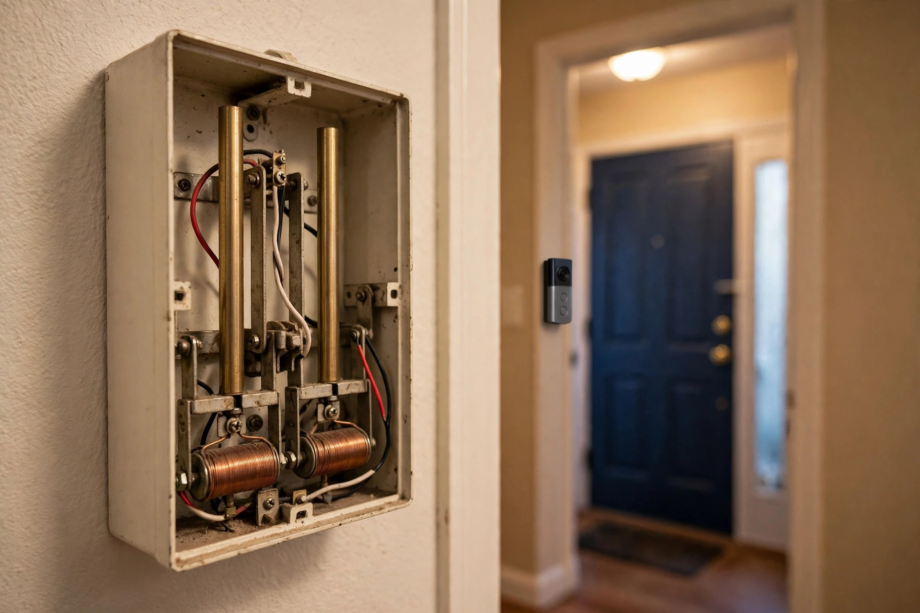
When your video doorbell chime not working after installation is the problem, check three things first: the transformer voltage (most doorbells need 16-24V), the chime type setting in your app (mechanical vs digital), and whether the power kit is installed correctly at your indoor chime. One of these is the culprit in most cases.
- First, Understand What Type of Chime You Have
- Video Doorbell Chime Not Working After Installation? Check Voltage
- Set the Correct Chime Type in the App
- Fix 3: Install or Reposition the Power Kit
- Fix 4: Inspect the Wiring
- Fix 5: Check Wireless Chime Pairing and Wi-Fi
- Fix 6: Rule Out Cold Weather and Power Issues
- When to Call an Electrician
- FAQs
- Why does my doorbell camera work but the chime doesn’t?
- Do battery video doorbells work with my existing indoor chime?
- What voltage transformer do I need for a video doorbell?
- Can I use my old chime with a new video doorbell?
- Why did my chime stop working after a firmware update?
- Should the power kit touch the chime mechanism?
- A Quick Note on Chime Compatibility Lists
- Get That Ding-Dong Back
For instance, you just finished mounting your new video doorbell. The camera works, motion alerts arrive, but when someone presses the button… silence. No ding-dong from inside the house. Frustrating? Absolutely. Fixable? Almost always. This guide walks through every cause in the order you should check them.
First, Understand What Type of Chime You Have
First, before touching anything, figure out which chime setup you are dealing with. There are three common types, and each fails differently.
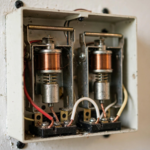
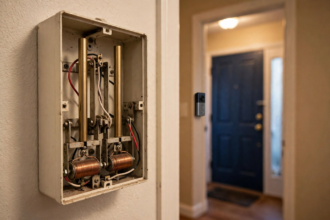
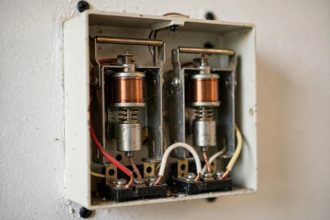
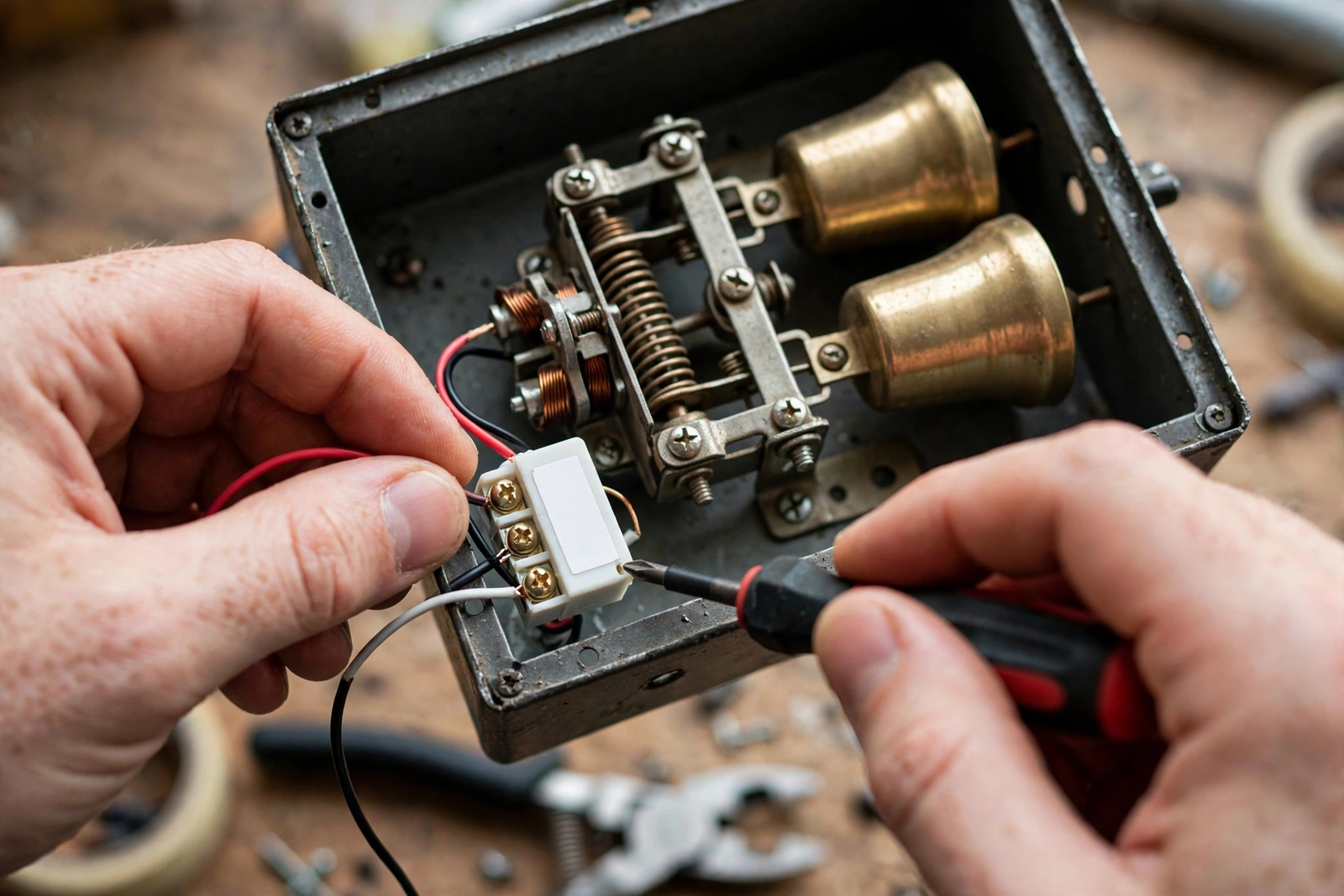
Mechanical chime: The classic box on your wall with two metal bars that a striker hits. Goes “ding-dong.” Most common in older homes. Video doorbells need a power kit wired into this chime to work properly.
Digital chime: An electronic box that plays a recorded melody through a speaker. Common in homes built after 2000. These are pickier about voltage and often need the doorbell app set to “digital chime” mode.
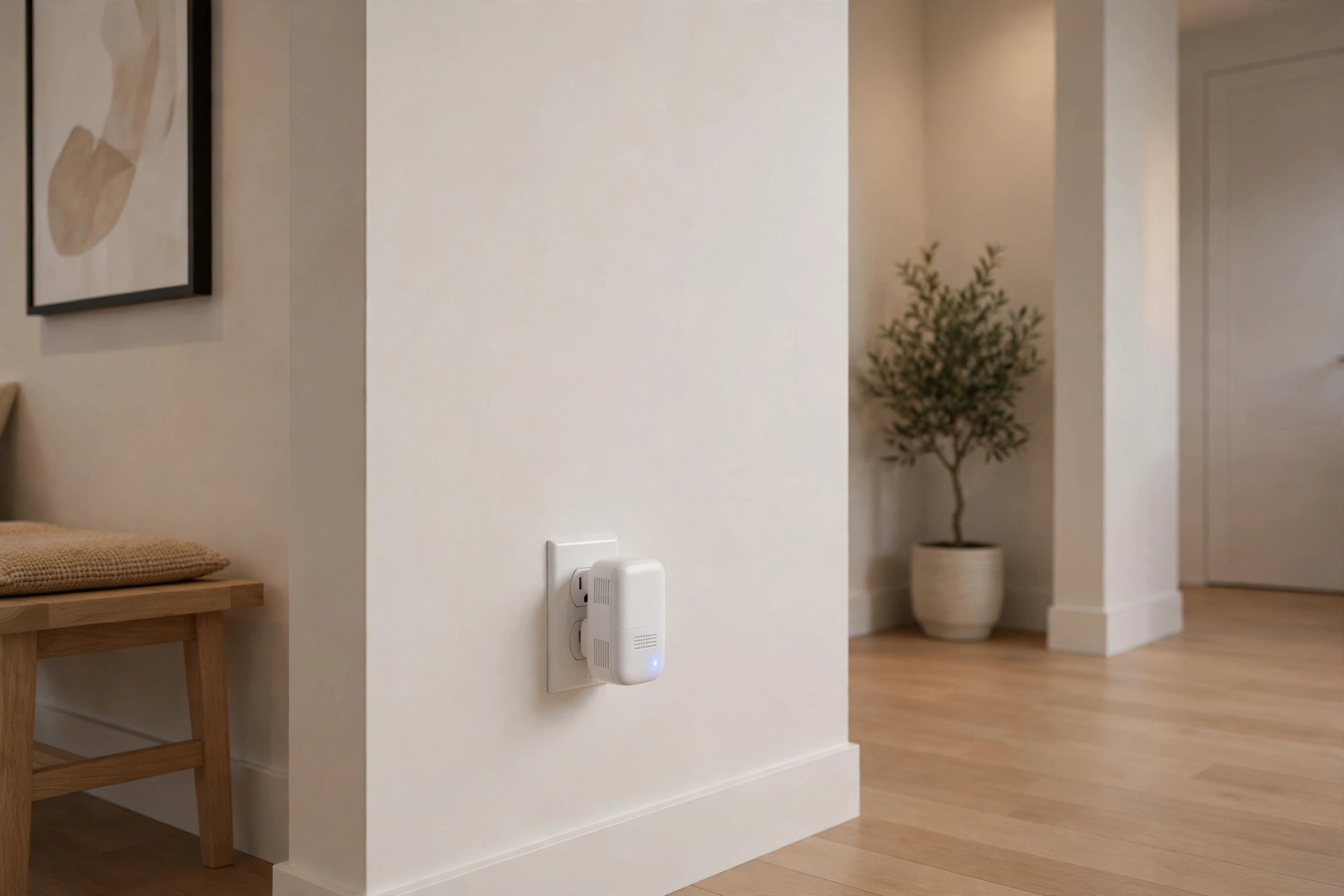
Wireless/plug-in chime: A separate unit that plugs into a wall outlet and connects to the doorbell over Wi-Fi or RF. Brands like Ring (Chime), Eufy (HomeBase chime), and Blink sell these. If this type is silent, the problem is pairing or Wi-Fi, not wiring.
Still not sure which you have? Take the cover off the chime box on your wall. Two metal bars means mechanical. A circuit board and speaker means digital. No box at all means you are relying on a wireless chime or phone notifications.
Video Doorbell Chime Not Working After Installation? Check Voltage
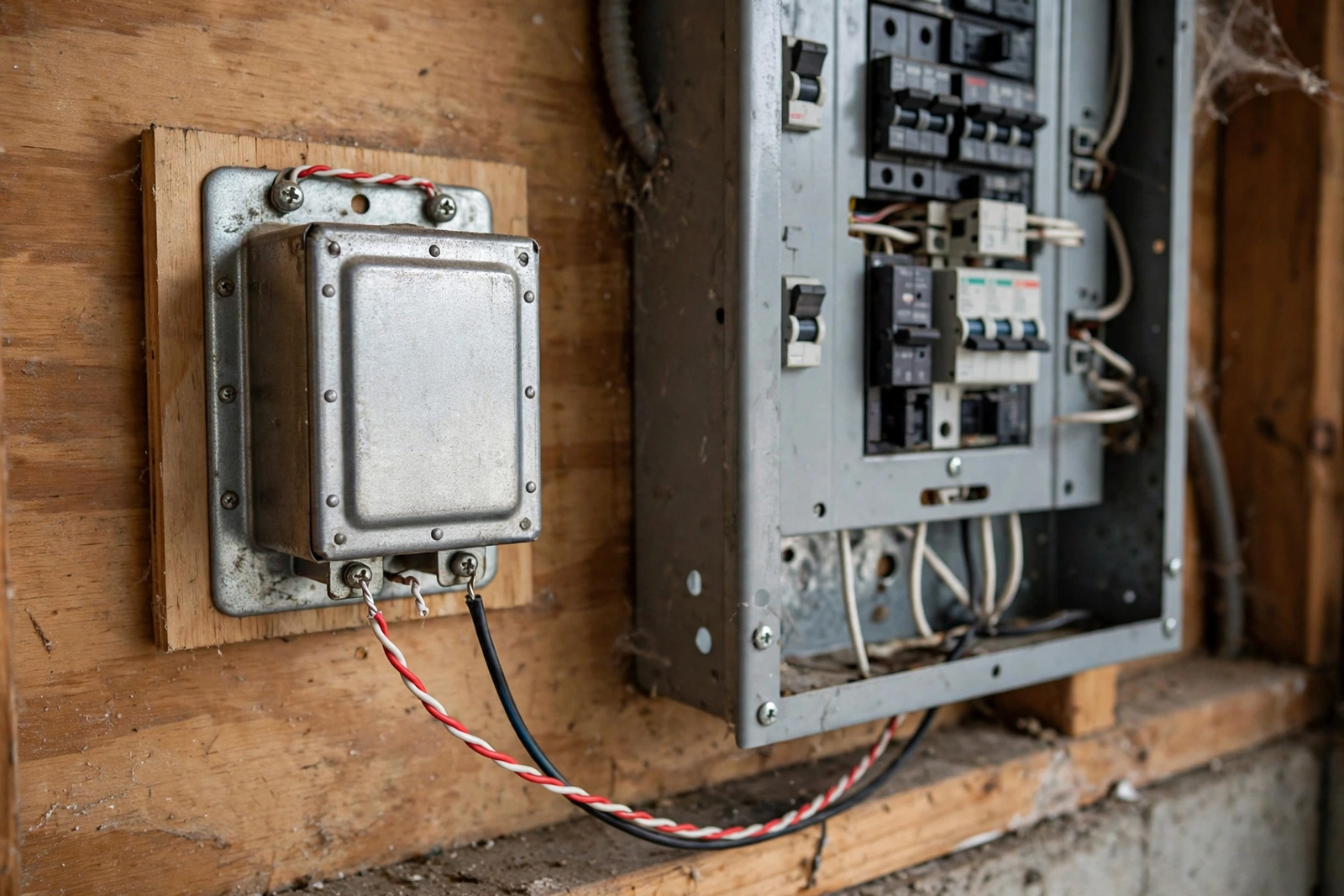
In fact, this is the number one cause of chime problems after installation. Your doorbell transformer is usually a small metal box near your electrical panel or inside the chime box. It steps your home’s 120V down to low voltage for the doorbell circuit.
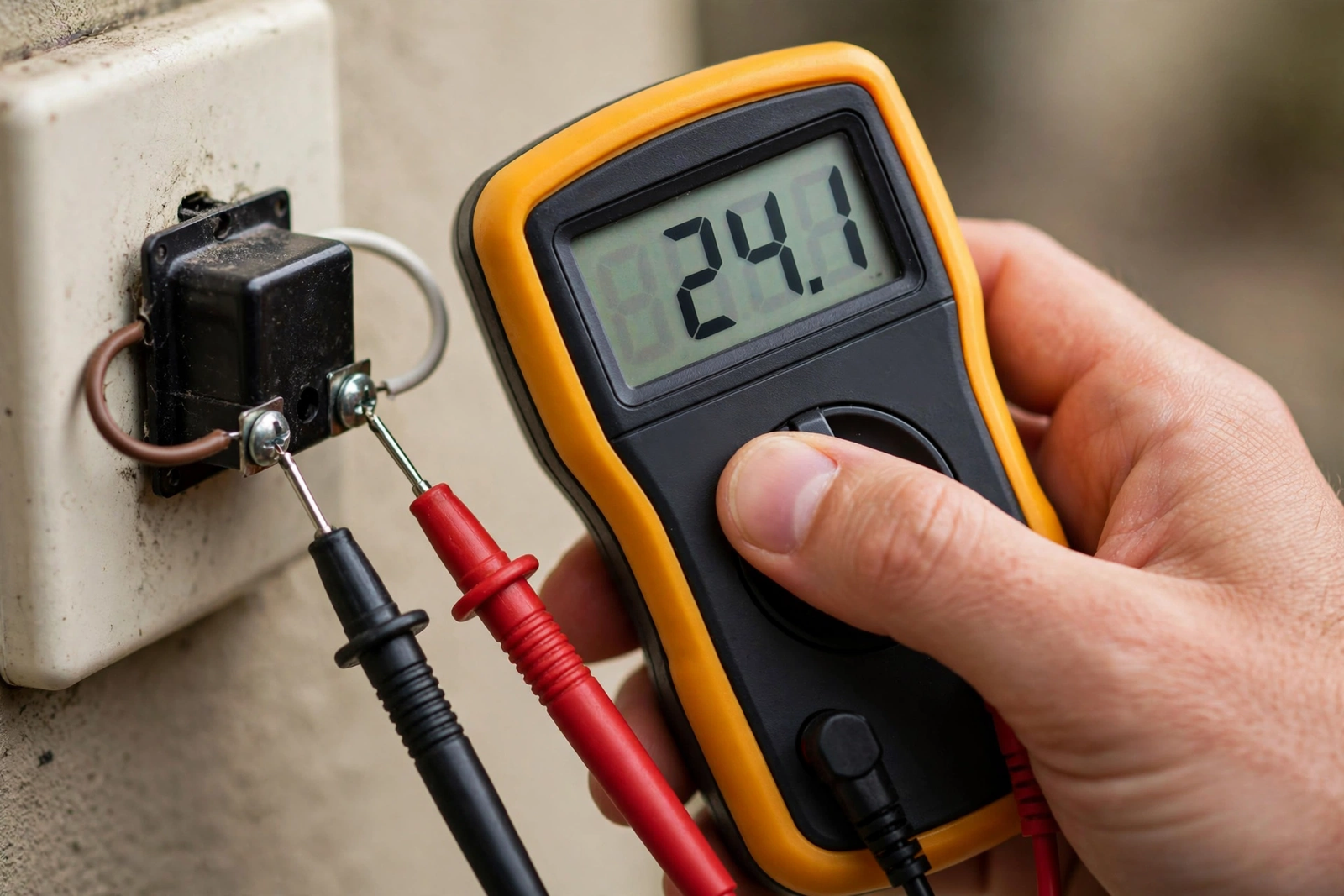
Specifically, most video doorbells need 16 to 24 volts AC. Many older homes have 10V or 12V transformers. Those worked fine for a simple old doorbell button, but they can’t power a video doorbell plus chime. The doorbell camera might work (it sips power) while the chime stays silent (it needs a bigger jolt).
So how to check: turn off the breaker, then use a multimeter on the AC voltage setting across the transformer’s two terminals. You want to see 16V or higher. If you see 10V or 12V, that is your problem.
Fortunately, the fix is a transformer swap, which costs about $15 to $25 for the part. Turn off the breaker. Disconnect the two low-voltage wires from the old transformer. Mount the new one, reconnect, and restore power. Indeed, it takes about 20 minutes. If you are not comfortable working in your breaker panel, this is a quick job for an electrician.
However, here is a detail most guides miss. Even if your transformer reads 16V with no load, voltage can sag under load when the doorbell draws power. If your multimeter shows 16V but the chime still doesn’t work, have someone press the doorbell button while you measure. If voltage drops below 14V during the press, the transformer is too weak.
Set the Correct Chime Type in the App
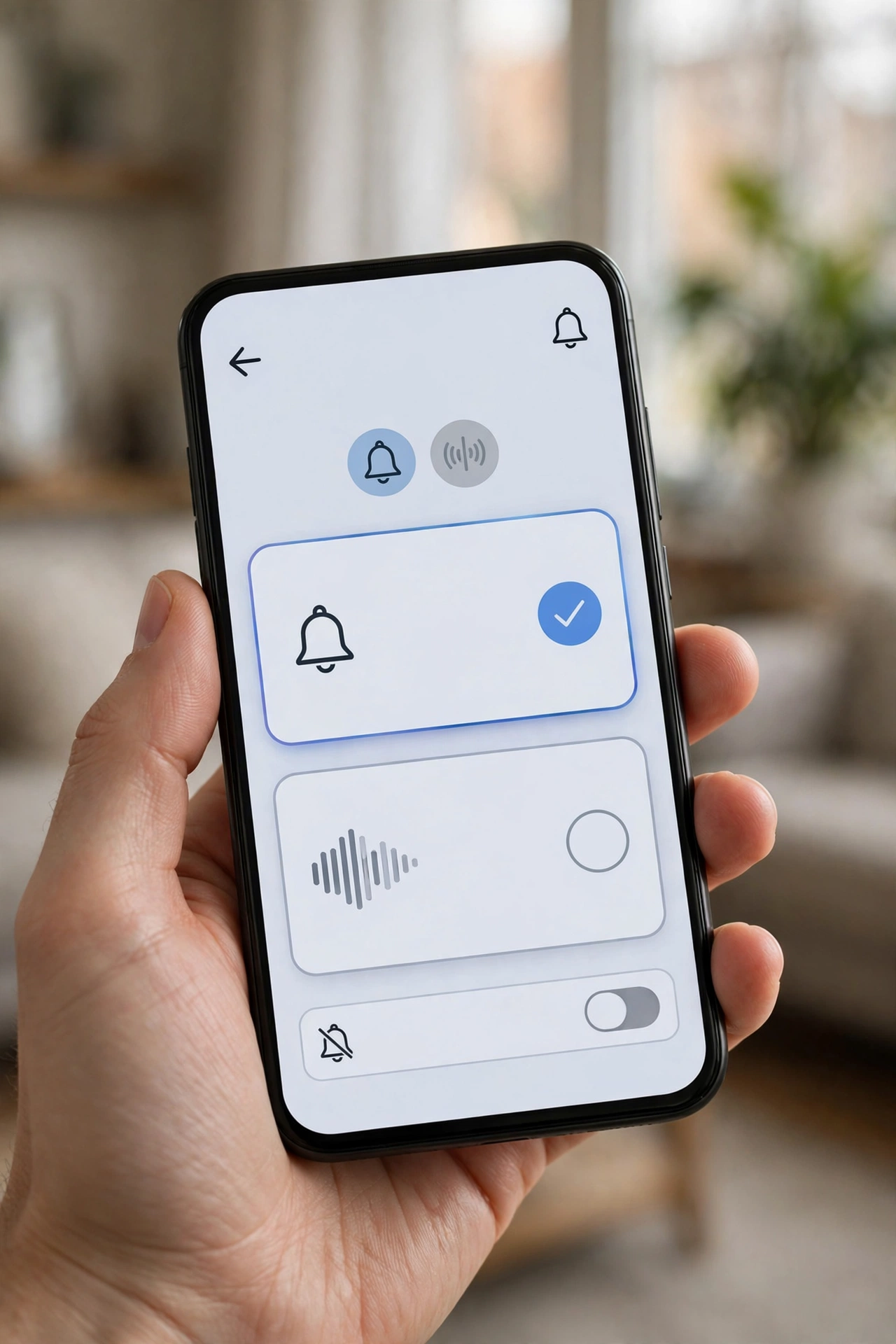
Meanwhile, this one takes 30 seconds and fixes a surprising number of cases. Your doorbell app needs to know what kind of chime it is driving, because mechanical and digital chimes need different electrical signals.
Ring app: Go to Devices, select your doorbell, then Device Settings and Chime Kit Settings. Make sure the chime type matches what is on your wall. If you have no wired chime at all, set it to “None” and use a Ring Chime or Chime Pro instead.
Eufy app: Open the doorbell settings and look for Chime Settings or Indoor Chime. Eufy’s official troubleshooting guide specifically calls out this setting as a common cause. Make sure it is not set to Do Not Disturb or a quiet-hours schedule.
Google Home app: For Nest doorbells, go to Settings, then Doorbell, and check the chime settings. Nest can also ring your Google speakers as chimes, which is a good backup if the wired chime won’t cooperate. Apple households can explore what Apple Home offers for similar speaker-chime setups.
Yet a classic mistake: leaving the app set to “mechanical” when you actually have a digital chime, or vice versa. The doorbell sends the wrong pulse pattern and the chime just sits there. When in doubt, try both settings.
Fix 3: Install or Reposition the Power Kit
Next, most wired video doorbells ship with a small power kit (Ring calls it a Pro Power Kit, others call it a bypass or power module). This little device wires into your indoor chime box and regulates power so the doorbell gets steady current while the chime still gets its striking pulse.
Therefore, if you skipped installing it, that is likely your problem. If you installed it, check two things. First, make sure it is wired to the correct terminals (usually labeled TRANS and FRONT). Second, make sure it is not physically blocking the chime’s striker mechanism. I have seen cases where the power kit was zip-tied right in the path of the moving striker, mechanically preventing the chime from sounding.
For digital chimes, some brands want the power kit set to bypass mode instead. Check your manual. The wrong mode on a digital chime produces silence or a sad half-ding.
Fix 4: Inspect the Wiring
As always, turn off the breaker before touching any wires. Then open your indoor chime box and look at the connections. You are looking for loose terminal screws, corroded wire ends, or wires that have slipped off entirely.
Because doorbell wire is thin (usually 18 or 20 gauge) and the terminal screws in chime boxes loosen over years of the striker vibrating. A wire that looks connected might be making poor contact. Tighten every screw, and if wire ends look green or black with corrosion, trim back to shiny copper and reconnect.
In addition, check the wires at the doorbell itself. Outdoor connections corrode faster. If the previous doorbell worked but the new one does not chime, compare the wiring. Some older setups have an extra wire for a rear doorbell that can confuse the installation.
Wiring troubleshooting follows the same logic as other low-voltage fixes. Our guide on garage door sensor troubleshooting covers similar wire-check techniques that apply here.
Fix 5: Check Wireless Chime Pairing and Wi-Fi
On the other hand, if you use a plug-in chime (Ring Chime, Eufy HomeBase chime, Blink Sync Module chime), wiring isn’t the issue. Instead, check pairing and network.
To start, confirm the chime shows as connected in your app. If it shows offline, re-run the pairing process. Plug-in chimes need a solid Wi-Fi signal; if yours is at the far end of the house from the router, move it closer or add an extender.
Next, check the volume. It sounds obvious, but plug-in chimes have physical volume buttons or sliders that get bumped. Also check for Do Not Disturb schedules in the app that might be muting it during certain hours.
Finally, try a different outlet. A dead outlet or one on a switched circuit (controlled by a wall switch someone turned off) will silence a plug-in chime completely.
Fix 6: Rule Out Cold Weather and Power Issues
Meanwhile, battery-powered video doorbells behave differently in cold weather. Below freezing, battery voltage drops, and the doorbell may have enough power for the camera but not enough to trigger a wired chime. If your chime worked in fall and quit in winter, cold is the likely cause.
In contrast, for wired models, check that the breaker is actually on and has not tripped. A tripped breaker kills the whole doorbell circuit. Also, some homes have the doorbell transformer on the same circuit as something that trips often, like a bathroom GFCI. If your chime dies randomly, check whether the breaker tripped.
When to Call an Electrician
Still, call a professional if you find any of these: burnt or melted wire insulation, a transformer that hums loudly or feels hot, aluminum wiring (common in 1960s-70s homes, needs special handling), or if you have replaced the transformer and checked everything but the chime still will not sound.
Similarly, call one if your home has no existing doorbell wiring at all and you want a wired chime. Running new low-voltage wire through finished walls is doable but tedious, and an electrician can usually do it in under two hours.
The table below maps symptoms to the most likely cause so you can jump straight to the right fix:
Table: Chime Symptoms and Most Likely Causes
| Symptom | Most Likely Cause | Check First |
|---|---|---|
| Camera works, no chime at all | Wrong chime type in app, or transformer too weak | App setting, then transformer voltage |
| Chime worked before, stopped after new doorbell | Power kit missing or miswired | Power kit installation |
| Weak or partial ding | Low voltage or striker blocked | Transformer, then chime box interior |
| Chime works sometimes | Loose wire or Wi-Fi drop (wireless) | Terminal screws, then signal strength |
| Stopped working in winter | Cold battery or tripped breaker | Breaker panel, then battery charge |
| Plug-in chime silent | Unpaired, muted, or dead outlet | App pairing, volume, outlet |
If you are choosing a doorbell and want to avoid chime headaches entirely, models with built-in wireless chimes simplify everything. Our smart door lock with camera guide covers entryway devices where the chime question does not arise at all.
FAQs
Why does my doorbell camera work but the chime doesn’t?
The camera needs very little power, but the chime needs a strong pulse to strike. This almost always points to a weak transformer (below 16V), the wrong chime type selected in the app, or a missing power kit. Check those three in order and you will find it.
Do battery video doorbells work with my existing indoor chime?
Generally no. Battery models are not wired into your chime circuit, so they cannot trigger a mechanical or digital wall chime. You will need the brand’s wireless chime accessory or rely on phone notifications and smart speakers for the indoor alert.
What voltage transformer do I need for a video doorbell?
Most video doorbells require 16 to 24 volts AC. Ring, Nest, Eufy, and Arlo all specify this range. If your current transformer is 10V or 12V, which is common in older homes, you will need to upgrade it for about $15 to $25.
Can I use my old chime with a new video doorbell?
Usually yes, if it is a standard mechanical or digital chime and your transformer meets the voltage requirement. Very old chimes with odd voltage needs, or proprietary digital chimes from security systems, may not be compatible. Check your doorbell’s compatibility list first.
Why did my chime stop working after a firmware update?
Firmware updates sometimes reset app settings, including the chime type selection. Open your doorbell app after any update and verify the chime type is still set correctly. This takes 30 seconds and fixes the issue when it is the cause.
Should the power kit touch the chime mechanism?
No. The power kit should be mounted to the side of the chime box, clear of any moving parts. If it blocks the striker arm on a mechanical chime, you will get silence or a muffled thunk. Reposition it with the adhesive pad or a zip tie away from moving components.
A Quick Note on Chime Compatibility Lists
In fact, every major doorbell brand publishes a chime compatibility list, and it is worth checking before you buy or troubleshoot. Ring maintains a list of tested mechanical and digital chimes. Google does the same for Nest. These lists exist because some chimes, particularly older digital models with unusual circuitry, simply will not work no matter how carefully you wire them.
As a result, if your chime is on the incompatible list, don’t waste hours troubleshooting. Either replace the chime with a compatible model (about $20 to $40) or switch to the brand’s wireless chime accessory. Both are cheaper than an electrician visit. If you are refreshing the whole entryway, our best front door smart lock guide pairs well with any doorbell upgrade.
Get That Ding-Dong Back
To sum up, a silent chime after installation is annoying, but it is one of the most solvable smart home problems. In most cases the answer is the transformer, the app’s chime type setting, or the power kit. Work through this guide in order, and test the chime after each step. You will hear that ding-dong again, and this time you will know exactly why it works. For broader doorbell troubleshooting, Digital Trends’ Ring chime fix guide has good brand-specific steps worth bookmarking.