

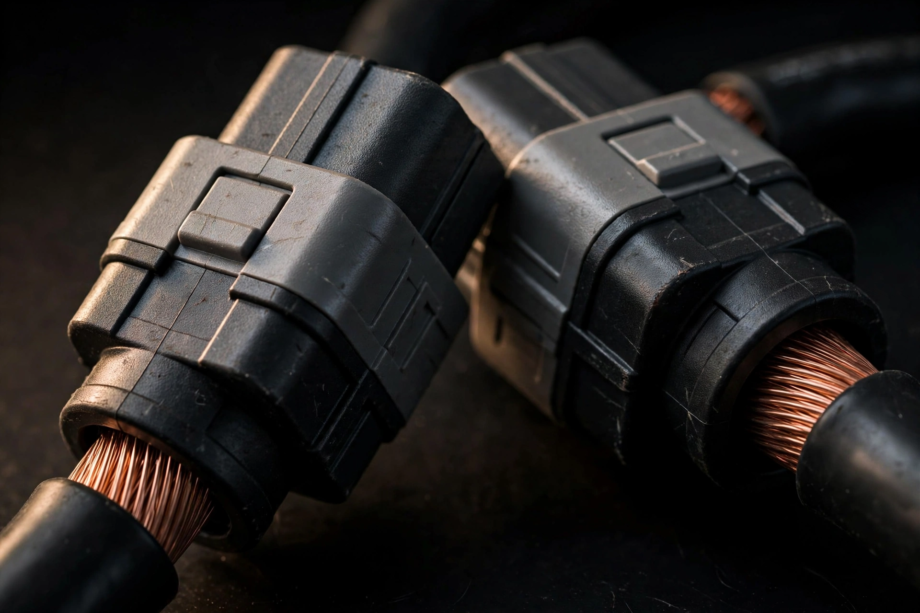
An energy storage connector is the plug that carries DC power between a battery and the rest of a system, such as an inverter, solar panels, or EV charger. Picking the wrong one causes heat, voltage drop, and melted housings. This guide explains the common types, how to choose the right one, and the safety basics every homeowner should know.
- What This Connector Actually Does
- The Most Common Energy Storage Connector Types
- Energy Storage Connector Comparison
- How to Choose the Right One
- Safety Basics You Should Know
- A Practical Mismatch-Avoidance Checklist
- FAQs
- Can I use any connector for a battery system?
- What size Anderson connector do I need?
- Are battery connectors waterproof?
- Can I disconnect a battery connector while the system is running?
- Do I need a special crimping tool?
- How often should I inspect battery connectors?
- Conclusion
What This Connector Actually Does
Think of it as the handshake point of your battery system. On one side sits the battery, and on the other sits whatever uses or charges it: an inverter, a solar charge controller, or a portable power station. The connector must join the two with a low-resistance path for direct current.
Why does this matter so much? Because DC current at battery voltages is unforgiving. A loose or undersized connection creates resistance, and resistance turns into heat. A warm connector under load is a warning sign, so treat any warmth as a reason to investigate.
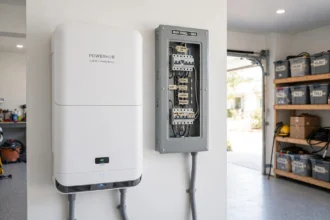
You’ll find these connectors in many places. Home battery units mounted in garages use them. Off-grid solar setups use them between battery banks and inverters. RVs, camper vans, golf carts, and forklifts also rely on them for quick battery swaps.
One thing to get straight early: these are not like AC wall plugs. Wall plugs are standardized and interchangeable, yet energy storage connectors come in many incompatible families. Mixing them up is the most common beginner mistake, therefore the next section shows you which family belongs where.
The Most Common Energy Storage Connector Types
Most battery connections you’ll ever touch fall into four groups. Learn these and you’ll recognize almost any connector in the wild.
Anderson SB Series
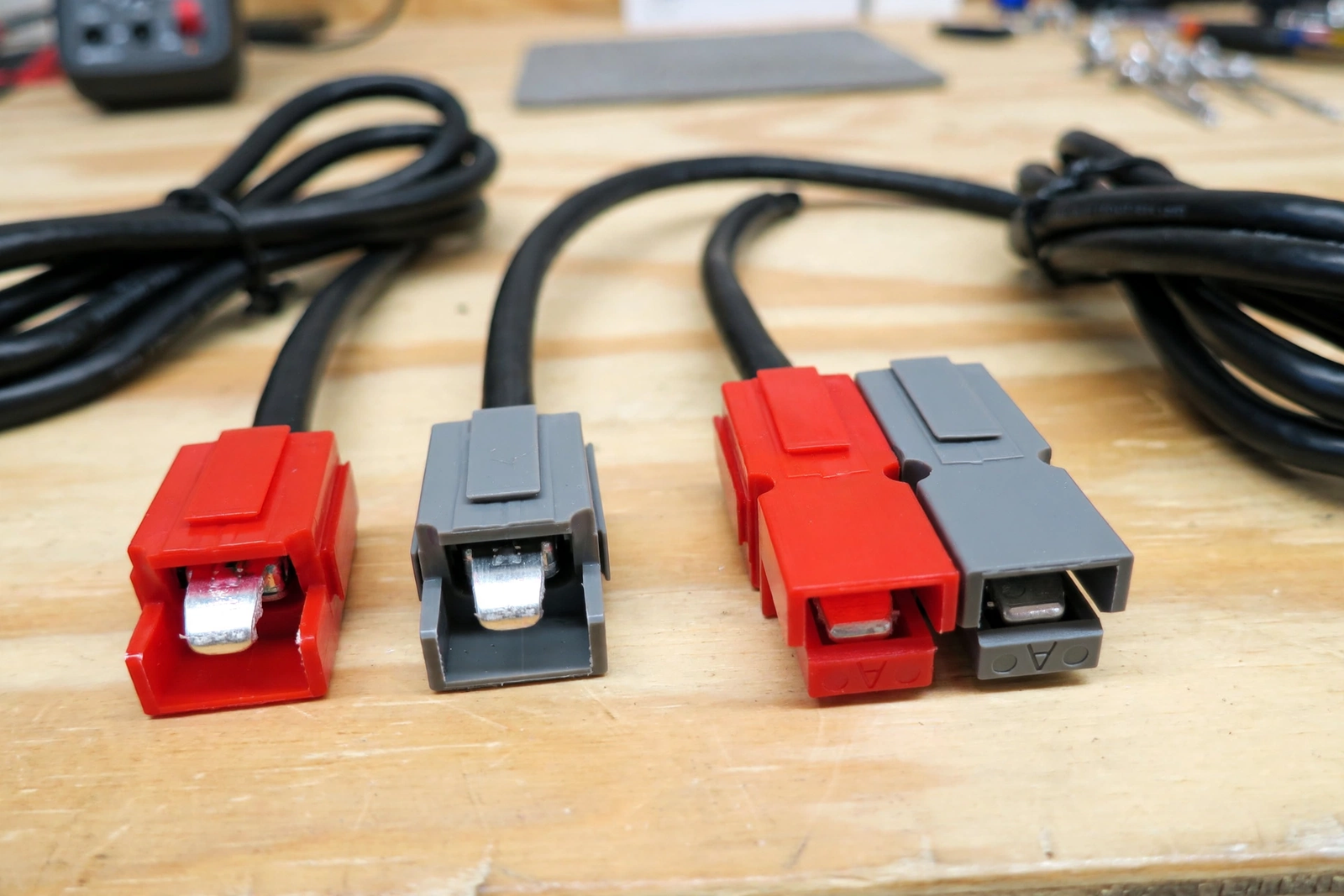
The Anderson SB series is the workhorse of DC power connections. Anderson Power Products designed the first of these back in 1953, and the SB line has set the standard for battery quick-disconnects ever since. The sizes are named for their current rating: SB50, SB120, SB175, and SB350.
According to Anderson’s official specifications, the SB50 supports UL rated currents up to 120 amps, with hot plugging rated up to 50 amps, and it takes wire from 16 AWG up to 6 AWG. The SB120 handles up to 240 amps with wire from 10 AWG to 1 AWG, while the SB175 handles up to 280 amps with wire from 12 AWG to 1/0 AWG. All three survive around 10,000 mating cycles.
Two design details make them special. First, the housings are genderless, which means any SB50 mates with any other SB50. Second, the housings are color coded, and a color only mates with the same color. A grey SB50 won’t fit a red one, which stops accidental cross-connection of different voltages.
People use them anywhere a battery needs frequent connection and disconnection: solar off-grid systems, RV auxiliary batteries, golf carts, and backup inverters. For exact datasheets and ratings, see Anderson’s official SB50 specification page.
One honest caution: these connectors shine when you plug and unplug them regularly, because the wiping action cleans the contact surface each time. A permanent house connection that never gets touched may instead be better as a bolted connection.
Solar Panel Connectors
Look at the back of any solar panel and you’ll find a pair of short cables ending in small black plastic connectors. These are the solar industry’s standard panel connectors, commonly called MC4-type. They snap together with a locking tab and are built to live outdoors for decades in sun, rain, and dust.
Their job is simple: join panels into strings and carry the string’s DC output to the inverter or charge controller. Because every panel in a string connects in series, one bad connector affects the whole string, thus treat these little plugs with respect.
A practical tip: use one brand for an entire string. Connectors from different makers often fit together on the surface but mate poorly inside, and poor mating means higher resistance. That means heat on a rooftop where you cannot see it, so push each one until you hear the click.
High-Voltage Battery Connectors
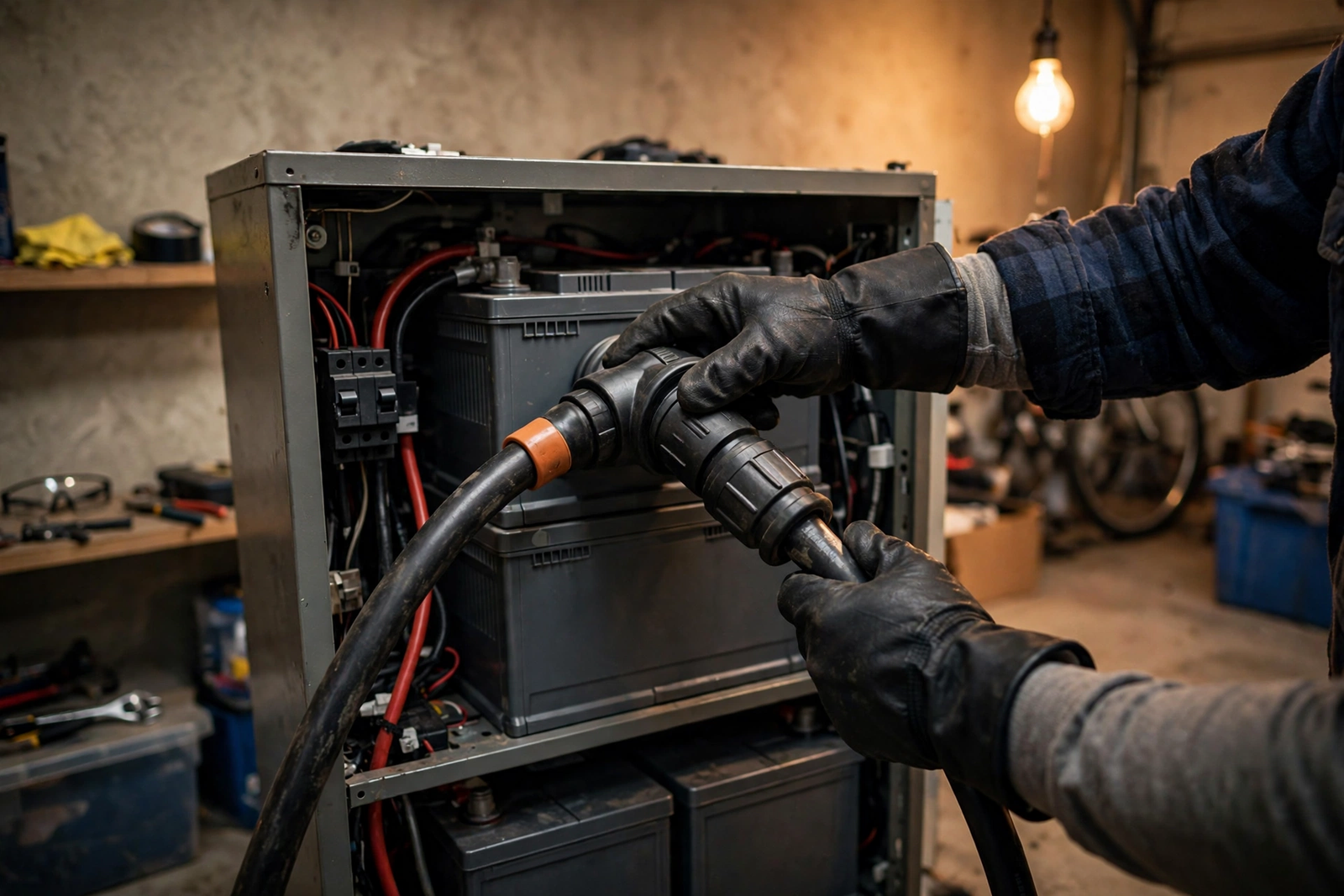
Home battery units and electric vehicles run at much higher DC voltages than a 12-volt RV battery. Their connectors look and behave differently, and the most visible sign is the orange housing. In the industry, orange means high voltage, so a technician spots the danger at a glance.
These connectors also carry extra safety features. Many include an interlock circuit, often called HVIL (high-voltage interlock loop), a small signal path inside the connector. If the connector starts to separate, the system cuts power before the big contacts break apart, preventing the dangerous arc that jumps across a gap at high voltage.
They lock with a lever or slide mechanism so they can’t vibrate loose. For a homeowner, the main rule is simple: these are not user-serviceable parts. If you ever see a damaged orange connector on a home battery, don’t touch it. Call the installer instead.
EV Charger Connectors
Charging plugs deserve their own mention because they blur the line between connector and cable. A North American EV uses one of a few plug standards: J1772 for basic AC charging, CCS1 which adds two fat DC pins below the J1772 shape for fast charging, or NACS (the Tesla connector shape, now adopted by many brands).
Each standard also carries communication between the car and the charger. Before any power flows, the two sides agree on voltage, current, and battery state. That handshake is why an EV charger is really a small computer with a plug, not just a fat extension cord.
For home energy storage, these matter in two ways. Some home batteries can charge a car or accept power from one, and as a result, the plug standard decides what is possible. The safety lessons are also identical: never force a plug, never use a damaged one, and never bypass the lock.
Energy Storage Connector Comparison
The table below puts the common families side by side so you can compare them at a glance.
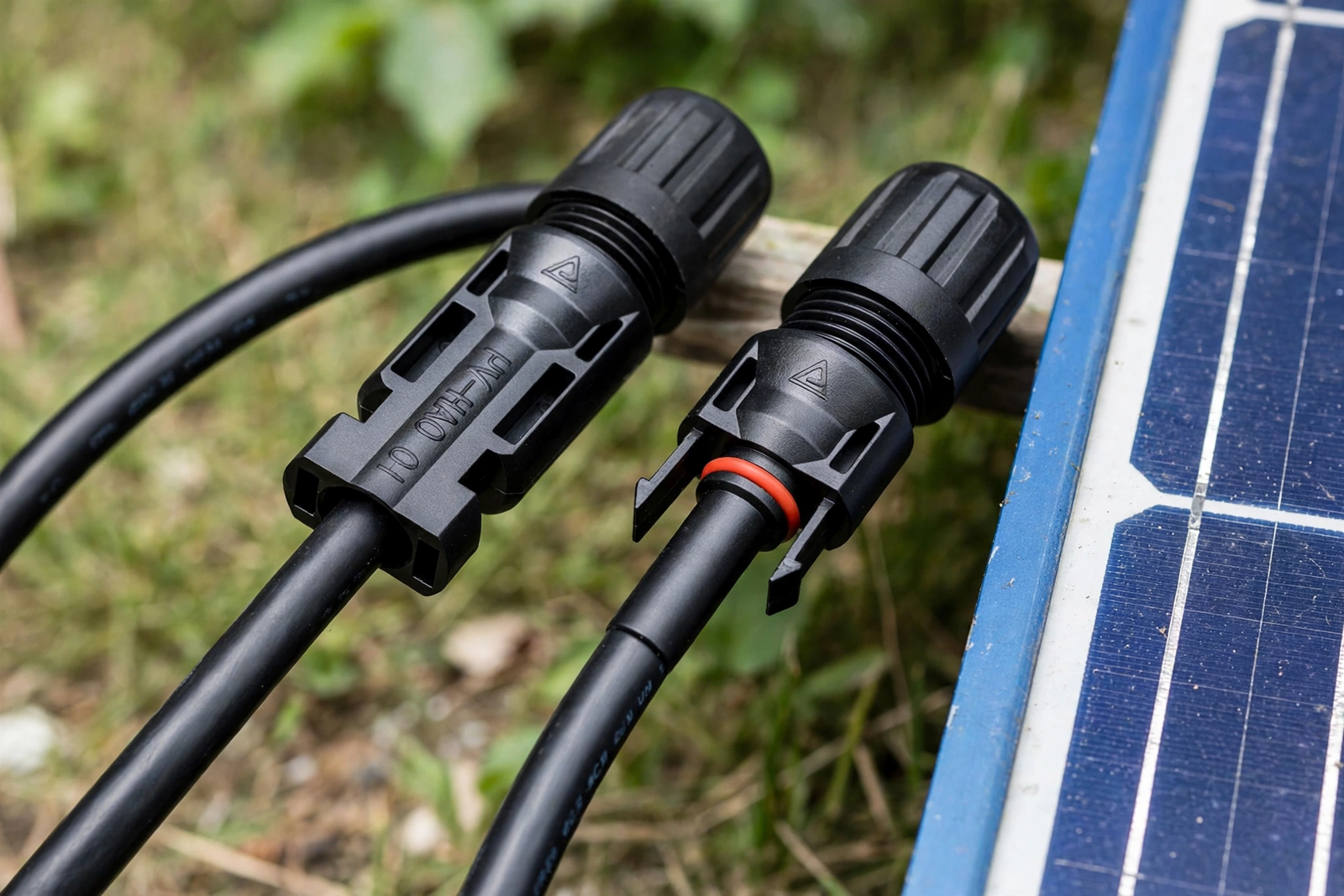
Table: Energy storage connector types compared by current, use, and key features.
| Connector | Typical Current | Common Use | Key Feature |
|---|---|---|---|
| Anderson SB50 | Up to 120 A | Solar off-grid, RV batteries | Genderless, color keyed |
| Anderson SB120 | Up to 240 A | Larger battery banks | Same system, bigger shell |
| Anderson SB175 | Up to 280 A | Heavy loads, inverters | Heavy wire support |
| Solar panel connector (MC4-type) | Panel string current | Solar panel strings | Snap-lock, weatherproof |
| High-voltage battery connector | High voltage systems | Home batteries, EVs | Orange housing, interlock |
| EV charger plug (J1772, CCS, NACS) | Varies by charger | Vehicle charging | Communication handshake |
Notice the pattern. The right choice depends on the system, not the connector’s reputation. An SB50 is perfect for a small battery setup and wrong for a whole-home battery. Therefore, always match the connector to the job, not the other way around.
How to Choose the Right One
Choosing comes down to five questions. Answer them in order and the choice nearly makes itself.
- What is the system voltage? A connector rated for 600 V DC, like the SB series, suits typical 12 V, 24 V, and 48 V battery systems. High-voltage home batteries instead need connectors rated for those voltages specifically, because the insulation and safety ratings all change with voltage.
- What is the continuous current? First calculate the maximum current your system draws for long periods, not just the peak. Then pick a connector rated at least 20 to 25 percent higher. This headroom keeps the connector cool and extends its life. For example, a system pulling 90 amps continuous wants at least an SB120-class connector.
- What wire gauge does the system use? The connector must accept your cable size. An SB50 takes 16 to 6 AWG, while an SB175 takes up to 1/0 AWG. Check the manufacturer’s wire range before you buy, since a connector that barely grips a too-thin wire will loosen over time.
- Where will it live? Outdoor and marine setups need weatherproof connectors with a proper IP rating. Dusty garages and vibrating RVs instead want locking housings that can’t shake loose. Also think about temperature, because heat derates connectors and a hot enclosure needs extra margin.
- Do you need to unplug it live? Most people should power down first. If the system must connect and disconnect under load, buy a connector specifically rated for hot plugging and read the rating carefully. Anderson rates the SB50 for hot plugging up to 50 amps, much lower than its 120-amp current rating.
One more rule ties everything together: buy both halves from the same maker and series. A genuine SB50 and a lookalike copy often mate badly, with loose contacts and higher resistance. The connector is the cheapest part of any battery system and the most common point of failure. Therefore, spend the small extra for matched, branded pairs.
Safety Basics You Should Know
Battery electricity behaves differently from wall-outlet electricity. A 48-volt battery bank can push hundreds of amps through a short circuit, and the connector is often where that energy escapes. Respect it.
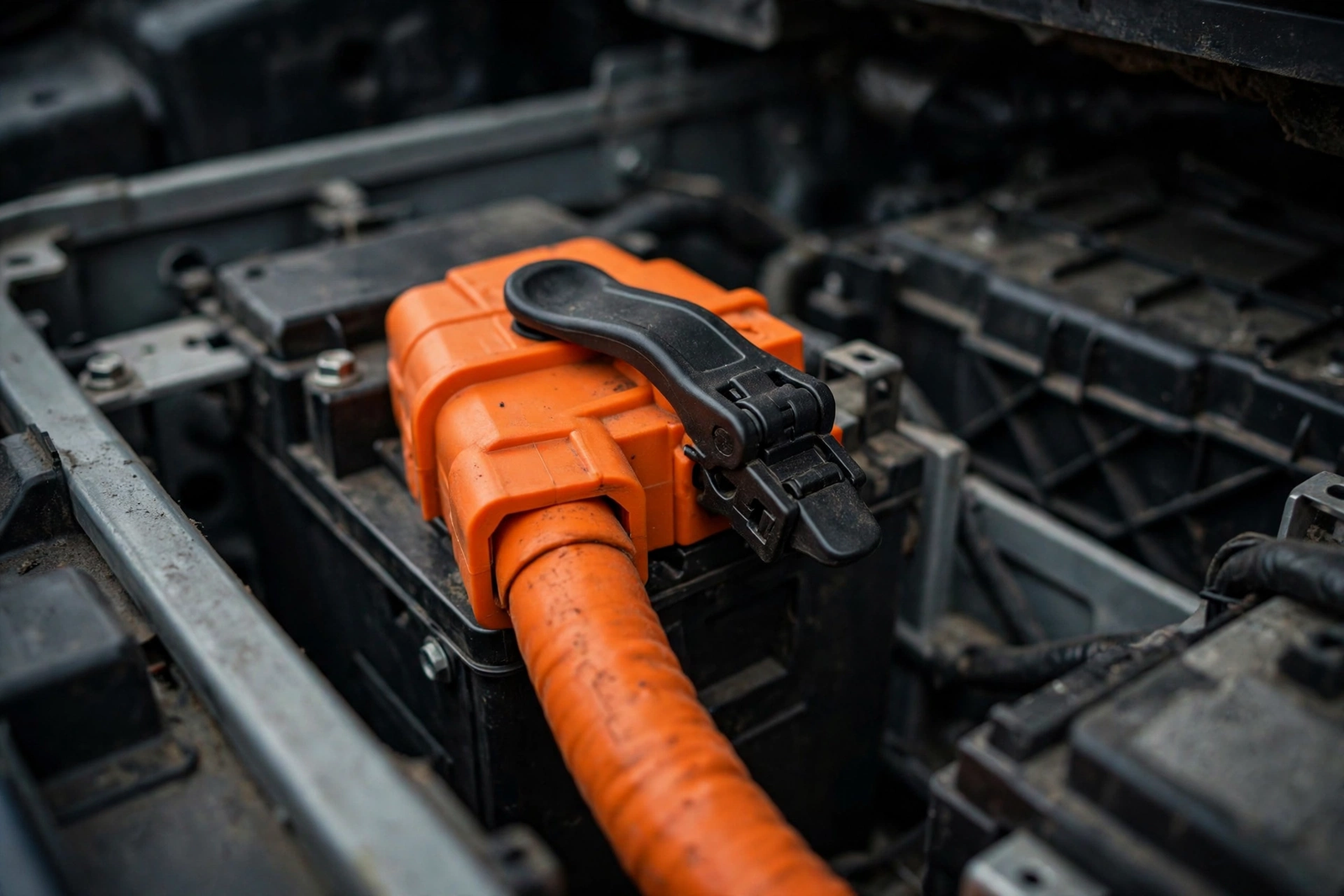
First, power down before you connect or disconnect. Open the breaker or disconnect switch between the battery and the load, then make or break the connection with both sides dead. Only skip this step if the connector is explicitly rated for hot plugging, and even then stay within that specific rating.
Second, crimp properly. A crimp is a cold weld between the wire and the contact, and it needs the right tool. A cheap pliers-crimp looks fine on the outside but loosens under vibration and heat cycling. The correct tool costs less than one melted housing, so buy or borrow it.
Third, protect the circuit. Put a fuse or circuit breaker as close to the battery’s positive terminal as practical. The fuse protects the wire and the connector from a dead short. This single step prevents most battery fires, yet beginners skip it more than any other.
Fourth, check for heat after any new connection. Run the system under a real load for ten minutes, then carefully touch the connector housing. Warm is acceptable, but hot enough that you pull your hand back is not. A hot connector means high resistance, which points to a bad crimp, a mismatched pair, or an undersized connector.
Finally, keep spares and dust caps. Outdoor connectors left open collect dirt and moisture, so a simple dust cap preserves the contact surface for years. One spare connector in the toolbox also saves a weekend when a housing cracks.
A Practical Mismatch-Avoidance Checklist
Most connector failures in real installations trace back to one of six mismatches. Run this checklist before you energize anything, and you’ll dodge nearly all of them.
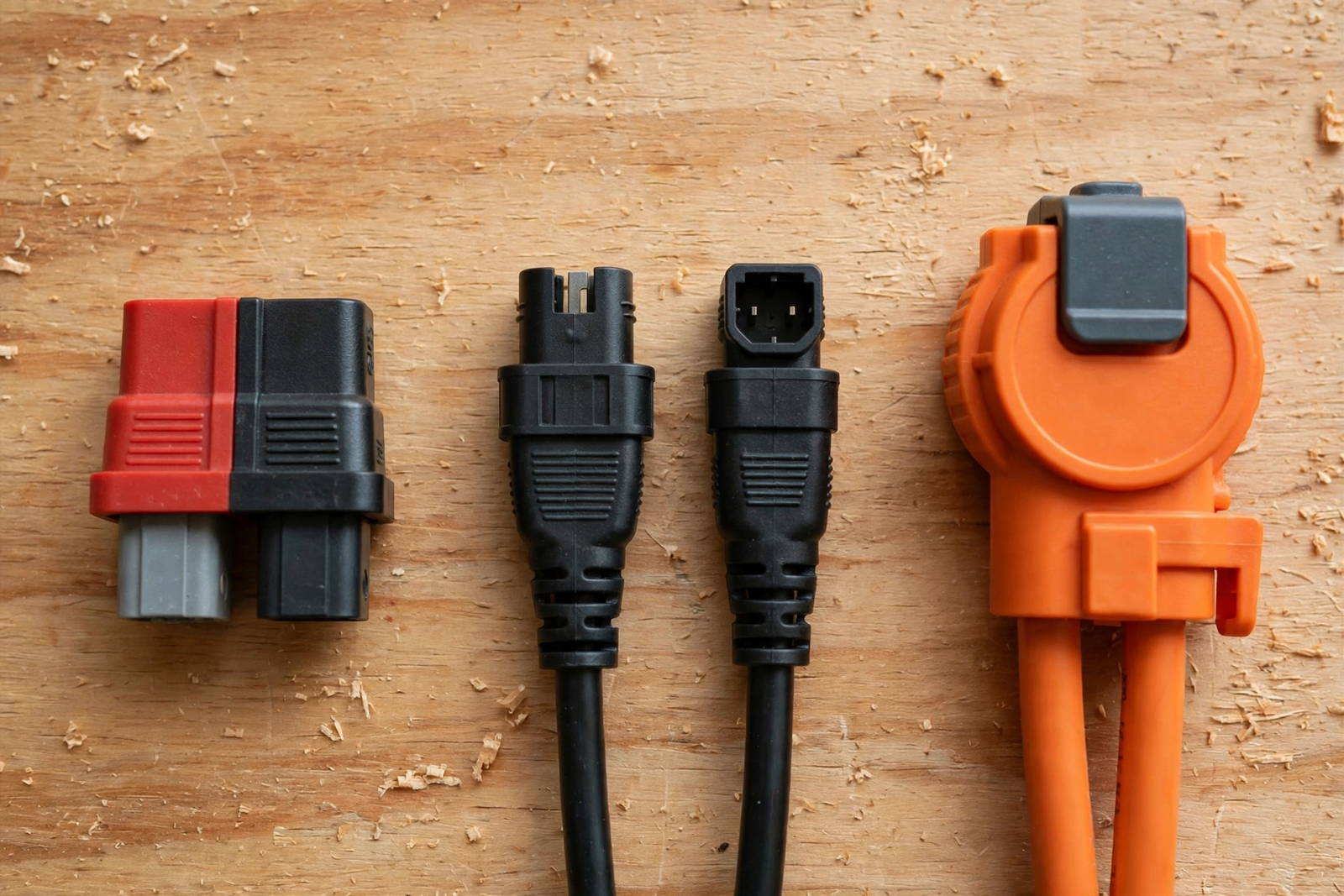
- Series match: Confirm both halves are the same series and size. An SB50 half doesn’t mate with an SB120 half, and a red SB50 doesn’t mate with a grey one. Hold them side by side and confirm the shells are identical twins.
- Color match: Anderson housings are keyed by color for a reason. Use one color per voltage level in your system, so nobody can plug the wrong pair together by mistake.
- Contact-to-wire match: Contacts are sized for specific wire gauges. An SB50 contact made for 6 AWG won’t grip 14 AWG wire properly. Check the contact’s stamping or the packaging, and match it to your cable.
- Crimp pull test: After crimping, tug the wire firmly. A good crimp holds like the wire is part of the metal. If it moves at all, cut it off and crimp again. This five-second test catches most bad crimps.
- Polarity check: Before the first energize, touch a multimeter across the connector and confirm positive is where you think it is. Reversed polarity destroys inverters and charge controllers instantly, and this mistake takes two seconds to prevent.
- Heat check under load: Run the system at its normal load for ten minutes and feel the connector. Then check again after an hour, since a connector that passes the first check can still warm up slowly if the contact is marginal.
Save this list on your phone. Experienced installers run it from memory, but beginners benefit from reading each line aloud. Slow is fast when batteries are involved.
FAQs
Can I use any connector for a battery system?
No. Battery connectors are not interchangeable like wall plugs. Each family has its own shell shape, current rating, and voltage rating. Using the wrong one causes loose contacts, heat, and melted housings. Always match the connector series, size, and color on both sides, and size it for your system’s voltage and continuous current.
What size Anderson connector do I need?
Size it from your continuous current, not the peak. Pick a connector rated 20 to 25 percent above your highest sustained draw. A system pulling 40 amps continuous fits an SB50, while 90 amps needs an SB120-class connector. Also check the wire range. Your cable gauge must fall inside the connector’s accepted range, or the crimp will be unreliable.
Are battery connectors waterproof?
Some are, some are not. Standard Anderson SB housings are splash resistant, and accessory boots can raise them to IP64. Solar panel connectors are built for decades of outdoor exposure. Still, never assume. Check the IP rating in the manufacturer’s datasheet, use dust caps on open connectors, and keep unmated halves covered in wet or dusty locations.
Can I disconnect a battery connector while the system is running?
Only if the connector is specifically rated for hot plugging, and only within that rating. The SB50 is UL rated for hot plugging up to 50 amps, which is far below its 120-amp current rating. Breaking a DC circuit under load can create a sustained arc that welds or melts the contacts. Safe habit: power down first, then disconnect.
Do I need a special crimping tool?
Yes. A crimp tool forms a weld between the wire and the contact that survives vibration and heat cycling. Pliers or a hammer crimp may look fine but loosen over time, creating resistance and heat at exactly the worst spot. Match the tool to your connector family, do a firm pull test on every crimp, and redo any that move.
How often should I inspect battery connectors?
Check them twice a year and after any major heat wave, storm, or system change. Look for discoloration, melted plastic, corrosion on the contacts, and any looseness. Feel each connector under normal load; warmth is fine, but heat you cannot hold is a red flag. Also re-torque any bolted battery connections, since copper relaxes and loosens over time.
Conclusion
An energy storage connector is a small part with an outsized job. Pick the right family, size it with headroom, crimp it well, and run the mismatch checklist before you energize. Your next step is simple: open your battery or inverter manual, find the connector it specifies, and confirm your cable and breaker match. Five minutes of checking now saves a melted housing later.