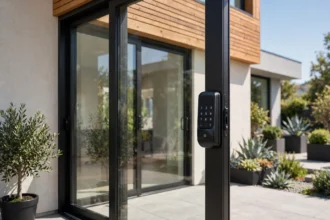



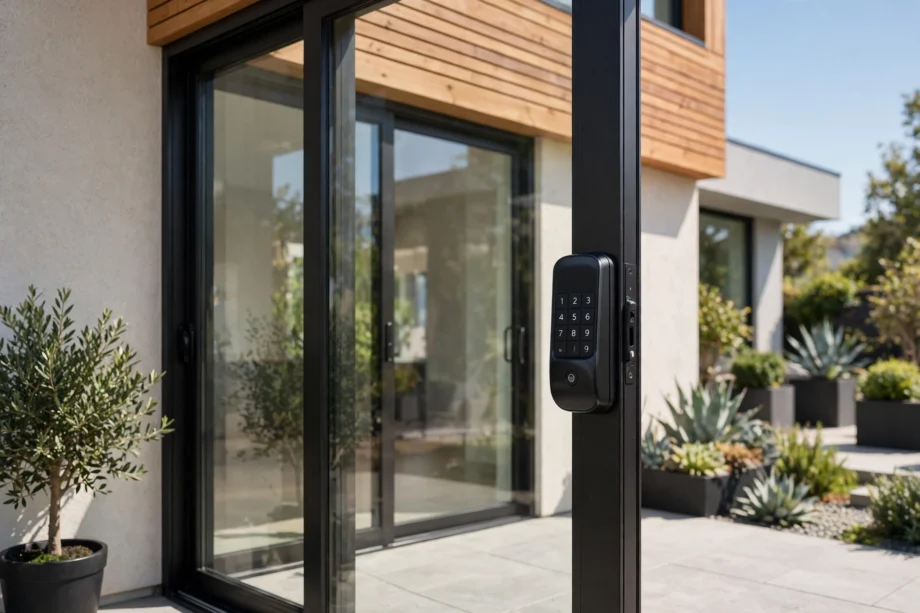
A sliding door smart lock is a keyless lock built for sliding glass or patio doors: fingerprint, keypad, or app instead of a key. The catch is that most smart locks are designed for hinged doors and will not fit a slider. You need hardware made for the job.
Sliding doors are also the easiest doors to attack, which is why this purchase matters more than it looks. Here is what works, what to check, and what to avoid.
Our Mission
Our mission at techinvein.com is to help you secure every entry point of your home, including the overlooked ones like sliding doors, with honest and practical guidance. No sponsored picks, no jargon. Just clear advice on what works, what to measure, and what to avoid.
Why Regular Smart Locks Do Not Fit
A standard smart deadbolt expects a hinged door with a thick edge to bore into. Sliding doors are thin, usually aluminum or vinyl framed, and they move sideways instead of swinging. There is nowhere for a normal deadbolt to go.
Sliding door smart locks solve this with a different mechanism. Instead of a bolt that shoots into the frame, most use a hook bolt that grabs the strike as the door slides shut. Same idea as the mechanical mortise locks sliders have used for decades, now with a fingerprint reader or keypad bolted on.
The Three Types That Actually Work
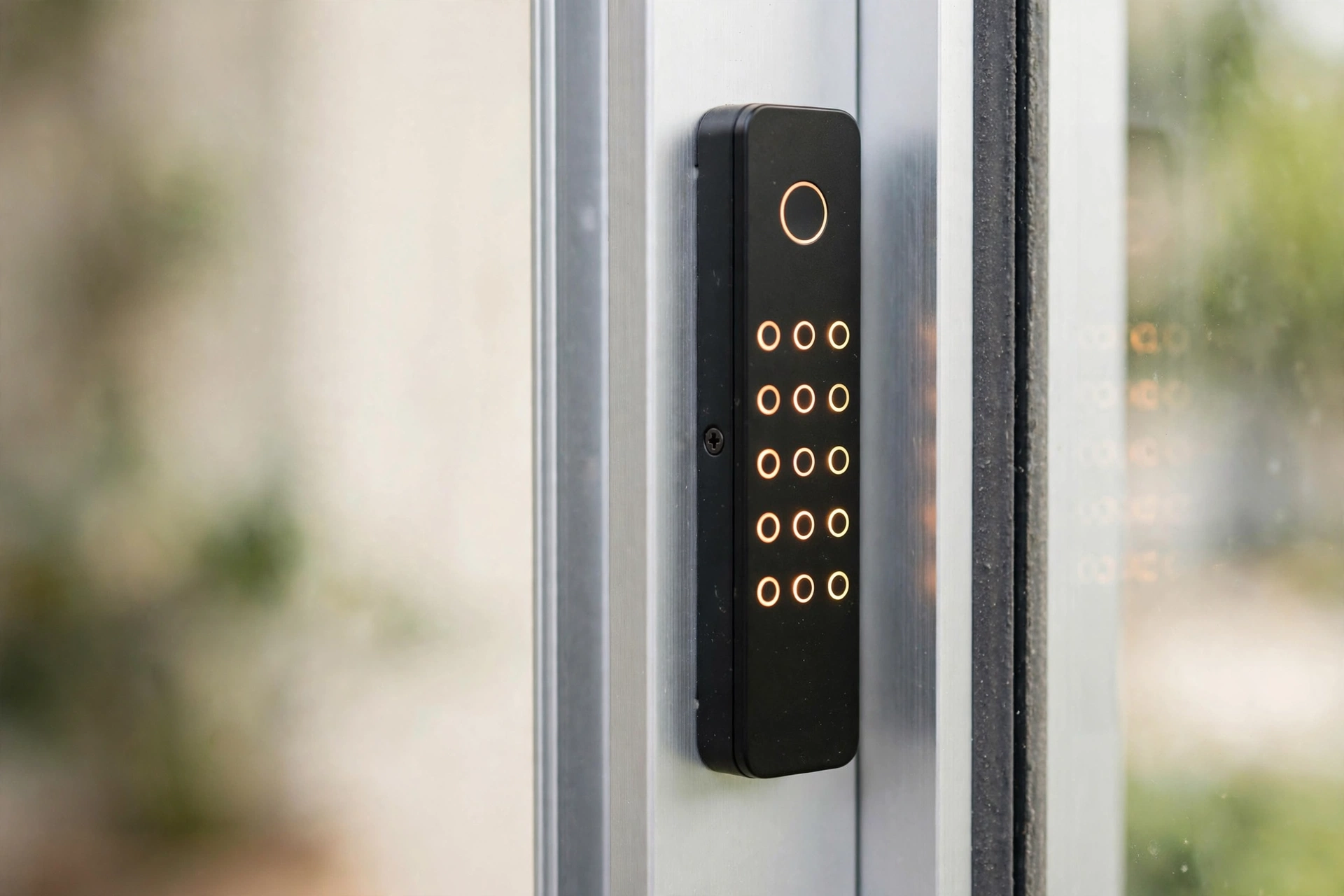
Hook-bolt mortise smart locks. The most common type. A slim electronic lock body replaces your existing sliding door mortise, with fingerprint, PIN, RFID card, app, and a backup key. Brands like eLinkSmart and Anweller dominate this space. If your door already has a mortise cutout, this is the cleanest sliding door smart lock upgrade.
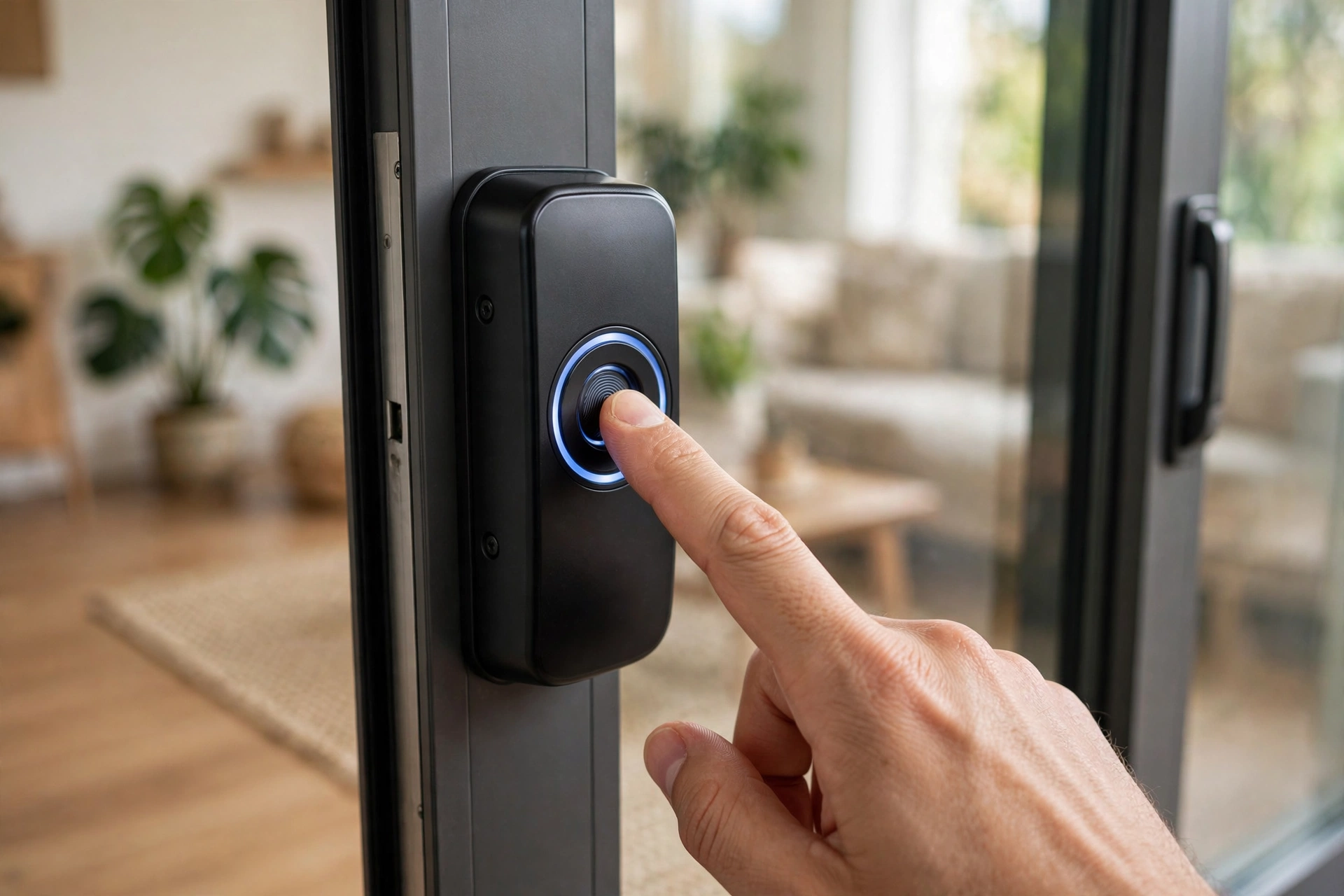
Surface-mount retrofit locks. These bolt onto the door face with no mortise work. The Lockly Guard is the best-known smart example. Easier to install, slightly bulkier look. Good for renters or anyone who does not want to cut into the door.
Full automation kits. Products like Autoslide do not just lock the door. They motorize it. Motion sensors, remotes, app control, pet-sensor add-ons. This is the premium route, and the price shows it: kits start around $430 before add-ons. Worth it for accessibility needs or true hands-free entry.
5 Buying Mistakes to Avoid
Most sliding door smart lock returns happen for the same five reasons. All are avoidable.
Buying a standard smart deadbolt. It will not fit, full stop. If the product page does not say “sliding door” explicitly, move on. This is the most common and most expensive mistake.
Skipping the frame measurement. Door thickness gets all the attention, but narrow aluminum stiles are the real compatibility killer. Measure the stile width where the lock will sit. Under 45mm rules out most mortise models.
Ignoring the handing. Hook bolts are directional. A lock built for a left-sliding door will not work on a right-sliding one unless it is reversible. Check before ordering, not after unboxing.
Choosing app-only with no key override. Batteries die, phones get lost, apps crash. A sliding door smart lock without a physical key backup is a lockout waiting to happen. Every decent model includes one. Keep it that way.
Forgetting the track. As covered above, the lock is only half the security equation. Budget the extra $30 to $40 for an anti-lift device or track lock at the same time. Buying them together means the door is actually secure from day one.
What Should You Pay?
A sliding door smart lock typically falls into one of three price bands. Budget hook-bolt models with fingerprint and keypad start around $80 to $120. They cover the basics well: multiple entry methods, app control, decent build. This is where most homeowners should shop.
Mid-range models from $120 to $200 add better weather sealing, faster fingerprint readers, and wider smart home integration. Worth it if the door faces harsh weather or you want voice control.
Above $200 you are paying for specialization: full automation kits, commercial-grade mortise bodies, or advanced biometrics. Justified for accessibility needs, rentals with high turnover, or anyone who wants the door to open itself.
Do not forget the hidden costs. Budget $30 to $40 for a secondary track lock, and if your door needs a mortise cut, a locksmith visit. A $100 sliding door smart lock with a $150 install is a $250 lock. Plan accordingly.
What to Check Before You Buy
Compatibility is where sliding door smart lock purchases go wrong. Measure twice.
Door thickness. Most slim mortise models fit 22mm to 110mm, but check your exact door. US patio doors are usually in the 1 to 2 inch range, which most models cover.
Frame width. The narrow aluminum frames on many sliders need a lock built for slim profiles. Some models require at least 45mm of frame width. Measure the stile, not just the glass.
Handing. Left or right sliding. Many locks are reversible, but confirm before ordering, especially with hook-bolt mechanisms.
Connectivity. Decide what matters: Bluetooth-only is fine for a back door, but if you want remote locking or voice control, look for Wi-Fi (built in or via gateway) and Alexa or Google Assistant support. A few newer models are starting to show Matter support, which future-proofs the purchase.
Weather rating. Patio-facing hardware lives outdoors. IP65 or better keeps rain and dust out of the electronics.
Installing One: What to Expect
Most hook-bolt models are a 15 to 30 minute DIY job if your door already has a mortise. No drilling, no wiring. You remove the old lock body, drop in the new one, and pair the app. Surface-mount models are even simpler: screws and a screwdriver.
The exception is doors with no existing mortise. Cutting one into aluminum takes a router and some confidence. If that is your situation, either hire it out or go surface-mount. There is no shame in the easy path here.
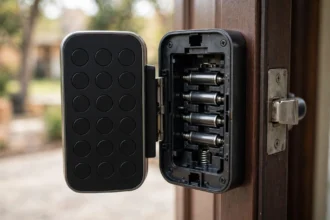
Power is batteries, almost always AA or AAA, lasting 6 to 12 months depending on use. Every decent model warns you well before they die, and the physical key override exists for exactly that day. Which is also why code rotation matters just as much on a slider: rotate codes for guests and service people instead of handing out permanent access.
A Note on Sliding Door Security
Here is the part most smart lock articles skip. A lock is only as good as the door it is on, and sliders have a famous weakness: they can be lifted off their tracks. A hook bolt does nothing if the whole panel lifts out.
The cheap fix is an anti-lift device or a secondary track lock, which costs under $40. SafeWise’s sliding door lock guide covers the mechanical side well. Pair a smart lock with one of these and you have covered both the high-tech and low-tech attack paths. Skip it and you have an expensive keypad guarding a door that lifts.
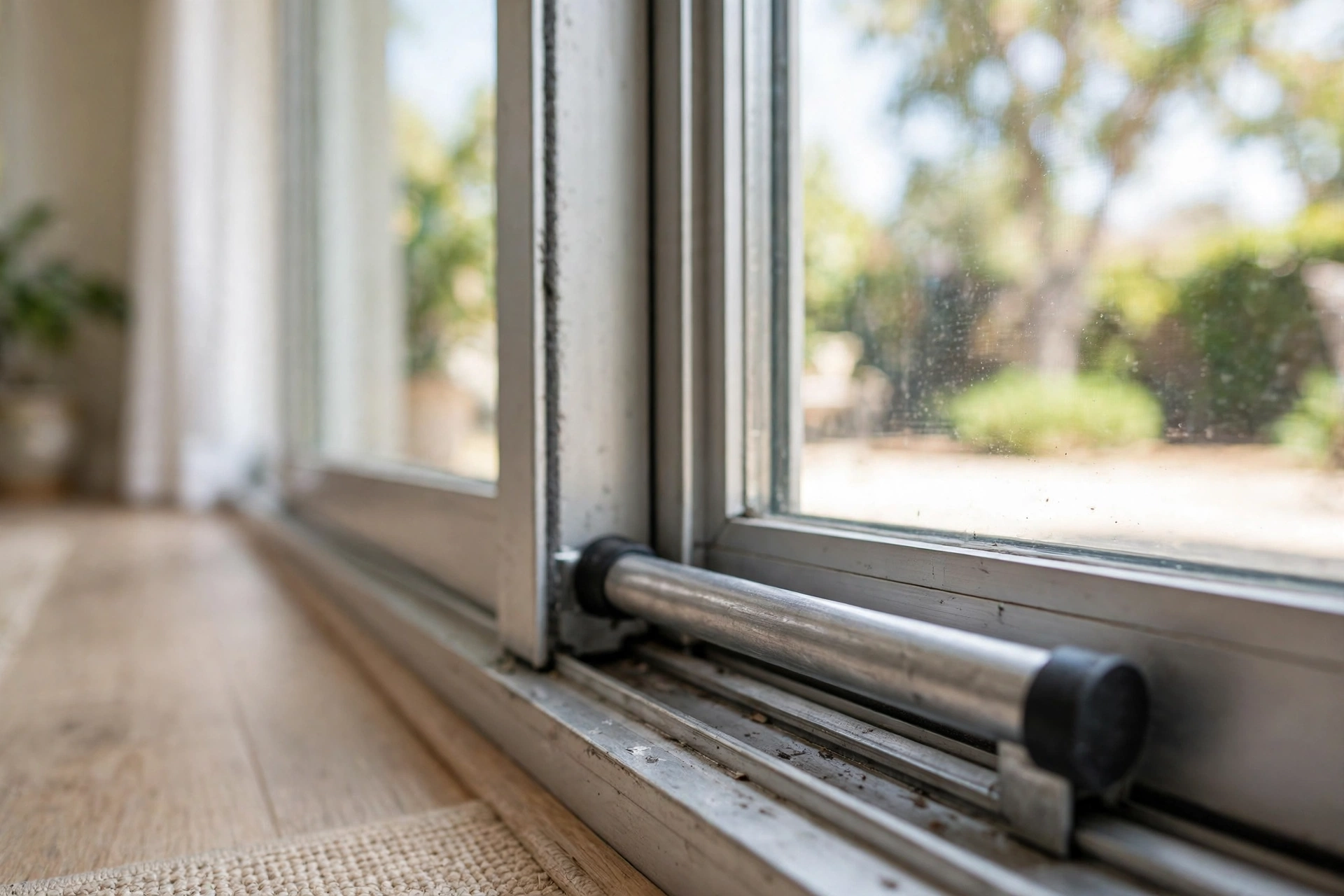
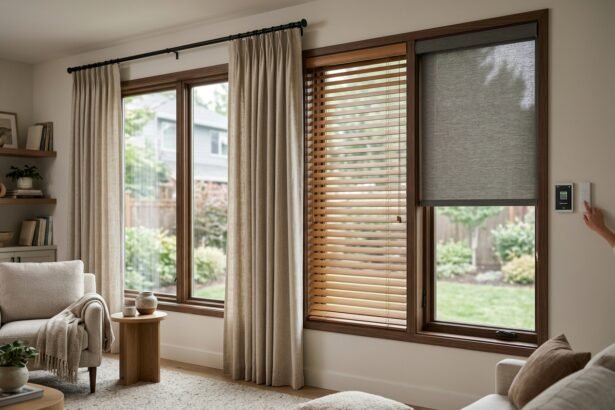
While you are at it, think about the glass too. Sliding doors are mostly window, and window coverings for sliding glass doors do double duty: privacy and keeping prying eyes off the lock itself.
Do You Even Need Smart?
Honest question, worth asking. If the door leads to a fenced backyard you use twice a year, a $40 mechanical hook bolt does the job. A sliding door smart lock earns its keep where the door gets daily traffic: the patio entrance the kids use, the rental unit, the home office with clients coming and going. That is where keyless entry, temporary codes, and entry logs pay off.
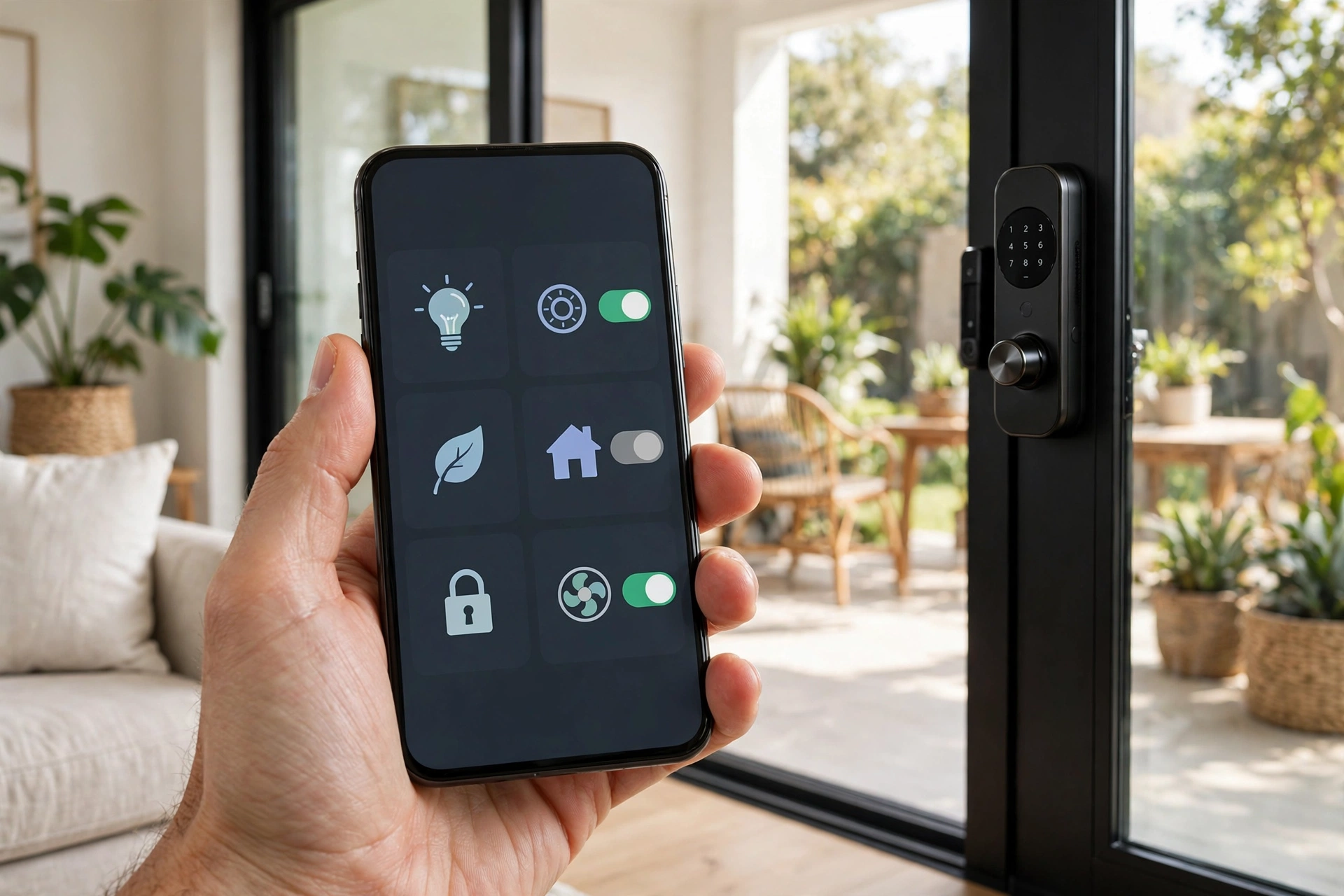
And if the slider is part of a bigger smart home, check that the lock speaks your ecosystem’s language. Most households run on Apple Home, Alexa, or Google Home, and not every sliding door smart lock plays with all three.
FAQs
Can you put a smart lock on a sliding glass door?
Yes, but only with a lock designed for sliding doors. Standard smart deadbolts will not fit. Look for hook-bolt mortise smart locks, surface-mount retrofit models, or full automation kits like Autoslide.
Are sliding door smart locks secure?
The lock itself can be solid, but sliders have a structural weakness: the panel can be lifted off its track. Pair any sliding door smart lock with an anti-lift device or secondary track lock for real security.
How long do the batteries last?
Typically 6 to 12 months on AA or AAA batteries, depending on how often the door is used. All reputable sliding door smart lock models give low-battery warnings well in advance, and include a physical key override as backup.
Do sliding door smart locks work with Alexa or Google Home?
Some do. The Yale Assure Lock for Andersen doors and the Lockly Guard both support Alexa and Google Assistant. Many budget hook-bolt models are Bluetooth or app-only, so check the specs if voice control matters to you. For a broader look at camera-equipped options, see our guide to smart door locks with cameras.
Measure the door, check the frame, then buy. In that order.
Quick Takeaways
- Standard smart deadbolts do not fit sliding doors. You need a hook-bolt mortise smart lock, a surface-mount retrofit, or a full automation kit.
- Measure door thickness and frame width before buying. Compatibility is where most purchases go wrong.
- Most models run on AA or AAA batteries for 6 to 12 months and include a physical key override.
- A smart lock alone is not enough. Pair it with an anti-lift device or secondary track lock, because sliders can be lifted off their tracks.
- Choose connectivity to match your needs: Bluetooth for simple use, Wi-Fi for remote control, and check Alexa, Google, or Apple Home support.
Disclaimer
This guide is for general information only. Sliding door dimensions and lock compatibility vary by manufacturer, so always measure your door and verify the specifications before buying. If installation involves cutting into the frame or any wiring, consider hiring a qualified professional.