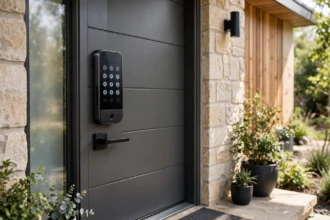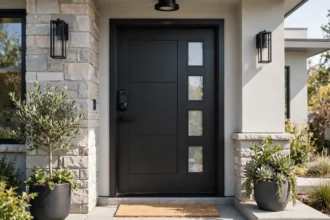

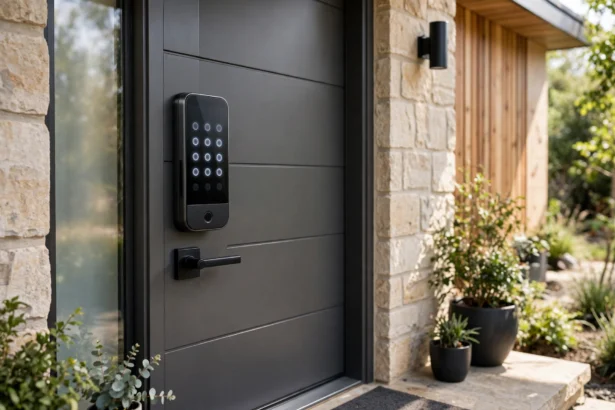


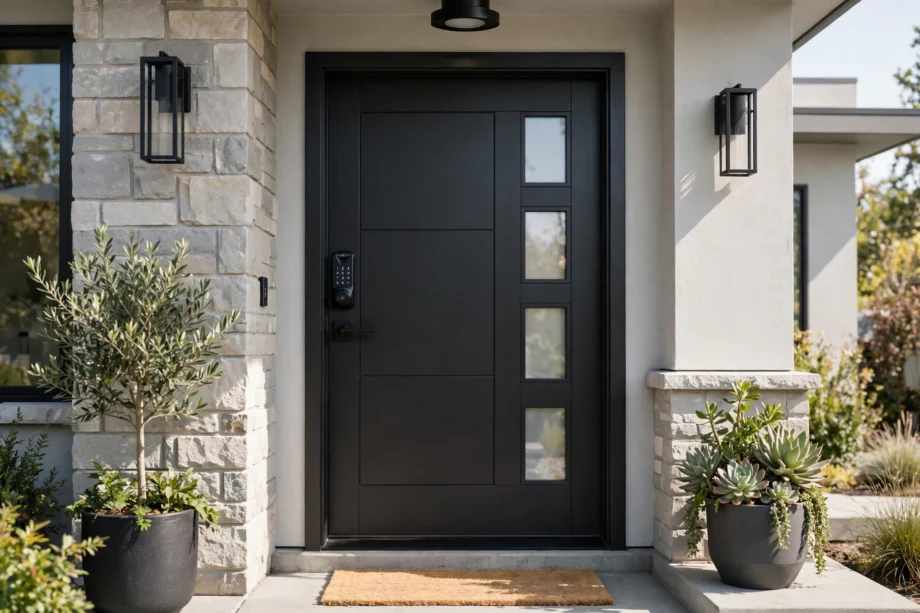
The best front door smart lock for most people is the Schlage Encode Plus. Built-in Wi-Fi, Apple Home Key support, and a BHMA Grade 1 rating make it the safest all-around bet. But “most people” is doing a lot of work in that sentence. Here are the top picks by situation.
Front doors deserve more thought than interior ones. Shopping for the best front door smart lock means stricter criteria: real security certification, reliable connectivity, and entry methods that work for everyone in the house, including kids without phones.
Our Mission
Our mission at techinvein.com is to help you choose smart home gear with total confidence. Our picks come from real research, not sponsored rankings and not hype. Just honest recommendations we would give our own families.
The Short List
| Lock | Best for | Standout feature |
|---|---|---|
| Schlage Encode Plus | Most homes | Apple Home Key, built-in Wi-Fi, Grade 1 |
| Yale Assure Lock 2 | Flexibility | Modular design, wide ecosystem support |
| Ultraloq U-Bolt Pro WiFi | Fingerprint lovers | Fast 360-degree fingerprint reader |
| August Wi-Fi Smart Lock | Renters | Keeps your existing deadbolt and keys |
| Kwikset Halo | Budget | Core smart features for less |
What the Best Front Door Smart Lock Must Have
Before comparing brands, know the baseline. Any lock calling itself the best front door smart lock should clear these five bars. Miss one and it is not worth your money.
Real security certification. BHMA Grade 1 or 2, since marketing phrases like “military-grade” mean nothing without the grade.
Multiple entry methods. Keypad plus at least one more: fingerprint, app, or key. Single-method locks leave you stranded when that method fails.
Guest access. Temporary or scheduled codes for visitors, cleaners, and deliveries, which is half the point of going smart.
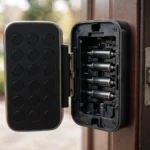
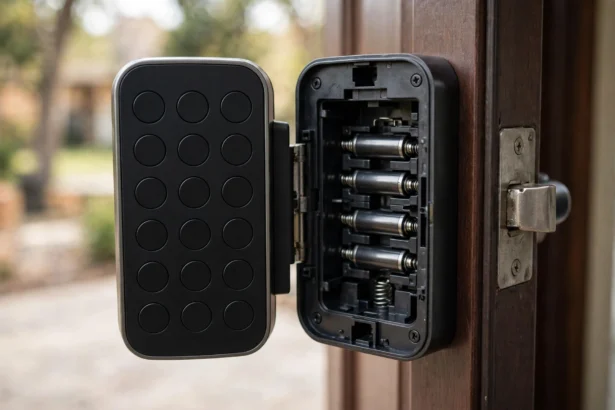
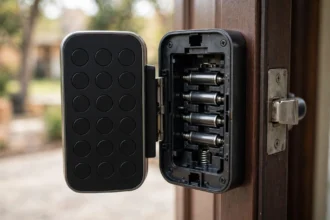
Decent battery life. Six months minimum on standard batteries, with low-battery warnings. Rechargeable models need a backup way in.
Your ecosystem. Apple Home, Alexa, or Google Assistant support matters only if you use that platform. Do not pay extra for integrations you will never open.
Schlage Encode Plus: Best Overall
This is the default recommendation for a reason. The Encode Plus is a full deadbolt replacement with a keypad, built-in Wi-Fi (no hub), and Apple Home Key, which lets iPhone and Apple Watch owners tap to unlock. Schlage builds its smart locks around physical security first, and the Grade 1 BHMA rating backs that up. For Apple households that want the best front door smart lock without compromises, stop here.
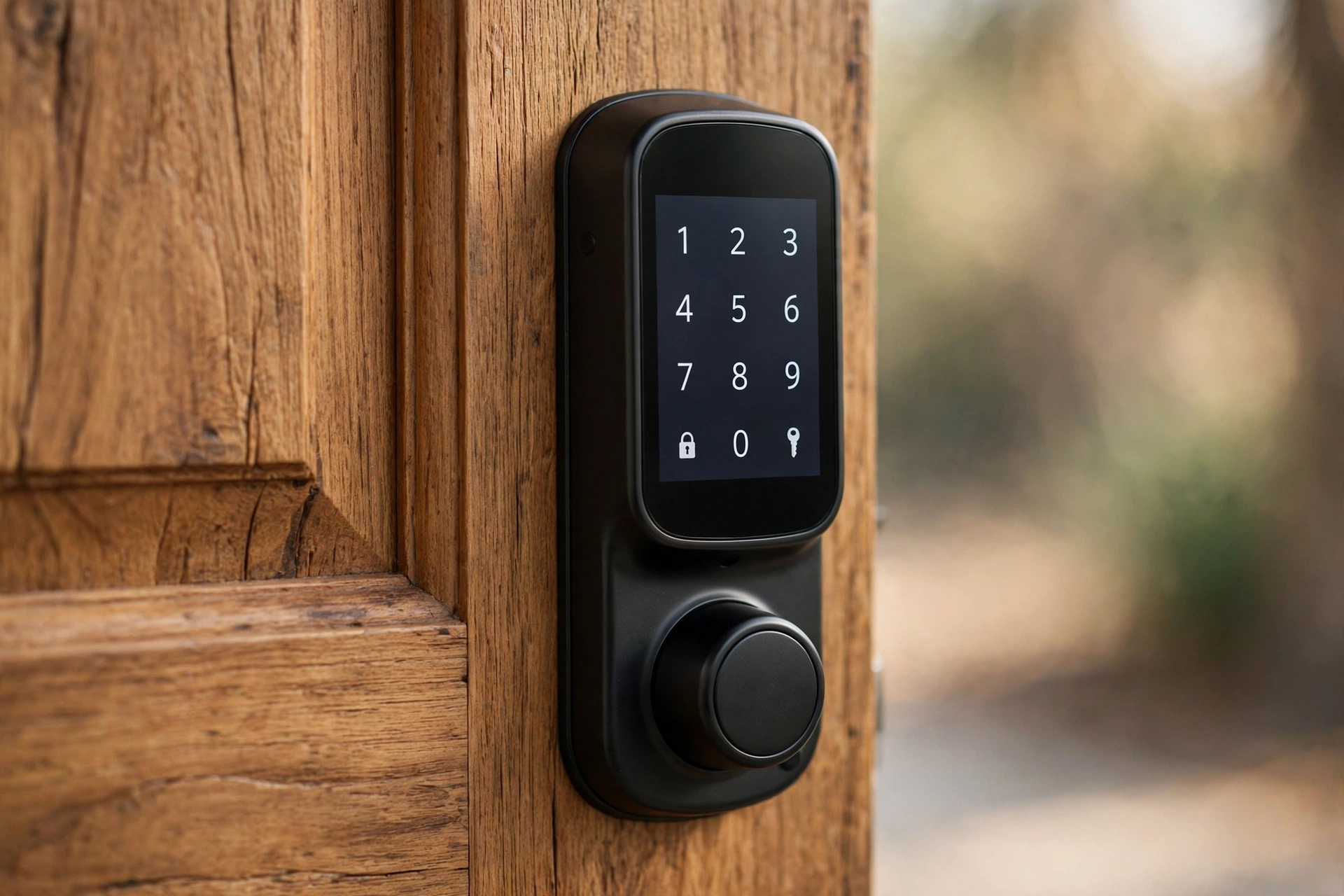
The trade-offs: premium pricing, no fingerprint reader, and it is a full replacement. Renters should look elsewhere. Android households get slightly less of the magic since Home Key is Apple-only, though Alexa and Google Assistant still work.
Yale Assure Lock 2: Most Versatile
Yale’s modular approach is the standout trait. Buy the base lock, then add the connectivity module that fits your home: Wi-Fi, Z-Wave, or HomeKit. The Touch variant adds a fingerprint reader to the keypad. It is the rare lock that can grow with your smart home instead of locking you into today’s setup.
Keypad, app, key, and (on the Touch) fingerprint cover every household member, from kids to grandparents. If you want the best front door smart lock for a mixed-ecosystem home and do not mind choosing a module, this is the pick. For camera-equipped alternatives, our smart door lock with camera guide covers that niche.
Ultraloq U-Bolt Pro WiFi: Best Fingerprint
If your priority is getting through the door fast, this is it. The 360-degree fingerprint reader is consistently rated among the quickest, and the lock packs fingerprint, keypad, app, voice, and physical key into one unit. IP65 weather resistance means it shrugs off rain.
It is also the value play. You get flagship-tier biometrics for less than the big-brand flagships. The app is less polished than Schlage’s or Yale’s, and remote access needs the Wi-Fi model specifically. Check the box before buying.
August Wi-Fi Smart Lock: Best for Renters
August takes a different approach: it replaces only the interior side of your existing deadbolt. Your keys still work. Your landlord stays happy. Installation takes about 10 minutes with a screwdriver.
You give up the keypad (sold separately) and the polished exterior, but you keep everything else: app control, auto-unlock as you approach, voice assistants, guest access. For apartments and rentals, it is the obvious answer. Short section, simple verdict.
Kwikset Halo: Best Budget
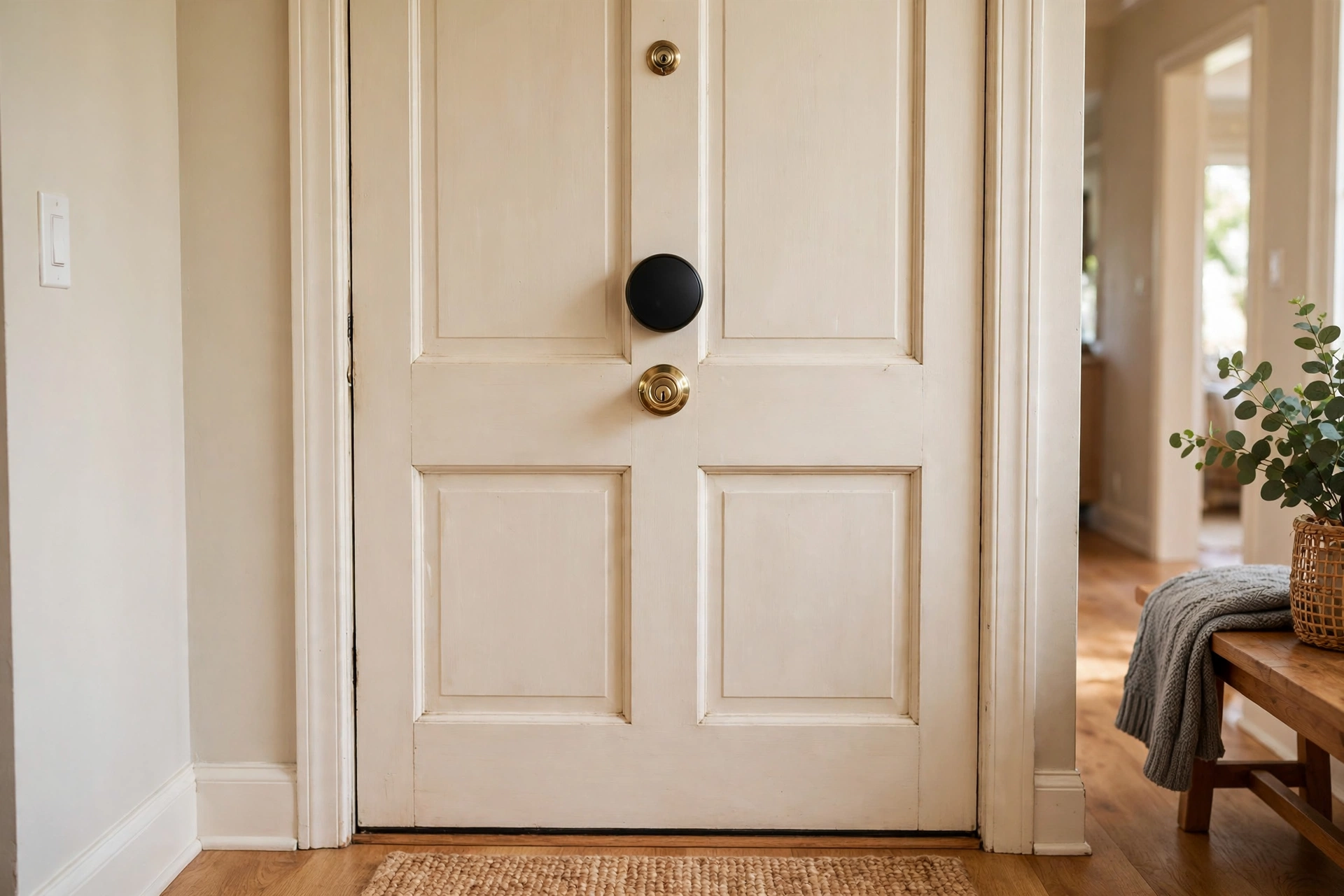
Not everyone needs a flagship. The Kwikset Halo delivers the core smart lock experience, keypad, app, Wi-Fi, voice assistants, for noticeably less than the big names. It is a straightforward deadbolt replacement with a clean look and simple setup.
What you give up: no fingerprint reader, fewer advanced features, and the app is basic. What you keep: everything that matters day to day. If your budget is tight but you want keyless entry done right, the Halo is the best front door smart lock for the money. Just make sure to buy the Wi-Fi model, not the Bluetooth-only one, if remote access matters to you.
How to Choose in 60 Seconds
Match the lock to your constraint: Apple households that want the best should get the Encode Plus, anyone needing flexibility across ecosystems should look at the Yale Assure Lock 2, and fingerprint-speed fans should pick Ultraloq. Renting? August. Everything else is noise.
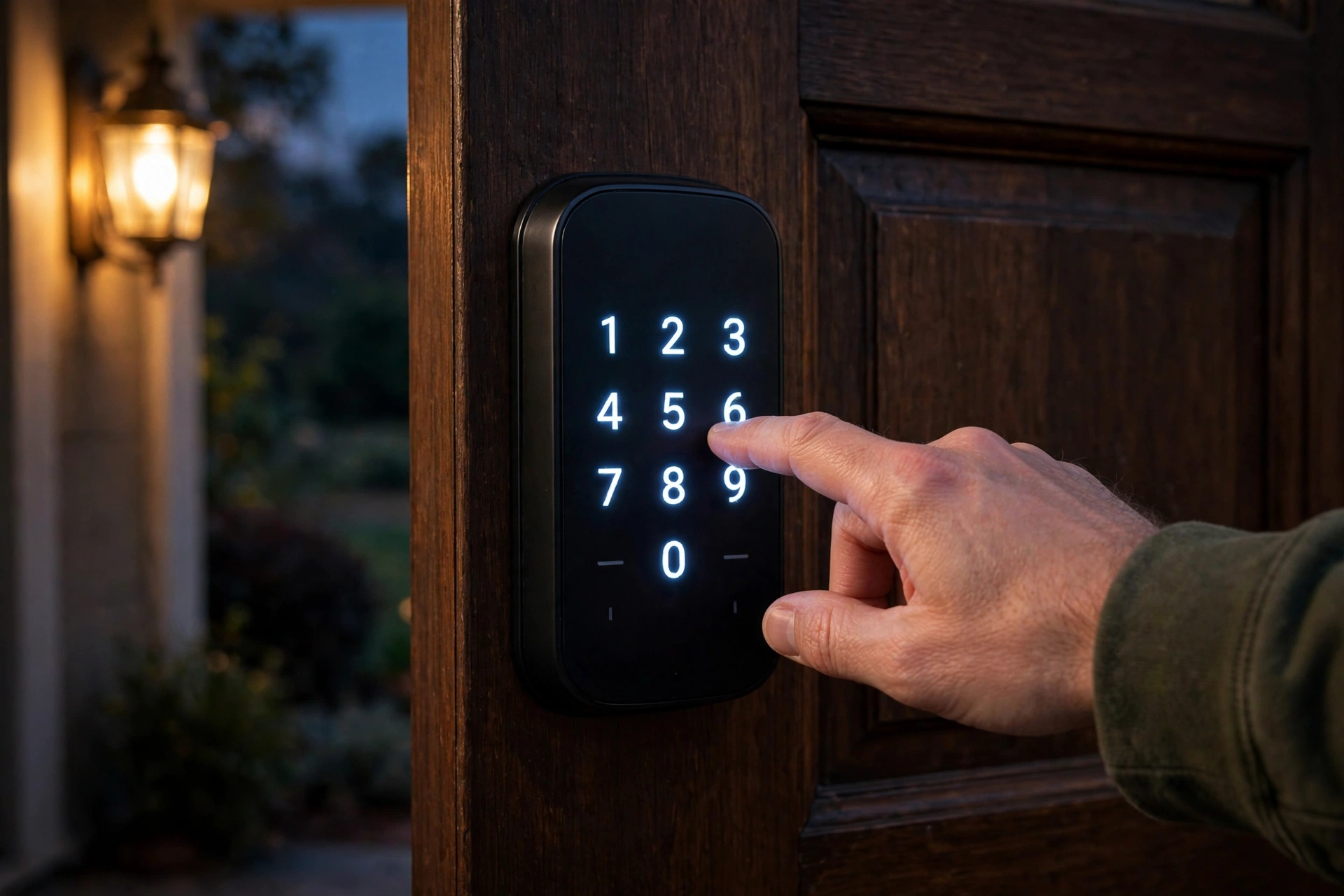
Two things matter regardless of pick. First, check BHMA grading: Grade 1 is the strongest residential rating, and it is worth seeking out on a front door. Second, plan your codes before the lock arrives. Setting up guest and service codes properly from day one saves headaches later.
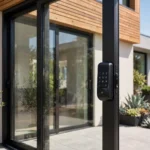
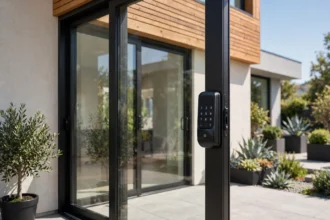
One more consideration: the front door is rarely the only door. If you have a patio slider too, a sliding door smart lock uses different hardware entirely, so budget for that separately.
DIY or Pro Installation?
Most people should do it themselves. A standard deadbolt replacement takes 20 to 30 minutes, a screwdriver, and the instructions in the box. The August retrofit takes about 10. If you have installed a regular deadbolt before, a smart deadbolt is the same job with an app at the end.
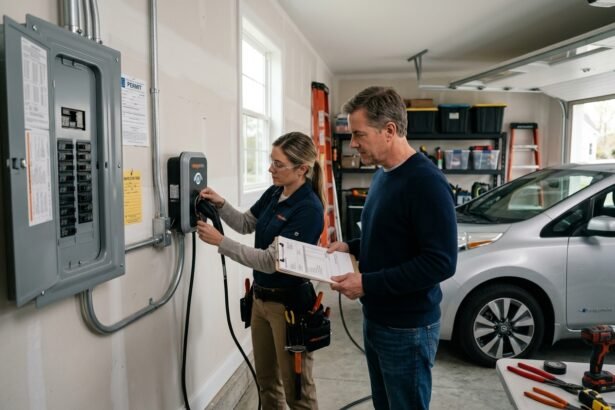
Call a locksmith when the door is non-standard: older doors with odd bore sizes, misaligned frames, or a deadbolt that sticks. A pro visit usually costs $75 to $150 and takes under an hour. It is money well spent if the alternative is a lock that does not sit flush, because a poorly seated deadbolt is a security problem no smart feature can fix.
One tip regardless of route: install with the door open, test every entry method before closing it, and keep the old lock and keys for a week. If anything misbehaves, you have a fallback.
FAQs
What is the most secure smart lock for a front door?
Look for a BHMA Grade 1 rating, which is the highest residential security grade. The Schlage Encode Plus carries it, which is a big part of why it tops most best front door smart lock lists. No smart lock overcomes a weak door frame, though. Check your strike plate and screws too.
Are smart locks safe from hacking?
Reputable brands use encrypted connections, and the realistic risk is low for most homes. Bigger practical risks are weak PINs and outdated firmware. Use unique codes per person, enable two-factor on the lock’s app account, and install updates. A burglar with a crowbar remains a bigger threat than a hacker for most houses.
Do smart locks work when the power goes out?
Yes. The best front door smart lock models run on batteries (usually AA), independent of house power. Wi-Fi features pause if your router is down, but the keypad and fingerprint reader keep working. Keep a physical key somewhere safe as the last resort.
How long do smart lock batteries last?
Most last 6 to 12 months on standard AA batteries, depending on how often the door is used and whether Wi-Fi stays connected. Fingerprint models tend to drain slightly faster. Every lock worth buying warns you weeks before the batteries die, and the keypad keeps working until the very end. Replace all batteries at once, not one at a time.
Can I install a smart lock myself?
Usually, yes. Full deadbolt replacements take 20 to 30 minutes with a screwdriver if your door has a standard bore. The August retrofit takes about 10. If your door is non-standard, older, or the deadbolt sticks, budget for a locksmith rather than fighting it.
Start with your ecosystem, then pick the lock. The Apple Home, Alexa, and Google camps all have a best front door smart lock option now, which was not true two years ago.
Quick Takeaways
- The Schlage Encode Plus is the best front door smart lock for most people: built-in Wi-Fi, Apple Home Key, and a BHMA Grade 1 rating.
- The Yale Assure Lock 2 is the most versatile pick, with modular connectivity and a fingerprint option on the Touch model.
- The Ultraloq U-Bolt Pro WiFi offers the fastest fingerprint reader at a value price.
- The August Wi-Fi Smart Lock is the best choice for renters since it keeps the existing deadbolt and keys.
- The Kwikset Halo is the best budget option: keypad, app, and Wi-Fi without the flagship price.
- Whatever you choose, look for BHMA Grade 1 or 2 certification and set up guest codes from day one.
Disclaimer
This article is for general guidance only. Product features, prices, and availability change over time, so verify the specifications with the manufacturer before buying. Nothing here replaces professional security advice for your specific home.