


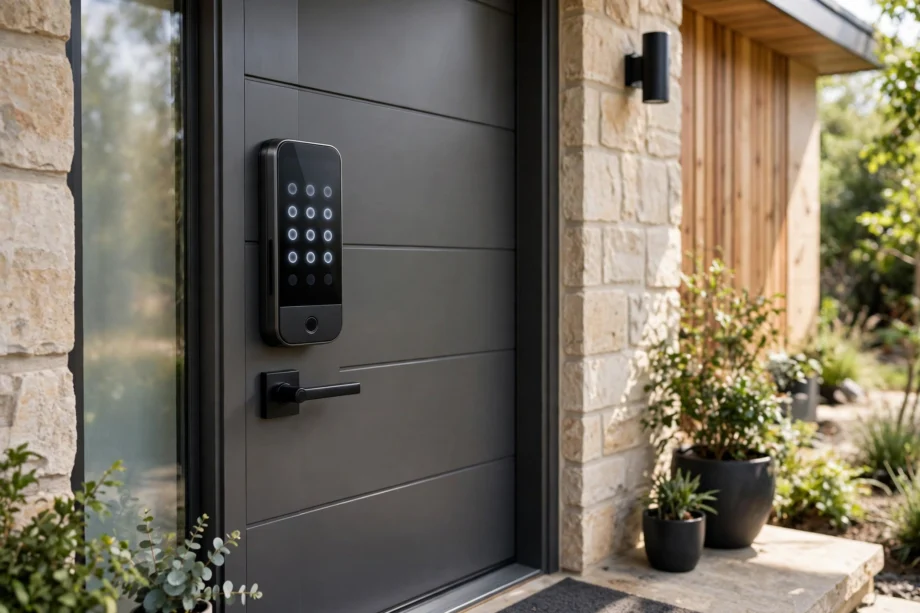
A smart front door lock is an electromechanical lock that replaces or upgrades your front door deadbolt, letting you lock and unlock with a code, fingerprint, phone, or voice instead of a key. The bolt itself works like a traditional deadbolt. The “smart” part is only how you control it.
Our Mission
Our mission at techinvein.com is to explain smart home tech the way a knowledgeable friend would: plainly, honestly, and without the sales pitch. If you are wondering whether a smart front door lock belongs on your home, this guide gives you everything you need to decide.
How a Smart Front Door Lock Actually Works
Strip away the marketing and every smart front door lock has the same three parts working together.
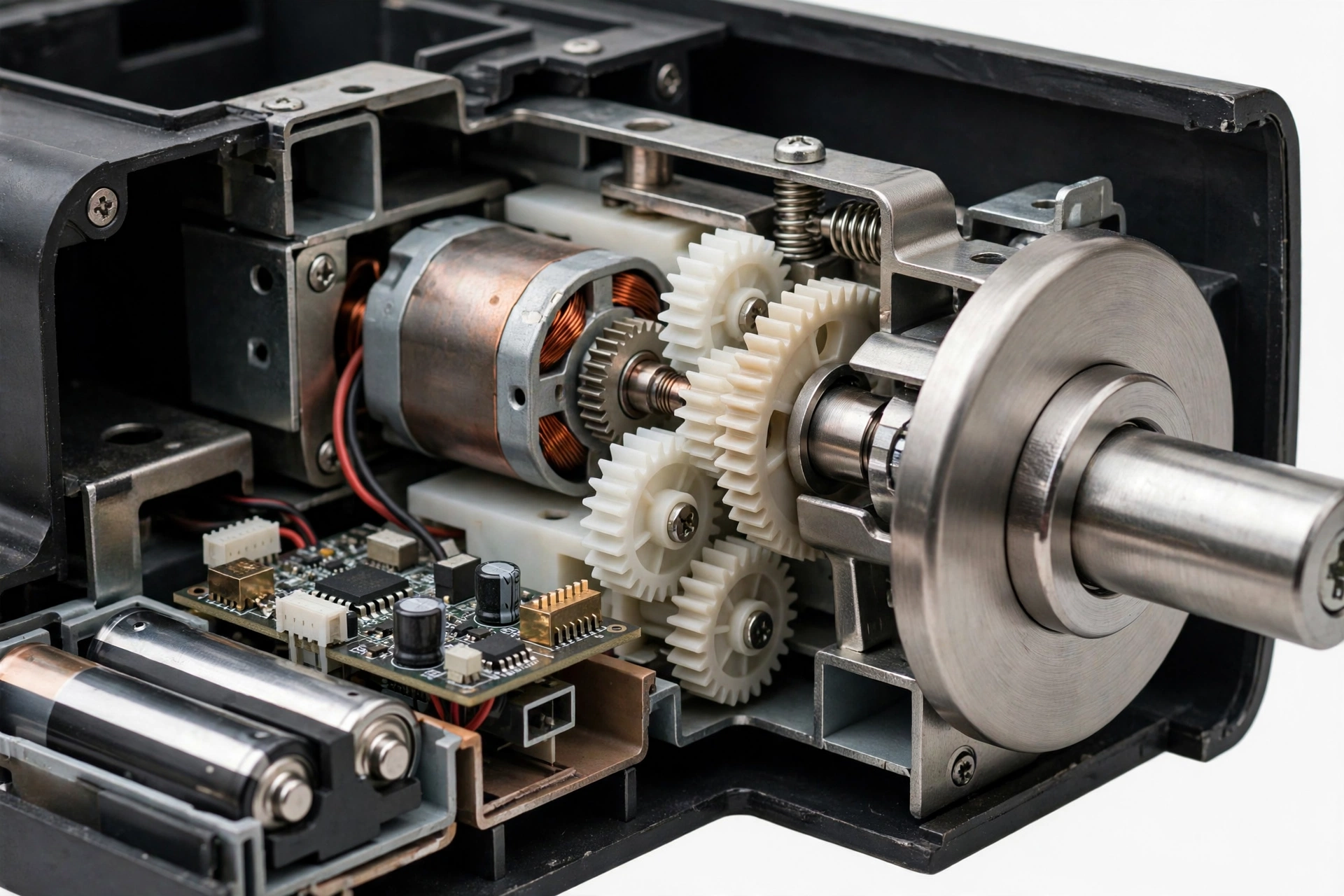
First, the authentication module. This is whatever checks that you are allowed in: a fingerprint sensor, a keypad, a Bluetooth radio listening for your phone, or a Wi-Fi connection waiting for an app command. It verifies your credential in a fraction of a second.
Second, the electromechanical actuator. A small motor that converts the verified signal into physical movement, driving the bolt in or out. This is the part that actually locks the door, and it is built like a traditional deadbolt mechanism.
Third, the communication module. This connects the lock to your home via Bluetooth, Wi-Fi, Z-Wave, or Thread. It is what enables remote locking, entry logs, and voice control. Locks without this part still work fine at the door; they just cannot talk to anything else.
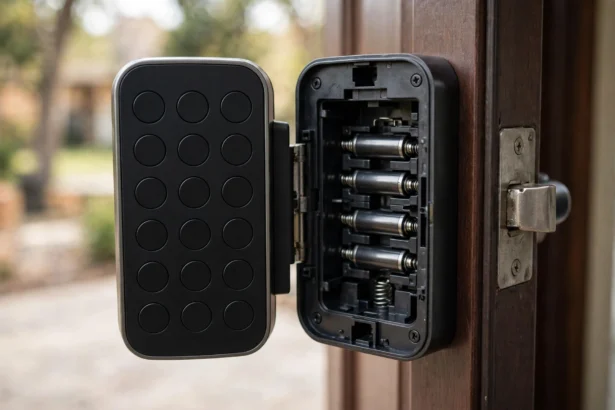
Understanding this split matters because it tells you where failures happen. Dead batteries kill the actuator. A dead router kills remote access but not the keypad. Knowing which part of your smart front door lock does what saves you from panic when something stops working.
The 4 Formats You Will See
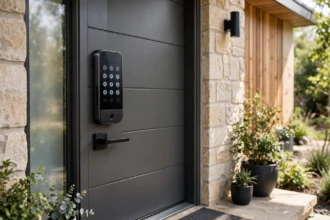
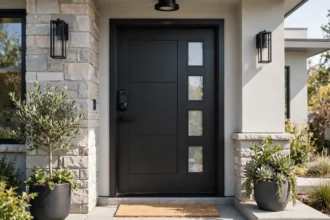
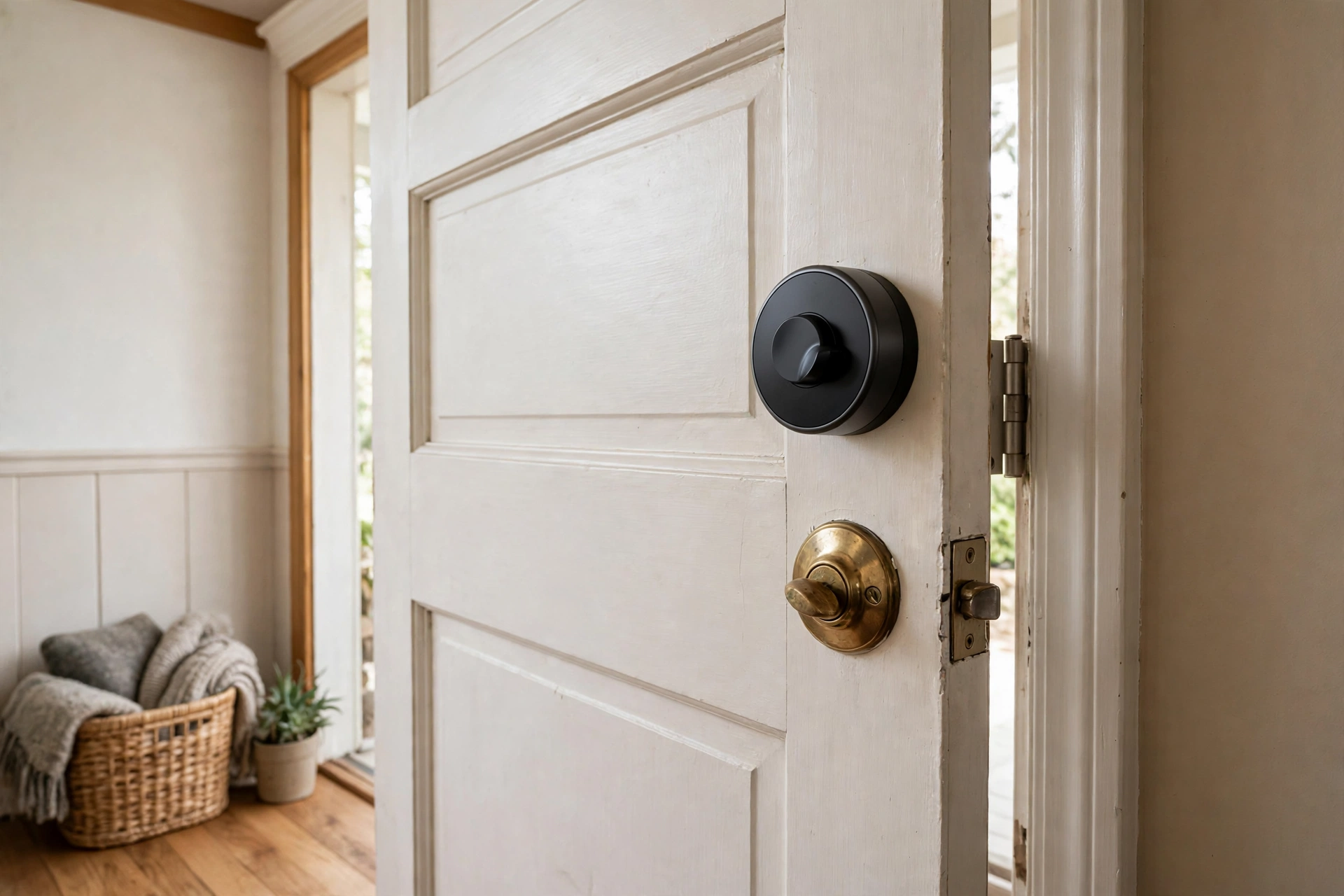
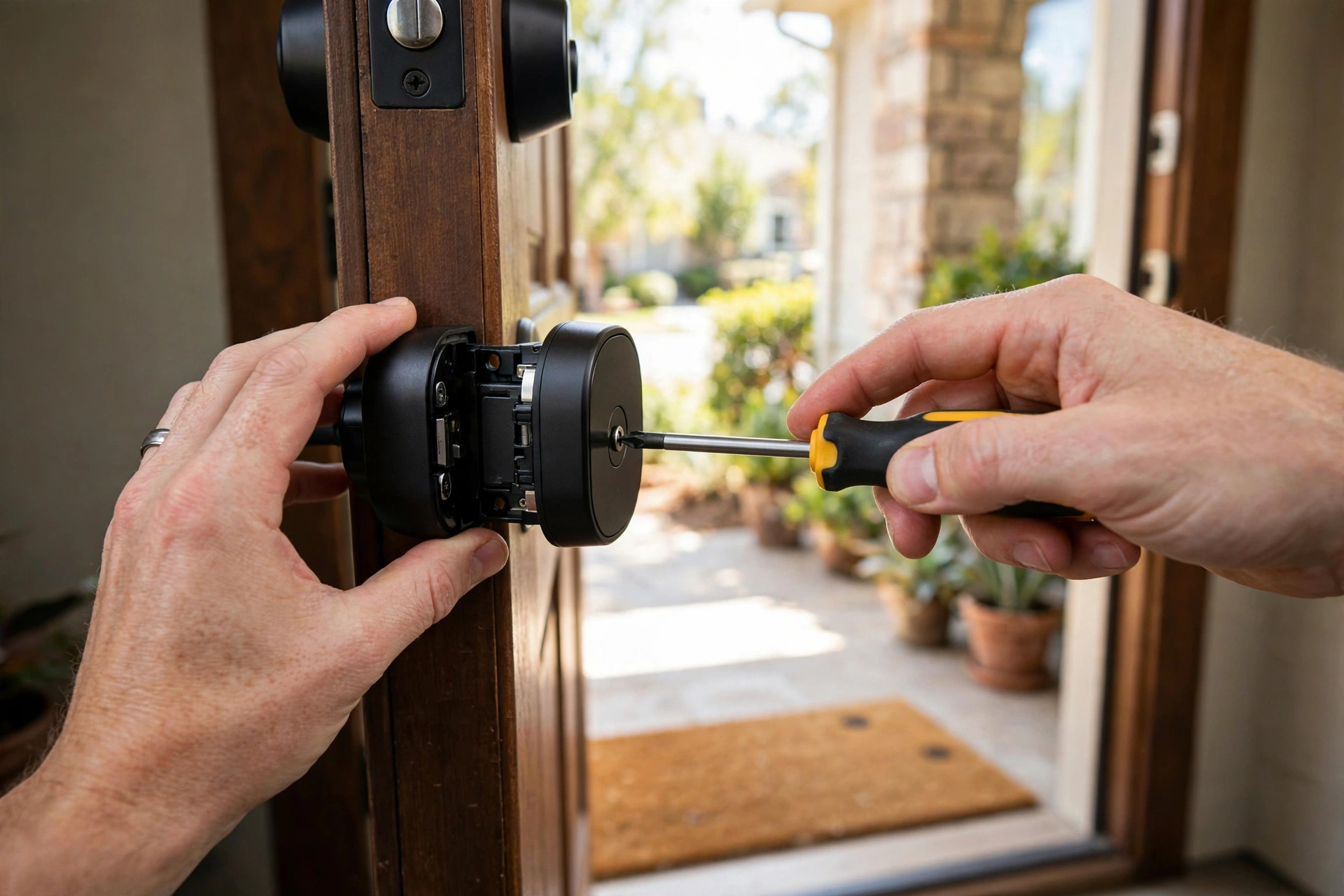
Full deadbolt replacement. The most common smart front door lock. It replaces your entire deadbolt, inside and out, with a keypad or touchscreen on the exterior. Most features, cleanest look, 20 to 30 minute install. This is the smart front door lock most buyers should get.
Retrofit. Replaces only the interior thumb turn; your existing keys and exterior hardware stay exactly as they are. Ten-minute install, renter-friendly, and the cheapest way in. You give up the keypad on most models, controlling everything from the app instead.
Lever-style. Built into a door handle rather than a deadbolt. Common on interior doors and offices, less common on front doors because a spring latch is easier to force than a deadbolt. Fine for a side entrance, not ideal as your primary front door lock.
Mortise. Fits into a rectangular pocket cut into the door edge. Standard in many older buildings and apartments outside the US. If your door already has a mortise, buy a mortise smart lock to match; converting to a standard deadbolt is rarely worth the carpentry.
Smart vs Traditional: An Honest Comparison
| Factor | Smart lock | Traditional deadbolt |
|---|---|---|
| Upfront cost | $100 to $250 | $30 to $50 |
| Entry methods | Code, fingerprint, phone, voice, key | Physical key only |
| Remote control | Yes, via app | No |
| Guest access | Temporary codes, easy to revoke | Copy a key, hope to get it back |
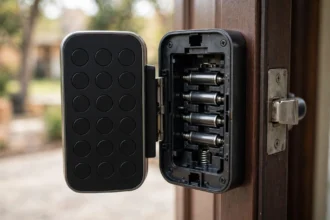
| Power needed | Yes, batteries | No |
| Main vulnerability | Hacking (rare), dead batteries | Lock picking, lost keys |
The honest version: a smart front door lock is a convenience upgrade more than a security upgrade. The bolt mechanism is comparable to a good traditional deadbolt. What you gain is control: no more hiding spare keys, no more wondering if you locked up, temporary codes for guests that expire on their own. Angi’s comparison of keyless vs traditional locks reaches the same conclusion.
What you give up is simplicity. Batteries to change, firmware to update, an app account to secure. For most households, a smart front door lock is worth the trade. For a cabin you visit twice a year, a $40 deadbolt is the smarter buy.
One more honest point: no lock overcomes a weak door. A Grade 1 smart lock on a hollow door with a flimsy strike plate is theater. If your door frame flexes when you push it, fix that before buying anything electronic.
What to Look For Before You Buy
Security certification. BHMA Grade 1 is the strongest residential rating, Grade 2 is solid. This matters more than any smart feature. A smart front door lock without a grade is a gadget, not a lock.
Entry methods. Keypad plus at least one backup: fingerprint, app, or physical key. Single-method locks leave you stranded when that method fails. Households with kids should weight the keypad heavily since children do not always carry phones.
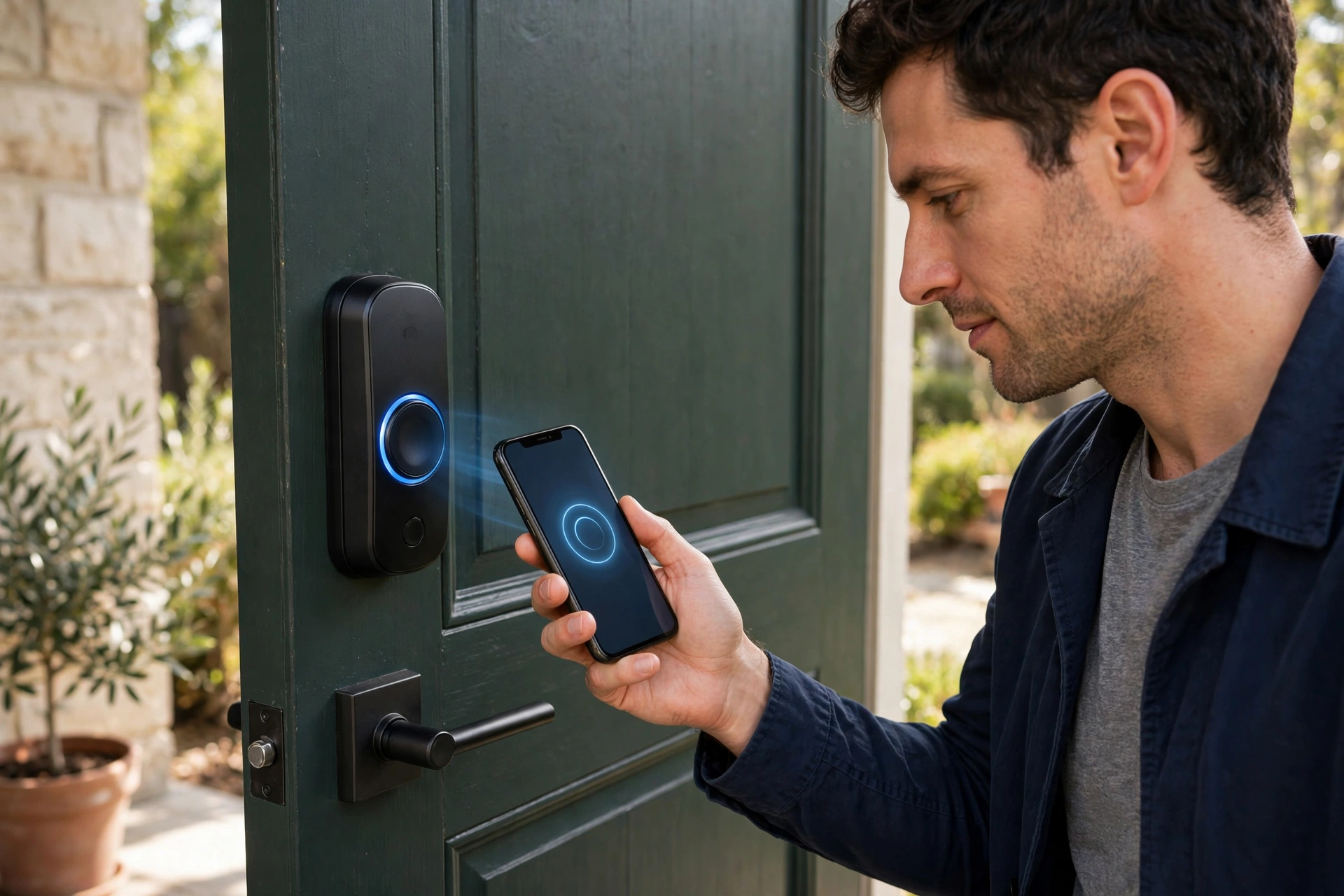
Connectivity. Bluetooth-only is fine if you never need remote access. Wi-Fi (built in or via hub) adds remote locking and notifications. Z-Wave and Thread play nicer with dedicated smart home hubs. Buy for the setup you have, not the one you might build someday.
Battery life and backup. Six months minimum on standard batteries, with low-battery warnings. A physical key override is non-negotiable. If a lock has no keyway, it needs another backup way in, like a 9V battery terminal on the exterior.
Ecosystem fit. Apple Home, Alexa, or Google Assistant support only matters if you use that platform. Do not pay extra for integrations you will never open. If you have already picked a lane, match top models to your ecosystem before buying.
Who Should Skip It
Not everyone needs one, and the industry will not tell you that. Skip the smart front door lock if your door is non-standard and you cannot face a locksmith bill, if nobody in the house is comfortable with an app, or if the door in question is a rarely used side entrance where a basic deadbolt does the job.
Renters should check the lease before buying. Many landlords allow retrofits since they do not change the exterior, but some do not allow any lock changes at all. A conversation now beats a deposit dispute later.
Also skip it if your home Wi-Fi is unreliable and you would buy a Wi-Fi-dependent model anyway. A smart lock that cannot phone home is just an expensive keypad. Either fix the network or buy Bluetooth-only.
Week One With a Smart Lock
Install with the door open. This cannot be stressed enough: a misconfigured lock with a closed door is how lockouts happen. Test every entry method, keypad, fingerprint, app, key, before the door closes behind you.
Set the master code, then add individual codes for each household member. This is also the moment to set up code hygiene on day one, not the day a code leaks.
Turn on auto-lock with a sensible delay, usually 30 seconds to a few minutes. It is the single most useful smart front door lock feature: the door simply never stays unlocked by accident. Pair it with entry notifications for week one so you learn the household’s patterns.
Keep the old lock and keys for a week or two. If anything misbehaves, you have a fallback while you troubleshoot. After that, store one physical key somewhere safe outside the house, with a neighbor or in a lockbox, and you are done.
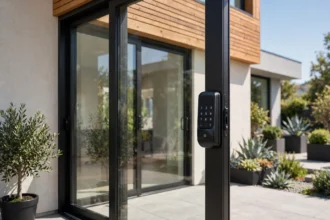
And remember the front door is not the only door. Patio sliders need entirely different hardware, and one purchase rarely covers the whole house.
FAQs
Are smart front door locks safe?
Yes, when you buy from a reputable brand with BHMA Grade 1 or 2 certification. The realistic risks are weak PINs, outdated firmware, and poor installation, not Hollywood-style hacking. Use unique codes per person, enable two-factor on the lock’s app account, and keep firmware updated. For camera-equipped options, see our smart door lock with camera guide.
What happens if the batteries die?
You get warned first. Every decent smart front door lock gives low-battery alerts weeks in advance through the app, beeps, or flashing lights. If you ignore all of them, the physical key override still works. Some keyless models have exterior terminals where you can hold a 9V battery for emergency power.
Can a smart lock be hacked?
In theory, anything connected can be attacked. In practice, break-ins through smart lock hacking are extremely rare compared to kicked doors, picked locks, or open windows. Reputable brands use encrypted connections. Your bigger security wins are a strong door frame, unique codes, and updated firmware.
Do I need Wi-Fi for a smart lock to work?
No. The lock itself works over Bluetooth or entirely offline with the keypad and fingerprint reader. Wi-Fi only adds remote features: locking from anywhere, notifications, and voice control. If your internet goes down, the keypad keeps working.
Will a smart lock fit my door?
Most US front doors with a standard deadbolt bore fit standard smart deadbolts. Measure three things: door thickness (usually 1-3/8 to 1-3/4 inches), backset (2-3/8 or 2-3/4 inches), and the bore diameter. Non-standard, very old, or metal doors may need a locksmith’s assessment before you buy.
Quick Takeaways
- A smart front door lock replaces or upgrades your deadbolt, adding keyless entry via code, fingerprint, phone, or voice. The bolt mechanism itself is comparable to a traditional deadbolt.
- Four formats exist: full replacement, retrofit, lever-style, and mortise. Most buyers want a full deadbolt replacement; renters want a retrofit.
- It is primarily a convenience upgrade, not a security upgrade. The real wins are keyless entry, temporary guest codes, and never wondering if you locked up.
- Look for BHMA Grade 1 or 2 certification, multiple entry methods, a physical key backup, and ecosystem fit before anything else.
- Install with the door open, set individual codes from day one, enable auto-lock, and keep the old lock for a week as fallback.
Disclaimer
This guide is for general information only. Door dimensions and lock compatibility vary, so measure your door and verify the manufacturer’s specifications before buying. Smart lock features and app support change over time. For non-standard doors or any wiring work, consult a qualified locksmith or professional.