

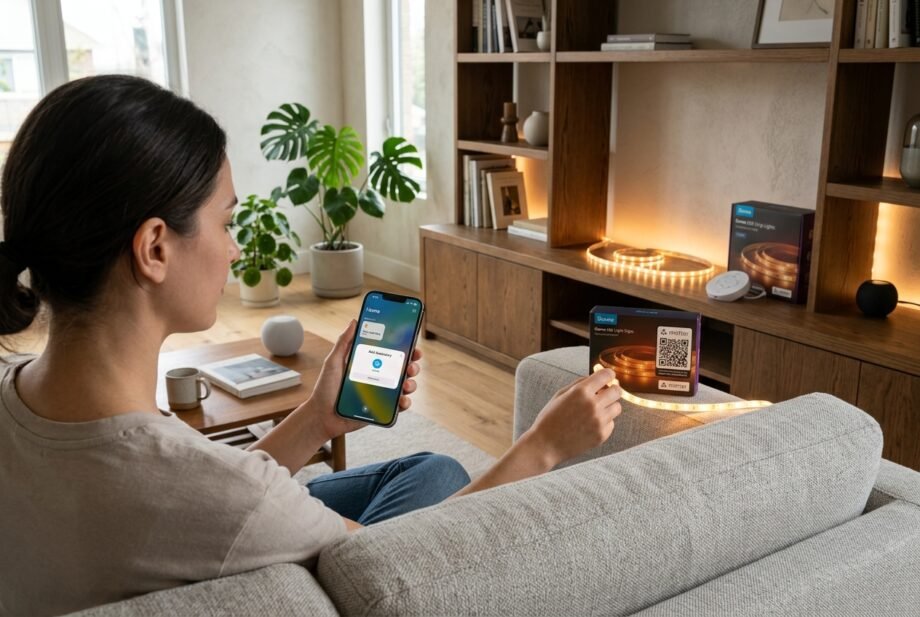
Does Govee work with Apple Home? Yes, selected Govee products connect through Matter, but you need to check the exact model before buying or attempting setup.
- Does Govee Work With Apple Home Through Matter?
- Govee Compatibility Across Platforms and Protocols
- Does Govee Work With Apple Home Without a Hub?
- How to Add Compatible Govee Lights to Apple Home
- Which Govee Features Can Apple Home Control?
- Options for Govee Lights Without Direct Matter Support
- Fix Pairing Failures and “No Response” Errors
- Frequently Asked Questions
- Final Verdict
The confusion is understandable: a light can work perfectly in the Govee Home app on your iPhone without appearing in Apple’s Home app. Similar-looking products can also offer different integrations.
Start with the model number, then establish the connection method and available controls. That sequence helps you avoid buying unnecessary equipment or repeatedly resetting a light that lacks direct support.
Quick answer: Does Govee work with Apple Home? Selected Matter-compatible models do. Check your device’s exact model and setup instructions, then add it through Apple’s Home app. Expect supported everyday lighting controls; verify advanced effects separately. Some older models need a compatible software bridge.
Does Govee Work With Apple Home Through Matter?
Matter gives compatible accessories a common way to communicate with smart home platforms. For a supported Govee Wi-Fi light, Apple Home sends commands over your local network after pairing.
Check the model number first
Find the identifier on the product label, packaging, or device information screen. A name such as “RGBIC floor lamp” describes a category; it does not identify the integration capabilities.
To answer “does Govee work with Apple Home” for your purchase, match that identifier to the manufacturer’s current specifications. Look for explicit Matter support and the appropriate setup instructions.
For example, Govee lists Floor Lamp 2, model H607C, with Matter support, 2.4 GHz Wi-Fi, Bluetooth, and adjustable 2200–6500 K white light. Its specifications list 24 V and 48 W; check the supplied adapter’s label for mains-input requirements.
Separate direct support from a bridge
A Matter accessory can connect directly to Apple Home. A software bridge instead translates between another integration and Apple’s ecosystem, introducing another component that must remain available.
For an existing light, “does Govee work with Apple Home” therefore has two possible answers: direct compatibility, or compatibility through a supported bridge. Neither follows simply from having Wi-Fi or Bluetooth.
I would establish this distinction before changing router settings. Network troubleshooting cannot supply an integration the device does not support.
Govee Compatibility Across Platforms and Protocols
If you’re asking “does Govee work with Apple Home” while comparing logos, distinguish platforms from the technologies underneath them.
| Platform or technology | What it means for your setup |
| Apple Home | Direct support through compatible Matter models; eligible devices may also use a bridge. |
| Amazon Alexa | Check the exact model and whether setup uses Matter or a manufacturer integration. |
| Google Home | Verify its supported connection method independently. |
| Matter | Interoperability standard; does not identify the device’s radio. |
| Wi-Fi | Network connection used by models such as H607C. |
| Thread | Separate mesh networking technology; do not assume a Matter light uses it. |
| Zigbee | Different protocol; a Matter logo does not make the light a Zigbee accessory. |
| Z-Wave | Also a separate protocol, requiring explicitly compatible hardware and integration. |
For the networking distinction, see [Internal Link: Matter vs Thread explained -> Topic Placeholder].
Does Govee Work With Apple Home Without a Hub?
For supported local Matter control, yes. Apple allows an iPhone running iOS 18 or later to add and control Matter accessories without a home hub.
For remote access and home automations, plan on a supported Apple home hub, such as a HomePod or suitable Apple TV. Keep that hardware powered and connected.
The practical question is: does Govee work with Apple Home in the way you intend to use it? Tapping a light while standing beside it and automatically illuminating the hallway while you’re away involve different requirements.
A Thread border router serves Thread accessories. A Matter-over-Wi-Fi Govee light does not need one for its Wi-Fi connection. A single Apple device can perform multiple roles, which explains some confusing equipment recommendations.
Before buying hardware, review [Internal Link: Apple Home hub requirements -> Topic Placeholder].
How to Add Compatible Govee Lights to Apple Home
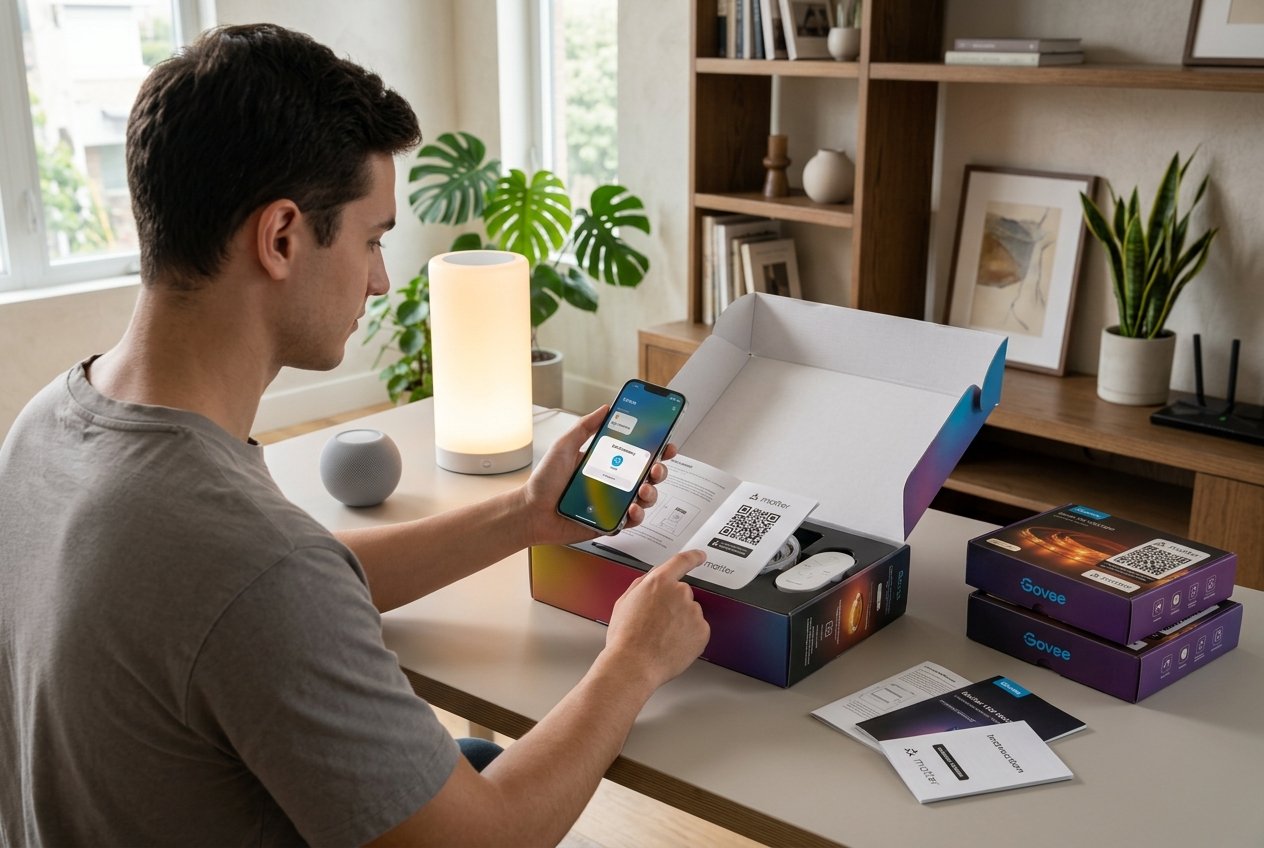
Once you’ve established “does Govee work with Apple Home” for your model, prepare one accessory and complete its setup before adding the rest.
Prepare the device
- Confirm the exact model supports Matter.
- Update your iPhone and Govee Home app to supported current versions.
- Check for an official accessory firmware update.
- Have the Matter QR code or numeric setup code available.
- Keep the light powered and your phone nearby, with Bluetooth enabled.
- Provide the Wi-Fi band specified by the manufacturer.
For H607C, that means 2.4 GHz Wi-Fi. A router offering both 2.4 GHz and 5 GHz is not automatically a problem; begin with the manufacturer’s pairing instructions before changing band settings.
Add and verify the accessory
- Follow the model’s initial setup procedure. If its instructions require configuration in Govee Home first, complete that step.
- Locate the Matter setup information. Check the label, supplied documentation, or device settings as directed. An ordinary app-download QR code will not substitute for a Matter code.
- Open Apple Home. To add a Matter accessory to Apple Home, tap the add button, choose Add Accessory, and follow the code-scanning prompts.
- Name and place the light. Choose a recognizable name and the correct room.
- Check available controls. Try power, several brightness levels, and any exposed color or white-temperature settings.
My suggested acceptance check is simple: issue several different commands, confirm the physical light responds, then close and reopen Home. Try the controls again before building automations around the accessory.
Already paired with another platform?
Does Govee work with Apple Home alongside another Matter ecosystem? Supported accessories can use Matter’s multi-admin capability. Follow the existing controller’s sharing procedure to open pairing and obtain a fresh code when required.
Keep this separate from ordinary Govee-app registration. Being visible in the manufacturer’s app does not necessarily mean the accessory has already joined another Matter controller.
Which Govee Features Can Apple Home Control?
“Does Govee work with Apple Home” is only half the buying question. The other half is whether it exposes the particular controls you want.
Use this checklist when evaluating a model. It describes what to verify, rather than promising identical functionality across Govee’s catalog.
| Feature | Apple Home through Matter | Govee Home app |
| On/off and brightness | Check normal light controls after pairing | Check the device’s controls |
| Single color | Depends on the exposed light capabilities | Available on supported color products |
| White temperature | Requires suitable hardware and exposed controls | Check the model’s supported range |
| Individual segments | Do not assume segment editing transfers | Check the model’s editing options |
| Animated effects | Do not assume the scene library transfers | Check available scenes |
| Music synchronization | Verify separately | Requires a supporting product/mode |
| DreamView | Do not assume direct access | Check participating-device support |
| Firmware updates | Do not assume Apple Home manages these | Follow manufacturer update instructions |
An Apple Home scene recalls supported accessory settings. That does not establish access to a Govee animation’s moving colors, timing, or segment pattern.
Before choosing lights for an elaborate effect, define the actual requirement: “set the room blue at bedtime” is different from “start this specific animated preset.” Verify the latter explicitly.
Options for Govee Lights Without Direct Matter Support
Does Govee work with Apple Home if your light lacks Matter? Some supported models can use Home Assistant and HomeKit Bridge. Check the current Govee lights local integration’s supported-device list before investing in hardware.
The route is:
- Run Home Assistant on suitable hardware that remains available.
- Enable the device’s LAN-control option where supported.
- Add the Govee lights local integration and verify control there.
- Configure HomeKit Bridge to expose the desired light entities.
- Pair that bridge with Apple Home.
This bridges the light into Apple’s ecosystem; it does not install Matter firmware on the accessory. Keep the server running, and check which controls and scenes the integration actually exposes.
Use [Internal Link: Home Assistant HomeKit Bridge setup -> Topic Placeholder] for the full deployment procedure.
I would consider this route especially when Home Assistant is already part of the home. For one new lamp, compare the extra hardware and maintenance with purchasing a directly compatible model.
Fix Pairing Failures and “No Response” Errors
Before asking again “does Govee work with Apple Home,” establish whether the problem is eligibility, pairing, connectivity, or a missing feature. Record the exact error and the last change made.
| Symptom | First useful check |
| No Matter option or usable code | Verify the model and its official setup procedure. |
| Pairing begins but fails | Check pairing state, phone proximity, firmware, and network access. |
| Govee works but Home fails | Investigate the Apple Home connection separately. |
| Failure after changing routers | Check network credentials and local device communication. |
| Unavailable after a power cut | Confirm the light, router, and any required hub or bridge have recovered. |
| Two copies appear | Check whether both direct and bridged integrations expose the light. |
| Effects missing but dimming works | Investigate feature support before resetting. |
Check local discovery
Matter relies on local IPv6 communication and mDNS discovery. Guest-network isolation, multicast filtering, or poorly configured network segmentation can interfere. Your internet provider does not need to supply IPv6 internet service for local IPv6 to work.
As a diagnostic step, simplify the network so the phone, accessory, and relevant controller can communicate locally. Do not solve discovery problems by exposing device ports to the internet.
Separate internet loss from power loss
Does Govee work with Apple Home when the internet fails? Local Matter commands can continue when the local network and required devices remain operational. Remote access and cloud-dependent functions have different dependencies.
Check local tapping separately from Siri or remote commands. One failure does not establish that every control path is broken.
After a power cut, allow network equipment to recover before judging the light. Then check its restored brightness and color; document what your particular model does rather than assuming it remembers everything.
For further diagnosis, use.
Keep the Setup Reliable Over Time
Once “does Govee work with Apple Home” becomes a working installation, retain the information needed to recover it: model number, firmware version, room assignment, and setup code. Store codes securely rather than posting screenshots publicly.
Change one component at a time when diagnosing a regression. Updating the router, phone, bridge, and light together makes the cause harder to isolate.
After updates, repeat your basic control checks and review important automations. If a firmware problem appears, check the manufacturer’s recovery options; do not assume rollback is available.
Local Matter control also does not prove the manufacturer’s app or device sends no cloud data. Review account settings, permissions, and privacy documentation separately from testing whether local commands work.
Frequently Asked Questions
Which Govee lights work with Apple Home?
Selected Matter-compatible products do, including the documented H607C Floor Lamp 2 example above. To settle “does Govee work with Apple Home” for another light, match its exact model to official specifications. Treat product names, marketplace descriptions, and visual similarity as insufficient evidence on their own.
Do I need a HomePod or Apple TV?
Not for every local setup. Apple supports local Matter pairing and control on iPhones running iOS 18 or later without a home hub. A supported hub remains relevant for remote access and home automations. Verify your intended use before buying additional equipment.
Can I connect a Govee light without Matter?
Potentially, through a supported integration and bridge. The question “does Govee work with Apple Home without Matter” must be answered model by model. Verify local integration support first, then account for the server, maintenance, and feature limits. Wi-Fi capability alone does not guarantee eligibility.
Why does it work in Govee Home but not Apple Home?
The two apps may reach the accessory through different paths. Confirm Apple Home pairing, network access, and any bridge dependency. A successful command in Govee Home helps establish that the light responds, but it does not verify the Apple Home connection.
Can Siri activate Govee lighting effects?
Siri can address supported controls exposed through Apple Home. A particular animated effect needs explicit support through an available integration or shortcut. Successfully activating a shortcut does not, by itself, mean that effect exists as a native control in the Home app.
Final Verdict
Does Govee work with Apple Home? Yes, with the right model and connection method. Start with verified Matter support for a straightforward purchase, and check the controls that matter to your household before committing.
For existing hardware, a supported Home Assistant bridge may preserve useful lights. Budget for its ongoing operation. Finish either setup by checking physical responses, automations, and recovery behavior; successful pairing is the beginning of a reliable installation.
Disclaimer: Use manufacturer-approved power supplies; have a qualified electrician handle mains wiring. Unsupported firmware flashing can disable hardware. Compatibility varies by model and software. This guide uses documentation and recommended checks, not claimed laboratory measurements.