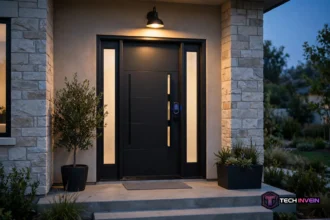

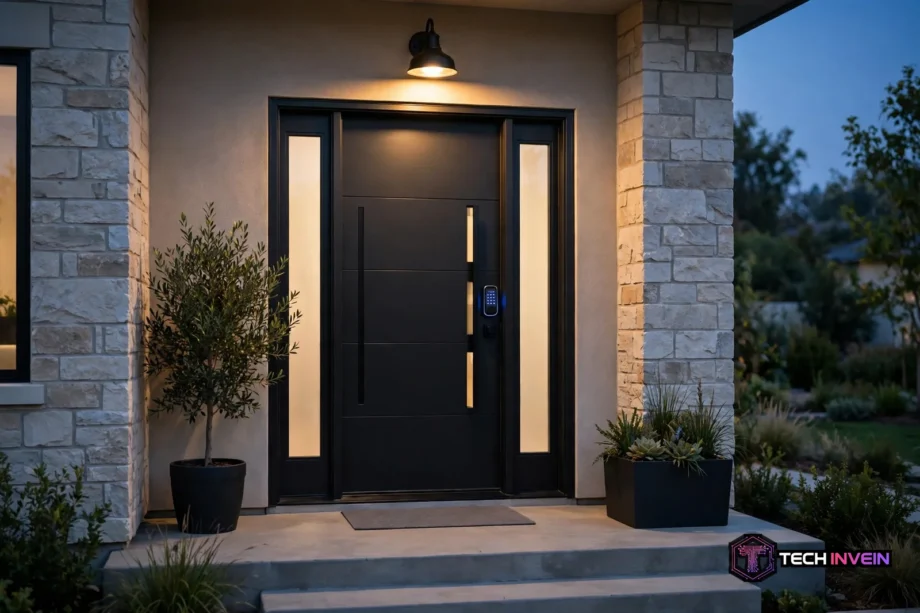
A Yale keypad lock lets you unlock your front door with a code instead of a key. You type a short PIN on a touchscreen or pushbutton keypad, the deadbolt pulls back, and you walk in. No keys to lose, no copies to track, and no lockouts because a key stayed in your other jacket.
- What it actually is
- Yale keypad lock models worth knowing
- Will it fit your door?
- How setup works, step by step
- Using codes day to day
- Yale keypad lock battery life and power
- Choosing the right connectivity
- Keypad locks for rentals and busy households
- Common problems and quick fixes
- Buying checklist before you order
- FAQs
- Do these locks work without Wi-Fi?
- How many codes can one lock store?
- What happens if the batteries die while I am outside?
- Can I install one of these locks myself?
- Is a Yale lock safe from code guessing?
- Should I choose Yale over another brand?
- Conclusion
Most buyers pick one for a simple reason. It looks like a normal deadbolt from the street, yet it works like a smart lock, with codes for family and app control on supported models.
What it actually is
First, this is a motorized deadbolt with a keypad on the outside of the door. The keypad replaces the key cylinder on key-free models, or sits next to a backup key cylinder on keyed models. Inside, a thumbturn works like a standard deadbolt.
Still, Yale is one of the oldest lock brands in the world, and the Assure line, which covers most Yale keypad locks sold today, uses a fully motorized bolt. The motor drives it when you enter a code or use the app.
What makes it smart? The module inside holds the answer. So a basic Bluetooth model works at the door and through your phone nearby. Add a Wi-Fi or Z-Wave module, and the same lock talks to your network, your hub, and your voice assistant.
Yale keypad lock models worth knowing
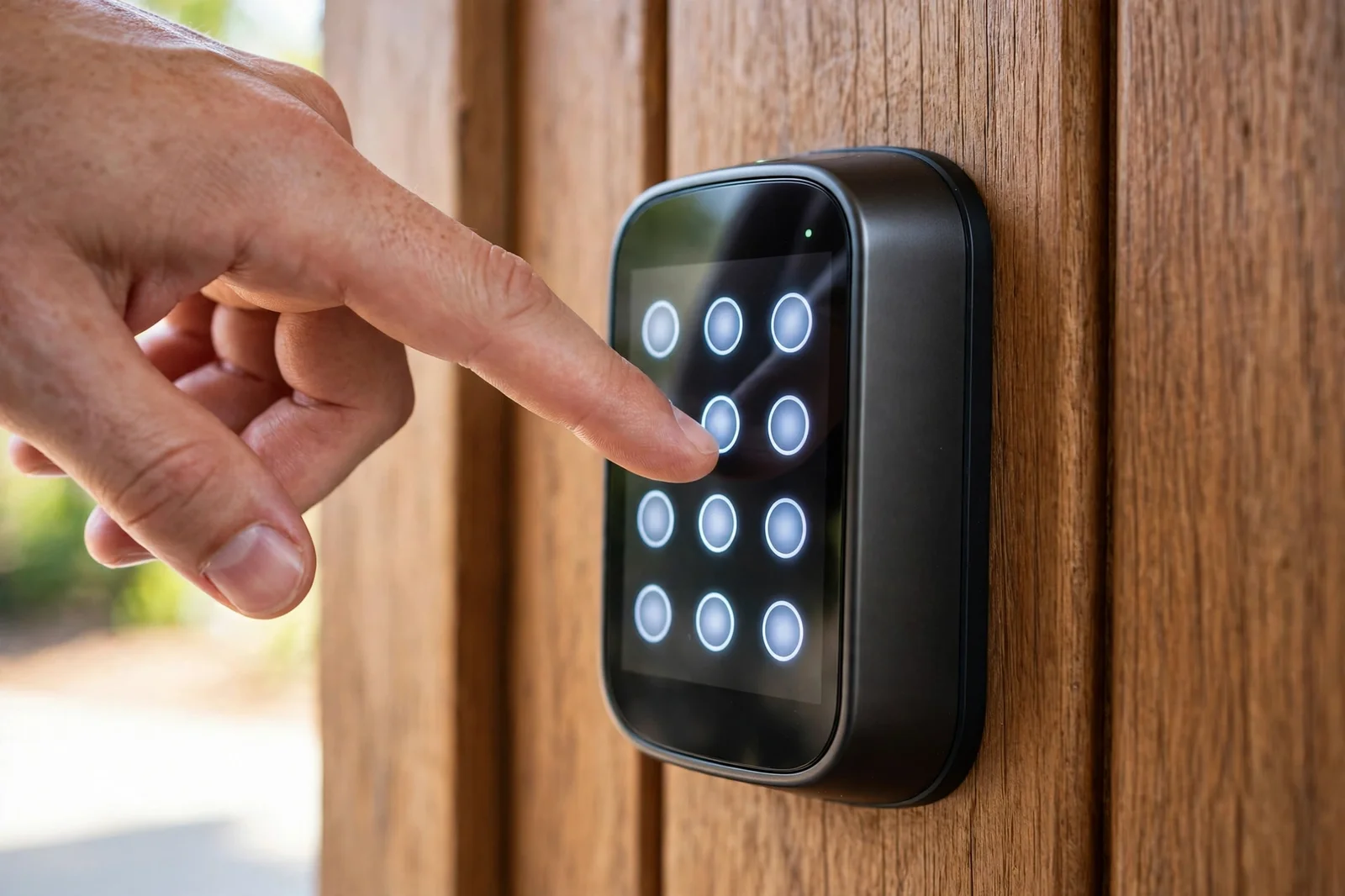
The range boils down to three choices. First, pick the keypad style: touchscreen or pushbutton. Second, pick keyed or key-free. Third, pick the connectivity: Bluetooth only, Wi-Fi, Z-Wave, or Matter over Thread on newer modules.
If you are still comparing brands, our roundup of the best smart locks for every home puts Yale next to its main rivals.
The current star of the range is the Yale Assure Lock 2. It comes in a slim touchscreen version and a Touch version with a fingerprint reader. The standard model runs on Bluetooth out of the box, and you add a Wi-Fi, Z-Wave, or Matter module for remote access or hub control.
Key-free models have no key cylinder at all. Also, that clean look comes with a trade-off: you need a backup plan for a dead battery, such as the 9-volt terminals on the keypad. Keyed models keep a physical key as a fallback.
Table: Yale keypad lock models compared on the specs that matter
| Model | Keypad | Backup key | User codes | Connectivity |
|---|---|---|---|---|
| Assure Lock 2 touchscreen | Touchscreen | Yes, on keyed versions | 250 with module, 25 without | Bluetooth + module |
| Assure Lock 2 Touch | Touchscreen plus fingerprint | Yes, on keyed versions | Up to 250 with a network module, 25 without | Bluetooth, plus Wi-Fi, Z-Wave, or Matter module |
| Assure Lock 2 key-free | Touchscreen | No | Up to 250 with a network module, 25 without | Bluetooth, plus Wi-Fi, Z-Wave, or Matter module |
| First-generation Assure | Touchscreen or pushbutton | Yes, on keyed versions | Up to 250 with a network module, 25 without | Bluetooth, Wi-Fi, or Z-Wave module |
One number in that table deserves a second look. Specifically, the jump from 25 codes to 250 depends on the network module, not on the keypad. So if you run a rental or a busy household, buy the module with the lock. Adding it later means re-pairing the lock and rebuilding your codes.
Will it fit your door?
These locks replace a standard US deadbolt. Next, check the specs: they need a cross bore hole of 2-1/8 inches, an edge bore of 1 inch, and a backset of either 2-3/8 or 2-3/4 inches. Most modern entry doors already meet those numbers. Older or thick doors may need an adapter.
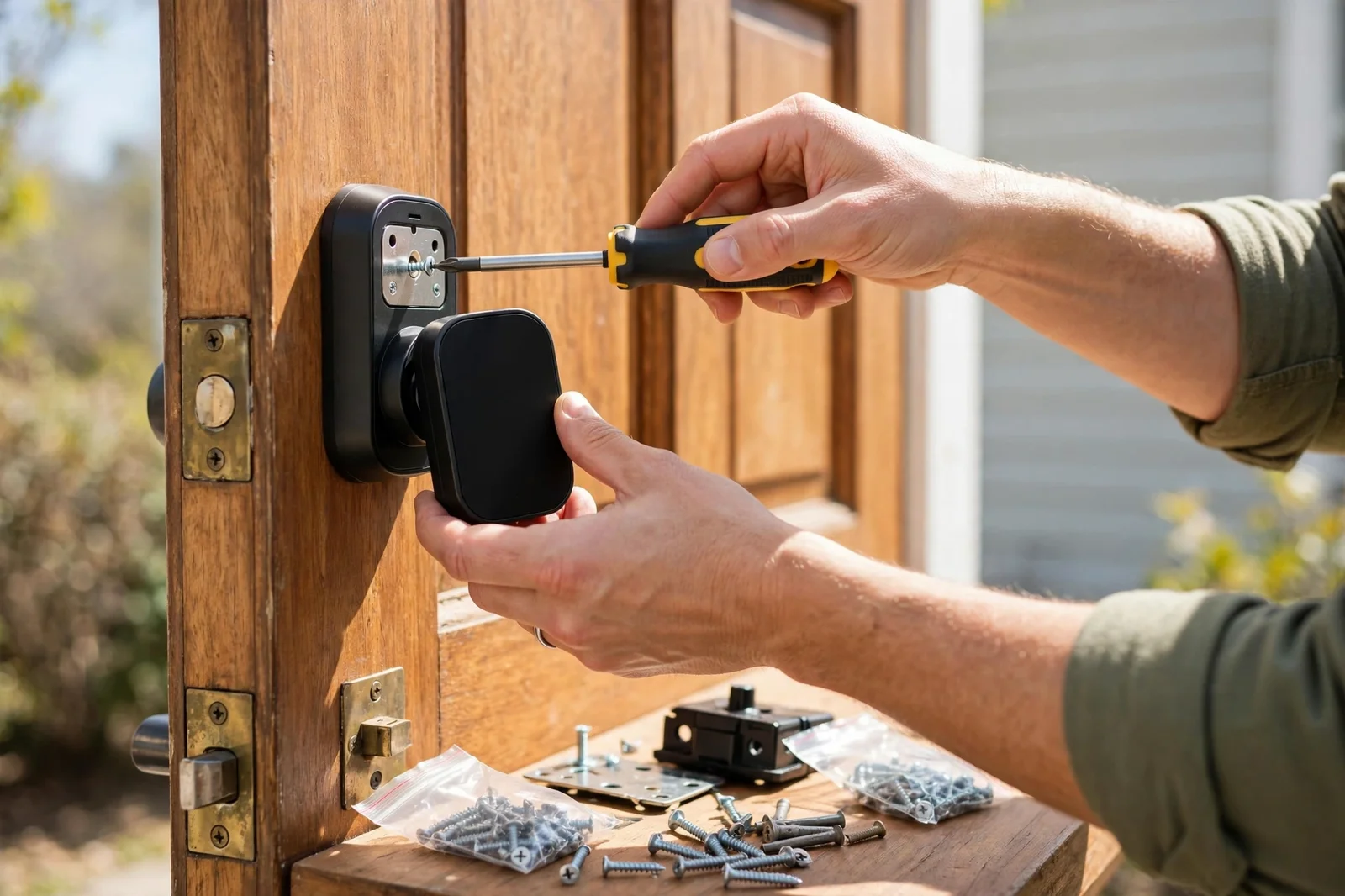
Then check the door itself. Does it close cleanly without a push or a lift? Does the bolt slide into the strike plate without scraping? A smart lock motor is strong, but it is not a door repair tool. If the bolt binds, batteries drain faster and the lock may report a jam. Fix alignment first.
How setup works, step by step
Most people finish the physical install in under an hour with just a screwdriver. The box includes the parts, a template, and a clear manual. You don’t need a locksmith for a standard door.
- Remove your old deadbolt and keep the screws.
- Fit the new latch into the edge of the door and set the backset to match.
- Mount the exterior keypad, thread the cable through the door, and attach the interior unit. Keep the cable flat.
- Insert four AA batteries, then let the lock calibrate and learn which way your bolt extends.
- Create a master code first. Nothing else works until it exists, so pick one you will remember and never share it.
- Add user codes for each person, then test every code twice before you close the door.
That last step sounds fussy, but it matters. So test with the door open first. If a code fails, you are still standing inside with the door open, not locked out on the porch. Once every code works with the door open, test again with the door closed.
Using codes day to day
Daily use is simple. First, touch the keypad to wake it, type your 4 to 8 digit code, and press the checkmark. To lock up, press any key outside. From inside, turn the thumbturn.
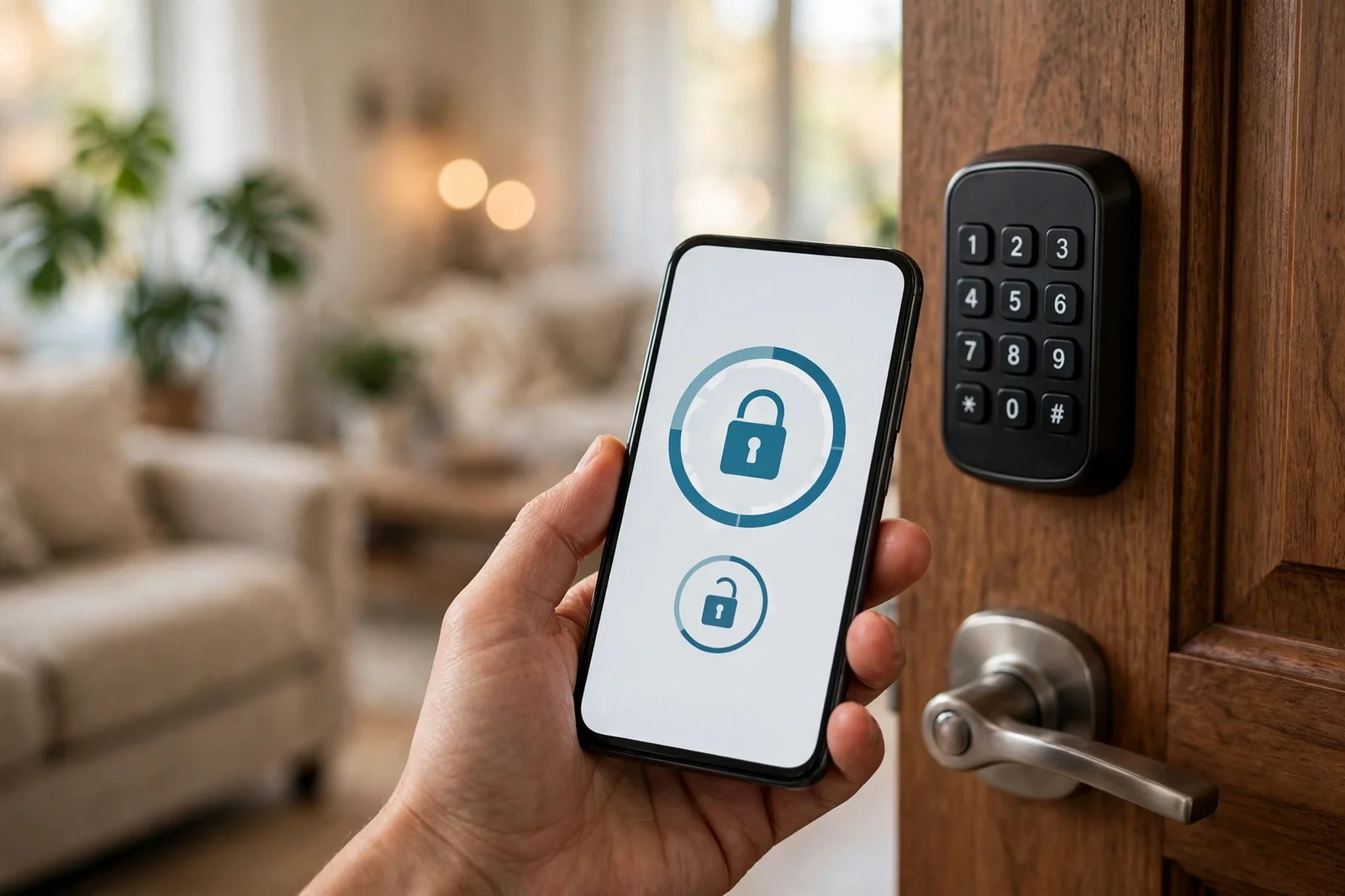
Auto-lock is the feature most owners end up loving. Also, DoorSense helps: set a delay, say 30 seconds or a few minutes, and the lock secures itself after you close the door. DoorSense, a small sensor that ships with many models, tells the lock whether the door is actually closed, so the bolt never fires into an open doorway.
Codes beat shared keys in one big way. For example, you can give each person their own code, so you know who came in and when on app-connected models. When a cleaner finishes, you delete one code. No rekeying, no chasing key copies.
Temporary codes make guest visits painless. Our guide to adding a guest code for temporary access walks through the timing options, so a code can work for one weekend and then stop on its own.
Yale keypad lock battery life and power
These locks run on four AA batteries in the interior unit, the same across the Assure range. Also, replacements sell at any grocery store, so you don’t need a special battery pack.
How long do they last? It depends on the radio. For example, Bluetooth-only models sip power and often run close to a year on a set. Wi-Fi models check in with your network far more often, so expect roughly six to nine months in normal use. Z-Wave models sit between the two, since the hub does much of the heavy lifting. Cold weather shortens all of these numbers.
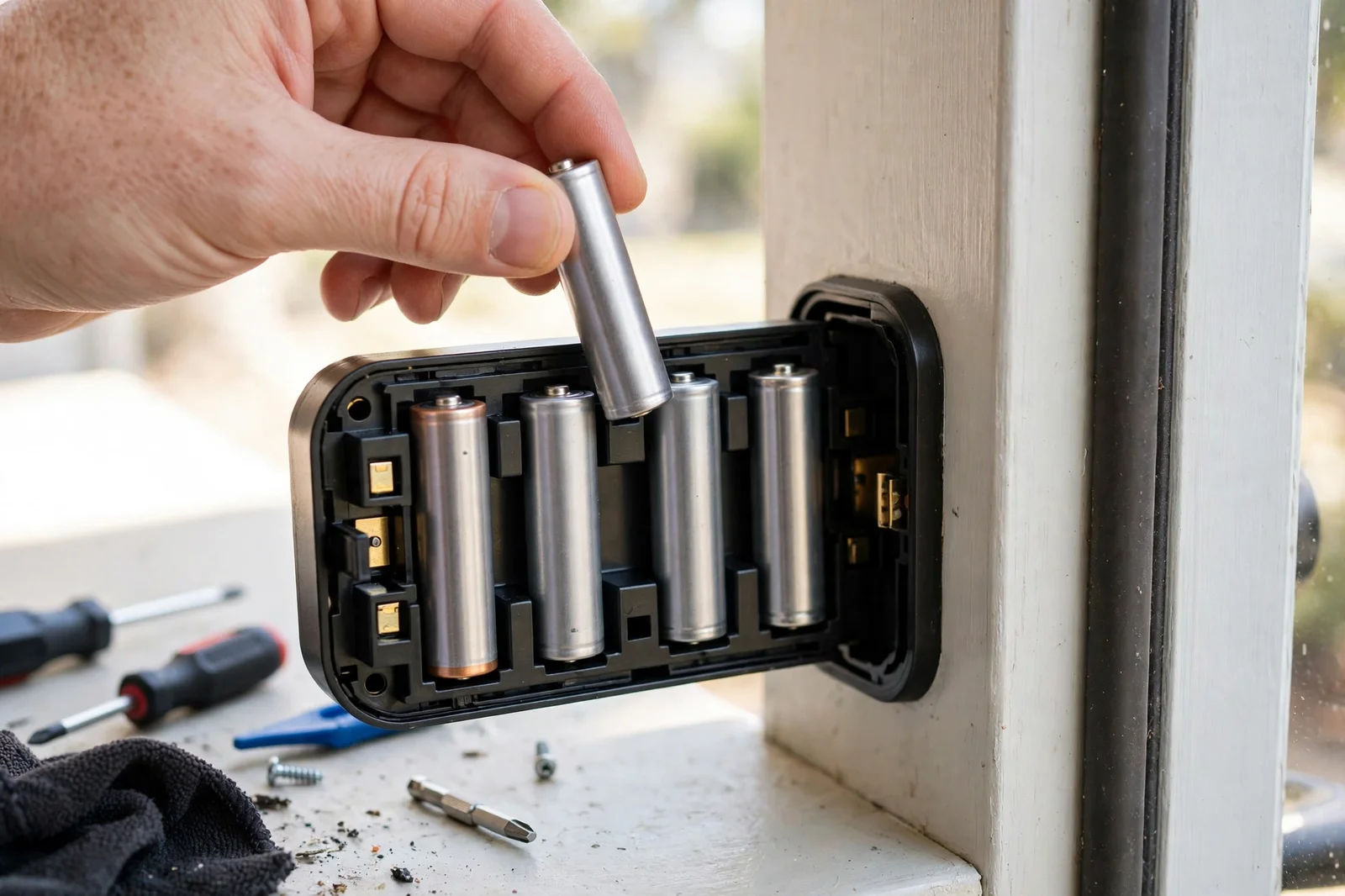
Low battery warnings come in stages. First you get an app alert and a red light on the keypad. Later the keypad may still light up but lack the power to drive the motor. Swap all four batteries as a fresh set the moment you see the first warning.
If your batteries die far too fast, then check the usual suspects first: the cause is rarely the lock itself. Our guide to fixing a smart lock that drains batteries fast runs through them: a binding bolt, a weak Wi-Fi signal forcing retries, and mixed old and new batteries.
The scariest battery question has a calm answer. Still, a dead battery doesn’t mean a dead lock. Keyed versions open with the backup key. Key-free versions have 9-volt terminals under the keypad: hold a fresh 9-volt battery against them, type your code, and the lock wakes long enough to open.
Still, don’t rely on that trick as your plan. Our explainer on what happens when a smart lock battery dies covers the lockout scenarios worth preparing for. Keep spare AAs near the door, and keep the backup key somewhere outside the house if your model has one.
Choosing the right connectivity
Connectivity is where buyers overspend or underspend most often. So the right choice depends on what you already own.
Bluetooth only is the cheapest path. Also, it suits a single lock on a main door. You control it from your phone when you are near the door, and you set codes on the keypad itself. You cannot check the lock from work or let someone in while you are away. For many homes, that’s enough.
Wi-Fi adds remote access through the Yale Access app. Therefore you can lock up from the office, share a code while you travel, and get alerts when the kids get home. The price is battery life and dependence on your router. If Wi-Fi drops, the keypad still works at the door.
Z-Wave is the pick if you already run a hub like SmartThings, Hubitat, or Ring Alarm. Then the lock joins your existing mesh, so it responds fast and sips power. It also keeps working locally when the internet goes down, as long as the hub has power. The official Yale store page for the Assure Lock 2 Touch with Z-Wave lists its hub partners and current price.
Keypad locks for rentals and busy households
Rentals are where a Yale keypad lock earns its keep fastest. For instance, you stop cutting keys and rekeying between guests. Each stay gets a code that stops working at checkout.
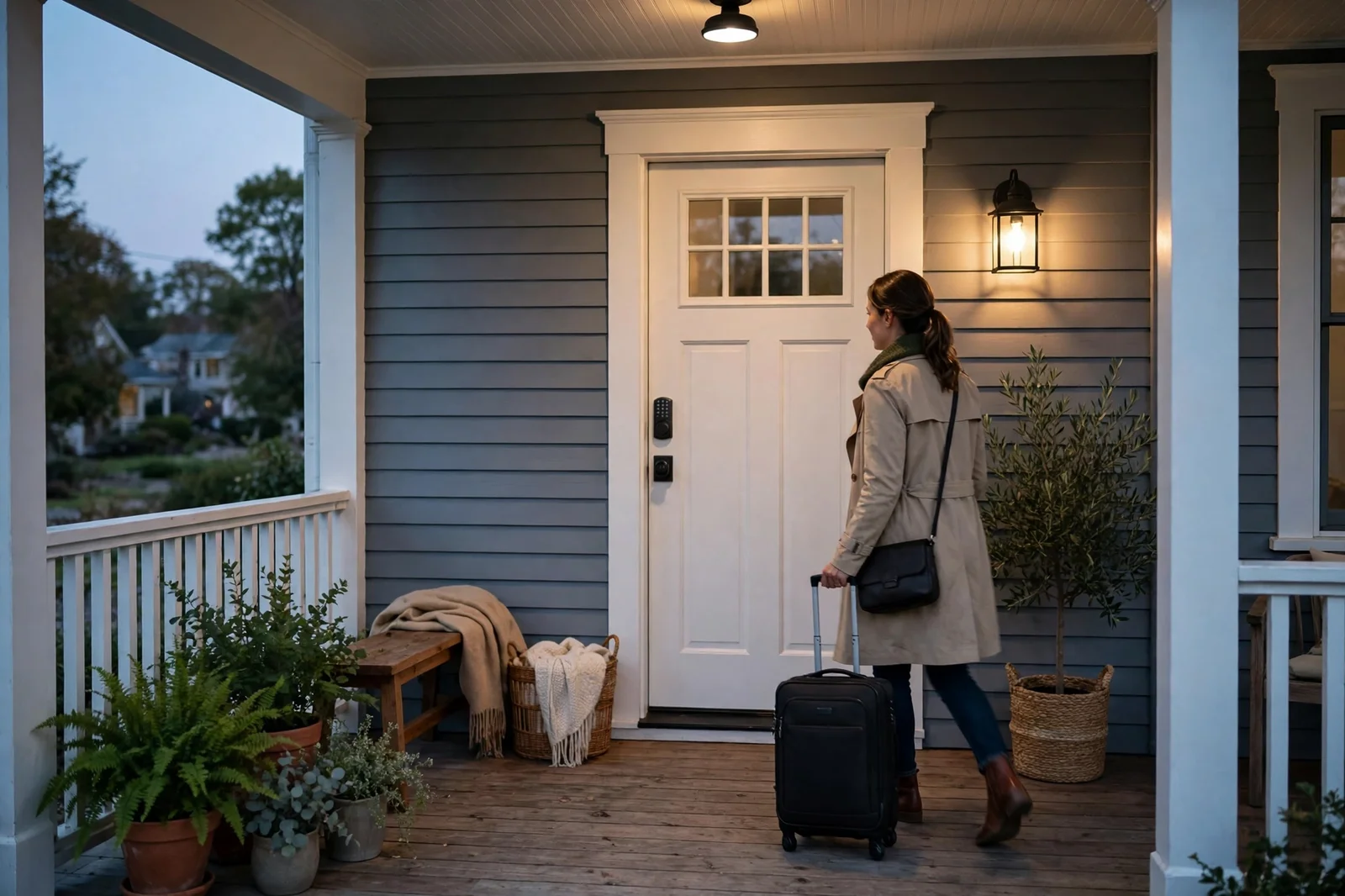
The 250-code capacity matters here. Also, schedules add more control: a small rental portfolio can run for months without reusing a code, a cleaner’s code can work only on Tuesday mornings, and a guest code can end at checkout.
For Airbnb hosts, the workflow pairs well with a shortlist of rental-ready locks. In particular, remote code sharing and activity logs matter most for guest turnover. Our guide to the best smart lock for Airbnb covers those features.
Common problems and quick fixes
Most problems fall into three buckets: power, alignment, and settings. So work through them in that order.
- Keypad dark: wake it with a firm touch first, then fit a full fresh set of AA batteries. A half-dead set can light the keypad without driving the bolt.
- Bolt jams: open the door and test the bolt. If it moves freely open but binds closed, the door or strike plate needs adjusting, not the lock.
- Code not accepted: check privacy mode on the interior unit, then confirm the code was saved. A code typed but never confirmed never gets stored.
- App cannot find the lock: stand next to the door for Bluetooth pairing, and check that the module sits fully in its slot.
- Auto-lock fires too soon: lengthen the delay in the app and confirm DoorSense knows the door is closed.
Factory reset is the last resort, not the first step. Therefore only reset after fresh batteries, alignment checks, and a power cycle. On Yale touchscreen models it wipes all codes, including the master code. Call a locksmith if the bolt binds even with the door open.
Buying checklist before you order
Run through this list once and you’ll avoid the most common regrets. Finally, buy fresh AA batteries with the lock, even though a set ships in the box.
- Measure the bore, backset, and door thickness. Confirm they match Yale’s standard deadbolt specs.
- Decide keyed or key-free. For a main door, keyed is the safer default.
- Pick the radio you actually need: Bluetooth for door-only use, Wi-Fi for remote control, Z-Wave for a hub home.
- Check hub support before buying a Z-Wave or Matter module. A module without a matching hub is a wasted purchase.
- Count your codes. Over 25 regular users means you need a network module for the full 250-code capacity.
- Buy fresh AA batteries with the lock, even though a set ships in the box. You will want spares on day one.
Check the current listing before you buy, because module bundles change often. A base lock plus a later module usually costs more than a bundled lock.
FAQs
Do these locks work without Wi-Fi?
Yes, they do. The keypad works on its own with no network at all, so you can lock and unlock with codes even if your internet is down. Bluetooth models add phone control when you stand near the door. Wi-Fi or Z-Wave only adds remote control, alerts, and hub routines. The lock never depends on the cloud for basic entry.
How many codes can one lock store?
It stores up to 250 user codes when a network module is installed, and up to 25 codes without one. Each code can be 4 to 8 digits long. The master code sits above the user codes and controls programming, so keep it private. For rentals or large households, the module is worth it just for the extra code capacity.
What happens if the batteries die while I am outside?
You are not locked out for good. Keyed models open with the physical backup key, so keep one somewhere safe outside the house. Key-free models have 9-volt terminals under the keypad: hold a fresh 9-volt battery to them, type your code, and the lock wakes up. Then replace all four AA batteries inside as soon as you get in.
Can I install one of these locks myself?
Yes, most owners can. A standard door needs only a screwdriver, and the job usually takes under an hour. The tricky parts are the backset setting and keeping the cable flat. If your door needs drilling, realignment, or a new strike plate, a locksmith is worth the cost. Test every code with the door open before you finish.
Is a Yale lock safe from code guessing?
It’s well protected against casual guessing. The matte keypad resists fingerprint smudges that could hint at your digits, and wrong-code lockout pauses the keypad after several failed tries. Use a code that is not your birth year or street number, give each person their own code, and turn on two-factor authentication for the app account.
Should I choose Yale over another brand?
Choose Yale if you want a proven keypad, flexible modules, and strong rental-friendly code management. Other brands may win on one feature, like a built-in Wi-Fi radio or a higher security grade. But Yale’s swappable module system means your lock can change radios when your smart home changes. That flexibility is hard to beat for long-term owners.
Conclusion
A Yale keypad lock is a practical upgrade for any front door. It removes keys from daily life, gives every person their own code, and grows with your smart home through swappable modules. Measure your door, pick keyed or key-free with care, and buy the connectivity you’ll actually use.