

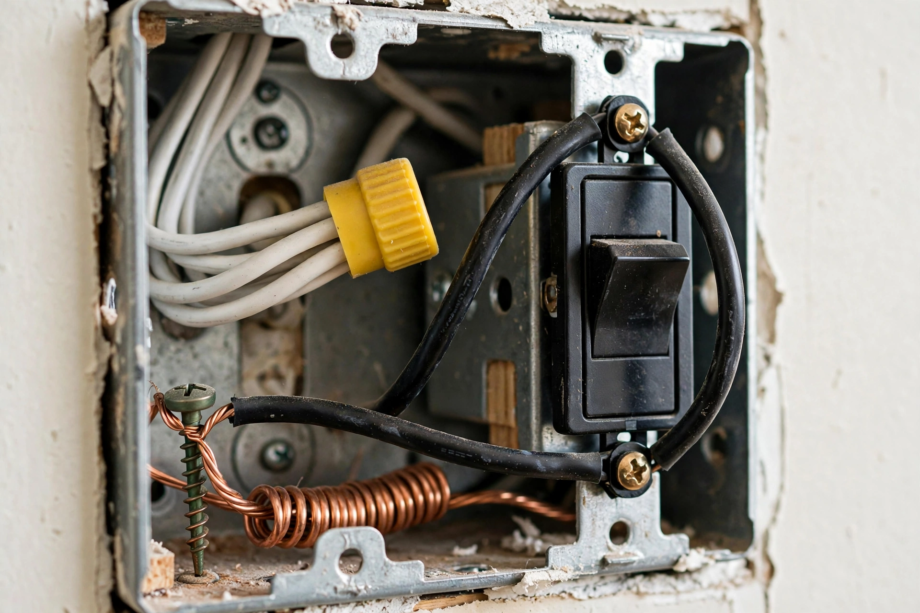
To learn how to identify neutral wire in light switch box wiring, turn off the breaker, then remove the plate, and look for white wires capped together in the back of the box. That bundle is your neutral. Finally, always verify with a voltage tester, never trust color alone.
- Safety First: Non-Negotiable Rules
- What the Neutral Wire Does in a Switch Box
- How to Identify Neutral Wire in Light Switch Box: Visual Check
- The White Wire Trap: When White Is Not Neutral
- How to Test With a Voltage Tester
- What If There Is No Neutral Wire?
- 3-Way Switches: A Special Case
- Connecting the Neutral to Your Smart Switch
- FAQs
- Is the white wire always the neutral?
- Can I install a smart switch without a neutral wire?
- Why do smart switches need a neutral when regular switches don’t?
- Is it safe to identify wires myself?
- What if my box has no ground wire either?
- Can I use the ground wire as a neutral?
- When the Neutral Exists But Is Hard to Reach
- Label Everything for Next Time
- Find It, Test It, Wire It
For instance, if you are installing a smart switch, finding the neutral wire is the step that stops most people cold. Traditional switches do not need one, so many older homes do not have a neutral in every switch box. This guide shows you exactly what to look for, how to test, and what to do when there is no neutral.
Safety First: Non-Negotiable Rules
First, before you touch anything, read this. Turn off the circuit breaker for the switch you are working on. Not just the wall switch; the breaker. Then test with a non-contact voltage tester to confirm the power is actually off. Breakers are sometimes mislabeled.
Next, work with one hand when possible, keeping the other hand away from the box. Indeed, this old electrician’s habit reduces the chance of current passing across your chest if something goes wrong. Wear rubber-soled shoes. And if at any point you feel unsure, stop and call an electrician. Still, a $150 service call is cheaper than a hospital visit.
What the Neutral Wire Does in a Switch Box
To begin, your home’s electrical system has three main wires. The hot wire (usually black) carries 120V from the panel to the device. The neutral wire (usually white) carries current back to the panel, completing the circuit. The ground wire (bare copper or green) is a safety path that only carries current during a fault.
In contrast, a traditional light switch just interrupts the hot wire. For example, flip it off, the circuit breaks, the light goes out. The switch itself needs no power, so it does not need a neutral.
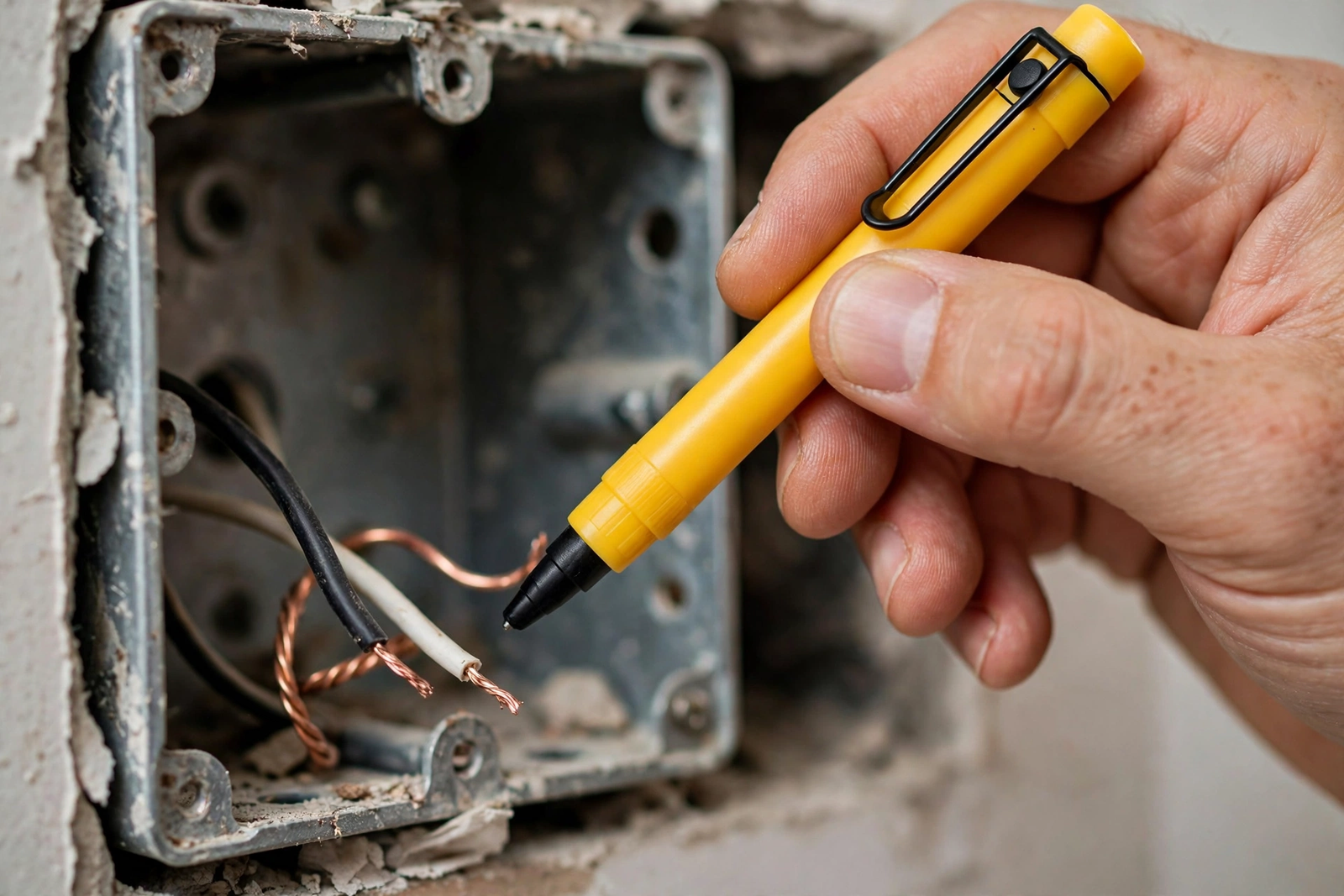
However, smart switches are different. Specifically, they have a radio, a processor, and sometimes a display that need constant power, even when the light is off. That constant power comes from a connection between hot and neutral. No neutral means no power for the smart features, which is why so many smart switches require one.. The AEANET neutral wire guide has clear diagrams of each wire role.
How to Identify Neutral Wire in Light Switch Box: Visual Check
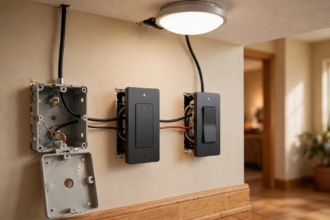
So with the breaker off and verified, unscrew the switch plate and gently pull the switch out of the box. Yet do not disconnect anything yet. Just look.
Specifically, you are looking for white wires. In a typical box with a neutral present, you will see two or more white wires twisted together and capped with a wire nut (usually yellow or red), tucked into the back of the box. Also, they are not connected to the switch. That bundle is the neutral.
Therefore, here is what each wire in the box usually is:
Table: Common Wire Colors in a Switch Box
| Wire Color | Usual Role | Connected to Switch? |
|---|---|---|
| Black | Hot (line) or load | Yes, on terminals |
| White (bundled, capped) | Neutral | No |
| White (on switch terminal) | Hot in disguise, not neutral | Yes, beware |
| Bare copper or green | Ground | Yes, on green screw |
| Red | Traveler (3-way) or second hot | Yes, on terminals |
The White Wire Trap: When White Is Not Neutral
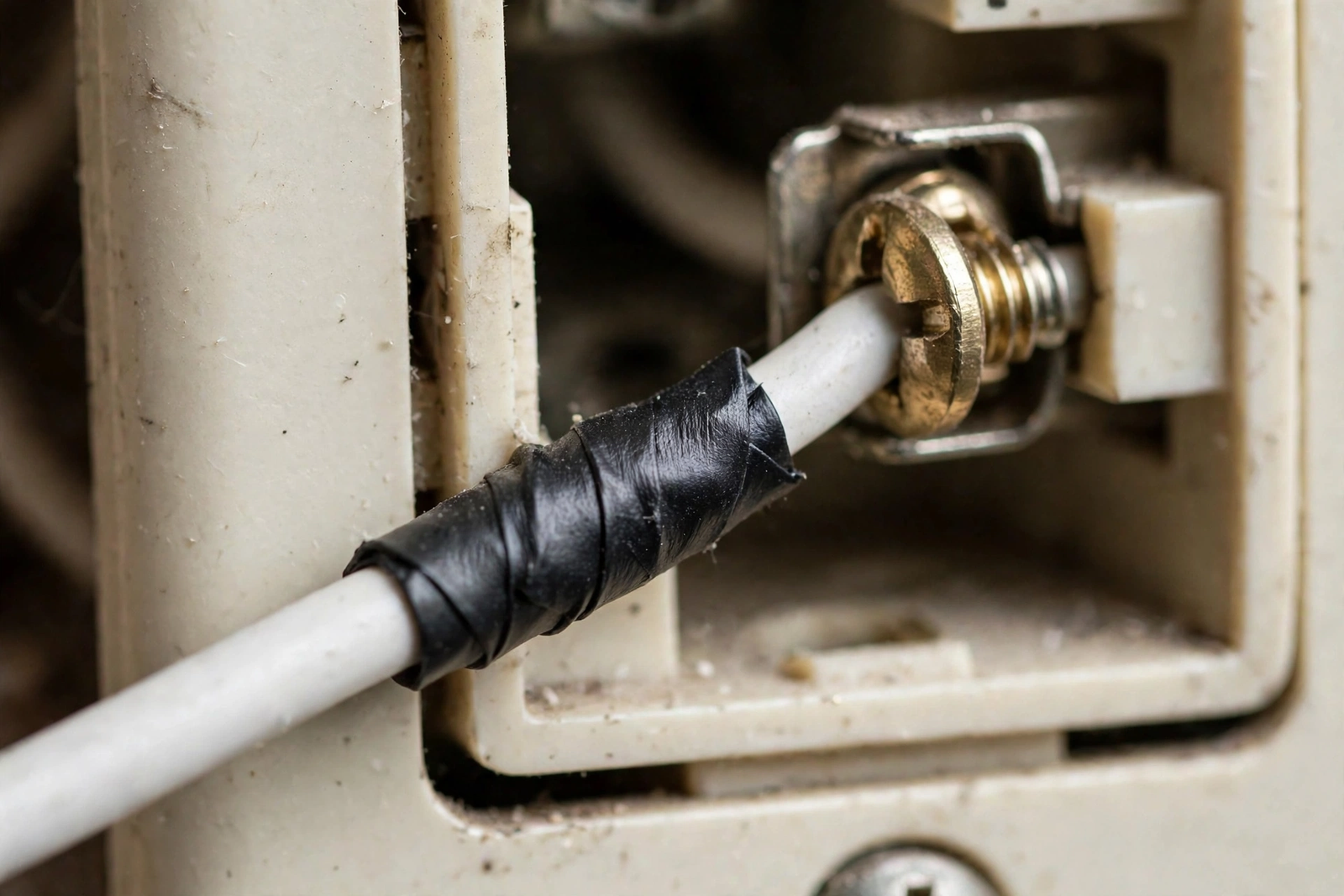
Still, this is the mistake that causes the most problems. In older wiring, especially in switch loops, a white wire is sometimes used as a hot wire. In theory, electricians are supposed to mark it with black electrical tape or a marker to show it is hot, but that marking is often missing, faded, or was never applied.
As a result, how to spot the trap: if a white wire is connected directly to the switch terminal (not bundled in the back), treat it as suspicious. A true neutral is never connected to a standard switch. If you see white on a terminal, it is almost certainly a hot wire in disguise.
In short, this is exactly why you never assume based on color alone. The visual check tells you what is likely, but only testing confirms it.
How to Test With a Voltage Tester
Meanwhile, for this test, you need the power ON, so be extra careful. However, only do this if you are comfortable working around live wires. If not, skip to the electrician option below.
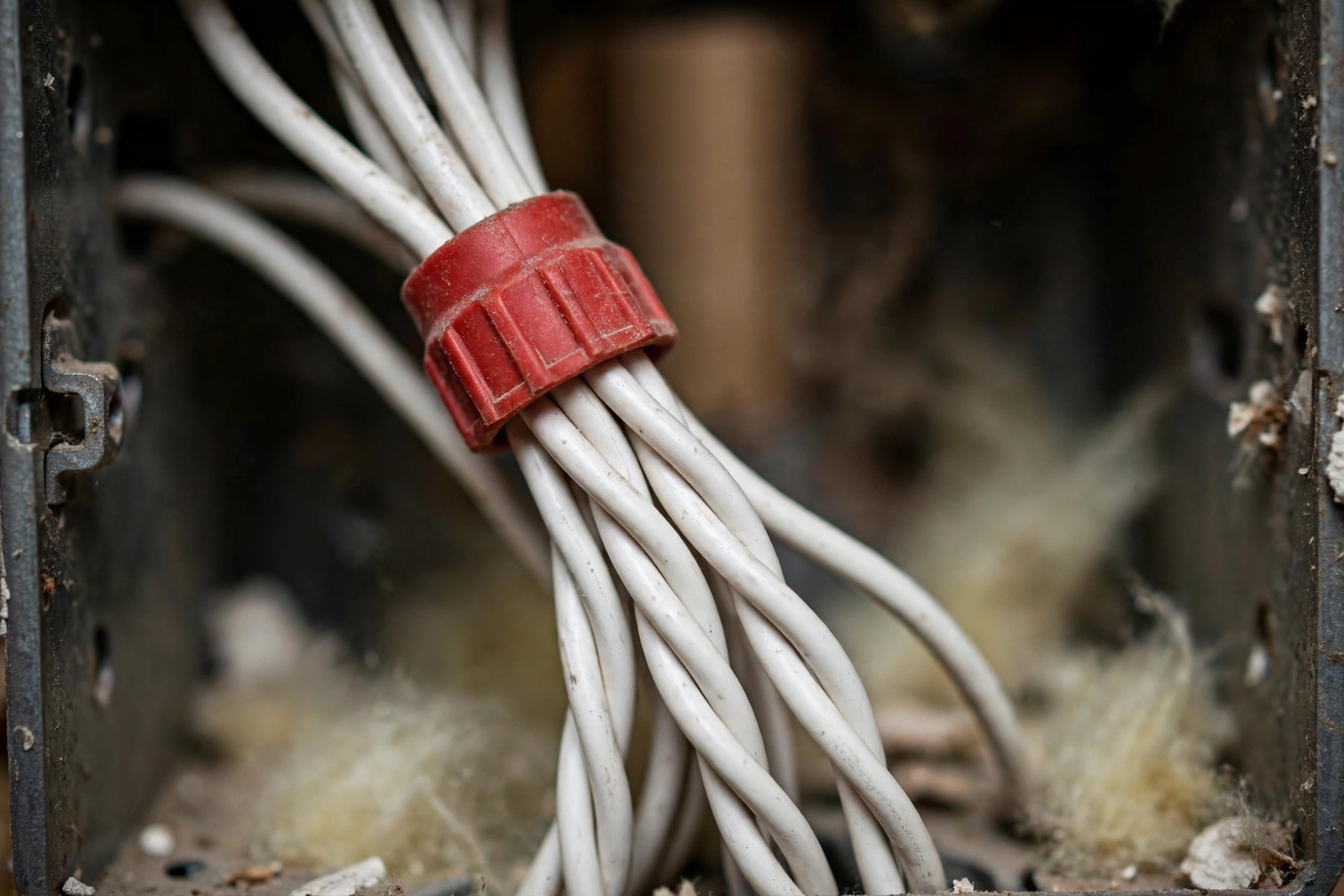
Then, with the breaker back on and the switch pulled out (but wires still connected), use a non-contact voltage tester or multimeter. Touch one probe to the black wire and the other to the suspected white neutral wire. Ideally, a multimeter should read approximately 120V. That confirms you have a true hot-to-neutral pair.
Next, test between the white wire and the ground wire (bare copper). In contrast, you should read close to 0V. If you read 120V between white and ground, that white wire is hot, not neutral. Stop and reassess.
Finally, after testing, turn the breaker back OFF before doing any more work. Every time. No exceptions.
What If There Is No Neutral Wire?
In fact, many homes built before the 1980s ran power to the light fixture first, then dropped just a hot and switched-hot down to the switch box. In that setup, there is no neutral in the box at all. Instead, you will see only black wires (and ground) on the switch, with no white bundle in the back.
Consequently, if that is your situation, you have three options. First, buy a no-neutral smart switch designed to work without one. These draw a tiny amount of power through the light bulb circuit. They work best with incandescent or halogen bulbs; some LED bulbs may flicker or glow faintly. Our guide to smart bulb setups covers bulb compatibility issues that also apply here.
Alternatively, second, have an electrician run a neutral wire to the box. This is the most reliable long-term fix but involves opening walls and costs $150 to $300 per switch depending on access.
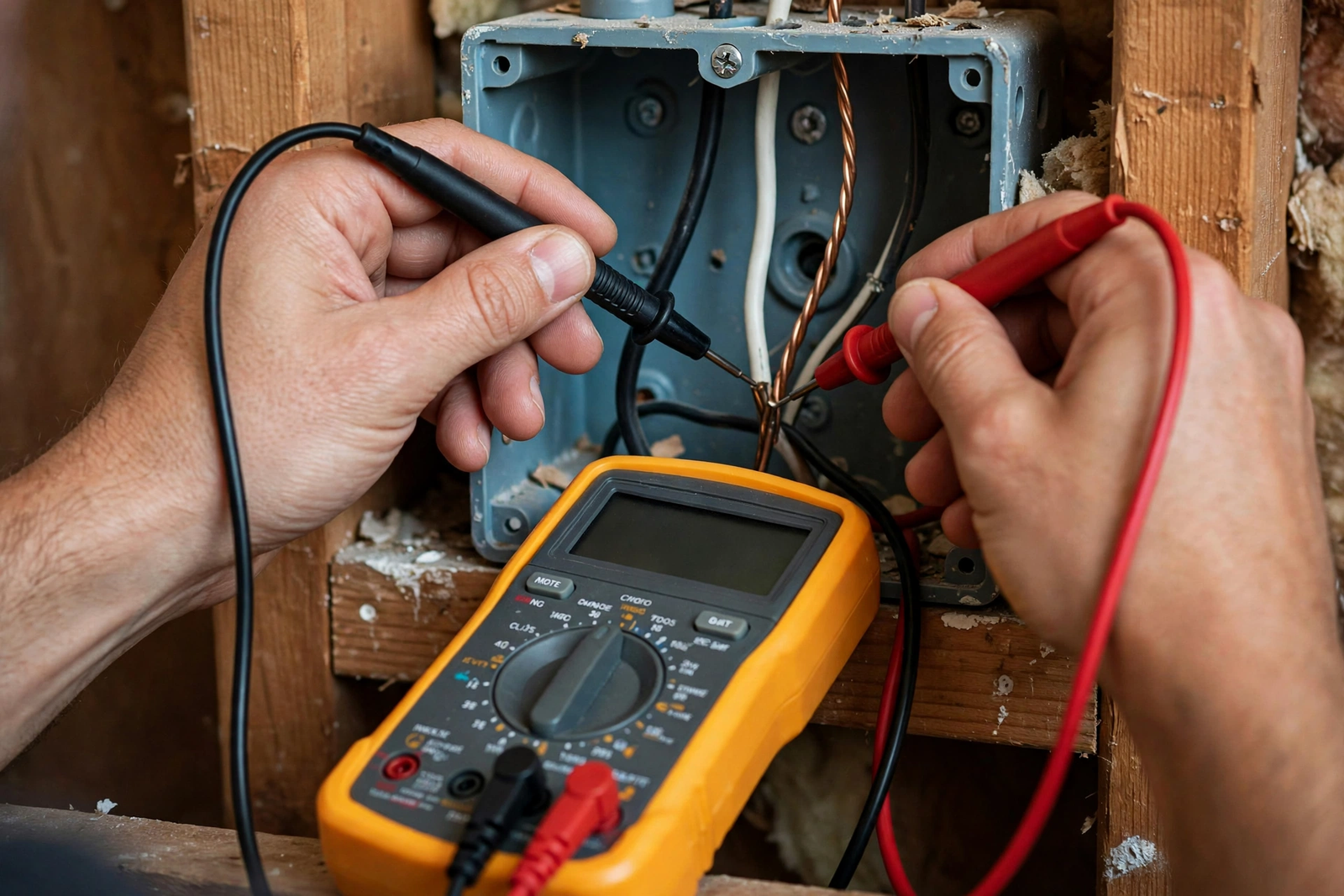
Finally, third, install the smart module at the light fixture instead of the switch. Some smart relays (like Shelly or Sonoff modules) wire in at the fixture where neutral is always present, and the existing wall switch becomes a low-voltage input. This avoids new wiring entirely.
3-Way Switches: A Special Case
For example, if your light is controlled from two locations (3-way), the wiring is more complex. You will see additional red traveler wires, and the neutral situation varies. In some 3-way setups, neutral is present in one box but not the other.
Therefore, for smart 3-way installations, you typically need a smart switch designed for 3-way use, plus sometimes a companion or add-on switch. Do not try to wire a single-pole smart switch into a 3-way circuit. The same care with always-on power applies to smart door locks with cameras. The traveler wires will confuse it, and you risk damaging the switch or creating a safety hazard.
Still, if the wiring looks like spaghetti with wire nuts everywhere, take a photo before disconnecting anything. That photo is your lifeline if you need to put it all back.
Connecting the Neutral to Your Smart Switch
Next, once you have confirmed the neutral bundle, connecting it is straightforward. Turn the breaker OFF and verify with your tester. Remove the wire nut from the white bundle. Add a short white pigtail wire (about 6 inches, same gauge) to the bundle and re-cap with the wire nut. Connect the other end of the pigtail to the neutral terminal on your smart switch, usually marked “N” or with a white wire lead.
In particular, make sure the wire nut is tight. Tug each wire gently; none should pull free. A loose neutral connection causes flickering, random reboots of the smart switch, and in rare cases overheating. This connection matters as much as the hot wires. Similar low-voltage care applies to thermostat wiring.
Then fold the wires carefully back into the box. Smart switches are deeper than traditional ones, so take your time. If the box is too crowded, you may need a box extender, which adds about half an inch of depth.
FAQs
Is the white wire always the neutral?
Usually, but not always. In standard modern wiring, white means neutral. But in older switch loops, a white wire may carry hot current and should have black tape marking it. Always verify with a tester rather than trusting color alone, especially in homes built before 1990.
Can I install a smart switch without a neutral wire?
Yes, if you buy a no-neutral smart switch designed for that purpose. Brands like Lutron Caseta, Aqara, and Inovelli make models that work without a neutral. They cost a bit more and may have bulb compatibility quirks, but they avoid rewiring entirely.
Why do smart switches need a neutral when regular switches don’t?
A regular switch is just a break in the hot wire; it needs no power itself. A smart switch contains a radio and processor that must stay powered 24/7 to receive commands, even when the light is off. That constant power requires a complete circuit through the neutral wire.
Is it safe to identify wires myself?
The visual inspection with the breaker off is safe for most homeowners. Live voltage testing carries real risk and should only be done if you are comfortable and properly equipped. When in doubt, hire an electrician for the testing portion; it is a quick and inexpensive service call.
What if my box has no ground wire either?
Very old homes may lack ground wires. You can still install a smart switch, but connect the ground terminal to the metal box if it is grounded via conduit, or leave it disconnected and use a GFCI breaker for protection. An electrician should evaluate ungrounded boxes.
Can I use the ground wire as a neutral?
Absolutely not. This is dangerous and violates electrical code everywhere. The ground wire is a safety path only and must never carry normal operating current. Some shady tutorials suggest this; ignore them. Either find a real neutral or use a no-neutral switch.
When the Neutral Exists But Is Hard to Reach
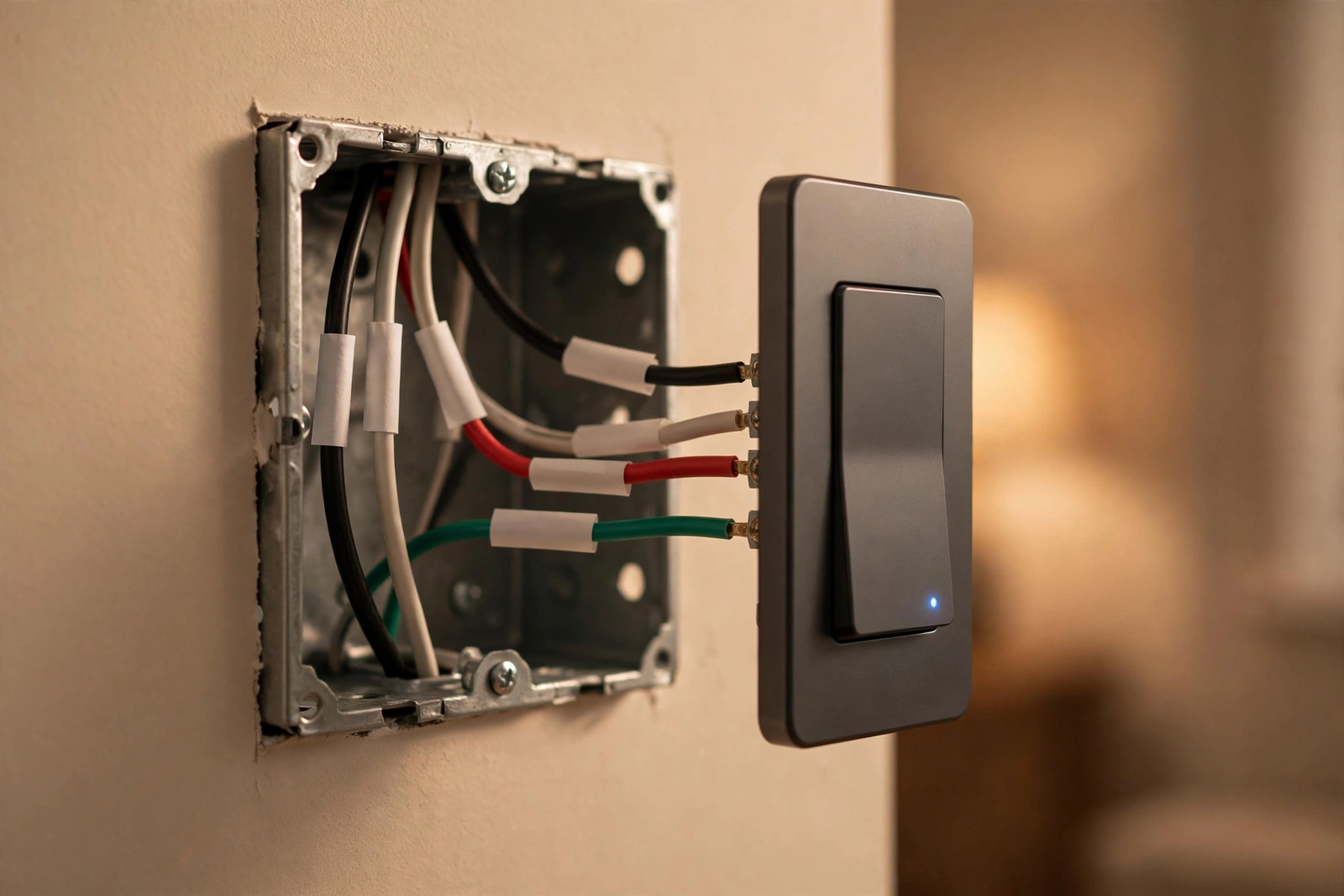
However, sometimes the neutral bundle is there but buried. In crowded boxes, the white bundle gets pushed to the very back behind a tangle of black wires. Do not yank wires to reach it. Instead, gently move the switch aside and use a flashlight to see into the back of the box.
Moreover, if the bundle is capped with an old ceramic wire nut that won’t budge, replace it with a new one rather than forcing it. Old wire nuts can crack, and a cracked wire nut on a neutral bundle is a fire risk. New wire nuts cost pennies.
Similarly, in metal boxes, watch that the bare ends of the neutral bundle don’t touch the box sides when you push everything back in. A neutral touching a grounded metal box will not trip a breaker, but it can cause nuisance GFCI trips on the circuit and weird behavior in smart switches.
Label Everything for Next Time
To finish, once you have identified your wires, label them. A few wraps of colored electrical tape take ten seconds and save future-you (or an electrician) real confusion. Use white tape on the neutral pigtail, and if you found a white wire being used as hot, mark it with black tape so nobody mistakes it for neutral later.
Also, take a photo of the final wiring before pushing it into the box. Once wiring is confirmed, our Apple Home explainer helps you pick compatible smart switches. Store it on your phone in a “home electrical” album. The next time you open that box, whether for a dimmer upgrade or troubleshooting, you will thank yourself.
Find It, Test It, Wire It
To sum up, identifying the neutral wire comes down to three steps: look for the capped white bundle in the back of the box, beware of white wires on switch terminals, and verify with a tester before trusting your eyes. Do it with the breaker off, test carefully, and never use ground as a substitute. Get this right and the rest of your smart switch installation is straightforward..