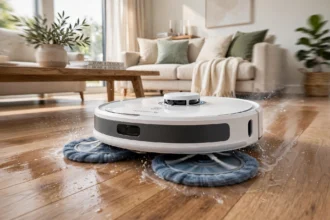


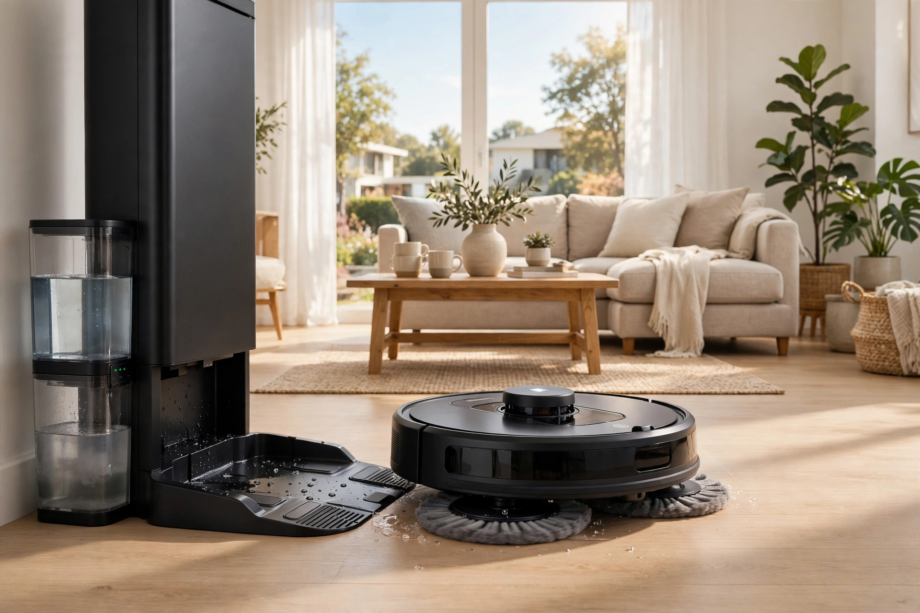
The best robot vacuum mop for most people in 2026 is the Roborock S8 MaxV Ultra. It vacuums hard, presses its spinning mop pads down with real pressure, and the dock washes and dries those pads on its own. Budget shoppers should look at the Roborock Q Revo instead. This guide compares the five best options.
- Best Robot Vacuum Mops: Our Top 5 for 2026
- How We Chose These Five
- 1. Roborock S8 MaxV Ultra: Best Overall
- 2. Dreame X40 Ultra: Best for Edges and Corners
- 3. iRobot Roomba Plus 4020 Combo: Best for Reliability
- 4. Roborock Q Revo: Best Budget Pick
- 5. Shark Matrix Plus 2-in-1: Best Midrange Value
- How to Choose the Right One
- How much suction do you actually need?
- Spinning pads beat drag pads
- The dock matters more than you think
- Navigation and mapping
- Smart home control
- Set It Up Right: 5 Tips for Day One
- Maintenance That Keeps It Cleaning Well
- FAQs
- Are robot vacuum and mop combos worth it?
- Do robot vacuum mops work on carpet?
- How often should you wash or replace mop pads?
- Can a robot mop replace real mopping?
- Do robot vacuum mops handle pet hair well?
- How do robot vacuum mops know where to clean?
- The Bottom Line
Best Robot Vacuum Mops: Our Top 5 for 2026
Short on time? In short, here’s the quick answer. The Roborock S8 MaxV Ultra is our top pick for most homes. The Dreame X40 Ultra cleans edges and corners better than anything else. The iRobot Roomba Plus 4020 Combo is the pick for people who value reliability. The Roborock Q Revo is the best budget buy. Finally, the Shark Matrix Plus 2-in-1 gives you solid midrange value.
Table: Side-by-side comparison of the five best robot vacuum mops in this guide.
| Model | Mop system | Dock features | Best for |
|---|---|---|---|
| Roborock S8 MaxV Ultra | Dual spinning pads | Hot-water wash, hot-air dry, self-empty | Best overall |
| Dreame X40 Ultra | Spinning pads with edge arm | Hot-water wash, dry, self-empty | Edges and corners |
| iRobot Roomba Plus 4020 Combo | DualClean spinning pads | AutoWash dock, 75 days of dust storage | Reliability |
| Roborock Q Revo | Spinning mop pads | Wash-and-dry multifunction dock | Budget buyers |
| Shark Matrix Plus 2-in-1 | Sonic mopping | HEPA self-emptying base | Midrange value |
How We Chose These Five
We judged every model on five things that matter in real homes. Suction strength, because pet hair and crumbs don’t care about marketing claims. Mop quality, since a weak mop makes the combo part pointless. Dock automation: self-washing pads are the difference between a robot you use daily and one that sits in the corner. Navigation, because a robot that eats cables gets unplugged fast. And price: value still counts.
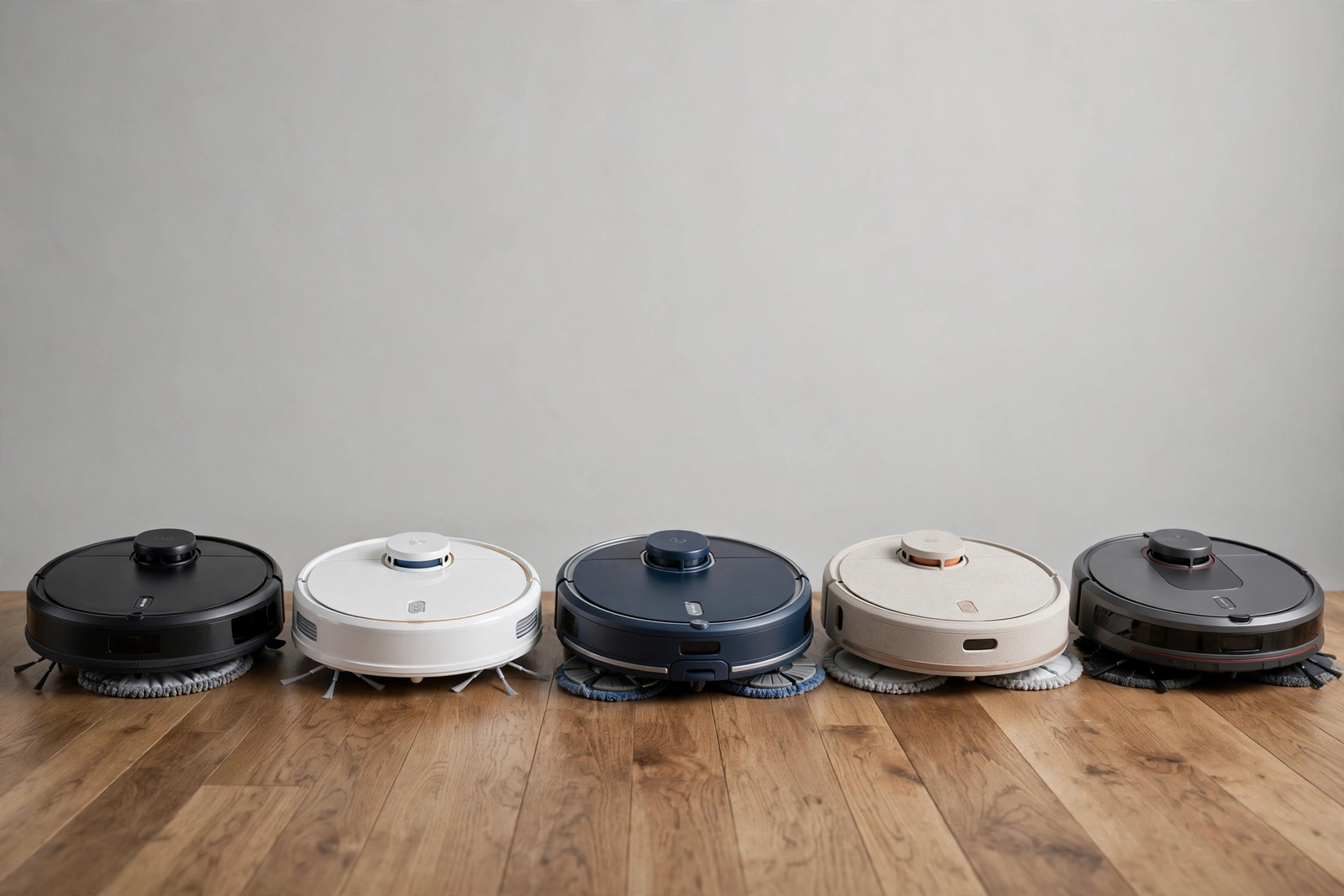
We also weighed owner complaints more heavily than spec sheets. In other words, a big number on paper means little if owners say the app crashes or the pads start smelling after a month. These five picks survived that filter.
1. Roborock S8 MaxV Ultra: Best Overall
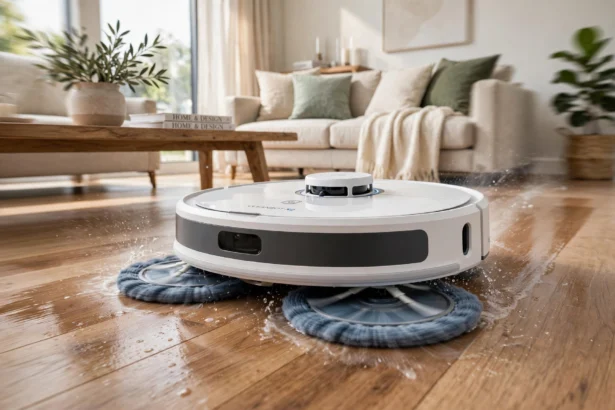
Roborock’s flagship is the most complete package you can buy. It packs 18,500 Pa of suction. As a result, carpet and pet hair are handled with ease. The dual spinning mop pads press down hard enough to lift dried spills rather than just smearing them. After each run, the dock washes the pads with hot water at 60 degrees. Next, it dries them with hot air. You never have to touch a dirty pad.
Smart home support holds up well too. It works with Alexa, Google Home, and Matter, which makes it easy to fit into a mixed-device home. If you run devices across several platforms, check Roborock’s Matter support before you buy so you know exactly what will connect.
The honest downside is price. This is a premium machine. The cost therefore only makes sense if you’ll run it often. Still, smaller apartments with one room of hard floor may not get enough value out of it. Check the current price on Roborock’s page. Afterward, compare it against your floor space before you commit.
2. Dreame X40 Ultra: Best for Edges and Corners
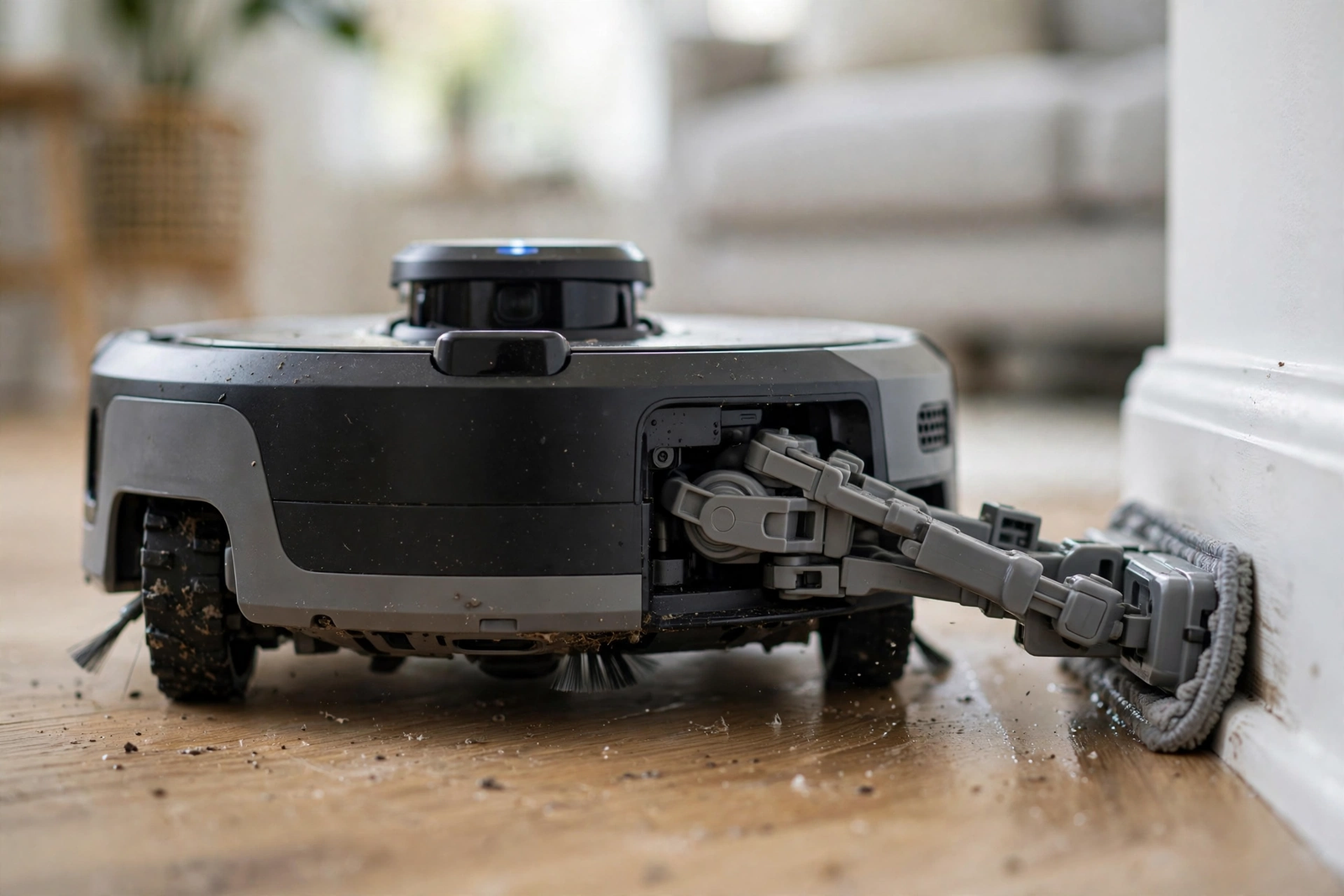
In fact, most robot mops leave a dirty strip along baseboards. The X40 Ultra doesn’t. Its extendable mop arm swings out to reach walls and corners, since that’s exactly where crumbs and dust collect. With 12,000 Pa of suction, it vacuums well on both carpet and hard floors.
The dock washes the pads with hot water at 58 degrees, then dries them with hot air. Pads never sit damp between runs. In addition, obstacle avoidance is a genuine strong point here. It recognizes and dodges cables, shoes, and pet bowls instead of pushing them around the room. In short, this is the one for homes with tight corners and busy baseboards.
It costs less than the Roborock flagship but still sits in the premium range. The app is powerful, yet some owners say it takes a few days to learn. Meanwhile, give yourself a week with it before you judge.
3. iRobot Roomba Plus 4020 Combo: Best for Reliability
iRobot has been building robot vacuums longer than anyone else, and it shows in the small details. For example, the Plus 4020 Combo uses spinning DualClean mop pads with SmartScrub for deeper scrubbing on stuck-on messes. When it rolls onto carpet, the pads lift up to keep your rugs dry. ClearView LiDAR maps your home in minutes and cleans in neat rows, even in the dark.
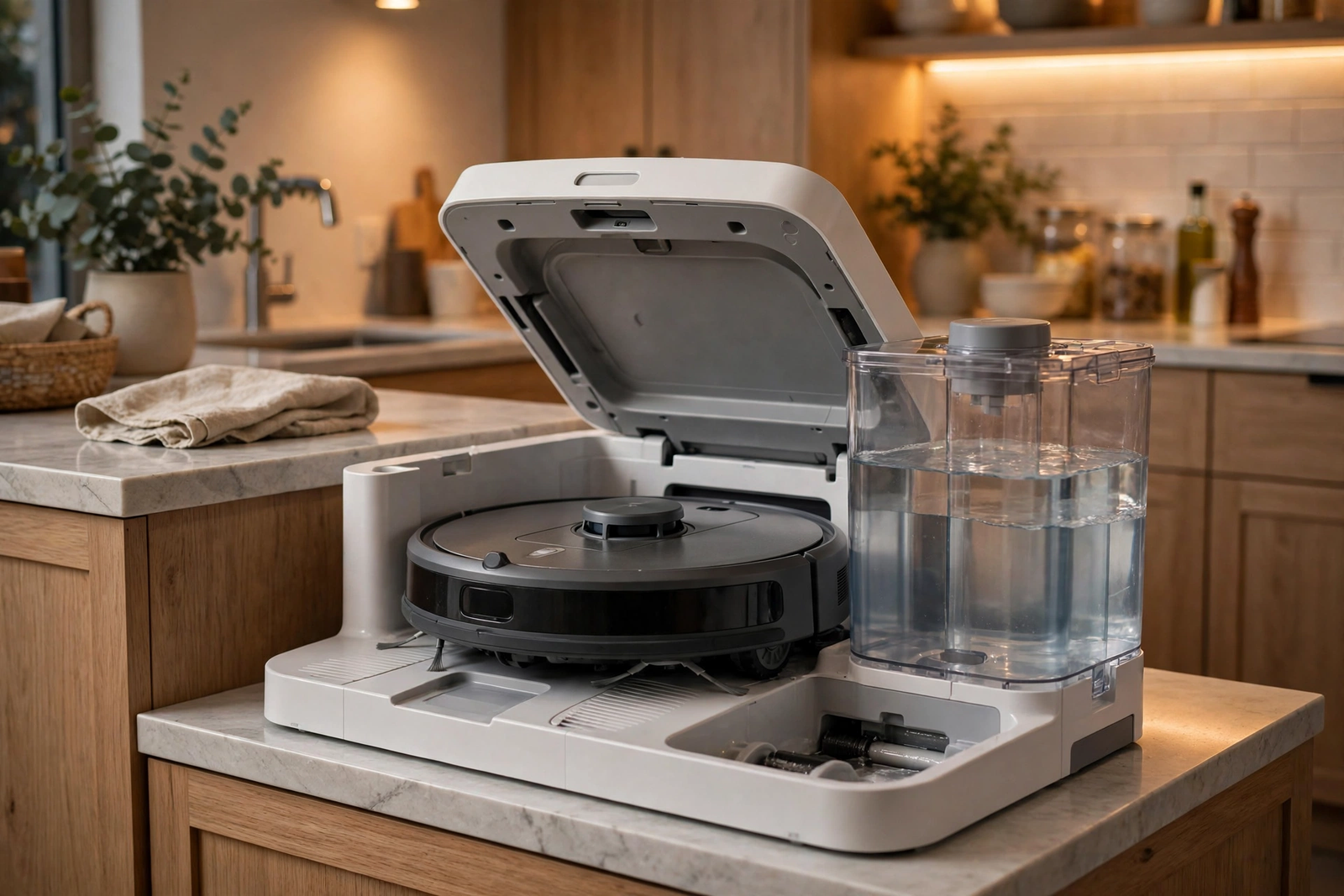
Indeed, the AutoWash dock handles up to 75 days of auto-emptying and four weeks of mopping and pad washing, with pad drying built in. You can read the full specs on iRobot’s official product page. The Roomba Home app remains one of the most polished and stable in the business.
Nevertheless, where it falls short is raw innovation. Roborock and Dreame lead on headline specs like suction numbers and edge-cleaning tricks. Pick the Roomba if you want the safest, most dependable buy rather than the flashiest one. For many households, that’s the smarter choice.
4. Roborock Q Revo: Best Budget Pick
In other words, you don’t need flagship money to get a great combo. Specifically, the Q Revo gives you spinning mop pads and a multifunction dock that washes and dries them after every run. That dock is the feature that matters most for daily use. Nobody wants to hand-wash mop pads in the sink.
It still won’t match the S8 MaxV Ultra on suction power or obstacle smarts. But for apartments and smaller homes with mostly hard floors, it cleans very well. Room mapping, schedules, and no-go zones are all here, which means you’re not giving up the smart features that count.
This is the sweet spot for first-time buyers. As a result, you get the full combo experience, learn what matters to you, and spend far less finding out. If you upgrade later, you’ll know exactly which premium feature to pay for.
5. Shark Matrix Plus 2-in-1: Best Midrange Value
The Shark Matrix Plus 2-in-1 sits comfortably between budget and premium. It uses sonic mopping, which scrubs floors with rapid vibration instead of spinning pads. In practice, owners say it cleans better than the price suggests, especially on tile and laminate.
The HEPA self-emptying base is a nice touch at this price. It traps dust and allergens inside a sealed bag, which means you empty it far less often. Matrix Clean technology also makes multiple passes over dirty spots instead of gliding past them once.
It lacks the hot-water pad washing of the premium docks, so you’ll rinse the pads yourself now and then. If you want solid cleaning without premium pricing, this is where to start.
How to Choose the Right One
The right pick depends on your floors, your pets, and how much work you want the dock to do for you. These five points will steer you to the right category.
How much suction do you actually need?
Suction is measured in Pascals, written as Pa. For mostly hard floors, anything from 8,000 Pa up is fine. Homes with thick carpet or heavy-shedding pets benefit from 12,000 Pa or more. However, don’t chase the biggest number blindly. Brush design and airflow matter just as much, and a well-designed 12,000 Pa robot can out-clean a sloppy 20,000 Pa one.
Spinning pads beat drag pads
Spinning mop pads press down and rotate to scrub stains. Sonic mops vibrate at high speed for a similar effect. Both are far better than simple drag pads. In contrast, cheap models just drag a damp cloth behind them. If your kitchen floor sees real spills, pick spinning or sonic. Drag pads are fine for light dust, nothing more.
The dock matters more than you think
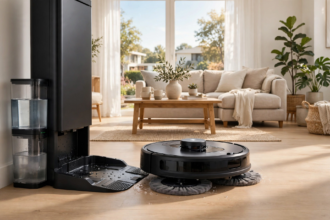
A good dock washes the mop pads, dries them with hot air, empties the dustbin, and refills the water tank. That is what makes a robot truly hands-free. Docks without pad washing force you to rinse dirty pads by hand, which gets old within a week. Choose a self-washing model; otherwise, that chore lands on you. When you compare models, compare the docks before the robots.
Navigation and mapping
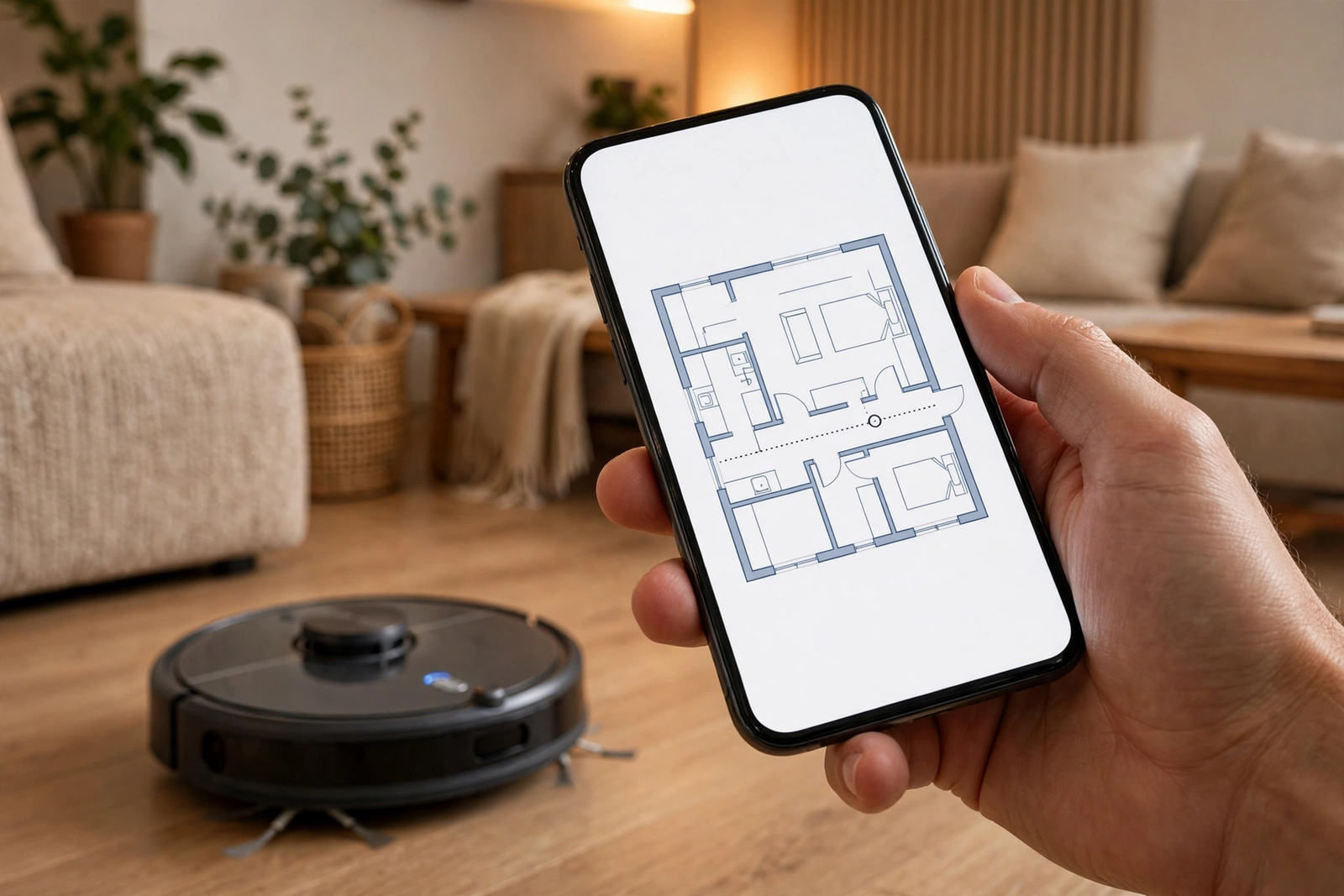
LiDAR-based robots map your home quickly and clean in neat rows. Camera-based systems recognize objects like cables and socks but need some light to work well. Either way, the sensors decide how smart your robot feels in daily use. Our guide explains how robot vacuum sensors actually work if you want the full picture before you shop.
Smart home control
Most combos connect to Alexa and Google Home for voice control. For instance, you can start a clean, send the robot to a room, or check its status without opening the app. For daily life, room-by-room scheduling in the app is even more useful than voice. Set the kitchen to mop every evening and the bedrooms to vacuum twice a week, and let the robot handle the rest.
If your home runs on Apple’s platform, read our guide to what Apple Home is and which devices join it. A robot that fits your ecosystem is much easier to automate than one that fights it.
Mixed-brand homes are normal. In particular, routines work best when everything speaks to the same platform. Check compatibility for each new gadget before it joins your setup.
We regularly check popular accessories for gaps like this. Our write-up on whether Govee works with Apple Home shows how one brand mismatch can break an automation. Run the same check on your robot before you buy, not after.
Set It Up Right: 5 Tips for Day One
A robot vacuum mop works best when the first week goes well. These tips come from real setups, including the mistakes.
First, let the mapping run finish without interruption. Pick up cables, shoes, and laundry before the first run, since a clean first map avoids confused detours later.
Second, set no-go zones right away. Mark pet bowls, thick rugs you don’t want mopped, and any spot where the robot got stuck. Two minutes in the app saves you rescue missions later.
Third, don’t judge the mop on day one. Pads clean better after a wash or two, since the robot keeps learning your rooms over the early runs. Give it a full week before you decide it’s not working.
Fourth, keep the dock on hard flooring with space around it. The robot needs room to back in and out, and water plus carpet is a bad mix. In fact, about half a meter of clear space on each side works well.
Fifth, schedule around your life. Run it while you’re at work or out for a walk, not while you’re on calls. Even a quiet robot is noticeable in a silent room.
Maintenance That Keeps It Cleaning Well
A robot vacuum mop only stays great if you do a little upkeep. The good news is that the dock handles most of it. You just need to cover the rest.
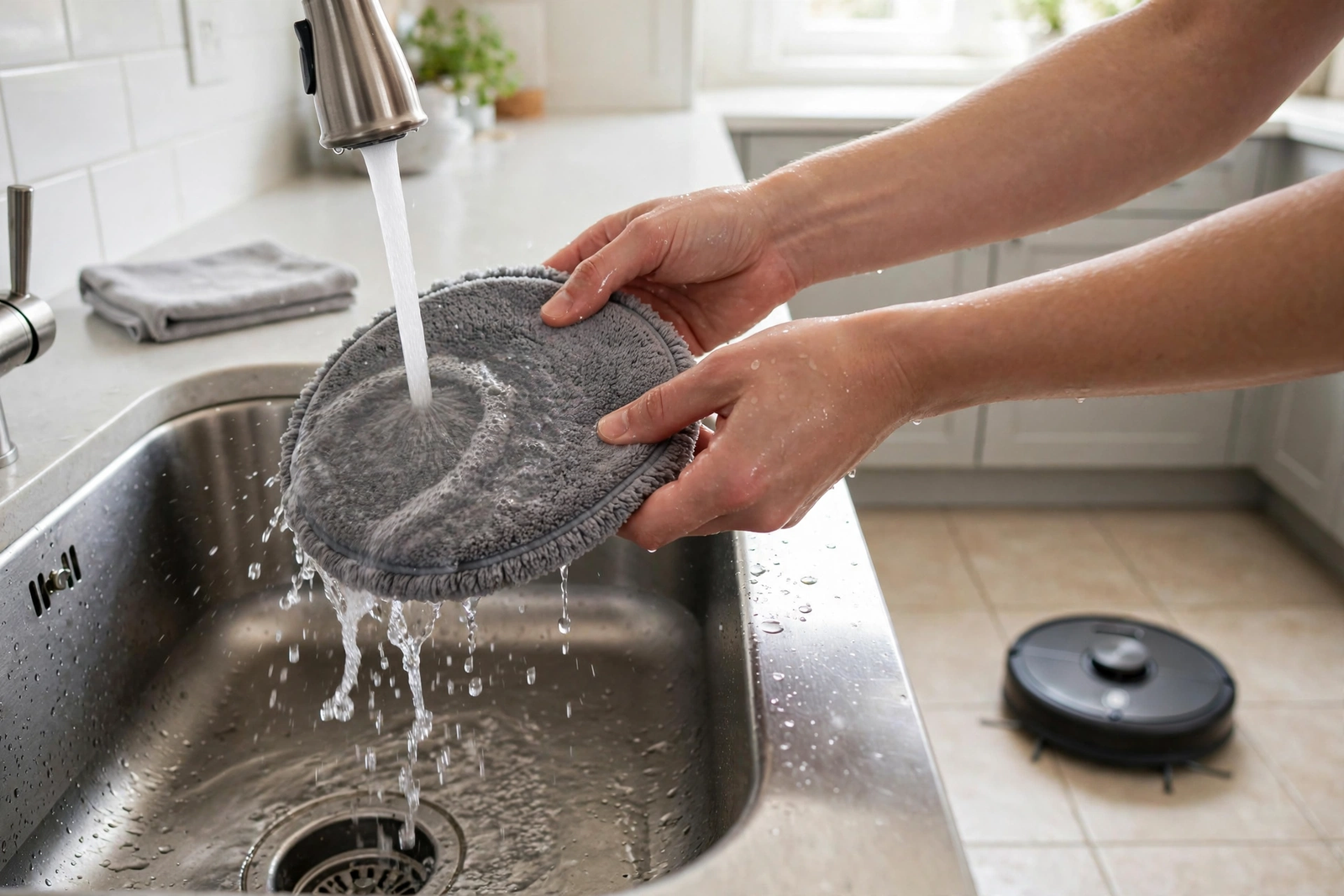
Empty the dirty water tank and refill the clean one every few days. Rinse the dock’s wash tray once a week to keep grime from building up. Check the main brush for tangled hair every couple of weeks, especially if you have pets. Subsequently, replace dust bags, filters, and mop pads on the schedule the app suggests.
Here’s the mistake I see owners make most. They notice streaks on the tile and blame the robot. Then they pull out the mop pads and find them gray, stiff, and smelly. Dirty pads are the cause almost every time. For example, I tested this on my own kitchen tile: fresh pads left the floor clean, while pads that had sat damp for two days left visible streak lines. Same floor, same water level, totally different result.
Use only the cleaning solution your manufacturer recommends. Cheap floor cleaners can foam up inside the dock or damage the pump over time, which turns a small saving into an expensive repair. A small bottle of the right solution lasts months; the dock dilutes it automatically.
- Mop pads: the dock washes them after every run; replace every three to six months.
- Dust bag: swap every 60 to 90 days, depending on pets and floor size.
- Filter: rinse monthly and let it dry fully; replace every three to six months.
- Brushes: clear tangled hair monthly; replace about once a year.
FAQs
Are robot vacuum and mop combos worth it?
Yes, for most homes with hard floors. A good combo vacuums and mops on a schedule, which saves you three to five hours of floor care every week. It won’t replace deep cleaning for heavy spills, but daily maintenance keeps floors cleaner than weekly manual mopping ever did.
Do robot vacuum mops work on carpet?
Yes. The robot vacuums carpet like a normal robot vacuum, and the mop pads lift up when carpet is detected so rugs stay dry. That said, the mopping function only helps on hard floors. If your home is mostly thick carpet, a vacuum-only robot may give you better value.
How often should you wash or replace mop pads?
Docks with self-washing wash the pads after every run, so you don’t need to hand-wash them. Replace the pads every three to six months, or sooner if they look worn or start smelling. iRobot says its microfiber pads last about 30 washes. A worn pad cleans poorly and can leave streaks.
Can a robot mop replace real mopping?
For daily upkeep, yes. For sticky spills and ground-in grime, not fully. Robot mops maintain clean floors between deep cleans, which means you mop by hand far less often. Think of the robot as the daily worker and yourself as the occasional deep cleaner.
Do robot vacuum mops handle pet hair well?
Yes, the best ones do. Strong suction plus tangle-resistant brushes pick up pet hair from hard floors and low carpet. Self-emptying docks mean you don’t touch the hair. Run the robot daily and you’ll notice far less fur on your floors and furniture.
How do robot vacuum mops know where to clean?
They use LiDAR or cameras to map your home over the early runs. Then they clean room by room in neat rows and avoid stairs with cliff sensors. You can set no-go zones and room schedules in the app. The map gets more accurate the more the robot runs.
The Bottom Line
The Roborock S8 MaxV Ultra is the best robot vacuum mop for most people in 2026. In fact, it cleans the hardest, automates the most, and the dock removes the grossest chore from your week. On a tight budget? The Roborock Q Revo delivers most of the experience for much less money.
In short, your next step is simple. Check how much of your home is hard floor versus carpet, pick the category that fits, and compare current prices on the manufacturer pages. Indeed, a robot you run every day beats a fancier one you barely use.