


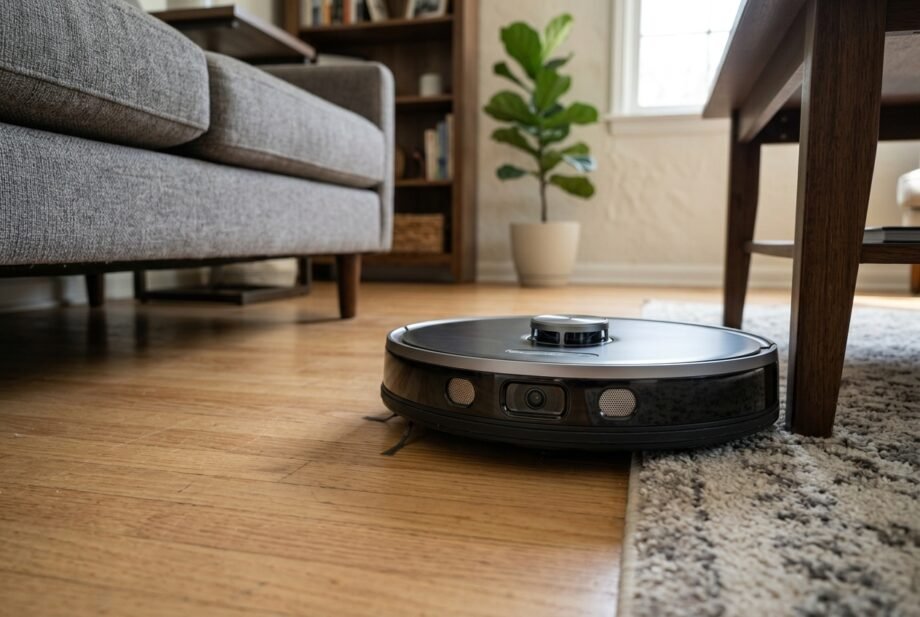
What is a robot sensor? It is a component that measures something about a robot or its surroundings and supplies information the robot can use to respond. That might mean detecting a chair leg, tracking wheel rotation, or noticing that a motor is getting hot.
The useful part is what happens next. Software interprets the measurement, and the robot changes its behavior. A vacuum may turn away from furniture; a robotic gripper may reduce its grip.
Understanding this process makes product descriptions easier to judge. It also helps you separate a dirty sensor from a mapping problem or an unrelated Wi-Fi fault.
Quick takeaway: What is a robot sensor? It is hardware that detects a physical condition and provides a signal to a controller. Robots use these measurements to track movement, detect obstacles, and respond to their surroundings. Different sensors provide different information, often working together.
What Is a Robot Sensor? The Basic Idea
A sensor converts a physical input into a usable signal. The input could be light, distance, acceleration, temperature, or mechanical force. The signal might represent a simple yes-or-no state or a changing numerical measurement.
The IEEE introduction to sensors and sensing explains this relationship between physical properties and computer-readable information.
Sensors, controllers, and actuators
These parts perform separate jobs:
- Sensor: measures or detects something.
- Controller: processes information and selects a response.
- Actuator: produces a physical action, such as turning a wheel.
Ask “what is a robot sensor responsible for?” and the answer is measurement. A distance sensor does not independently decide which room to clean next.
Internal and external sensing
Internal sensors monitor the robot itself, such as joint position or motor temperature. External sensors gather information about its surroundings, such as nearby walls.
The distinction describes what is being measured. It does not necessarily describe where the component sits: a camera enclosed inside a robot’s body can still observe the outside world.
Robotics terminology calls these categories proprioceptive and exteroceptive sensing. Understanding their meaning matters more than memorizing the names.
Main Types of Robot Sensors
Distance and proximity sensors
What is a robot sensor measuring when it approaches furniture? Depending on its design, it may detect an object’s presence, estimate distance, or measure reflected light.
An ultrasonic sensor sends out sound above human hearing and measures the returning echo. Travel time allows the system to calculate distance. Angled or sound-absorbing objects can make detection difficult; the WPILib ultrasonic sensor guide explains these limits.
Infrared sensors use infrared light. Some detect reflected light nearby; others use more sophisticated ranging methods. “Infrared” describes the light involved, not one universal measurement technique.
LiDAR measures distance using laser light. Scanning systems take measurements in different directions to support navigation. A scanner measuring one horizontal plane does not automatically provide a complete three-dimensional view of the room.
Cameras and vision sensors
Cameras capture images. Computer-vision software extracts useful information from them, such as visual landmarks or possible obstacles.
What is a robot sensor contributing here? Image data. Recognizing that an object is a shoe, cable, or pet depends on the surrounding software and hardware design.
A navigation camera therefore does not guarantee reliable recognition of small objects. Lighting requirements and supported detection features need checking for the exact model.
Movement and position sensors
A wheel encoder measures rotation. Software can combine that measurement with wheel size to estimate distance traveled. If the wheel slips, rotation and actual movement no longer match.
An inertial measurement unit, or IMU, typically combines accelerometers and gyroscopes. These measure acceleration and angular velocity, helping software estimate changes in movement and orientation.
What is a robot sensor unable to guarantee by itself? A perfect location estimate. Errors can accumulate, so navigation systems may need other measurements to correct them.
What Is a Robot Sensor Used for Beyond Navigation?
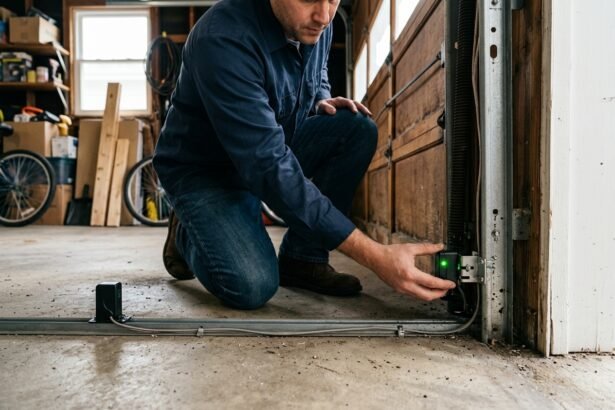
A bumper switch detects physical contact. Force sensors measure loads, while torque sensors measure twisting loads. Temperature sensors can monitor components such as motors or batteries.
These examples extend beyond household vacuums. A factory gripper and a cleaning robot need different information because their tasks differ.
| Sensor | Measures or detects | Example use | Key limitation |
| Ultrasonic | Distance from sound echoes | Nearby obstacle ranging | Target angle and material affect echoes |
| Infrared | Infrared light or distance | Wall or floor detection | Performance depends on design and surface |
| LiDAR | Laser-based distance | Navigation and mapping | Scan coverage leaves blind spots |
| Camera | Images | Landmarks and object recognition | Needs suitable imagery and processing |
| Encoder | Rotation or displacement | Wheel movement tracking | Wheel slip affects travel estimates |
| IMU | Acceleration and angular velocity | Movement and orientation estimation | Estimates can drift |
| Bumper switch | Contact | Detecting a collision | Contact has already occurred |
How Robot Sensors Turn Readings Into Actions
Consider a simplified robot approaching a box. What is a robot sensor doing before the wheels turn away?
- Taking a measurement: a distance sensor receives a return signal.
- Reporting a reading: electronics provide a value to the controller.
- Checking the information: software evaluates whether the reading is usable.
- Selecting a response: navigation logic decides to slow down, stop, or steer.
- Moving the robot: motor commands produce the chosen action.
- Measuring again: fresh readings help the controller assess the result.
This repeated process is a feedback loop. It allows the machine to adjust as conditions change.
Real readings contain uncertainty. Noise means unwanted variation; latency means delay. A fast-moving robot needs enough time and distance to respond, even when its sensor detects an obstacle correctly.
What is a robot sensor’s range telling you? Only part of the story. Minimum detection distance, viewing angle, update rate, and target material also matter. A longer advertised range does not guarantee better detection of objects close to the floor.
Calibration helps relate sensor output to a known reference. It cannot remove every limitation, and consumer products may not expose calibration controls to the owner.
Why Robots Combine Multiple Sensors
What is a robot sensor missing that another might detect? A bumper confirms contact, while a distance sensor may notice an obstacle before contact. An encoder tracks wheel rotation, while a camera may provide evidence that the robot has barely moved.
Sensor fusion combines measurements to improve an estimate. It is useful because different sensors have different strengths and failure modes.
However, installing more sensors does not automatically produce better navigation. Placement, software, calibration, and how the system handles conflicting readings all matter.
SLAM means simultaneous localization and mapping: estimating the robot’s position while building a map. It is a software process using sensor data, not a sensor type.
A room map also does not guarantee detection of every new object. A charging cable placed on the floor after mapping still needs to be noticed during cleaning.
Robot Sensors and Smart-Home Compatibility
Alexa, Google Home, and Apple Home
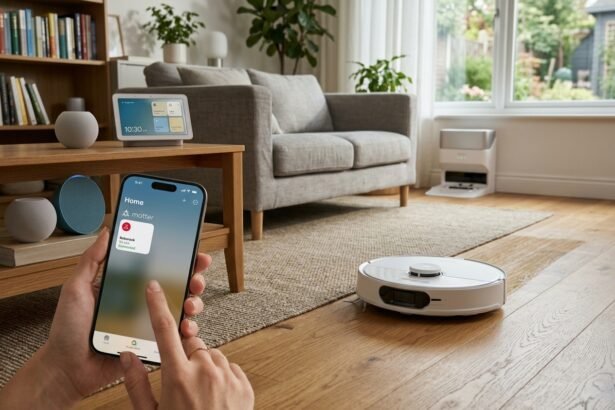
What is a robot sensor’s connection to your voice assistant? Usually indirect. The finished robot exposes supported controls through an integration; its individual navigation sensors are not necessarily available as smart-home accessories.
Check the exact model, firmware, supported commands, and required accounts. “Works with Alexa” does not establish identical support in Google Home or Apple Home.
For background on Apple’s ecosystem and terminology, see our guide to how Apple Home works.
Matter, Zigbee, and Z-Wave
Matter introduced robotic vacuum support in version 1.2, including cleaning modes and status information. The official Matter 1.2 announcement describes the category’s capabilities. Actual controls depend on the product and platform implementation.
Zigbee and Z-Wave are communication technologies used by connected devices. They do not describe how a robot measures distance or identifies an obstacle.
Our door and window contact sensor guide illustrates why sensing functions and hub requirements need separate checks.
Before relying on an automation, test the specific action you need. Starting a supported robot through a routine does not imply that its live obstacle readings can trigger other devices.
How to Set Up and Check a Home Robot’s Sensors
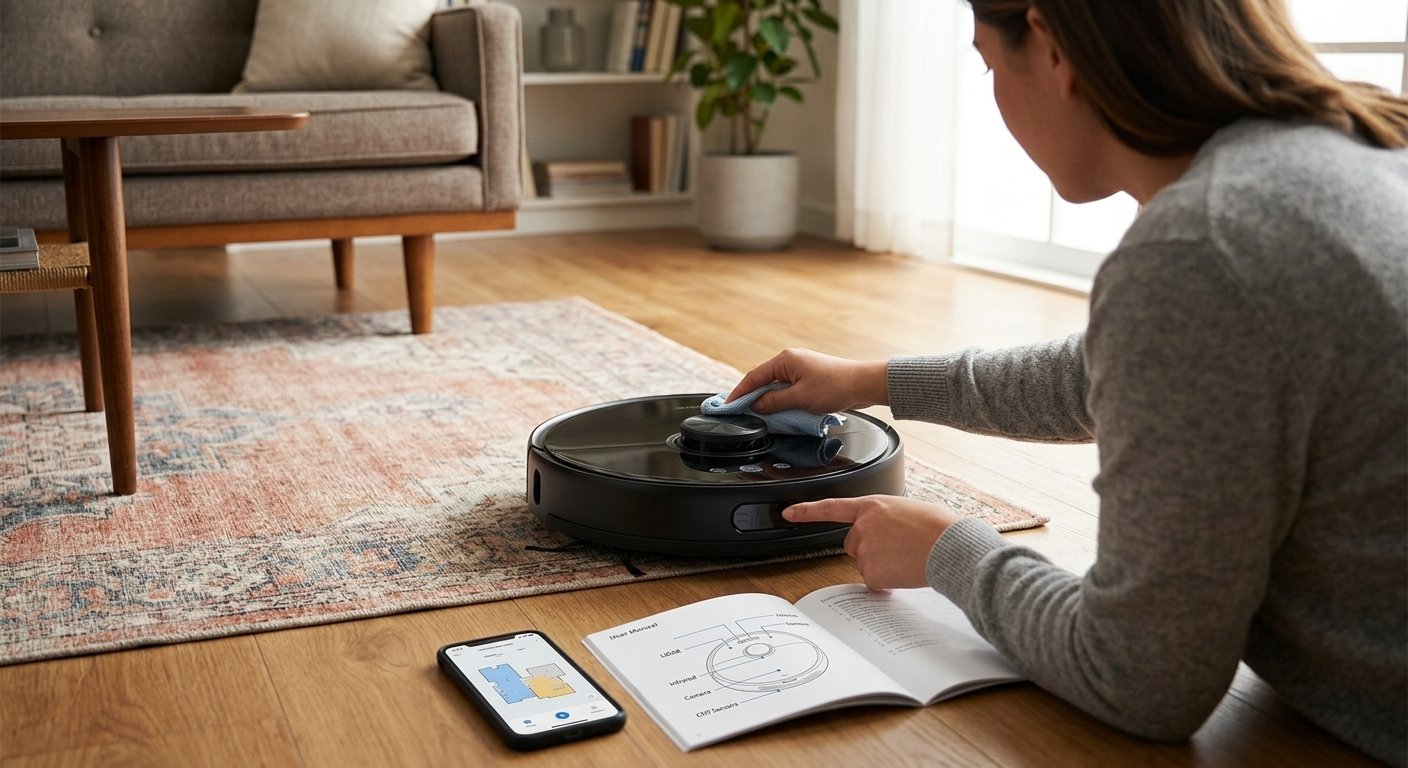
What is a robot sensor supposed to detect in your particular model? Start with the manual’s component diagram. A dark window might cover a camera, docking receiver, or another sensor; appearance alone is unreliable.
- Identify the model and sensor locations. Note the manufacturer’s cleaning instructions and any setup requirements.
- Remove transport materials. Check for shipping foam or removable protective film where the instructions specify it.
- Prepare the area. Pick up loose cables and objects the robot should not encounter. Follow the stated dock clearances.
- Complete initial setup. Use the recommended app and mapping procedure, where supported. Keep the dock in its intended position.
- Observe a first run. Watch movement around ordinary furniture in a safe, level area. Do not deliberately test stair protection near an exposed drop.
- Adjust supported settings. Review cleaning zones, obstacle-avoidance options, and schedules. Change one setting at a time so you can judge its effect.
Save the manual and record any recurring error code. If the manufacturer does not provide user calibration, avoid hidden service menus or guessed button sequences.
Recheck navigation after moving the dock or making substantial room changes. Whether remapping is necessary depends on the product.
Common Sensor Problems and Safe Checks
What is a robot sensor reporting when the floor looks clear but the robot refuses to move? The warning may reflect contamination, a difficult surface, or a hardware fault. It is a starting point for diagnosis, not proof that the sensor needs replacing.
| Symptom | Possible explanation | First safe check |
| Repeated bumping | Missed objects, dirty optics, or normal bumper navigation | Check intended navigation behavior and clean as directed |
| Drop-off warning on level flooring | Dirty cliff window or surface-related detection | Follow cleaning guidance and retest on suitable level flooring |
| Poor navigation in dim rooms | Lighting-sensitive navigation system | Check the model’s lighting requirements |
| Repeated circling | Wheel obstruction, bumper issue, or navigation fault | Inspect accessible wheels and bumper with power off |
| Difficulty docking | Dock position, dirty receiver window, or blocked approach | Check the dock and relevant cleaning instructions |
| App unavailable but robot moves | Connectivity or account issue | Diagnose network access separately |
Dark floors and cliff detection
Some robots use reflected infrared light to help detect floor edges. Certain dark surfaces can produce problematic readings. iRobot’s dark-surface guidance describes model-dependent behavior and warns against disabling cliff sensors.
Never cover or bypass protective sensors to force a robot across a rug. Use manufacturer-supported alternatives or keep it out of the troublesome area.
Cleaning and escalation
What is a robot sensor likely to need first: cleaning, recalibration, or replacement? Check the error instructions before deciding. For relevant Roomba models, sensor maintenance guidance specifies a clean, dry microfiber or soft cotton cloth.
Avoid guessed solvents or spraying liquid into openings. If an error returns after approved cleaning and restart steps, record where it happens and contact support. Repeated factory resets can erase useful settings without fixing a physical fault.
Privacy and Offline Operation
What is a robot sensor collecting inside your home? The answer depends on its hardware: images, range measurements, and movement readings are different kinds of data.
Check whether the product stores maps or images, where processing occurs, who can access remote viewing, and how deletion works. A camera’s presence alone does not establish that it streams video to the cloud.
Likewise, distinguish a sensor’s operation from the robot’s internet-dependent features. Ask which cleaning controls, schedules, maps, and notifications remain available offline. Consult the exact model’s documentation rather than assuming all functions share one dependency.
Review account access and optional data-sharing settings during setup, then revisit them after major app changes.
Frequently Asked Questions
What is a robot sensor used for?
It supplies measurements that help a robot monitor itself or its surroundings. Uses include tracking movement, detecting nearby objects, measuring grip force, and monitoring temperature. The controller determines how to respond; each sensor supplies only the information its design can measure.
What are the main types of robot sensors?
Common groups include distance, proximity, vision, position, motion, contact, force, and environmental sensors. These categories overlap: an ultrasonic sensor can measure distance and help detect proximity. The right grouping depends on whether you are describing the technology or its job.
How do robot sensors detect obstacles?
Some measure reflected sound or light, some capture images, and others register physical contact. Detection depends on the object’s size, position, material, and the system’s design. A robot can detect an obstruction without recognizing exactly what the object is.
How is a sensor different from an actuator?
A sensor measures; an actuator acts. An encoder can report wheel rotation, while a motor turns the wheel. Software connects these roles by comparing the intended movement with feedback and adjusting the motor command when necessary.
Can a robot work without sensors?
Some mechanisms can execute fixed programmed actions without feedback about their surroundings. Their ability to adapt is limited. Also, lacking a camera does not mean lacking sensors: a robot may still use encoders, switches, or other internal measurements.
Final Verdict and Long-Term Care
What is a robot sensor ultimately worth to its owner? Useful information that helps the machine act reliably within its design limits. Judge a robot by the tasks it handles, the conditions it needs, and the support available when something goes wrong.
Keep exposed sensor windows clean as instructed, inspect accessible moving parts, and maintain supported software. After changing the room layout, observe another run. These habits are more useful than assuming an expensive navigation label guarantees flawless behavior.
Safety note: Power down before maintenance and follow the manual. Keep protective sensors enabled. Stop using damaged equipment, and leave internal electrical repairs to qualified service personnel.
Disclaimer:
Sensor layouts, controls, compatibility, and offline behavior vary by model, region, and firmware.
This guide provides general education; use your manufacturer’s instructions for setup, maintenance, and repairs.