


Yes. A security camera without WiFi can record, detect motion, and store footage on its own. It just can’t send that footage to your phone or the cloud until it has some other connection, like a cable, a hub, or a 4G signal. So the trick is picking the setup that matches what you actually need.
- What “Without WiFi” Really Means
- How a Security Camera Without WiFi Actually Works
- 1. MicroSD Card in the Camera
- 2. Local Hub or Base Station
- 3. Wired NVR or DVR System
- 4. 4G LTE Cellular Camera
- Which No-WiFi Setup Should You Choose?
- How to View Footage Without WiFi
- How Much Storage Do You Need?
- Choosing the Right Camera for Your Home
- FAQs
- Can a security camera work without WiFi?
- How do I view security camera footage without WiFi?
- Do security cameras still record when the WiFi goes down?
- What is the best type of security camera without WiFi?
- How much data does a 4G security camera use?
- Can I use a security camera at a cabin with no internet?
- Do I need a subscription for a camera with no WiFi?
- Final Take
Usually the reason is simple. WiFi is weak where the camera must go, or the property has no internet. A farm gate, a cabin, a garage, or a rental with no cables.
Still, not every camera sold as “wireless” works without WiFi. That word causes most of the confusion here.
What “Without WiFi” Really Means
WiFi does three jobs in a normal camera setup. It carries live video to your phone, it sends motion alerts, and it also uploads clips to the cloud. Recording is a fourth job, and it still doesn’t need WiFi at all. A camera can film and save hours of footage with no network in sight.
That split is the whole idea. Recording happens locally, and remote viewing still needs a signal. Once you see those as two separate jobs, the choices get simple.
Here’s where shoppers get tripped up. “Wireless” usually means the camera has no video cable, not that it works without WiFi. Most wireless cameras still lean on your home network for app, alerts, and cloud storage. If avoiding WiFi is the point, look for cameras described as 4G LTE, cellular, microSD, DVR, NVR, or local recording.
How a Security Camera Without WiFi Actually Works
A camera that works without WiFi takes one of four paths to store its video. Each path has a different cost and a different answer to the question “can I watch it from my phone?” Motion detection runs on the camera itself, so it keeps working with no network. Only the alerts pause.
1. MicroSD Card in the Camera
This is the simplest setup of all. The camera writes motion-triggered clips straight to a microSD card instead. No recorder, no network, no monthly fee. Then you mount the camera, put in the card, and it records.
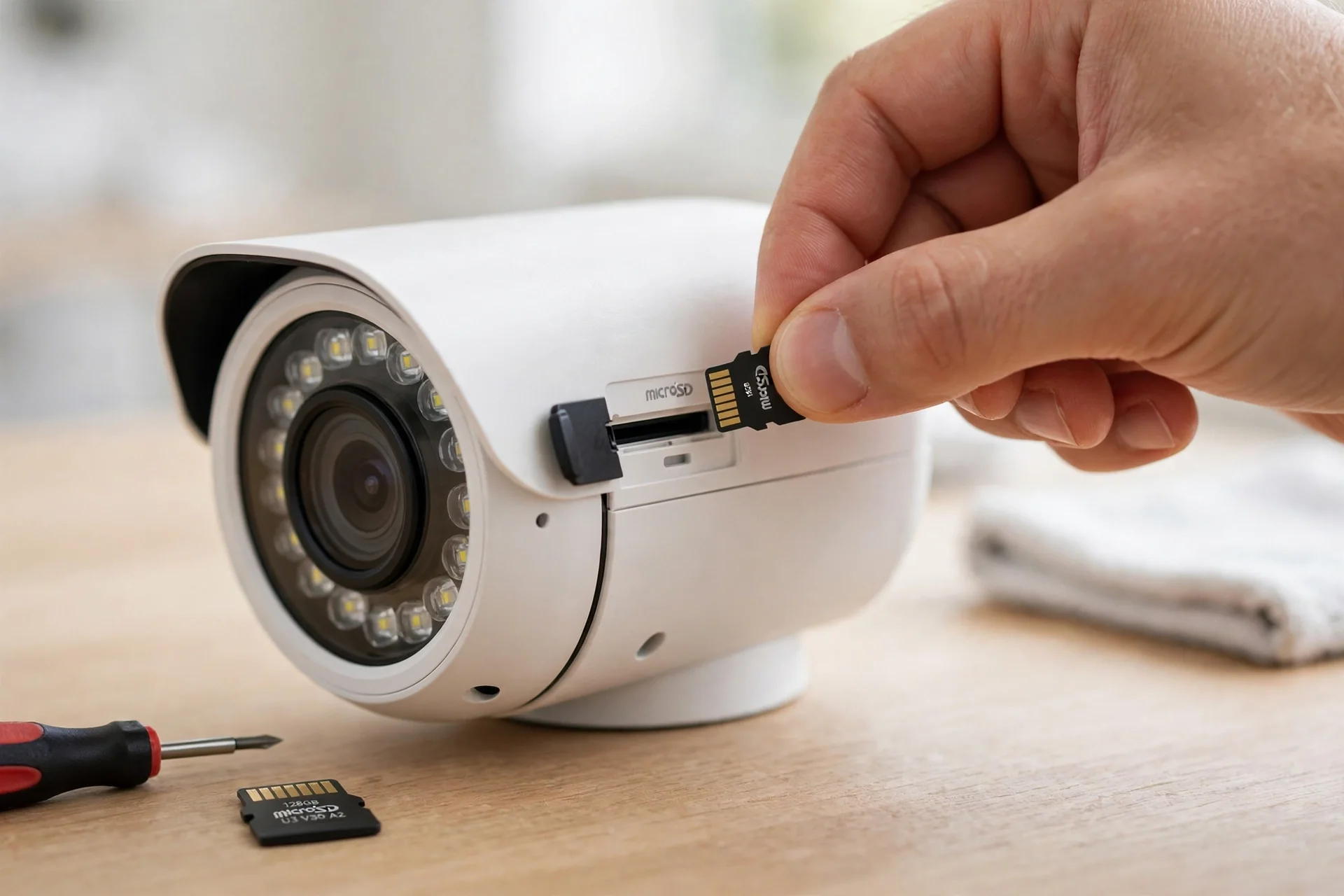
Most current cameras support cards up to 256GB or 512GB. For example, Reolink lists up to 512GB for its Argus and RLC series cameras, while its Video Doorbell caps at 256GB.
Still, one limit is worth knowing. A camera on a card alone usually records motion events only, not continuous 24/7 video. That’s fine for a front door. It’s less useful if you need a full timeline.
To watch the footage, pull it up in the app while your phone is on the same home network, or take the card out and read it on a computer. Our guide on how to view footage stored on an SD card walks through each method. One tip: buy a high endurance card rated for continuous writing. A regular phone card wears out fast, so buy high endurance.
2. Local Hub or Base Station
Some systems use a hub instead of a card. The cameras talk to the hub over a private wireless link. The hub then stores the footage on a built-in drive or a hard drive you add yourself. Eufy’s HomeBase is, in fact, the best-known example. Its HomeBase S380 takes up to 16TB of local storage, with no monthly fee for the storage itself.
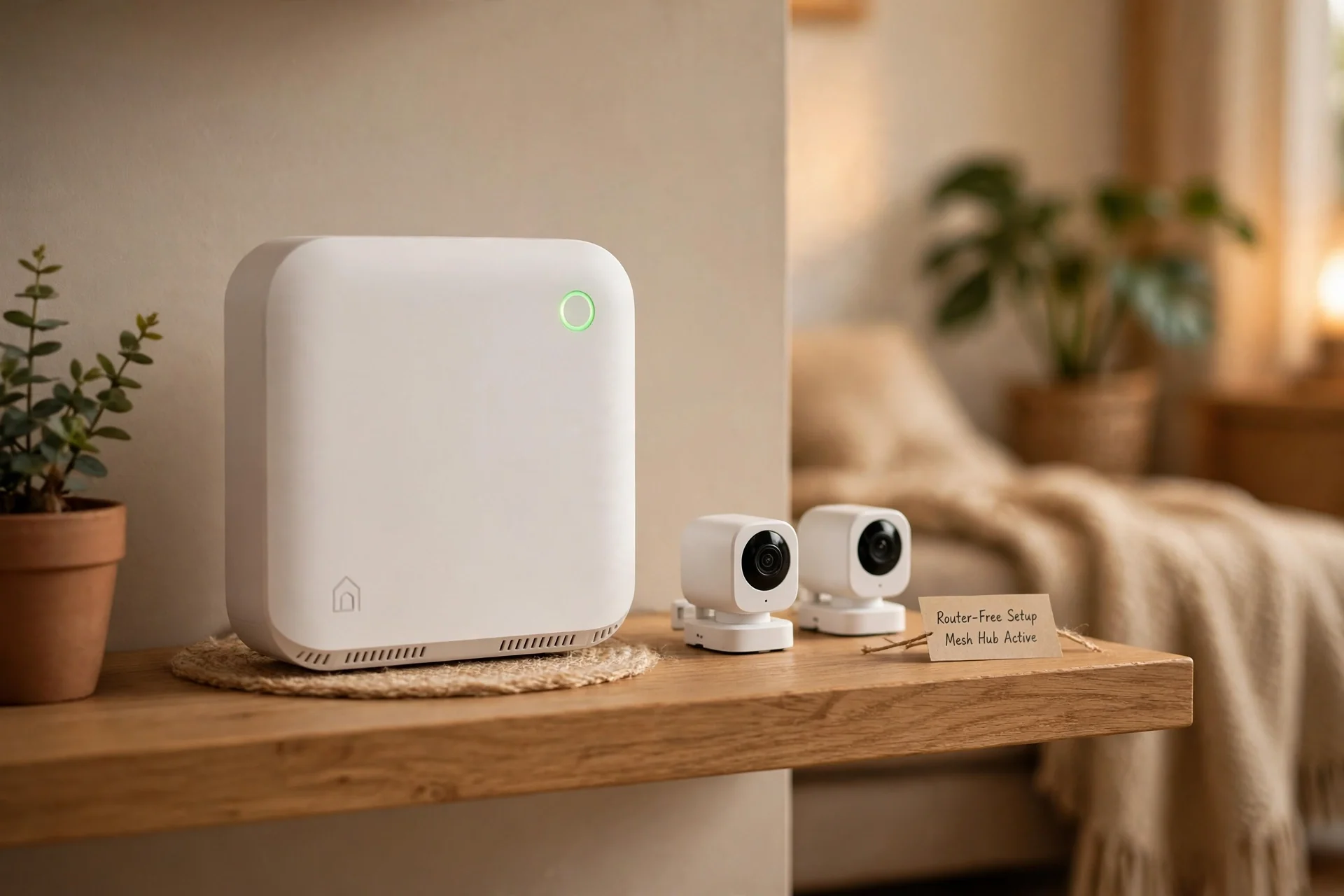
The camera itself never joins your WiFi router. It sends footage to the hub, and the hub then connects to your router, often by Ethernet cable, for phone viewing and alerts. So the cameras are WiFi-free, but the system still uses your home network for remote access.
This setup suits a whole house. You get several cameras, one place where all the footage lives, and also no fee per camera. The risk is that the hub is a single point of failure. If it fills up or loses power, every camera tied to it is affected.
If your Eufy camera stops saving clips, then our guide on Eufy camera not recording to HomeBase covers the seven fixes that solve the problem in most cases.
3. Wired NVR or DVR System
A wired CCTV system is the classic no-WiFi setup, and it’s still the most reliable for continuous recording. Cameras connect by cable to a recorder box, an NVR for IP cameras or a DVR for analog cameras. The recorder then saves everything to a hard drive inside.
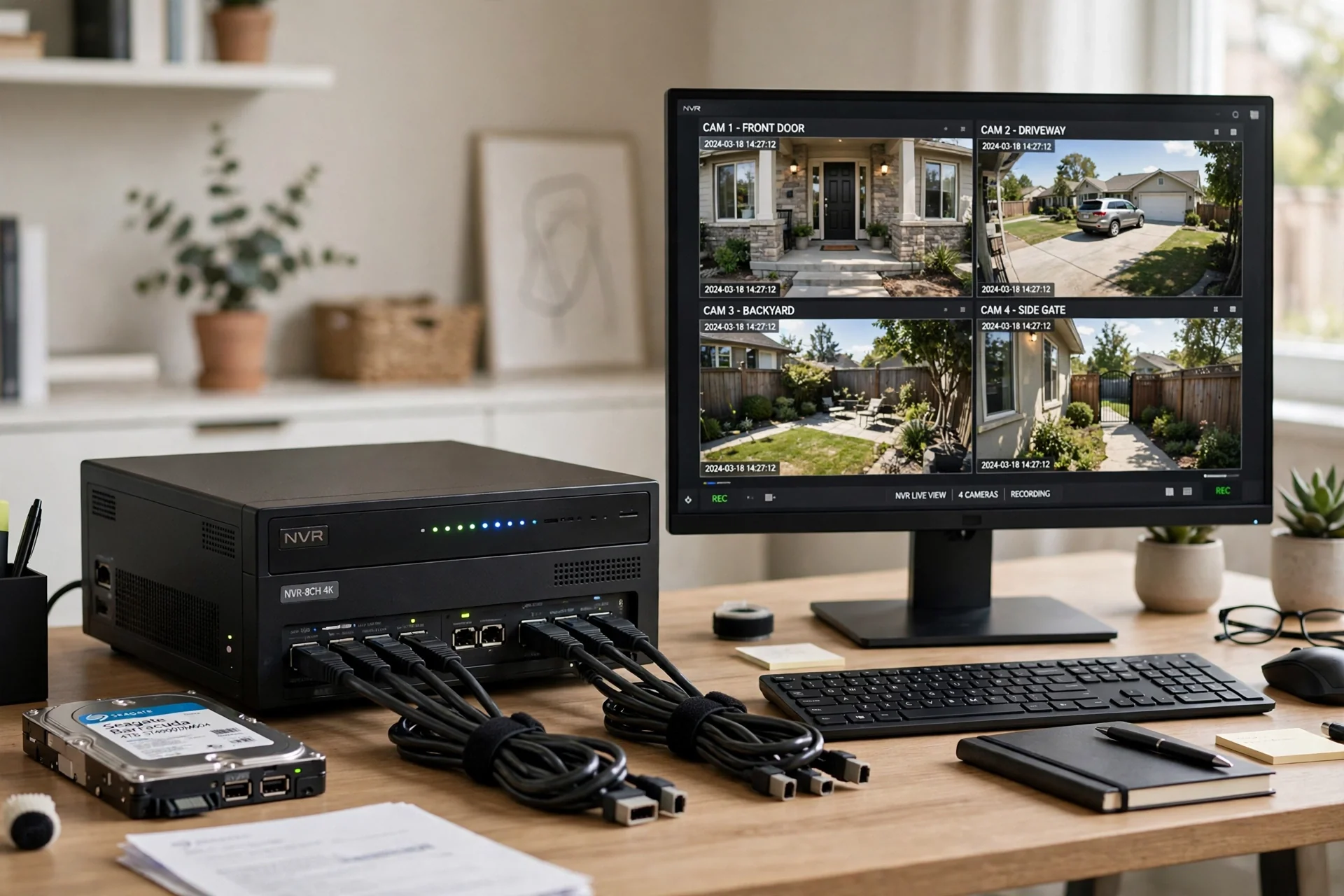
Once powered on, the cameras and the recorder talk to each other over their own local network. So you get 24/7 continuous recording with no internet involved at all. Plug a monitor into the recorder’s HDMI port to watch live feeds and old clips.
PoE, or Power over Ethernet, makes the wiring simpler. For example, one Ethernet cable carries both power and video to each camera. That matters when you’re covering a large house or a small business with six or eight cameras.
The trade-off is the install. You have to run cables through walls or along eaves, and the recorder also needs a safe spot with power and ventilation. In return, you get the most dependable recording here, and still no monthly fee. Remote viewing works too, but only if you connect the recorder to the internet.
4. 4G LTE Cellular Camera
A cellular camera is the only type that gives you full remote access with no WiFi and no fixed internet at all. It has a SIM slot and talks to a mobile network, just like your phone. Live viewing, alerts, and app access all work through that 4G signal.
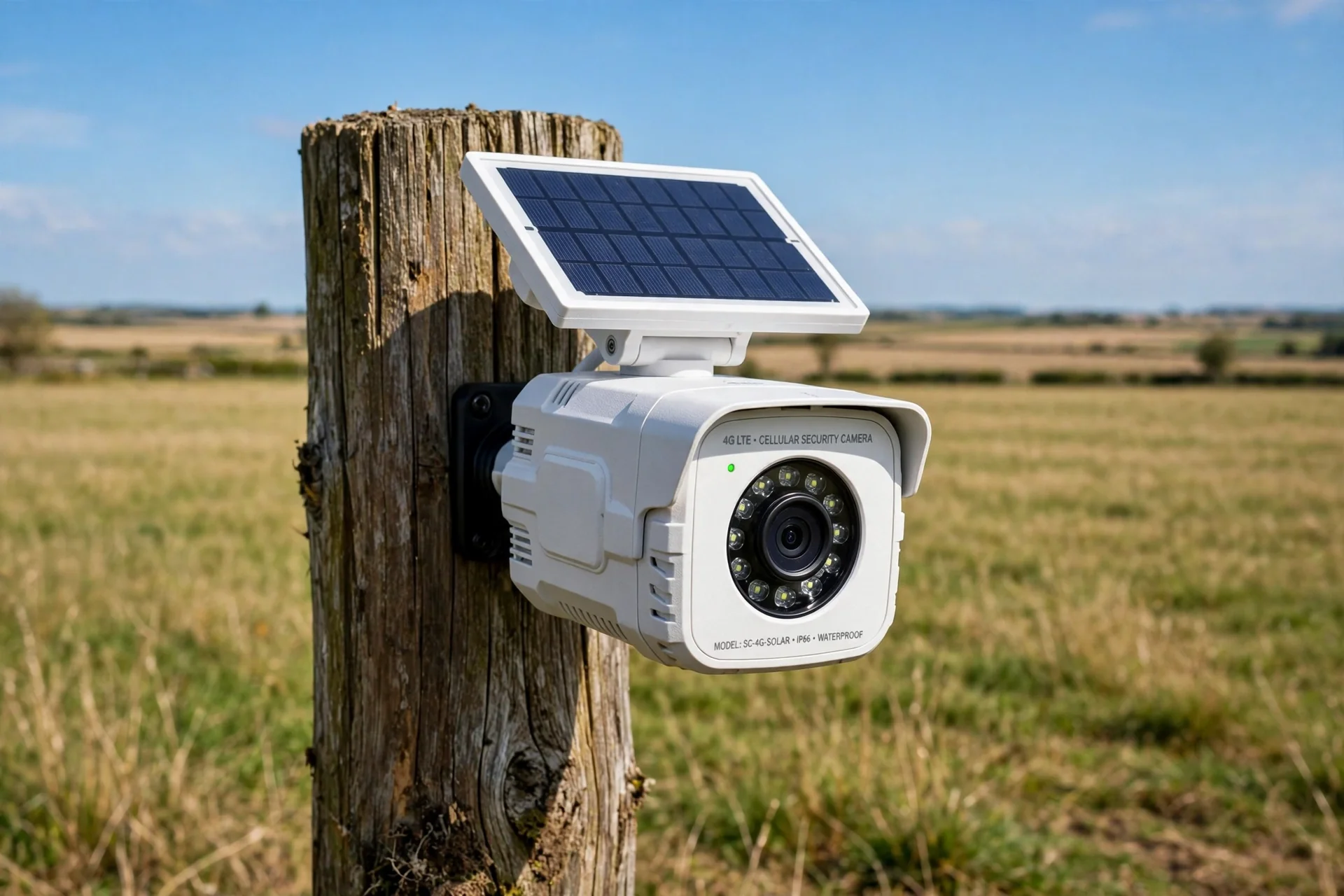
This is the right pick for places with no broadband, for example a farm, a construction site, a vacation cabin, or a remote gate. If there’s cell coverage at the spot, the camera works. If there isn’t, it doesn’t. So check the signal at the install spot before you buy, with your phone held where the camera will sit.
The Reolink Go Plus is a common example. It runs on 4G LTE, has a 7,800mAh battery plus an optional solar panel, takes a microSD card up to 128GB, and carries an IP65 weather rating. Eufy’s 4G LTE Cam S330 also switches between 4G and WiFi on its own.
The catch is the running cost. A cellular camera needs an active data plan, and that plan is a monthly bill. Eufy puts typical 4G camera data use at 2 to 5 GB a month on motion-activated recording, so a small data plan usually covers it. Still, if you watch live video often, usage climbs fast. Pick a plan you can top up, and set the camera to record on motion only.
Which No-WiFi Setup Should You Choose?
The four options look similar, but they serve different homes. This table puts them side by side.
Table: Four ways to run a security camera without WiFi, compared
| Setup | Needs WiFi? | Needs internet? | Remote viewing | Recording | Ongoing cost |
|---|---|---|---|---|---|
| MicroSD card camera | No | No | No | Motion events | None |
| Local hub (HomeBase) | Cameras: no | Only for remote access | Yes, if hub is online | Motion events or continuous | None for storage |
| Wired NVR/DVR (PoE) | No | No | Only if recorder is online | Continuous 24/7 | None |
| 4G LTE cellular | No | No, uses mobile data | Yes, anywhere with signal | Motion events or continuous | Monthly data plan |
Read the table from right to left if you’re stuck. First, start with one question: do I need to check this camera from my phone while I’m away? If the answer is no, a card or hub setup saves you money and works with no bills. If the answer is yes and there’s no broadband at the site, only a cellular camera does the job.
Now match the setup to your situation. A single front door camera doesn’t need a no-WiFi setup at all, but a card slot is still worth having as a backup for outages. A detached garage suits a hub or a PoE camera. A cabin two hours away needs a cellular camera, full stop.
How to View Footage Without WiFi
Recording is only half the job. Sooner or later you need to watch what the camera saved, and the method depends on your setup.
With a microSD card camera, open the app on the same home network, and the clips load directly from the camera. No internet is needed for this, just the local network. If the camera is fully offline, then take the card out and read it on a computer. With a hub, browse clips in the app. With an NVR, plug a monitor into the recorder’s HDMI port.
For a fuller walkthrough of each option, see our guide on how to store security camera footage locally without a cloud plan. It also covers cards, hubs, and recorders, and how long each option lasts before it overwrites old clips.
How Much Storage Do You Need?
This is where most people guess, and guessing is how footage gets overwritten the night you actually need it. The math is simple: how many hours a day the camera records, and how much space an hour of video takes.
A camera recording 1080p video uses roughly 1GB per hour, so storage adds up fast. At that rate, a 128GB card holds about five days of nonstop recording, and a 512GB card holds about three weeks. That’s why almost no SD-card camera records continuously. Instead, they record motion events only, and a 128GB card can then stretch to one or two weeks of clips for a typical front door camera.
A hub or NVR changes the math, because the drives are far bigger. A 1TB hard drive in an NVR holds around 40 days of continuous 1080p footage from one camera, or about 10 days from four cameras at once. A HomeBase with a 16TB drive holds months of clips. If you want continuous recording, a recorder with a hard drive is the honest answer.
Two habits stretch any storage further. First, set motion zones so the camera ignores a busy street or a swaying tree. A camera that records every passing car fills its card in days. Second, drop the resolution on cameras that watch a wide area. A driveway camera at 1080p catches plates and faces, while 2K or 4K doubles the storage.
Choosing the Right Camera for Your Home
Start with the property, not the product. Four questions will pick the setup for you.
First, is there broadband at the site? If yes, your main problem is weak WiFi in a far corner, not a missing network. A camera with a card slot or a hub gives you outage-proof recording. You still don’t need a cellular camera for this.
Second, how many cameras do you need? One or two suit a card or hub setup. Four or more point to a wired NVR, because managing cards in six cameras gets old fast.
Third, do you need to check in from away? If the property is a cabin or a rental you visit once a month, remote viewing matters most. Still, only a cellular camera gives you that with no broadband on site. Budget for the data plan as part of the camera’s real price.
Fourth, what happens when the power goes out? A battery or solar camera keeps recording through a blackout, while a PoE system stops unless the recorder and switch sit on a UPS battery backup. So if outages are common where you live, that detail matters more than the brand.
If you want a wider shortlist before you decide, our best home security camera system guide also compares full systems, including which ones keep local storage working when the internet drops.
FAQs
Can a security camera work without WiFi?
Yes, because a camera can record, detect motion, and save footage with no WiFi at all, as long as it can store the video locally. That means a microSD card, a HomeBase hub, or a wired NVR or DVR. WiFi is only needed for remote viewing, alerts, and cloud backup. A 4G camera can do those too over mobile data.
How do I view security camera footage without WiFi?
With a microSD card, open the app on the same home network, or take the card out and read it on a computer. With a hub, then browse clips in the app. With an NVR, plug a monitor into the recorder’s HDMI port. Only a 4G camera lets you view footage from anywhere with no WiFi on site.
Do security cameras still record when the WiFi goes down?
It depends on the camera. A camera with a microSD card, a hub, or an NVR keeps recording through a WiFi outage, because recording happens locally. Reolink confirms its cameras keep recording to a microSD card while the connection is down. Only live viewing, alerts, and cloud uploads pause. A cloud-only camera stops recording when WiFi drops.
What is the best type of security camera without WiFi?
For one or two cameras, a microSD card camera or a hub system is the simplest, cheapest option, with no monthly fee. For four or more cameras, a wired PoE NVR system is the most reliable, with continuous 24/7 recording. For a property with no broadband, a 4G LTE camera is still the only option for remote viewing and alerts.
How much data does a 4G security camera use?
Eufy puts typical use at 2 to 5 GB a month for a 4G camera on motion-activated recording. Watching live video often, or placing the camera somewhere busy, pushes that number higher. To keep the bill down, set the camera to record on motion only and also keep the resolution at 1080p. Check your plan’s data limit first.
Can I use a security camera at a cabin with no internet?
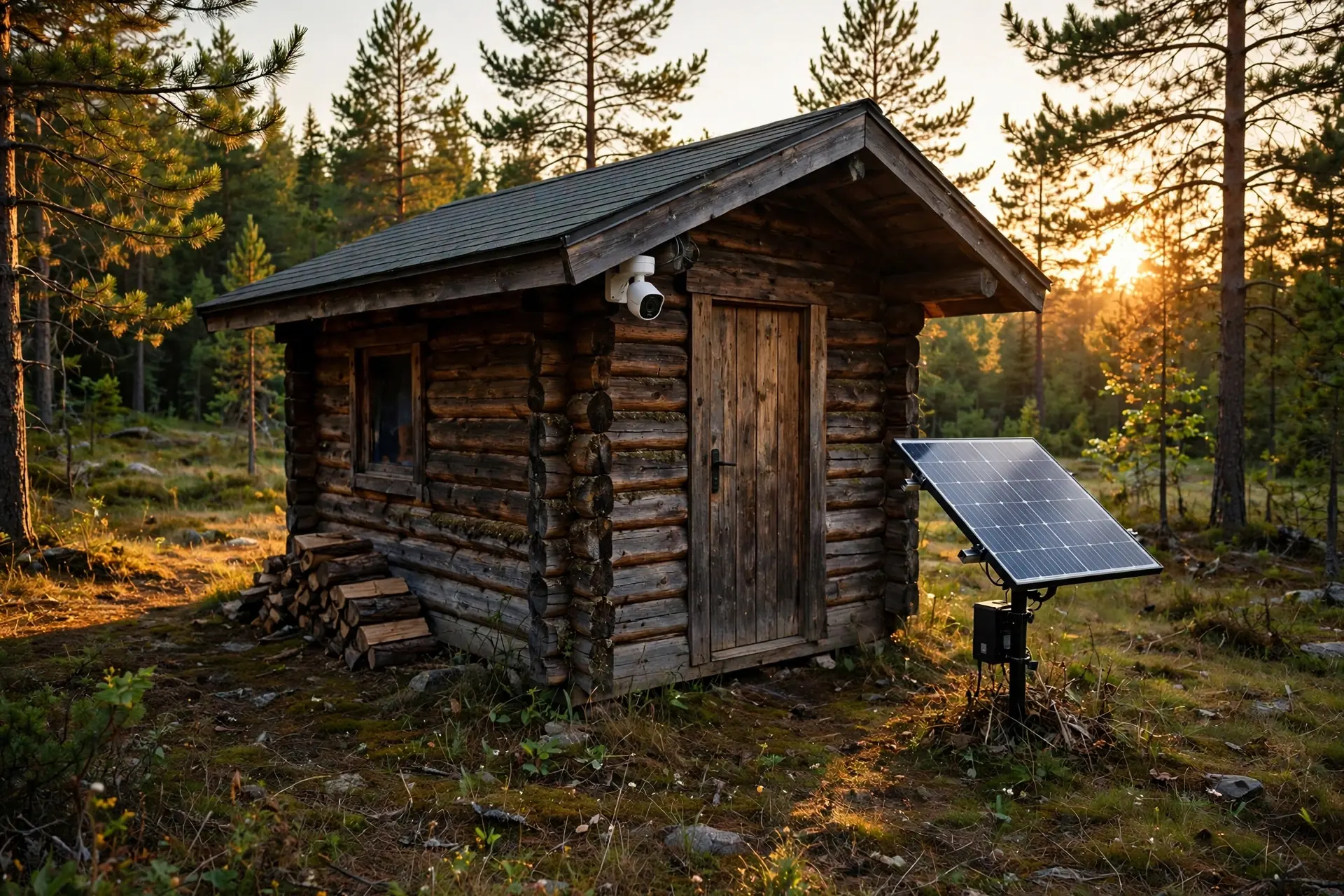
Yes. A 4G LTE camera is the best fit for a cabin with no internet, because it sends live video and alerts over the mobile network. If there is no cell signal either, use a battery or solar camera with a microSD card. It will keep recording offline, and you can review the footage on your next visit.
Do I need a subscription for a camera with no WiFi?
No, not for local recording. A camera that saves to a microSD card, a hub, or an NVR works with no subscription and no monthly fee, because storage stays local. The only ongoing cost is a 4G data plan for a cellular camera. Optional cloud plans exist for off-site backup, but they are never required for the camera to record.
Final Take
A security camera without WiFi is not a lesser camera. It’s a camera that stores its video somewhere you control, instead of somewhere in the cloud. Pick a card camera for a door, a hub for a house, a wired NVR for continuous coverage, or a 4G camera when there’s no broadband. Then mount it, switch your WiFi off for ten minutes, and confirm it kept recording.