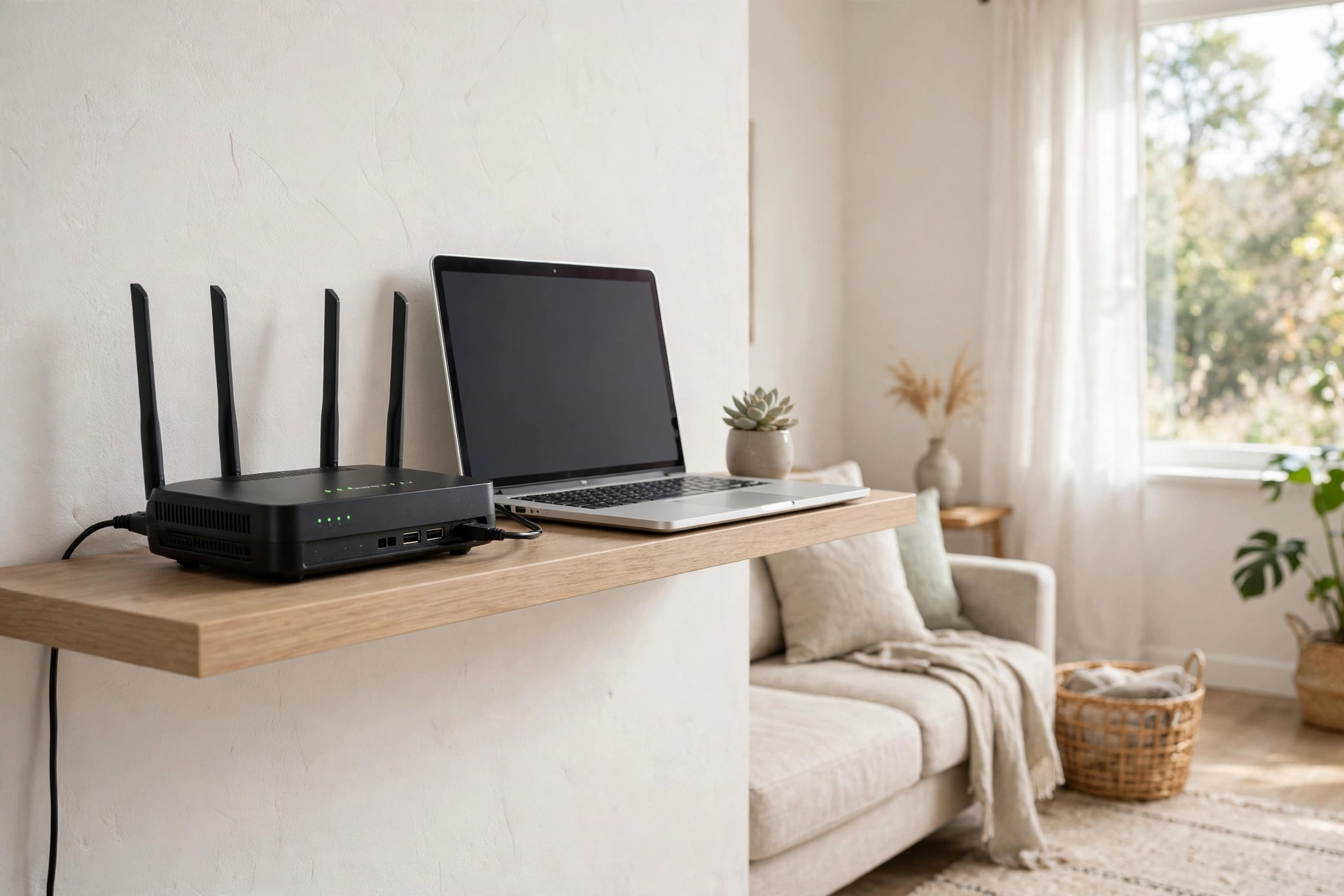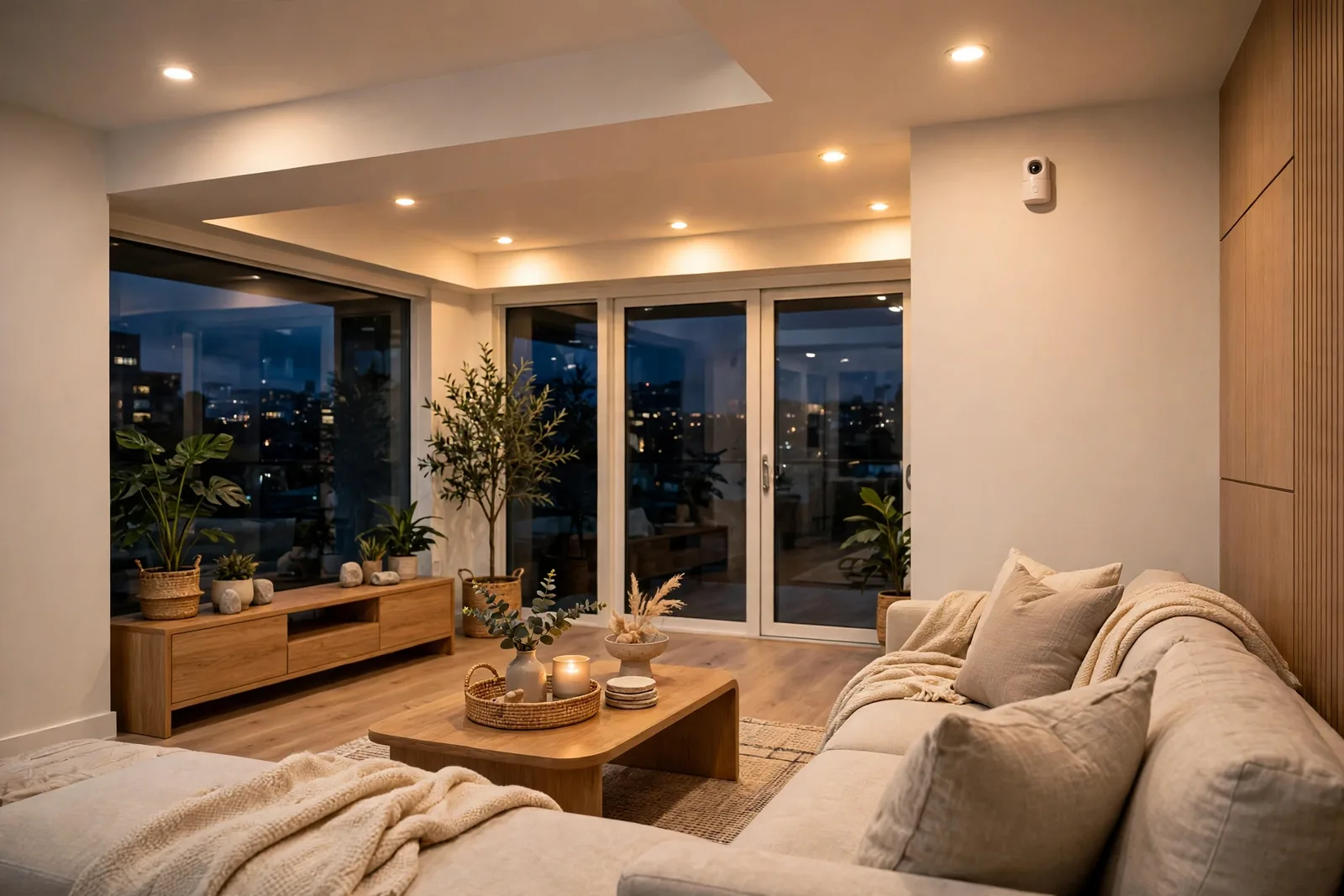

An mmWave sensor is a small radar device that tells when a room is occupied, even when the person inside sits perfectly still. It sends out tiny radio waves and reads the reflections that come back. Breathing, typing, or a small shift in your chair is enough. Your lights stop switching off on you mid-book or mid-work.
- What an mmWave Sensor Actually Does
- How the Radar Inside Works
- mmWave vs PIR: The Honest Comparison
- Where Presence Detection Changes Daily Life
- Fall Detection Without a Camera
- Sleep Tracking and Breathing
- Home Assistant Options That Work Locally
- Placement and Tuning: Where Most People Go Wrong
- Privacy and Power: Two Honest Questions
- FAQs
- What does a presence sensor do that a motion sensor cannot?
- Do these sensors use cameras or record video?
- Can radar see through walls into other rooms?
- Will a radar unit work with pets in the house?
- Do I need a hub to use one with Home Assistant?
- Is fall detection reliable enough to depend on?
- Final Take
What an mmWave Sensor Actually Does
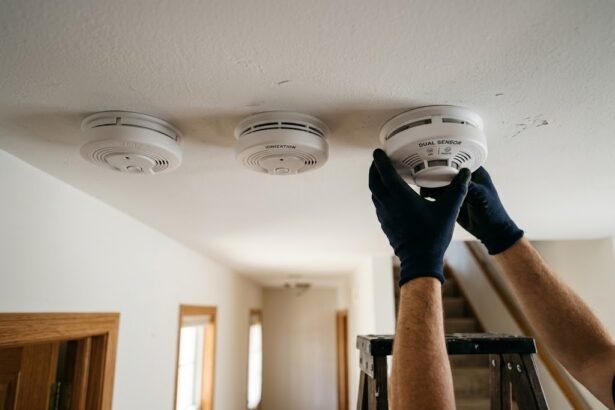
Most homes already have motion sensors, and most of them use PIR technology. PIR watches for changes in heat. You walk past, your warm body crosses its view, and it reports motion. That works well for hallways and porches. It falls apart in a living room, though, because a person who sits down soon looks no different from the sofa to a heat sensor.
A radar presence device asks a different question. It doesn’t ask whether something just moved. It asks whether someone is there right now. It keeps checking, many times per second. It holds the room as occupied until the reflections say the space is truly empty. That single change fixes the most annoying smart home problem: lights that turn off while you are still using the room.
How the Radar Inside Works
The sensor sends out radio waves in the millimeter band, usually around 24 GHz or 60 GHz. Those waves bounce off walls, furniture, and people, then return to the sensor. The device measures tiny changes in the returning signal. A chest rising and falling as you breathe changes the reflection by a fraction of a millimeter, and that is enough.
Think of it like a bat using sound, only with radio waves instead. The sensor never takes a picture and never records audio. It only sees distance, movement, and rough position.
Frequency matters, but not as much as marketing suggests. Lower frequency 24 GHz radar tends to reach further across a wide room, so it suits open living areas. Higher frequency 60 GHz radar gives finer detail, so it picks up breathing and small hand movements more reliably.
mmWave vs PIR: The Honest Comparison
PIR still wins in some spots. It costs less, sips battery power, and reacts fast to a person walking into a room. A porch light or a hallway trigger rarely needs more than that. PIR sensors can also run for a year or more on a small battery, which radar models mostly can’t match yet.
Radar wins wherever people stay put. Reading, working at a desk, watching TV, or sleeping all defeat PIR sooner or later. Radar also sees through thin materials like a shower curtain, so it keeps working in a bathroom where heat sensors struggle.
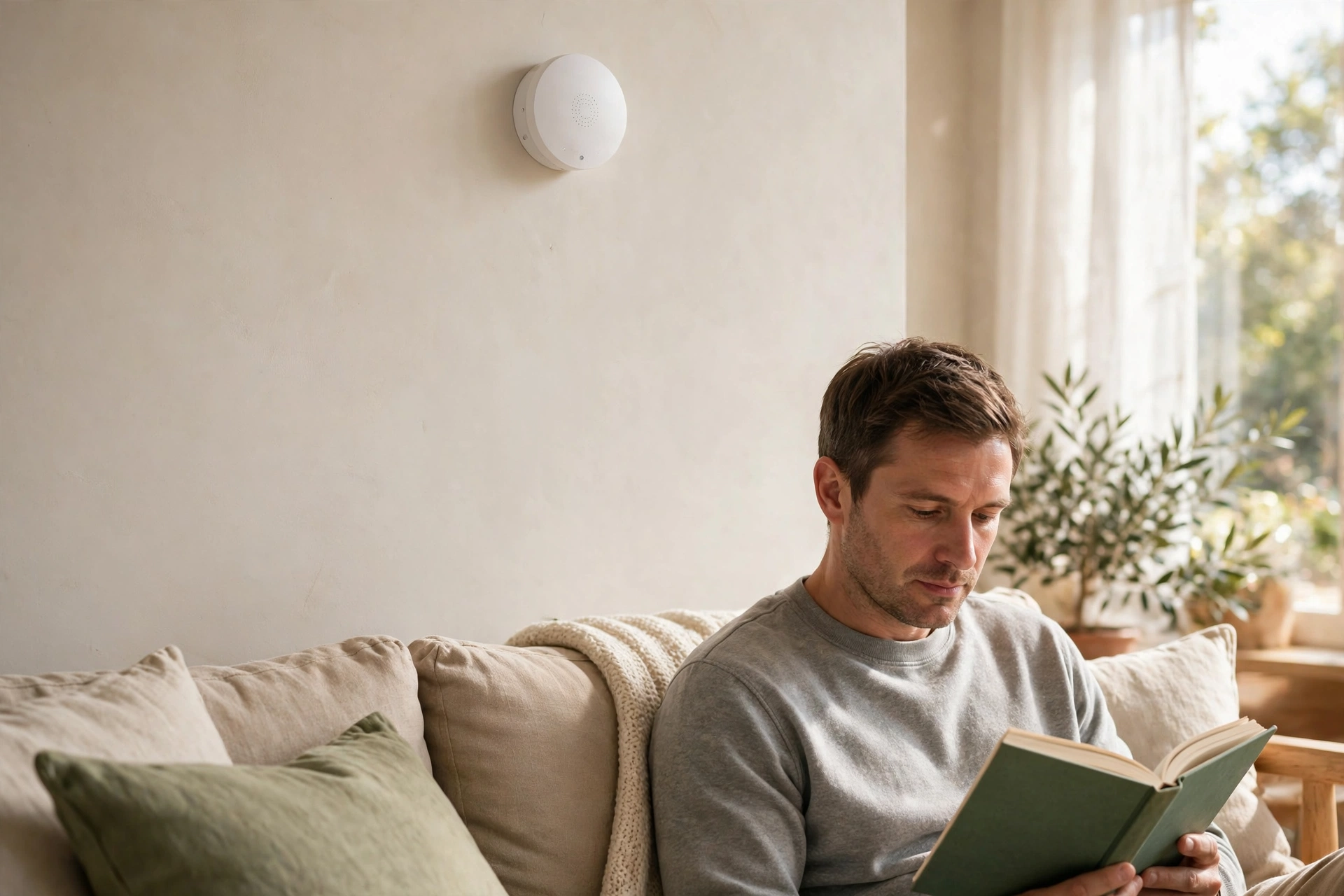
There is a trade-off, though. Radar is sensitive, and that sensitivity needs boundaries. A sensor aimed at a thin wall, an open doorway, or a spinning fan can hold a room as occupied when nobody is in it. Curtains moving in a draft can do the same. Placement and tuning matter more here than with a simple PIR unit.
If you already use PIR sensors for lighting, you don’t need to rip them out. Many homes use both: PIR for the fast trigger at the door, radar for the steady occupied state after that. Our guide to the best motion sensor for smart lighting covers the PIR side of that pairing in more detail.
Table: mmWave radar vs PIR motion sensing at a glance
| Feature | mmWave radar | PIR motion |
|---|---|---|
| Detects still people | Yes, down to breathing | No, needs movement |
| Power needs | Mostly mains powered | Battery friendly |
| Multi-person tracking | Yes on many models | No, one trigger only |
| Room zones | Yes on higher end models | No |
| Through curtains | Yes, thin materials | Often blocked |
| False triggers | Fans, pets, thin walls | Pets, sunlight, heat drafts |
| Typical price | Higher than PIR | Low |
Where Presence Detection Changes Daily Life
The office is the classic win. You sit at a desk for hours, typing and reading, and a PIR sensor gives up on you again and again. Radar holds the room as occupied through all of it. Your lights stay on, your focus stays intact, and you stop waving your arms at the ceiling.

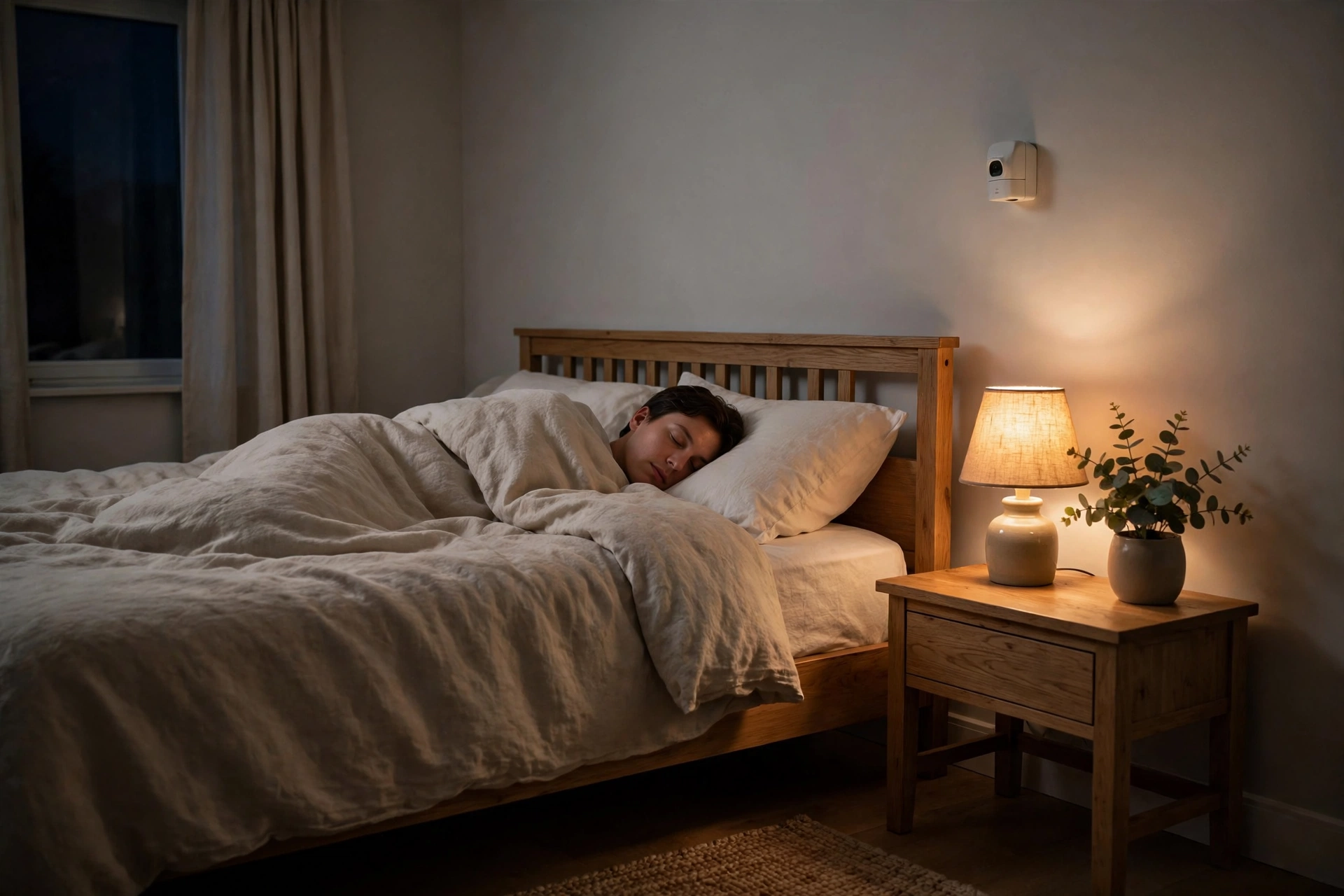
Bedrooms gain a quieter benefit. A radar unit above or facing the bed can tell the house you are asleep. It can then dim the hall light, lock the doors, and drop the thermostat a notch. It can also tell an empty bed from an occupied one, which opens up gentle wake-up routines.
Bathrooms are another strong fit. Steam and shower curtains confuse heat sensors, but radar reads straight through them. The light stays on during a long shower. The extractor fan can also keep running until the room is truly empty. That small fix removes a daily annoyance for a lot of households.
Living rooms benefit from zones. A higher end unit can treat the sofa, the desk, and the reading chair as separate areas. Sit on the sofa and only the TV bias light comes on. Move to the desk and the task lamp takes over instead. See how that idea plays out in our guide to presence detection lighting in Home Assistant, where one sensor drives several different scenes.
Fall Detection Without a Camera
Fall detection is where radar earns its keep for older relatives. A ceiling mounted unit can spot the sudden drop and stillness pattern of a fall, then send an alert to a family member. Nobody needs to wear a pendant, and nobody needs a camera watching the room. For many families, that privacy point matters as much as the safety one.
The numbers here deserve a careful read. Aqara lists its FP2 fall detection accuracy above 98 percent, but only for ceiling mounting at 2.5 to 2.8 meters, inside a circle about 2 meters in radius. Outside that setup, results will vary. Also, no radar sensor is a medical device. It is a notification aid, not a replacement for proper care or emergency services.
Still, the practical value is real. A fall at night, when a person can’t reach a phone, is exactly the case where an automatic alert helps most. Pair it with a loud chime and a message to a relative.

If this use case is your main reason for buying, read our guide to an elderly monitoring system first. It covers cameras, sensors, and alerts as one setup, so you can see where radar fits and where other tools still do a better job.
Sleep Tracking and Breathing
Some 60 GHz models add sleep monitoring. Mounted near the bed, the sensor watches breathing rate and restlessness through the night, then reports sleep stages and wake-ups to an app. The data is rough next to a medical sleep study, but it is useful for spotting trends, like restless nights or a shifting sleep schedule.
Set expectations before you buy. A radar sensor can’t diagnose sleep apnea or any other condition. What it can do is show patterns over weeks, like more movement after late meals. That trend view is the honest value, and it comes without a wearable band.
Home Assistant Options That Work Locally
Home Assistant is where radar sensors shine, because you can keep everything local and build automations that react in under a second. The path you pick depends on how you like to connect devices. Zigbee models join your existing mesh. Wi-Fi models with ESPHome run fully local over your network. Newer Matter models promise simpler setup across platforms.
Zigbee is the easiest start for most homes. The Aqara FP1E runs 60 GHz radar over Zigbee and plugs into mains power, so it fits a desk or bedroom without new wiring. The ThirdReality R2 takes the battery route instead, which helps in rented rooms where you can’t add outlets. Both join through ZHA or Zigbee2MQTT without a vendor cloud in the loop.
Wi-Fi with ESPHome suits tinkerers who want full control. The Everything Presence Lite and the Apollo MSR-2 both use 24 GHz radar. They expose detailed settings in Home Assistant, like sensitivity per zone and custom hold times. You flash them once, then tune them from your dashboard. They need USB power nearby, so plan the outlet first.
Matter over Thread is the newest path, and the Aqara FP300 leads it with a battery powered design that pairs PIR with 60 GHz radar. Battery life is the draw here, but remember the trade-off. Hybrid sensors lean on PIR first and radar second, so they may not hold a still room as firmly as a mains powered unit. Check hold times in reviews first.
For a first automation, keep it simple. Start with one rule: when the room becomes occupied, turn the lights on. When it stays empty for two minutes, turn them off. Our walkthrough for Home Assistant motion sensor lights shows that exact pattern. You can swap the PIR trigger for a radar presence entity without changing the rest of the logic.
Table: Popular radar presence options compared
| Sensor | Radar | Home Assistant path | Power |
|---|---|---|---|
| Aqara FP2 | 60 GHz | Wi-Fi via HomeKit, local | USB-C mains |
| Aqara FP1E | 60 GHz | Zigbee, ZHA or Zigbee2MQTT | Mains |
| Everything Presence Lite | 24 GHz | ESPHome over Wi-Fi | USB-C mains |
| Aqara FP300 | 60 GHz plus PIR | Matter over Thread | Battery |
| Sonoff SNZB-06P | 5.8 GHz microwave | Zigbee, ZHA or Zigbee2MQTT | USB-C mains |
Note the last row with care. The Sonoff uses 5.8 GHz microwave radar, not true millimeter wave radar, so it detects movement more coarsely and can’t match breathing level presence. It earns its place on price alone. If you need still-person detection, spend more.
Placement and Tuning: Where Most People Go Wrong
Mounting height changes everything. Wall mounting at about chest height suits living rooms and offices. Ceiling mounting suits fall detection and bed monitoring, but it shrinks the useful area to a circle below the sensor. Read the manual, then test before you trust it.
Aim matters just as much. Point the sensor at the area people use, not at the door, the window, or the hallway beyond. Radar passes through thin walls and open doorways more easily than people expect. A sensor aimed at a doorway can report hallway traffic as your own room activity. Angle it away from doors when you can.
Then tune in this order. First, set the detection range to cover only your room. Next, lower sensitivity until fans and curtains stop triggering it, but breathing still registers. Finally, set the absence delay: two minutes works for most rooms. Test each change by sitting still for a full minute.
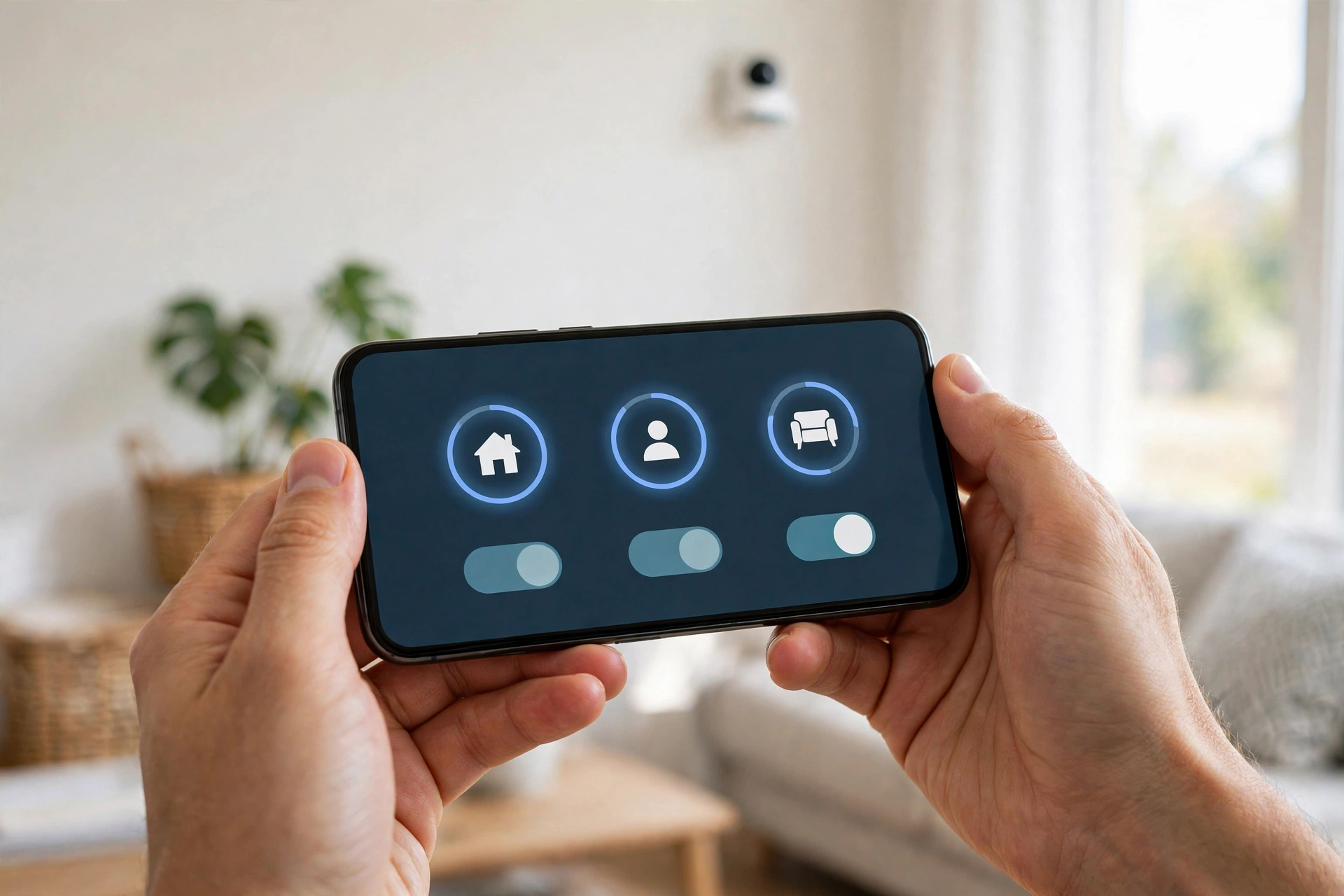
Fans, robot vacuums, pets, and even a fish tank pump can hold a room as occupied. Mark these as interference spots in the app when the option exists. Or move the sensor so the source sits outside its field of view. A sensor stuck on occupied all day breaks every automation built on it.
One more tip: start with a single room and live with it for a week before you buy more. Presence tuning is personal to each space, and what works in your office may fail in your bedroom. You will also learn whether your household likes the automations, which matters more than any spec sheet. A similar one-room-first approach works for vacation mode lighting that simulates presence, where a single well tuned room sells the whole idea better than five rushed ones.
Privacy and Power: Two Honest Questions
Does radar watch you? In the camera sense, no. It can’t see faces, read text, or record conversations. It builds a rough map of blobs and movement, not images. That said, a sensor that knows where you sleep still handles sensitive data. So prefer models that process locally.
Power is the other honest limit. Pure radar needs steady power, so most true presence units plug into USB or mains. Battery models mix in PIR or wake the radar in bursts, which softens still-person detection. If a listing promises years of battery life plus true presence, read the fine print.
FAQs
What does a presence sensor do that a motion sensor cannot?
A motion sensor reports movement, then goes quiet when movement stops. A presence sensor keeps reporting occupied while a person stays in the room, even when they sit still, read, or sleep. It does this by sensing tiny movements like breathing and small posture shifts. So lights and automations stay on until the person truly leaves.
Do these sensors use cameras or record video?
No, radar presence units do not use cameras and cannot record video or audio. They send out radio waves and read the reflections to judge distance and movement. The result is a rough map of presence, not an image of you. That makes them a popular choice for bedrooms and bathrooms, where cameras would feel intrusive and unwelcome.
Can radar see through walls into other rooms?
Radar can pass through thin materials like curtains, glass, and lightweight partition walls, but solid brick and concrete block it heavily. Range also drops fast through obstacles, so it cannot reliably track people across separate rooms. You should still tune range and aim carefully, since an open doorway or thin wall can cause false occupied reports.
Will a radar unit work with pets in the house?
Pets can trigger radar units, since the sensor reacts to movement and body size rather than identity. Larger dogs often register as presence, while small cats may or may not, depending on sensitivity. You can reduce pet triggers by lowering sensitivity, raising the mount height, or masking off floor level zones in the app when your model supports zone editing.
Do I need a hub to use one with Home Assistant?
It depends on the model you choose. Zigbee units need a Zigbee coordinator, Wi-Fi units with ESPHome connect straight to your network, and Matter over Thread units need a Thread border router. Many users already own one of these, so check your current setup before buying. Pick the path that matches gear you already have.
Is fall detection reliable enough to depend on?
Fall detection works as an extra safety alert, not as a medical guarantee. Makers quote high accuracy only for specific ceiling setups, and slow falls or falls against a wall may go undetected. Use it alongside other safety steps, like a wearable alarm or regular check-ins, and never treat it as a substitute for professional care or emergency help.
Final Take
Radar presence sensing fixes a real daily frustration, and it does so without a camera in your bedroom. Start with one room where stillness breaks your current setup, tune it for a week, and then decide where else it earns its place. Check the official Aqara FP2 and FP300 comparison for current specs before you buy.
If you want a DIY build path instead, read the DFRobot mmWave sensor guide for module options and range figures. Then buy once, mount with care, and let the room finally know you are still there.