
If you are choosing between Zigbee vs Z-Wave, here is the short answer. First, pick Zigbee for cheap sensors and lots of choice. Next, pick Z-Wave for the most reliable signal through thick walls. Both build a mesh network that works without Wi-Fi. Still, they use different radio bands, and that one difference shapes almost everything else.
- What Zigbee and Z-Wave Actually Are
- The Headline Specs at a Glance
- Frequency and Interference: The Real Difference
- Range and the Mesh in a Real House
- Device Choice and Price
- Hub Support: What You Need to Run Each
- Security and Reliability
- Z-Wave vs Zigbee for Locks and Sensors
- Can You Run Both at Once?
- Zigbee vs Z-Wave: Which One Should You Pick?
- FAQs
- Is Z-Wave vs Zigbee the same question as Zigbee vs Z-Wave?
- Do Zigbee and Z-Wave devices work together directly?
- Which is better for a smart lock, Zigbee or Z-Wave?
- Can I use Zigbee devices without a hub?
- Does Z-Wave work in Europe and the US with the same devices?
- How many devices can I add before the network slows down?
- Should I wait for Matter instead of buying Zigbee or Z-Wave?
- Conclusion
That sounds simple, and it mostly is. The confusion starts when you shop, because boxes rarely explain what protocol a device speaks. A listing says “hub required” without saying which hub. This guide clears that up: how each protocol works, where each one wins, and which one fits your home.
What Zigbee and Z-Wave Actually Are
Both Zigbee and Z-Wave are low-power wireless protocols built for smart home devices. They are not Wi-Fi, and they are not Bluetooth. They exist for one job: letting small devices like sensors, locks, and switches talk to a hub using very little power. As a result, a coin-cell sensor can run for a year or two on one battery.
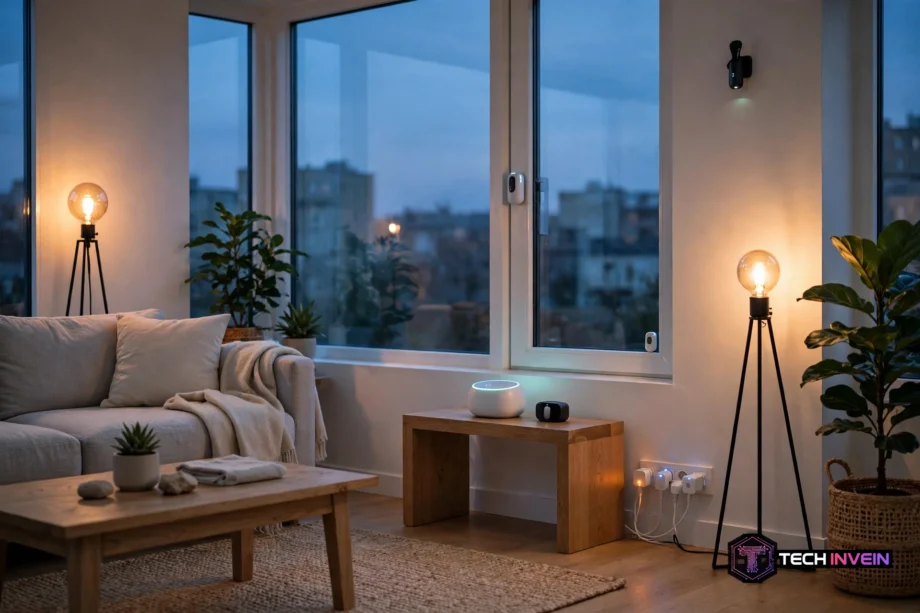
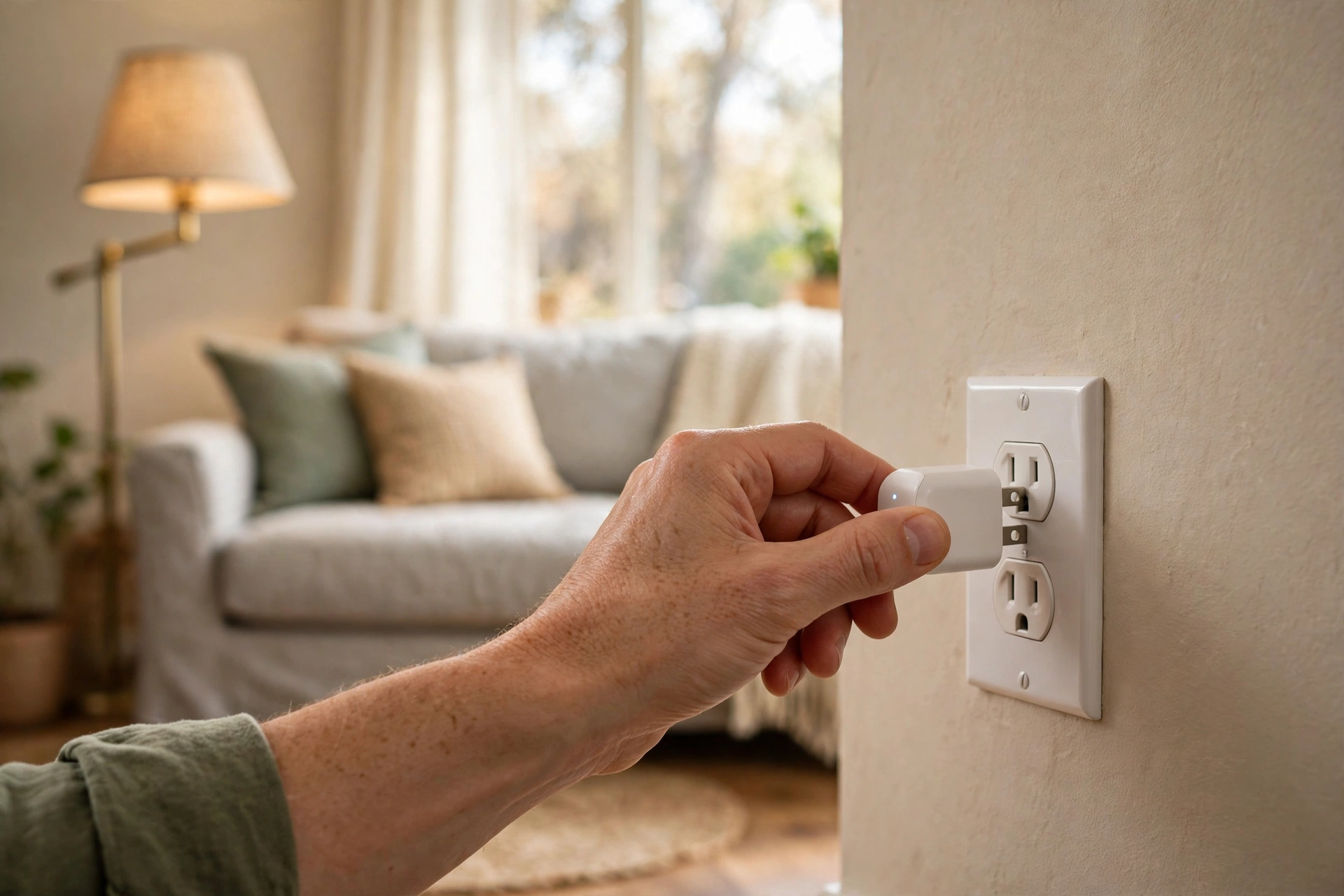
Each protocol builds a mesh. For example, in a mesh, mains-powered devices such as smart plugs and switches pass messages along for their neighbors. A sensor in a far bedroom does not need to reach the hub directly: its signal hops through a plug in the hallway, then a switch, until it arrives. So more plugged-in devices mean a stronger mesh.
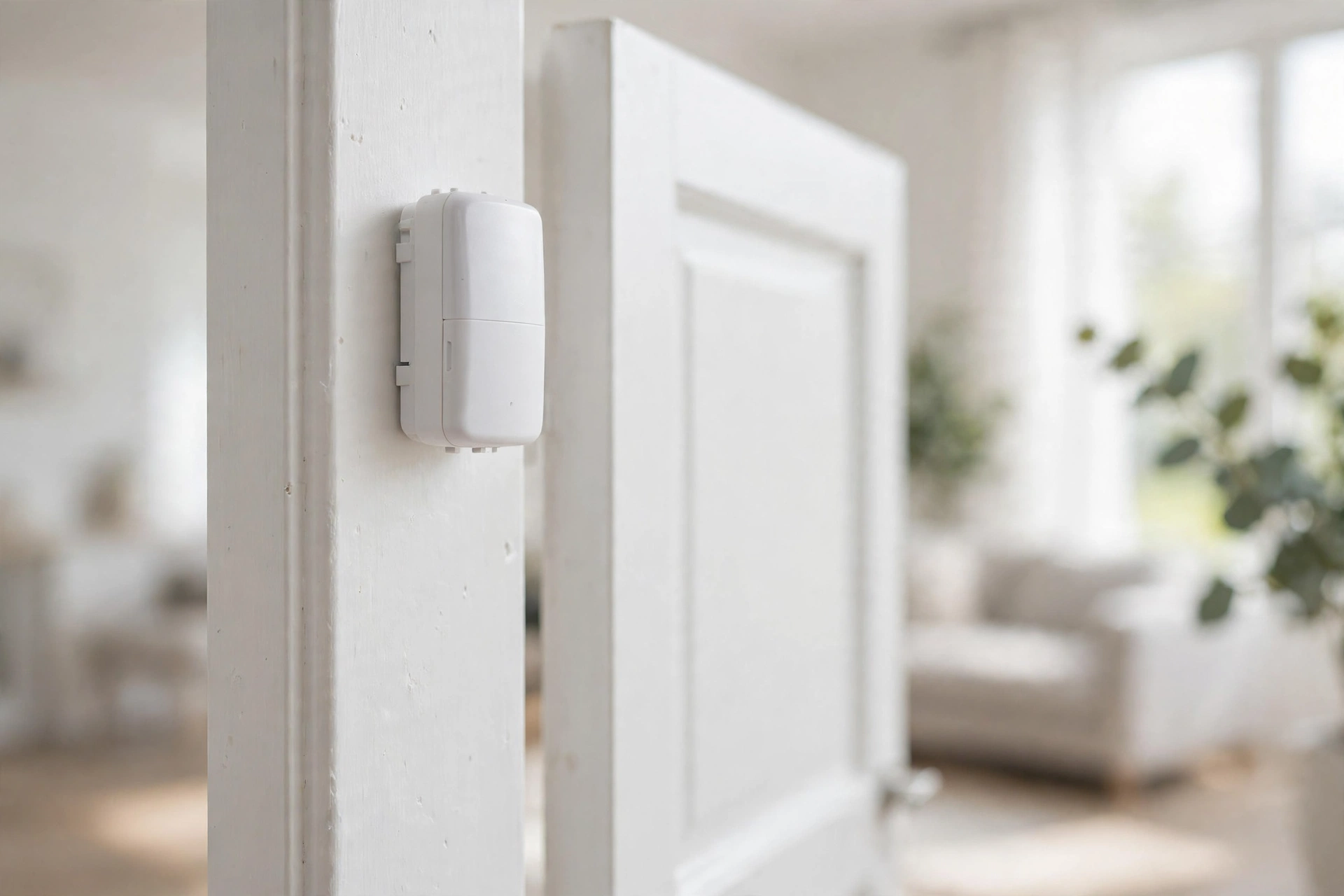
Battery devices do not repeat signals, because repeating would drain a small battery in days. Door sensors and remotes only send their own messages, then sleep again.
The Headline Specs at a Glance
The table below puts the headline specs side by side. Treat the numbers as what the standards allow, since not every hub delivers the same in practice. Real homes vary, so the sections after the table explain why.
Table: Zigbee vs Z-Wave headline specifications
| Feature | Zigbee | Z-Wave |
|---|---|---|
| Radio frequency | 2.4 GHz worldwide | 908.42 MHz in the US, 868.42 MHz in Europe |
| Top data rate | 250 kbps | 100 kbps |
| Devices per network | 65,535 in theory, 100 to 200 in practice | 232 in a mesh, 4,000 with Z-Wave Long Range |
| Max hops | No fixed limit, hubs usually cap near 30 | 4 hops in a mesh |
| Indoor range per hop | 10 to 30 meters | 30 to 100 meters |
| Security | AES-128 encryption | S2 security, mandatory since 2017 |
| Certification | Zigbee 3.0 certification, older devices vary | Mandatory certification for every device |
Two rows in that table matter most. In particular, frequency decides interference and wall penetration. Certification decides whether a device from one brand just works with a hub from another.
Frequency and Interference: The Real Difference
Zigbee runs on 2.4 GHz, the same band your Wi-Fi router, your Bluetooth headphones, and your microwave use. In a flat with one router, however, that rarely causes trouble. Meanwhile, in a crowded apartment block with twenty visible networks, it can. A Zigbee sensor near a busy router may see delays or dropped messages. The fix is usually moving the hub or adding a repeater, not replacing the sensor.
Z-Wave, in contrast, runs below 1 GHz, on a band no Wi-Fi router touches. In the US that is 908.42 MHz, and in Europe it is 868.42 MHz. Nothing else in a normal home competes for that slice of spectrum. So Z-Wave signals stay clean even in dense buildings. Search for z wave vs zigbee, and you will see this gap cited as the reason Z-Wave is steadier.
There is a flip side. Because Z-Wave uses different frequencies per region, a US Z-Wave device will not work with a European hub. Zigbee has no such split: a sensor bought anywhere works on the same 2.4 GHz band worldwide.
Range and the Mesh in a Real House
On paper, Z-Wave reaches further per hop. In practice, that gap shows up through walls. One independent test measured both signals through a 230 mm solid brick wall. Z-Wave held minus 68 dBm, while Zigbee fell to minus 82 dBm at the same distance. That 14 dB gap roughly doubles the usable range through dense material. In fact, older brick or stone houses tend to favor Z-Wave for this reason.
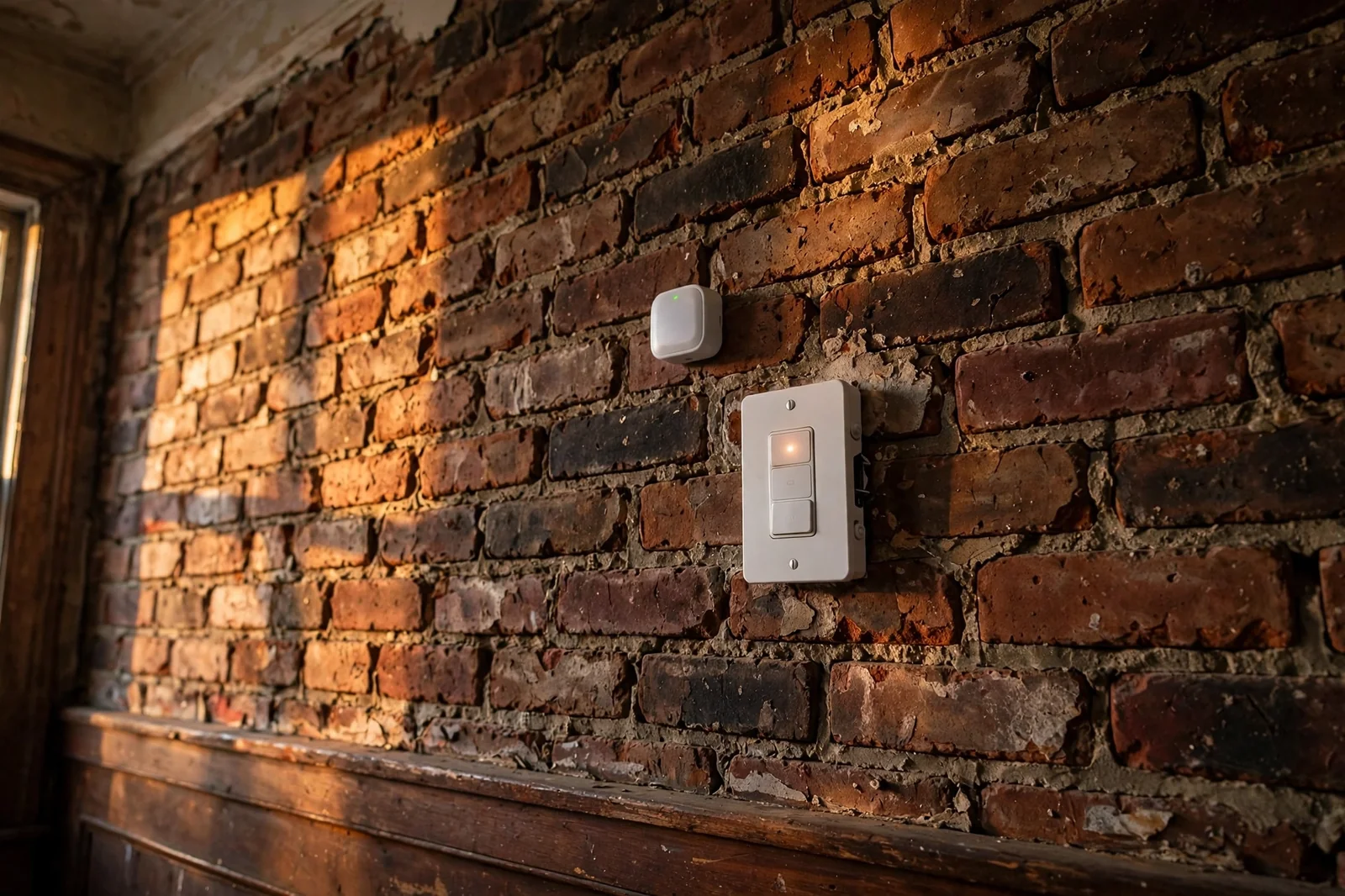
In a modern home with plasterboard walls, however, the difference shrinks. Zigbee hops are shorter. Still, you usually own more Zigbee devices anyway, and each plugged-in device extends the mesh. A home with a dozen Zigbee plugs and bulbs rarely has a dead spot. The mesh is dense enough to route around problems.
Garden devices, for example, are where range gets tested hardest. A sensor or light at the far end of a yard has few neighbors to hop through. So a single long hop matters more than mesh density. If your setup reaches into the garden, read our review of the outdoor Zigbee string lights for the patio before you buy. It shows what a Zigbee mesh can and cannot do outside.

Z-Wave Long Range changes the math again. It drops the mesh and talks straight to the controller in a star layout. In open line of sight, it reaches over a mile and supports 4,000 devices. It suits large properties, though it needs a controller and devices that both support it.
Device Choice and Price
Zigbee wins on choice and price, and it is not close. The catalog, for instance, runs from Philips Hue and IKEA lights to Aqara and Sonoff sensors, plus hundreds of budget options. A Zigbee door sensor often costs half what a comparable Z-Wave sensor costs. So filling a house with sensors is far cheaper on Zigbee.
Z-Wave devices, in contrast, typically cost 20 to 40 percent more than Zigbee equivalents. Part of that is the mandatory certification, which costs manufacturers money, and part of it is smaller production runs. You pay more per device, but you also get a tighter guarantee that the device will work with your hub.
That guarantee matters. Zigbee 3.0 fixed most of the old cross-brand headaches. Still, older or obscure Zigbee devices can pair badly or drop features on some hubs. Z-Wave certification is mandatory. So a certified switch from one brand is expected to work with a certified hub from another. When you search zwave vs zigbee for buying advice, this trade-off sits at the heart of it. Cheap and wide, versus pricier and stricter.
For lighting, Zigbee is still the natural pick. Bulbs, strips, and dimmers are cheaper, and the range of styles is huge. For sensors, Zigbee wins again on price. Our guide to the best motion sensor for smart lighting covers a strong Zigbee option in detail.
Hub Support: What You Need to Run Each
Neither protocol talks to your phone directly. Both need a hub, also called a coordinator for Zigbee or a controller for Z-Wave. The hub holds the network together, stores the device list, and also runs your automations.
Multi-protocol hubs are the easy route: Samsung SmartThings, Hubitat, and Homey Pro all run Zigbee and Z-Wave radios in one box, so you can mix devices without thinking about it. Home Assistant takes a different path: you add a USB stick for Zigbee, another for Z-Wave, or a single combo stick, and the software ties them together.
If you already run Home Assistant, adding a Zigbee stick is usually the cheapest first step. Zigbee sensors are so cheap. Our guide to turning on lights with a motion sensor in Home Assistant shows the kind of automation that setup unlocks. It works with either protocol once the hub sees the devices.
Before you buy a hub, check that it supports the exact protocol and region you need. A hub with only a Zigbee radio will never see a Z-Wave lock. Likewise, a US Z-Wave hub will never see a European sensor. If the box only says “works with smart devices” and names no protocol, walk away.
Security and Reliability
Both protocols encrypt their traffic with AES-128. So neither sends your lock codes or sensor states in plain text. The difference, however, is how strict the rules are. Z-Wave has required its S2 security framework on certified devices since 2017, with encrypted pairing and device-specific keys. Zigbee also supports strong encryption, but the strictness depends more on the device maker and the hub.
Reliability, in fact, follows the same pattern as interference. Z-Wave’s quiet band and certified devices make it the safer bet for gear that must work every time. Think locks, alarms, and smoke detectors. Zigbee is plenty reliable for lights and sensors in most homes, especially once the mesh is dense. Still, it asks a bit more of you in crowded radio environments.
Indeed, neither protocol needs the internet to run local automations. If your broadband drops, a Zigbee or Z-Wave motion sensor can still turn on a light through your hub. That is because the mesh lives inside your house. That local control is a real advantage over Wi-Fi devices that depend on a cloud server.
Z-Wave vs Zigbee for Locks and Sensors
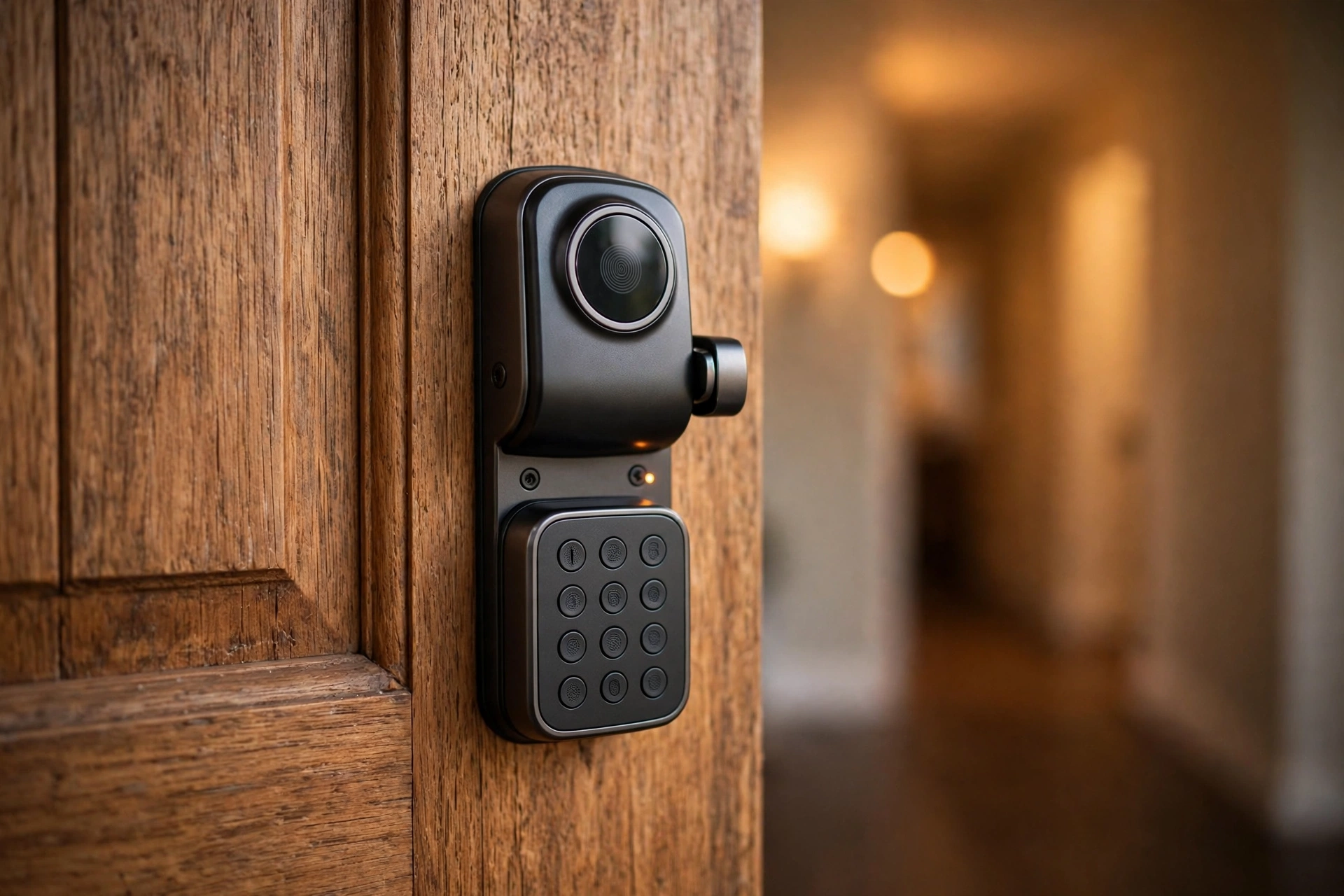
Locks are the device class where Z-Wave earns its premium. A lock sits in a metal door, often far from the hub, and it must respond every time. Z-Wave’s longer hops, cleaner band, and certified compatibility make it the common pick for Yale, Schlage, and similar locks. If you are comparing locks, our roundup of the best smart lock picks for 2026 can help. It notes which models use Z-Wave and which use other radios.
A lock also benefits from Z-Wave’s S2 security, which encrypts pairing itself. That matters more on a door than on a bulb, since a lock guards entry to your home.
Sensors, however, tilt the other way. Door sensors, temperature sensors, and motion sensors are small, cheap, and numerous. As a result, Zigbee dominates that shelf. Aqara’s door and window sensor is a good example of the Zigbee value on offer. It is tiny, cheap, and easy to place anywhere. See our Aqara door and window sensor coverage for what that looks like in a real setup.
So the split is simple. Put Z-Wave on the doors and the alarm, where a missed message is a problem. Put Zigbee on the rooms, where a dozen cheap sensors beat two expensive ones.
Can You Run Both at Once?
Yes, and plenty of people do. A hub like Hubitat or SmartThings runs both radios side by side. Home Assistant does the same with two USB sticks. Devices on one protocol never talk directly to devices on the other. Instead, the hub bridges them. So a Zigbee motion sensor can trigger a Z-Wave lock or a Z-Wave switch without any fuss.
Running both, however, costs a little more up front. You need a hub with both radios or two sticks, and two meshes to keep healthy. The payoff is freedom. You buy the best device for each job instead of the best device your single protocol allows.
Zigbee vs Z-Wave: Which One Should You Pick?
First, ask yourself three questions. How thick are your walls? How many sensors do you plan to buy? And do you already own a hub?
Pick Zigbee if your home has plasterboard walls. You want lots of cheap sensors and lights, and you like a huge catalog to shop from. Pick Z-Wave if your walls are brick or stone. Your priority is locks and security, or your building has crowded Wi-Fi.
If you already own devices on one protocol, stick with it unless you have a real problem. Replacing a working mesh to chase a spec sheet, however, is rarely worth the money. If you are starting from zero and cannot decide, buy a multi-protocol hub. Then let each room vote with the best device available.
For the full technical detail behind the numbers here, the Z-Wave Alliance publishes its current specification documents. They cover the radio layers, the security framework, and the certification rules behind every certified device.
FAQs
Is Z-Wave vs Zigbee the same question as Zigbee vs Z-Wave?
Yes, the order of the names changes nothing. People search both ways, yet the comparison is identical either way. Whether you type zwave vs zigbee, z-wave vs zigbee, or zigbee vs z wave, you are asking which of the two mesh protocols fits your home better. This guide answers all of those wordings with the same facts.
Do Zigbee and Z-Wave devices work together directly?
No, they cannot talk to each other directly, because they use different radio bands and different protocols. A Zigbee sensor cannot send a message to a Z-Wave switch on its own. They can work together through a multi-protocol hub, which listens on both radios and links them in automations, so the devices cooperate even though they never speak directly.
Which is better for a smart lock, Zigbee or Z-Wave?
Z-Wave is the stronger pick for most locks. Its sub-GHz signal passes through doors and walls better, its band stays clear of Wi-Fi interference, and its mandatory certification means a lock from one brand works with a hub from another. Zigbee locks exist and work fine, but Z-Wave dominates the lock market for good reason.
Can I use Zigbee devices without a hub?
Most Zigbee devices need a hub or coordinator to function, though a few lights can pair directly to a remote. The hub holds the mesh together, stores automations, and connects your devices to your phone. Some smart speakers now include a Zigbee radio, so check your speaker’s specs before buying a separate box.
Does Z-Wave work in Europe and the US with the same devices?
No, and this trips up buyers. Z-Wave uses 908.42 MHz in the US and 868.42 MHz in Europe, so a device bought in one region will not join a hub from the other. Always match the region of the device to your hub. Zigbee has no such split, since it uses 2.4 GHz everywhere.
How many devices can I add before the network slows down?
For most homes, you will hit a practical limit long before a technical one. Zigbee hubs handle around 100 to 200 devices well, while Z-Wave meshes cap at 232, or 4,000 with Long Range. Slowness usually comes from a weak mesh or interference, not device count. Add plugged-in repeaters if responses feel sluggish.
Should I wait for Matter instead of buying Zigbee or Z-Wave?
No, do not wait if you need devices now. Zigbee and Z-Wave gear is proven and widely supported by hubs. Matter is growing, but its catalog is still smaller, and many existing devices can be bridged into Matter setups later through a compatible hub. Buy what solves your problem today.
Conclusion
In short, Zigbee gives you choice and low prices. Z-Wave gives you range, a quiet band, and strict compatibility. Most homes do fine on either, and the happiest setups often run both through one multi-protocol hub. Start with the device that matters most, a lock or a room full of sensors, and let that pick set your first protocol.