


Does Home Depot take Apple Pay? No. Not in stores, not on homedepot.com, and not in the Home Depot app. The retail giant skipped Apple’s wallet in favor of its PayPal partnership and store credit cards. The good news: you can still pay with your iPhone at Home Depot, just differently.
Can You Use Apple Pay at Home Depot In-Store?
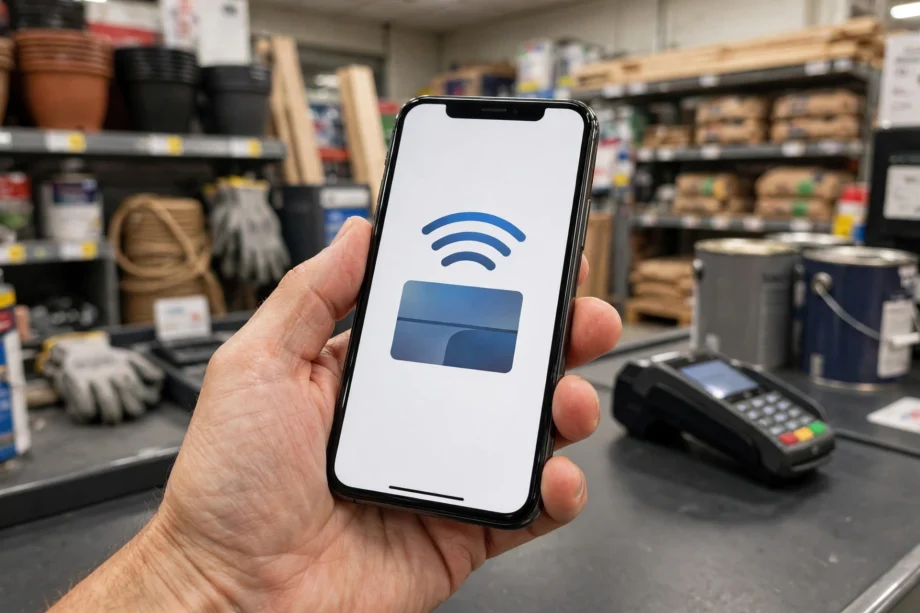
No. If you hold your iPhone up to the card reader at a Home Depot register, nothing will happen. Home Depot’s terminals have NFC hardware inside them, but the company has disabled contactless wallet payments at checkout. Therefore, Apple Pay and Google Pay are both dead on arrival at the register.
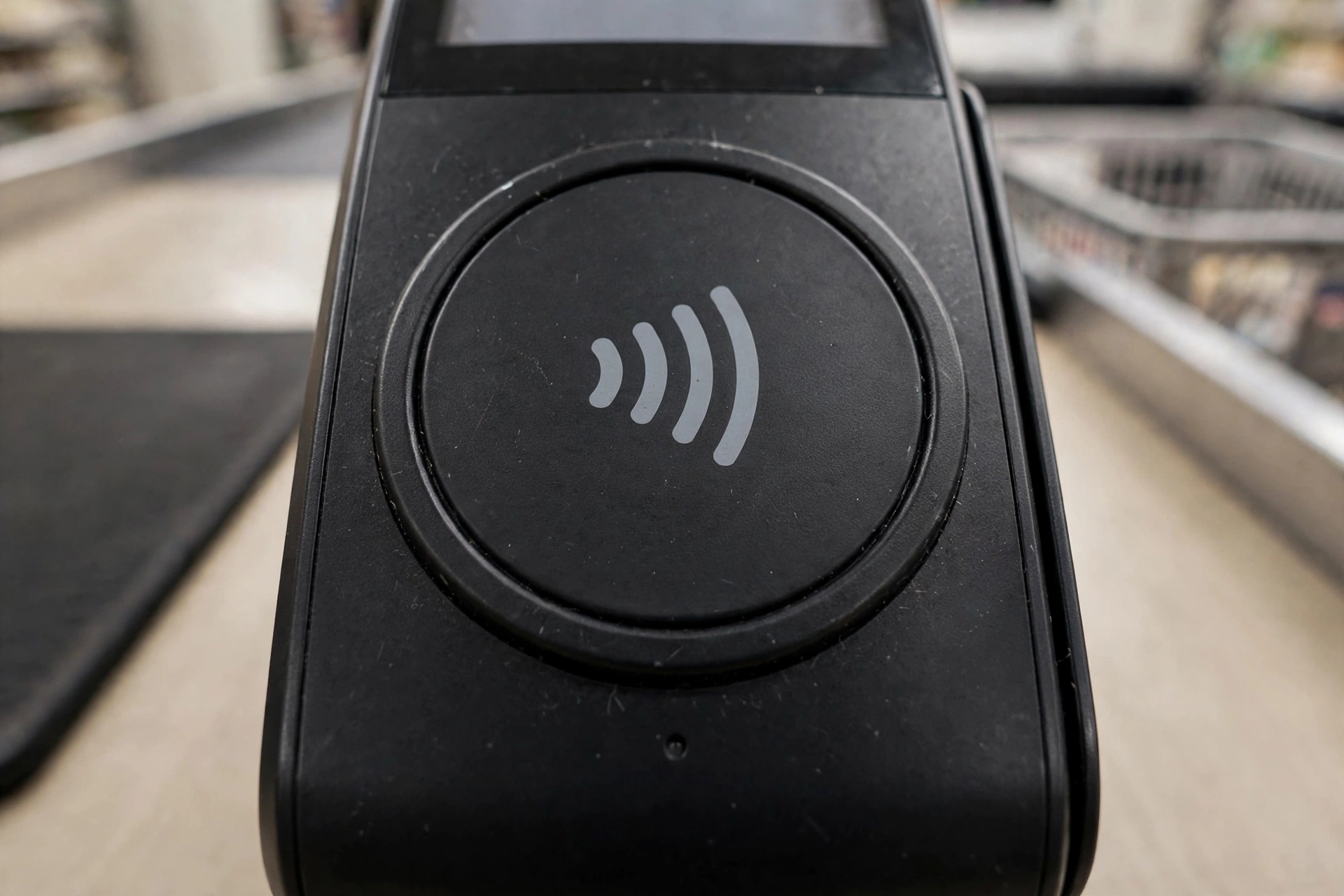
This surprises a lot of shoppers. The readers look exactly like the ones at Target or Best Buy, where tapping your phone works fine. The hardware is there. In other words, Home Depot simply chose not to turn the feature on. For example, the company has never enabled the NFC wallet function across its roughly 2,000 US stores. The terminals were technically capable of it all along.
What can you use in-store instead? The list is long: Visa, Mastercard, American Express, and Discover credit cards. Debit cards, cash, and personal checks with a photo ID also work. Home Depot gift cards and the Consumer Credit Card work too. Samsung Pay works too, but only as a roundabout route through PayPal, which we will explain below.
A fact-checked 2026 guide from Kudos confirms the answer is still no. For instance, it notes Home Depot’s continued preference for PayPal and its own store cards.
Does Home Depot Take Apple Pay Online or In the App?
No. The homedepot.com checkout and the Home Depot mobile app do not offer Apple Pay as a payment button. When you reach the payment step online, your choices are credit and debit cards, PayPal, and gift cards. The Home Depot Consumer Credit Card and commercial accounts work too. Apple Pay is nowhere in that list.
This is worth knowing before you start a big order on your phone. Therefore, if you were counting on the speed of Apple Pay’s one-tap checkout, you will need a Plan B. PayPal is the closest equivalent. In fact, it is accepted on the website and in the app. Checking out with it is nearly as fast once your account is set up.
Why Home Depot Doesn’t Take Apple Pay
Home Depot’s rejection of Apple Pay is not an accident or an oversight. Rather, it is a business decision with a history behind it.
The PayPal partnership came first
Home Depot partnered with PayPal years ago to handle its digital and alternative payments. At one point, Home Depot was PayPal’s earliest major retail partner for in-store mobile payments. Back then, shoppers paid with a PayPal account through a phone number and PIN. That in-store phone-number method was discontinued in 2018, but the partnership itself never went away. PayPal remains the preferred digital wallet across Home Depot’s website and app.
Because of this relationship, Apple Pay has always been the odd one out. Retail partnerships like this one tend to be exclusive in practice even when they are not exclusive on paper. In short, Home Depot had already placed its bet, and it saw little reason to add a competing wallet to the mix.
The terminals are capable, but the feature is switched off
Walk up to any Home Depot register and you will see a modern card reader. Specifically, those readers support NFC contactless payments at the hardware level. However, Home Depot has simply disabled wallet acceptance in software. This is a deliberate configuration choice, not a technology gap, which means the company could theoretically enable Apple Pay tomorrow without buying new equipment. In other words, it just has no incentive to do so.
Fees, data, and the store credit card
Like many large retailers, Home Depot prefers payment methods that cost it less or give it more. For example, every Apple Pay transaction carries card network interchange fees, and Apple itself collects a small cut from issuers on each tap. Meanwhile, Home Depot has spent years pushing its own Consumer Credit Card and Pro Xtra commercial accounts, which keep shoppers inside its own ecosystem. Adding Apple Pay would make checkout easier for iPhone users, but it would not make Home Depot any money. Therefore, from the company’s perspective, the math does not work.
Every Payment Method Home Depot Accepts
Here is the complete picture. You’ll never have to guess at the register again.
Table: Home Depot payment methods compared
| Payment Method | In-Store | Online and App |
|---|---|---|
| Apple Pay | No | No |
| Google Pay | No | No |
| Samsung Pay | Yes, linked to PayPal | No |
| PayPal | Limited (see below) | Yes |
| Visa / Mastercard / Amex / Discover | Yes | Yes |
| Debit cards | Yes | Yes |
| Cash | Yes | No |
| Personal checks | Yes, with photo ID | No |
| Home Depot gift cards | Yes | Yes |
| Home Depot credit cards | Yes | Yes |
A note on the PayPal row: in-store PayPal is not the simple tap you might imagine. For instance, the old method of typing your mobile number and PIN into the reader was discontinued in 2018. Today, in-store PayPal works through workarounds. One option is the PayPal Cash Card, a physical Mastercard debit card tied to your PayPal balance. The other is linking PayPal as the funding source inside Samsung Pay. Online, by contrast, PayPal works exactly as you would expect: pick it at checkout, log in, confirm, done.
How to Pay at Home Depot With Your iPhone Anyway
Apple Pay itself is out. But if your goal is to leave your physical wallet at home and pay with your iPhone, you have four solid options.
1. Use the PayPal app
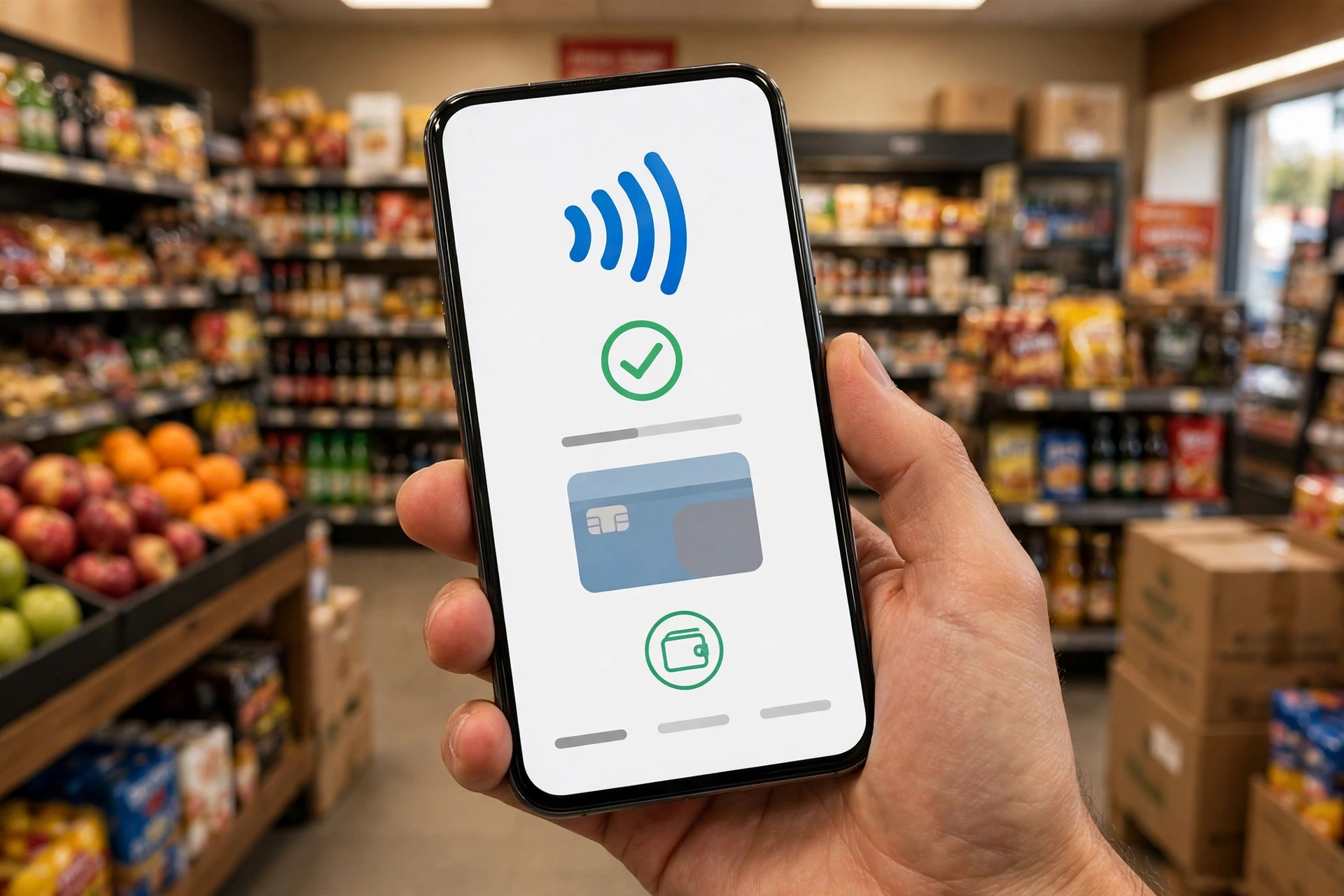
Download the PayPal app, log in, and use its in-store payment flow. Specifically, at Home Depot this typically means using PayPal’s QR or store-payment feature to complete the purchase from your phone. Because Home Depot’s partnership with PayPal runs deep, this is the most officially supported phone-based method in the building. However, it is not as instant as an Apple Pay tap, but it gets the job done without a card.
2. Buy a Home Depot gift card with Apple Pay somewhere else
Next, this is the clever workaround. For example, plenty of retailers that do accept Apple Pay sell Home Depot gift cards: Target, Best Buy, and many grocery and drug stores carry them. Buy the gift card with Apple Pay on your iPhone, then spend it at Home Depot in-store or online like cash. In other words, you technically used Apple Pay to fund the purchase, just one step removed. If you are heading to Home Depot for smart home gear, this trick pairs well with some research first. For instance, deciding what to buy before you walk in saves a second trip.
3. Get a PayPal Cash Card
The PayPal Cash Card is a physical Mastercard debit card. It links directly to your PayPal balance, with no annual fee. Order one through the PayPal app or website, then swipe or insert it at any Home Depot register, including self-checkout. It behaves exactly like a debit card. There’s nothing to explain to the cashier. This is the best option if you keep a PayPal balance and want it to work everywhere cards are accepted.
4. Order online or in the app with PayPal, then pick up
If you do not need to browse the aisles, skip the register entirely. Place your order on homedepot.com or in the Home Depot app, pay with PayPal in two taps, and choose in-store pickup or delivery. Your iPhone handles the whole transaction. This is also the fastest way to check stock before driving over, since the site shows real-time inventory by store.
Home Improvement Stores That Do Take Apple Pay
If Apple Pay is a dealbreaker and you are open to shopping elsewhere, you have options. Ace Hardware accepts Apple Pay at most locations, which makes it the closest direct alternative for tools, paint, and hardware. Beyond that, Target, Best Buy, and Costco all take Apple Pay in-store nationwide. Each of them sells a solid range of smart home devices too.
That last point matters for this site’s readers. A lot of techinvein.com readers buy their smart home gear at big-box stores. Knowing where your wallet works saves a wasted trip. If your project is a front entry upgrade, for instance, research the model before choosing where to buy. The right store is the one that has what you need and takes how you pay.
One store that will not help you here: Lowe’s, Home Depot’s biggest rival, is also an Apple Pay holdout. Therefore, switching from one orange or blue big-box to the other does not solve the wallet problem. Instead, Ace Hardware remains the best bet among home improvement chains.

The Apple Pay Announcement That Never Happened
Here is a twist most guides skip. Back in 2015, reports circulated that Home Depot would officially support Apple Pay following a retail systems upgrade. For example, MacRumors covered the story at the time, calling Home Depot a future giant of Apple Pay acceptance.
However, it never happened. The chain-wide rollout never materialized. Within a few years, the PayPal partnership had clearly won the internal battle for Home Depot’s digital wallet strategy. Because of that history, you will still find old articles and forum posts claiming support is “coming soon.” They are a decade out of date.
In short, the lesson is simple. Announcements are not rollouts. If you are reading an old post that says Apple Pay is coming to Home Depot, check the date first.
Will Home Depot Ever Accept Apple Pay?
There is no sign of it happening. Home Depot has never announced plans to enable Apple Pay. Every recent guide on the topic, including ones updated in 2026, still lists the answer as no. The PayPal partnership is entrenched. The company’s own credit products are a priority. And the NFC hardware sitting disabled in every store suggests a settled decision, not a pending rollout.
Could it change? Technically, yes. Since the terminals already support NFC, Home Depot could flip the switch without new hardware. But companies do not leave money-saving configurations in place for a decade by accident. Until Home Depot sees a competitive reason to add Apple Pay, expect the answer to stay no. That reason could be shopper pressure or a shift in fee structures.
The practical takeaway: do not plan your payment strategy around a future change. Set up one of the workarounds above now. And if you do buy a keypad lock on the trip, learn the code-change process the day the lock arrives.
FAQs
Does Home Depot take Apple Pay in 2026?
No. As of 2026, Home Depot does not accept Apple Pay in its stores, on homedepot.com, or in the Home Depot app. Its NFC terminals have wallet payments disabled, and the company has announced no plans to enable them. This has been the consistent answer for years.
Can I use my iPhone to pay at Home Depot at all?
Yes, just not with Apple Pay. Use the PayPal app’s in-store payment feature. Or buy a Home Depot gift card with Apple Pay at another retailer. Or get a PayPal Cash Card. Or just order online with PayPal for pickup. Each method uses your iPhone but routes around Apple Pay entirely.
Does Home Depot take Google Pay or Samsung Pay?
Google Pay is not accepted, same as Apple Pay. Samsung Pay works in-store only when linked to PayPal as its funding source. Standard tap-to-pay with either wallet stays disabled at every Home Depot register. For now, neither Apple Pay nor Google Pay will work at any register in the chain.
Why doesn’t Home Depot accept Apple Pay?
The PayPal partnership came first, and competing wallets never got added. Its NFC terminals support contactless hardware, but the feature is disabled. The company also prefers its own credit card and commercial account programs. Interchange fees play a role too, as with most large holdouts.
Does homedepot.com take Apple Pay at checkout?
No. The online checkout accepts credit and debit cards, PayPal, Home Depot credit cards, commercial accounts, and gift cards. Apple Pay is not offered as a payment button on the website or in the app. Just plan for PayPal instead.
What is the easiest contactless way to pay at Home Depot?
PayPal is the easiest. Use it directly at checkout on homedepot.com or in the app, or use the PayPal app’s in-store flow at the register. For a card-like experience, the PayPal Cash Card works at every register including self-checkout, with no annual fee.
Conclusion
Home Depot does not take Apple Pay, and that is unlikely to change soon. But you are far from stuck. PayPal covers online and app purchases. The PayPal Cash Card and gift card workarounds cover the register. And Ace Hardware covers you if Apple Pay is non-negotiable. Finally, pick your method before you go, and the checkout line will be the fastest part of your trip. For camera-based entry security on your next project, see our smart door lock with camera guide.