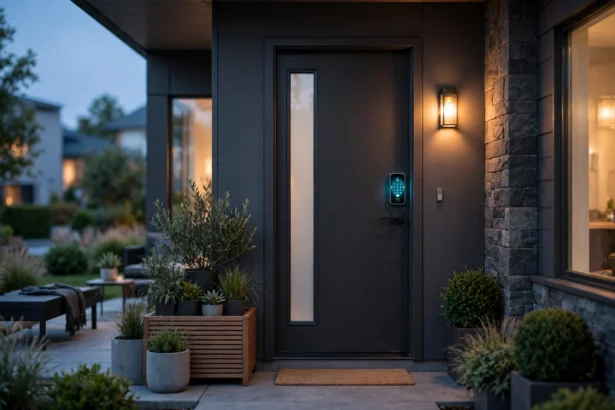

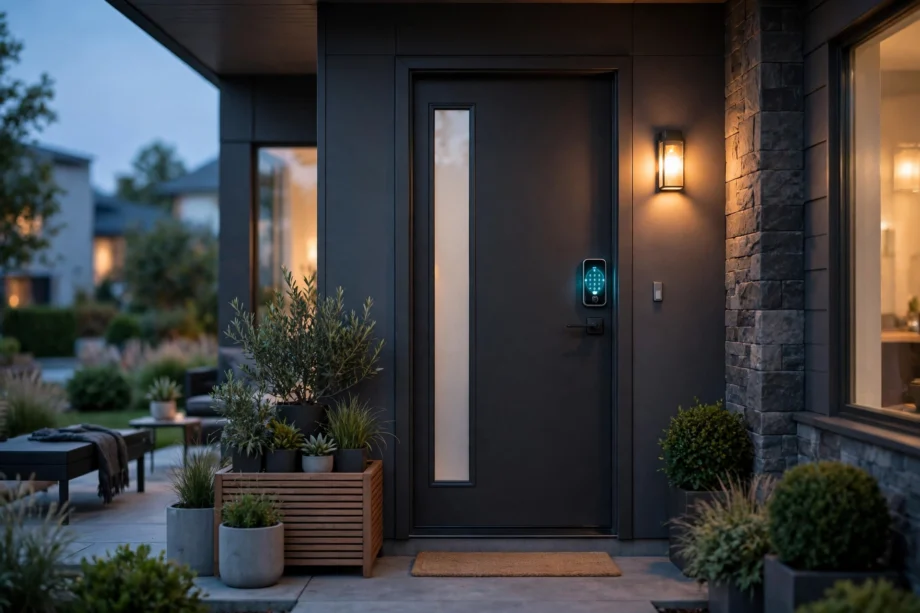
The best smart lock 2026 buyers can pick without overthinking is the Schlage Encode Plus. It pairs a BHMA Grade 1 deadbolt with built-in Wi-Fi and Apple Home Key, so it covers security, remote access, and tap-to-unlock in one lock. But “best for most” is not “best for you.” Renters, Apple households, and fingerprint fans all have better options below.
- Best Smart Lock 2026: The Short List
- How We Picked These Locks
- Best Overall: Schlage Encode Plus
- Most Versatile: Yale Assure Lock 2
- Best Fingerprint Value: Ultraloq U-Bolt Pro WiFi
- Best Retrofit: August Wi-Fi and Aqara U200
- What Is New in 2026: Hands-Free Unlocking
- Battery Life: The Spec That Decides Everything
- Before You Buy: Measure Your Door
- After You Buy: Codes, Guests, and Lockouts
- Want a Camera in the Lock Too?
- Mistakes to Avoid
- Frequently Asked Questions
- What is the best smart lock overall in 2026?
- Are smart locks safe from hacking?
- Do smart locks work without Wi-Fi?
- How long do smart lock batteries last?
- Can I install a smart lock myself?
- Is Matter worth caring about when buying a smart lock?
- The Bottom Line
Best Smart Lock 2026: The Short List
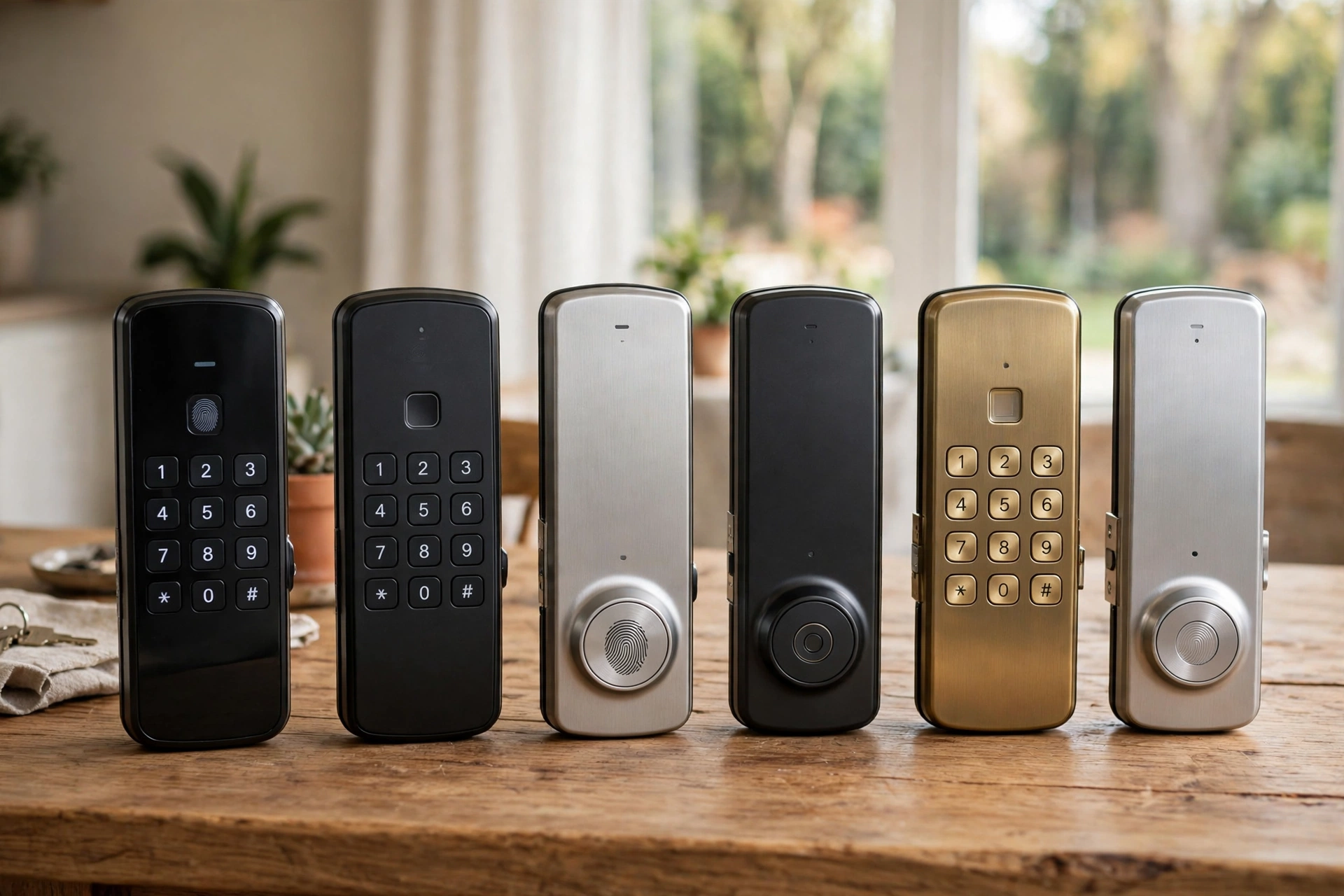
Start here if you just want a name. Each pick below wins a different situation, and the sections after the table explain why. Prices shift with sales, so check the current price before you buy.
Best smart locks for 2026 at a glance.
| Lock | Best for | Standout feature | Entry methods |
|---|---|---|---|
| Schlage Encode Plus | Most homes | Grade 1 security, Home Key | Keypad, app, Home Key, key |
| Yale Assure Lock 2 | Flexibility | Swappable connectivity modules | Keypad, app, key, fingerprint (Touch) |
| Ultraloq U-Bolt Pro WiFi | Fingerprint fans | Fast 360-degree fingerprint reader | Fingerprint, keypad, app, key |
| Aqara Smart Lock U200 | Matter and Apple homes | Matter over Thread, Home Key | Fingerprint, keypad, Home Key, NFC, key |
| August Wi-Fi Smart Lock | Renters | Keeps your existing deadbolt | App, auto-unlock, voice, existing key |
| Kwikset Halo | Tight budgets | Core smart features for less | Keypad, app, voice, key |
Notice what the table leaves out. No lock here wins on every row, and that is the whole point. A lock that is perfect for an Apple household can be a poor fit for a renter, and a fingerprint star can disappoint in a house full of kids without phones.
How We Picked These Locks
We scored each lock on five things that matter in daily use: physical security grade, entry methods, ecosystem fit, battery life, and install effort. A lock had to clear a floor on all five to make the list. Flashy extras like facial recognition did not earn a spot on their own.
Security grade came first. BHMA Grade 1 is the strongest residential rating, and Grade 2 is solid. A lock without a published grade did not make the cut, no matter how clever its app looked. If your main concern is the front door specifically, our front door smart lock picks for 2026 judge locks on even stricter front-door criteria.
Entry methods came second. A lock with only one way in is a lockout waiting to happen. Every pick here offers at least two methods, and most offer three or more. Guest access mattered too. Temporary codes for cleaners, dog walkers, and guests are half the reason to go smart, so locks with weak code management lost points.
Best Overall: Schlage Encode Plus
The Encode Plus is the default recommendation for a reason. It is a full deadbolt replacement with a keypad, built-in Wi-Fi, and Apple Home Key, which lets iPhone and Apple Watch owners tap to unlock. Schlage builds its smart locks around physical security first, and the Grade 1 BHMA rating backs that up. For an Apple household that wants one lock with no compromises, stop here.
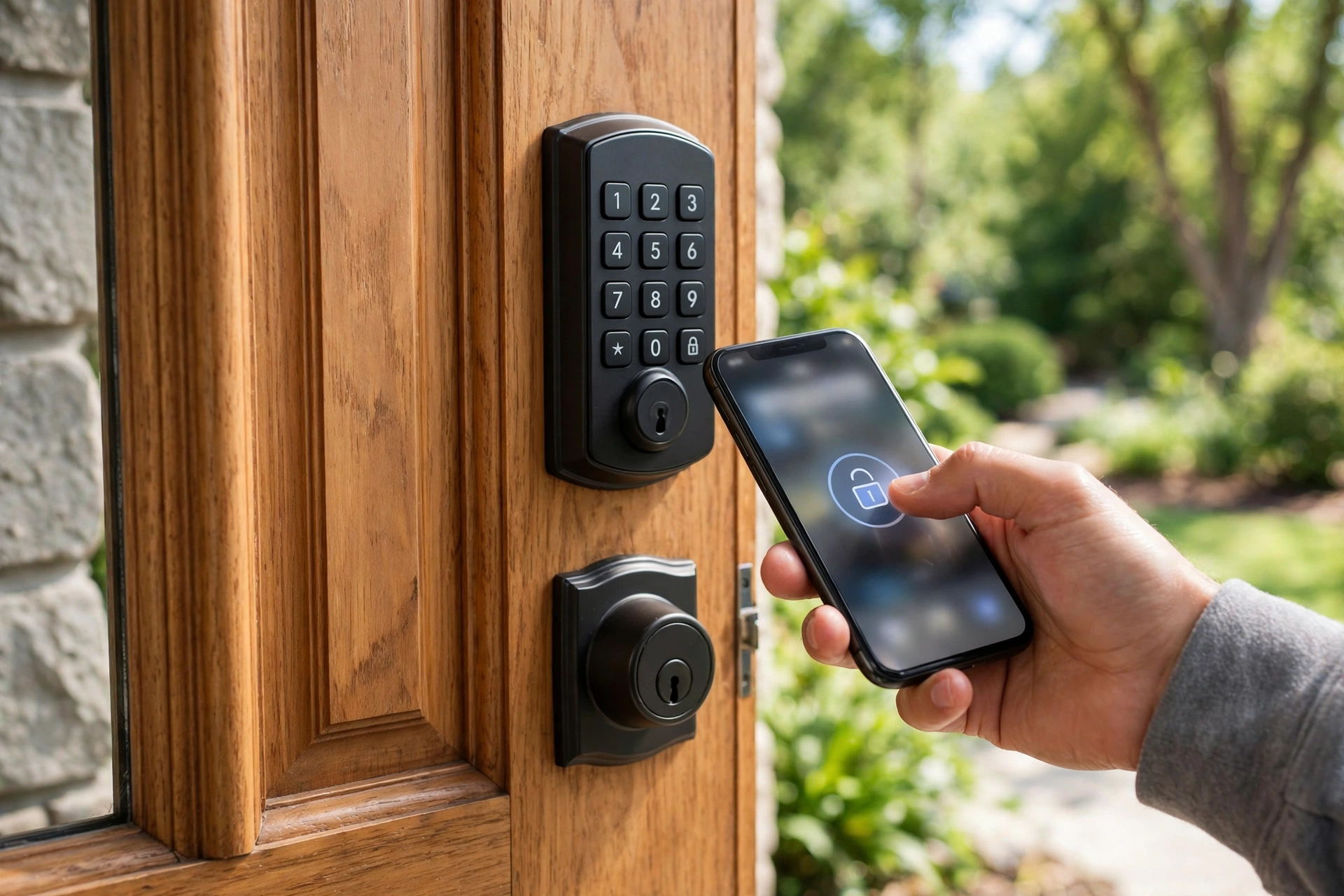
Schlage lists the Encode Plus at $329 MSRP, and you can confirm the current specs on Schlage’s official Encode Plus page. The lock stores up to 100 access codes, works with Alexa and Google Assistant alongside Apple Home, and runs on four AA batteries.
The trade-offs are real. Pricing sits at the premium end, there is no fingerprint reader, and it is a full replacement, so renters should look elsewhere. Android households get slightly less of the magic since Home Key is Apple-only, though the keypad and app work the same for everyone.
Most Versatile: Yale Assure Lock 2
Yale’s modular approach is the standout trait. Buy the base lock, then add the connectivity module that fits your home: Wi-Fi, Z-Wave, or a Matter-ready option. The Touch variant adds a fingerprint reader to the keypad. It is the rare lock that can grow with your smart home instead of locking you into today’s setup.
Keypad, app, key, and (on the Touch) fingerprint cover every household member, from kids to grandparents. If you want a lock that adapts across ecosystems and you do not mind choosing a module, this is the pick. New to the category? Read how a smart front door lock actually works first, since it explains the motor, the radio, and the credential check in plain terms.
One honest note: the modular choice adds a decision at checkout. Pick the module for the system you actually use today. A Z-Wave module is wasted money in a house with no hub, and a Wi-Fi module drains batteries faster than the low-power options.
Best Fingerprint Value: Ultraloq U-Bolt Pro WiFi
If your priority is getting through the door fast, this is it. The 360-degree fingerprint reader is consistently rated among the quickest, and the lock packs fingerprint, keypad, app, voice, and physical key into one unit. Weather resistance is solid for an exposed front door.
It is also the value play. You get flagship-tier biometrics for less than the big-brand flagships. The app is less polished than Schlage’s or Yale’s, and remote access needs the Wi-Fi model specifically, so check the box before buying. Fingerprint readers also have one weakness worth knowing: wet, dirty, or very worn fingers read less reliably, so keep the keypad code as your backup.
Best Retrofit: August Wi-Fi and Aqara U200
August takes a different approach: it replaces only the interior side of your existing deadbolt. Your keys still work. Your landlord stays happy. Installation takes about 10 minutes with a screwdriver. You give up the keypad on most models (sold separately) and the polished exterior, but you keep app control, auto-unlock as you approach, voice assistants, and guest access.
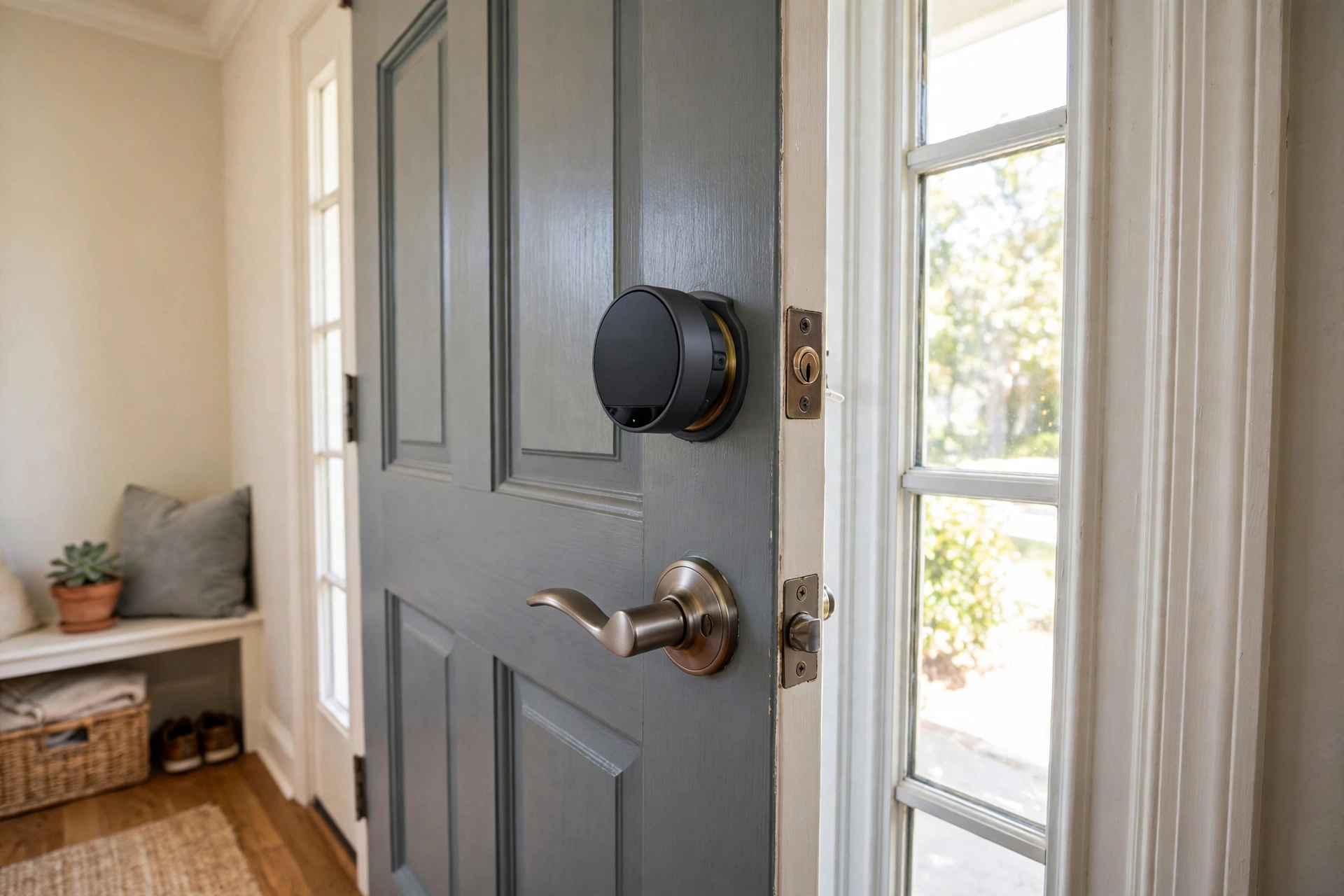
The Aqara U200 is the retrofit pick for smart-home enthusiasts. It also mounts over your existing thumb turn, but it adds Matter over Thread, Apple Home Key, a fingerprint reader, and NFC. That combination is rare at its price. One catch: full remote access and Matter features need an Aqara hub or a Thread border router like an Apple TV or HomePod. Without one, it works over Bluetooth at close range only.
What Is New in 2026: Hands-Free Unlocking
The big change this year is ultra-wideband (UWB) hands-free unlocking. A UWB lock measures the exact distance and direction of your phone, so the door unlocks as you reach it with your hands full and your phone still in your pocket. The Aqara U400 and the Schlage Sense Pro (from $399 MSRP) lead this wave.
Should you wait for UWB? For most buyers, no. Hands-free unlocking is a convenience upgrade, not a security upgrade, and it costs a premium. If you carry groceries through the door daily, it earns its keep. If you mostly want keyless entry and guest codes, a keypad lock from the short list does the job for far less money.
Battery Life: The Spec That Decides Everything
Battery life is where smart locks quietly disappoint. Wi-Fi radios stay connected around the clock, and that hunger shows up in months, not years. Low-power radios like Z-Wave, Zigbee, and Thread sip power instead, which is why the same lock body can last twice as long on a different module.
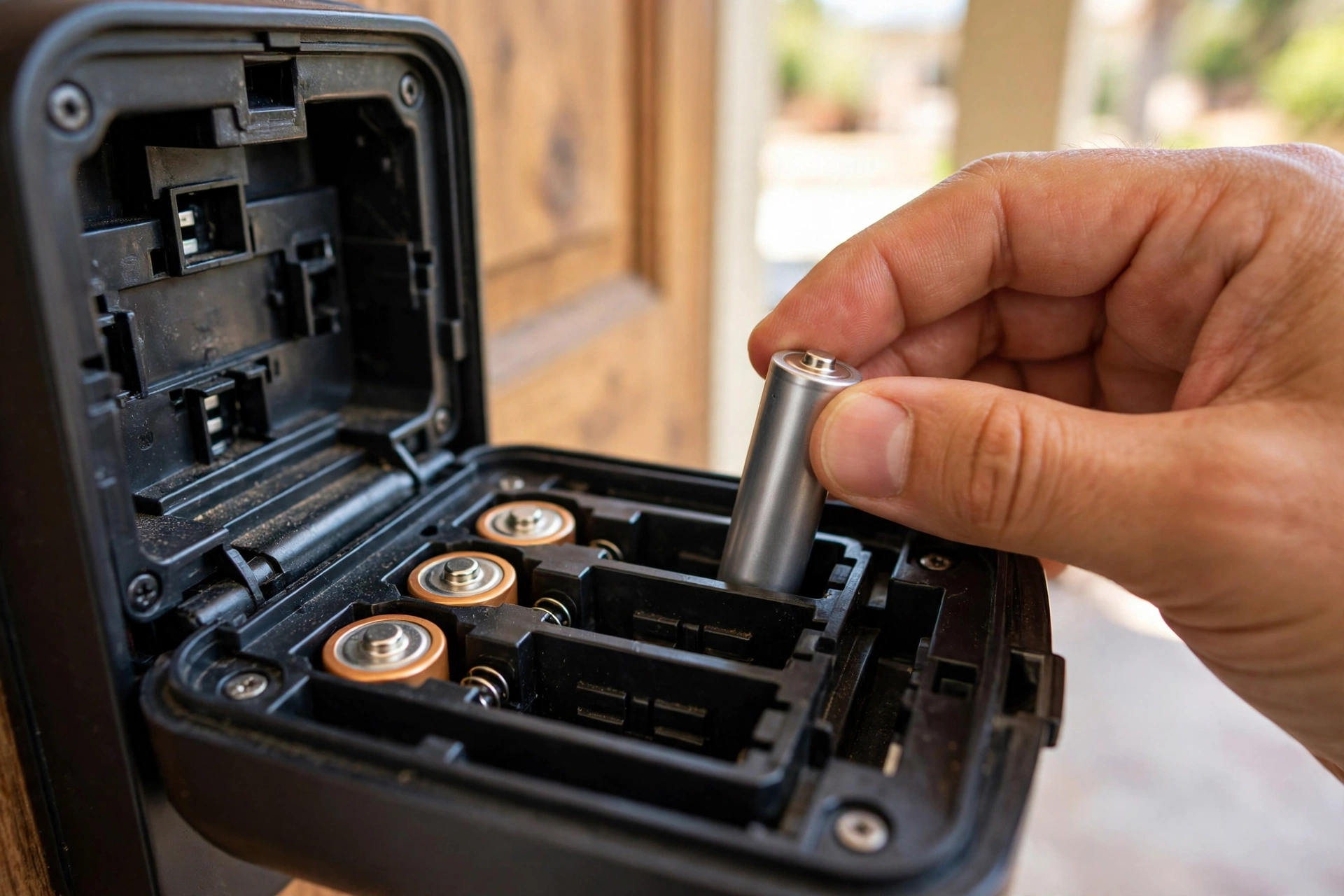
If your lock already eats batteries, the cause is usually fixable. Our guide to a smart lock battery draining fast walks through the eight real causes in order of likelihood, starting with door alignment, which beats every electronic cause combined.
Typical battery life by connection type.
| Connection | Typical battery life | Best for |
|---|---|---|
| Direct Wi-Fi | 3 to 6 months | Simple setup, no hub |
| Bluetooth | 6 to 12 months | Phone-as-key use |
| Z-Wave / Zigbee / Thread | 12 to 24 months | Longest battery life |
| Wi-Fi via bridge | 6 to 12 months | Remote access plus decent life |
Two habits stretch any lock’s batteries. First, use fresh lithium AA cells in cold climates, since alkalines lose capacity fast below freezing. Second, replace all batteries at once, never one at a time, because the weakest cell drags the whole set down.
Before You Buy: Measure Your Door
Most smart locks fit standard US doors, but “most” is not “yours.” Measure three things before ordering:
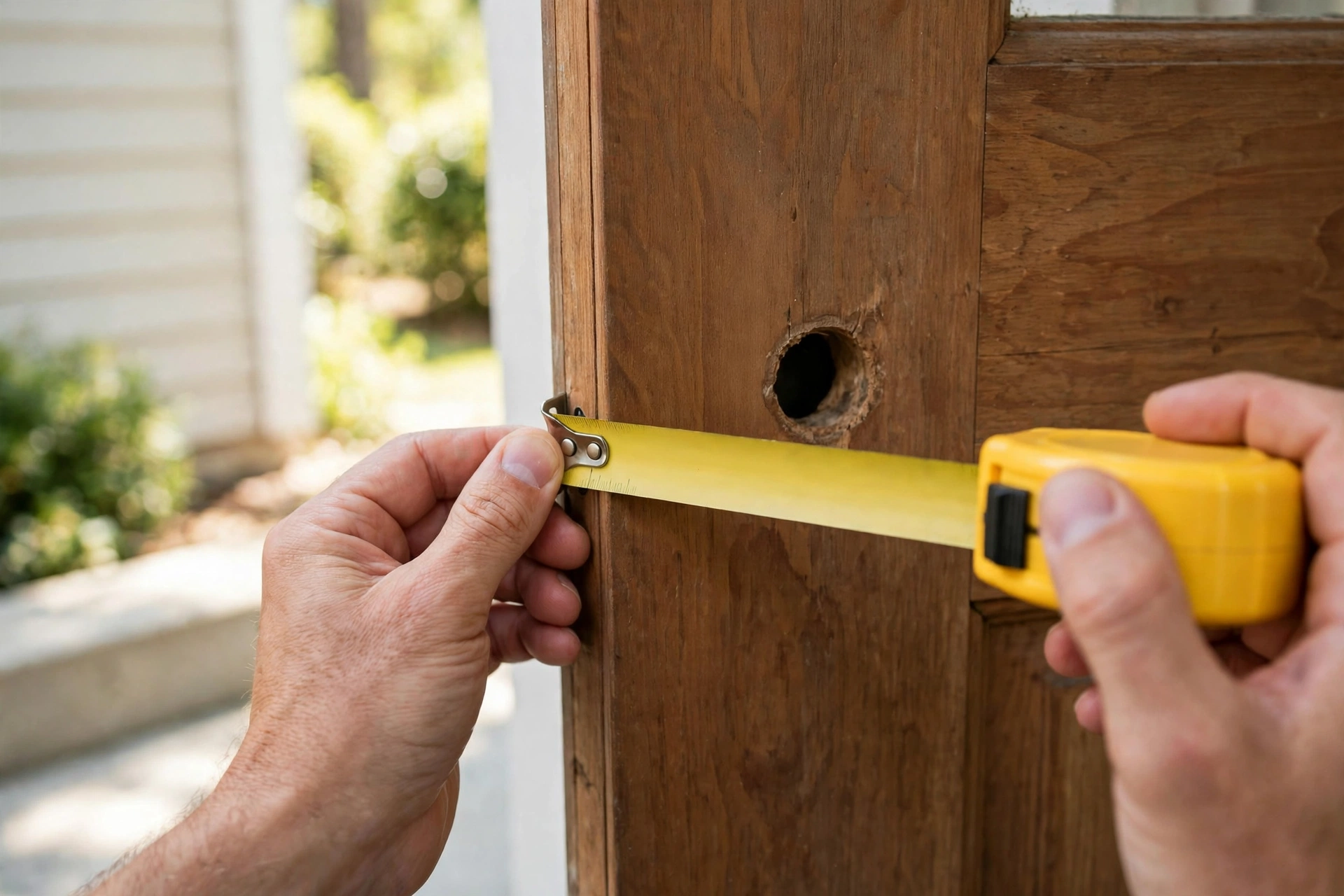
- Door thickness: usually 1-3/8 to 1-3/4 inches. Very thick or very thin doors rule some locks out.
- Backset: the distance from the door edge to the center of the bore hole, either 2-3/8 or 2-3/4 inches.
- Bore diameter: the standard deadbolt hole is 2-1/8 inches across.
Here is the check we run ourselves before recommending any lock, and it takes 30 seconds. Open the door and turn the thumb turn: the bolt should glide freely. Now close the door and try again. If it drags, grinds, or sticks with the door closed, your door is misaligned, and a smart lock motor will fight that friction on every cycle. Fix the strike plate first. A new lock on a binding door will eat batteries and strain its motor from day one.
After You Buy: Codes, Guests, and Lockouts
Set your codes on day one, not someday. Give every person their own code instead of sharing one, so you can delete a single code when someone moves out or a contractor finishes. Write the master code in a password manager, not on a sticky note inside the battery cover.
Forget the master code entirely? That is a different job from changing one. Our guide explains how to reset a door lock code with a factory reset, brand by brand, including the one rule that matters most: reset with the door open, or you can lock yourself out mid-process.
Turn on auto-lock with a sensible delay, usually 30 seconds to a few minutes. It is the single most useful smart lock feature, because the door simply never stays unlocked by accident. Pair it with entry notifications for the first week so you learn the household’s patterns, then keep the old lock and keys for a week as a fallback.
Want a Camera in the Lock Too?
Some buyers would rather merge the lock and the doorbell into one device. A smart door lock with camera adds video, motion alerts, and an intercom to the deadbolt, so you see who is there before you unlock. The trade-off is battery life: a camera lock drains faster than a plain keypad lock, and video storage can add a subscription unless the lock stores footage locally.
Our take: buy the combo only if you would otherwise buy both devices anyway. If you already own a good video doorbell, a plain smart lock is cheaper, lasts longer on batteries, and gives you one less app to manage.
Mistakes to Avoid
- Buying a Wi-Fi-only lock for a door far from the router, then wondering why batteries die in weeks.
- Skipping the physical key backup. A lock with no keyway needs another way in, like a 9V emergency terminal, or a dead battery becomes a locksmith bill.
- Sharing one code with the whole household. One leaked code means resetting everything instead of deleting one person’s access.
- Ignoring the door frame. A Grade 1 lock on a hollow door with a flimsy strike plate is theater, not security.
- Paying for integrations you never open. Ecosystem features only matter if you use that platform daily.
Frequently Asked Questions
What is the best smart lock overall in 2026?
For most homes, the Schlage Encode Plus. It combines a BHMA Grade 1 deadbolt, built-in Wi-Fi, Apple Home Key, and up to 100 access codes in one lock. Renters should pick the August Wi-Fi instead, since it keeps the existing deadbolt, and fingerprint fans get better value from the Ultraloq U-Bolt Pro WiFi.
Are smart locks safe from hacking?
Reputable brands use encrypted connections, and real-world break-ins through smart lock hacking are extremely rare compared to kicked doors or open windows. The bigger risks are weak PINs, reused app passwords, and outdated firmware. Use unique codes per person, enable two-factor authentication on the lock’s app account, and install updates promptly.
Do smart locks work without Wi-Fi?
Yes. The lock itself works over Bluetooth or entirely offline with the keypad and fingerprint reader. Wi-Fi only adds remote features: locking from anywhere, notifications, and voice control. If your internet goes down, the keypad keeps working, and the physical key always works.
How long do smart lock batteries last?
It depends on the radio. Direct Wi-Fi locks typically last 3 to 6 months, Bluetooth locks 6 to 12 months, and Z-Wave, Zigbee, or Thread locks 12 to 24 months on the same batteries. Cold weather, weak signal, and a misaligned door all shorten those ranges, so treat them as best-case numbers.
Can I install a smart lock myself?
Usually, yes. A full deadbolt replacement takes 20 to 30 minutes with a screwdriver if your door has a standard bore, and the August retrofit takes about 10. Install with the door open, test every entry method before closing it, and keep the old lock for a week. Call a locksmith for non-standard doors, odd bore sizes, or a deadbolt that sticks.
Is Matter worth caring about when buying a smart lock?
Matter matters if you run more than one smart-home platform or plan to switch later. A Matter over Thread lock talks to Apple Home, Google Home, and Alexa without vendor lock-in, and it sips battery compared to Wi-Fi. If you live entirely in one ecosystem and never plan to leave, a Wi-Fi lock from that ecosystem works fine and costs less.
The Bottom Line
Pick the lock that fits your constraint, not the one with the longest feature list. Apple households that want the best should get the Schlage Encode Plus, anyone needing flexibility across ecosystems should look at the Yale Assure Lock 2, and fingerprint-speed fans should pick Ultraloq. Renting? August or Aqara’s retrofit. Measure your door, test the alignment, and set your codes on day one. Do those three things and the lock you buy will feel boring in the best way: it will just work, every time you come home.