
Stop Changing Batteries Every Few Weeks
Smart lock battery draining fast is usually a mechanical problem, not an electronic one. The most likely culprit is a misaligned door forcing the motor to strain on every lock cycle. Next come Wi-Fi power drain, cold weather, and cheap batteries. This guide covers all 8 causes in order of likelihood, with the exact fix for each.
- Stop Changing Batteries Every Few Weeks
- Why Is Your Smart Lock Battery Draining Fast? 8 Reasons
- 1. The Door Is Misaligned (Most Common)
- 2. Wi-Fi Is Draining the Battery
- 3. Cold Weather Kills Battery Chemistry
- 4. Cheap, Old, or Mixed Batteries
- 5. The Lock Is Working Overtime
- 6. Weak Signal Forces Constant Reconnects
- 7. Outdated Firmware or Chatty Apps
- 8. The Camera (If Your Lock Has One)
- Diagnose Your Cause in 5 Minutes
- The 8 Fixes That Actually Work
- Alkaline vs Lithium vs Rechargeable
- FAQs
- How long should smart lock batteries last?
- Why does my smart lock die faster in winter?
- Are lithium batteries worth the extra cost for smart locks?
- Can I use rechargeable batteries in my smart lock?
- Why does my lock say low battery right after I changed them?
- Does Wi-Fi really drain batteries that much faster?
- Should I remove the batteries when I travel?
- The Bottom Line
Why Is Your Smart Lock Battery Draining Fast? 8 Reasons
First, start with the most likely cause and work down. In most homes, the problem is mechanical, not electronic, which is good news because mechanical fixes are free. Battery drain is not unique to locks either: our guide to a video doorbell battery dying fast covers the same chemistry and radio issues in a different device.
1. The Door Is Misaligned (Most Common)
This is the number one cause, and it is not close. When the deadbolt does not slide cleanly into the strike plate, the motor has to push harder and run longer on every lock and unlock. A motor fighting friction can draw two to three times its normal current, which turns a 12-month battery into a 3-month battery.
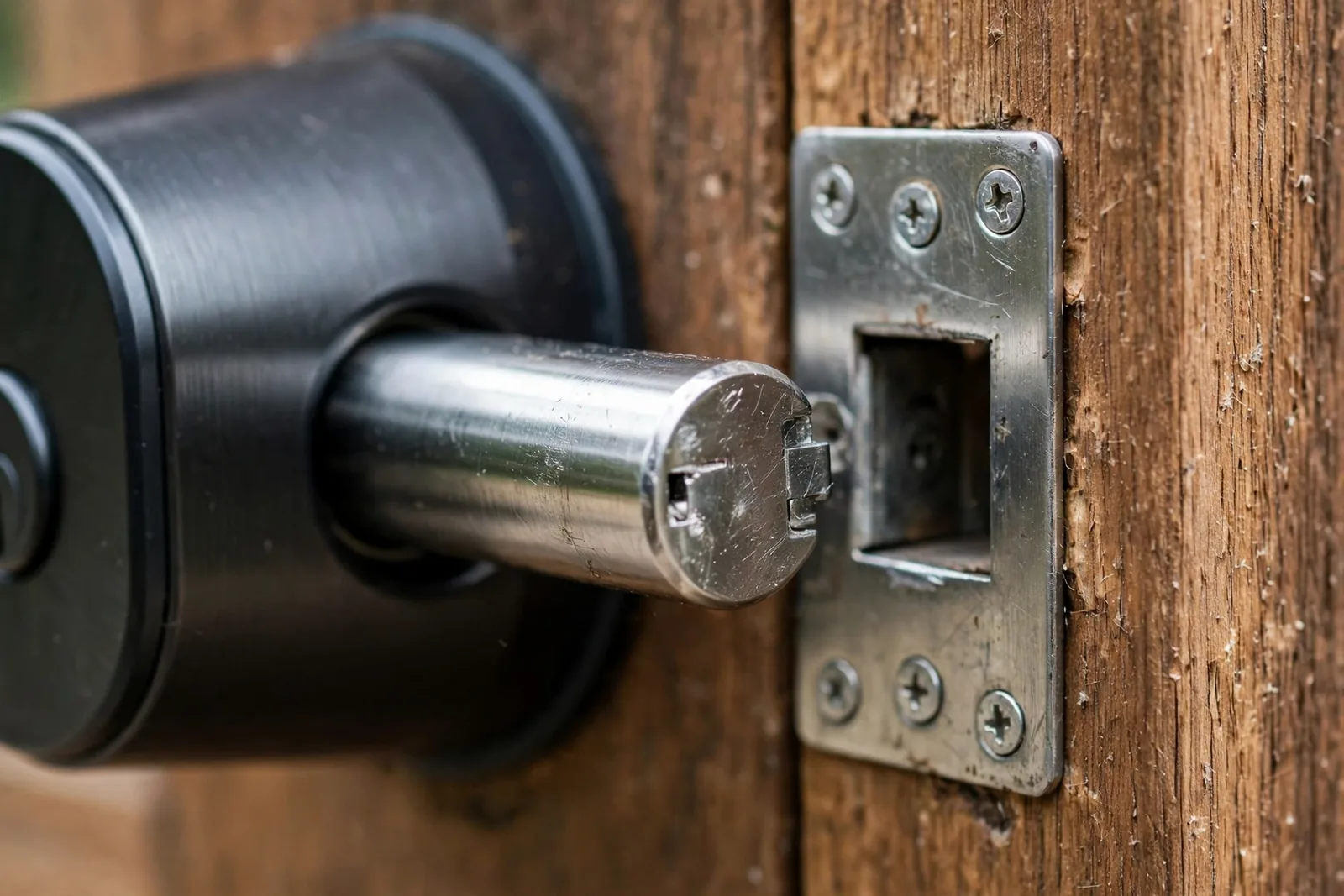
For example, doors shift with seasons, humidity, and house settling. As a result, a lock that worked fine in summer can start binding in winter when the frame contracts. If your battery life suddenly got worse, then the door probably moved, not the lock.
2. Wi-Fi Is Draining the Battery
Wi-Fi is convenient and power-hungry. A Wi-Fi radio draws far more current than Z-Wave, Zigbee, or Bluetooth, and it has to stay connected to your router around the clock. Wi-Fi smart locks typically last 3 to 6 months on a set of batteries, while Z-Wave and Zigbee locks often go 12 to 24 months on the same cells.
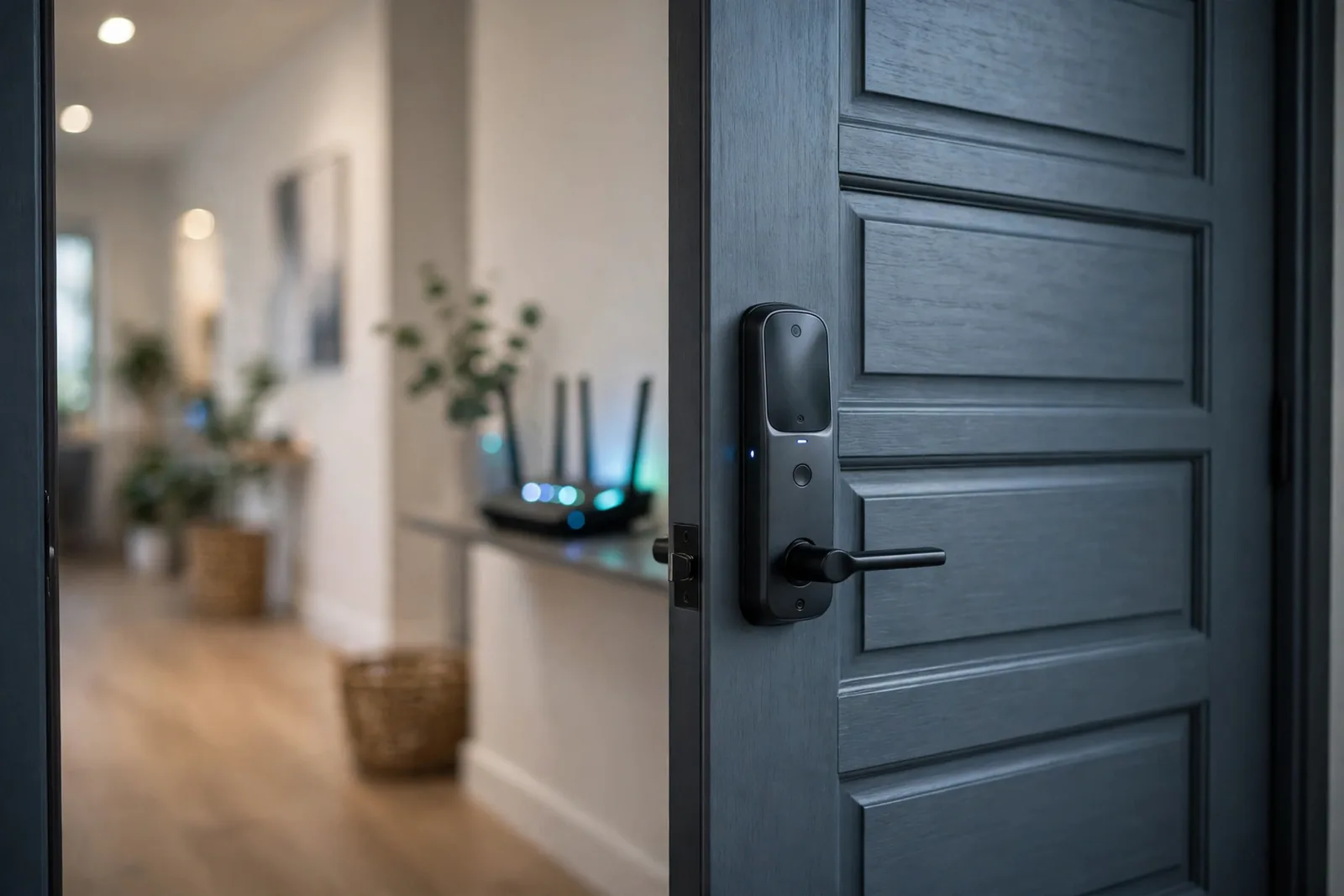
If your lock connects directly to Wi-Fi with no hub, then the radio is the biggest continuous drain in the device. This is normal for the technology, not a defect. However, it means Wi-Fi lock owners should expect more frequent battery changes.
3. Cold Weather Kills Battery Chemistry
Batteries are chemical devices, and cold slows chemistry down. Alkaline batteries lose capacity fast below freezing: at minus 18 degrees Celsius, an alkaline cell delivers roughly half its rated capacity. If your lock is on an unheated exterior door in winter, the batteries are fighting physics.
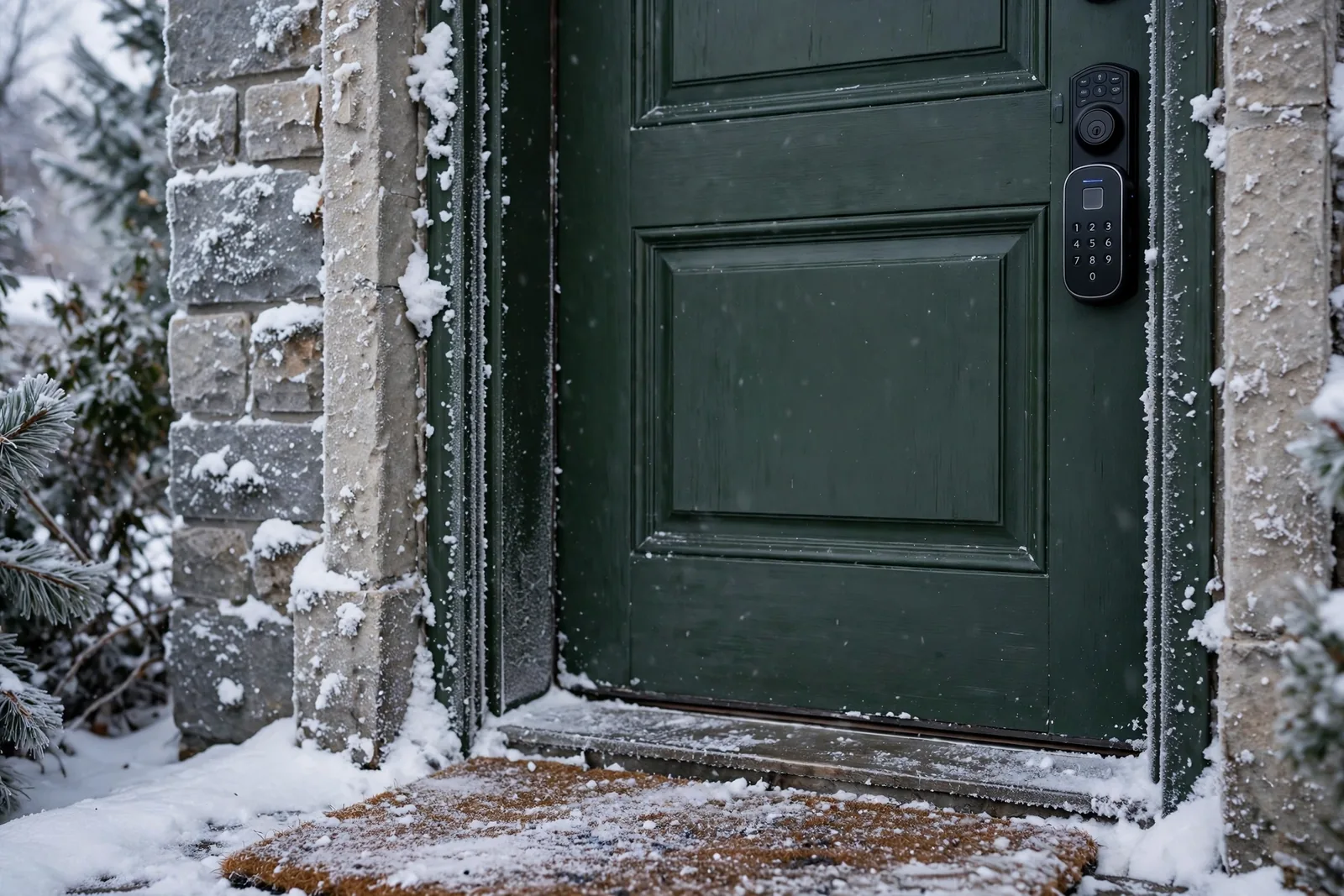
In fact, the lock may also report “low battery” in the cold and then recover indoors. That is the voltage sagging under load in low temperatures, not the batteries actually dying. However, repeated deep discharges do shorten their life.
4. Cheap, Old, or Mixed Batteries
Indeed, not all AA batteries are equal. For example, dollar-store alkalines can have half the real capacity of name-brand cells, and batteries that sat in a drawer for two years have already self-discharged significantly. Mixing old and new batteries, or mixing brands, is worse. In particular, the weakest cell drags the whole set down and can even leak.
Rechargeable NiMH batteries are another trap. They run at 1.2 volts instead of 1.5, so a lock expecting 6 volts from four alkalines only gets 4.8 volts from NiMH. As a result, many locks read that as “low battery” from day one.
5. The Lock Is Working Overtime
In fact, every lock and unlock cycle runs the motor, and the motor is the hungriest component. For example, a busy front door with 20 cycles a day drains batteries far faster than a side door used twice daily. Auto-lock features add cycles you might not notice. Specifically, if your lock re-locks every 30 seconds after being unlocked, a door left ajar can trigger dozens of motor runs.
Smart home integrations add invisible cycles too. If Home Assistant or another hub polls the lock aggressively, the radio never sleeps properly.
6. Weak Signal Forces Constant Reconnects
In particular, a lock at the edge of your Wi-Fi coverage works its radio much harder than one with a strong signal. Every dropped connection triggers a reconnection sequence, and each one costs power. If your lock is far from the router or separated by thick walls, then the radio drain multiplies.
This also applies to Z-Wave and Zigbee locks far from the hub with no repeating devices nearby. A weak mesh makes every device shout louder, electrically speaking.
7. Outdated Firmware or Chatty Apps
Firmware updates often include power-management fixes. However, running old firmware can mean running old bugs. Some lock apps also keep an active Bluetooth connection to the lock whenever your phone is near, which prevents the lock from sleeping deeply.
Therefore, check your lock manufacturer’s app for firmware updates every few months. It takes five minutes and sometimes fixes mysterious drain overnight.
8. The Camera (If Your Lock Has One)
Smart locks with built-in cameras power an image sensor and sometimes a spotlight. That is a fundamentally bigger power budget than a plain deadbolt. If you bought a smart door lock with camera, expect battery life closer to a video doorbell than to a basic keypad lock.
Table: Typical battery life by connection type
| Connection | Typical battery life | Best for |
|---|---|---|
| Wi-Fi (direct) | 3 to 6 months | Simple setup, no hub |
| Bluetooth | 6 to 12 months | Phone-as-key use |
| Z-Wave / Zigbee | 12 to 24 months | Longest battery life |
| Wi-Fi via bridge | 6 to 12 months | Remote access + decent life |
Diagnose Your Cause in 5 Minutes
You do not need to guess. Run these three quick checks to find your culprit.
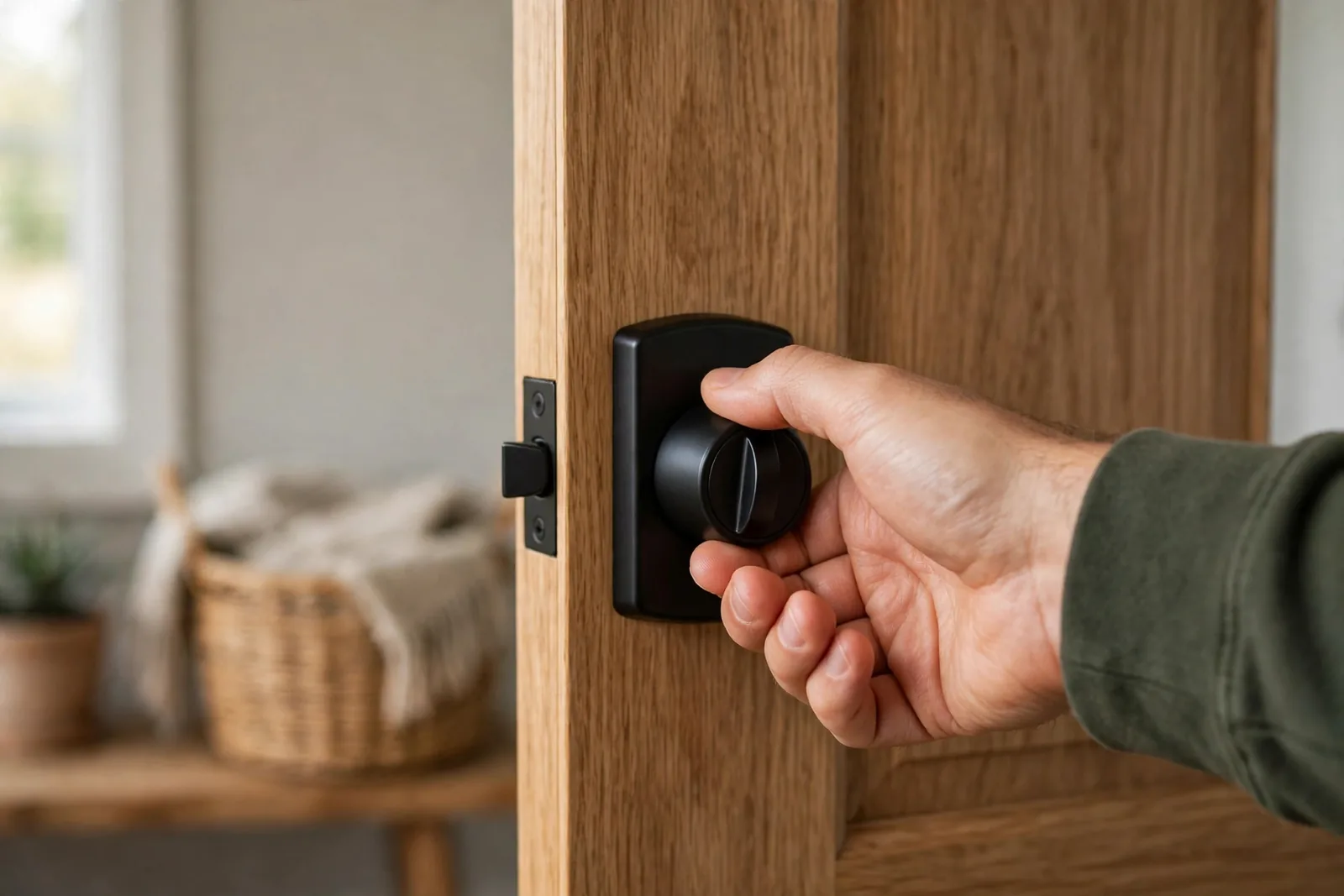
Check 1: The manual test. Open the door and lock it with the thumb turn. Smooth? Now close the door and try again. If it feels gritty or stiff with the door closed, you have an alignment problem. This single check explains most fast-drain cases.
Check 2: The battery audit. Next, pull the batteries and look at them. Mixed brands, no visible expiry date, or bargain cells? Replace the full set with fresh lithium AAs, or name-brand alkaline for a Schlage Encode. Write down the date you installed them so you can measure the improvement.
Check 3: The signal test. Stand at the lock with your phone and check the Wi-Fi signal strength, or look at the lock’s reported signal in its app. One or two bars means the radio is working overtime. If all three checks pass and the drain continues, update the firmware and consider a factory reset.
The 8 Fixes That Actually Work
First, match the fix to the cause you found above. Start with fix 1, because it solves the majority of cases.
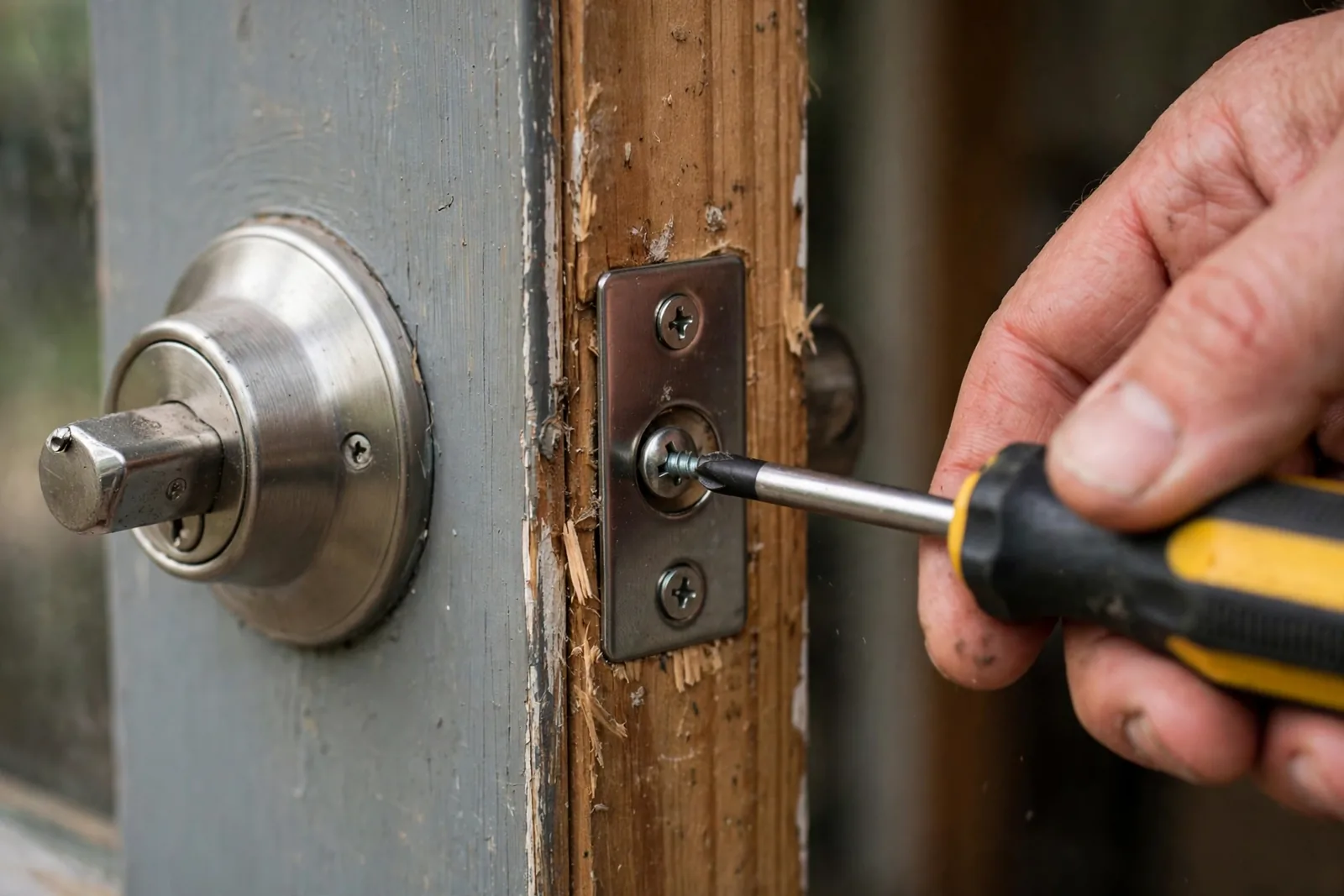
Fix 1: Realign the door. With the door open, extend the deadbolt and watch it move. It should glide freely. Now close the door and try again. If it drags, the strike plate needs adjusting. Loosen its screws, shift it a millimeter or two in the direction of the drag, and retighten. The classic test: put lipstick or a marker on the bolt end, close the door, and see where it marks the strike plate. That shows exactly where it binds.
Fix 2: Switch to lithium AA batteries. Energizer Ultimate Lithium cells hold voltage in the cold, have a 20-year shelf life, and deliver roughly 1.5 times the real-world capacity of alkalines in high-drain devices. They cost more per cell but last so much longer that they are cheaper per month. As a result, this one change fixes most winter drain complaints. One exception: Schlage recommends name-brand alkaline over lithium for its Encode series, since the lock’s battery reporting is calibrated for alkaline. Check your manufacturer’s guidance first, such as Schlage’s own troubleshooting guide for poor Encode battery life.
Fix 3: Reduce Wi-Fi strain. If your lock is on Wi-Fi, then move a mesh node or extender closer to the door, or switch the lock to a Z-Wave or Zigbee model with a hub if battery life matters more to you than direct Wi-Fi. Our guide on how smart front door locks work and what to buy explains the radio trade-offs in detail.
Fix 4: Tame auto-lock. For example, lengthen the auto-lock delay from 30 seconds to a few minutes, or turn it off if someone is usually home. Therefore, fewer motor cycles means longer battery life, directly and linearly.
Fix 5: Update firmware and calm your integrations. Update the lock firmware through the manufacturer’s app, then check your smart home hub’s polling interval. Polling the lock every 30 seconds keeps the radio awake; every few minutes is plenty for a door lock.
Fix 6: Strengthen the signal. In particular, for Z-Wave and Zigbee locks, add a mains-powered device (like a smart plug) between the hub and the lock to strengthen the mesh. For Wi-Fi locks, instead improve router coverage near the door. As a result, a lock with a strong signal sips power, while one with a weak signal gulps it.
Fix 7: Factory reset as a last resort. If drain started suddenly with no other explanation, then corrupted settings or a stuck process may be the cause. A factory reset wipes it clean, so follow a proper guide and make sure you have another way into the house first.
Fix 8: Choose a battery-friendly lock next time. If your current lock is a Wi-Fi model with a camera and you are changing batteries monthly, then no fix will make it sip power. When it is time to replace it, instead pick a Z-Wave or Zigbee model. Our best front door smart lock picks for 2026 notes battery expectations for each model.
Alkaline vs Lithium vs Rechargeable
For smart locks, the ranking is clear. First, lithium AAs win: they handle cold, hold 1.5 volts through most of their discharge, and last the longest. Standard alkalines are also fine for indoor locks in mild climates if you buy fresh name-brand cells. Rechargeable NiMH cells are the worst choice for most locks because of their lower voltage, though some newer locks are designed to accept them.
Whatever you use, replace all batteries at once. In particular, use the same brand and check the expiry date. A four-pack where one cell is weak behaves like a one-battery lock with three helpers. Finally, store spares in a cool, dry place, not in a hot garage, since heat accelerates self-discharge even in unused cells.
FAQs
How long should smart lock batteries last?
It depends on the radio. Z-Wave and Zigbee locks typically last 12 to 24 months, Bluetooth locks 6 to 12 months, and direct Wi-Fi locks 3 to 6 months. If your lock dies much faster than these ranges, then something is wrong, usually door alignment or weak signal.
Why does my smart lock die faster in winter?
Cold slows the chemical reactions inside batteries, so they deliver less capacity. Alkaline cells are hit hardest, losing up to half their capacity below freezing. Therefore, switching to lithium AA batteries, which handle cold far better, is the simplest winter fix.
Are lithium batteries worth the extra cost for smart locks?
Yes. They cost two to three times more per cell but last significantly longer, especially in cold weather and high-drain Wi-Fi locks. Per month of actual use, they are usually cheaper than alkalines, and you change batteries far less often.
Can I use rechargeable batteries in my smart lock?
Usually not recommended. Standard NiMH rechargeables deliver 1.2 volts per cell instead of 1.5, so most locks read them as low battery immediately. Check your lock manufacturer’s guidance. However, most are designed around disposable lithium or alkaline cells, though a few newer models support rechargeables.
Why does my lock say low battery right after I changed them?
Three common reasons: the new batteries were old stock with depleted charge, you mixed new and old cells, or you used 1.2-volt rechargeables the lock cannot read properly. Replace all cells with fresh lithium AAs from the same pack and the warning should clear.
Does Wi-Fi really drain batteries that much faster?
Yes. A Wi-Fi radio maintaining a constant router connection uses far more power than Z-Wave or Zigbee, which were designed for battery devices. That is why Wi-Fi locks last months while Z-Wave locks last a year or more on the same batteries. A Wi-Fi bridge, which lets the lock use low-power radio locally, instead splits the difference.
Should I remove the batteries when I travel?
No. Removing batteries disables the lock and any automations or alerts tied to it. Instead, put in a fresh set before you leave and enable low-battery notifications in the lock’s app. A lock with fresh lithium cells will easily outlast a two-week trip.
The Bottom Line
When your smart lock battery is draining fast, check the door alignment first, then the batteries, then the signal. Those three cover the vast majority of cases. Switch to lithium AAs, fix any deadbolt binding, and give the lock a strong connection. Your next step: open the door, extend the deadbolt, and watch how freely it moves. If it drags, then you have found your problem.