

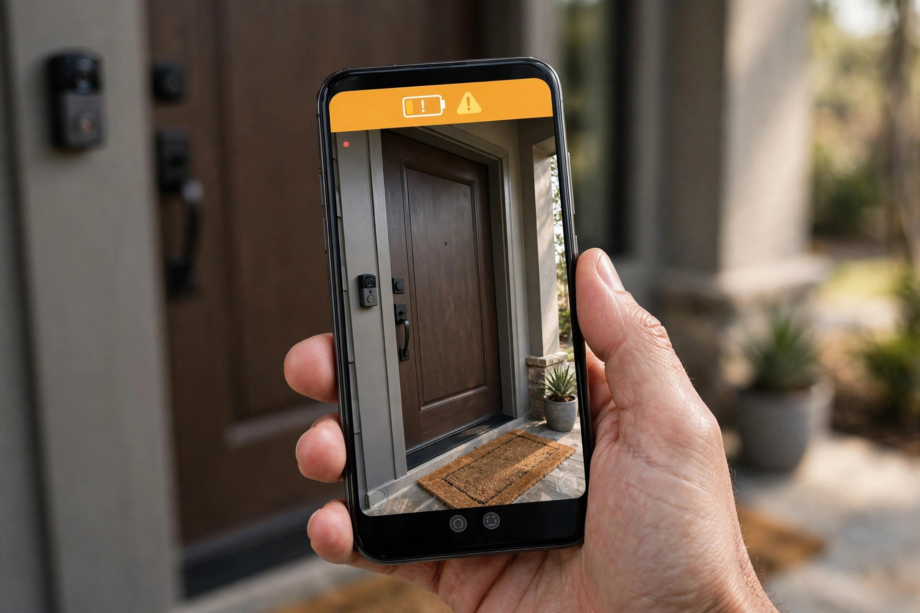
Why Your Video Doorbell Battery Dies So Fast
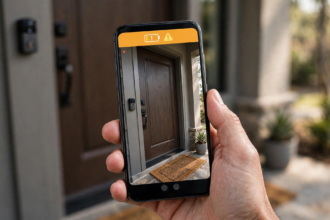
A video doorbell battery dying fast is the most common complaint owners have. Indeed, if your doorbell used to last two months and now dies in two weeks, something changed. First, the usual suspects are motion sensitivity set too high, weak WiFi forcing constant reconnection, cold weather draining lithium cells, or power-hungry features running nonstop.
- Why Your Video Doorbell Battery Dies So Fast
- How Video Doorbell Batteries Actually Work
- Video Doorbell Battery Dying Fast: 8 Fixes That Work
- Fix 1: Turn Down Motion Sensitivity
- Fix 2: Fix Weak WiFi at the Door
- Fix 3: Disable Power-Hungry Features
- Fix 4: Handle Cold Weather
- Fix 5: Reduce Recording Length and Quality
- Fix 6: Check for Firmware Issues
- Fix 7: Replace an Aging Battery
- Fix 8: Reposition to Reduce False Triggers
- What Normal Battery Life Looks Like
- Should You Switch to Wired Power?
- Monitoring Battery Health Over Time
- Pairing Battery Savings With Smart Home
- FAQs
- Why is my video doorbell battery dying so fast?
- How long should a video doorbell battery last?
- Does cold weather damage doorbell batteries?
- Will a WiFi extender help battery life?
- Should I disable HDR to save battery?
- How do I know if my battery needs replacing?
- Can I use my doorbell while it’s charging?
- Fix the Big Three First
Manufacturers advertise optimistic battery numbers. In particular, those estimates assume moderate activity, mild weather, and default settings. Real front porches are busier, colder, and noisier than the test lab. As a result, most people get half the advertised life.
The good news: fast drain is almost always fixable without buying anything. For instance, adjusting three settings typically doubles battery life. Let’s diagnose your specific drain and fix it.
How Video Doorbell Batteries Actually Work
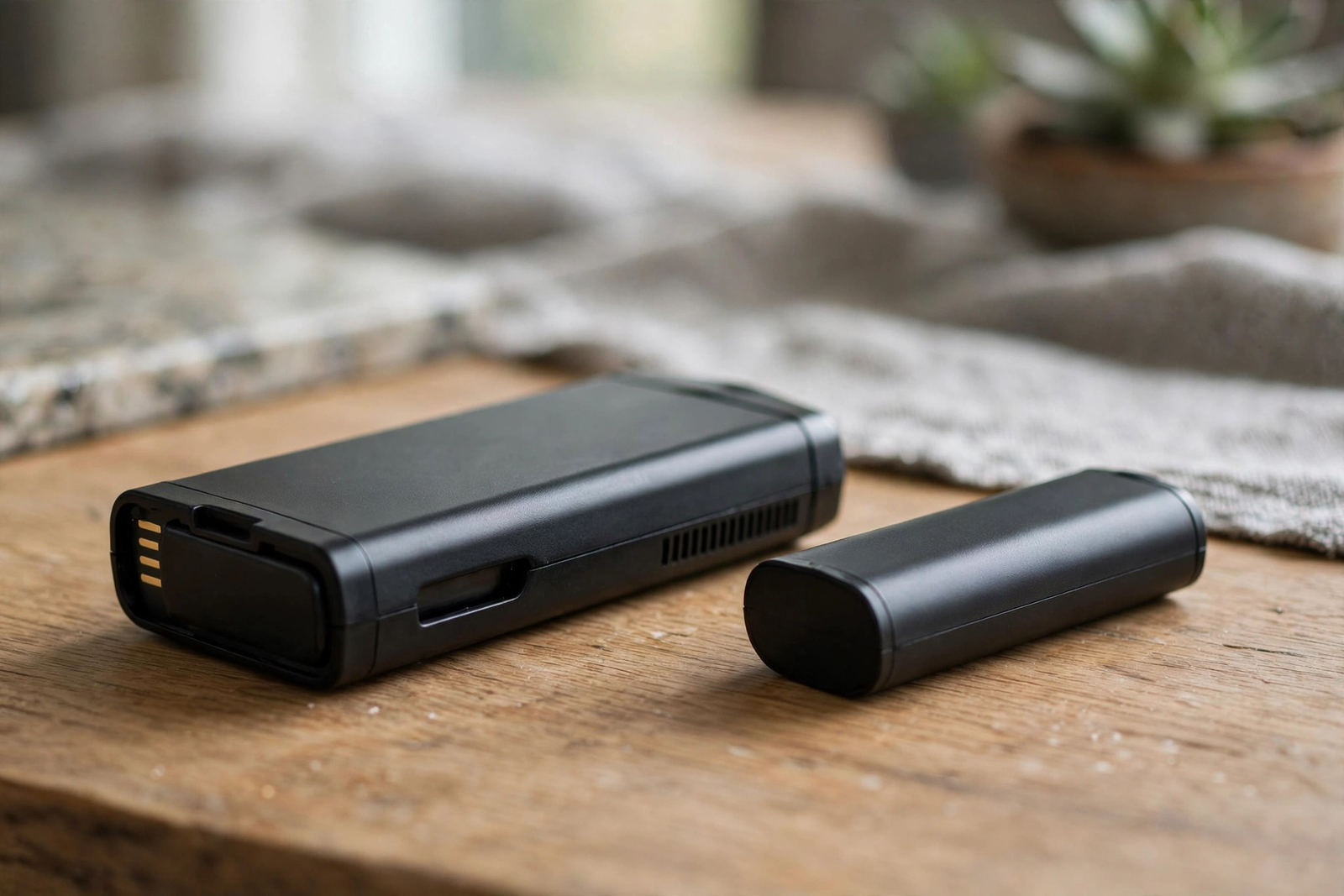
First, most video doorbells use rechargeable lithium-ion battery packs. Ring uses a quick-release pack. Google Nest has a built-in cell. Eufy and others use similar lithium packs. These batteries share the same traits as your phone battery, including the same weaknesses.
In particular, every motion event costs power. The camera wakes up, records a clip, processes it, and uploads it over WiFi. Then it goes back to sleep. Indeed, a single event uses a tiny amount of energy. However, hundreds of events per day add up fast.
Meanwhile, WiFi is the other big drain. Maintaining a connection, especially a weak one, forces the radio to work harder. Meanwhile, features like HDR, pre-roll recording, and color night vision each add their own power cost. Thus, it’s death by a thousand cuts.
Video Doorbell Battery Dying Fast: 8 Fixes That Work
Fix 1: Turn Down Motion Sensitivity
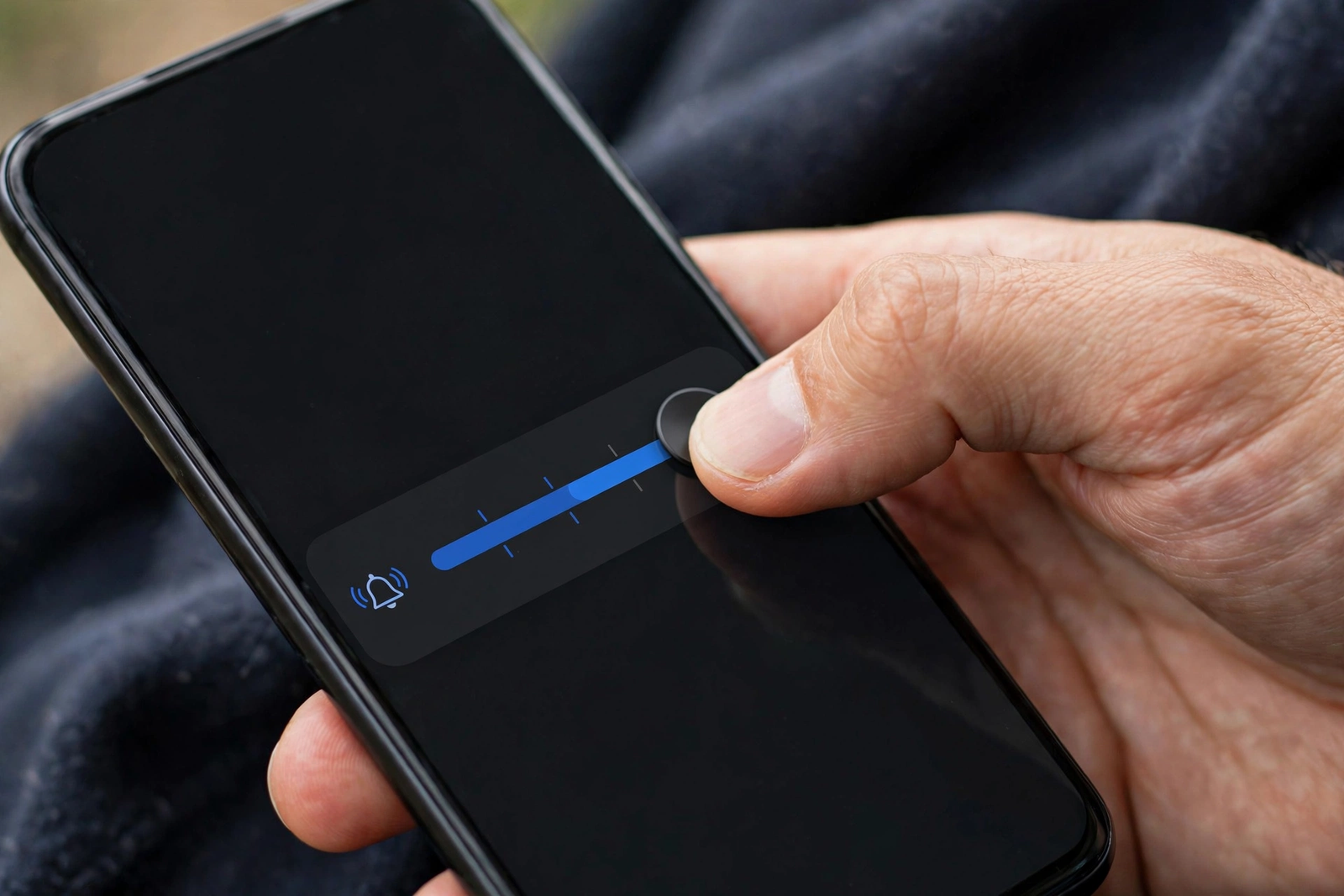
Notably, this single change has the biggest impact. Open your doorbell’s app, go to motion settings, and lower the sensitivity slider. Next, shrink your motion zones to exclude the street, sidewalk, and neighboring yards. Every phantom trigger you eliminate saves a full wake-record-upload cycle.
As a result, cutting motion events in half effectively doubles battery life. It’s that direct. Most people set sensitivity to maximum during setup and never touch it again. Meanwhile, their doorbell records every passing car for months.
Therefore, start at medium sensitivity and adjust over a week. You want visitors detected reliably without recording the mail truck three houses down.
Fix 2: Fix Weak WiFi at the Door
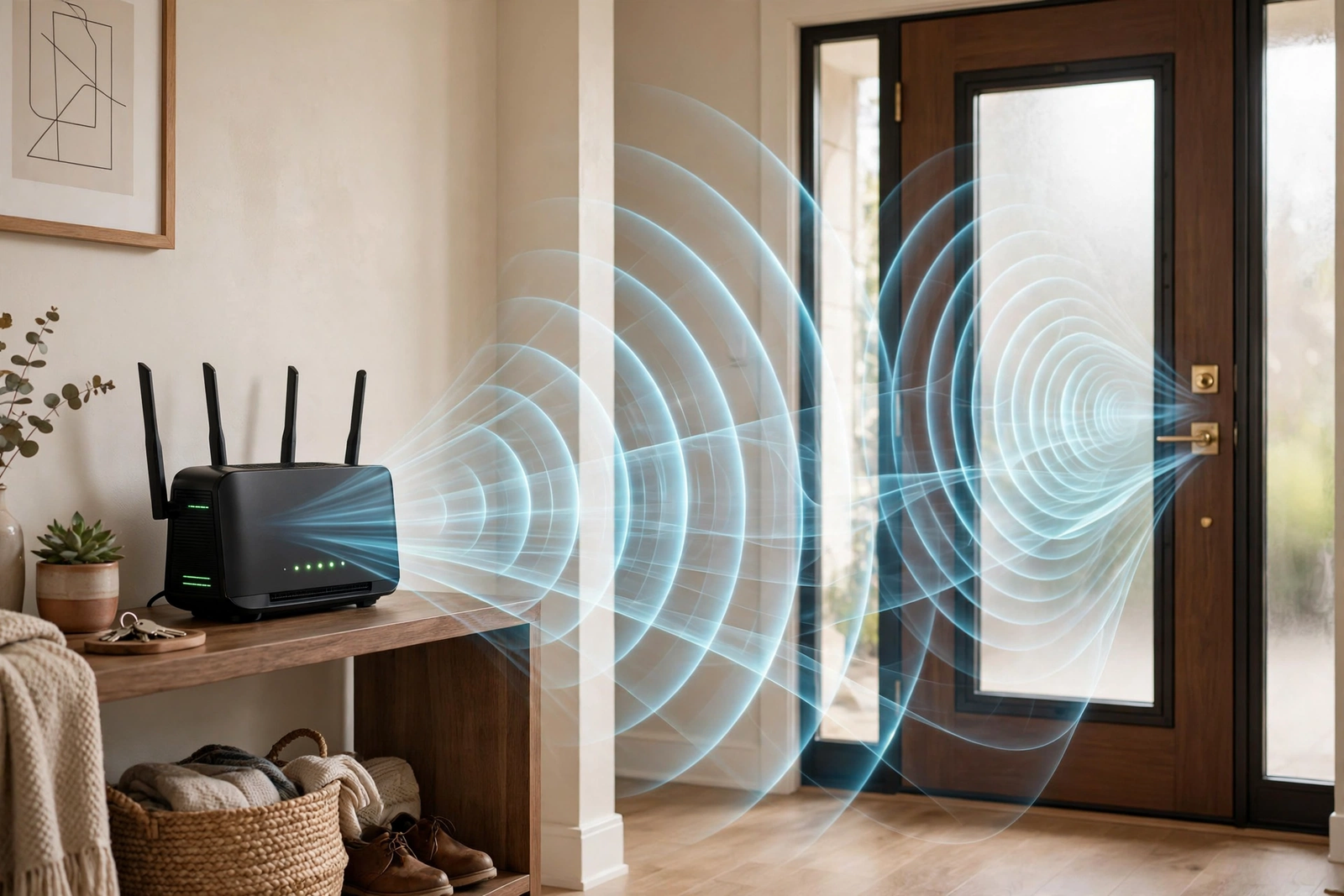
Next, check your doorbell’s signal strength in the app. Look for an RSSI number in device health settings. Anything worse than -65 dBm means the doorbell is struggling. As a result, it burns extra power constantly retrying the connection.
Fortunately, solutions range from free to cheap. First, try moving your router closer to the front of the house. Then consider a WiFi extender placed between the router and the door. Some brands sell a dedicated chime with built-in WiFi extender, which kills two birds with one stone.
Moreover, a strong signal doesn’t just save battery. It also gives you faster live view, fewer missed events, and more reliable notifications. It’s the highest-value fix on this list.
Fix 3: Disable Power-Hungry Features
Then, open video settings and turn off what you don’t need. HDR improves image quality but costs significant power. Pre-roll, which records a few seconds before each motion event, keeps the camera partially awake at all times. Color night vision uses extra processing compared to standard infrared.
Live view is another silent drain. However, checking it constantly, especially in the first weeks of ownership, can eat 10 percent of battery in a couple of days. Therefore, check it only when needed.
Nevertheless, you don’t have to disable everything forever. Turn features off, measure the improvement over a week, then re-enable the ones you actually miss. Most people find they don’t miss HDR at all.
Fix 4: Handle Cold Weather
Similarly, lithium batteries hate cold. At 36 degrees Fahrenheit, capacity drops noticeably. At freezing, charging slows or stops. Below zero, some doorbells refuse to charge at all until warmed up.
Google has confirmed that Nest doorbells won’t charge below freezing, though they’ll keep running on remaining power down to -4°F. Battery life can halve near the operating limit. In other words, this is normal chemistry, not a defect.
For winter, bring the battery inside to charge. Specifically, never charge a freezing-cold battery immediately; let it reach room temperature first. Charging a frozen lithium cell can damage it permanently. In addition, keep a spare battery pack to swap in during cold months so you’re never without coverage.
If winters are brutal where you live, consider switching to a plug-in adapter for the cold months. Constant power eliminates the battery problem entirely.
Fix 5: Reduce Recording Length and Quality
For example, longer clips and higher resolution cost more power per event. If your app lets you adjust clip length, try 20 seconds instead of 60. For resolution, 1080p uses noticeably less power than 2K while still identifying faces clearly.
Admittedly, this is a trade-off. But for a busy porch, shorter clips at standard resolution can extend battery life by 30 percent or more. Test it for a week and see if you miss the extra detail.
Fix 6: Check for Firmware Issues
Sometimes, occasionally a firmware update introduces a battery drain bug. If your battery life suddenly halved right after an update, check the manufacturer’s community forums. When it’s a widespread issue, you’ll see dozens of identical complaints within days.
In that case, the fix is usually waiting for the next update. Meanwhile, you can try a factory reset and fresh setup, which sometimes clears the bad behavior. Don’t downgrade firmware unless the manufacturer provides an official method.
Fix 7: Replace an Aging Battery
Finally, lithium batteries degrade over time. After two to three years of charge cycles, capacity drops significantly. If your doorbell is old and none of the above fixes help, the battery itself is likely worn out.
Ring sells replacement battery packs. For built-in batteries like Nest, however, replacement means replacing the whole doorbell. Otherwise, before spending money, confirm the battery is the problem by testing with optimized settings for a full charge cycle.
Fix 8: Reposition to Reduce False Triggers
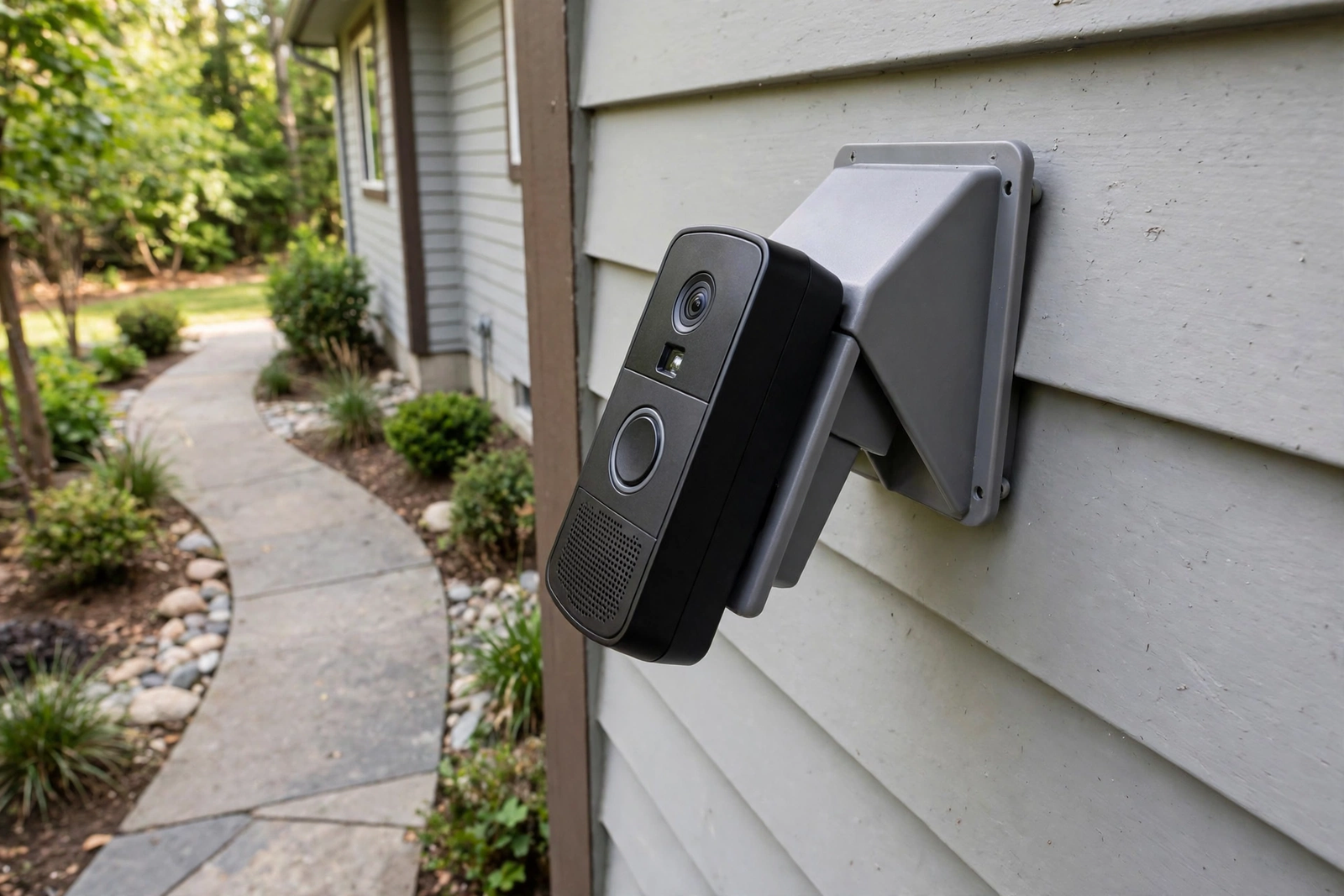
Sometimes the problem isn’t settings but placement. For instance, a doorbell aimed at a busy street, a swaying tree branch, or a flag will trigger constantly no matter how you tune sensitivity. A slight angle change using a wedge mount can exclude the problem area entirely.
Walk through your motion zones in the app and look at what’s triggering events. Specifically, check the event history for patterns. If 80 percent of triggers are cars, angle the camera down slightly. Undoubtedly, physical repositioning beats software tuning every time.
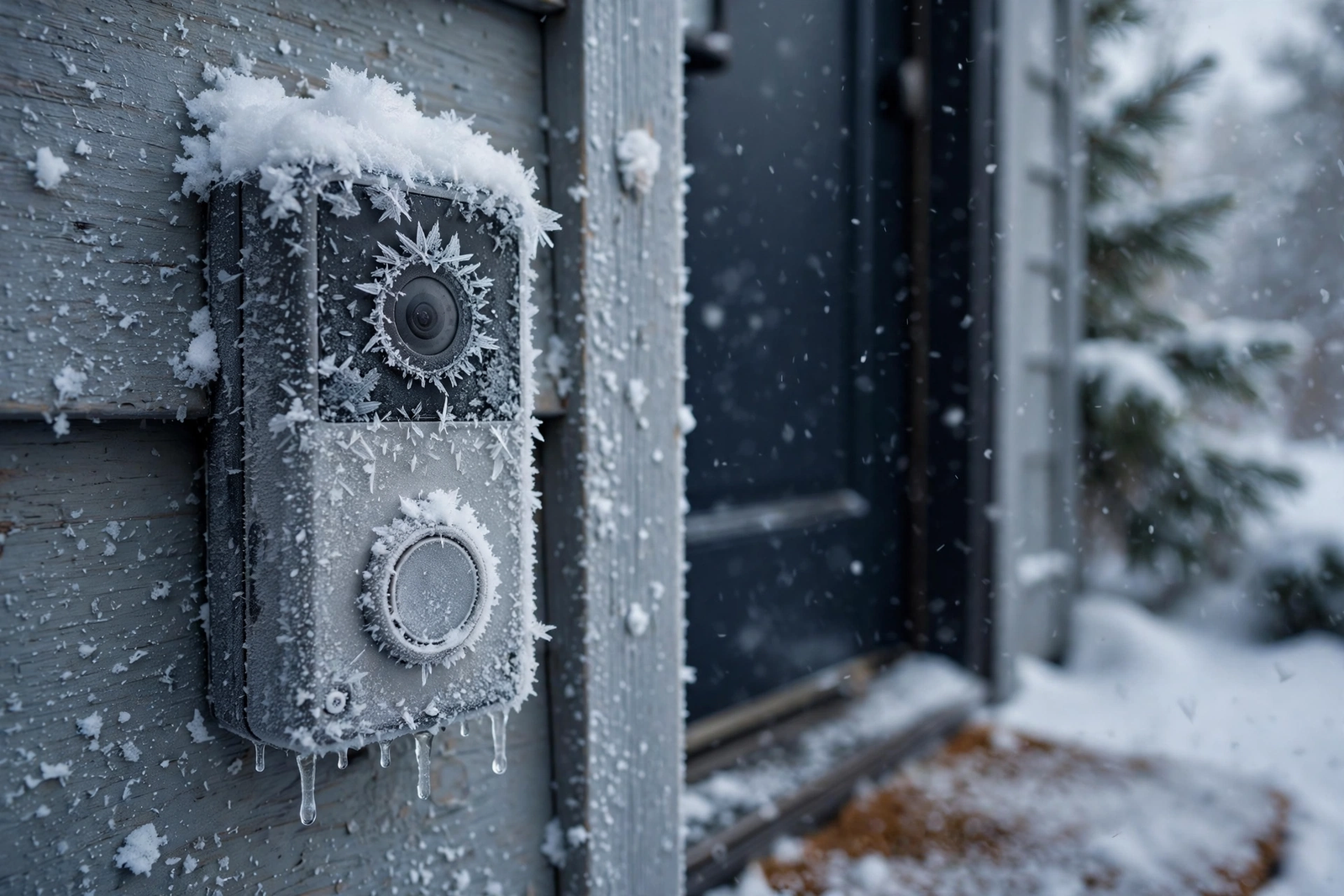
Table: Battery drain causes and fixes
| Cause | Battery Impact | Fix Difficulty |
|---|---|---|
| High motion sensitivity | Very high | Easy (app setting) |
| Weak WiFi signal | High | Easy to medium |
| Cold weather | High | Easy (bring inside) |
| HDR and pre-roll on | Medium | Easy (app setting) |
| Frequent live view | Medium | Easy (habit change) |
| Aging battery | High | Easy (replace pack) |
| Firmware bug | Variable | Easy (wait or reset) |
What Normal Battery Life Looks Like
Set realistic expectations so you know when something is actually wrong. These are real-world numbers, not marketing claims.
A quiet suburban door with few visitors: 8 to 12 weeks per charge. An average home with daily deliveries: 4 to 8 weeks. A busy apartment entrance or street-facing porch: 2 to 4 weeks. In winter, subtract 30 to 40 percent from all of these.
If you’re getting less than two weeks in mild weather with moderate activity, something is wrong. Work through the fixes above in order. Most fast-drain cases resolve with the first three.
Should You Switch to Wired Power?
If battery anxiety is ruining the experience, consider going wired. A plug-in transformer adapter gives constant power with no battery swaps ever. It costs $20 to $30 and needs one small hole through the wall near an indoor outlet.
The trade-off is installation effort versus ongoing maintenance. Batteries mean recharging every month or two. Wired means one afternoon of work, then never thinking about power again. For busy porches where batteries last under three weeks, wired is the smarter choice.
Some people do both: battery in summer, plug-in adapter in winter. It’s the best of both worlds if your outlet placement allows it.
Monitoring Battery Health Over Time
Don’t just react to dead batteries. Instead, track the trend. Most doorbell apps show battery percentage history or at least the current level. Check it weekly and note how fast it drops. A sudden change in drain rate tells you something changed, whether it’s a settings issue, a firmware update, or seasonal weather.
Keep a simple log for the first month after optimizing. Write down the battery percentage every Sunday. If you see 100% dropping to 60% in one week, that’s 40% weekly drain, meaning about two and a half weeks per charge. After adjusting settings, compare the new rate. This measured approach beats guessing.
For detailed cold-weather guidance, see ZDNet’s winter battery guide.
Google’s official Nest cold weather support page explains exactly what happens below freezing. In addition, check your manufacturer’s forums for model-specific winter tips.
Set a calendar reminder to check battery every two weeks in winter and monthly in summer. Furthermore, keep a spare battery charged and ready during cold months. Preparation beats scrambling when the doorbell dies during a freeze.
Pairing Battery Savings With Smart Home
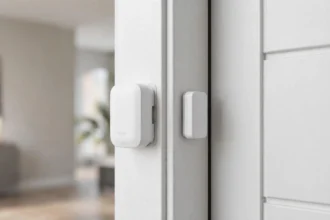
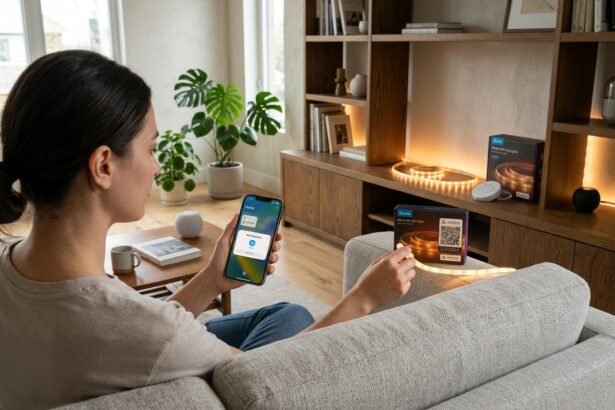
Your doorbell doesn’t work alone. Integrating it with the rest of your smart home ecosystem can actually reduce battery drain. For example, use a separate sensor to trigger porch lights instead of relying on the doorbell’s motion detection for lighting.
Offloading work to other devices is the key principle. Each gadget handles what it does best.
A dedicated door sensor handles lighting triggers while the doorbell focuses on visitors. Separating duties means each device does less work, and both last longer on a charge.
This division of labor applies across your whole setup. The less any single battery device does, the longer it lasts.
Smart speaker announcements also help. When your contact sensors and doorbell work together through Alexa or Google Home, you get complete coverage without maxing out any single device’s battery.
Voice announcements mean fewer app checks too. Every time you avoid opening live view, you save meaningful battery.
For renters dealing with battery drain in apartments, our smart door lock guide covers battery optimization that applies the same principles.
FAQs
Why is my video doorbell battery dying so fast?
The most common causes are motion sensitivity set too high, weak WiFi forcing constant reconnection, cold weather reducing lithium capacity, and power-hungry features like HDR running nonstop. Start by lowering motion sensitivity and checking your WiFi signal strength. Those two fixes resolve most fast-drain cases.
How long should a video doorbell battery last?
In mild weather with moderate activity, expect 4 to 8 weeks. Quiet locations get 8 to 12 weeks. Busy porches get 2 to 4 weeks. Winter cuts all of these by 30 to 40 percent. If you’re getting under two weeks in good conditions, something is wrong and needs fixing.
Does cold weather damage doorbell batteries?
Cold reduces capacity temporarily, which is normal. However, charging a freezing-cold lithium battery can cause permanent damage. Always bring the battery inside and let it reach room temperature before charging. Google confirms Nest doorbells won’t charge below freezing but keep working down to -4°F on remaining power.
Will a WiFi extender help battery life?
Yes, significantly. A weak signal forces the doorbell’s radio to work harder, draining battery fast. If your RSSI is worse than -65 dBm, adding an extender or moving the router closer can noticeably extend battery life while also improving live view speed and notification reliability.
Should I disable HDR to save battery?
Yes, if battery life matters more than maximum image quality. HDR, pre-roll, and color night vision each add meaningful power cost. Try disabling them for a week and measure the difference. Most people find 1080p without HDR is perfectly fine for identifying visitors.
How do I know if my battery needs replacing?
If the doorbell is over two years old, you’ve optimized all settings, and battery life is still under two weeks in mild weather, the lithium cell has likely degraded. Ring sells replacement packs. For sealed units like Nest, declining battery means it’s time to consider a new doorbell.
Can I use my doorbell while it’s charging?
For removable battery packs, no, since the battery is out of the device. Keep a spare charged pack to swap in so you’re never without coverage. For wired charging via USB, some models work while plugged in, but it’s slower and not intended as a permanent solution.
Fix the Big Three First
When your video doorbell battery is dying fast, don’t overthink it. Lower motion sensitivity, fix weak WiFi, and disable power-hungry features. Those three changes resolve the vast majority of fast-drain complaints.
Measure your improvement over one full charge cycle before changing anything else. If you’re still under two weeks after optimizing, then look at cold weather impact, firmware issues, or battery age. Work the list in order and you’ll find the culprit.