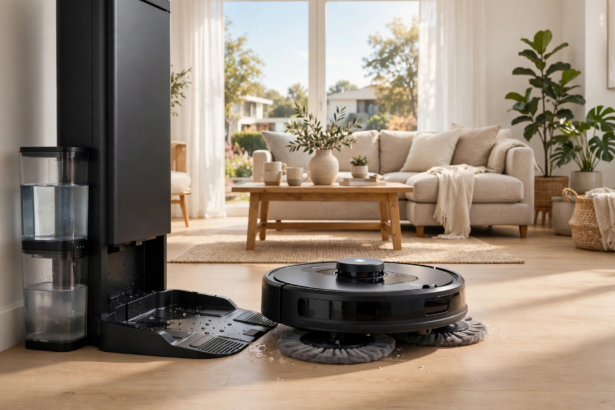


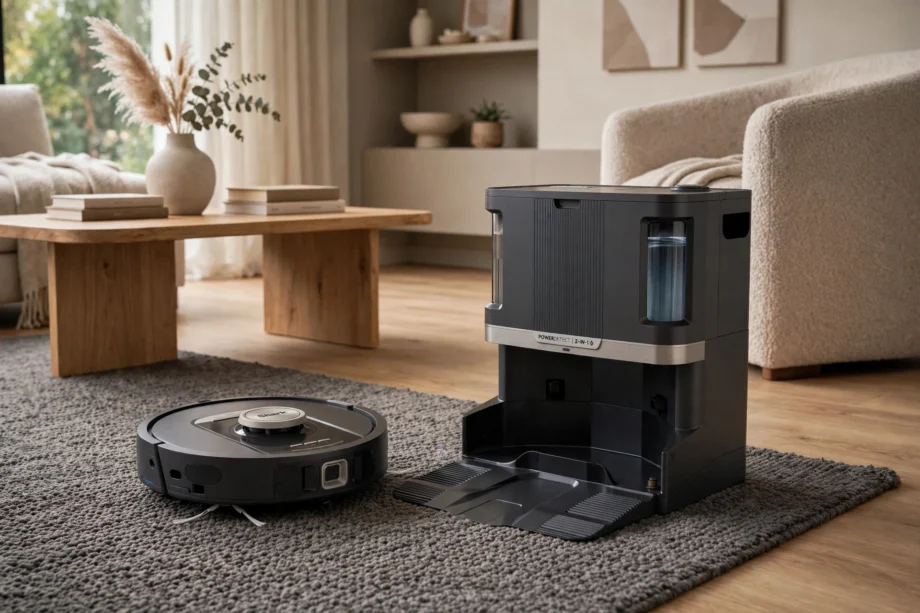
A Shark vacuum robot cleans well without the premium price tag of some rivals. In fact, the 2026 lineup spans budget navigators to flagship PowerDetect models with self-washing mops. This guide breaks down every series, compares Shark against Roomba honestly, and helps you pick the right model for your home.
- Shark Robot Vacuum Lineup at a Glance
- PowerDetect Series: The Flagships
- Navigator Series: Best Value
- Matrix and AI Ultra: The Sweet Spot
- Shark vs Roomba: An Honest Comparison
- Who Should Buy a Shark Vacuum Robot
- Pet Hair, Dust, and Filters
- Keeping Your Shark Robot Running Well
- App and Smart Features
- FAQs
- Is a Shark robot vacuum worth it?
- Which Shark model is best for pet hair?
- Do Shark robot vacuums mop well?
- How loud are Shark robot vacuums?
- Bagless vs bagged: which is better?
- Can Shark robots map multiple floors?
- Final Thoughts
Shark Robot Vacuum Lineup at a Glance
Shark, part of SharkNinja, has grown its robot range from basic bump-and-go cleaners to LiDAR-mapped smart machines. The current lineup groups into three families: PowerDetect flagships, Navigator value models, and the Matrix and AI Ultra mid-range. Shark’s official lineup announcement details the newest Navigator 2-in-1 additions. Each family targets a different budget and need.
Table: Shark vacuum robot models compared
| Model | Type | Self-Empty | Mop | Price Tier |
|---|---|---|---|---|
| PowerDetect NeverTouch Pro | Vacuum + mop | Yes | Self-wash | $$$ |
| PowerDetect ThermaCharged | Vacuum + mop | Yes | Heated wash | $$$ |
| PowerDetect UV Reveal | Vacuum + mop | Yes | UV stain detect | $$$ |
| Navigator 2-in-1 | Vacuum + mop | Yes | Basic pad | $–$$ |
| Matrix Plus 2-in-1 | Vacuum + mop | Yes | Sonic | $$ |
| AI Ultra (AV2501AE) | Vacuum only | Yes | No | $$ |
| IQ Robot Self-Empty | Vacuum only | Yes | No | $ |
Prices move with sales, so treat tiers as relative. For example, Shark discounts aggressively during holiday events, and last year’s flagship often drops to mid-range prices. Patience can save you real money here.
PowerDetect Series: The Flagships
PowerDetect is Shark’s top tier. These robots use 3D sensors and LiDAR to map your home and dodge obstacles. The name comes from Shark’s dirt-detection tech, which tells the robot to spend extra passes on dirty spots instead of cleaning blindly.
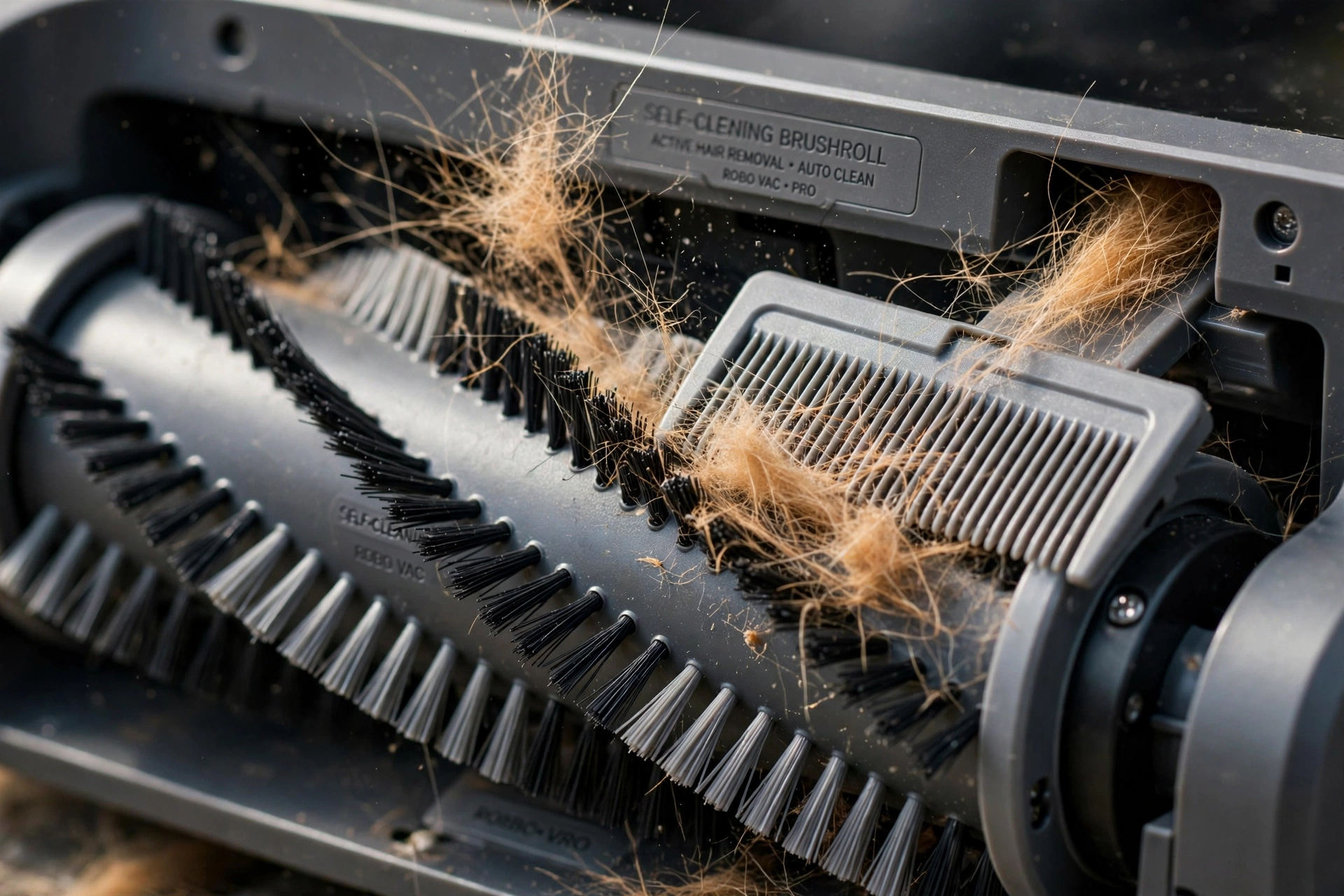
The NeverTouch Pro 2-in-1 (around $999 MSRP) vacuums and mops with a base that empties debris, refills the water tank, and washes and dries the mop pad. As a result, you barely touch it for weeks. The ThermaCharged version (around $1,199 MSRP) adds heated mop-pad washing, which sanitizes the pad between runs. Meanwhile, the UV Reveal (around $1,299 MSRP) uses UV light to spot stains, then targets them with sonic mopping.
These compete with Roborock and Roomba flagships at lower prices. The trade-off is refinement. Still, Shark’s app and mapping are good but not class-leading, and obstacle avoidance can miss small items that premium rivals dodge. For the money, though, the cleaning hardware punches above its price.
Navigator Series: Best Value
The Navigator 2-in-1 starts around $499 and is Shark’s answer for budget buyers who still want vacuum-mop convenience. It cleans carpets and hard floors, empties itself into a bagless base, and handles up to 30 or 60 days of debris depending on the base option.
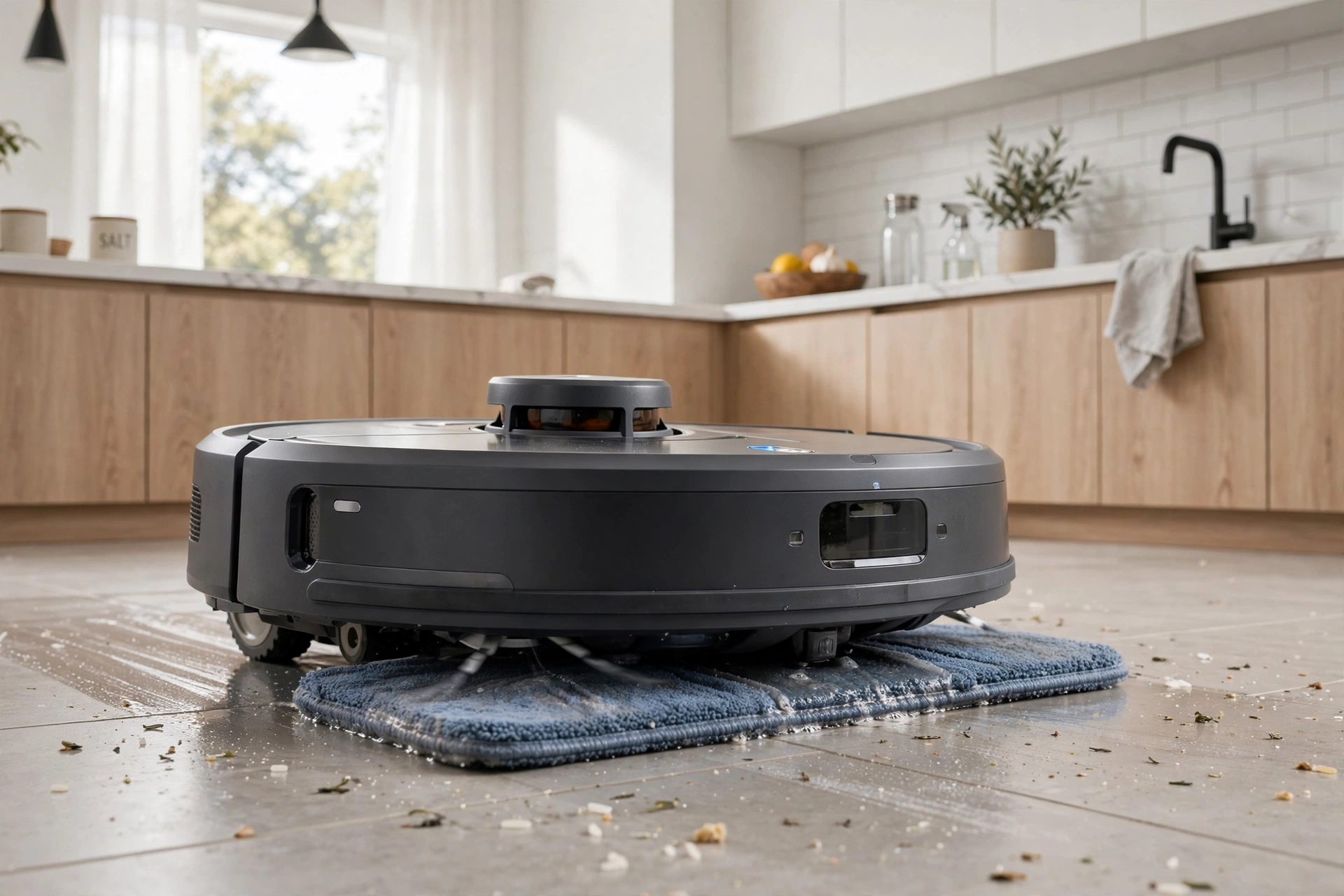
Navigation is simpler than PowerDetect models, using gyroscope-assisted mapping rather than full LiDAR on some versions. Yet it cleans well but may take less efficient paths. For apartments and smaller homes, this hardly matters. The cleaning time difference is minutes, not hours.
The bagless base is a genuine advantage. You never buy replacement bags, which saves $60 to $120 a year compared to bagged rivals. As a result, empty the bin into your trash every month or two and you are done. If low running costs matter to you, Navigator deserves a close look.
Matrix and AI Ultra: The Sweet Spot
Between Navigator and PowerDetect sits the mid-range. The Matrix Plus 2-in-1 adds sonic mopping, which vibrates the pad to loosen stains better than a basic drag mop. In addition, its 60-day self-emptying base keeps maintenance low.
The AI Ultra (AV2501AE) is vacuum-only but excels at pet hair. Its self-cleaning brushroll resists tangles, and the XL HEPA base traps allergens for up to 60 days. In fact, pet owners consistently rate it among the best value picks. It skips mopping entirely, so pair it with a manual mop or a separate mopping routine.
The older IQ Robot Self-Empty remains the cheapest way into the Shark ecosystem. It lacks the latest navigation but cleans reliably. During sales, it often drops to impulse-buy territory. Therefore, it makes a solid gift or first-robot choice.
Shark vs Roomba: An Honest Comparison
This is the question everyone asks. Both brands make good robots, but they win in different areas. Here is how they actually compare in daily use.
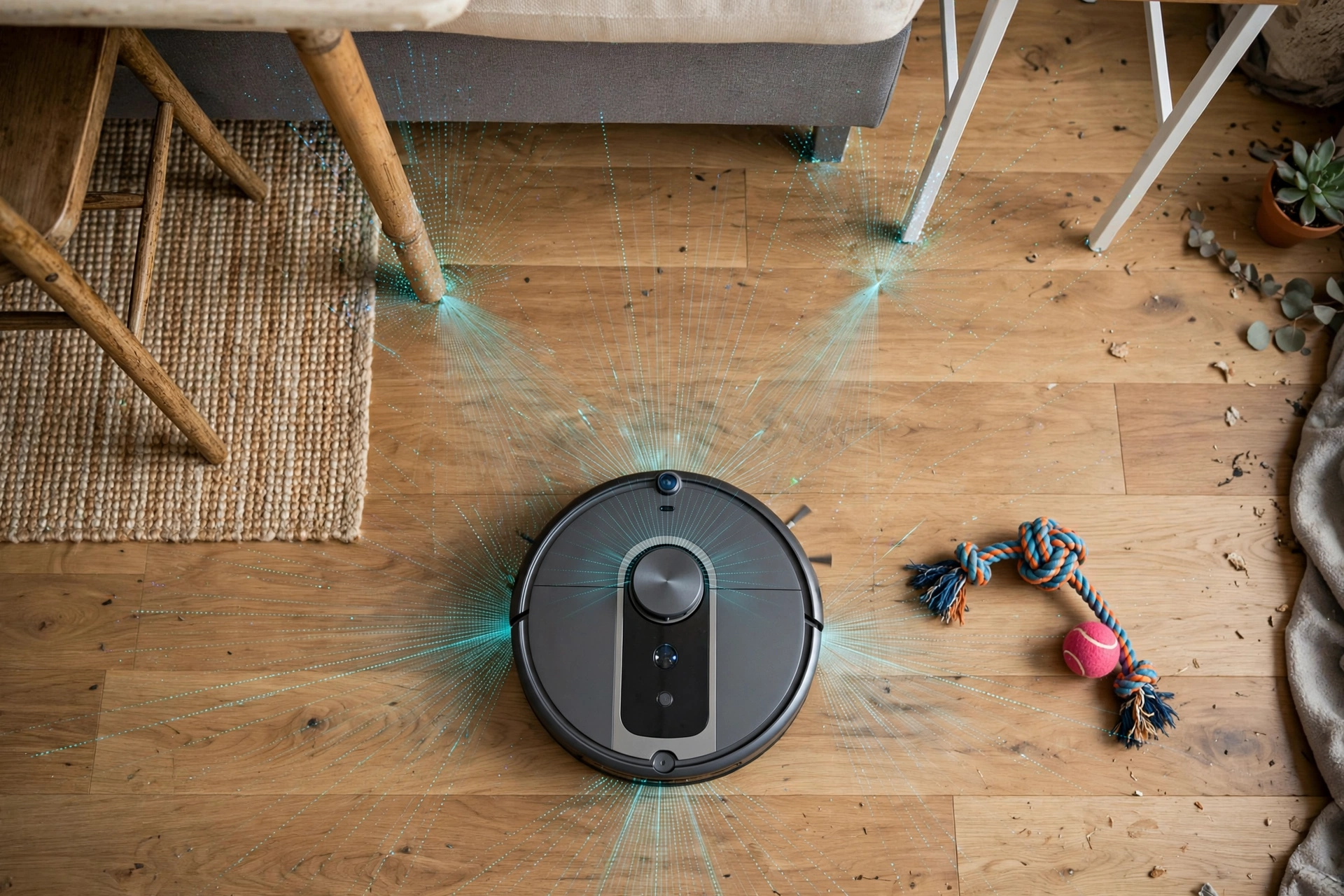
On pet hair, Shark often wins for the money. The self-cleaning brushroll tangles less than Roomba’s brushes on medium-pile carpet, and the suction is strong. For example, independent tests have shown Shark picking up over 90% of pet hair in controlled runs. Roomba’s dual rubber brushes resist tangles well too, but you pay more for the privilege.
On navigation and smarts, Roomba usually leads. Its mapping is more precise, its app handles multi-floor homes better, and its obstacle avoidance dodges more small objects. Shark’s app has improved but still frustrates some users with confusing menus and limited multi-map support. To understand what these navigation systems actually do, read what robot sensors do inside your vacuum.
On running costs, Shark wins clearly. The bagless bases mean no bag purchases ever. Roomba’s bagged system, on the other hand, costs $60 to $120 a year in replacements. Over five years, that difference can exceed $400, which is real money.
On mopping, it depends on the model. Shark’s PowerDetect 2-in-1 models mop well and self-maintain. Roomba’s Combo j9+, meanwhile, retracts its mop elegantly over carpets. Neither replaces a real mop for deep cleaning, but both handle daily maintenance fine.
Who Should Buy a Shark Vacuum Robot
Buy a Shark if you want strong cleaning for less money, especially with pets. The pet hair performance per dollar is Shark’s biggest strength. In addition, buy one if you hate buying bags, since the bagless system saves money every year.
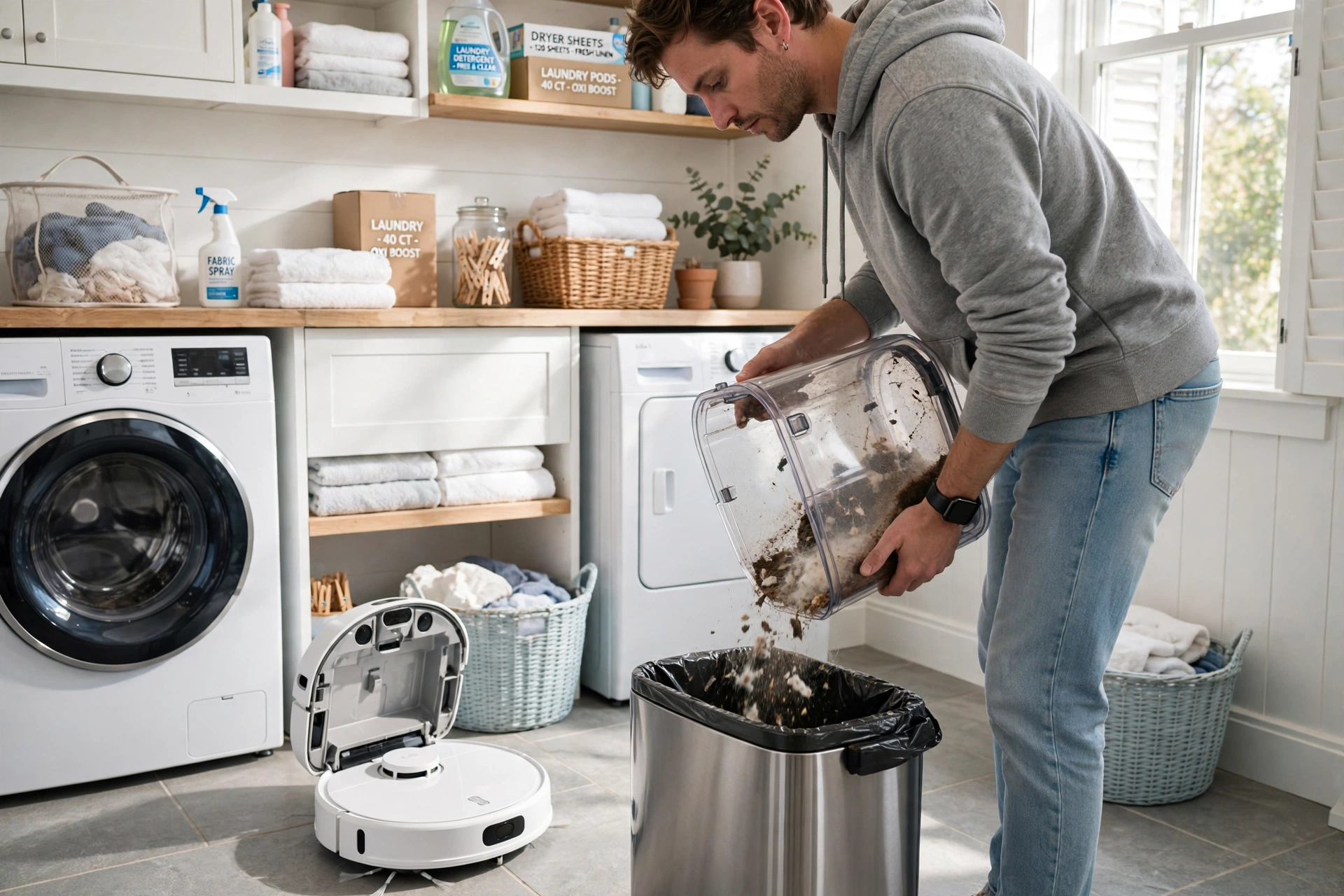
Consider Roomba instead if you need the smartest navigation, run a multi-floor home, or want the most polished app. Alternatively, consider Roborock or Dreame if mopping quality is your top priority, since their mopping systems are more advanced.
Shark suits first-time robot buyers well. The setup is simple, the SharkClean app walks you through mapping, and the price hurts less if you discover robot vacuums are not for you. So start with a Navigator or IQ model, learn what matters to you, and upgrade later with real experience.
Pet Hair, Dust, and Filters
Shark markets heavily to pet owners, and the focus shows. The self-cleaning brushroll, strong suction, and HEPA filtration handle the daily reality of shedding. In fact, run the robot on a schedule and you will see less hair on floors and furniture within a week.
No robot captures everything, though. Fine dust escapes during cleaning, and dander settles on surfaces the robot never touches. An air purifier running during cleaning cycles catches what the vacuum misses. Check whether an air purifier helps with dust to set realistic expectations.
Run the robot when you are out if noise bothers you. Most Shark models let you schedule cleanings by room and time through the app. As a result, a midday run while you are at work means you come home to clean floors without hearing a thing.
Allergy sufferers should look for Shark’s HEPA models specifically. HEPA filtration traps fine particles instead of recirculating them. Learn how air purifiers help with allergies to combine both tools into a stronger defense.
Vacuum first, then let the purifier run for an hour after. This one-two routine clears both settled dust and airborne particles. In fact, it’s simple, and it works noticeably better than either device alone.
Filter care keeps performance high. Rinse washable filters as the manual directs and replace them on schedule. A clogged filter cuts suction fast. For broader filter maintenance tips, see how to clean an air purifier filter, since the same gentle-cleaning principles apply to vacuum filters.
Keeping Your Shark Robot Running Well
A robot vacuum only cleans as well as you maintain it. The good news is that Shark designs for easy upkeep. For instance, most maintenance takes minutes and keeps the robot running like new for years.
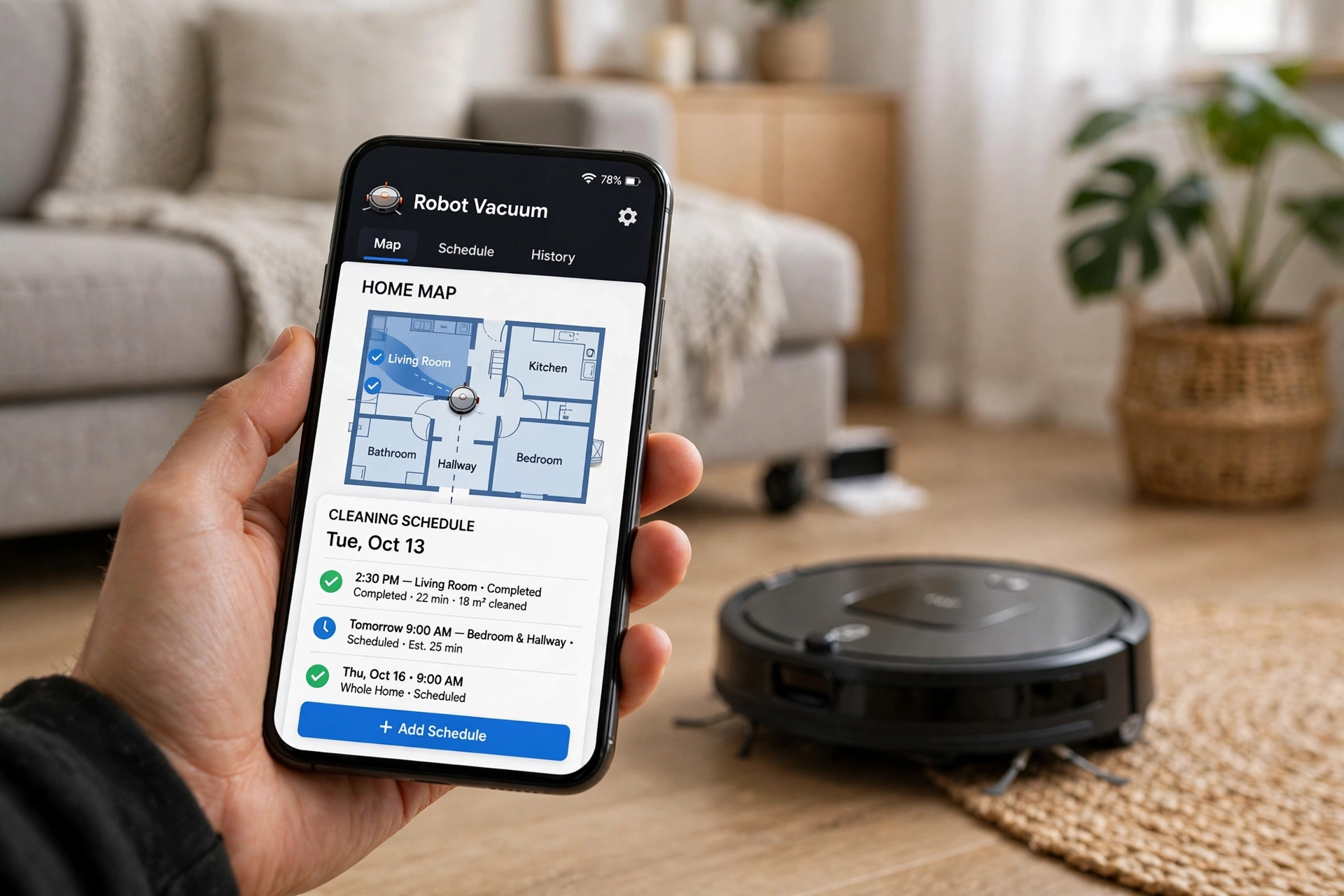
Empty the self-emptying base on schedule. Bagless bases need emptying every 30 to 60 days depending on how much dirt your home produces. Pet homes, on the other hand, fill faster. When you empty it, wipe the inside of the bin with a dry cloth to prevent dust buildup that can clog the suction path.
Clean the brushroll monthly. Shark’s self-cleaning brushroll resists tangles, but hair still wraps around the ends over time. Pop the brushroll out, cut away wrapped hair with scissors, and rinse it if the manual allows. As a result, this five-minute job restores suction you did not know you had lost.
Wash or replace filters as directed. Most Shark robots use washable foam and felt filters plus a HEPA filter. Rinse the washable parts, let them dry fully for 24 hours, and never reinstall a damp filter. Damp filters grow mold and choke airflow. Therefore, replace HEPA filters every six to twelve months.
Wipe the sensors and charging contacts. Dust on cliff sensors causes false drop warnings, and dirty charging contacts lead to failed charging. Indeed, a quick wipe with a dry microfiber cloth every couple of weeks prevents both problems. The LiDAR turret lens deserves the same gentle wipe.
For mopping models, rinse mop pads after every use unless the dock self-washes. Even with self-washing docks, run a monthly deep clean of the dock’s wash tray to prevent mildew smells. Then leave the dock lid open for an hour after washing cycles so moisture evaporates fully.
App and Smart Features
Every Shark vacuum robot works with the SharkClean app. You use it for first-time mapping, scheduling, and setting no-go zones. First, the app walks you through the initial mapping run, which usually takes one full cleaning cycle to complete. After that, you can label rooms and send the robot to clean specific areas.
Voice control works through Alexa and Google Assistant. Common commands include starting a whole-home clean, cleaning a specific room, or sending the robot back to its dock. Meanwhile, the commands are simple and reliable, though they lack the deep customization of the app.
Scheduling is where the app earns its keep. Set different rooms for different days, choose suction levels per room, and pick no-mop zones for carpeted areas on 2-in-1 models. As a result, a well-planned schedule means you rarely open the app after the first week.
The app is not perfect. Users report occasional mapping glitches and a learning curve for advanced settings. Nevertheless, Shark updates the app regularly, so keep it current. If mapping goes wrong, deleting the map and running a fresh mapping cycle usually fixes it.
FAQs
Is a Shark robot vacuum worth it?
Yes, for most buyers. Shark offers strong cleaning performance, especially on pet hair and hard floors, at prices well below premium rivals. The bagless self-emptying bases save on running costs too. The main trade-offs are less polished apps and navigation compared to Roomba and Roborock flagships. Still, most owners find the value hard to beat.
Which Shark model is best for pet hair?
The AI Ultra (AV2501AE) is the classic pet-hair pick with its self-cleaning brushroll and HEPA filtration. The PowerDetect models add better navigation and obstacle avoidance on top. For homes with heavy shedding, any Shark with the self-cleaning brushroll and a self-emptying base will handle daily hair well. As a result, you’ll notice the difference within days.
Do Shark robot vacuums mop well?
The 2-in-1 models mop decently for daily maintenance. Sonic mopping on the Matrix Plus and self-washing pads on PowerDetect models clean better than basic drag mops. However, none of them scrub like a manual mop, so set expectations for maintenance cleaning rather than deep stain removal.
How loud are Shark robot vacuums?
Vacuuming runs around 60 to 65 decibels, similar to a normal conversation. The self-emptying base is much louder during its short emptying cycle, which can startle pets. Therefore, schedule emptying for times when noise doesn’t matter, or place the base away from bedrooms.
Bagless vs bagged: which is better?
Bagless saves money since you never buy bags, and Shark’s bagless bases work well. Bagged systems, on the other hand, seal dust better when you dispose of them, which allergy sufferers may prefer. If low running cost matters most, go bagless. If minimal dust exposure matters most, consider bagged.
Can Shark robots map multiple floors?
Support varies by model. Higher-end Shark robots handle multiple maps better than budget models, but multi-floor mapping remains a weak spot compared to Roomba. So if you need reliable multi-floor cleaning, check the specific model’s specs carefully or consider a rival brand.
Final Thoughts
A Shark vacuum robot gives you strong cleaning, pet hair handling, and bagless convenience for less than the big-name flagships. First, pick PowerDetect for the full smart package, Navigator for value, or AI Ultra for pet hair on a budget. Then watch for sales, buy from a retailer with easy returns, and let the robot handle the daily grind while you live your life.