

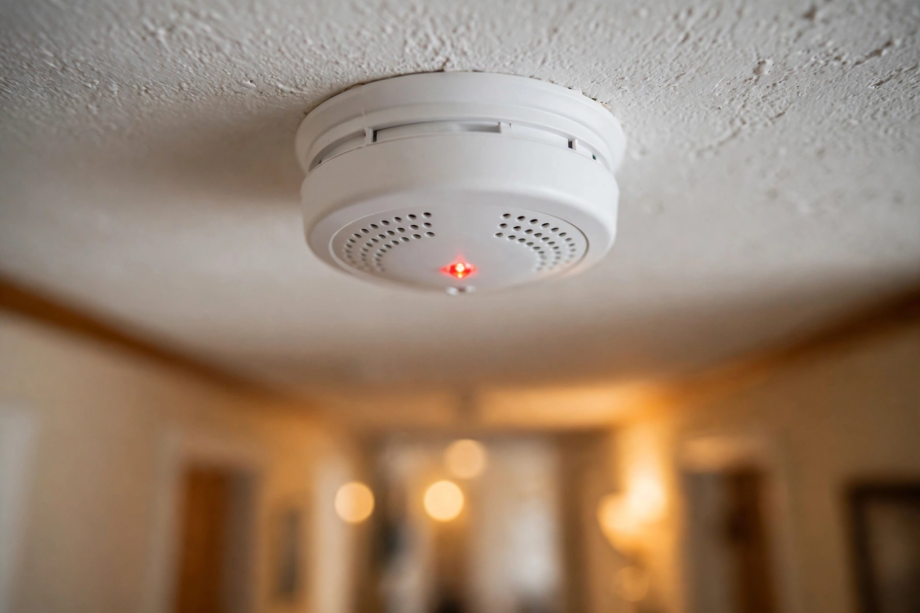
A smoke detector blinking red usually means the unit is working. Most detectors flash a red light every 30 to 60 seconds as a standby signal. But the pattern matters. A fast blink, a blink with a chirp, or a blink that starts after an alarm can point to a low battery, an aging unit, or a real fault.
- What That Red Blink Usually Means
- Red, Green, and Amber: What Each Light Means
- Smoke Detector Blinking Red: Blink Patterns by Brand
- Normal Standby Blink vs Alarm Blink
- When Blinking Red Means a Low Battery
- End of Life: When the Blink Means Replace the Unit
- Dust, Bugs, and Steam: When the Blink Is a False Signal
- How to Stop a Smoke Detector Blinking Red: Step by Step
- Smart Detectors and App Alerts
- When to Replace Rather Than Repair
- How to Prevent the Red Blink From Coming Back
- FAQs
- Should a smoke detector blink red or green?
- Why does my alarm blink red every 30 seconds?
- Why does the red blink continue after a battery change?
- How do I make the red blinking stop?
- Is a blinking red light on a smoke detector dangerous?
- Do smoke detectors blink red when they expire?
- Conclusion
What That Red Blink Usually Means
Think of the red LED as the detector’s heartbeat. In other words, it is the device’s way of saying, “I am awake and watching.” On most brands, one short red blink every 30 to 60 seconds is the normal standby signal. The unit stays silent, the light stays calm, and you do nothing.
When the rhythm changes, take notice. A blink every second, a red flash combined with chirping, or a light that never stops can each carry a different message. As a result, watch the light for a full minute and note the pattern.
Don’t guess from the color alone. Instead, match the timing and sound to the patterns in this guide. Once you know the pattern, the fix is usually easy.
Red, Green, and Amber: What Each Light Means
Many detectors use more than one LED color, and each has its own job. Knowing what each one does saves a lot of guessing.
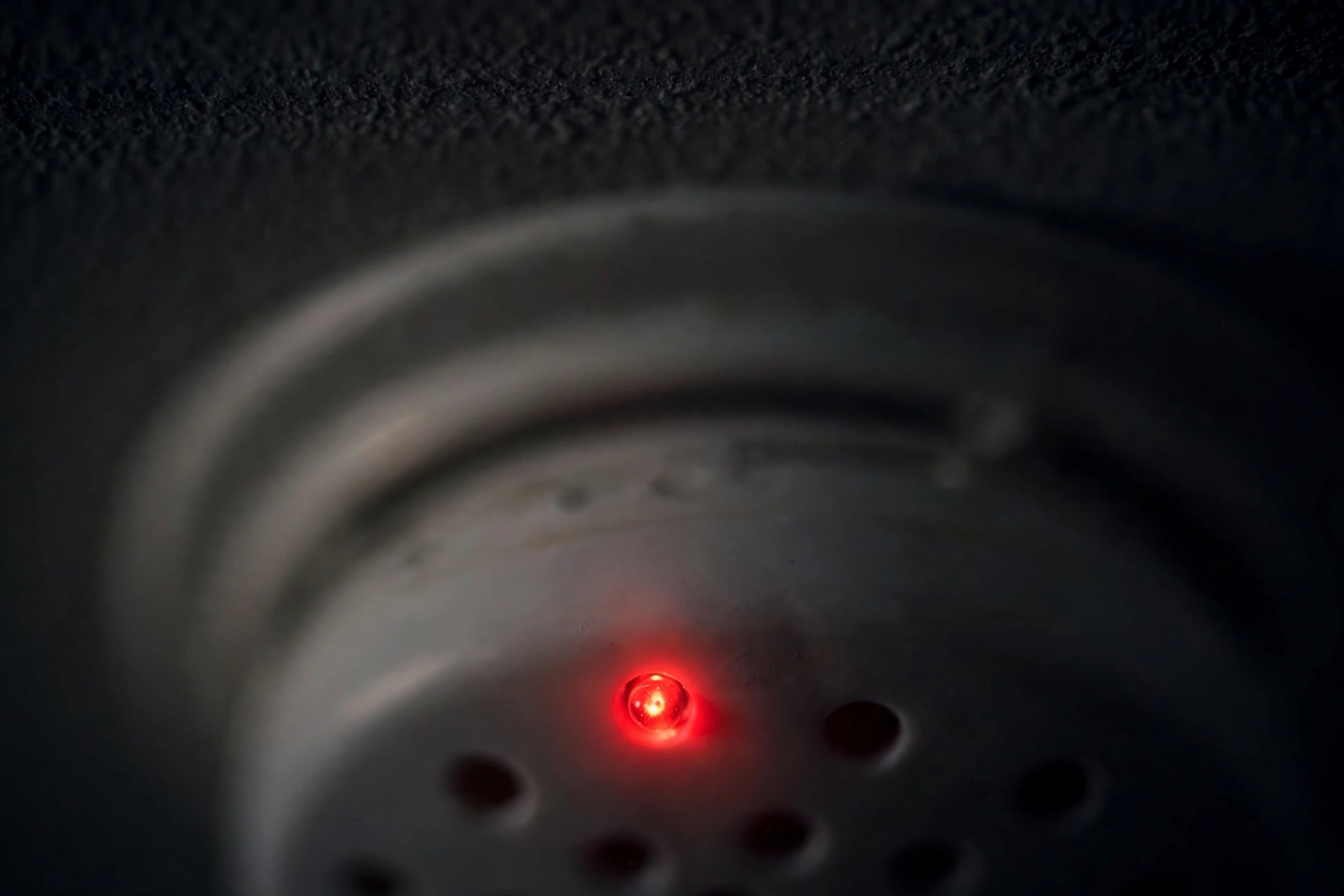
Red
Red is the activity light. It flashes slowly in standby, fast during an alarm, and shows up in most warning patterns. Red does not always mean danger. In fact, most of the time it is just the detector talking to you.
Green
Green usually appears on hardwired detectors, the kind wired into your home’s electricity. A steady or slowly flashing green light means the unit is getting AC power. If the green light is off while the red one still blinks, check your circuit breaker, since the detector may be on backup battery.
Amber or Yellow
Amber is the maintenance color. A detector showing amber, with or without chirps, is asking for attention. This often means a low backup battery, a sensor error, or dust inside the sensing chamber. It is not an emergency signal. Still, don’t ignore it for long.
Smoke Detector Blinking Red: Blink Patterns by Brand
Blink patterns are not fully standardized. The table below covers the most common behaviors, but check your exact model’s manual to be sure. In particular, Kidde and First Alert models differ the most.
Table: Common red blink patterns by brand and what to do
| Pattern | Brand | What It Means | What to Do |
|---|---|---|---|
| Red blink every 30 to 60 seconds, no sound | Kidde, First Alert, most others | Normal standby, unit is working | No action needed, test monthly |
| Red blink every 30 seconds plus one chirp every 60 seconds | Kidde | Low battery warning | Replace the battery right away |
| Red blink every 45 to 60 seconds, no sound | First Alert | Normal standby operation | No action needed |
| Red blink every 10 seconds after an alarm | First Alert | Alarm memory, it caught smoke earlier | Press and hold the test button to reset |
| Rapid red flashing with loud siren | All brands | Smoke or fire detected | Evacuate and call emergency services |
| Two chirps every 30 seconds with red flashes | Kidde (10-year models) | End of life warning | Replace the whole unit |
| Irregular blinking, no chirps, no alarm | All brands | Sensor fault or dust inside | Clean the unit, replace if it continues |
Normal Standby Blink vs Alarm Blink
These two patterns look alike at a glance. In contrast, they feel very different once you pay attention. One is calm and rare. The other is fast and urgent.
The Normal Standby Blink
The standby blink is slow and easy to miss. You will see one short flash, then nothing for 30 to 60 seconds. The detector, meanwhile, makes no sound at all. Many people, in fact, only notice it at night when the room is dark. That slow pulse is what you want to see: it means the sensor has power and is sampling the air.
The Alarm Blink
The alarm blink is fast and loud. The red LED flashes rapidly while the siren sounds. There is no mistaking it. If you see this pattern, do not stop to investigate. Follow your escape plan and get everyone out. Afterward, call for help from a safe place outside. You can sort out later whether it was a real fire or a false alarm.
When Blinking Red Means a Low Battery
A low battery is the most common reason a red blink turns annoying. For example, the classic sign is a red flash paired with a single chirp every 30 to 60 seconds. That chirp, in other words, is the detector telling you its power is running out.
One detail worth knowing, for instance, comes straight from the official Kidde user manual. On many Kidde models, a low battery triggers one chirp every 60 seconds and a red LED blink every 30 seconds, and this cycle continues for a minimum of seven days. If you hear that midnight chirp, you have time, but not forever. As a result, swap the battery within the week.
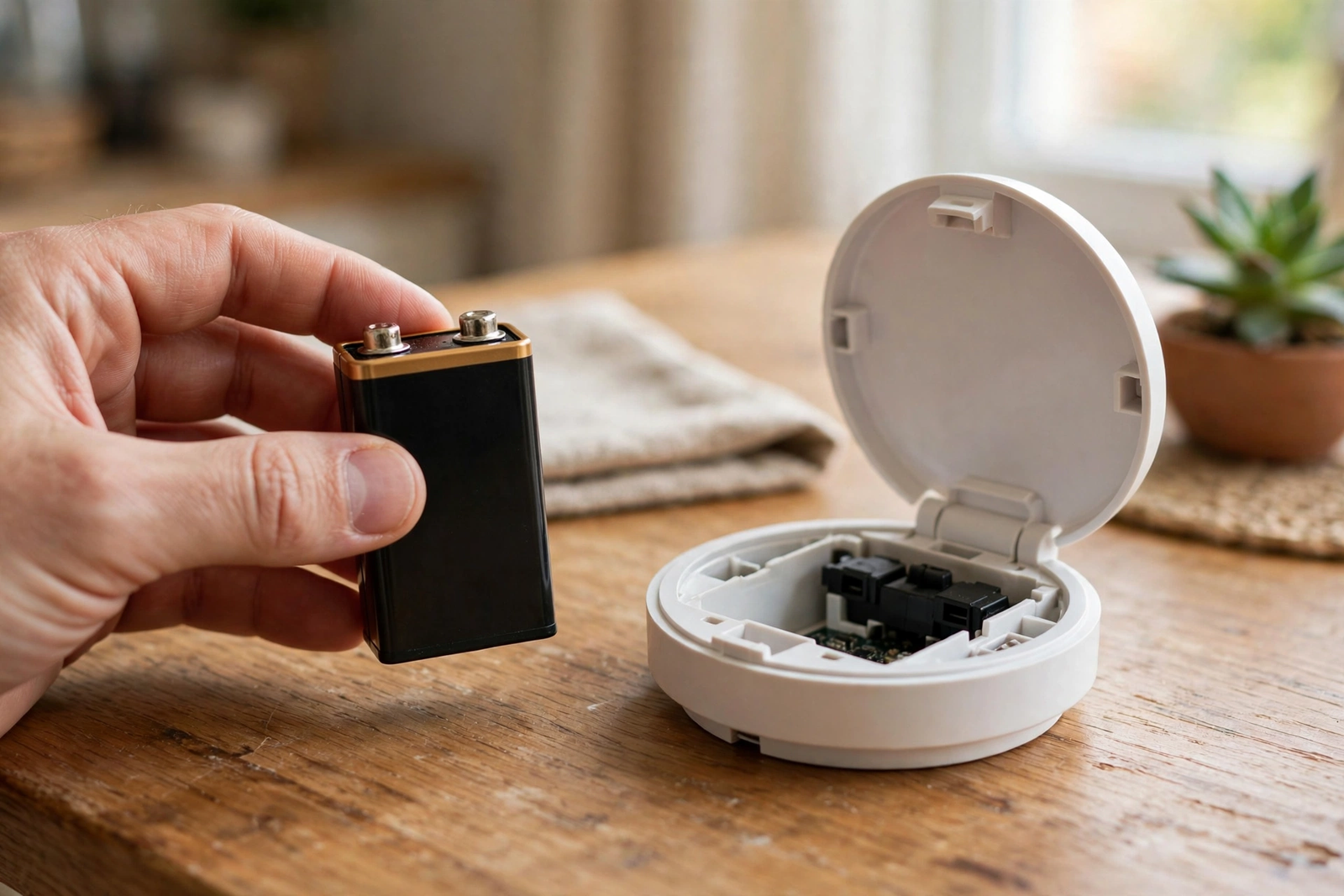
Most battery detectors use a 9-volt battery or AA batteries, while hardwired units use a backup battery too. Also, check those during your yearly battery change. Next, press the test button to confirm the unit works again. The red blink should return to its slow standby rhythm.
Sometimes the blink continues right after a battery change. That usually means the battery is not seated properly, the pull-tab was never removed, or the unit needs a reset. Take the battery back out, press and hold the test button for 15 to 20 seconds to drain leftover charge. Finally, reinstall the battery firmly.
End of Life: When the Blink Means Replace the Unit
Smoke detectors wear out. The sensors inside degrade over time. After about 10 years the unit can no longer be trusted. As a result, many models switch to a special warning pattern.
On Kidde’s 10-year sealed models, the end-of-life signal is two chirps every 30 seconds. That pattern will not stop with a new battery, since sealed units don’t take one. It also can’t be silenced for long. Some models let you hush it for up to three days at a time, yet that only buys time. The unit is done. Replace it.
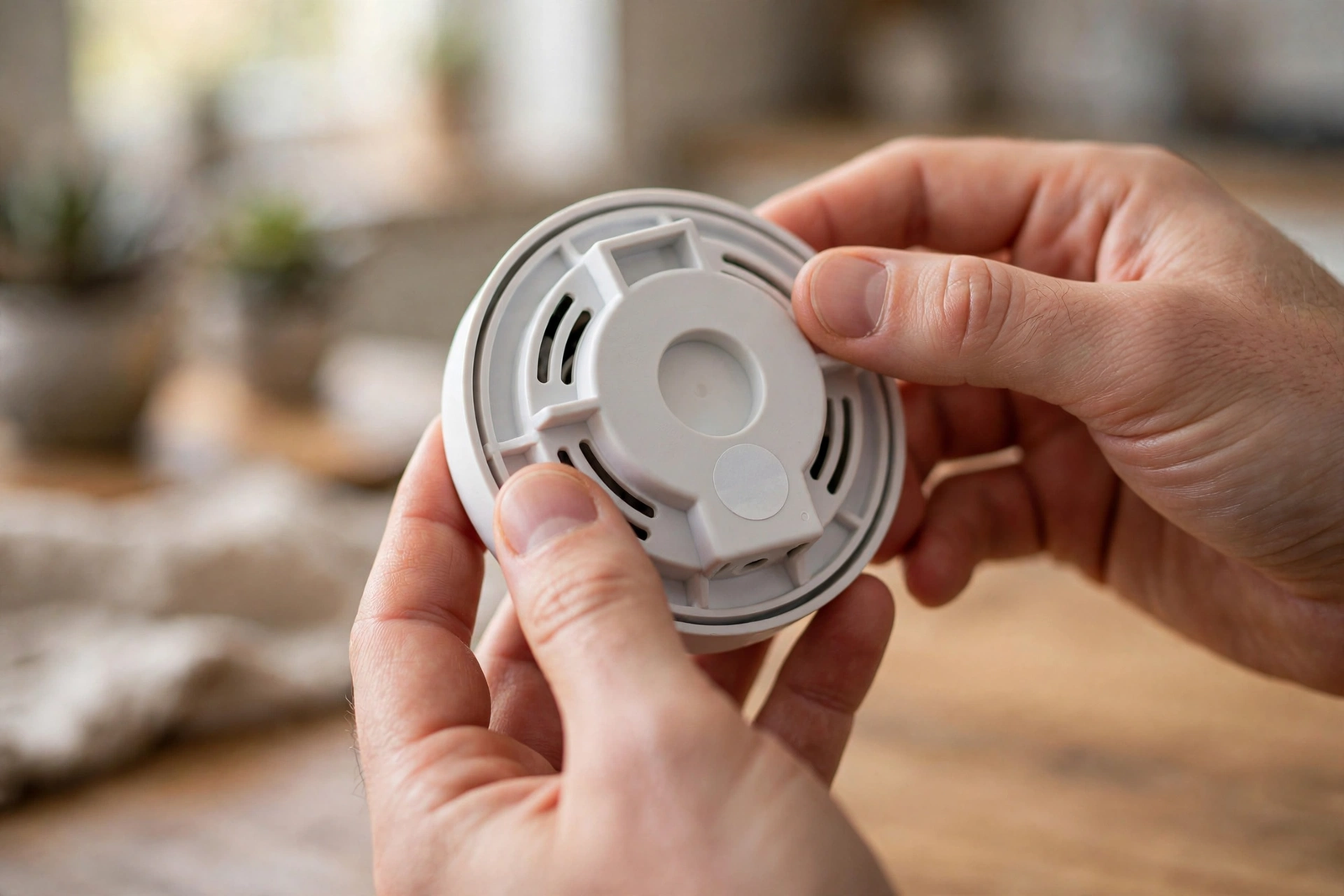
Next, check the manufacture date printed on the back of the detector. If it is close to or past 10 years, replacement is the only fix. This is not a sales trick. In fact, a sensor past its life can react too slowly, or not at all, when smoke is present.
When you buy a replacement, consider a sealed 10-year battery model or a hardwired unit with backup. Finally, write the install date on the new detector with a marker. Future you will thank present you.
Dust, Bugs, and Steam: When the Blink Is a False Signal
However, not every strange blink is a battery or age problem. Sometimes the sensor itself is just dirty. For instance, dust, spider webs, and tiny insects can drift into the sensing chamber and scatter the light or block the sensor, which the detector reads as trouble.
This often shows up as irregular blinking with no chirps, or as false alarms when nobody is cooking. Bathroom and kitchen units are the worst offenders, because steam from a hot shower and smoke from burnt toast can both trip a sensitive detector.
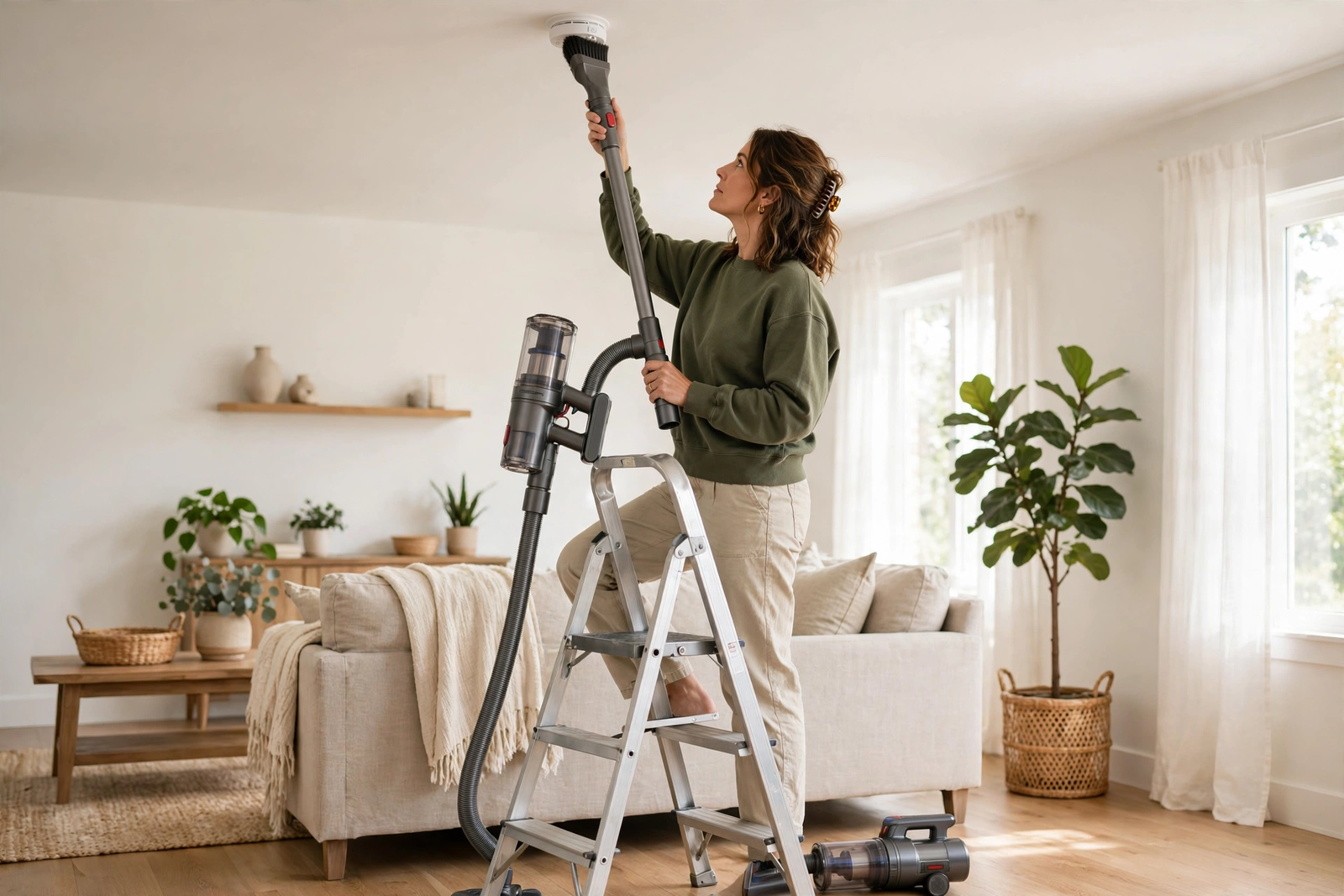
The fix is simple. Vacuum the detector gently with a soft brush attachment and wipe the vents with a dry cloth. Never use water or cleaning spray inside the unit. If the strange blinking stops after cleaning, you found your culprit. In short, make this part of your seasonal cleaning routine.
Placement matters too. A detector outside the bathroom door or above the stove will false-alarm more often. Official guidance says to keep smoke alarms at least 10 feet from cooking appliances. If yours sits closer, move it.
How to Stop a Smoke Detector Blinking Red: Step by Step
If the red blink is paired with chirping or looks wrong, work through these steps. Most cases are solved by step three.
- Watch the pattern for one full minute. Count the seconds between blinks and note any chirps. This tells you if you are facing standby, low battery, alarm memory, or a fault.
- Check for smoke or fire. If the blink is rapid and the siren sounds, get out. If it is a slow blink with chirps, there is no emergency. You can, therefore, continue.
- Replace the battery. Open the battery drawer or twist the unit off its base. Install a fresh battery with clean contacts, seated firmly. Remove any pull-tab on new units.
- Reset the unit. Press and hold the test button for 15 to 20 seconds. Some models need the battery removed to fully clear the error.
- Clean the detector. Use a vacuum with a soft brush attachment around the vents and openings, because dust inside the chamber is a common cause of stubborn blinking.
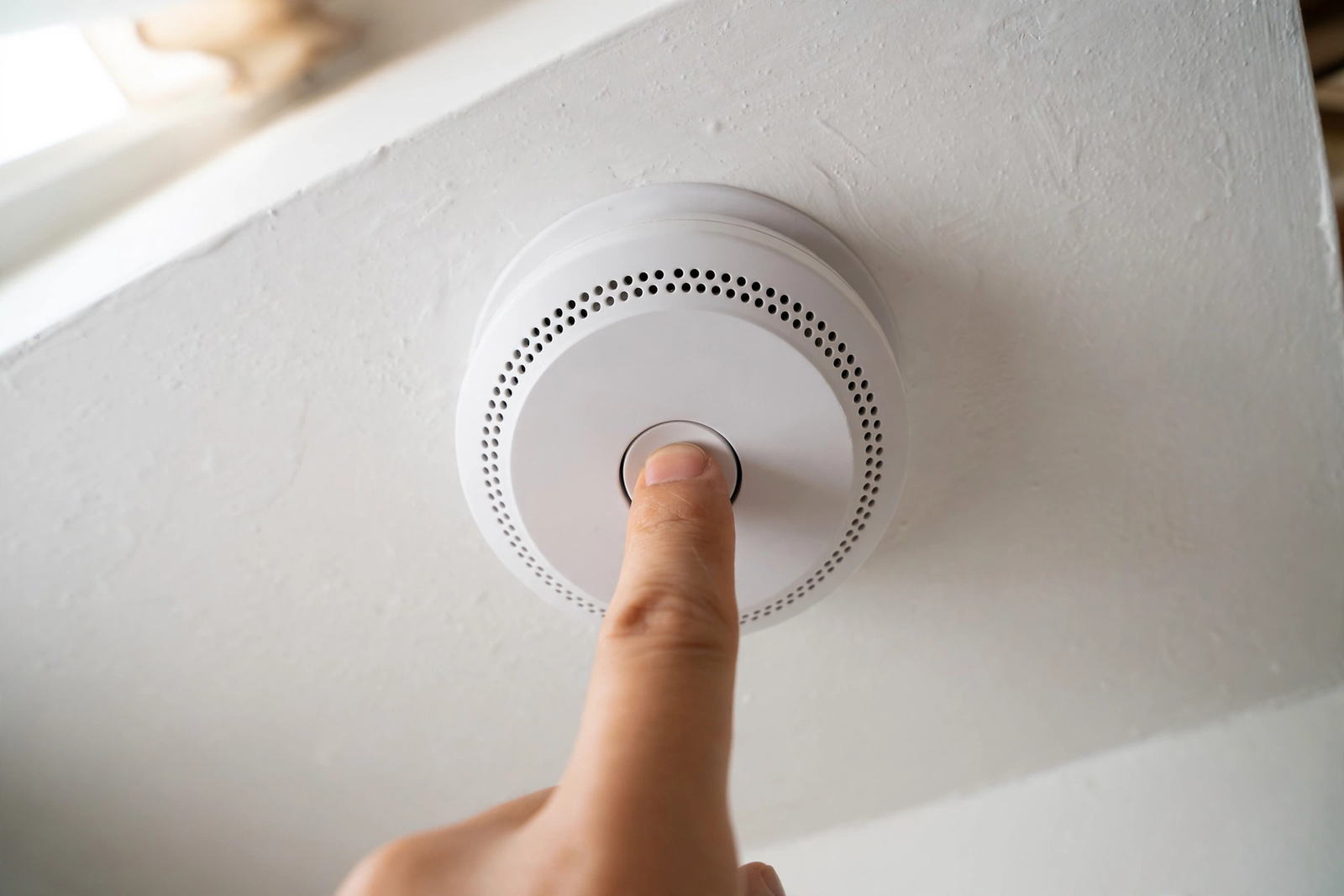
- Test the alarm. Press the test button briefly. You should hear a loud siren and see the red LED flash rapidly. A weak or silent siren, however, means the unit may be faulty.
- Check the age. Look at the manufacture date on the back. If it is 10 years or older, stop troubleshooting and replace it.
If you have interconnected detectors, one unit can trigger the others. Meanwhile, a blinking red light on one alarm may simply mean it was the initiating unit from a past event. Reset each unit on its own to find the source.
Smart Detectors and App Alerts
Smart smoke detectors add a phone app, which makes diagnosis easier. Instead of counting blinks, you can open the app and see exactly what the detector reports: low battery, sensor fault, heads-up warning, or end of life.
If your detector keeps blinking red and you are unsure why, check the app’s event history. Many smart models, for example, log every alarm, hush event, and battery warning with a timestamp. As a result, that history is often more useful than the LED alone.
While sorting out your alarms, make sure the rest of your home safety setup is covered. Alarms work best as part of a system. Since ionization, photoelectric, and dual-sensor models behave differently, learn the different types of smoke detectors available. You can read our breakdown of the main types of smoke detectors to pick the right one for each room.
When to Replace Rather Than Repair
Some problems are not worth fixing. Replace the whole unit when any of these are true.
- The detector is 10 years old or older.
- It shows an end-of-life pattern that won’t clear.
- It keeps blinking red or chirping after a fresh battery, a reset, and a cleaning.
- The test button produces no siren or a weak one.
- The plastic housing is yellowed, cracked, or damaged by heat.
Also replace detectors that came with the house if you don’t know their age. The manufacture date on the back is the only number that counts. New homeowners, for instance, often discover the existing alarms are 12 or 15 years old, quietly blinking away with dead sensors.
Pairing smoke alarms with other safety sensors gives you a fuller picture of what is happening at home. For example, many people combine alarms with window and door contact sensors to cover both fire risks and break-ins in one setup.
How to Prevent the Red Blink From Coming Back
A little maintenance goes a long way. Therefore, test each detector once a month with the test button. It takes ten seconds and confirms the siren, battery, and sensor all work.
Change replaceable batteries once a year, even if the unit hasn’t chirped yet. Pick an easy date, like the start of daylight saving time. Sealed 10-year models need no battery changes, yet you still need to test and clean them.
Vacuum your detectors every six months. Dust builds up slowly, and a quick pass with a soft brush keeps the sensor clear. While you are up there, confirm you see that calm, slow blink.
Choosing the right detector for each room also cuts down on nuisance blinks. Photoelectric models handle kitchens better, while dual-sensor units suit hallways and bedrooms. Our breakdown of smoke detector types walks through the trade-offs in plain terms.
FAQs
Should a smoke detector blink red or green?
It depends on the type. Battery-only detectors usually blink red every 30 to 60 seconds in standby, and that is normal. Hardwired detectors often show a steady green light for AC power plus a slow red blink for status. In either case, what matters is the pattern, not the color alone.
Why does my alarm blink red every 30 seconds?
In most cases, this is normal standby operation. The detector is showing it has power and is monitoring the air. However, if the blink comes with a chirp every minute, the battery is low. Replace the battery, and the pattern should then return to a silent, slow blink.
Why does the red blink continue after a battery change?
This usually means the unit is running a self-test after powering back up, which is normal. But if chirping or fast blinking continues, the battery may be loose, or the unit needs a reset. In that case, remove the battery, hold the test button for 15 to 20 seconds, reinstall firmly, and test again.
How do I make the red blinking stop?
Start by identifying the pattern. For low battery, replace the battery. For alarm memory, press and hold the test button to reset. For dust-related blinking, vacuum the unit with a soft brush. If the unit is 10 years or older, replace it. Random guessing wastes time. Watch the blink pattern for a full minute instead.
Is a blinking red light on a smoke detector dangerous?
A slow, silent blink every 30 to 60 seconds is not dangerous at all. It means the detector is working. In contrast, a rapid blink with a loud siren is the alarm going off. Therefore, evacuate and call emergency services. When in doubt, treat a sounding alarm as real.
Do smoke detectors blink red when they expire?
Yes, many do. Expired detectors often switch to a special end-of-life pattern, such as two chirps every 30 seconds with red flashes. No battery or reset will stop this pattern. Specifically, check the manufacture date on the back of the unit. If it is 10 years or older, replace the whole detector instead of trying another reset.
Conclusion
A smoke detector blinking red is your home’s way of keeping you informed, not a reason to panic. Start by learning the pattern, then fix the small stuff like batteries and dust, and replace the unit at 10 years. For broader protection, add smart door and window sensors to your setup so your whole home, not just your ceilings, is watching out for you.