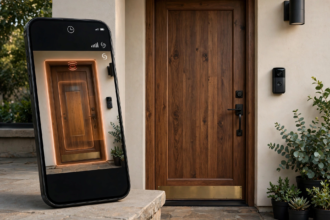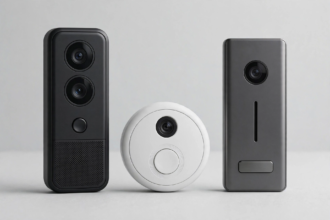


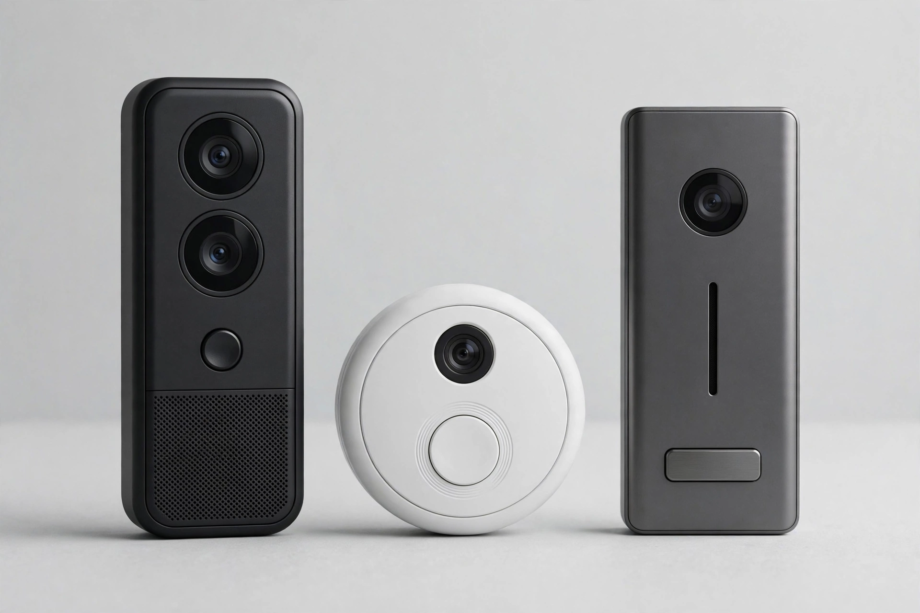
The best video doorbell no subscription pick is the Eufy Security Video Doorbell E340, thanks to its dual cameras, on-device person detection, and 8GB of built-in local storage. It records everything without any monthly fee. Runners-up include the TP-Link Tapo D235 and the Blink Video Doorbell paired with a Sync Module 2.
- What Best Video Doorbell No Subscription Really Means
- How We Picked: What Matters in a No-Subscription Doorbell
- Best Overall: Eufy Security Video Doorbell E340
- Best Budget: Blink Video Doorbell + Sync Module 2
- Best for Smart Detection: TP-Link Tapo Video Doorbell D235
- Best for HomeKit: Aqara Video Doorbell G4
- Best for Power Users: Reolink Video Doorbell (PoE or Wi-Fi)
- Quick Comparison
- What You Give Up Without a Subscription
- Installation Tips for No-Subscription Models
- FAQs
- Do I really get zero monthly fees with these doorbells?
- What happens to my recordings if someone steals the doorbell?
- Can I view my doorbell remotely without a subscription?
- Is Eufy trustworthy for privacy?
- Do no-subscription doorbells work with Alexa or Google Home?
- How much storage do I actually need?
- Switching From Ring or Nest: What to Know
- One More Thing: Check Return Policies
- Stop Paying Monthly for Your Doorbell
In fact, video doorbells are great until the subscription bill arrives. Ring wants $5 a month for basic video history. Nest wants $8. Over three years, that is $180 to $290 just to see who came to your door. But a growing number of doorbells record locally with zero monthly cost and lose almost nothing in features. This guide covers the best ones, what you give up, and how to pick.
What Best Video Doorbell No Subscription Really Means
However, not all no-subscription claims are equal. Here is what to look for so you don’t get surprised later.
Local storage: The doorbell saves video to built-in memory, a microSD card, or a home base station. You own the recordings. No cloud needed. This is the gold standard.
Free basic cloud: Some brands give you a few days of cloud clips free, then charge for more. Wyze does this. It is fine as a backup, but read the fine print on how long clips are kept.
Live view only, no recording: A few cheap doorbells show live video free but charge for any recording or playback. That isn’t really a no-subscription doorbell. Skip these if recording matters to you.
Specifically, for this guide, “no subscription” means full recording and playback with no monthly fee, using local storage. Every pick below meets that bar.
How We Picked: What Matters in a No-Subscription Doorbell
First, we weighted four things. First, local storage capacity and reliability, because that replaces the cloud. Second, on-device smart detection (person, package, pet), because without it you get the false-alert nightmare. Third, video quality day and night. Fourth, the real three-year cost including any required hub or accessories.
Meanwhile, one thing we didn’t require: smart home integration. It is nice to have, but a doorbell that records reliably without a fee beats a well-integrated one that charges you monthly. That said, we note integration where it matters.
Best Overall: Eufy Security Video Doorbell E340
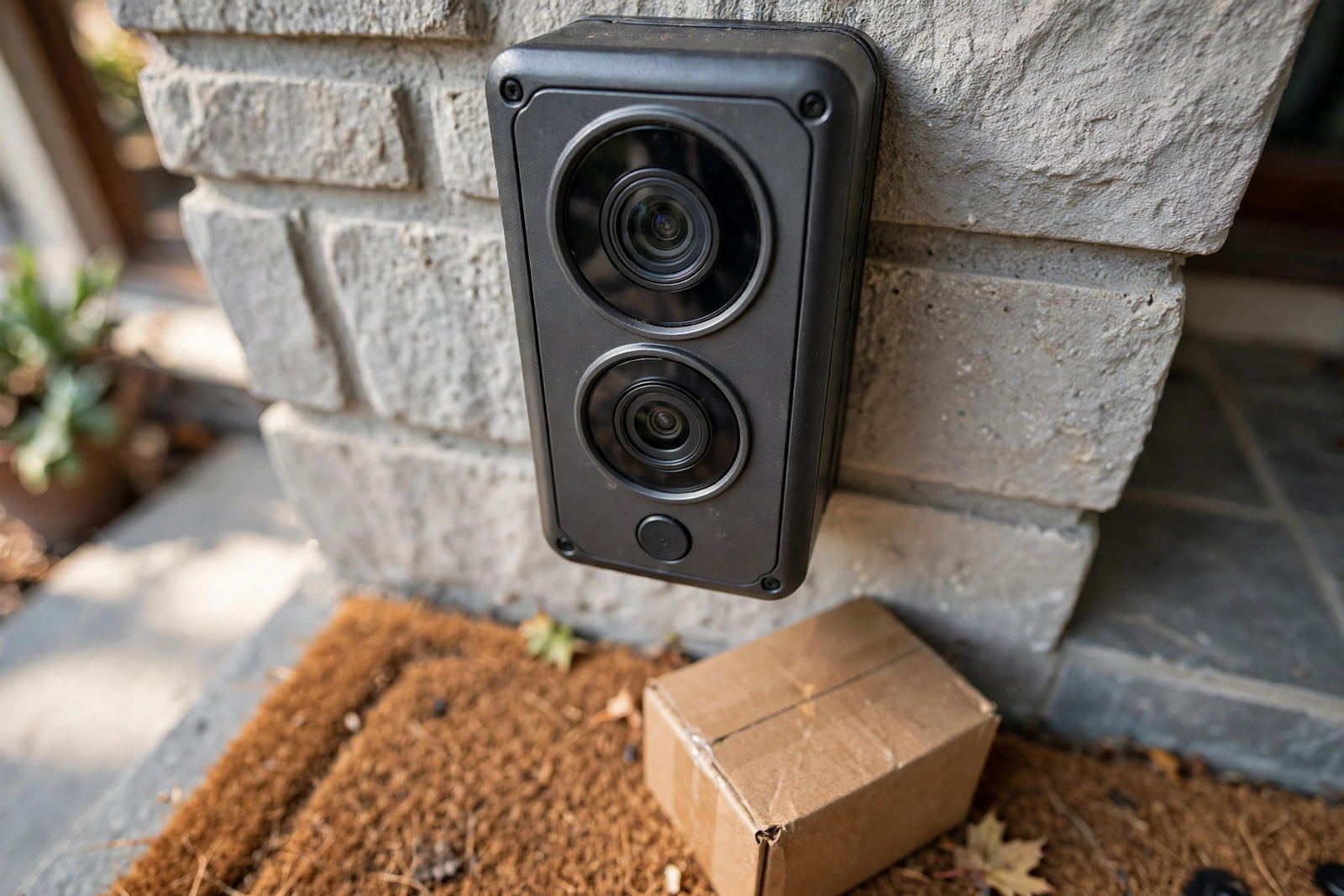
To begin, the Eufy E340 is the no-subscription doorbell to beat. Its standout feature is dual cameras: one at face height for visitors, one angled down at the doormat for packages. Single-lens doorbells routinely miss packages placed close to the door. The E340 does not.
Moreover, it records to 8GB of built-in storage, which holds roughly a month of motion clips before overwriting the oldest. No HomeBase required, though adding one expands storage further. Person, package, and pet detection all run on-device, so they work even if your internet hiccups.
Still, the trade-offs are minor. Google Home integration is limited compared to Nest. The app is good but not as polished as Ring’s. Neither matters much when you are saving $180-plus over three years versus a Ring with Protect.
Therefore, check the current price on Eufy’s site or major retailers before buying, as doorbell prices shift with sales. The E340 typically sits in the mid-range, and at that price with zero ongoing cost, the three-year math is unbeatable.
Best Budget: Blink Video Doorbell + Sync Module 2
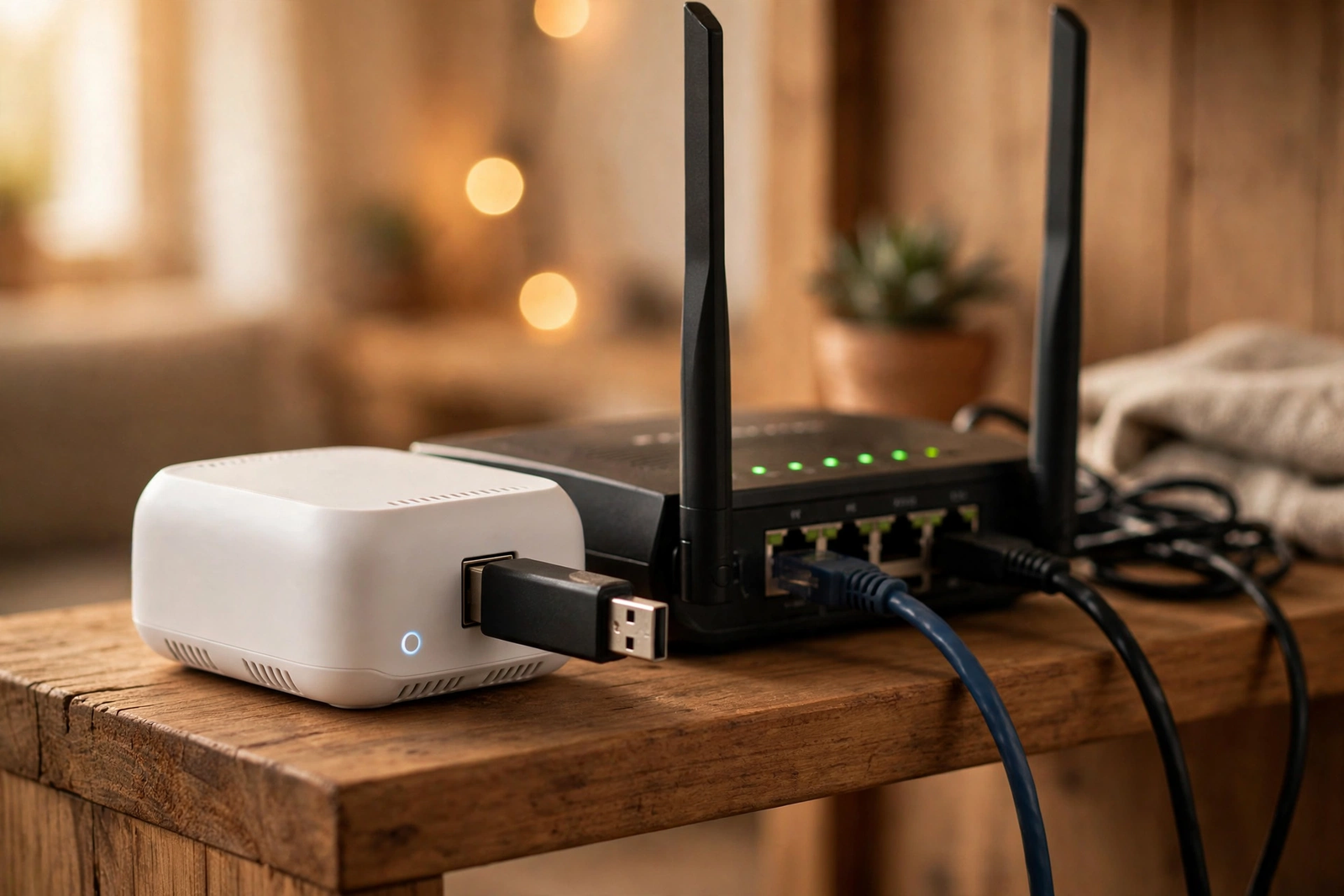
Next, the Blink Video Doorbell itself is one of the cheapest real video doorbells you can buy, often dropping under $50 on sale. Out of the box it needs a subscription for cloud clips. But pair it with a Sync Module 2 (about $35) and a USB flash drive, and all recording goes local with no monthly fee.
In particular, battery life is the Blink’s superpower: up to two years on two AA lithium batteries. Nothing else comes close. It also works wired, in which case it rings your existing indoor chime like a normal doorbell.
However, the compromises: 1080p video (fine, not great), basic motion detection without AI person filtering, and Alexa-only smart home integration. If you want the smartest detection, look at the Eufy or Tapo. If you want the cheapest total cost of ownership, Blink wins.
Best for Smart Detection: TP-Link Tapo Video Doorbell D235
Then, the Tapo D235 is the sleeper pick. It records 2K video to a microSD card with no subscription, and its AI detection covers person, pet, vehicle, and package. That is a wider detection set than doorbells costing twice as much.
In addition, it ships with a plug-in indoor chime, which solves the chime problem that plagues other installations. The 10,000mAh battery lasts months, and it can also trickle-charge from an existing doorbell transformer.
Finally, color night vision is genuinely good on this model, holding color much later into dusk than most competitors. If you want the smartest no-fee doorbell under $100, start here.
Best for HomeKit: Aqara Video Doorbell G4
Meanwhile, Apple households have fewer no-subscription options, but the Aqara G4 is the standout. It supports HomeKit Secure Video, which means recordings go to your iCloud (no extra fee beyond the iCloud storage you probably already have) with on-device face recognition.
Also, it runs on battery or wired power, and also records locally to microSD as a backup. The G4 doubles as a Zigbee hub for other Aqara devices, which is a nice bonus if you are building out that ecosystem.
Yet the catch: HomeKit Secure Video caps resolution at 1080p, even though the camera sensor can do better. And you need an Apple TV or HomePod as a home hub. If you are deep in Apple gear, though, this is the most private no-fee option available.
Our Apple Home explainer covers how HomeKit Secure Video works and which cameras support it.
Best for Power Users: Reolink Video Doorbell (PoE or Wi-Fi)
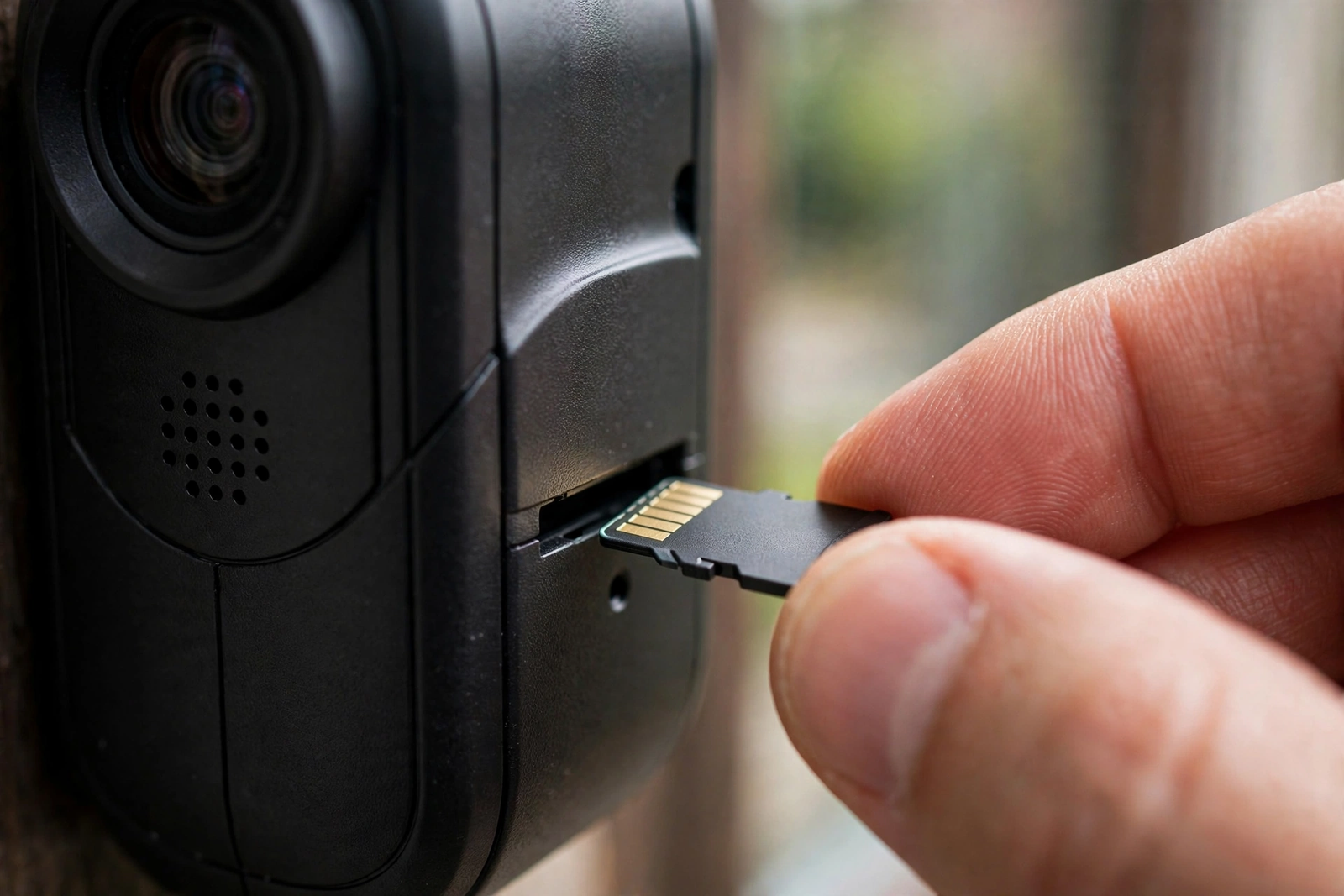
For instance, if you are comfortable running Ethernet cable, the Reolink PoE doorbell is the enthusiast’s choice. Power over Ethernet means one cable handles power and data, no batteries, no transformer worries. It supports RTSP and ONVIF, so it works with NVRs, Blue Iris, Frigate, and Home Assistant.
As a result, recording goes to microSD locally with no subscription. The Wi-Fi version offers the same local recording if you cannot run cable. Both have excellent image quality for the price.
Admittedly, this is not the pick for most people. But if you run a home server or NVR and want your doorbell in the same system as your other cameras, nothing else at this price does it.
Quick Comparison
Table: Best No-Subscription Video Doorbells Compared
| Model | Video | Storage | Smart Detection | Power |
|---|---|---|---|---|
| Eufy E340 | 2K dual cam | 8GB built-in | Person, package, pet | Battery or wired |
| Blink + Sync Module 2 | 1080p | USB drive via hub | Basic motion | Battery (2yr) or wired |
| Tapo D235 | 2K | microSD | Person, pet, vehicle, package | Battery or wired |
| Aqara G4 | 1080p (HomeKit) | iCloud + microSD | Face recognition | Battery or wired |
| Reolink PoE | 2K+ | microSD, NVR | Person, vehicle | PoE or Wi-Fi |
What You Give Up Without a Subscription
So honest talk: no-subscription doorbells are excellent now, but subscriptions do buy some things. Cloud backup means your footage survives even if someone steals the doorbell. Extended video history (60+ days) usually needs cloud. And professional monitoring is subscription-only everywhere.
Thus, for most people, local storage plus a doorbell that is hard to steal (wired mounts help) covers it. If you need months of history or off-site backup, a cheap NAS or NVR with a Reolink gets you there without monthly fees.
Similarly, also note: some features marketed as “AI” on subscription doorbells, like package detection and familiar faces, now run on-device in the models above. The gap has closed a lot in the last two years.
Installation Tips for No-Subscription Models
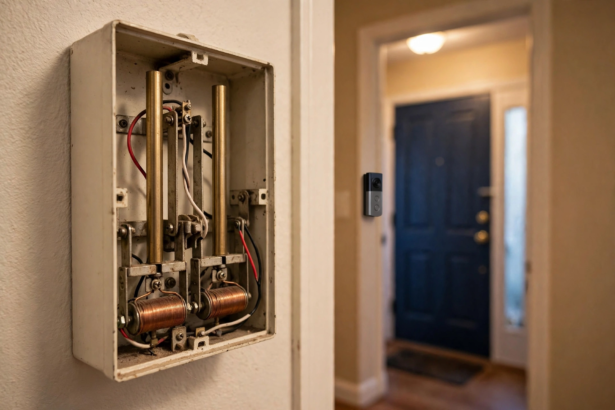
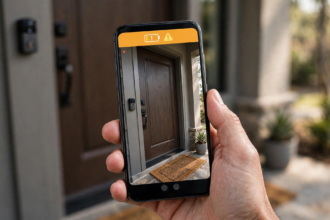
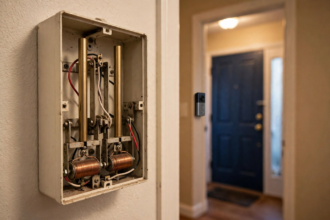
Because local storage means the doorbell does more processing onboard, which uses more power. If you go wired, make sure your transformer delivers 16-24V (see our chime troubleshooting if you have issues). For battery models, expect 10-20% shorter battery life than the marketing claims if you enable all detection types.
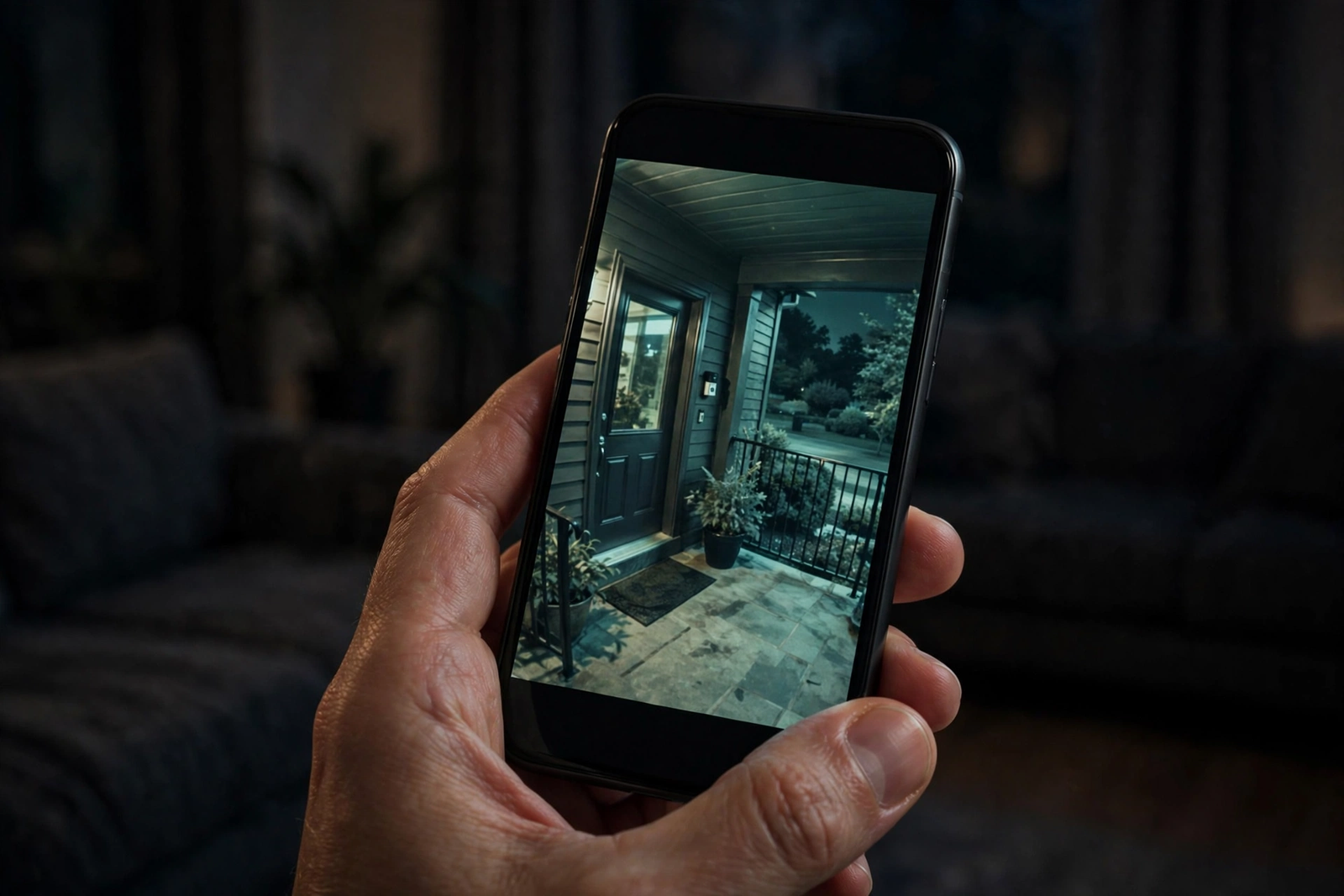
Therefore, for microSD models, buy a high-endurance card rated for continuous recording. Regular SD cards wear out in months under 24/7 write loads. A 128GB high-endurance card costs little and lasts years.
In short, position matters as much as the model. A $60 doorbell with good motion zones beats a $200 doorbell pointed at the street. Our guide on smart door locks with cameras covers entryway positioning that applies to doorbells too.
FAQs
Do I really get zero monthly fees with these doorbells?
Yes, for recording and playback. The models above store video locally with no subscription required. You may still want to pay for optional extras like extended cloud backup, but basic recording, alerts, and playback are free forever with no strings attached.
What happens to my recordings if someone steals the doorbell?
With built-in storage, the recordings go with the thief. This is the main trade-off versus cloud. Models with a separate hub (Eufy HomeBase, Blink Sync Module) keep recordings safe indoors. For maximum safety, back up to an NVR or choose a model with hub storage.
Can I view my doorbell remotely without a subscription?
Yes. All the models above offer free remote live view and recorded clip playback through their apps. The subscription myth comes from Ring and Nest, where history requires a plan. Local-storage doorbells don’t have this restriction. Just ensure your home Wi-Fi reaches the doorbell for smooth remote playback.
Is Eufy trustworthy for privacy?
Eufy had a well-publicized privacy controversy in 2022 around cloud thumbnails. They have since added clearer local-only modes and encryption options. If privacy is your top concern, keep the doorbell in local-only mode, block its internet access at the router for good measure, and you eliminate the concern entirely.
Do no-subscription doorbells work with Alexa or Google Home?
Most do for basic functions like live view on a smart display and motion announcements. Blink is best for Alexa. Tapo works with both Alexa and Google. Eufy works with Alexa and Google but with fewer deep integrations than Ring or Nest. Check the specific model’s spec sheet for your assistant.
How much storage do I actually need?
For motion-triggered clips (not 24/7 recording), 8GB holds roughly 30 days for a typical front door. A 128GB microSD card holds several months. If you want continuous 24/7 recording, you need either a hub with a hard drive or an NVR, which the Reolink handles best.
Switching From Ring or Nest: What to Know
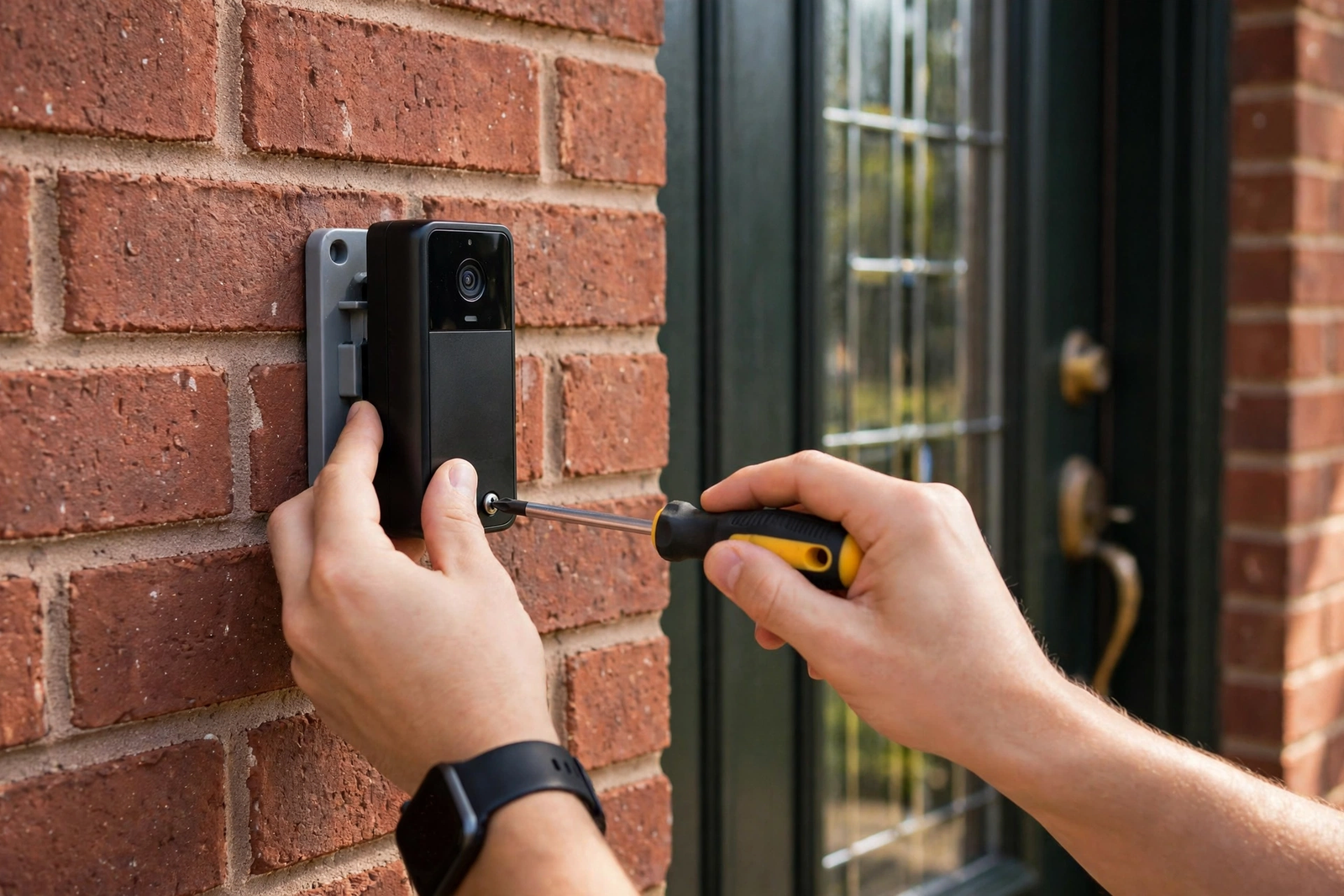
Still, if you already have a Ring or Nest doorbell and are tired of the subscription, switching is easier than you think. The mounting bracket holes are rarely in the same place, so expect to drill new ones or use the included mounting plate. Your existing transformer and wiring will work fine with any wired model above, since they all use the same 16-24V standard. If your indoor chime gives you trouble during the swap, our wiring troubleshooting basics cover the same low-voltage principles.
First, before you switch, download any cloud clips you want to keep. Once you cancel Ring Protect or Nest Aware, your old recordings are deleted, usually within days. Save anything important to your phone or computer first.
Finally, one more consideration: if your household uses Ring’s or Nest’s other devices (cameras, alarms), switching just the doorbell means managing two apps. For some people that is fine. For others, the convenience of one ecosystem is worth the subscription. Be honest with yourself about which camp you are in before buying.
One More Thing: Check Return Policies
Doorbell fit is personal. The camera angle that works for your porch might not match the marketing photos. Buy from a retailer with a 30-day return policy, mount it temporarily with the included bracket, and test it for a week before drilling permanent holes. If the motion zones cannot be tuned to your street or the night vision disappoints, swap it for another pick on this list.
Stop Paying Monthly for Your Doorbell
To sum up, the subscription trap is optional. The Eufy E340 gives you dual cameras and local recording with no fee. The Tapo D235 gives you the smartest detection under $100. Blink gives you the cheapest total cost. Pick the one that matches your priorities, set up local storage on day one, and never think about doorbell subscriptions again.
For a second opinion, Trusted Reviews’ doorbell roundup tests these same models independently.
For more on securing your entryway, see our best front door smart lock picks.