

Why Your Video Doorbell Notifications Arrive Late
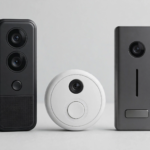
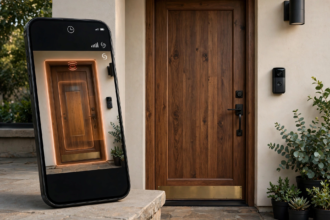
A video doorbell motion notification delay fix usually comes down to three things. Indeed, notifications should arrive within 1 to 2 seconds of motion. First, when they take 10 seconds or more, the culprits are weak WiFi forcing slow cloud uploads, phone settings delaying the alert, or the doorbell itself waking slowly from sleep mode.
- Why Your Video Doorbell Notifications Arrive Late
- How the Notification Chain Works
- Video Doorbell Motion Notification Delay Fix: 9 Solutions
- Fix 1: Strengthen WiFi at the Door
- Fix 2: Disable Phone Battery Optimization
- Fix 3: Check Your Upload Speed
- Fix 4: Update Firmware on Everything
- Fix 5: Reduce Motion Zones and Sensitivity
- Fix 6: Use a Static IP for the Doorbell
- Fix 7: Switch to Wired Power If Possible
- Fix 8: Adjust Video Quality Settings
- Fix 9: Check Manufacturer Server Status
- Phone-Specific Settings That Matter
- When Delay Means Something Is Broken
- Testing Your Fixes
- Integrating With Your Smart Home
- FAQs
- What is a normal notification delay for a video doorbell?
- Why are my doorbell notifications delayed only at night?
- Does a weak WiFi signal cause notification delays?
- Why do I get notifications late on Android but not iPhone?
- Will a static IP really speed up notifications?
- Do battery doorbells have more delay than wired ones?
- How can I test my notification speed?
- Start With WiFi and Phone Settings
Every notification follows the same chain. First, the doorbell detects motion, wakes up, connects to WiFi, uploads video to the cloud, and Finally, the cloud pushes an alert to your phone. In particular, Therefore, a delay at any step adds up. As a result, However, most delays aren’t hardware failures. They’re fixable settings and network issues.
Normal delay is 2 to 5 seconds under good conditions. In particular, anything beyond 10 seconds means something needs attention. For instance, Next, let’s trace the chain and fix each link.
How the Notification Chain Works
Specifically, understanding the path helps you find the bottleneck. Here’s what happens between motion and your phone buzzing.
First, the PIR motion sensor detects heat movement. Indeed, this takes milliseconds. Next, the doorbell wakes from sleep mode, which takes 1 to 3 seconds on battery models. Meanwhile, wired models stay awake and skip this step entirely.
Then the camera starts recording and connects to WiFi. Meanwhile, it uploads the clip to the manufacturer’s cloud servers. The cloud processes the video, runs any AI detection, and triggers a push notification. Finally, your phone receives the push through Apple or Google’s notification system.
As a result, each step adds time. However, Notably, the biggest delays come from WiFi reconnection and cloud upload. A strong signal and fast upload speed keep the whole chain under 3 seconds.
Video Doorbell Motion Notification Delay Fix: 9 Solutions
Fix 1: Strengthen WiFi at the Door
This fixes more delay complaints than everything else combined. First, check your doorbell’s RSSI in the app’s device health section. Specifically, anything between 0 and -60 dBm is strong. Worse than -65 means trouble.
Then, move your router closer to the front of the house if possible. Then consider a WiFi extender or mesh node placed between the router and the door. Some doorbell brands sell a chime with built-in WiFi extender that solves signal and indoor alerts at once.
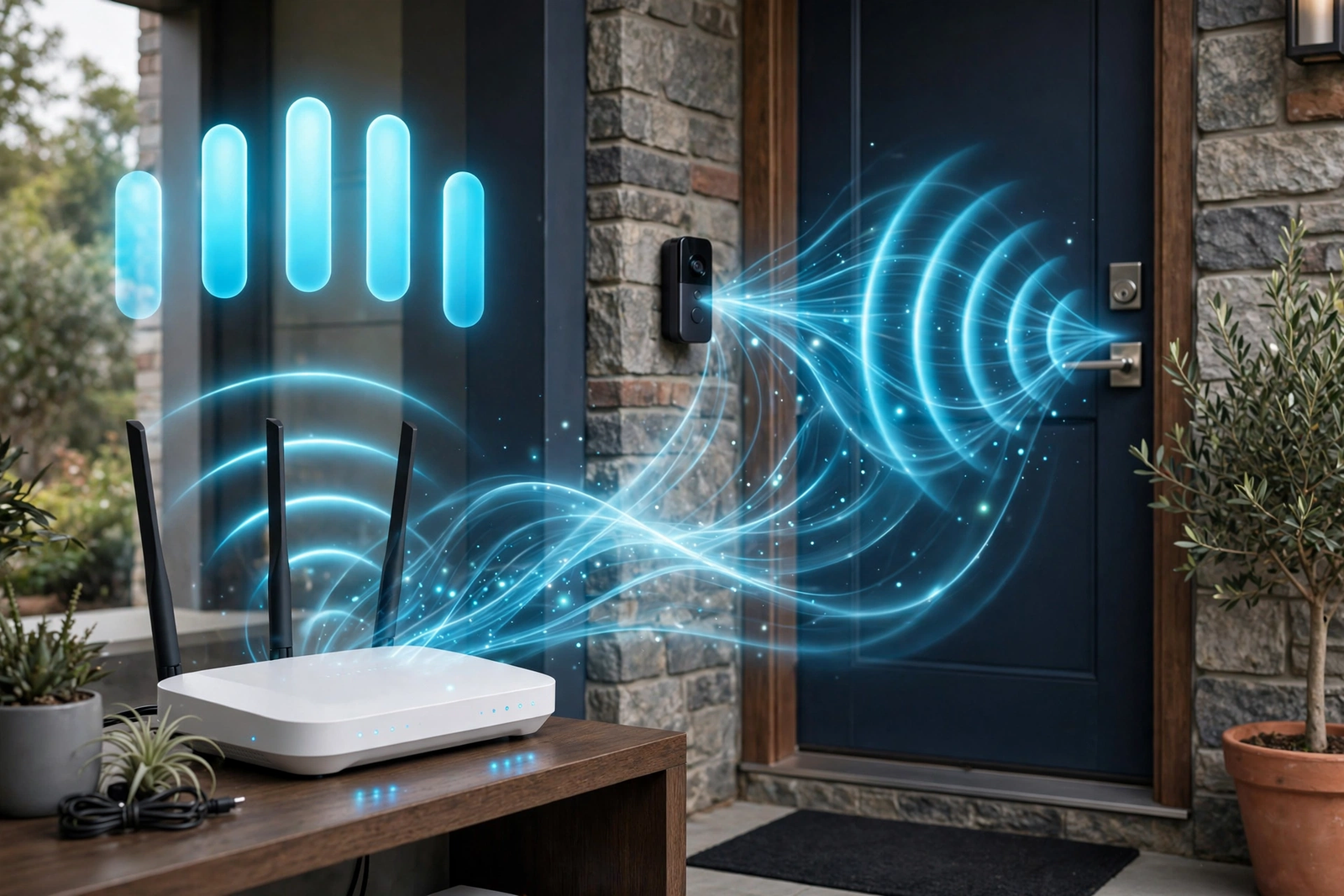
In addition, use the 2.4GHz band, not 5GHz. It travels farther through walls. In addition, avoid combining both bands under one network name, since the doorbell may hop between them and cause reconnection delays.
Fix 2: Disable Phone Battery Optimization
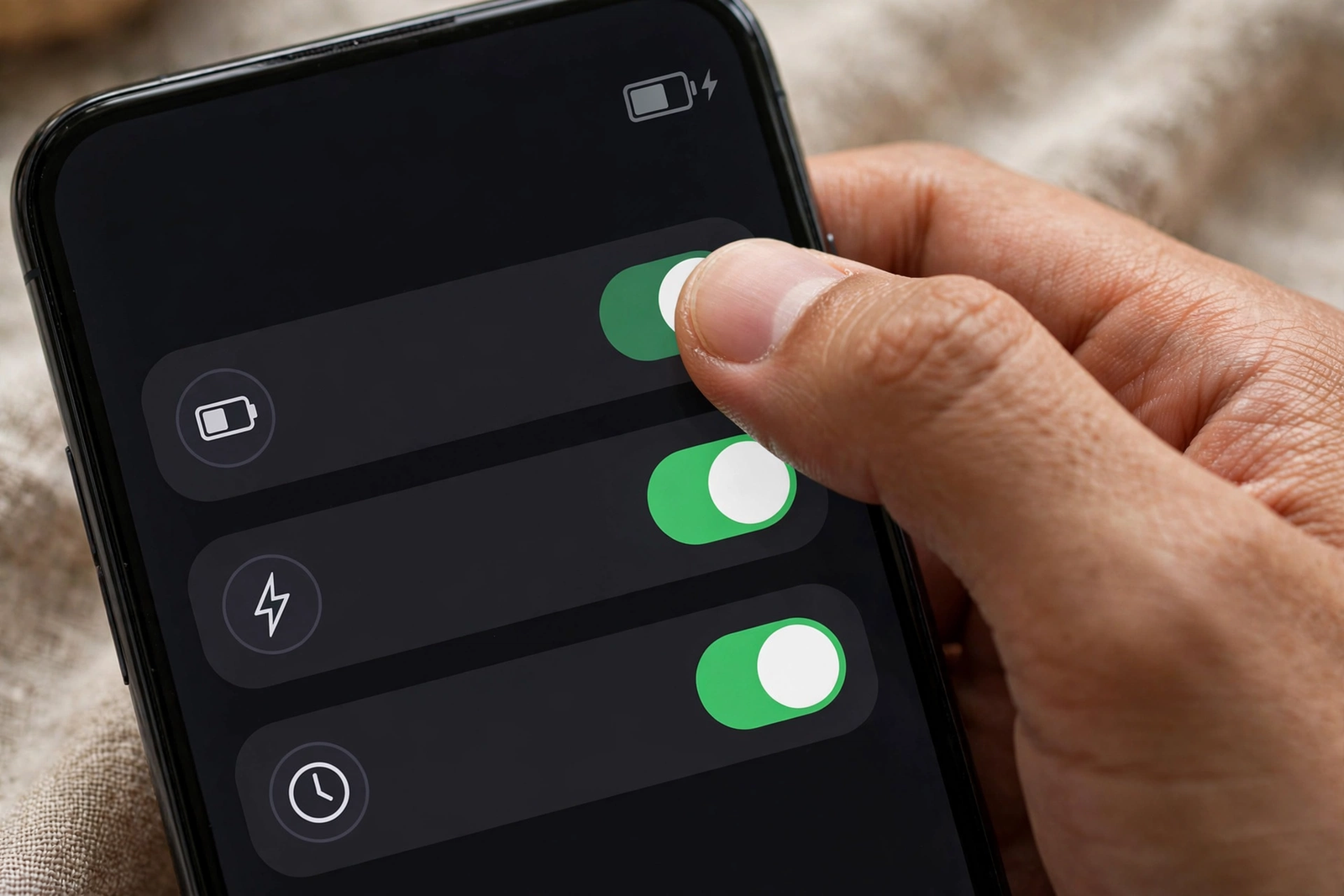
Nevertheless, your phone might be the bottleneck, not the doorbell. Both Android and iPhone aggressively kill background apps to save battery. Thus, when the doorbell app gets killed, notifications arrive late or not at all.
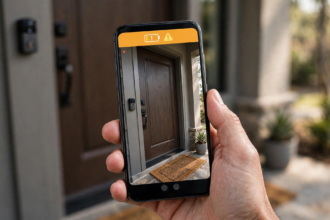
On Android, go to Settings, then Apps, find your doorbell app, tap Battery, and select Unrestricted. Also enable all notification categories and set them to high priority. On iPhone, turn off Low Power Mode and ensure Background App Refresh is on for the doorbell app.
For instance, this single change fixes “delayed” notifications that are actually delayed by the phone, not the doorbell. Test it before buying any hardware.
Fix 3: Check Your Upload Speed
Admittedly, download speed doesn’t matter much for doorbells. Upload speed does. The doorbell needs to push video to the cloud before you get notified. Most manufacturers recommend at least 2 Mbps upload.
Run a speed test from your phone while standing at the front door. In that case, if upload is under 2 Mbps, that’s your bottleneck. Upgrade your internet plan, reduce other devices’ upload usage, or move the router closer.
Peak evening hours make this worse. For example, when everyone in the neighborhood streams video at 8 PM, your upload speed drops. If delays only happen at night, congestion is likely the cause.
Fix 4: Update Firmware on Everything
Similarly, outdated firmware causes all kinds of timing issues. Check for doorbell firmware updates in the app. Then update your router’s firmware too. Manufacturers regularly fix notification timing in updates.
Restart all three devices after updating: the doorbell, the router, and your phone. Consequently, this clears stale connections and forces fresh handshakes across the chain. Undoubtedly, it’s the oldest trick because it works.
Fix 5: Reduce Motion Zones and Sensitivity
This seems counterintuitive, However, fewer triggers can mean faster notifications. When the doorbell processes dozens of false triggers per hour, the cloud queue backs up. Real events wait behind phantom ones.
Tighten motion zones to cover only your walkway and porch. Lower sensitivity so passing cars don’t trigger events. As a consequence, fewer events means each real notification moves through the system faster.
Fix 6: Use a Static IP for the Doorbell
When the doorbell wakes up, it needs an IP address from your router. Specifically, DHCP assignment takes a second or two each time. Assigning a static IP through your router’s DHCP reservation skips this step.
Log into your router, find DHCP settings, and reserve a specific IP for your doorbell’s MAC address. Therefore, the doorbell connects faster on every wake because it skips the negotiation. Several users report noticeably faster notifications after this change.
Fix 7: Switch to Wired Power If Possible
Battery doorbells sleep deeply to save power. In other words, waking up adds 1 to 3 seconds before anything else happens. Wired doorbells stay in a lighter sleep and respond faster.
If delay bothers you and battery swaps annoy you, a plug-in transformer adapter solves both problems. Hence, constant power means the doorbell never enters deep sleep. Notifications arrive as fast as the hardware allows.
Fix 8: Adjust Video Quality Settings
Higher resolution means larger uploads, which means longer cloud transfer times. For one thing, dropping from 2K to 1080p noticeably speeds up the notification chain. The video still identifies faces clearly.
Similarly, disable pre-roll if enabled. It keeps the camera partially active and adds processing overhead. Every millisecond of processing delay compounds through the chain.
Fix 9: Check Manufacturer Server Status
Otherwise, sometimes the delay isn’t on your end at all. Manufacturer cloud servers have outages and slowdowns. Check the brand’s status page or community forums. If hundreds of users report delays simultaneously, wait it out.
This is more common than people think. Evening slowdowns during peak hours affect all users on shared infrastructure. Finally, there’s nothing to fix on your end when the cloud is the bottleneck.
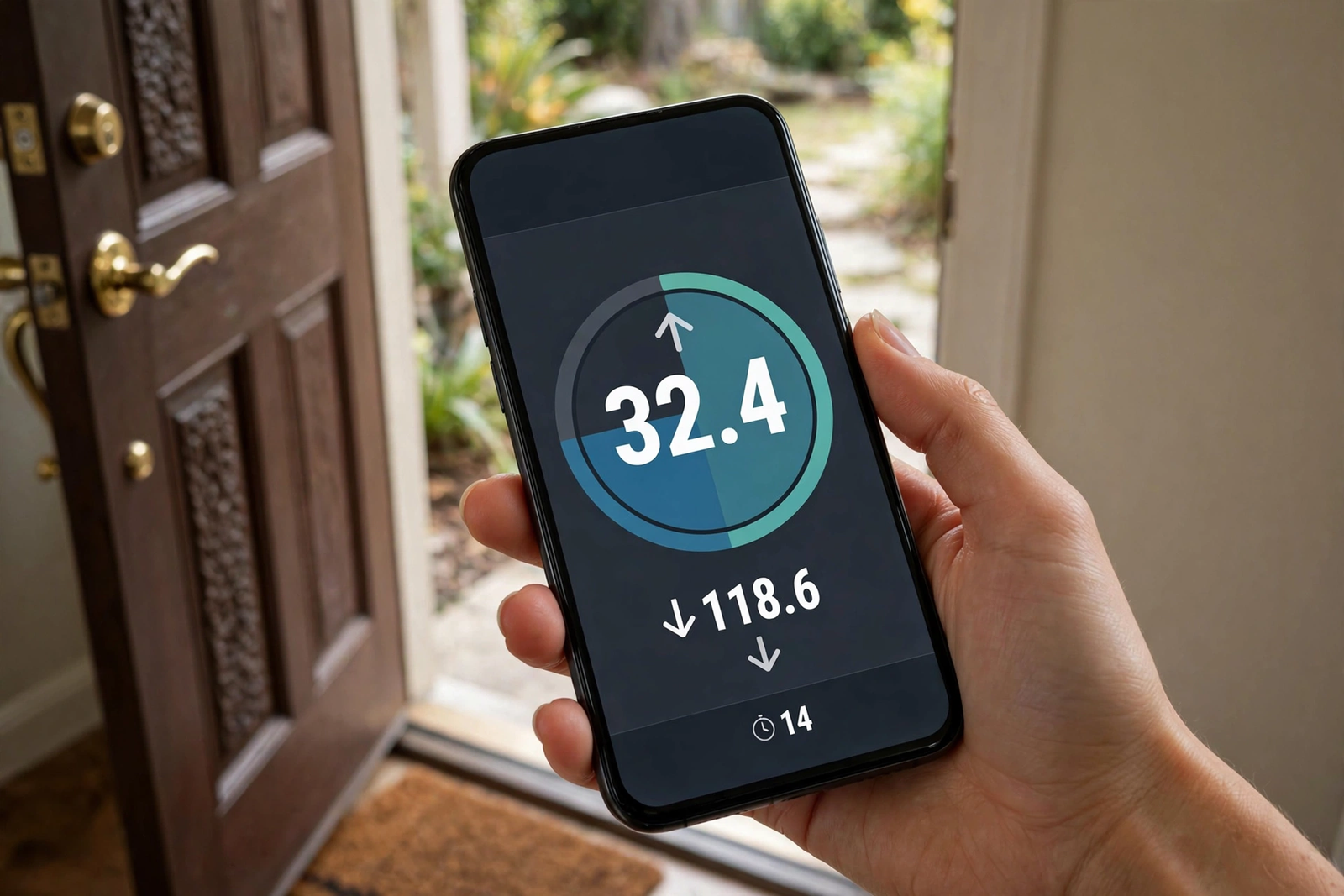
Table: Notification delay causes and fixes
| Cause | Typical Delay Added | Fix |
|---|---|---|
| Weak WiFi signal | 5-15 seconds | Extender or reposition router |
| Phone battery optimization | 10-60 seconds | Unrestricted app battery setting |
| Slow upload speed | 3-10 seconds | Upgrade plan or reduce congestion |
| Battery deep sleep | 1-3 seconds | Switch to wired power |
| Outdated firmware | Variable | Update all devices |
| Too many false triggers | 2-5 seconds | Tighten zones, lower sensitivity |
| Cloud server slowdown | 5-30 seconds | Wait, check status page |
Phone-Specific Settings That Matter
Different phones handle notifications differently. Here are the key settings for each platform.
On Android, the biggest culprit is battery optimization. Go beyond just the doorbell app. Check that Google Play Services also has unrestricted battery access, since push notifications route through it. Disable Adaptive Battery if notifications are consistently late.
On iPhone, Focus modes are the usual suspect. If Do Not Disturb or a custom Focus is active, doorbell notifications get silenced or delayed. Add the doorbell app to allowed notifications in each Focus mode. Also check that Time Sensitive notifications are enabled for the app.
Both platforms benefit from keeping the app updated. Notification handling changes with OS updates, and doorbell apps need matching updates to stay compatible.
When Delay Means Something Is Broken
Some delay is normal. But certain patterns indicate real problems. If notifications arrive more than 30 seconds late consistently, or if some events never notify at all, dig deeper.
Check whether the doorbell actually recorded the event. If there’s a clip in the app but no notification arrived, the problem is in the push chain, likely phone settings. If there’s no clip either, the doorbell never detected the motion, which points to sensitivity, positioning, or hardware issues.
Test with the button press too. Button presses should notify almost instantly since they bypass motion detection. If button presses are fast but motion alerts are slow, focus on motion settings and zones.
Testing Your Fixes
Don’t guess whether a fix worked. Instead, measure it. For instance, have someone walk through your motion zone three times while you time each notification with a stopwatch. Then average the results. This gives you a baseline.
Then, apply one fix at a time and retest. For example, disable phone battery optimization first, then measure again. If average delay drops from 12 seconds to 4, you found your culprit. Otherwise, changing everything at once makes it impossible to know what helped.
Keep notes on what you changed and the results. Furthermore, test at different times of day. However, a fix that works at noon might not help during evening congestion. Real improvement shows across all time periods.
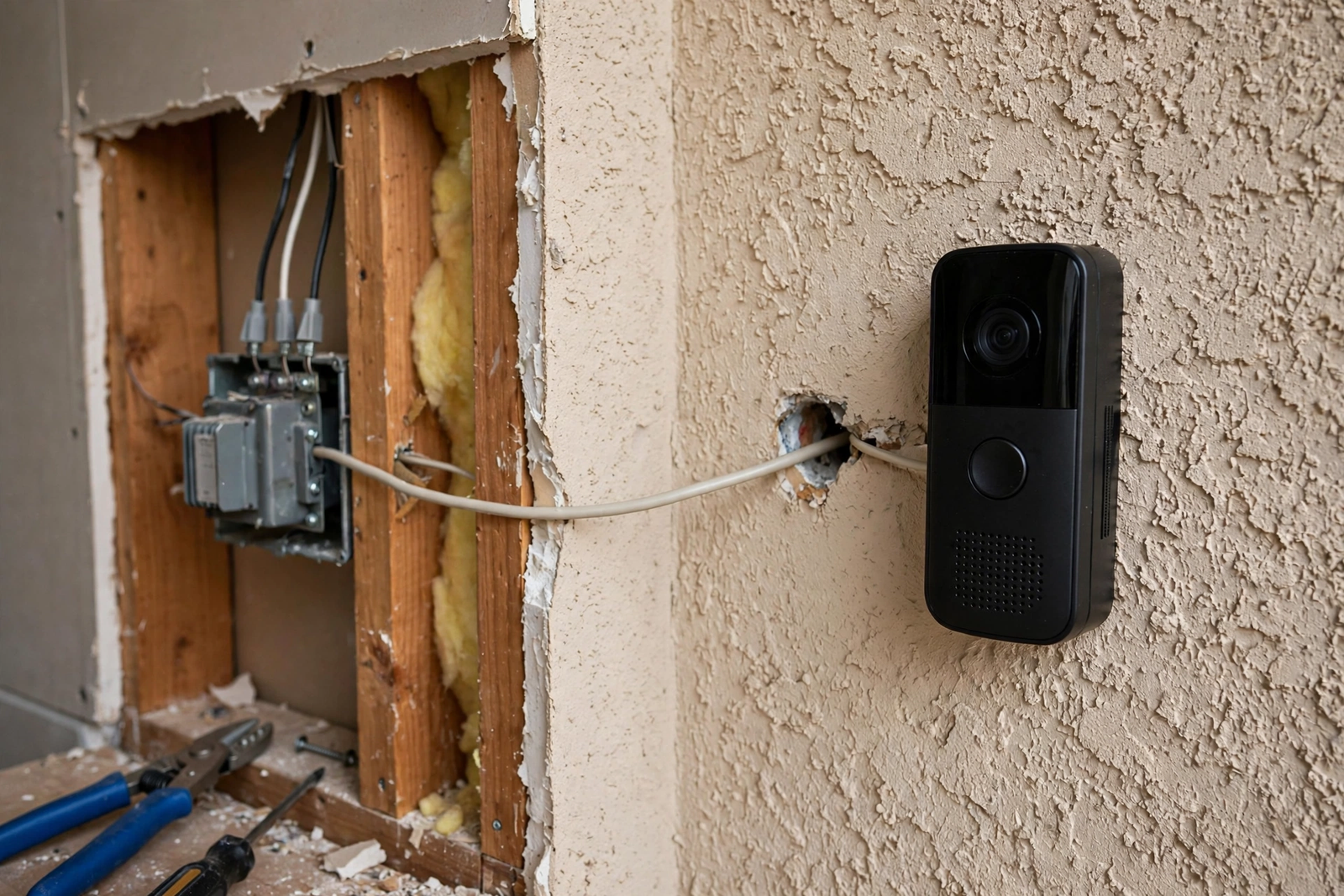
For a deeper dive into network-side fixes, see TekDash’s notification delay guide. Indeed, their RSSI troubleshooting steps complement the phone-side fixes covered here.
Document your final settings once everything works. If a future firmware update resets things, you’ll know exactly what to restore.
Understanding how smart home platforms handle notifications helps you choose the fastest automation path for your setup.
Integrating With Your Smart Home
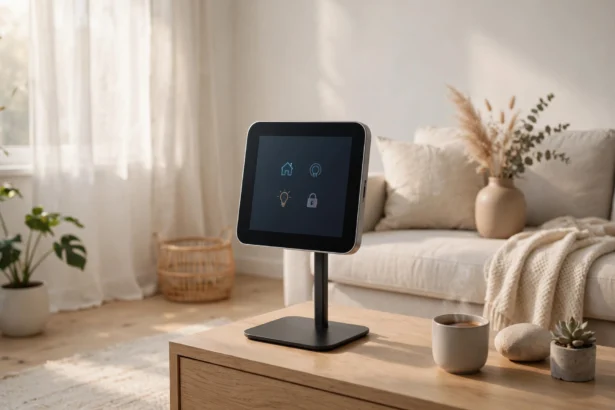
Faster notifications get more useful when connected to other devices. Link your doorbell to your smart home platform for instant automations that don’t wait for cloud processing.
Moreover, platform-level integration bypasses several slow steps in the notification chain. It’s the fastest path to real-time alerts.
Local automations through HomeKit or SmartThings can trigger faster than cloud notifications. For example, a door sensor paired with your doorbell creates redundant detection. If one is slow, the other catches it.
Redundancy is the real goal. No single device should be your only alert path.
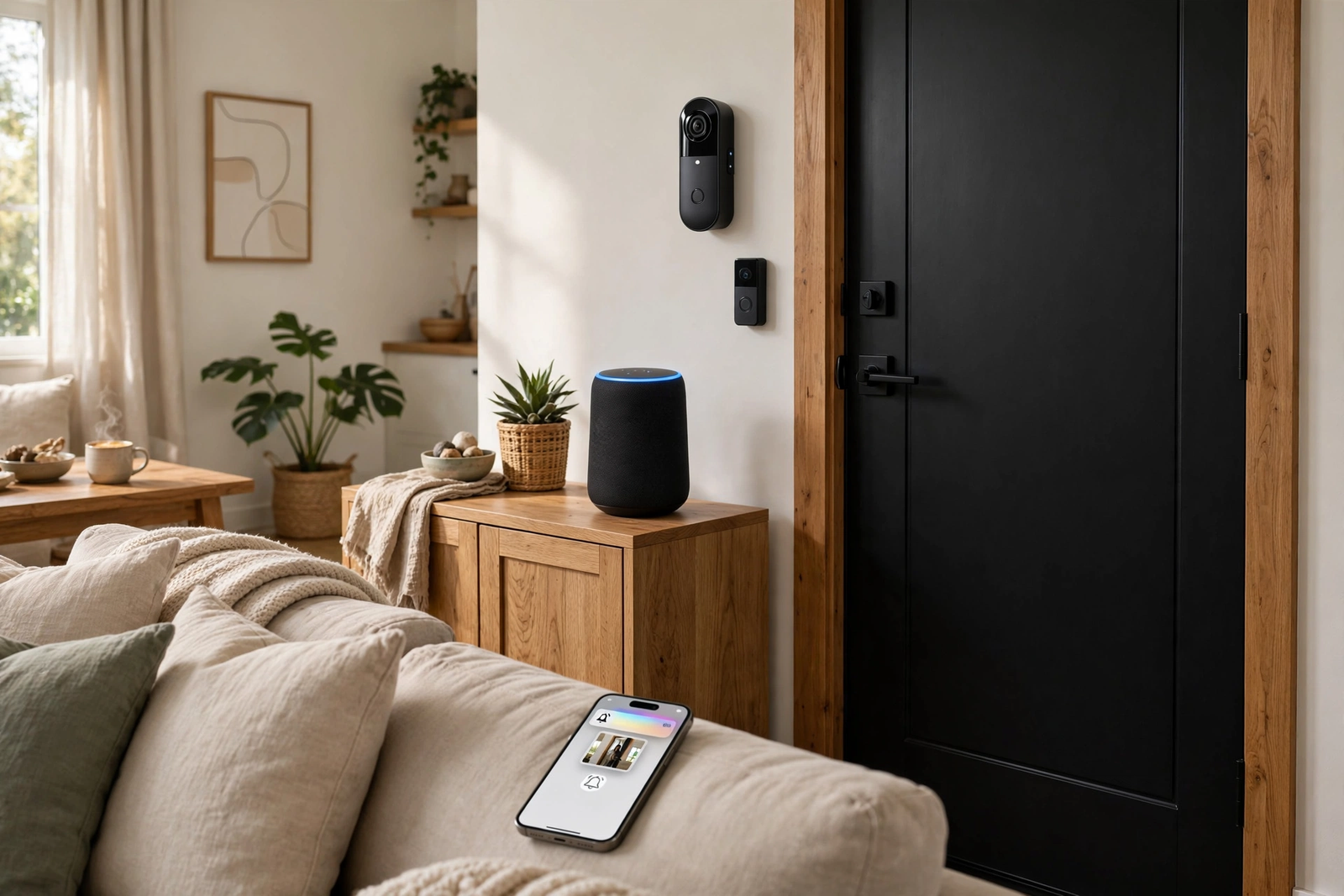
Smart speakers add another layer. When contact sensors trigger Alexa announcements, you hear about visitors even if the doorbell notification is delayed. Layered alerts mean no single delay leaves you unaware.
Layered alerts also reduce the impact of any single delay. When multiple devices watch the door, slow notifications from one don’t leave you blind.
For a complete front door setup, see our smart door lock with camera guide. Combining fast notifications with smart access creates an entry experience with no fumbling for keys.
FAQs
What is a normal notification delay for a video doorbell?
Most quality doorbells deliver notifications in 2 to 5 seconds under good conditions. This includes motion detection, cloud upload, and push delivery. Delays under 10 seconds are generally acceptable. Consistently longer delays indicate a WiFi, phone setting, or server issue worth investigating.
Why are my doorbell notifications delayed only at night?
Evening network congestion is the usual cause. Your upload bandwidth drops when neighbors stream video, and manufacturer servers slow under peak load. Try testing at different times to confirm the pattern. If it’s purely time-based, there’s little to fix beyond upgrading your internet plan.
Does a weak WiFi signal cause notification delays?
Yes, it’s the top cause. A weak signal forces slow reconnections and sluggish cloud uploads. Check your RSSI in the app. Anything worse than -65 dBm needs attention. Move the router closer, add an extender, or switch to a mesh system for consistent coverage at the door.
Why do I get notifications late on Android but not iPhone?
Android’s battery optimization is more aggressive. It kills background apps, including doorbell apps, delaying push notifications significantly. Set the doorbell app to Unrestricted battery usage and enable all notification categories at high priority. Also check Google Play Services battery settings.
Will a static IP really speed up notifications?
It helps by skipping DHCP negotiation on every wake. The doorbell connects faster because it already knows its address. The improvement is usually 1 to 2 seconds, which matters when you’re trying to get under 5 seconds total. It’s free to set up in your router’s DHCP reservation settings.
Do battery doorbells have more delay than wired ones?
Yes, typically 1 to 3 seconds more. Battery models enter deep sleep to conserve power and need time to wake fully before processing motion. Wired models stay in lighter sleep. If every second counts, switching to a plug-in adapter or wired install is the most effective hardware change.
How can I test my notification speed?
Have someone walk up to your door while you time it with a stopwatch. Start when they enter the motion zone, stop when your phone buzzes. Test three times and average the results. Compare button-press speed versus motion-alert speed to isolate whether the delay is in detection or delivery.
Start With WiFi and Phone Settings
A video doorbell motion notification delay fix almost always starts with the same two checks. Verify your WiFi signal strength at the door, then disable battery optimization for the doorbell app on your phone. Those free fixes resolve the majority of delay complaints.
If delays persist, work through upload speed, firmware updates, and motion zone tuning. Measure your improvement with stopwatch tests. You’ll know when you’ve nailed it because the notification arrives before the visitor reaches your door.