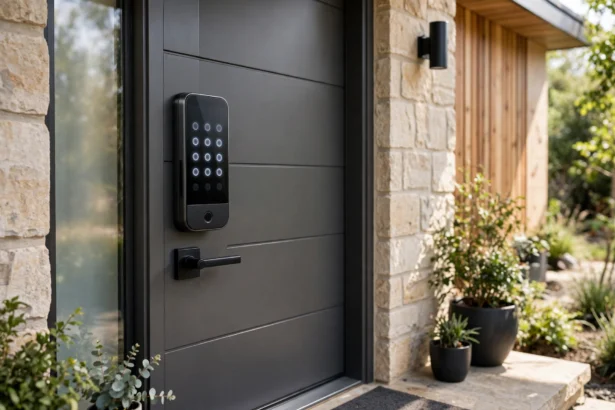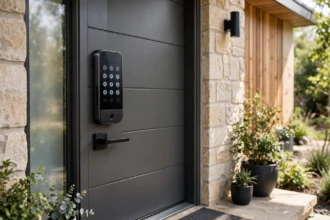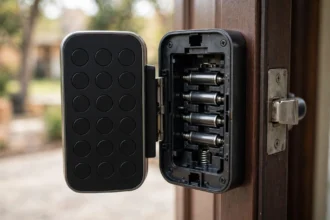

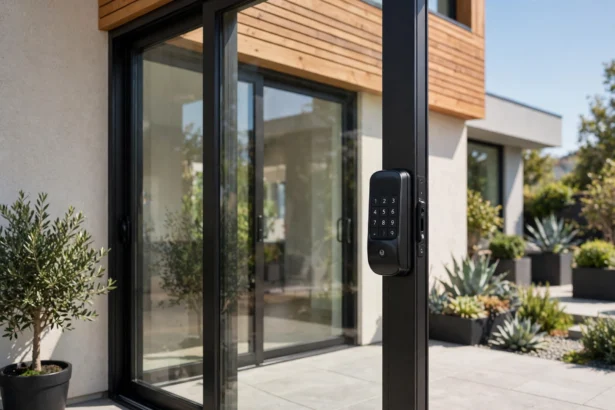


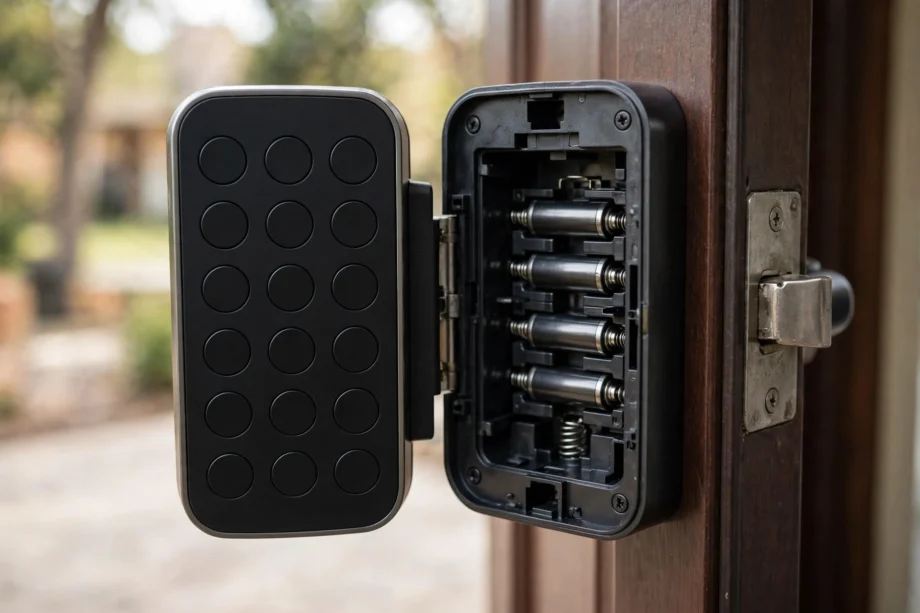
To reset a door lock code when you have forgotten the master code, do a factory reset: open the door, find the reset button inside the battery compartment, and hold it for 5 to 30 seconds (the exact time depends on the brand). This wipes every stored code and returns the lock to its out-of-box state, ready for a new master code.
Below is how to reset door lock code on the major brands, what to do after the reset, and when to call a locksmith instead.
Our Mission
Our mission at techinvein.com is to make smart home ownership less stressful. When your lock stops cooperating, you need clear steps, not a manual written for engineers. That is what we do here: practical help for real homes.
Reset vs Change: Know Which One You Need
People mix these up, and the distinction matters. Changing a code means you know the current master code and want to swap in a new one. Resetting means you have lost the master code entirely, or you inherited the lock from a previous owner. If you know the current code, you do not need this guide on how to reset door lock code. Just change it directly through the lock’s menu. That is the faster path.
Reset is the nuclear option. It deletes everything: all user codes, the master code, schedules, and often the lock’s connection to your app or hub. Use it when you are locked out of the programming, when a lock is glitching badly, or when you move into a home with a keypad lock and no codes.
Before You Reset: Three Things
Keep the door open and unlocked. This is the single most important step. A factory reset can re-hand the bolt or revert to locked defaults. Resetting with the door closed is how people lock themselves out mid-process.
Check your batteries. A reset on dying batteries can fail halfway and leave the lock in a confused state. Put in fresh AAs first. It costs almost nothing and removes the most common failure point.
Find your manual. Reset procedures vary more than you would expect between brands and even between models of the same brand. The manual also tells you the default master code you will need after the reset. No manual? Search the model number on the manufacturer’s site before touching anything.
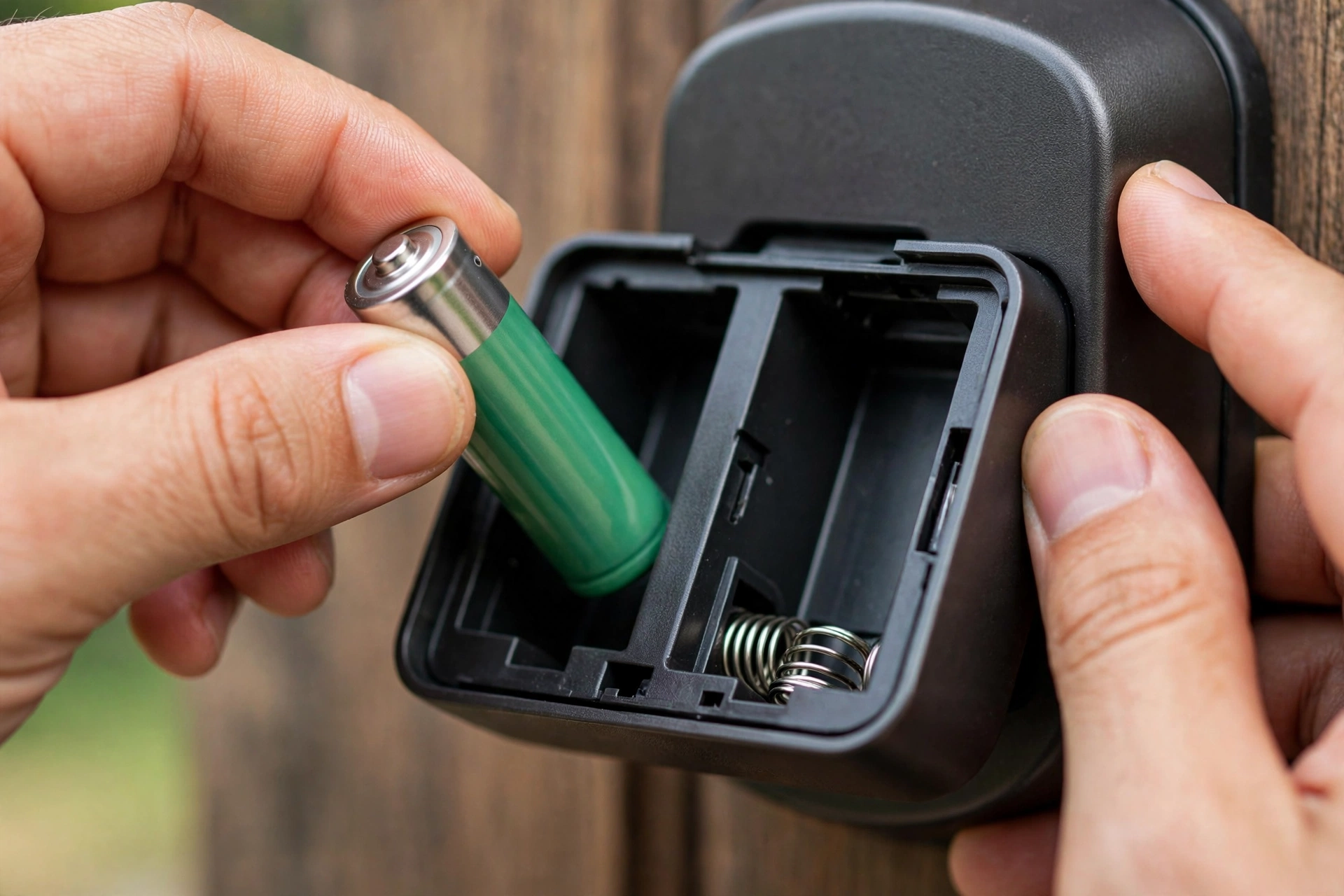
How to Reset Door Lock Code by Brand
The general pattern for how to reset door lock code is the same everywhere: door open, find the reset button, hold it, wait for the beep. The details differ:
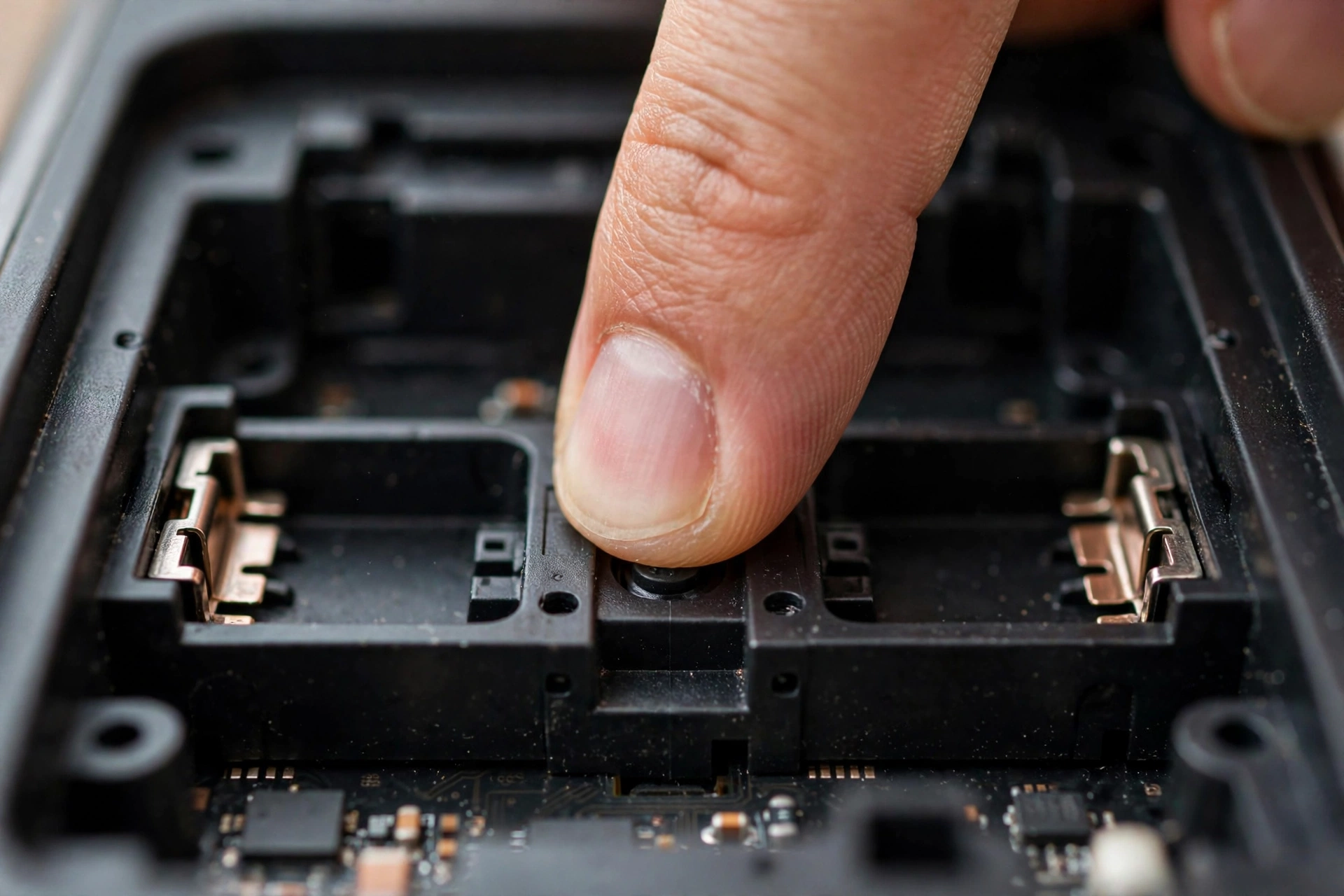
Schlage. Remove the battery cover. Press and hold the Reset button until the LED flashes red, usually about 5 seconds. On the Encode, hold until the left LED flashes red, then release. The lock returns to factory defaults; the original programming code is on a sticker inside the lock or in the manual.
Yale. Remove the battery cover and the batteries. Press and hold the reset button while reinserting the batteries, and keep holding for 3 to 15 seconds depending on the model. Release when the lock beeps or flashes. You will set a brand-new master code from scratch.
Kwikset. On SmartCode models, locate the Program button on the interior assembly and follow the model-specific sequence in the manual. On app-connected models like the Halo, a factory reset is done through the lock’s reset procedure. Set up the lock again in the Kwikset app afterwards. SlashGear’s Kwikset reset walkthrough covers the app-based flow well.
August and Ultraloq. August: hold the reset button inside the battery compartment for about 10 seconds, then reconfigure in the app. Ultraloq: press and hold the reset button in the battery case for 5 seconds until it beeps. Both are among the simpler resets.
After the Reset: Reprogram From Scratch
Knowing how to reset door lock code is only half the job. The reset gets you back to zero. Now rebuild:
1. Enter the default master code from the manual or the sticker inside the lock.
2. Immediately change it to a personal master code you will remember.
3. Add user codes for each household member. Give guests and service people their own codes rather than sharing yours.
4. Reconnect the lock to your app, Wi-Fi, or smart home hub if it had one. Most locks need re-pairing after a factory reset.
5. Test every code from the outside before you consider the job done.
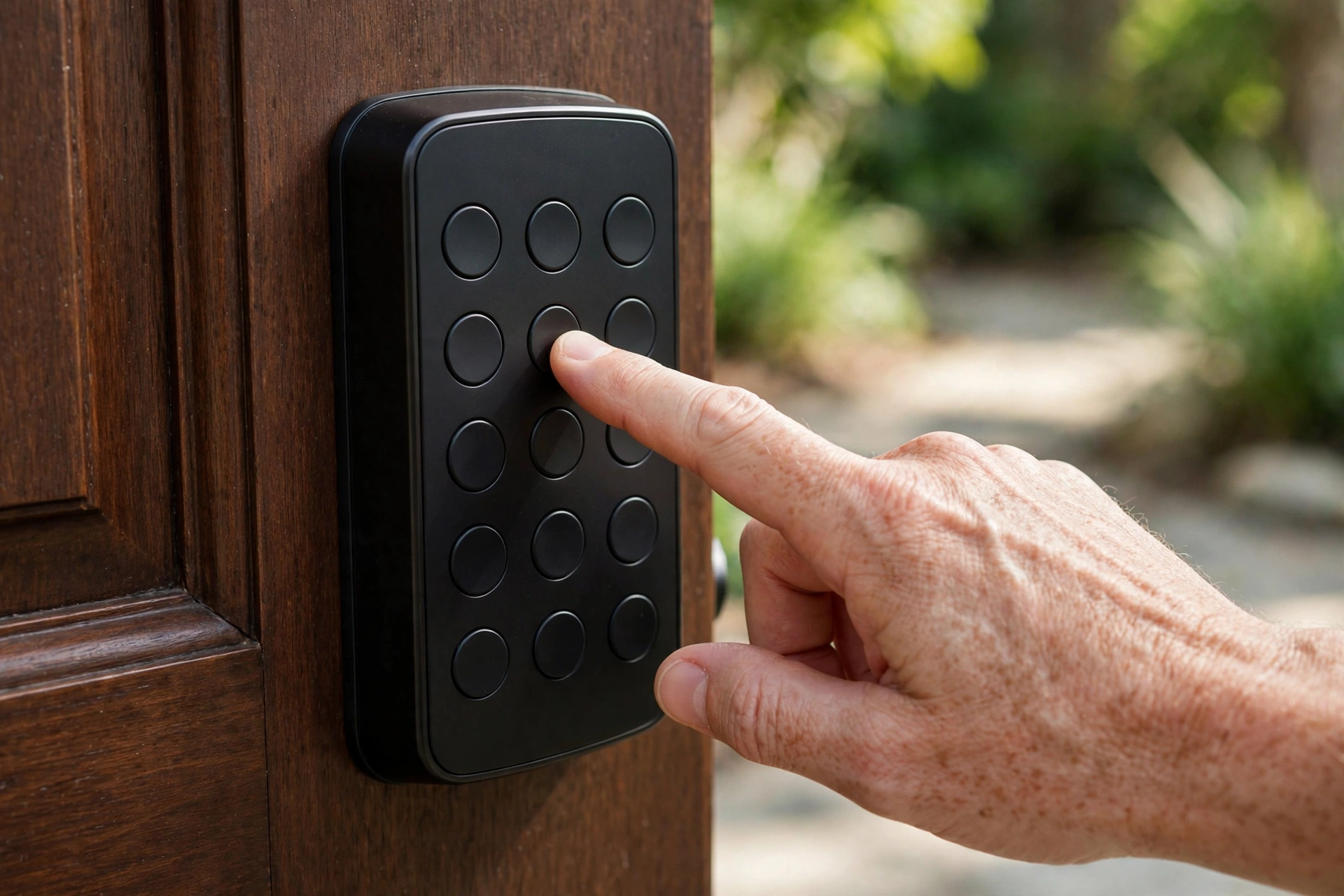
This is also a good moment to rethink who has access. A fresh start is the easiest time to set up proper code hygiene: start clean, stay organized.
When the Reset Does Not Work
First, fresh batteries. This fixes more failed resets than anything else. Second, confirm you are holding the right button for the full time; releasing early aborts the process on most models. Third, check that you followed the exact steps for how to reset door lock code on your model, not a generic guide. Yale alone has different timings across its lineup.
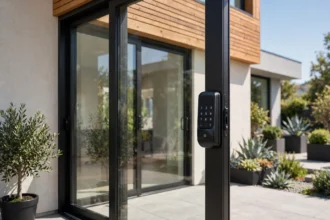
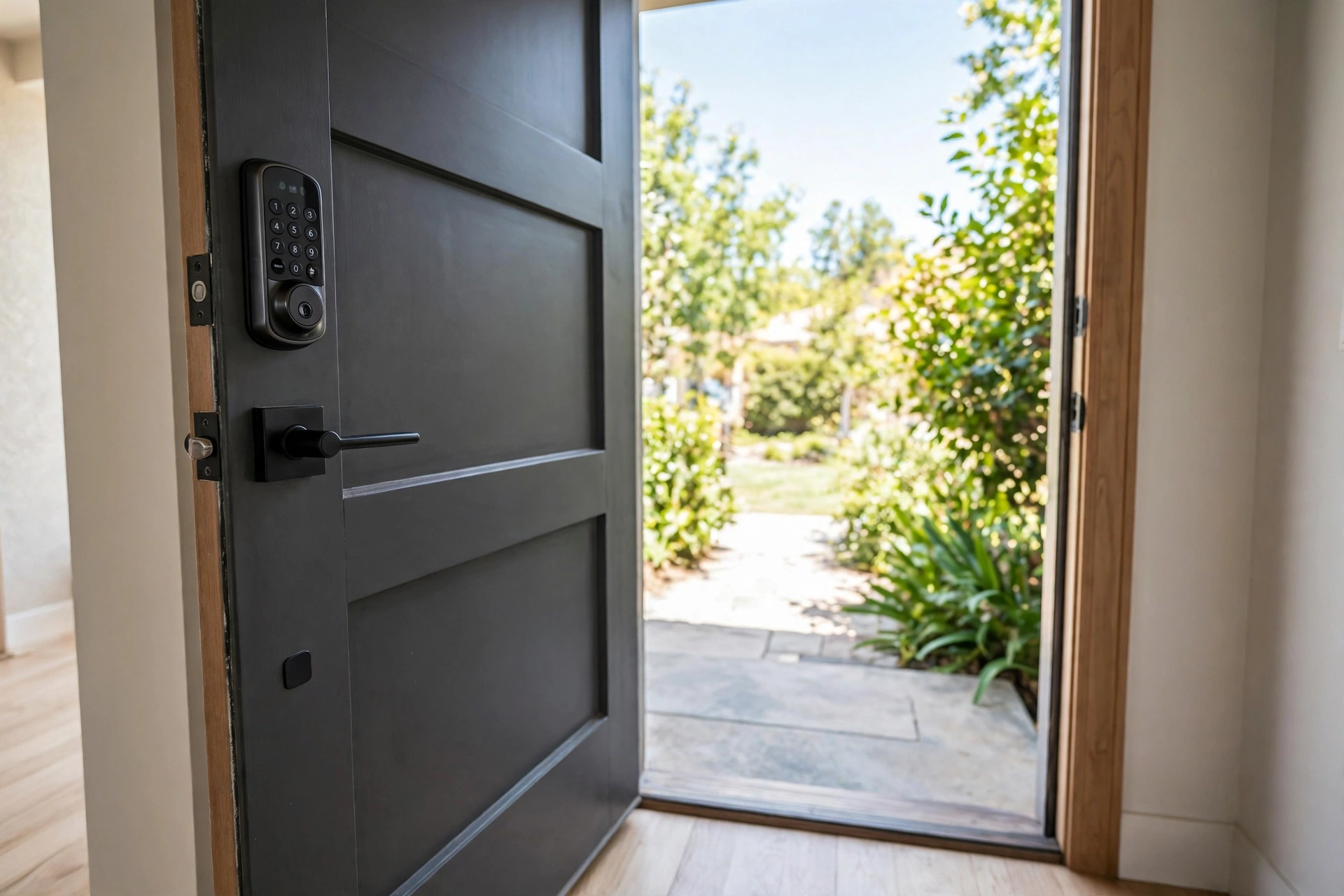
If the reset button seems dead, the wiring is damaged, or the lock still will not take a new master code, stop repeating the cycle. Call the manufacturer’s support line or a locksmith. Forcing it risks bricking the electronics, and a service call is cheaper than a replacement lock. The same advice applies to patio hardware, by the way: a sliding door smart lock follows the same reset logic, just in a slimmer body.
How to Avoid Losing Your Master Code Again
Knowing the reset procedure is useful, but not needing it is better. A reset fixes the immediate problem. These habits prevent the next one.
Store it in a password manager. Not in your notes app, not on a sticky note inside the battery cover. A password manager entry labeled with the lock brand and door takes ten seconds and survives phone upgrades.
Keep the manual. The default master code lives in the manual or on a sticker inside the lock. Photograph both and save them with the password manager entry. Future you will be grateful.
Use a code system. Give every person their own code instead of sharing one. When someone moves out or a contractor finishes, delete just their code. You will never again face the choice between living with a compromised code and wiping the whole lock.
Test twice a year. Pick two dates, birthdays work, and test the master code plus one user code. Codes do not expire on their own, but locks get replaced, batteries get swapped, and memories fade. A thirty-second test catches problems before they become lockouts that force you to learn how to reset door lock code the hard way.
Bookmark this guide on how to reset door lock code anyway. Even with perfect habits, you might inherit a lock someday.
FAQs
How to reset door lock code without the master code?
Do a physical factory reset. That is the core of how to reset door lock code without the master code: find the reset button inside the battery compartment, hold it for the brand-specific time (5 to 30 seconds), and the lock wipes all codes back to factory defaults. Set a new master code using the default from the manual.
Will a factory reset delete all user codes?
Yes. Every stored code is erased, including the master code, guest codes, and schedules. The lock also usually disconnects from its app or hub. Plan to reprogram everything from scratch afterward.
Why is my keypad lock not resetting?
The most common causes are weak batteries, releasing the reset button too early, or following the wrong model’s procedure. Put in fresh batteries, hold the button for the full specified time, and verify the steps against your exact model’s manual.
Do I need a locksmith to reset a smart lock?
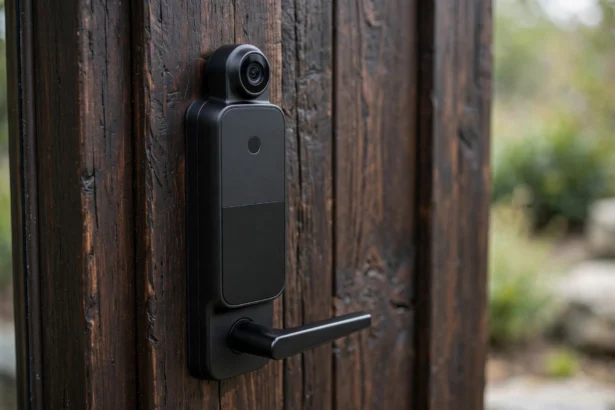
Usually not. Learning how to reset door lock code is a DIY job that takes a few minutes with a screwdriver and fresh batteries. Call a locksmith only if the reset fails repeatedly, the button is damaged, or the lock will not accept a new master code afterward. If you are shopping for a replacement instead, see our smart door lock with camera guide for options with easier code management.
Door open, fresh batteries, hold the button, reprogram. That is how to reset door lock code in one sentence.
Quick Takeaways
- A factory reset wipes every stored code and returns the lock to its out-of-box state. Use it when you have lost the master code or inherited a lock.
- Always reset with the door open and unlocked, and put in fresh batteries first. Most failed resets trace back to one of these two.
- The general method is the same everywhere: hold the reset button inside the battery compartment for 5 to 30 seconds, depending on the brand.
- After the reset, set a new master code immediately, re-add user codes, and re-pair the lock with your app or hub.
- If the reset fails repeatedly or the lock will not take a new master code, stop and call the manufacturer or a locksmith instead of forcing it.
Disclaimer
This guide covers the most common lock brands, but reset procedures vary by model. Always check your lock’s manual for the exact steps first. If you are unsure at any point, contact the manufacturer or a qualified locksmith rather than forcing a reset.