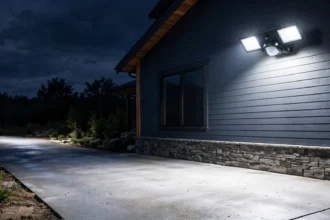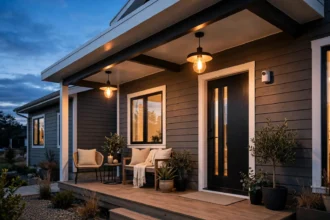

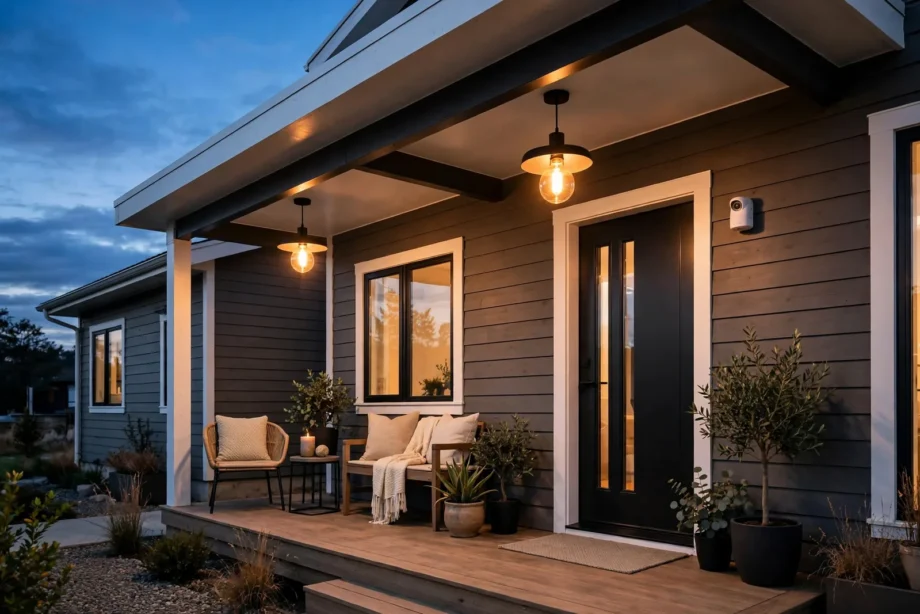
Motion sensor porch light automation is simple. Pair a motion sensor with a smart bulb. Then your porch light turns itself on when you walk up, only after dark. You still don’t need to rewire anything. A PIR bulb, a socket adapter, or a small outdoor sensor does the whole job.
- How Motion Sensor Porch Light Automation Works
- 3 Ways to Automate Your Porch Light Without Rewiring
- 1. PIR Smart Bulb (Easiest)
- 2. Motion Sensor Socket Adapter
- 3. Separate Outdoor Sensor + Smart Bulb (Most Flexible)
- Picking the Right Sensor for a Porch
- Setting It Up Step by Step
- Stop False Triggers Before They Start
- Power, Batteries, and Winter
- FAQs
- Do I need a hub for motion sensor porch light automation?
- Will a motion sensor bulb work in an enclosed fixture?
- How do I keep the porch light from turning on during the day?
- Why does my porch light turn on for passing cars?
- How long do the batteries last in an outdoor motion sensor?
- Can I use this if I rent my home?
- Conclusion
How Motion Sensor Porch Light Automation Works
A PIR (passive infrared) sensor watches for body heat crossing its view. When it spots you, it tells the bulb to turn on. Then, after a set time with no movement, the bulb turns itself back off. That’s the whole loop. Nobody has to touch a switch.
There are two ways the “telling” happens. In an integrated bulb, the sensor sits inside the bulb itself, so detection and light live in one device. In a split setup, a separate sensor talks to the bulb over Zigbee, Wi-Fi, or Bluetooth. Both work well on a porch. Pick the one that fits your fixture. A separate sensor gives you better placement. You can also aim the sensor at the walkway while the bulb stays put.
Most setups also use a daylight sensor. This is the part people forget, yet it matters most. Without it, your porch light fires every time the mail carrier walks up at noon. That burns through battery and looks silly. A daylight gate keeps the automation armed only when dark. The Philips Hue outdoor sensor, for example, reports motion, light level, and temperature. So one device handles both the trigger and the daylight check.
3 Ways to Automate Your Porch Light Without Rewiring
No electrician needed for any of these. First, pick the one that matches your fixture and your patience.
1. PIR Smart Bulb (Easiest)
This is a smart bulb with the PIR sensor built in. You unscrew your old bulb, screw in the new one, then leave the wall switch on. When someone walks into range, the bulb lights up on its own. Then, when the coast is clear, it dims back down or turns off.
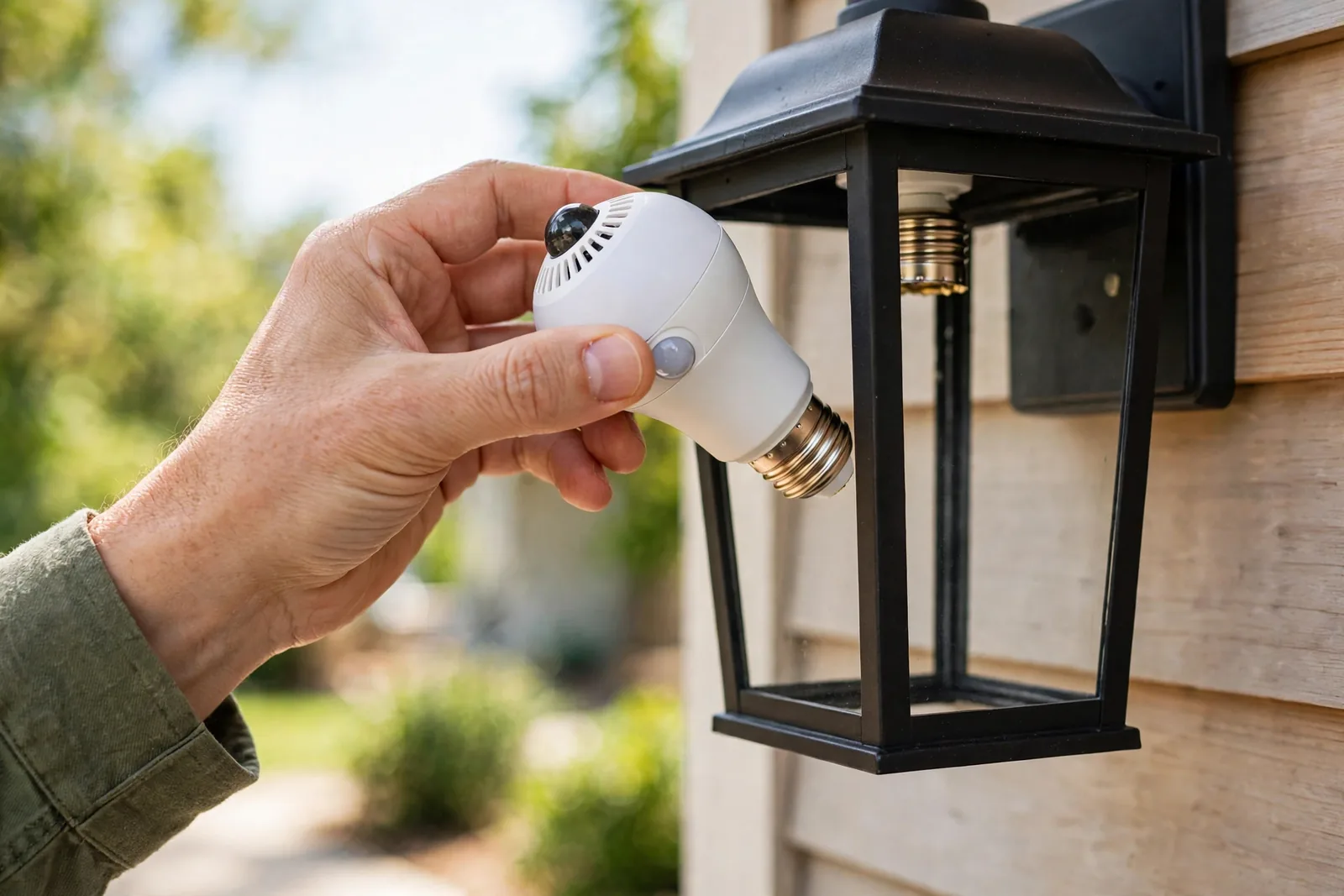
Still, the catch is placement. The sensor needs a clear view of the walkway. So this works best in open fixtures, wall lanterns with open bottoms, or post lights. Still, a frosted glass cover or a fully enclosed coach light can block the sensor’s field of view. Then it either misses people or triggers late. If your fixture is enclosed, skip to option 2 or 3 instead of fighting the glass.
Also note the switch must stay on all the time. The bulb needs constant power to keep the sensor awake. If someone flips the wall switch off out of habit, the whole automation goes dead until it’s flipped back on. A small “please leave on” note by the switch solves most of this. It’s a trick every smart bulb owner learns fast.
2. Motion Sensor Socket Adapter
A socket adapter screws into your existing fixture, and then your regular bulb screws into the adapter. The adapter holds the PIR sensor and controls power to the bulb. This is the sweet spot for renters. You keep your own bulb, change nothing about the wiring, and take the adapter with you when you move.
Adapters usually have three little dials. Sensitivity controls the detection distance, while duration sets how long the light stays on after motion stops. The third dial is the daylight override, which keeps the light off until night. Start with medium sensitivity and a 2-minute duration. You can always tune from there.
The downside is bulk. The adapter adds an inch or two of length, which pushes the bulb lower in the fixture. In shallow fixtures this can look a bit awkward. In very tight enclosures, the bulb plus adapter might not fit at all. Measure your fixture depth before you buy. Most adapters need about 2 extra inches of clearance.
3. Separate Outdoor Sensor + Smart Bulb (Most Flexible)
Here you mount a small battery sensor near the walkway and pair it with any smart bulb in the porch fixture. The sensor sees you coming from farther away. Then the bulb just follows orders. This is the setup I run on my own porch. It’s the most reliable of the three once dialed in.
The standout here is the Philips Hue outdoor motion sensor. It’s IP54 weatherproof, runs about two years on two AAs, and sees motion up to 12 meters across a 160-degree field. It also measures light levels, so you can set the automation to fire below a chosen lux reading. It officially wants a Hue Bridge, though it can also pair directly to Zigbee hubs if you don’t mind managing sensitivity in your hub’s app instead of Hue’s.
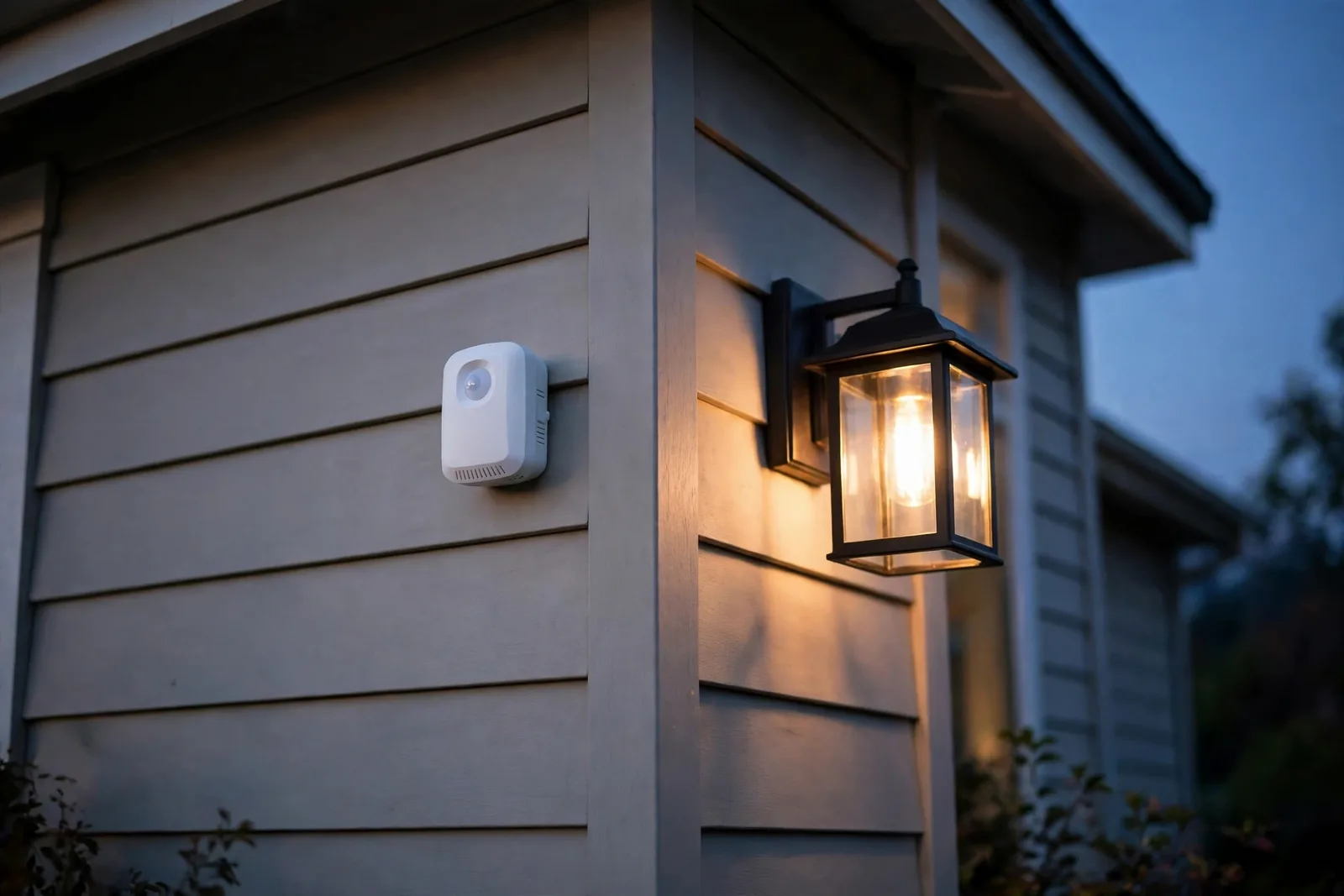
If you’re Hue-free and hub-free, WiZ makes a Wi-Fi motion sensor that talks to WiZ bulbs straight through your home network with no hub at all. You set it up in the WiZ app, tell it which bulbs to wake, and you’re done. Battery and simple, it’s the closest thing to a true no-hub porch automation.
Table: Three ways to automate a porch light, compared
| Feature | PIR Smart Bulb | Socket Adapter | Separate Sensor + Bulb |
|---|---|---|---|
| Install time | 2 minutes | 5 minutes | 15-20 minutes |
| Rewiring needed | None | None | None |
| Hub required | No | No | Sometimes |
| Detection range | Short (fixture-limited) | Medium | Long (up to 12 m) |
| Daylight sensing | Basic | Basic dial | Full lux control |
| Best for | Open fixtures | Renters | Full walkways |
Picking the Right Sensor for a Porch
Range is the first thing to get right. A typical suburban walkway runs 15 to 30 feet from sidewalk to door. A sensor rated for 12 meters (about 40 feet) covers that easily, but the number on the box assumes ideal conditions. Walls, railings, and mounting height all shrink the real coverage.
Mounting height changes everything. I tested a sensor at 9 feet and then at 7 feet on the same porch. At 9 feet it saw the whole street but missed the area right by the door, so the light fired late when I stepped out. At 7 feet it caught me at the sidewalk, roughly 28 feet out, and never missed the door area. For most porches, 6 to 8 feet is the sweet spot: high enough to see over planters, low enough to catch movement near the door.
Weather rating comes next. A porch sensor lives outside year-round, so look for at least IP44, which handles splashing water from any direction. The Hue outdoor sensor carries IP54, which adds dust protection. Either is fine under a covered porch. If the sensor will take direct rain, mount it under an eave or pick the higher rating. Cold matters too: the Hue unit is rated down to -20°C, and lithium AAs handle winter far better than the alkalines in the box.
Battery life is the quiet spec that decides whether you’ll love or hate the setup. A good outdoor sensor sips power and lasts one to two years on a pair of AAs. After 30 days on my porch, my sensor still showed 98 percent, which tracks with the two-year claim. If a sensor needs new batteries every two months, something is wrong. Usually the sensitivity is cranked too high, so it reports every leaf that moves.
Don’t skip the lux threshold. This is the setting that separates a smart porch from an annoying one. Set the automation to run only when ambient light drops below your chosen level. The light will then ignore the noon mail run completely. If your sensor lacks a light meter, most apps let you use a sunset/sunrise schedule instead. For a deeper walkthrough of that approach, see our guide on automating outdoor lights with sunset triggers.
Setting It Up Step by Step
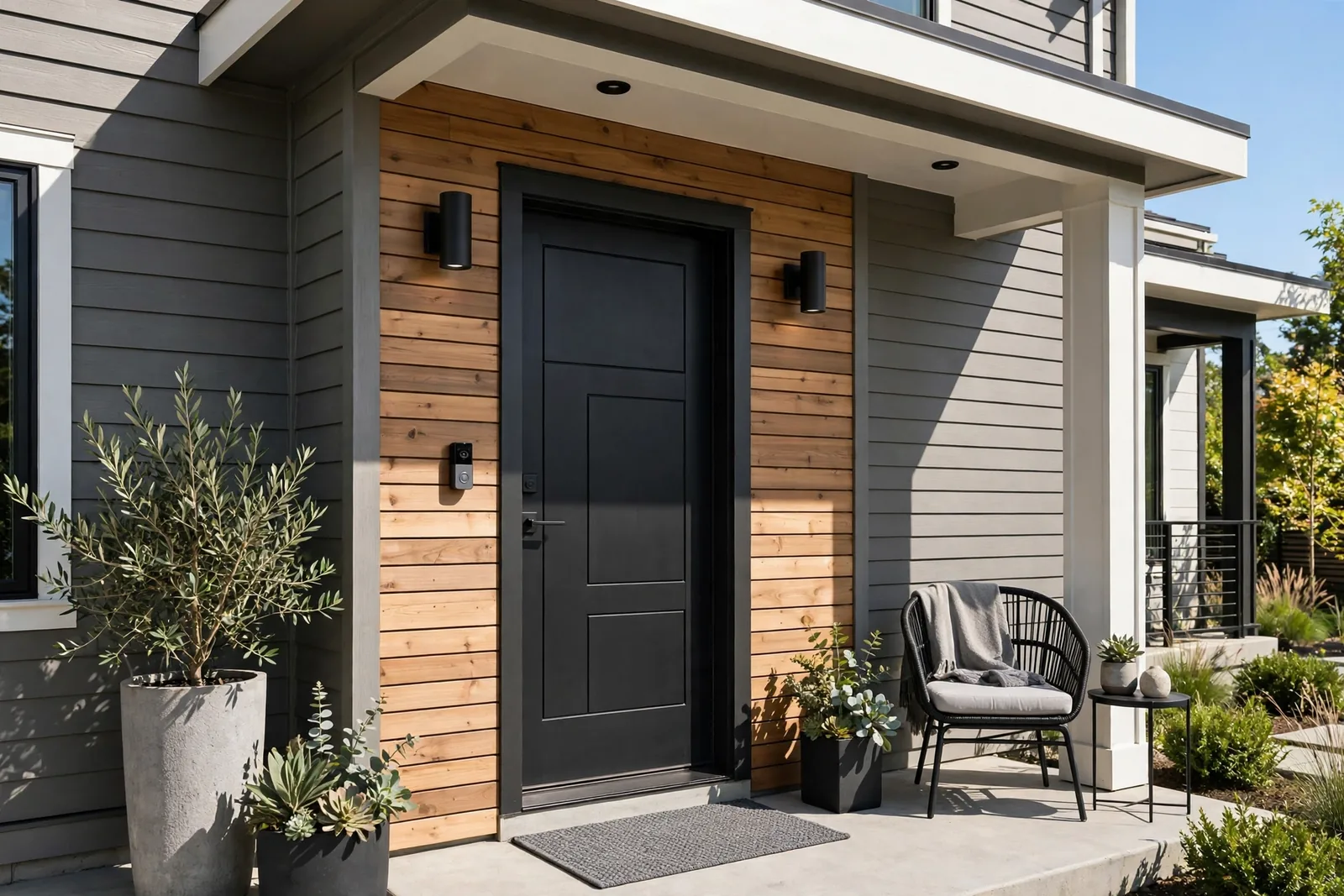
Here’s the full process for the separate-sensor route, which is the most capable. The integrated bulb and adapter routes are shorter: screw in, set the dials, test, done.
- First, leave the porch wall switch ON. Every option in this guide needs constant power. Treat that as step zero. If the switch gets flipped off, nothing works.
- Screw your smart bulb into the porch fixture. Any smart bulb works; if you’re in the Google ecosystem, our smart bulb setup guide for Google Home walks through pairing.
- Next, mount the sensor 6 to 8 feet high, angled slightly down toward the walkway. Still, avoid pointing it at the street; passing cars are the number one cause of false alarms.
- Pair the sensor in its app (Hue, WiZ, or your hub’s app), then assign it to the porch bulb. Check the official Philips Hue motion sensor page for the exact mounting parts in the box.
- Then set the daylight gate. Either pick a lux threshold (start around 30 lux and adjust) or set a sunset/sunrise schedule so the automation sleeps during the day.
- Next, set the shutoff delay to 2 to 5 minutes. Shorter saves battery and looks smarter; longer is kinder when you’re fumbling for keys.
- Finally, test at night. Approach from the sidewalk, from the driveway, and stepping out the front door. Adjust the angle until all three trigger reliably.
Renters, take note: nothing here touches wiring. The bulb screws in, the sensor mounts with an adhesive strip or a single screw, and the adapter (if you use one) unscrews when you leave. For the rest of the yard, the same approach applies. See our roundup of wire-free outdoor pathway lights for matching ideas.
Stop False Triggers Before They Start
False triggers are the top complaint with porch motion automation, and almost all of them trace back to placement or sensitivity, not a bad sensor. The fix is methodical, not expensive.
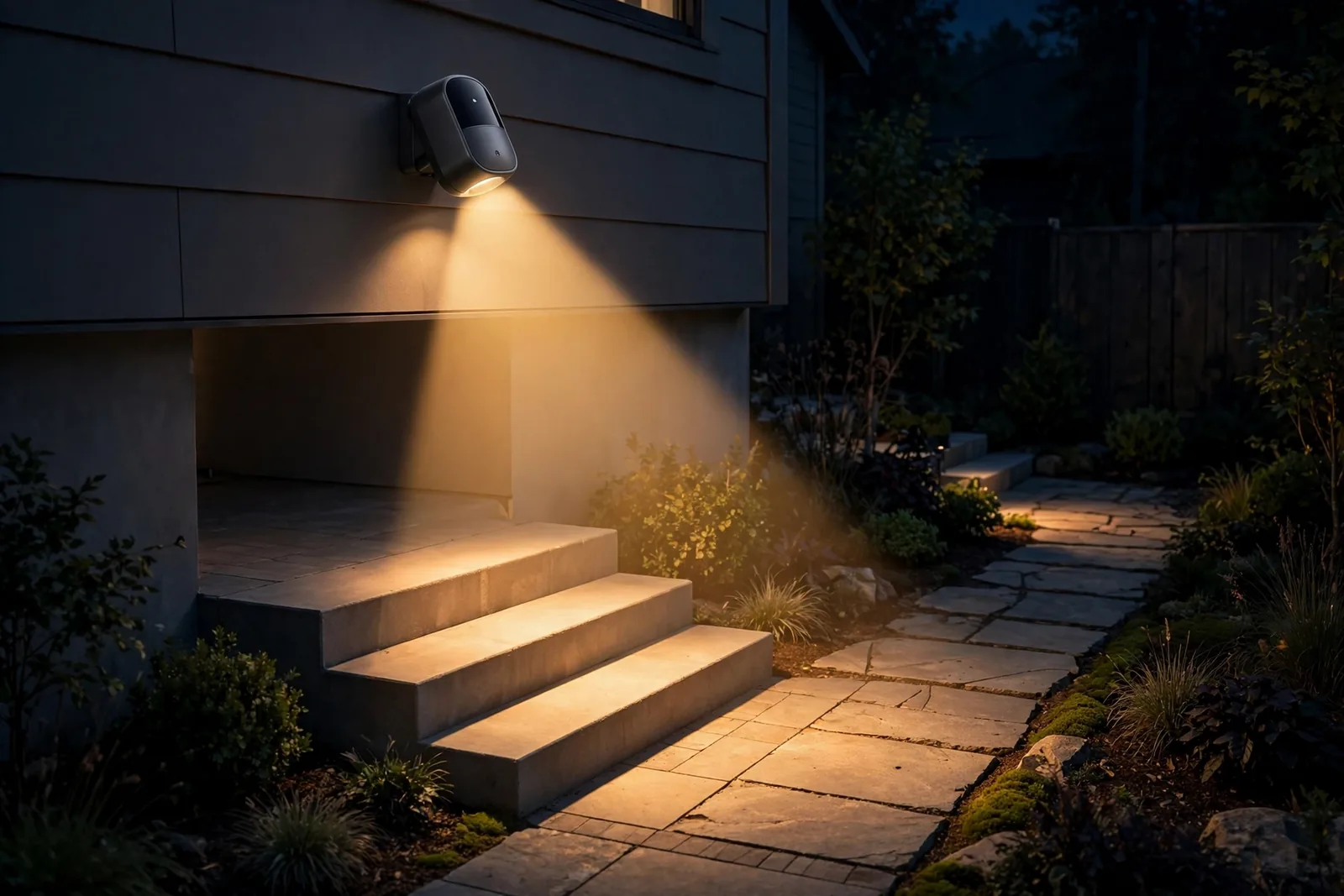
First, start with the angle. A sensor aimed even slightly toward the street will catch every passing car, especially at night when headlights sweep the PIR. Tilt it down and inward so its cone covers your walkway and steps, not the road. Most sensors have an adjustable head or a swivel mount for exactly this reason.
Next, drop the sensitivity one notch below the default. Manufacturers ship sensors hot for good demos, but a porch doesn’t need maximum range. Medium sensitivity still caught me at 25 feet in testing, and it stopped reacting to the neighbor’s cat crossing the far edge of the yard. The same tuning logic applies to cameras too. Our guide on stopping video doorbell false motion alerts covers sensitivity zones in more depth.
Vegetation is the sneaky one. A bush swaying in the wind inside the detection cone will trigger a PIR all night. Trim back anything within the cone, or remount the sensor so plants sit outside it. If you can’t move either, the lux gate won’t help here, since it happens at night too. Lowering sensitivity usually does instead.
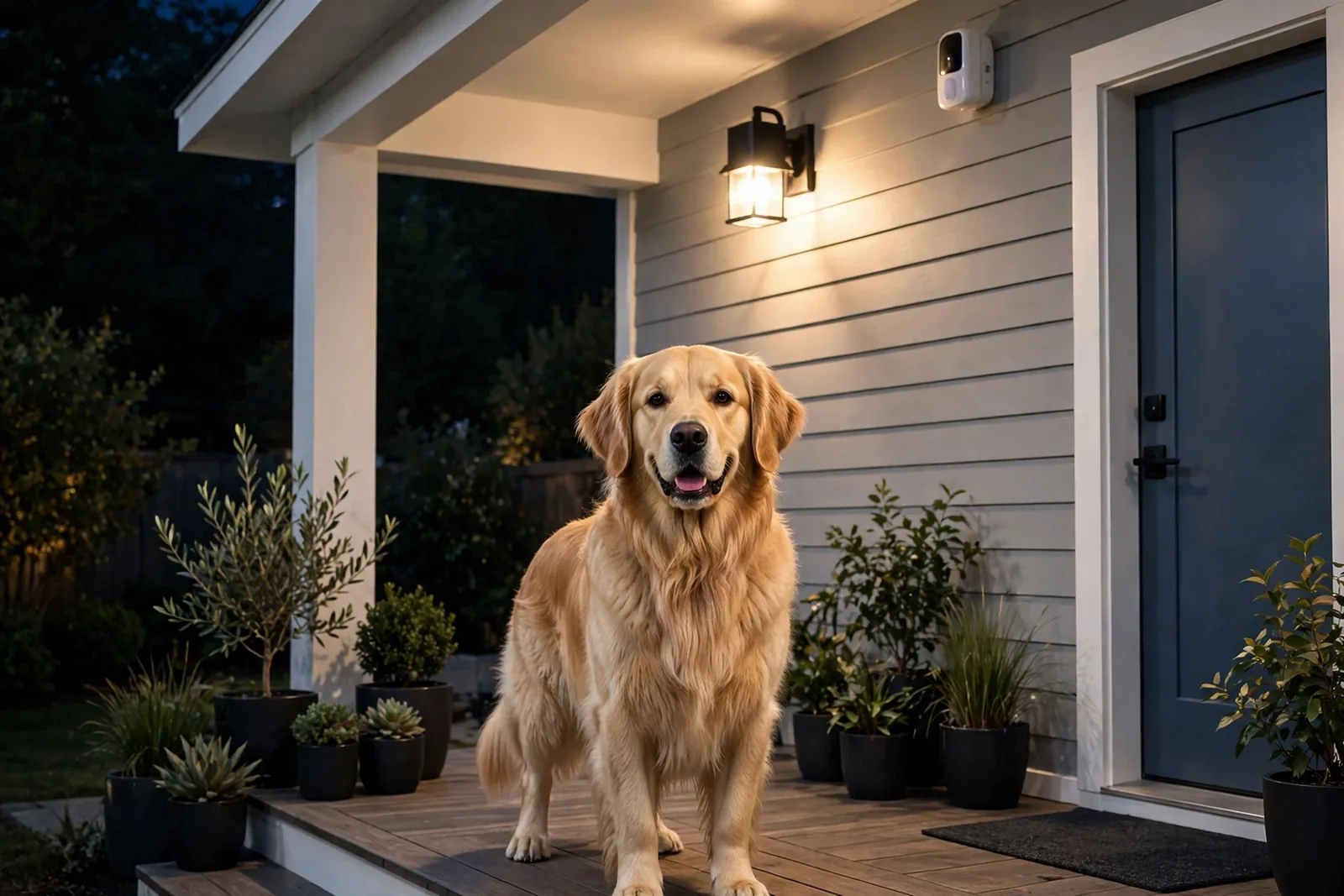
Pets need their own mention. A large dog will trigger any PIR; that’s physics, not a settings problem. If your dog uses the porch at night, either mount the sensor high enough that its cone starts above dog height, or accept the triggers as a feature. A lit porch when the dog goes out is arguably useful.
Power, Batteries, and Winter
The bulb side is simple. The switch stays on, the bulb stays powered, and then the automation handles the rest. If your household keeps flipping the switch, a switch guard (a cheap plastic cover) ends the debate.
Battery sensors need a seasonal glance. Alkaline AAs fade fast in the cold. If your winters drop below freezing, swap in lithium AAs at install time. They cost more but hold voltage in the cold and last noticeably longer. Also check the battery reading in the app when fall arrives. A sensor at 40 percent in October won’t survive January.
One more upgrade to consider once the basics work: a door sensor on the front door. Motion covers people walking up, but a door sensor fires the instant the door opens, even before anyone steps into the PIR cone. Pairing the two gives you the fastest possible welcome light. Our look at the Aqara door and window sensor shows how small and renter-friendly these have become.
FAQs
Do I need a hub for motion sensor porch light automation?
No. A PIR smart bulb or a socket adapter works with no hub at all. Wi-Fi sensors like the WiZ motion sensor skip the hub and talk to Wi-Fi bulbs directly. You only need a hub (Hue Bridge, SmartThings, or similar) if you choose a Zigbee sensor like the Hue outdoor sensor, or if you want automations beyond basic control.
Will a motion sensor bulb work in an enclosed fixture?
Usually not well. The PIR sensor needs a clear view of moving body heat, and frosted or fully enclosed glass blocks that view. You get late triggers or none at all. For enclosed coach lights, use a separate outdoor sensor mounted outside the fixture, or a socket adapter in a fixture with an open bottom.
How do I keep the porch light from turning on during the day?
Use the daylight gate. If your sensor has a lux meter, set the automation to run only below about 30 lux. If it doesn’t, set a sunset/sunrise schedule in the app instead. Either way, test it once at dusk: walk up at 6 pm and again at noon the next day to confirm it only fires when dark.
Why does my porch light turn on for passing cars?
The sensor’s cone is reaching the street. Tilt the sensor down and inward so it covers only your walkway and steps, then drop sensitivity one notch. Night headlights are especially good at tripping a PIR, so repositioning fixes most cases without any new hardware.
How long do the batteries last in an outdoor motion sensor?
A quality sensor lasts one to two years on two AA batteries with normal porch traffic. Cold weather shortens that. Use lithium AAs in freezing climates. If you’re replacing batteries every couple of months, your sensitivity is too high and the sensor is reporting constantly.
Can I use this if I rent my home?
Yes, all three methods are renter-friendly. The bulb and socket adapter need no tools at all, and the separate sensor mounts with adhesive or one small screw. Everything unscrews or peels off when you move, and nothing touches your wiring or the landlord’s fixtures.
Conclusion
Start with the simplest option that fits your fixture: a PIR bulb for open lanterns, a socket adapter for renters, or a separate outdoor sensor for the most reliable coverage. Mount it 6 to 8 feet high, gate it to darkness, test it at night, and tune the sensitivity down one notch. Your next step: pick one method this weekend, then do the walk test after dark. You’ll know in ten minutes whether the angle is right.