
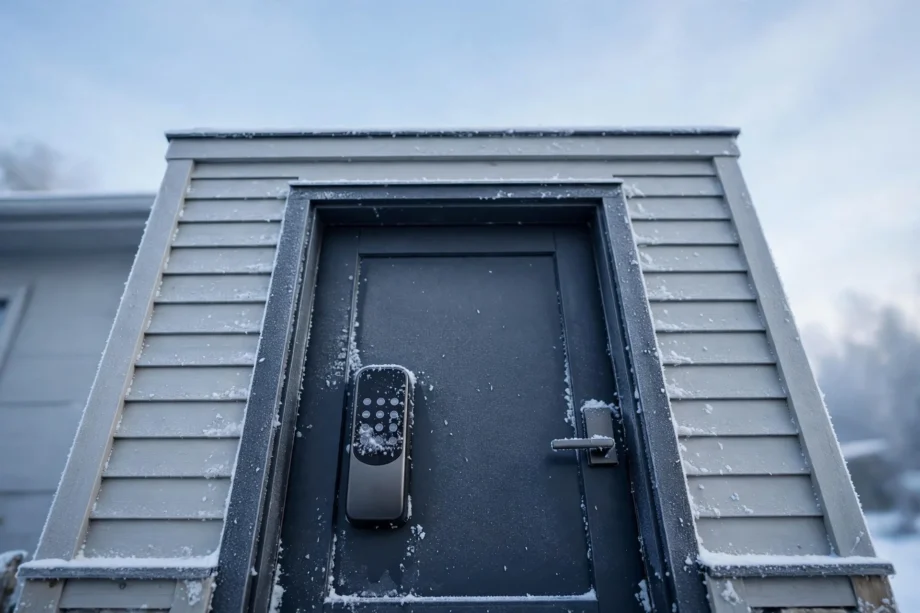
Smart lock cold weather problems come down to four things: batteries that drain fast, deadbolts that freeze stiff, keypads that lag, and doors that shift out of alignment. Most winter lockouts are preventable. Swap in lithium batteries, use the right lubricant, seal out moisture, and keep a backup key somewhere safe.
- Why Cold Weather Messes With Smart Locks
- Smart Lock Cold Weather Problems Start With the Battery
- Problem 2: The Deadbolt Freezes or Turns Stiff
- Problem 3: Keypad, Touchscreen, and Fingerprint Reader Lag
- Problem 4: The Door Shifts and Alignment Suffers
- How to Winter-Proof Your Smart Lock: Step by Step
- Locked Out in the Cold? Emergency Fixes
- Frequently Asked Questions
- Which smart lock cold weather problems stop locks in extreme cold?
- What temperature is too cold for a smart lock?
- Can I use rechargeable batteries in my smart lock during winter?
- Should I use WD-40 on a frozen smart lock?
- Why does my keypad work but the deadbolt won’t move?
- Can smart lock cold weather problems permanently damage my lock?
- The Bottom Line
If you have ever stood on a freezing porch while your lock ignored its keypad, you know the panic. This guide breaks down every common winter problem, explains why it happens in plain terms, and gives you fixes that actually work.
Why Cold Weather Messes With Smart Locks
A smart lock is four systems in one box: a battery, a motor, electronics, and a mechanical deadbolt. Cold hits all four at once. Chemical reactions inside batteries slow down, so voltage drops even when the battery looks half full. Metal and plastic shrink at different rates. That tightens clearances inside the mechanism. Moisture from warm indoor air sneaks in, freezes, and blocks movement. Now the motor has to work harder with less power. That is the whole story of winter lock failure in one paragraph.
Traditional deadbolts deal with the same cold but have one advantage: your hand. You can muscle through a stiff bolt. A smart lock motor cannot improvise. When resistance rises and power falls, the motor stalls, gives up, and reports an error or goes silent. Understanding that power-versus-resistance battle makes every fix below make sense. This breakdown of how extreme cold affects smart lock batteries explains the chemistry in more depth.
Smart Lock Cold Weather Problems Start With the Battery
Battery drain is the number one winter complaint, and it is also the easiest to fix. Cold slows the chemical reactions inside a battery, so it cannot deliver its normal current. Your app may show 40 percent remaining while the battery can barely turn the motor. This mismatch is why locks die “suddenly” in January even though they were fine in October.
Not all batteries suffer equally. This is the single most important choice you make for winter reliability, so it deserves a close look.
Lithium vs Alkaline in Freezing Temperatures
Table: how common battery types handle the cold
| Battery type | Cold performance | Notes for smart locks |
|---|---|---|
| Disposable lithium (Li-FeS2) | Excellent down to -40°C | Keeps over 70 percent capacity at -20°C; best pick for winter |
| Standard alkaline | Poor below 0°C | Loses over half its capacity at -20°C; can fail near -10°C |
| Rechargeable NiMH | Poor | Lower 1.2V output can trigger early low-battery warnings |
Lithium AA batteries are the winter winner by a wide margin. They hold stable voltage deep into freezing temperatures and last two to four times longer than alkaline in a smart lock. They cost more per pack, but one winter of not getting locked out pays for the difference. If your lock takes AAs, switch to a quality lithium brand before the first freeze.
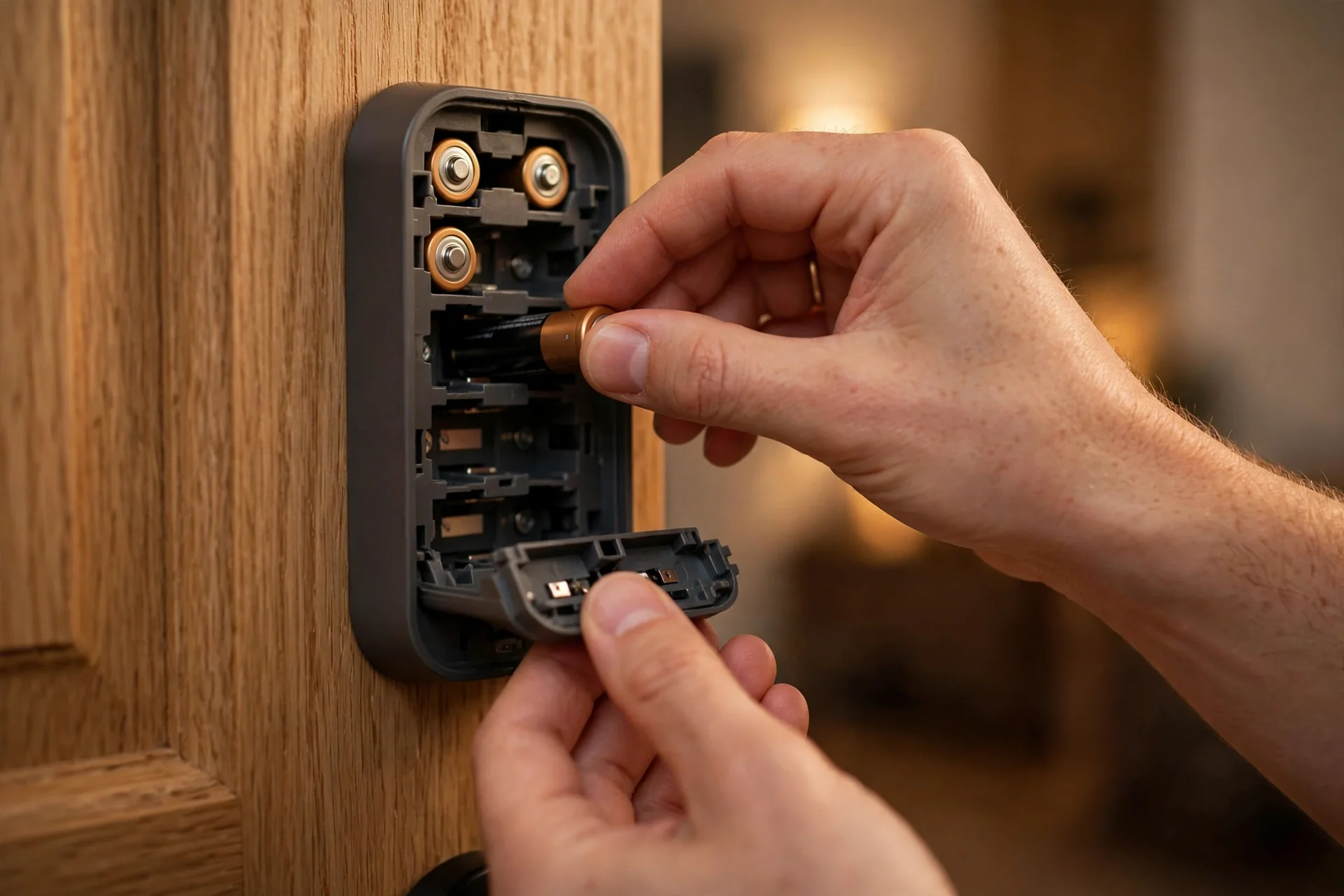
There is a trap to avoid: rechargeable NiMH batteries. They output 1.2 volts instead of 1.5, and many smart locks read that as a low battery from day one. In cold weather the problem gets worse, because the lock may refuse motor operations it considers too risky at low voltage. Stick with disposable lithium for exterior doors in winter. For a deeper look at why locks eat batteries even in mild weather, see our guide on smart lock battery draining fast and the settings that cause it.
One more habit that helps: check battery levels weekly through your lock’s app during winter instead of waiting for the low-battery alert. Cold makes alerts unreliable, because voltage can crash between checks. Keep a spare set of lithium batteries inside the house, not in a cold garage, so replacements go in at full strength.
Problem 2: The Deadbolt Freezes or Turns Stiff
A frozen deadbolt feels exactly like a dead battery, and many people replace batteries three times before realizing the bolt itself is the problem. Here is how to tell them apart. If the keypad lights up and the motor hums or clicks but the bolt barely moves, you have a mechanical problem. If nothing lights up at all, suspect power first.
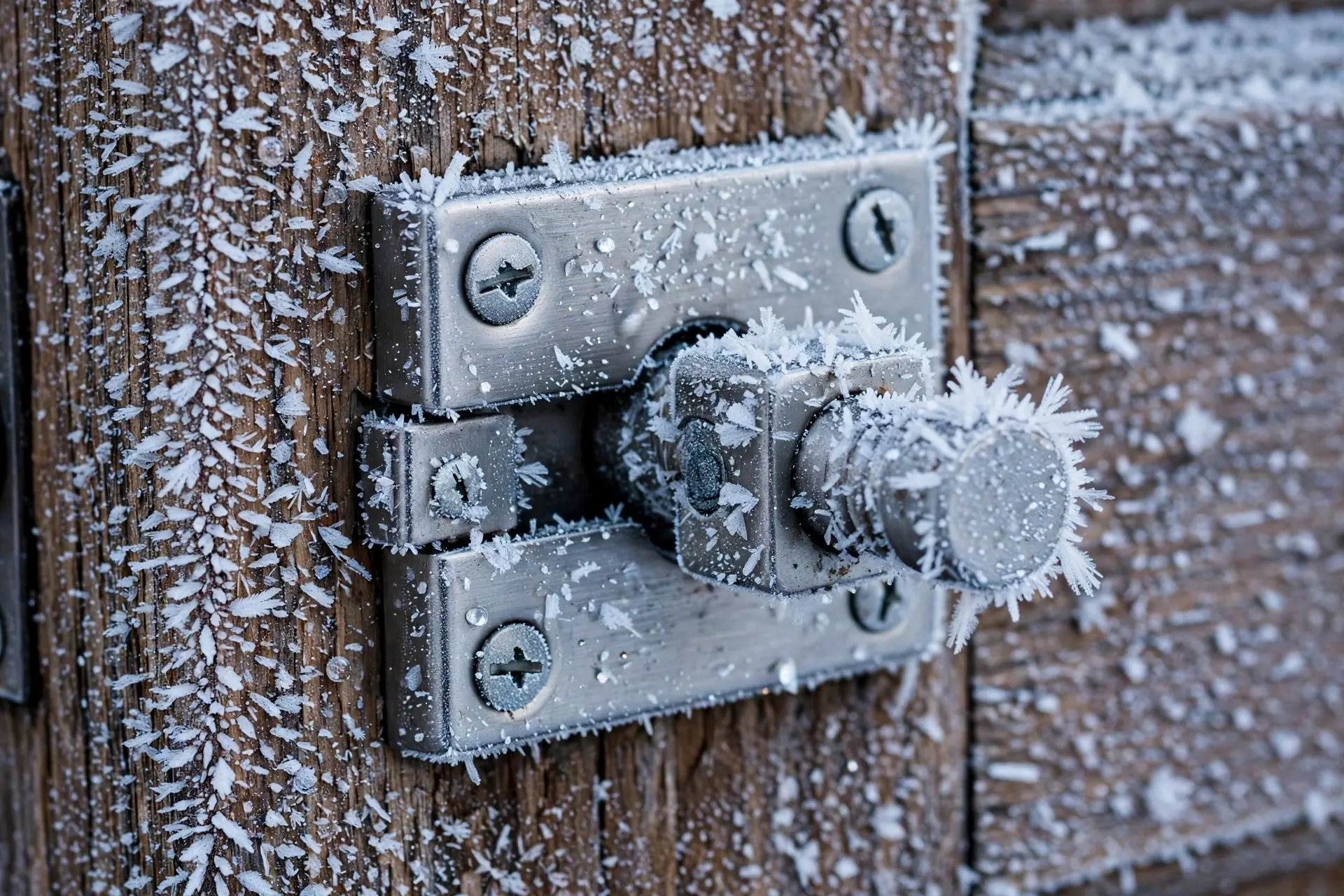
Freezing happens when moisture gets inside the lock body and turns to ice around the bolt or gears. The moisture usually comes from condensation: warm indoor air meets the cold metal of the lock, and tiny droplets form inside. Overnight, they freeze. The wrong lubricant makes this worse. Thick petroleum oils stiffen in the cold and trap grit, while old grease can hold water against moving parts.
The fix is silicone-based lubricant rated for low temperatures, not WD-40 or household oil. Spray a light coat into the keyhole and along the bolt path before winter. Silicone stays fluid well below freezing and does not attract dust the way oils do. While you are at it, check the strike plate. The motor in a smart front door lock expects the bolt to slide freely; even a millimeter of scrape forces it to draw far more current, which drains the battery you just replaced.
If the bolt is already frozen, warm it gently. A hairdryer on low heat held six to eight inches away will melt surface ice and loosen stiffened lubricant. Never pour hot water on the lock. It refreezes, and it can warp plastic housings and push water deeper inside. Never use de-icing chemicals either; they corrode contacts and finishes. Patience and gentle heat win here.
Problem 3: Keypad, Touchscreen, and Fingerprint Reader Lag
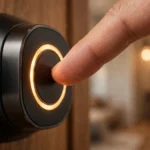
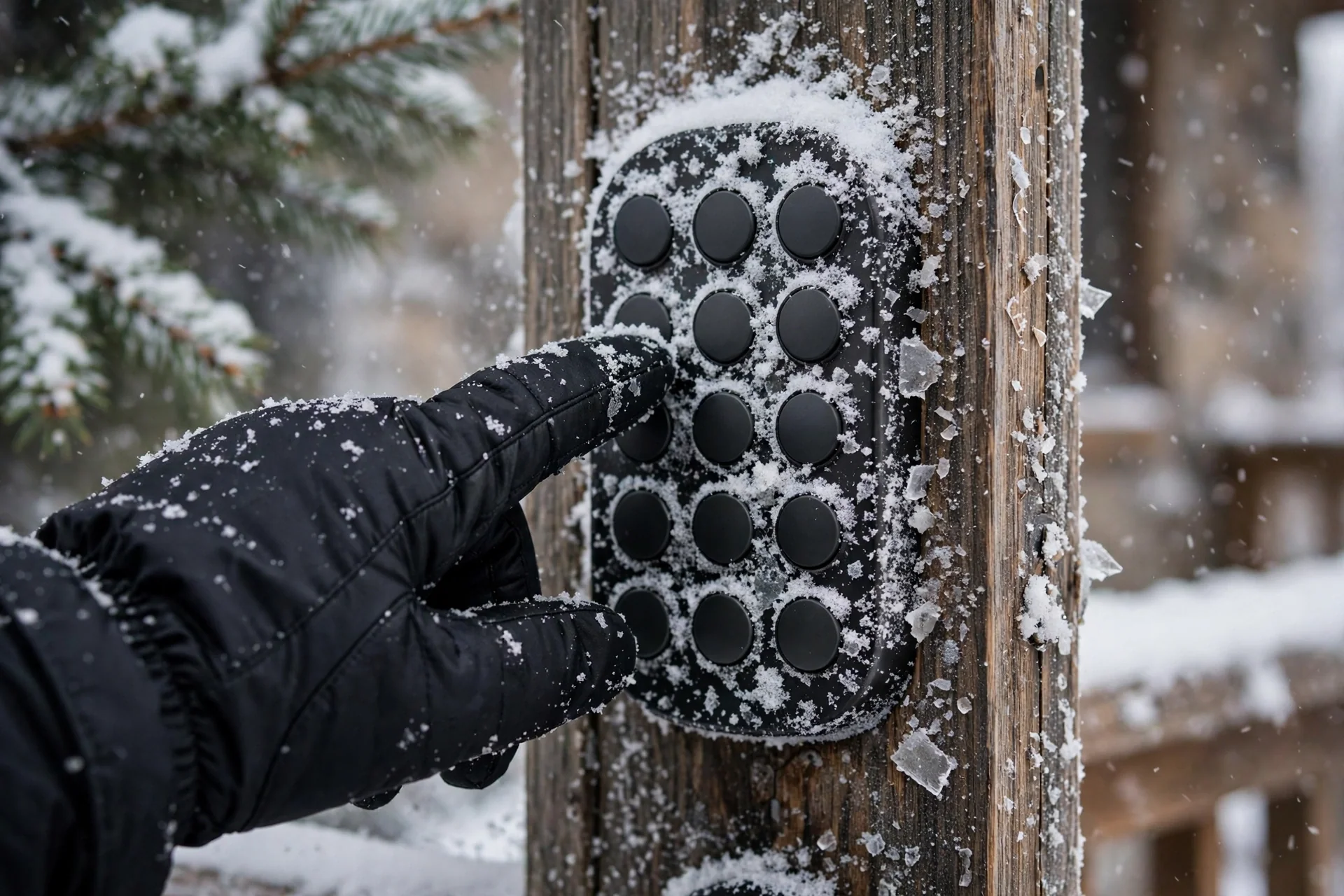
Capacitive touchscreens get sluggish in the cold. The sensor relies on the tiny electrical change your finger makes, and cold, dry skin conducts poorly. Gloves make it worse. If your touchscreen takes two or three taps to register each digit, that is normal cold behavior, not a broken lock.
What helps: wipe the keypad dry before use, because a film of meltwater confuses the sensor. Warm your fingertip for a few seconds first. Some locks let you switch to a physical button keypad mode or use a PIN on the app instead. Fingerprint readers suffer the most in winter. Cold, dry skin gives weak readings, and condensation can fog the sensor when you step out of a warm house. During the coldest weeks, treat the fingerprint reader as a backup and rely on your PIN.
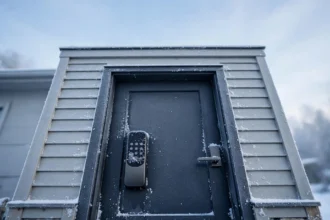
Ice on the keypad itself is a physical problem. Chip it off gently with a plastic card, never a screwdriver or key, which scratches the sensor surface. A small rain shield or lock cover keeps snow and freezing rain off the keypad between uses. Just make sure the cover does not trap moisture against the lock; ventilation matters more than a tight seal.
Problem 4: The Door Shifts and Alignment Suffers
Wood doors swell and shrink with temperature and humidity. In winter the frame can contract just enough that the deadbolt scrapes the strike plate. Your hand powers through that scrape without thinking. The lock motor cannot. It stalls halfway, retracts, and reports a jam. Then it tries again on the next command and drains the battery faster with every attempt.
The telltale sign is needing to push or pull the door for the lock to work. If you catch yourself leaning a shoulder into the door every January, your strike plate is misaligned for winter. Fix it in the fall: loosen the strike plate screws, shift the plate a hair so the bolt enters cleanly, and retighten. Check that the bolt throws smoothly with the door closed before the cold arrives.
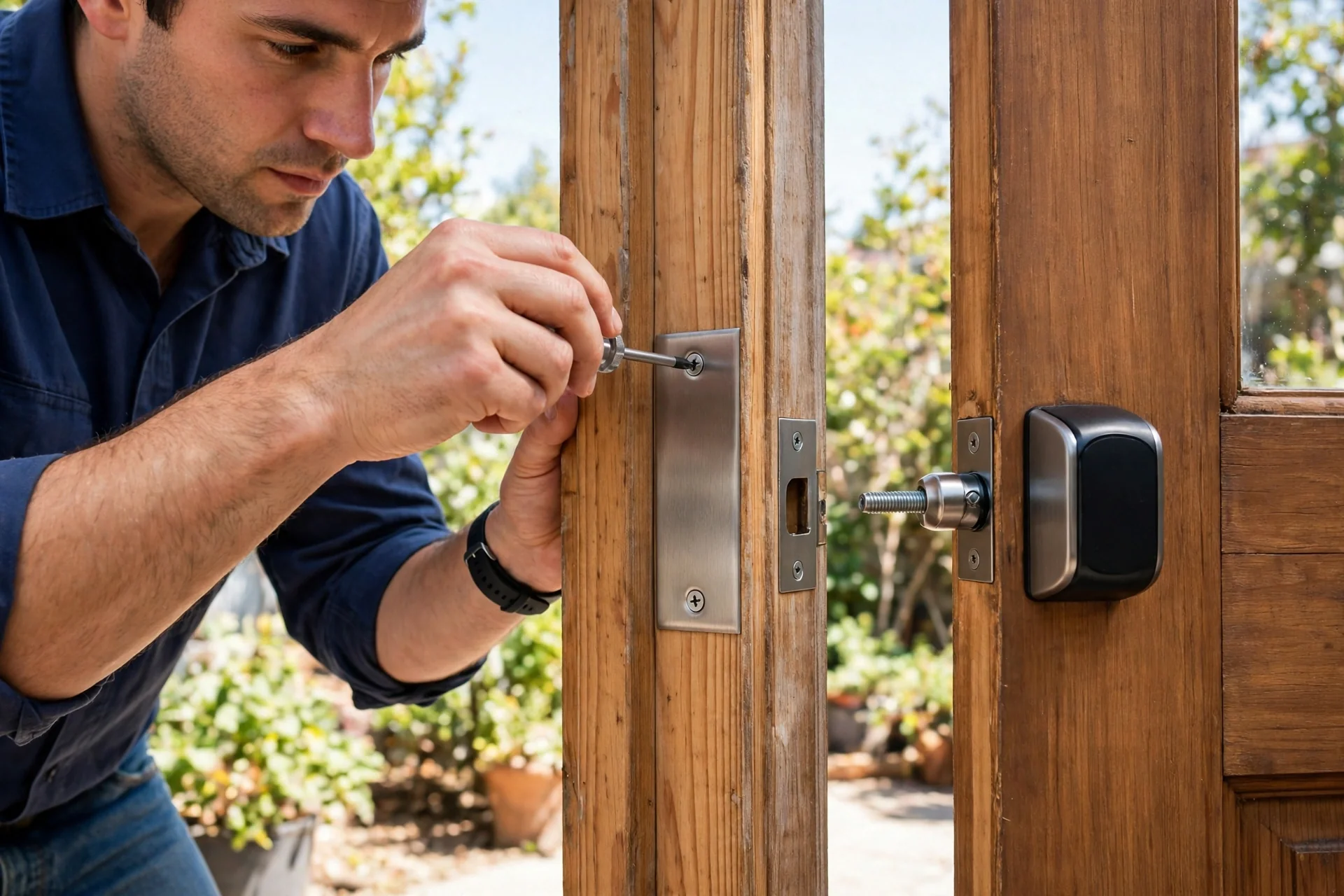
Weatherstripping can add to the problem. Some foam strips compress and harden in the cold, pushing the door slightly out of position. If your door suddenly needs a shove to latch in winter, look at the stripping before blaming the lock. A small adjustment there saves the motor a lot of strain.
How to Winter-Proof Your Smart Lock: Step by Step
Do this once in the fall and most smart lock cold weather problems never show up. The whole routine takes about thirty minutes.
- Swap to lithium batteries. Put fresh disposable lithium AAs in before the first freeze. Mark the date on a calendar so you replace them mid-winter in harsh climates.
- Apply silicone lubricant. A light spray into the keyhole and along the bolt path. Wipe off the excess so it does not collect grit.
- Check alignment. Close the door and throw the bolt by hand. It should glide with no scrape. Adjust the strike plate if it drags.
- Seal moisture entry points. Look for gaps around the exterior mounting plate. A thin bead of exterior-grade silicone caulk keeps meltwater out. Do not caulk over moving parts or the keyhole.
- Update firmware. Manufacturers sometimes release updates that improve motor behavior and power management. Check the app in the fall.
- Set up low-battery alerts. Enable every notification your app offers, and check levels manually each week in deep winter.
- Install a keypad shield. A simple cover keeps freezing rain and snow off the touchscreen.
- Stash a backup key. Put a physical key in a lockbox or with a trusted neighbor. Winter is when electronics are most likely to let you down.
If you are shopping for a new lock and winters are harsh where you live, check the operating temperature rating before you buy. Premium models from brands like Schlage and Ultraloq are tested down to -22°F (-30°C), while some budget locks are only rated to freezing. Our best front door smart lock picks for 2026 note which models handle tough conditions.
Locked Out in the Cold? Emergency Fixes
First, do not force anything. A snapped key or a stripped gear turns a bad evening into a locksmith bill. Work through these in order.
Warm the lock. A hairdryer on low, held at a distance, is the fastest safe method. Focus on the keypad and the bolt area for a few minutes. If you do not have one handy, cup your hands over the lock to warm it gradually.
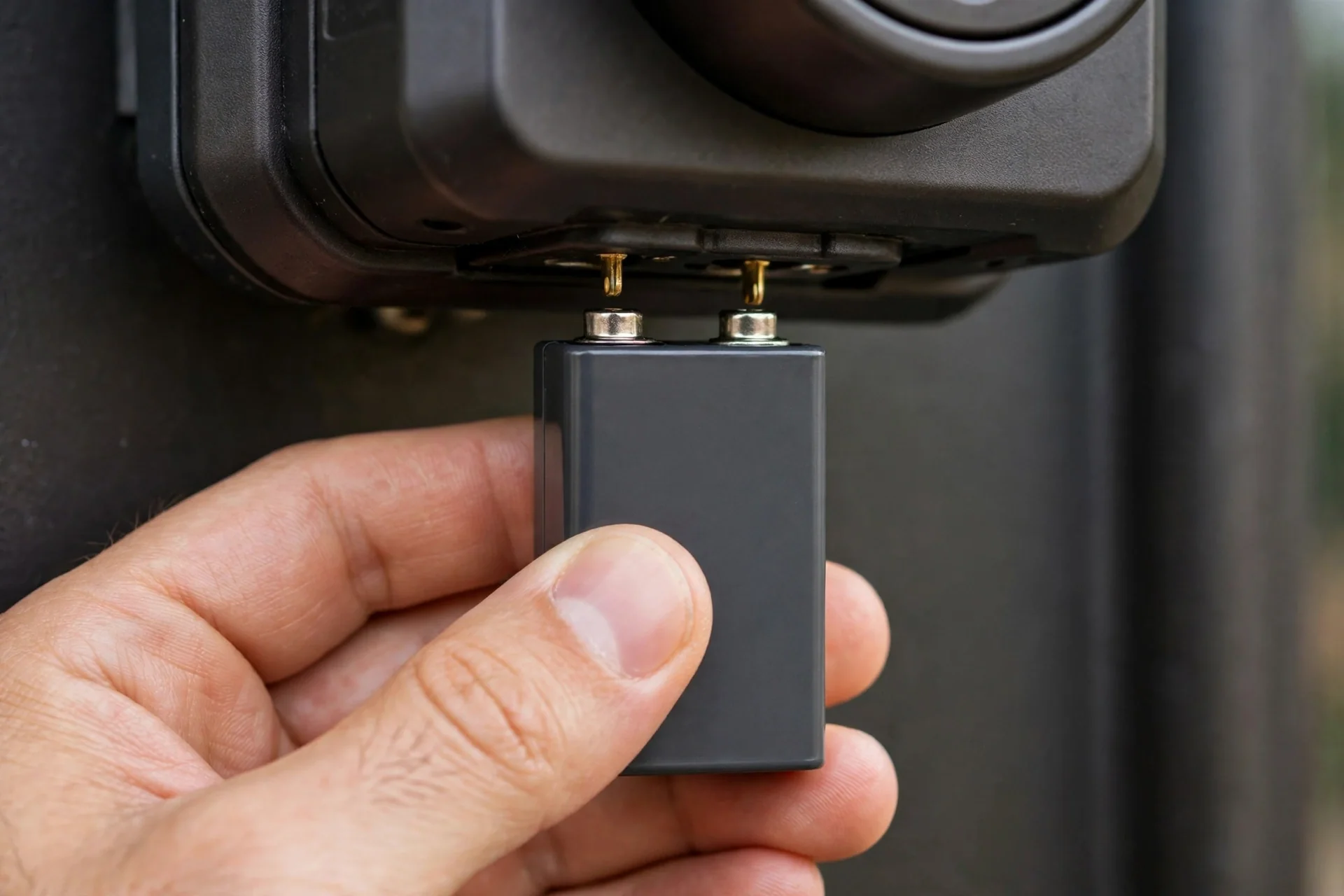
Use emergency power. Many smart locks, including popular Yale and Schlage models, have terminals on the bottom of the exterior unit. Touch a 9V battery to them and the keypad wakes up long enough for one unlock. Check your manual now, before you need it, so you know where the terminals are.
Use the physical key. If the key turns stiffly, stop and warm the cylinder first. Forcing a key in a frozen cylinder can snap it off inside, which is a much bigger problem.
If a panicked factory reset got you into this mess, you will need to set up codes again once you are inside. Our door lock code reset guide walks through the process for common models.
Frequently Asked Questions
Which smart lock cold weather problems stop locks in extreme cold?
Quality locks rated for low temperatures keep working, but cold cuts battery capacity and stiffens the mechanism. Most winter failures trace back to weak batteries or a misaligned door, not dead electronics. Lithium batteries and a fall tune-up prevent the vast majority of problems.
What temperature is too cold for a smart lock?
It depends on the model. Premium locks are often rated to -22°F (-30°C), while budget models may only be tested to 32°F (0°C). Check your manual for the operating range. Below the rated temperature, expect faster battery drain and sluggish motors even if the lock technically functions.
Can I use rechargeable batteries in my smart lock during winter?
It is not recommended. Rechargeable NiMH batteries output 1.2V instead of 1.5V, which many locks read as low charge, and they perform poorly in the cold. Disposable lithium batteries are the better winter choice for any exterior door.
Should I use WD-40 on a frozen smart lock?
No. WD-40 and household oils thicken in the cold, attract dust, and can gum up the mechanism over time. Use a silicone-based lubricant rated for low temperatures instead. For an already frozen lock, gentle heat from a hairdryer is safer than any chemical.
Why does my keypad work but the deadbolt won’t move?
The electronics have power but the motor cannot overcome mechanical resistance. The usual causes are ice in the bolt path, stiffened lubricant, or a misaligned strike plate. Warm the lock, check that the bolt moves freely by hand, and realign the strike plate if it scrapes.
Can smart lock cold weather problems permanently damage my lock?
Repeated freeze-thaw cycles without maintenance can crack plastic gears, harden seals, and corrode battery contacts from condensation. The damage builds slowly and is mostly preventable. Seasonal battery swaps, silicone lubricant, and sealing moisture entry points keep a lock healthy for years.
The Bottom Line
Winter does not have to mean lockouts. Put lithium batteries in before the first freeze, keep the bolt path clean and lightly lubricated with silicone, fix any strike-plate scrape in the fall, and keep a backup key somewhere you can reach in the dark. Do those four things and your smart lock will handle the coldest months without drama. If your current lock is rated only to freezing and winters keep beating it, that is your sign to upgrade to a cold-rated model before next winter.