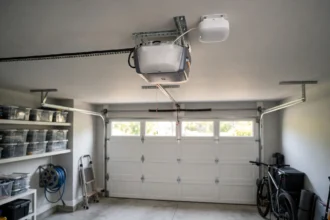

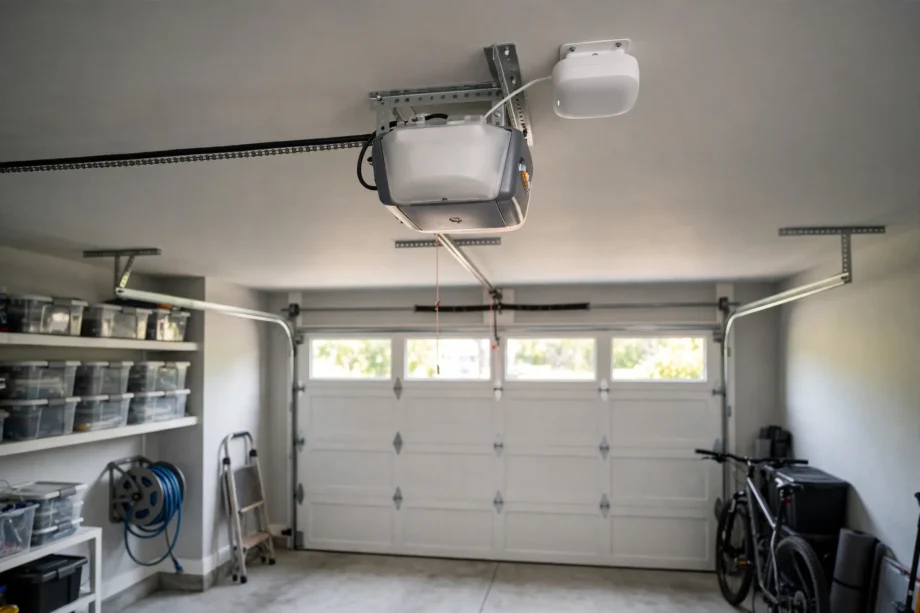
A meross garage door opener, in practice the meross Smart Garage Door Opener Remote, adds app and voice control to a garage door opener you already own. You do not replace the motor. You fit a small controller, wire a door sensor, connect it to Wi-Fi, and then you can open, close, and check the door from your phone.
- What you actually get in the box
- Compatibility: read this before you order
- Setup step by step
- App features you will actually use
- No subscription: what is free, and what is not
- Meross vs myQ hub: which retrofit wins?
- Common problems and quick fixes
- Is a meross garage door opener worth it?
- Frequently asked questions
- Does a meross garage door opener replace my old opener?
- Will meross work with my Chamberlain or LiftMaster opener?
- Does meross work with Apple HomeKit?
- Is there a monthly fee for meross garage control?
- Can one meross unit control two garage doors?
- Does meross need 5 GHz Wi-Fi?
- Final thoughts
Why pick meross over other retrofit controllers? Two reasons stand out for most buyers. It works with Apple HomeKit, Alexa, Google Assistant, and SmartThings on the right model, and it charges no monthly fee for its core features. If you already live in one of those smart home systems, that broad support can be the deciding factor.
What you actually get in the box
The best known model is the MSG100, with HomeKit versions sold as MSG100HK and a simpler MSG150 range for some markets. The MSG100 unit is small, about 3.7 by 1.8 by 0.9 inches, and it comes with a door sensor on a long wire, a power adapter, screws, adhesive tapes, and a test wire. That wired sensor is a key part of the design. It sticks to the door and tells the app the real door position, rather than guessing from the last command.
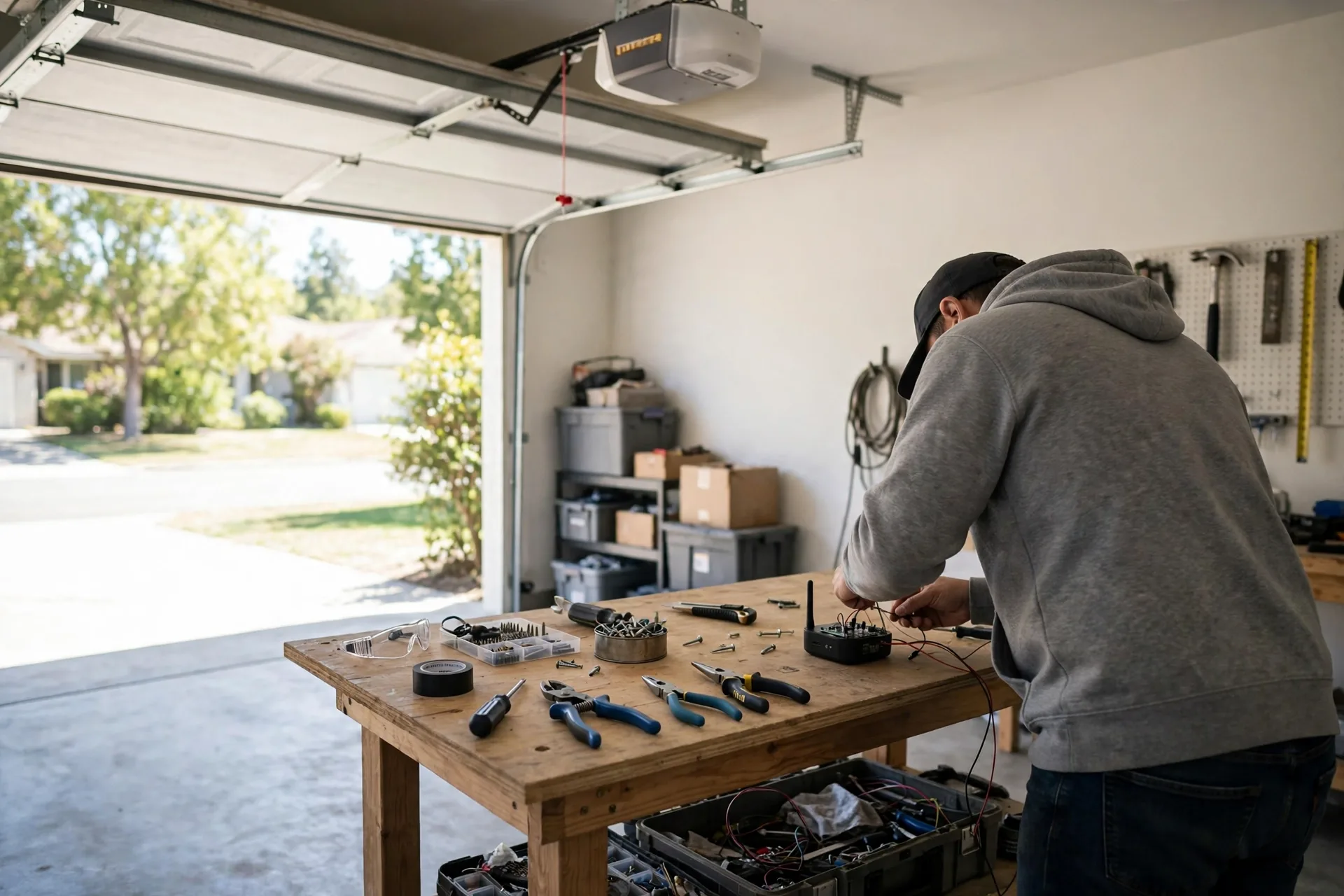
One controller controls one door. That limit matters for a double garage. If you have two doors, you need one unit per door. Budget for both units up front, and set each one up one at a time so you can test each sensor without confusion.
The controller needs 2.4 GHz Wi-Fi only. It does not use 5 GHz, so your phone and router setup during pairing must account for that. It also needs a power outlet near the opener. There is no battery to charge, which is a plus for a device you want to fit and forget, yet it means a power cut stops the smart features until power returns. The physical wall button still works in that case, because the opener itself is unchanged.
Compatibility: read this before you order
Meross claims support for over 200 brands and more than 1,600 opener models, including many openers from the 1990s onward. That broad claim is real, but it comes with a hard limit. The MSG100 supports Security+ 1.0 and 2.0 protocols. It does not support Security+ 3.0, which appears on the newest Chamberlain group models with a green or white learn button setup. If your opener uses Security+ 3.0, this controller is not the right fit.
Most Chamberlain, LiftMaster, and Craftsman openers with Security+ 1.0 or 2.0 work well, and many Genie and other brand openers work too. Some openers need a free adapter from meross, so do not panic if the first check says adapter required. Contact meross support in that case, because the adapter is often shipped at no extra cost. Still, check before you buy, not after the box arrives.
How do you check your opener? Find the learn button colour and the model label on the motor unit, then run it through the meross compatibility checker. That checker is the safest source, because brand names alone hide a lot of variation. A Chamberlain opener from 2015 and one from 2024 can use very different protocols, even though the brand on the box looks the same.
Setup step by step
Setup is DIY friendly, and many owners finish it in about 20 minutes once the opener is confirmed compatible. Start by mounting the controller near the opener, where the sensor wire can reach the door and the power cable can reach an outlet. The sensor wire is about 23 feet long, which gives you room to route it neatly along the ceiling or wall.
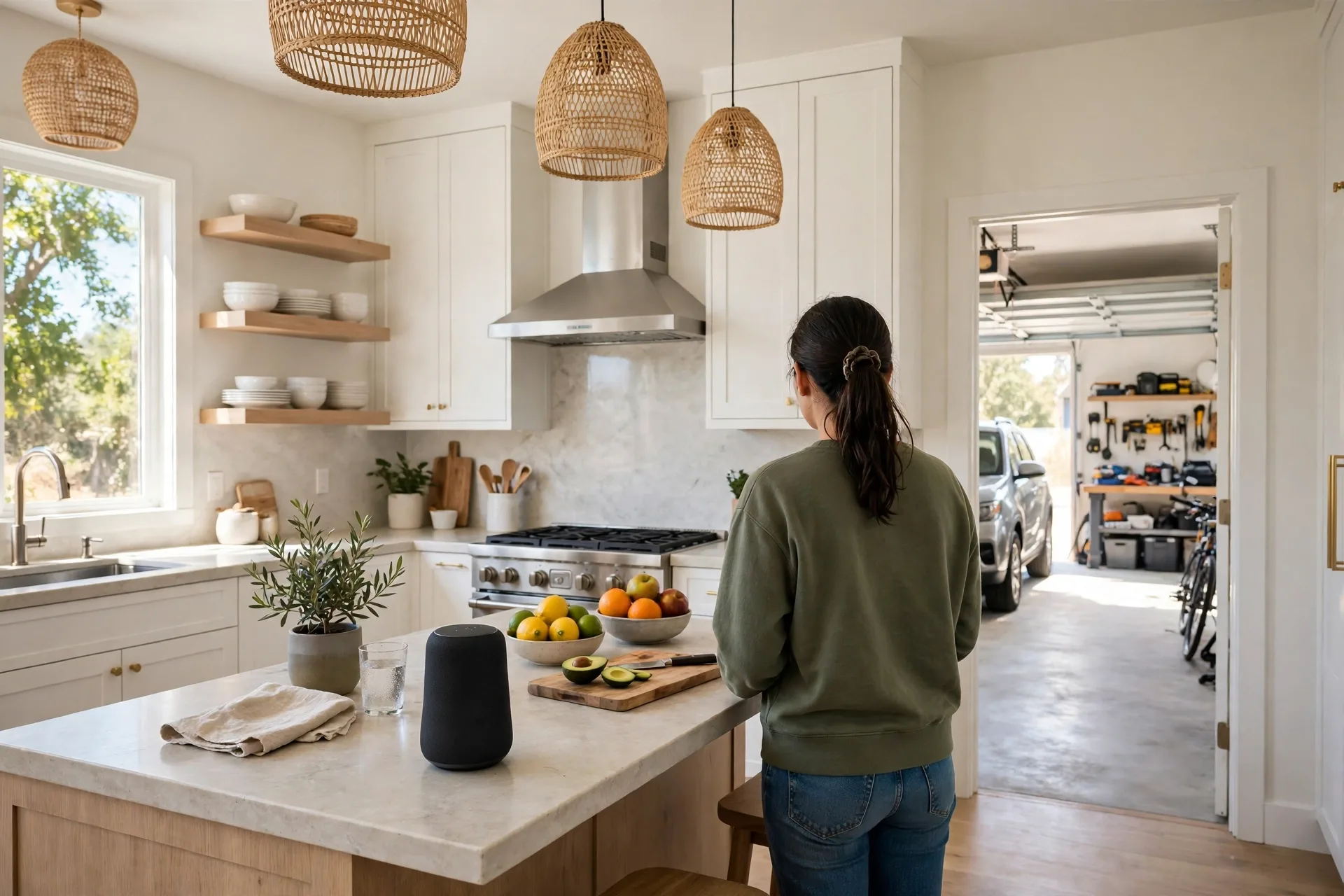
Next, wire the controller to the opener terminals shown in the app guide for your model. This is the step that needs care. Switch the opener power off while you work, double check the terminal labels, and use the test wire first if the guide suggests it. If the wiring labels on your opener look different from the guide, pause and check with meross support rather than guessing. Guessed wiring is how good controllers get blamed for bad installs.
Then mount the wired sensor. One part fixes to the door, and the matching magnet part fixes to a still surface nearby, so they line up when the door is closed. Alignment matters here. If the two parts sit too far apart or at an angle, the app may report the wrong door state. Test the alignment by opening and closing the door twice and watching the app status each time.
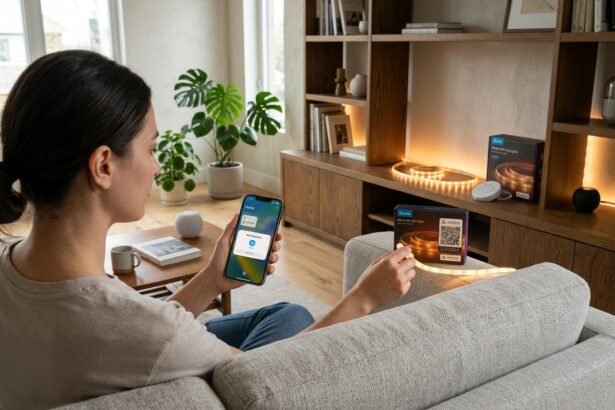
Now connect Wi-Fi in the meross app. The app will guide you through the 2.4 GHz connection, and you may need to add the device to HomeKit during this step if you bought the HomeKit version. HomeKit setup needs iOS 13 or later on the HomeKit model, and a phone running iOS 10 or later or Android 6.0 or later for the general app. Once paired, test voice control as well as app control, because a device that works in the app but not in HomeKit usually has a pairing step still missing.
App features you will actually use
Remote open and close is the headline feature, yet the alerts are what change daily life. You can get a notice when the door opens, when it closes, when it stays open too long, and when it is still open at bedtime. That overnight reminder alone has saved many owners from a garage left open all night. Set the overtime threshold to suit your routine, such as 30 minutes, so you get warnings for real mistakes and not for a quick trip to the car.
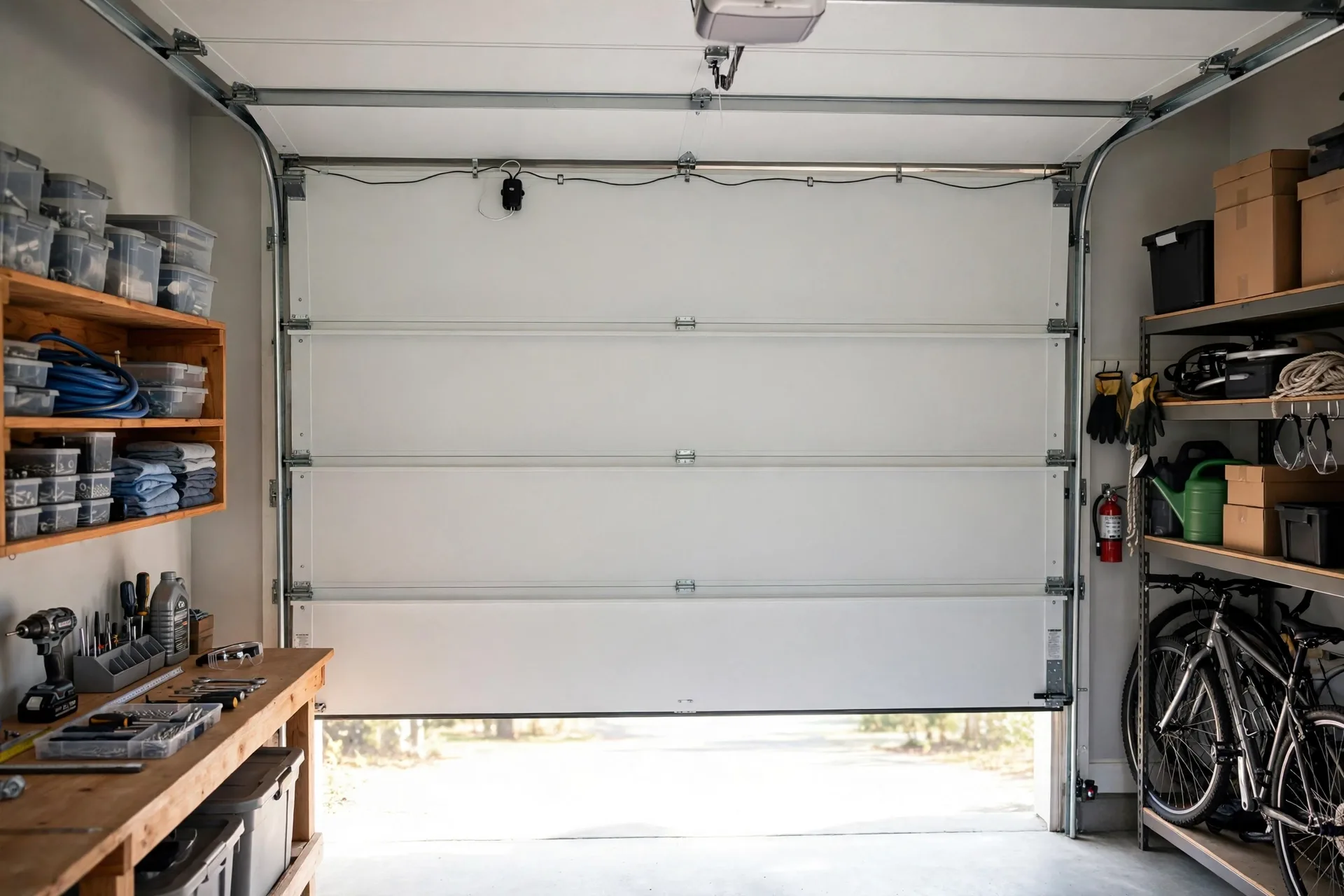
Auto close and schedules add another layer. You can set the door to close after a set time, or at a set time each night. That is handy for families where the last person home often forgets the door. Use it with care, though. Auto close should only run when you are sure the door path is clear and the safety sensors work. Test it while you watch the door, before you trust it overnight.
Operation history is useful in a shared home. You can look back and see when the door was opened or closed, which helps when you wonder if a teen got home safe or if a worker left on time. It is not a video record, so it will not show you who was there. Pair it with a camera if you need faces as well as times, and learn how to review security camera footage when an event needs a closer look.
Voice control rounds out the app. Ask Alexa or Google to check the door, or ask Siri through HomeKit on the right model. CarPlay support on HomeKit models puts a garage tile on the car screen, so you can open the door as you turn into the street. That small convenience adds up on rainy days when you do not want to hunt for a remote.
No subscription: what is free, and what is not
Meross charges no monthly fee for its core smart features. Remote control, alerts, schedules, and history all work without a subscription. That is a clear advantage over camera based systems where recorded history often sits behind a plan. If you hate monthly fees, this point alone may settle the choice.
What is not free? The hardware, any second unit for a second door, and your time for setup. There is also no camera in the box, so video needs a separate device if you want it. Be honest about that trade off. A meross controller gives you control and status for free each month, but it does not give you eyes on the driveway. Some owners pair it with a cheap garage camera and get both jobs covered for less than a single all in one device.
Meross vs myQ hub: which retrofit wins?
So how does meross compare with a myQ Smart Garage Control? Both add app control to an old opener, both need 2.4 GHz Wi-Fi, and both use a door sensor for true status. The split comes down to ecosystem and compatibility. Meross wins for HomeKit homes and for owners who want no subscription and broad voice support in one device. MyQ wins for owners deep in the myQ world, or for those who want in garage delivery and a clear path to a myQ video keypad later.
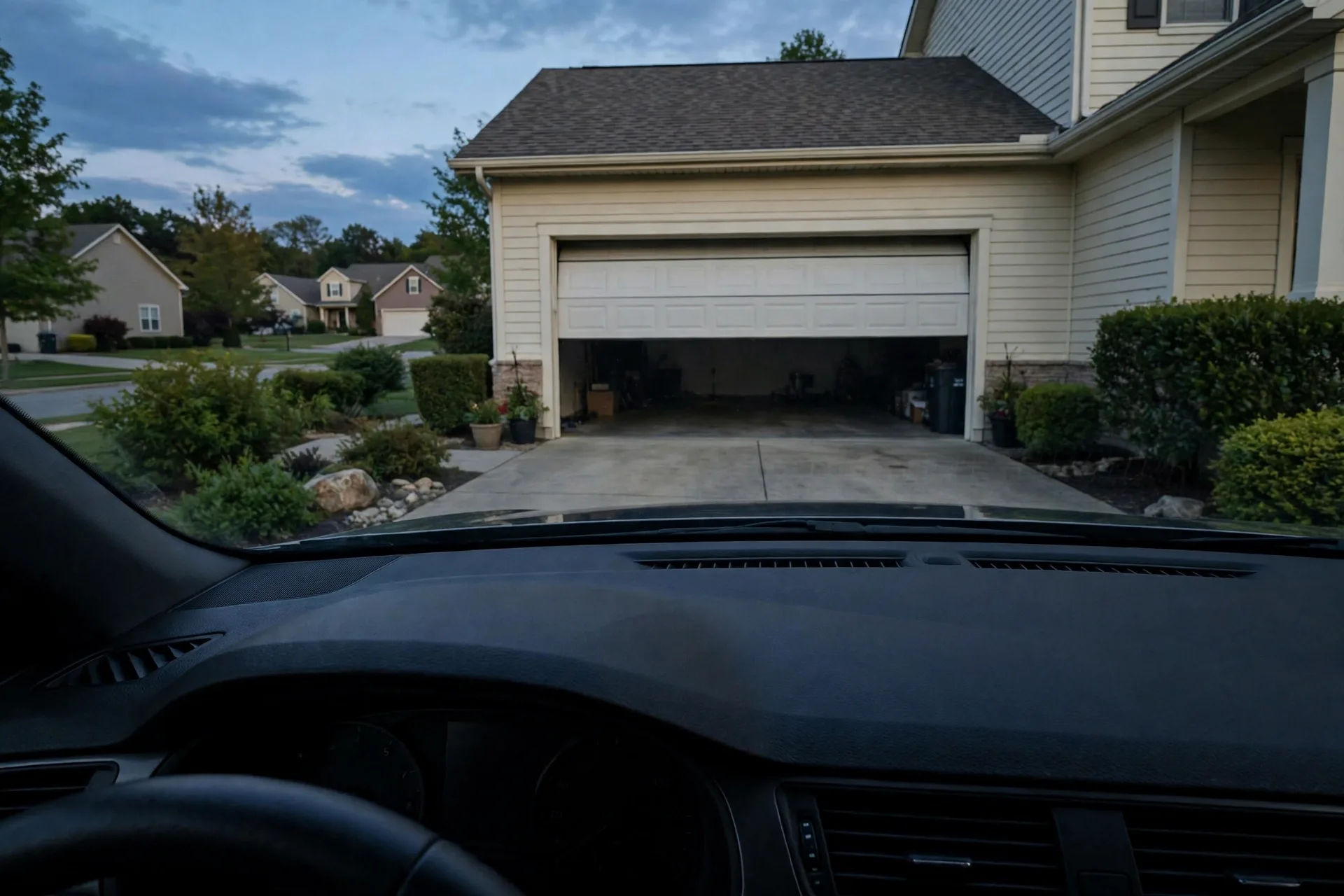
Compatibility can also decide it. If your opener uses Security+ 3.0, meross MSG100 is out, while a myQ route may still work. If your opener is an older Genie or a less common brand on the meross list, meross may be the easier fit. Run both compatibility checkers for your exact model before you pick a winner. A brand level guess is not enough for either system.
What about reliability? The wired sensor on the meross unit is a strong point. Wireless sensors can fall off, run out of battery, or lose signal. A wired sensor, once aligned, tends to stay honest. The separate antenna on the MSG100 also helps Wi-Fi reach in a garage full of metal shelving and tools. Those small hardware choices matter more in a real garage than a spec sheet suggests.
Caption: Meross MSG100 key facts at a glance
| Detail | MSG100 fact | Why it matters |
|---|---|---|
| Doors per unit | One door | Double garage needs two units |
| Wi-Fi | 2.4 GHz only | Check garage signal before setup |
| Protocols | Security+ 1.0 and 2.0 | Security+ 3.0 is not supported |
| Sensor | Wired, about 23 feet of wire | Accurate door status, no sensor battery |
| Subscription | No monthly fee for core features | Alerts and schedules stay free |
| Size | 3.7 by 1.8 by 0.9 inches | Fits near most openers with ease |
Common problems and quick fixes
Wi-Fi pairing fails are the most common first problem. Make sure your phone is on the 2.4 GHz network during setup, and check the signal strength in the garage. A router at the far end of the house may show full bars in the living room and a weak Wi-Fi signal in the garage. An extender near the garage fixes that gap in most homes.
Wrong door status almost always means garage door sensor alignment trouble. Check the gap between the sensor and its magnet when the door is closed, and check that neither part has shifted. A sensor knocked loose by a bike or a storage box will report the wrong state until it is refixed. Realign it, test twice, and then trust the app again.
Voice control that stops working often needs a re-link, not a new device. Remove the meross skill or HomeKit pairing, then add it back and test a simple command. Also check that the controller still shows online in the meross app. If the app shows it offline, fix Wi-Fi first, because no voice platform can reach a device that is offline.
Here is a measured check worth doing on setup day. From the app, send six commands in a row, alternating open and close, and time each one from tap to door movement. On a strong garage signal, most commands should start the door within about 2 to 4 seconds. If times drift past 8 seconds or commands fail, stop and fix Wi-Fi or sensor alignment before you call the install done.
Is a meross garage door opener worth it?
It is worth it if your opener is on the compatible list, you want HomeKit or broad voice support, and you want core features with no monthly fee. The wired sensor, the small size, and the 20 minute style setup make it a strong retrofit for a single door home. It is also a good pick for renters who cannot replace the opener, as long as the landlord allows a small controller fit.
It is not worth it if your opener uses Security+ 3.0, if you need video in the same device, or if you have no usable 2.4 GHz signal in the garage and cannot add an extender. In those cases, a different controller or a full smart opener may fit better. Do not force a controller onto an opener it does not support.
Before you buy, check the current price on the manufacturer page or a trusted retailer, run your exact opener model through the compatibility checker, and test Wi-Fi in the garage. Those three checks take less than half an hour. Then wire with care, align the sensor, test voice control, and set an overnight alert. That routine turns a small box into a garage you can trust from anywhere.
Frequently asked questions
Does a meross garage door opener replace my old opener?
No, it adds smart control to your existing opener. You keep the motor, the wall button, and the remotes. The controller sends open and close signals to the opener, and the wired sensor reports the real door status to the app.
Will meross work with my Chamberlain or LiftMaster opener?
It works with most Chamberlain, LiftMaster, and Craftsman openers using Security+ 1.0 or 2.0. It does not support Security+ 3.0, so check your learn button and model in the meross compatibility checker before you order, and ask support if your model is unclear.
Does meross work with Apple HomeKit?
Yes, the HomeKit versions such as MSG100HK support Apple HomeKit, Siri, and CarPlay, along with Alexa, Google Assistant, and SmartThings. Check the exact model you buy, because not every meross variant lists HomeKit support, and model names can look very similar.
Is there a monthly fee for meross garage control?
No, core features such as remote control, alerts, schedules, and operation history work with no monthly fee. You pay for the hardware once, and you may need a second unit if you have a second door, which is still a one off cost.
Can one meross unit control two garage doors?
No, one MSG100 unit controls one door. A double garage needs one unit per door. Set each unit up one at a time, give each door a clear name in the app, and test each sensor on its own before you rely on voice control.
Does meross need 5 GHz Wi-Fi?
No, it uses 2.4 GHz Wi-Fi only. Make sure your phone is on the 2.4 GHz network during setup, and check that the signal reaches the garage. A weak garage signal is the most common cause of slow commands, so test it before setup day.
Final thoughts
A meross garage door opener is a simple, subscription free way to make a compatible opener smart. Check Security+ support, check Wi-Fi, wire with care, and align the wired sensor. Then set alerts that catch a forgotten door and enjoy voice control that fits the smart home you already use. For the right opener, it is a small upgrade with a daily payoff.