
Building a diy home theater is easier than most people think. You do not need a huge budget or a spare room to get that cinema feel. With a good screen, clear sound, and light control, a living room can become a place your family loves for movie nights. This guide walks you through the job, from planning to calibration.
- Start With a Plan, Not a Purchase
- Choose the Right Room and Screen Wall
- Projector or TV: Which Fits Your Room?
- Sound First: Build Your Audio System
- Home Theater Wiring Without the Mess
- Lighting That Makes Movies Feel Like Cinema
- Seating, Comfort, and Room Treatment
- How to Hook Up Your Home Theater, Step by Step
- Home Theater Maintenance and Upgrades
- Common DIY Mistakes to Avoid
- Frequently Asked Questions
- How much does a diy home theater cost?
- Can I build a diy home theater in a small room?
- Do I need a professional for home theater installation?
- Is a projector better than a TV for a home theater?
- How do I stop echo in my home theater room?
- What is the best seating distance from the screen?
- Your Next Step
Start With a Plan, Not a Purchase
Have you ever bought gear first and then found it did not fit your room? That is the most common diy home theater mistake. Measure your room before you spend anything. Note the length, width, and ceiling height, and mark where the seats will go. A rectangular room usually works best, because sound spreads more evenly than it does in a square or oddly shaped space.
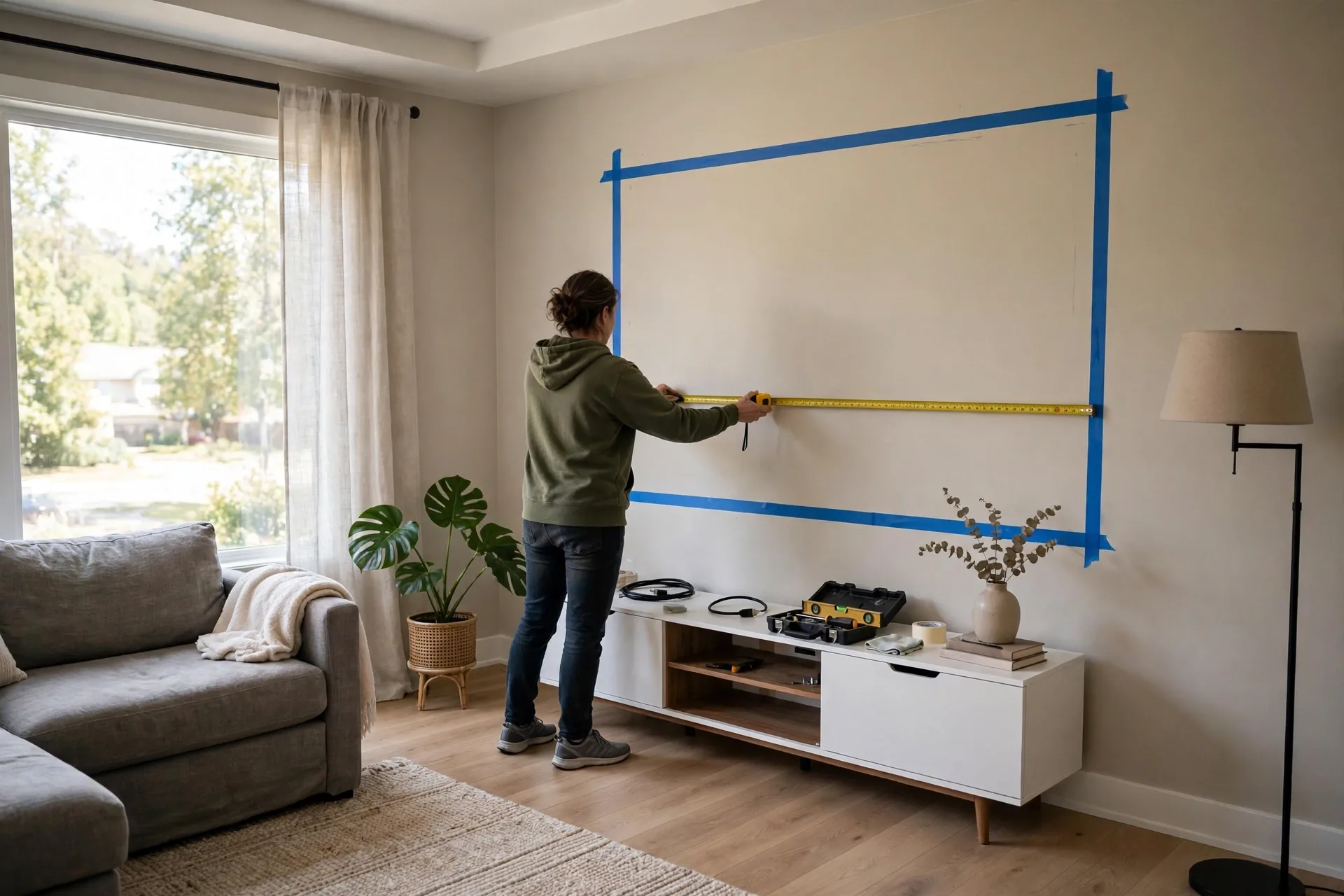
Next, decide how the room will be used. Will it be only for movies, or will it also serve as a living room, gaming room, or guest space? A dedicated room lets you paint walls dark and mount a fixed screen. A shared room needs flexible choices, like a retractable screen and furniture that works for daily life too. Write down your top three uses before you shop, and let those uses drive every later choice.
Set a budget in three parts: picture, sound, and room. Many first timers spend almost everything on a big screen and leave too little for speakers. Sound carries half the cinema feeling, so give it a fair share. Keep a small reserve, around ten percent, for cables, mounts, and small fixes you only spot during the build.
Choose the Right Room and Screen Wall
Pick the wall with the least daylight for your screen. Windows opposite the screen throw glare onto the picture and wash out dark scenes. If every wall has windows, plan for blackout curtains from the start. They are one of the cheapest upgrades with the biggest visible effect, and they also help sound by softening hard reflections.
Your seating distance decides your screen size. As a simple rule, sit about one and a half to two times the screen width away from it. For a 100 inch screen, that means roughly 10 to 13 feet of viewing distance. Sit too close and you will see pixels and turn your head during action scenes. Sit too far and you lose the big screen feeling you built the room for.
For home theater design and installation choices, think about the wall itself. A flat, light colored wall can work as a test screen while you decide, but a proper screen gives better brightness and contrast. Fixed frame screens suit dedicated rooms. Motorized screens roll away when the room needs to look normal again. Both beat a bare wall once you compare them side by side.
Projector or TV: Which Fits Your Room?
A projector gives you the largest picture for the money, and it feels the most like a cinema. It needs a dark room and enough throw distance, which is the space between the projector lens and the screen. Check the throw ratio in the projector manual before you buy, and test the size with a tape measure on your wall. Ceiling mounting keeps the projector out of the way and keeps cables tidy.
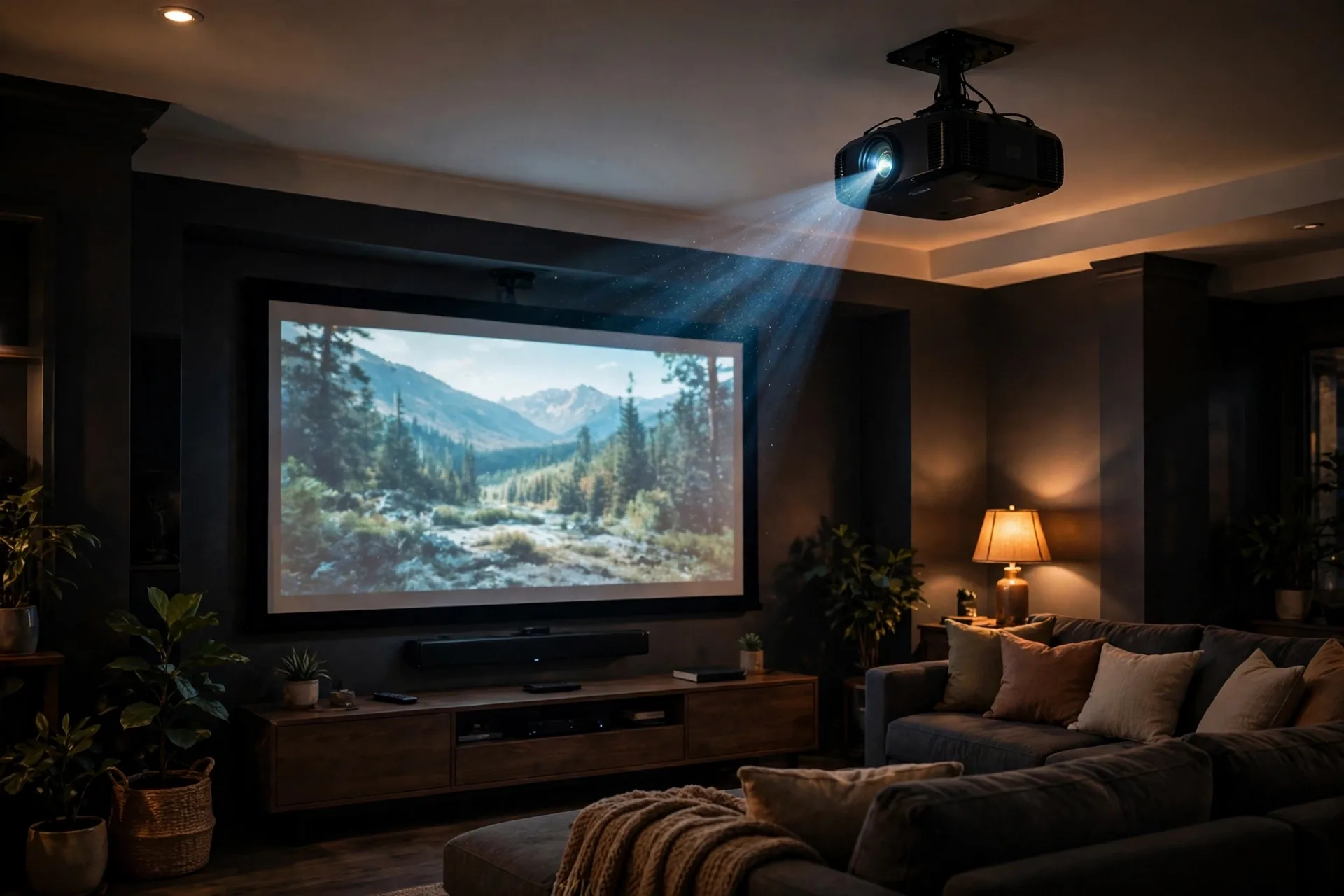
A large TV is simpler. It works in brighter rooms, needs no bulb changes, and starts instantly. If your room is small or full of daylight, a TV in the 65 to 85 inch range may serve you better than a projector that never gets dark enough. You can still add surround sound and smart lighting around a TV and get a strong theater feel.
Projector screen installation takes care and patience. Mount the screen so its center sits near your seated eye level, roughly 42 to 48 inches from the floor for most sofas. Use a level, find the wall studs, and fix the mount firmly.
Sound First: Build Your Audio System
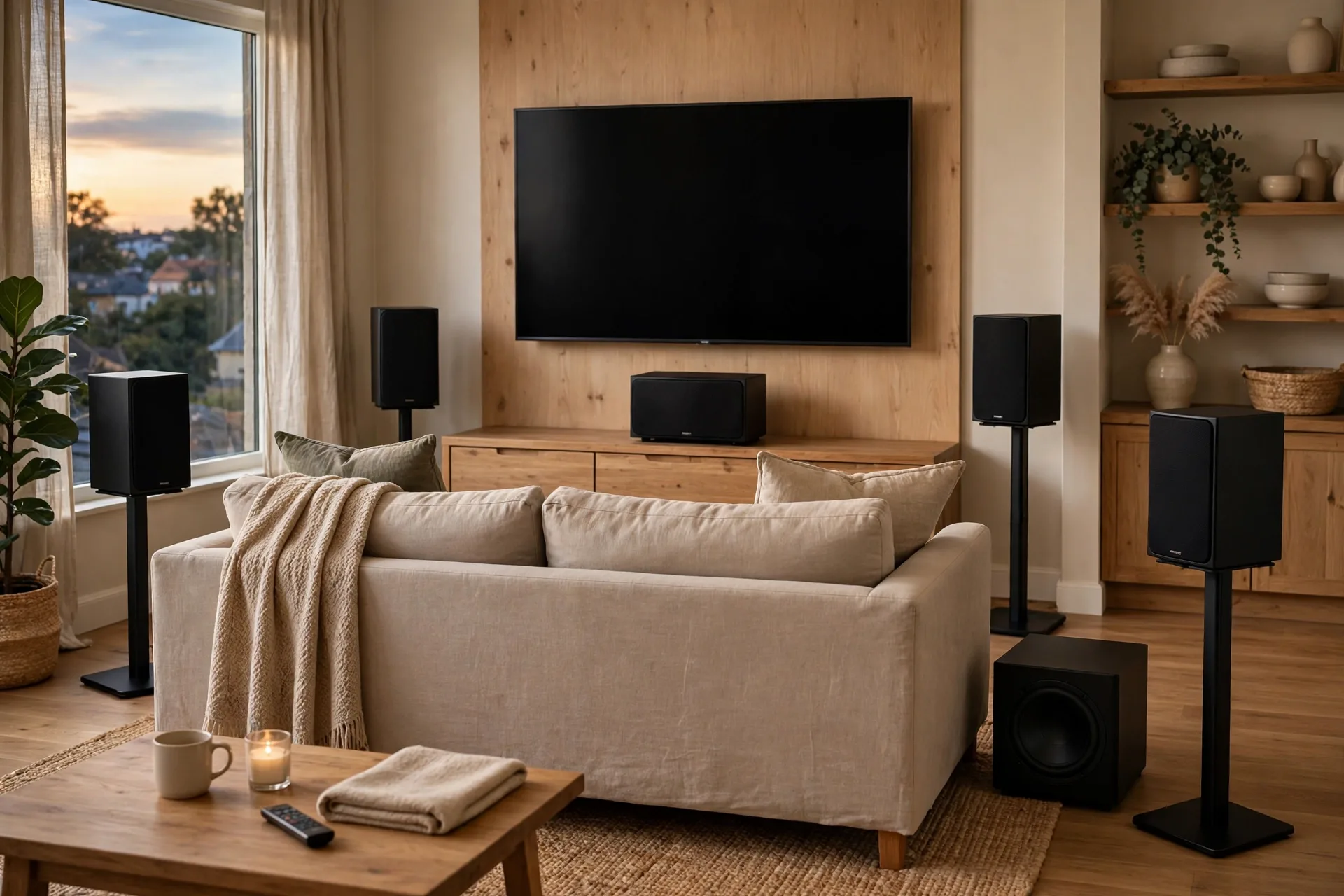
Sound is where a home audio system installation earns its keep. A basic 5.1 system uses five speakers and one subwoofer: front left, center, front right, two surrounds, and bass. The center speaker carries most dialogue, so place it as close to the screen center as you can. Front speakers should sit at seated ear height and angle slightly toward your main seat.
Surround speakers go to your sides or slightly behind you, a little above ear level. That placement wraps sound around you instead of firing it straight at your ears. Dolby speaker setup guides explain these angles in more detail. The subwoofer is more forgiving, but corners tend to boost bass, sometimes too much. Try two or three spots, listen to the same bass heavy scene in each, and keep the spot that sounds smooth rather than boomy.
An AV receiver ties the system together. It switches between your streaming box, console, and player, and it powers the speakers. Look for enough HDMI inputs for your devices, plus support for the audio formats your content uses. Check the current specs on the manufacturer page before you buy, since models change often. Run the receiver room correction tool after setup, as it adjusts levels and timing for your exact room.
Home Theater Wiring Without the Mess
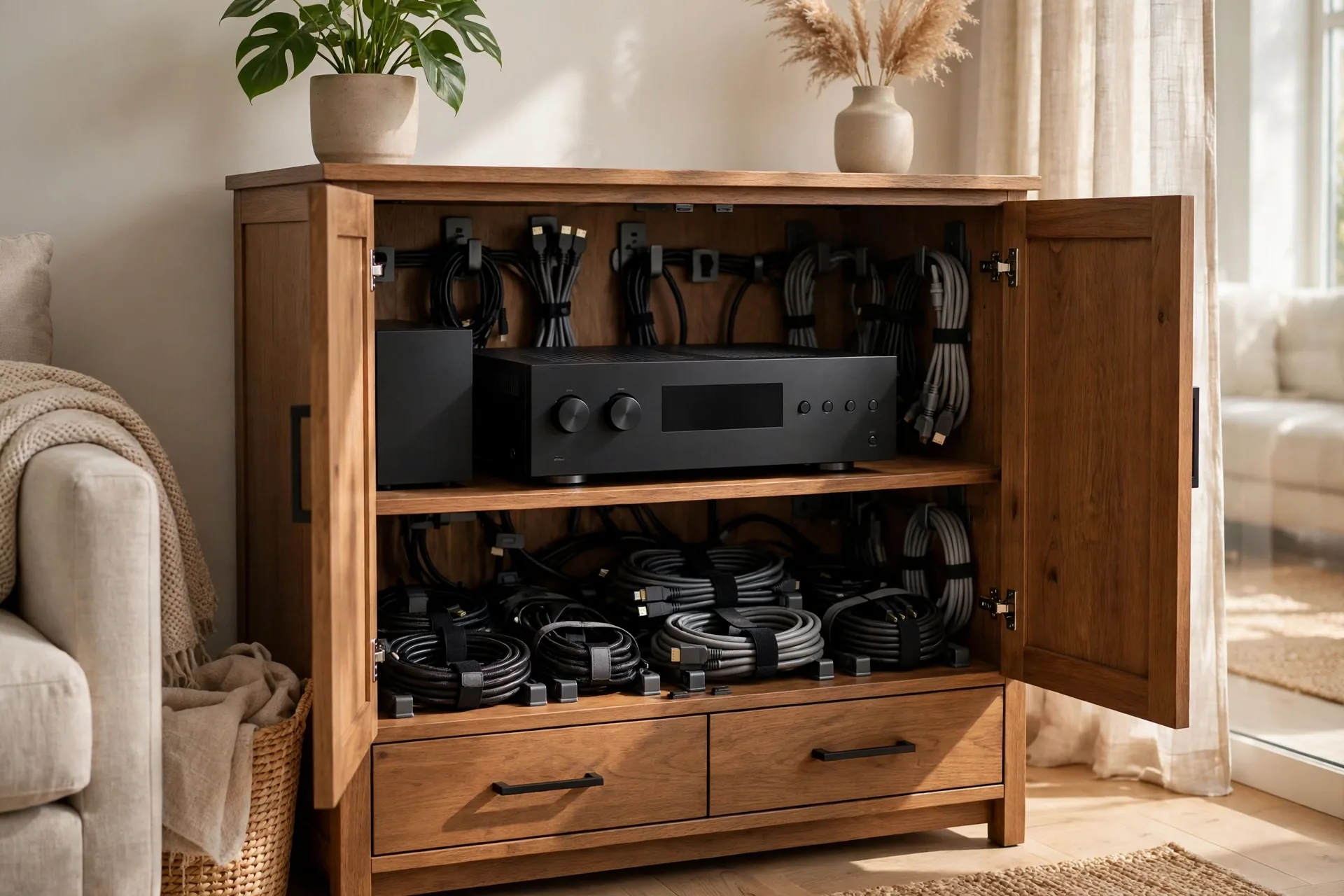
Good home theater wiring is planned before furniture arrives, not after. Sketch where each device will sit, then map every cable: HDMI from sources to receiver, speaker wire to each speaker, power to each outlet, and network cable to the streaming box. Label both ends of every cable with tape. Future you will be grateful the first time something stops working.
Run cables through raceways or conduit along baseboards if you cannot open walls. In a rented home, adhesive raceways painted to match the wall look neat and come off cleanly later. Keep power cables apart from speaker and HDMI cables where you can, since running them tight together over long stretches can add noise. Leave a little slack at each end so you can pull a device out without unplugging everything.
Lighting That Makes Movies Feel Like Cinema
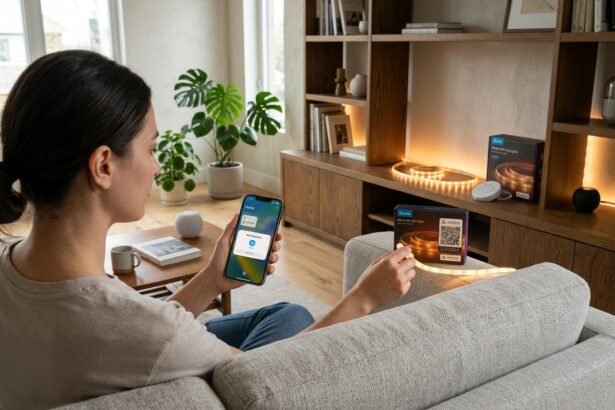
Lighting can ruin a great picture or complete it. Bright ceiling lights reflect off the screen and flatten contrast. Layered, dimmable light works far better. Use LED strips behind the screen or under seating for a soft glow, wall sconces for gentle ambient light, and small step lights so people can move safely in the dark without switching on a bright overhead lamp.
Smart lighting scenes make this easy in daily use. One scene can dim the room lights, switch on the strip behind the screen, and turn off the hallway glare when a movie starts. You can build a movie night scene in the Google Home app and trigger it by voice or with one tap, which beats fumbling for four different switches in the dark.
Light control also matters during the day. Blackout curtains or blinds let you watch in the afternoon without washed out blacks. Choose dark, matte paint for the screen wall and ceiling if your household agrees, since glossy white surfaces bounce light back onto the screen. Even a dark rug helps, as it cuts reflections from the floor and softens echo at the same time.
Seating, Comfort, and Room Treatment
Comfort decides how often the room gets used. Recliners with good back support beat stylish chairs that hurt after an hour. Leave enough space to recline fully without hitting the wall or the row behind. For two rows, a raised platform for the back row, about seven inches high, keeps sightlines clear. Test the view from every seat before you fix furniture in place.
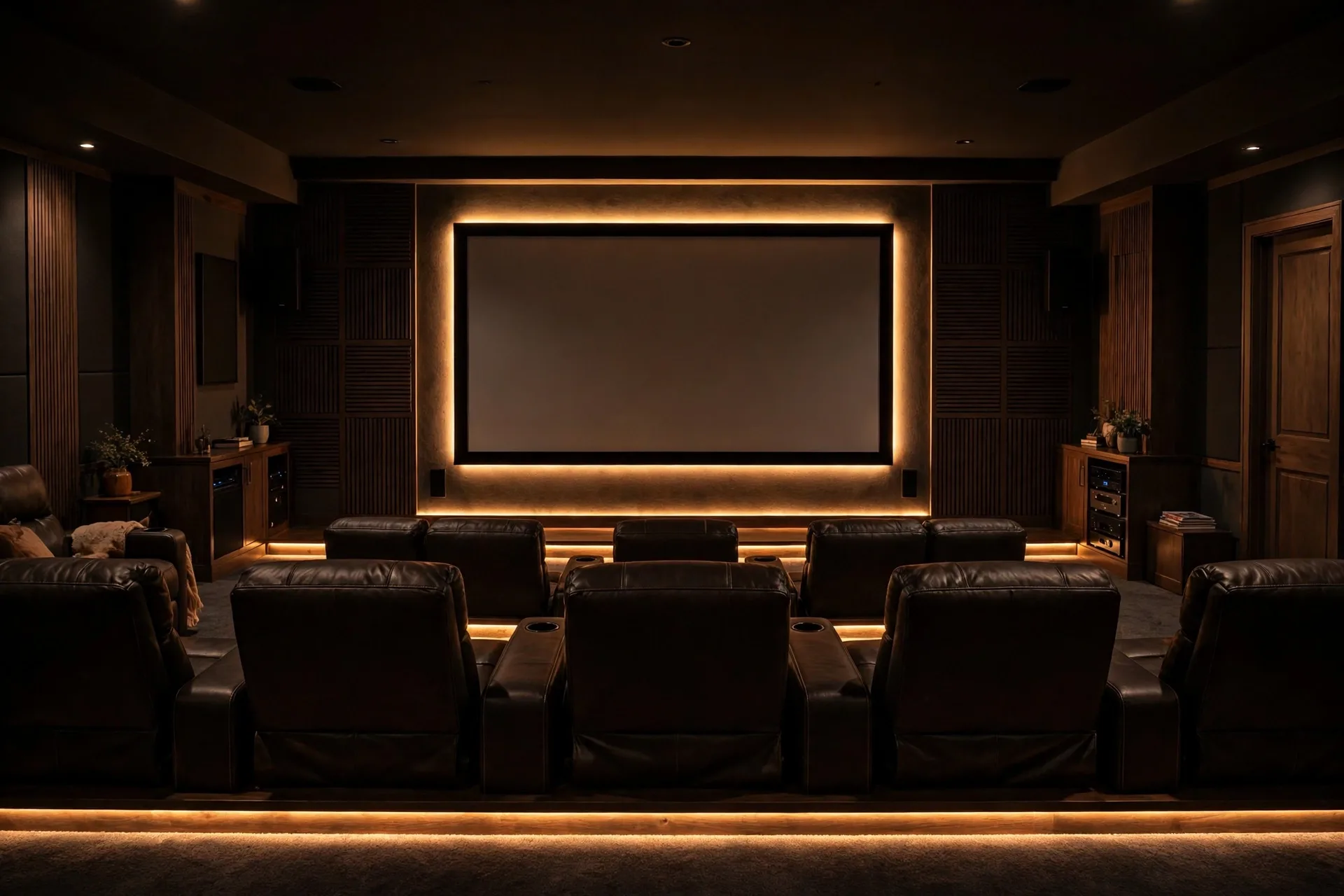
Sound treatment does not need to look technical. Thick curtains, a large rug, bookshelves, and upholstered furniture all absorb reflections that make dialogue sound harsh. If echo remains, add a few fabric acoustic panels on the side walls at reflection points. Sit in your main seat, have a friend slide a mirror along the wall, and mark where you see the speaker in the mirror. Those spots are where panels help most.
Ventilation is easy to forget in a dark, closed room. Projectors and receivers give off heat, and a room full of people warms up fast. Keep an air vent clear, leave space around hot devices, and avoid sealing equipment inside a tight cabinet with no airflow. A cool room keeps both the gear and the audience comfortable through a long film.
How to Hook Up Your Home Theater, Step by Step
So, how to hook up your home theater without a tangle of guesswork? Start with the receiver in the middle of your plan. Connect each source device to the receiver with HDMI, then run one HDMI cable from the receiver output to the TV or projector. Connect speakers one pair at a time, checking each label as you go, and plug the subwoofer into the receiver subwoofer output.
Power everything through a surge protector, and switch devices on in order: sources first, receiver next, display last. If you get no picture, check the receiver input selection before you rewire anything. Most “broken” setups are just set to the wrong input. If you get no sound from one speaker, swap its wire with a working speaker to learn whether the fault sits in the speaker, the wire, or the receiver channel.
Once everything plays, run the receiver calibration with its setup microphone placed at your main seat. It measures distances and levels and sets delays so sound from each speaker arrives together. After calibration, watch a familiar scene and adjust the center channel up a notch if dialogue feels quiet. Small tweaks after calibration beat endless tinkering before it.
Home Theater Maintenance and Upgrades
Regular home theater maintenance keeps the picture sharp and the sound clean. Dust the projector lens gently with a proper lens cloth, clean or replace projector filters as the manual directs, and wipe speaker grilles so dust does not dull the treble. Check cables once or twice a year, since a loose HDMI plug causes more faults than any failed device.
Plan upgrades in stages instead of replacing everything at once. Start with the weakest link you actually notice. If dialogue is muddy, upgrade the center speaker first. If blacks look grey, improve light control before buying a new projector. If bass feels uneven, move the subwoofer or add a second one. Staged upgrades spread the cost and let you hear each improvement clearly.
Home theater renovation cost varies widely, so get quotes for any building work before you commit. A simple living room conversion may cost little more than a screen, speakers, and paint. A dedicated room with soundproofing, risers, and custom joinery costs far more. Decide what the room must do, get two or three quotes, and keep a reserve for surprises behind the walls.
Common DIY Mistakes to Avoid
One frequent mistake is mounting the screen too high. Your neck should stay relaxed through a whole film. If you catch yourself tilting your head up, lower the screen or raise the seats. Another mistake is placing all speakers at the same height on a shelf. Front speakers belong at ear level, and surrounds belong slightly higher, not lined up like books.
A third mistake is skipping the test phase. Watch a full movie, not just a five minute clip, before you call the job done. A full film reveals tired seating, a buzzing light dimmer, a hot projector, or dialogue that fades in quiet scenes. Fix those issues while tools are still out, since they feel much bigger once the room is declared finished.
Table: Budget planning for a diy home theater
| Part | Budget start | What to check first |
|---|---|---|
| Display | Projector or large TV | Room darkness and viewing distance |
| Sound | 5.1 speakers and receiver | Center speaker quality for dialogue |
| Room | Paint, curtains, seating | Light control and seating comfort |
| Cables and mounts | HDMI, speaker wire, mounts | Lengths, labels, and spare capacity |
A diy home theater makeover does not need to happen in one weekend. Many owners build in phases: screen and sound first, lighting next, seating and treatment later. Each phase makes movie night better, and each one teaches you what the room still needs. That slow, steady approach also keeps spending under control.
Frequently Asked Questions
How much does a diy home theater cost?
A basic setup with a budget projector or TV, a soundbar or entry 5.1 system, and simple seating can start at a modest level. A mid range room with a good projector, proper speakers, and light control costs more. Check current prices on manufacturer and retailer pages, since gear prices change often and vary by region.
Can I build a diy home theater in a small room?
Yes, a small room works well if you match the screen to the seating distance. Use a short throw projector or a large TV, keep speakers close to ear level, and choose wall hugging seating. Dark paint and blackout curtains help a small room feel like a cinema rather than a bright living room.
Do I need a professional for home theater installation?
Most of the job suits a careful DIY builder: mounting a screen, running cables, and setting up a receiver. Hire help for mains electrical work, in wall wiring through finished walls, or heavy ceiling mounts you cannot lift safely. A short professional visit for tricky parts still keeps most of the build in your hands.
Is a projector better than a TV for a home theater?
A projector wins on screen size and cinema feel, but it needs a dark room and throw distance. A TV wins on brightness, simplicity, and daytime viewing. Choose based on your room light and size, not on what looks best in a shop under bright lights.
How do I stop echo in my home theater room?
Add soft surfaces first: a thick rug, heavy curtains, and upholstered seating. If echo remains, add fabric panels at the side wall reflection points and consider a bookshelf on the back wall. Hard, bare rooms echo most, so every soft layer you add improves dialogue clarity.
What is the best seating distance from the screen?
As a starting rule, sit about one and a half to two times the screen width away. For a 100 inch screen, that is roughly 10 to 13 feet. Adjust to taste after testing, since some viewers like a closer, more immersive view and others prefer a little more distance.
Your Next Step
Start this weekend with the free part: measure your room, pick the screen wall, and sketch your seating and speaker spots. That one hour of planning prevents most costly mistakes. Then buy the display and sound in that order, set them up, and enjoy a movie night before you spend another penny on decor. Your diy home theater will grow better with each film you watch in it.