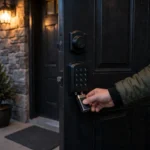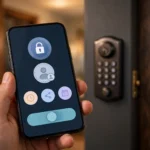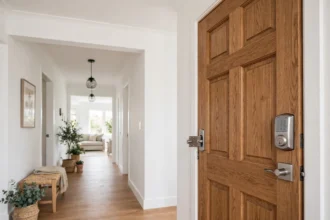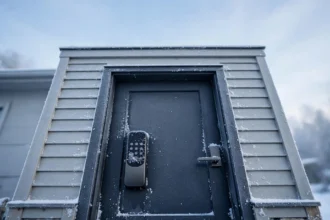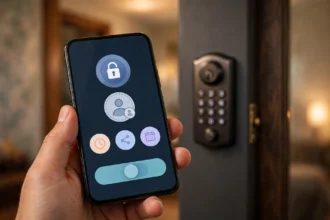

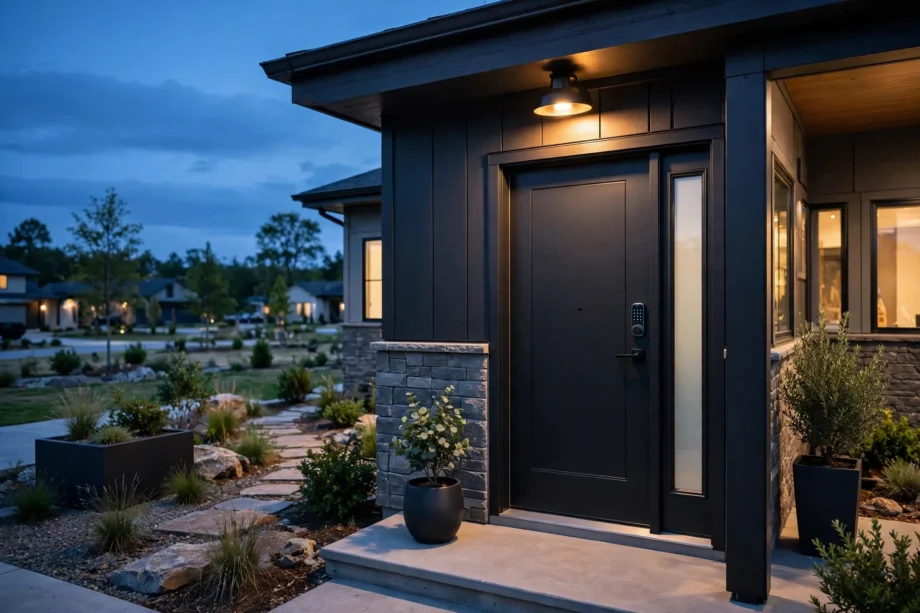
The best smart lock for Airbnb is the Yale Assure Lock 2 with Wi-Fi, because it generates a unique guest code automatically when a booking comes in and kills that code at checkout without you lifting a finger. But the right lock depends on your property, your budget, and whether you can change the deadbolt. This guide compares six locks that hosts actually rely on, and what to check before you buy any of them.
- What makes a smart lock good for Airbnb
- Best Smart Lock for Airbnb: Quick Comparison of the Six Picks
- 1. Yale Assure Lock 2: best for most hosts
- 2. Schlage Encode Plus: best for maximum security
- 3. ULTRALOQ Bolt SE: best value
- 4. Kwikset Halo Select: best for future-proof setups
- 5. August Wi-Fi 4th Gen: best for renters and retrofits
- 6. Wyze Auto-Lock Bolt v2: best budget pick
- How Airbnb integration actually works
- The host setup checklist most people skip
- Frequently asked questions
- Do Airbnb guests need to download an app to use the smart lock?
- What happens if the smart lock battery dies during a guest stay?
- Is the best smart lock for airbnb secure enough for rental properties?
- Does the best smart lock for airbnb need Wi-Fi at the rental to work?
- Can the best smart lock for airbnb handle multiple rental units?
- Should I tell guests about the smart lock before they book?
- Conclusion
What makes a smart lock good for Airbnb
A rental lock does a different job than a home lock. Your home lock serves the same people every day. A rental lock serves strangers, one after another, often arriving late at night, often with no patience for app downloads or Bluetooth pairing. Everything that matters flows from that difference.
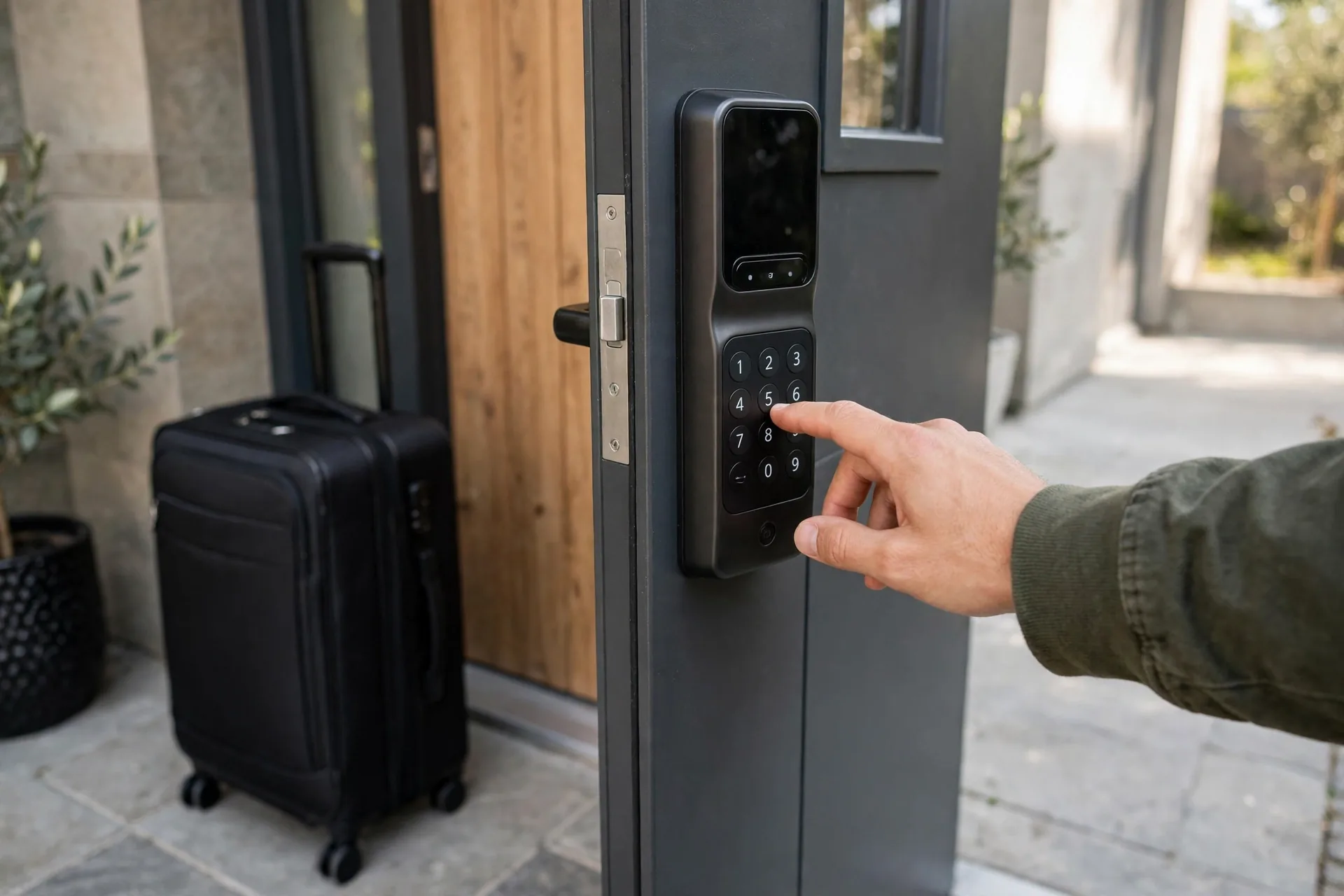
The first requirement is guest codes that expire on their own. You want a fresh code per booking that activates at check-in and dies at checkout. The second is a physical keypad. Guests should never need an app, an account, or a pairing process. They type digits, the door opens. The third is remote management. You need to see lock status, create codes, and check entry history from anywhere.
Battery life matters more than at home too. A rental lock can cycle fifty times more often than a residential one, and it sits in an empty house between bookings where nobody hears the low-battery beeps. And finally, durability. Look for ANSI/BHMA certification. Grade 1 is the highest, Grade 2 is the commercial-grade standard most rental hosts rely on.
Best Smart Lock for Airbnb: Quick Comparison of the Six Picks
Table 1: The six best smart locks for Airbnb compared on what hosts care about
| Lock | Best for | Guest codes | Airbnb automation | Security grade |
|---|---|---|---|---|
| Yale Assure Lock 2 | Most hosts | Up to 250 | Native integration, auto code generation | ANSI Grade 2 |
| Schlage Encode Plus | Maximum security | Up to 100 | Via Hospitable or RemoteLock | ANSI Grade 1 |
| ULTRALOQ Bolt SE | Best value | Up to 50 | Via app eKey sharing | BHMA certified |
| Kwikset Halo Select | Future-proof tech | Up to 250 | Via RemoteLock or Hubitat | Grade AAA |
| August Wi-Fi 4th Gen | Renters and retrofits | Virtual keys, add keypad for codes | Native integration | Retrofit, uses existing deadbolt |
| Wyze Auto-Lock Bolt v2 | Budget first-timers | Keypad codes plus fingerprint | Workarounds only | BHMA Grade 2 |
1. Yale Assure Lock 2: best for most hosts
The Yale Assure Lock 2 is the most widely deployed smart lock in professionally managed vacation rentals, and it earns that position through its Airbnb integration. When a guest books, the lock generates a unique PIN automatically and delivers it through Airbnb messaging. The code activates at check-in time and deactivates after checkout. You do nothing per booking.
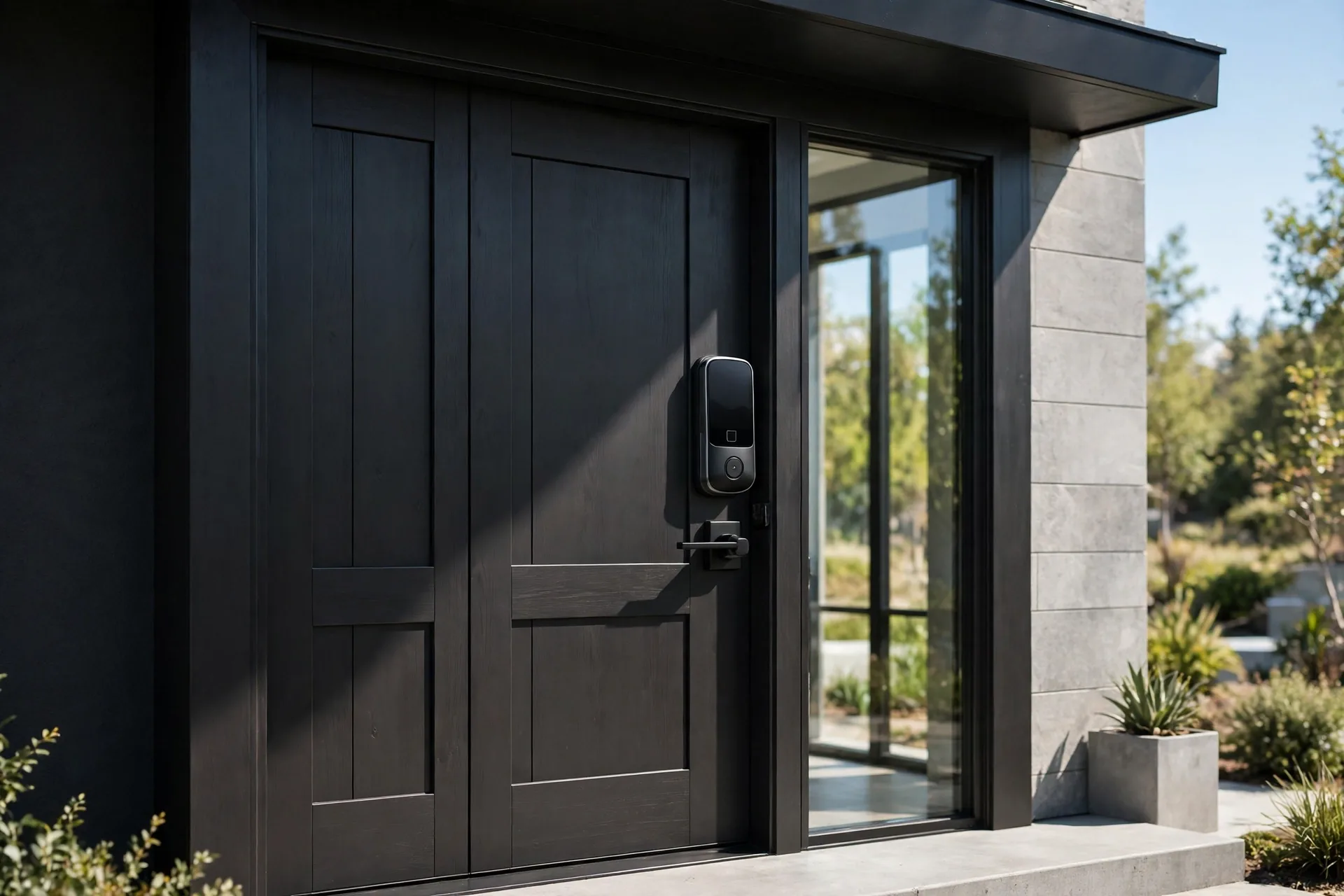
It stores up to 250 unique codes, which covers even high-turnover properties. The touchscreen keypad has a fingerprint-resistant matte finish, so codes cannot be read from smudge patterns. Battery life runs nine to twelve months on four AAs in Bluetooth mode, though the Wi-Fi module drains batteries much faster, so plan replacements around six to eight weeks if you run it fully connected.
The trade-offs: it carries ANSI Grade 2 certification rather than Grade 1, and it sits at a premium price around $250. For most hosts, the automation is worth both. Yale also offers Matter compatibility on current models, so the lock plays well with Apple Home, Google Home, and Alexa.
2. Schlage Encode Plus: best for maximum security
If your property sits in a higher-security market or a premium listing, the Schlage Encode Plus justifies its higher price with ANSI Grade 1 certification, the top commercial grade. It stores up to 100 access codes, carries a built-in alarm for forced entry, and runs on built-in Wi-Fi with no hub required.
There is no fingerprint reader; it is keypad and app only. Schlage rates the four included AA batteries at up to six months. It works with Alexa and Google Home, and Apple Home users get Home Key support on the Plus model. Airbnb automation comes through Hospitable or RemoteLock rather than a native Airbnb integration, so budget for one of those services in your hosting stack.
Pick the Encode Plus when security certification matters more to you than native automation. The roughly thirty to fifty dollar premium over the Yale buys the highest lock grade in this roundup. Schlage’s own guidance on using smart locks for vacation rentals covers the guest-code workflow in more detail on the Schlage vacation smart lock guide.
3. ULTRALOQ Bolt SE: best value
The ULTRALOQ Bolt SE packs fingerprint, keypad, app, and mechanical key into one deadbolt at a fraction of the big brands’ price. It stores up to 50 fingerprints and 50 passcodes, supports Siri, Alexa, and Google Assistant, and connects over built-in Wi-Fi with no hub. Guest management runs through eKey and code sharing in the U Home app, with permanent, scheduled, or temporary access options.
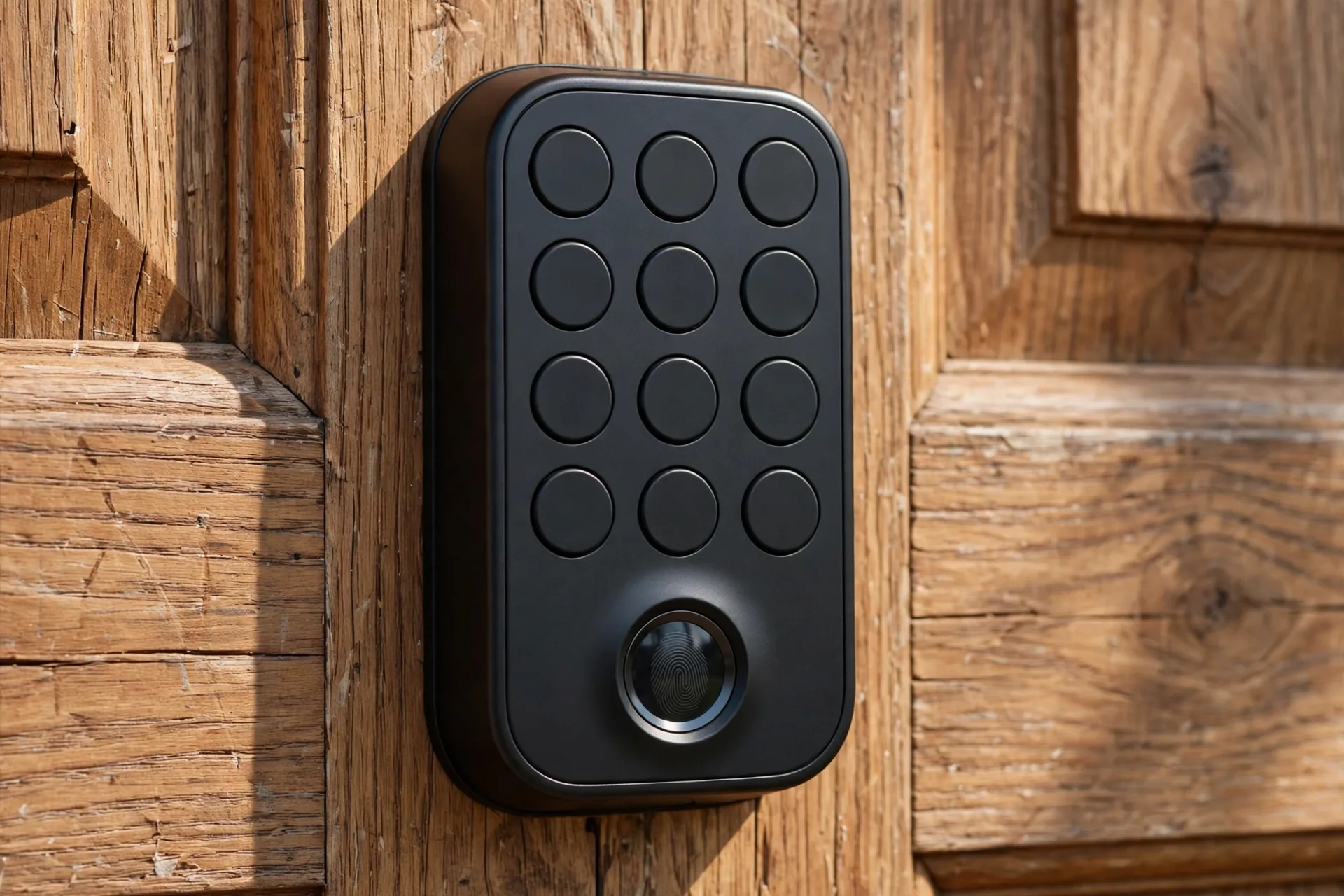
Battery life is a standout. ULTRALOQ claims up to eighteen months with Matter over Thread, though you need a Thread border router to get there. The zinc alloy body carries an IP65 rating for dust and rain, and the lock includes a lifetime mechanical warranty with eighteen months of electronic coverage.
Two caveats. Wi-Fi is 2.4 GHz only, so keep the lock within about seventy feet of the router. And there is no native Airbnb integration, so guest codes are manual per booking. For a single property where you do not mind creating codes yourself, this is the smartest money in the roundup. Check the current price before buying, since it moves often.
4. Kwikset Halo Select: best for future-proof setups
The Kwikset Halo Select is the forward-looking pick. It combines Wi-Fi with Matter connectivity, which positions it for the next wave of property management tools that will talk directly to Matter hardware without middleware. It carries Kwikset’s Grade AAA security rating and stores up to 250 user codes.
The fingerprint-resistant touchscreen keypad keeps codes private from smudge readers, and the Kwikset app handles remote code creation and entry history. Airbnb automation runs through RemoteLock or a Hubitat setup rather than natively. At around $275 it is the priciest lock here, so buy it for the tech trajectory, not for day-one savings.
5. August Wi-Fi 4th Gen: best for renters and retrofits
Some properties cannot get a new deadbolt. Leased homes, historic buildings, and condos with strict HOAs often forbid exterior hardware changes. The August Wi-Fi 4th Gen solves this by clamping onto the interior side of your existing deadbolt in about ten minutes. The landlord’s key keeps working, and the exterior looks untouched.
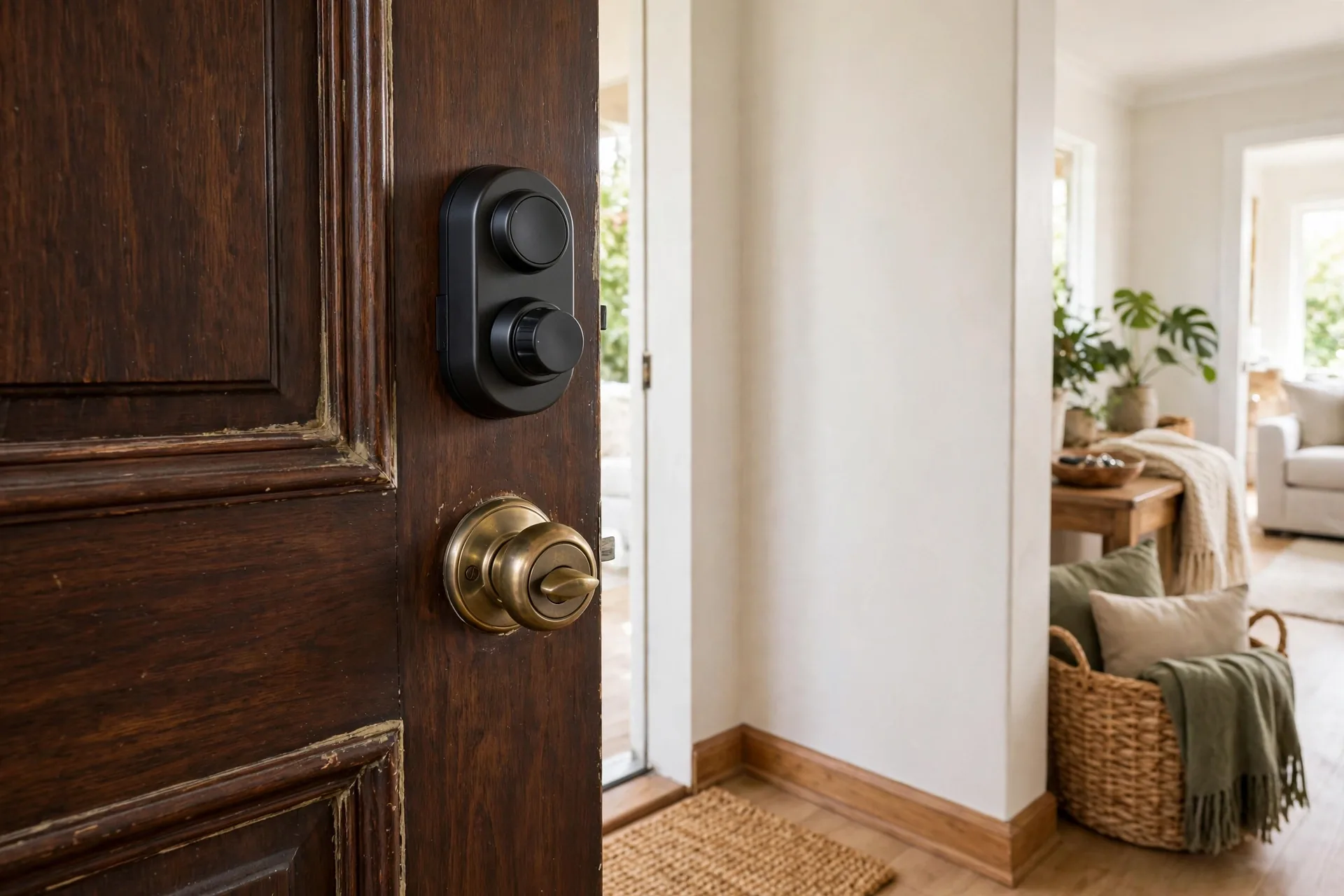
Out of the box it uses virtual keys in the August app, which is awkward for guests. Add the August Smart Keypad accessory and guests get plain numeric codes with no app needed. It integrates natively with Airbnb, so per-booking codes generate and expire automatically. Just remember that every lock in this roundup needs a keypad for guest-friendly entry, and on the August that keypad is a separate purchase.
6. Wyze Auto-Lock Bolt v2: best budget pick
New hosts on a tight budget can start here for under $110. The Wyze Auto-Lock Bolt v2 includes Wi-Fi, a fingerprint reader, and a keypad with BHMA Grade 2 certification. That is a remarkable feature set for the price, and it gets a first-time host into keyless hosting without a big upfront investment.
The compromises are real. Airbnb automation needs workarounds rather than native integration, so expect manual code management per booking. Treat it as a starter lock: learn what matters in your market, then upgrade when the second property arrives. If you are comparing general-purpose options too, our best front door smart locks roundup covers the wider market.
How Airbnb integration actually works
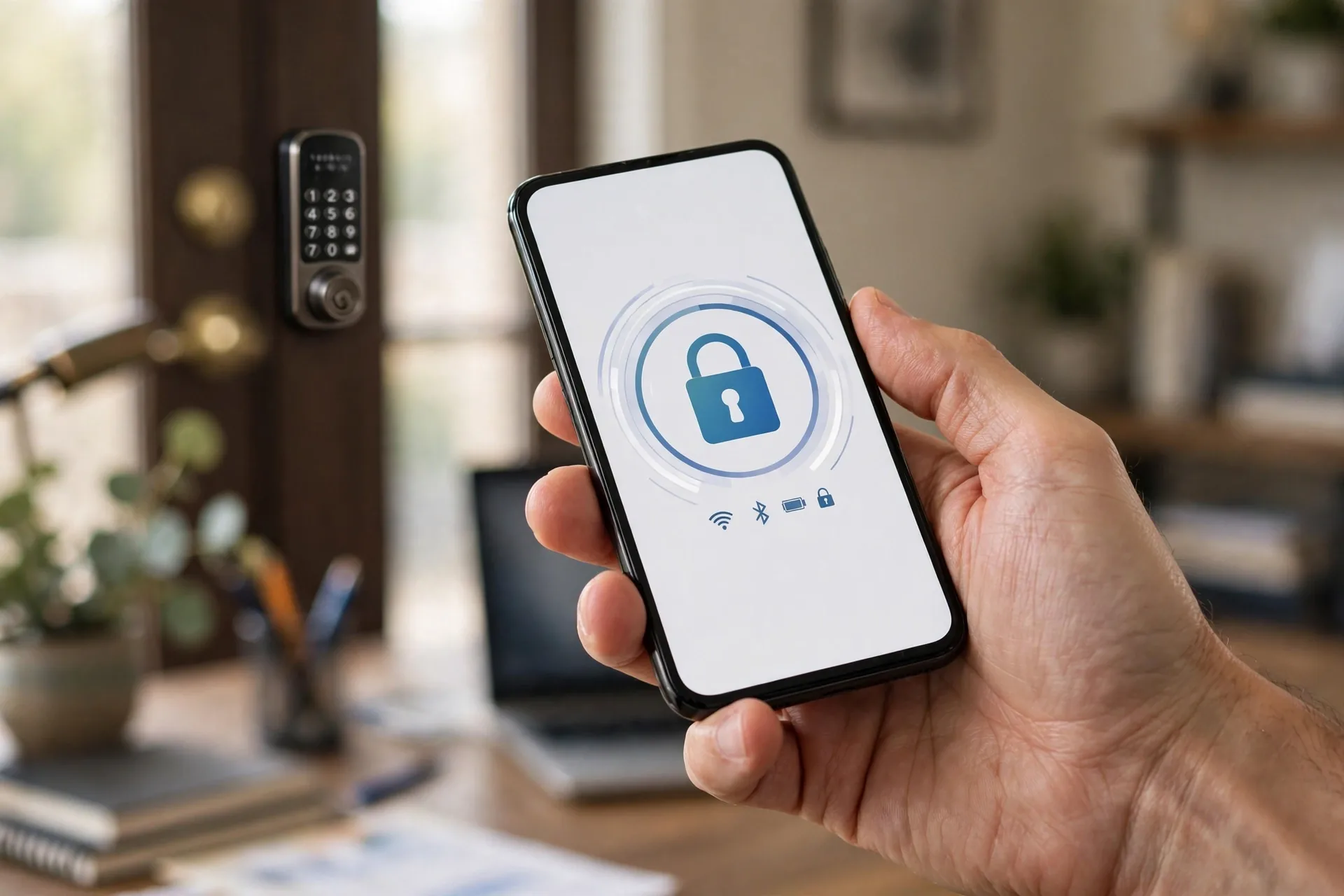
Native integration means the lock talks to Airbnb’s booking system directly. When a reservation is confirmed, the system creates a unique code tied to that stay’s check-in and check-out times. The guest receives it through Airbnb messaging, never through your personal phone. After checkout, the code dies automatically.
This matters for two reasons beyond convenience. First, it removes the human error of forgetting to change codes between guests. Second, it creates a clean access log per stay, which helps with damage claims and security incidents. If your lock lacks native integration, property management platforms like Hospitable, Guesty, OwnerRez, and RemoteLock add the same automation layer for a monthly fee.
One important detail: the lock still works without Wi-Fi. Every lock here creates and expires codes at the keypad without any network connection, so arrivals keep working during an internet outage. Wi-Fi adds remote unlock, lock status, and access history. All the Wi-Fi models in this roundup are 2.4 GHz only, so check your router placement before install day.
The host setup checklist most people skip
Buy the lock, install it, and you are only halfway done. Here is the checklist that separates smooth hosting from panicked guest calls. First, test both backup entry methods at install time, not during a guest stay. Hold a 9V battery to the emergency terminals and confirm the lock wakes. Turn the mechanical key. Both should work before any guest arrives.
Second, put the 9V battery trick in your guest welcome guide. Guests handle dead batteries calmly when they have instructions, and they panic when they do not. Third, set a battery replacement schedule. For high-turnover properties, swap batteries every four to six months and enable low-battery push notifications. A lock that sits empty between bookings still drains on standby.
Fourth, add a door sensor or camera to your entry setup. An alarm contact sensor on the door tells you whether the door actually closed behind the guest, and a smart door lock with a camera lets you verify arrivals visually. Finally, check local regulations. Most regions allow smart locks on rentals, but some require disclosure to guests, so add a line to your listing and house rules.
Frequently asked questions
Do Airbnb guests need to download an app to use the smart lock?
Not with a keypad lock. Yale Assure Lock 2, Schlage Encode Plus, Kwikset Halo, and ULTRALOQ Bolt SE all have physical keypads where guests type a numeric code. No app, no pairing, no account. The August lock needs its optional keypad accessory for app-free entry, so factor that into the price.
What happens if the smart lock battery dies during a guest stay?
Guests are not stranded. Every keypad lock here supports emergency power by holding a 9V battery to external contact pads below the keypad, and most include a mechanical key backup. Put both instructions in the welcome guide. Proactively replacing batteries every four to six months and enabling low-battery alerts prevents the situation entirely.
Is the best smart lock for airbnb secure enough for rental properties?
Yes. Locks with ANSI/BHMA Grade 2 or Grade 1 certification meet or exceed traditional deadbolt security. Unique expiring codes are actually safer than physical keys because they cannot be copied at a hardware store, and the access log records every entry with a timestamp for accountability.
Does the best smart lock for airbnb need Wi-Fi at the rental to work?
Only for remote features. Code creation, expiration, and keypad entry all work offline, so check-ins survive internet outages. Wi-Fi adds remote unlock, real-time status, and entry history. If your rental has unreliable Wi-Fi, look at locks with offline code options and manage expectations around remote features.
Can the best smart lock for airbnb handle multiple rental units?
For several doors, choose a lock with a multi-door management portal and high code capacity. Yale’s 250-code capacity and platforms like RemoteLock handle portfolios well. For a single unit, built-in Wi-Fi and fifty or more code slots are plenty for a fresh code per booking.
Should I tell guests about the smart lock before they book?
Yes. Mention keyless entry in the listing as a feature, and include the code delivery timing in your check-in message. Guests love not carrying keys. Also note any camera at the entrance in the listing, since most platforms require disclosure of recording devices.
Conclusion
For most Airbnb hosts, the Yale Assure Lock 2 is the answer: native Airbnb integration, 250 codes, and a keypad guests understand instantly. Choose the Schlage Encode Plus when security grade is the priority, the ULTRALOQ Bolt SE when budget rules, and the August when you cannot change the deadbolt. Whichever you pick, test the backup entry methods on install day and put them in the welcome guide. That one step prevents nearly every lock-related guest emergency. For the broader buying picture, start with how smart front door locks work and what to buy.