
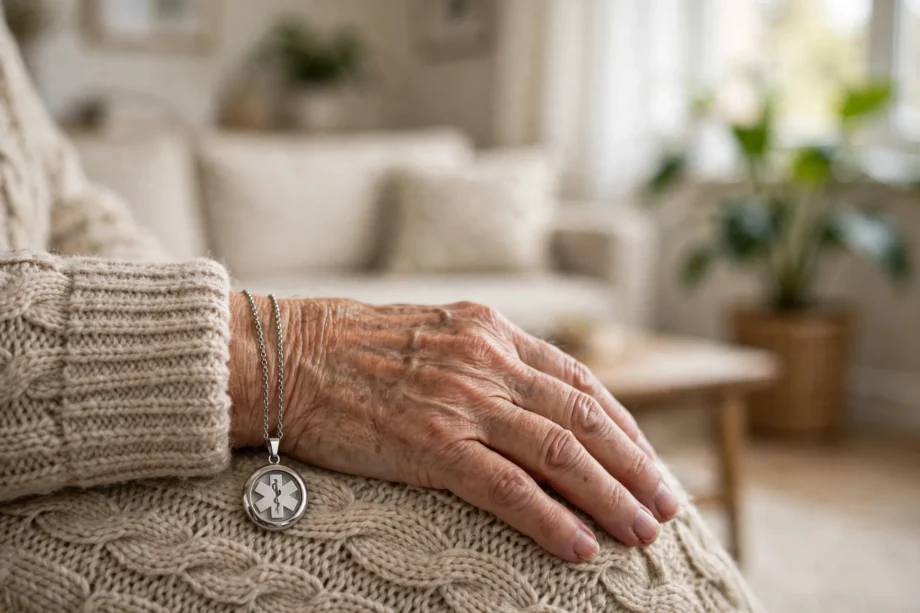
An elderly monitoring system helps an older adult live at home with more safety, and gives family a faster way to learn when something is wrong. It is not one device. It is a mix of sensors, wearables, and alerts that watch for falls, inactivity, and home hazards, then contact the right person.
- What an Elderly Monitoring System Actually Does
- Medical Alert Systems and Fall Detection
- Home Activity and Motion Sensors
- Wearable Health Monitors
- Environmental Safety Sensors
- Choosing the Right System
- Setting Up Without Overwhelming Anyone
- Privacy, Consent, and Dignity
- Frequently Asked Questions
- What is the best elderly monitoring system for living alone?
- Do elderly monitoring systems need internet?
- Can monitoring systems detect falls without a wearable?
- Are cameras needed for elderly monitoring?
- How much does an elderly monitoring system cost?
- What should families do after an alert?
- Conclusion
Why does this matter now? Many older adults want to stay in their own homes. Family members often live far away, work full days, or both. A good system fills the gap between visits. It will not replace human care, but it can shorten the time between a problem and help arriving, and that time can matter a lot.
What an Elderly Monitoring System Actually Does
At its core, a system watches for changes. A motion sensor notices that no one has moved in the kitchen all morning. A fall detector senses a hard fall and a period of stillness. A door sensor flags that the front door opened at 3am. Each event on its own may mean nothing. Together, they paint a picture of a normal day, and a break in that pattern triggers an alert.
Alerts go to different places depending on the system. Some send a text to family members. Some call a monitoring center staffed around the clock. Some do both, starting with family and moving to a monitoring center if no one answers. Before you buy, decide who answers an alert at 2am. A system with no reliable responder is just a noisy gadget.
Privacy matters here too. Many older adults accept a motion sensor but refuse a camera in their bedroom. That is a fair line. Most good systems work without cameras at all, using motion, door, bed, and wearable sensors instead. Talk about privacy early, and let the senior choose what feels dignified.
Medical Alert Systems and Fall Detection
Medical alert systems are the classic option. The senior wears a pendant or wrist button and presses it for help. Many now add automatic fall detection, which can call for help even if the person cannot press the button. That matters after a fall that leaves someone dazed or unable to move.
How does fall detection work? A wearable uses motion sensors to spot the pattern of a hard fall followed by stillness. A room based radar sensor does the same job without anything worn, by tracking posture and movement in the room. Wearables are cheaper and portable. Room sensors suit someone who forgets or refuses to wear a device.
No system catches every fall, and every system gives false alarms sometimes. A hard arm movement or a dropped device can trigger an alert. That is not a reason to skip fall detection. It is a reason to test alerts during a trial period, and to teach the senior how to cancel a false alarm calmly.
In a trial I helped set up for a neighbor, we tested the pendant twice in the first week, once by pressing it and once by letting the family trigger a test alert through the app. The first real false alarm came from a dropped pendant on a tiled floor. Because we had practiced the cancel step, the neighbor handled it without panic, and the family did not rush over needlessly. Practice turns a scary feature into a familiar one.
Home Activity and Motion Sensors
Passive home sensors watch daily life without asking the senior to do anything. Motion sensors in hallways, the kitchen, and the bathroom build a picture of a normal routine. If no motion is seen during a time when the person is usually active, the system can alert a family member to check in.
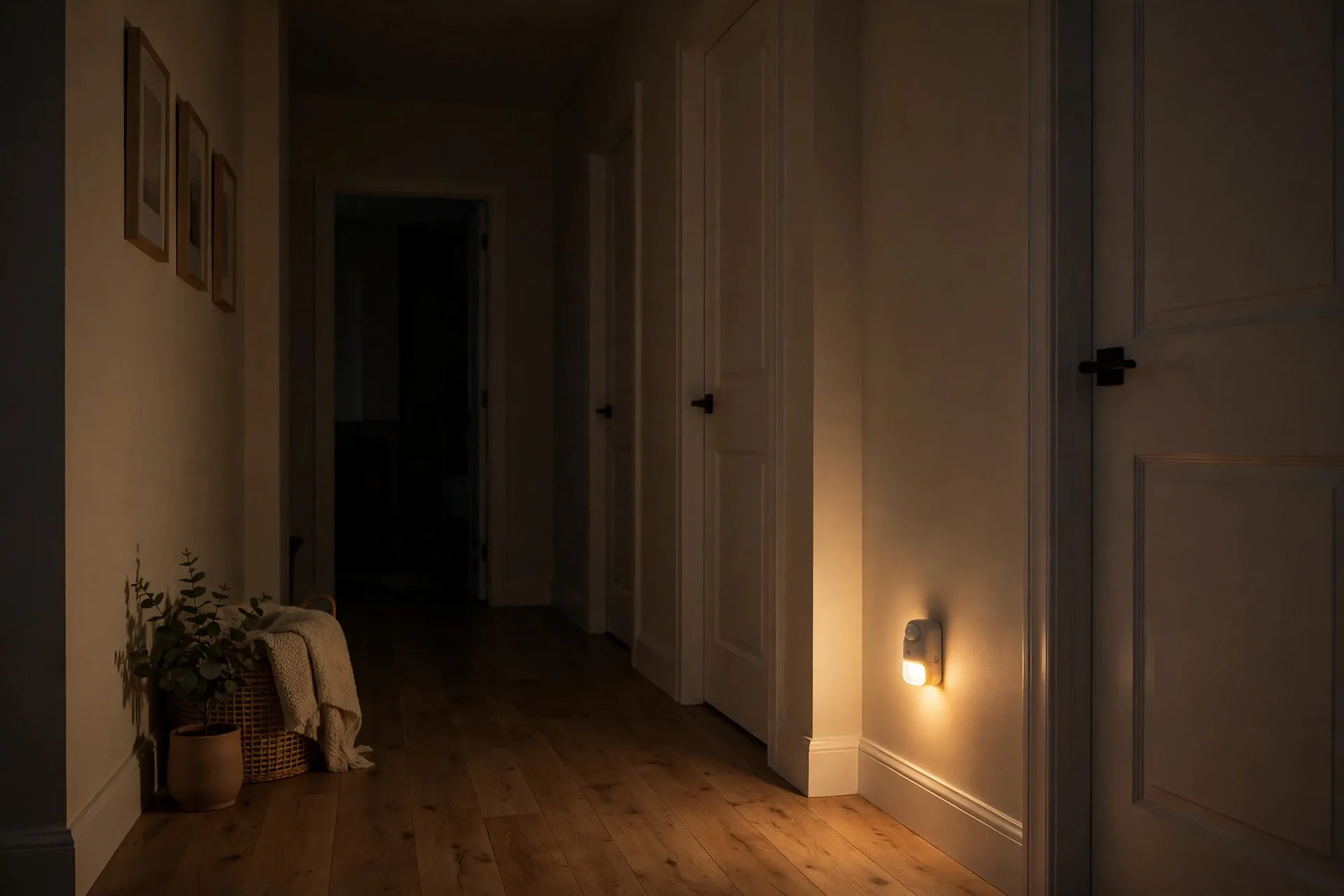
Motion sensors also help prevent falls at night. A sensor in the hallway can switch on low lights when someone gets up in the dark. That simple automation lights the path to the bathroom and reduces tripping in the dark. For ideas on how motion triggered lighting works in practice, see our guide to motion sensor porch light automation, which shows the same principle applied around the home.
Door and window sensors add another layer. They can show that the front door opened and closed at a normal time, or flag an unusual exit at night. They are also useful for wandering risk, where a senior with memory problems may leave home confused. An alert in the first minutes matters far more than one hours later.
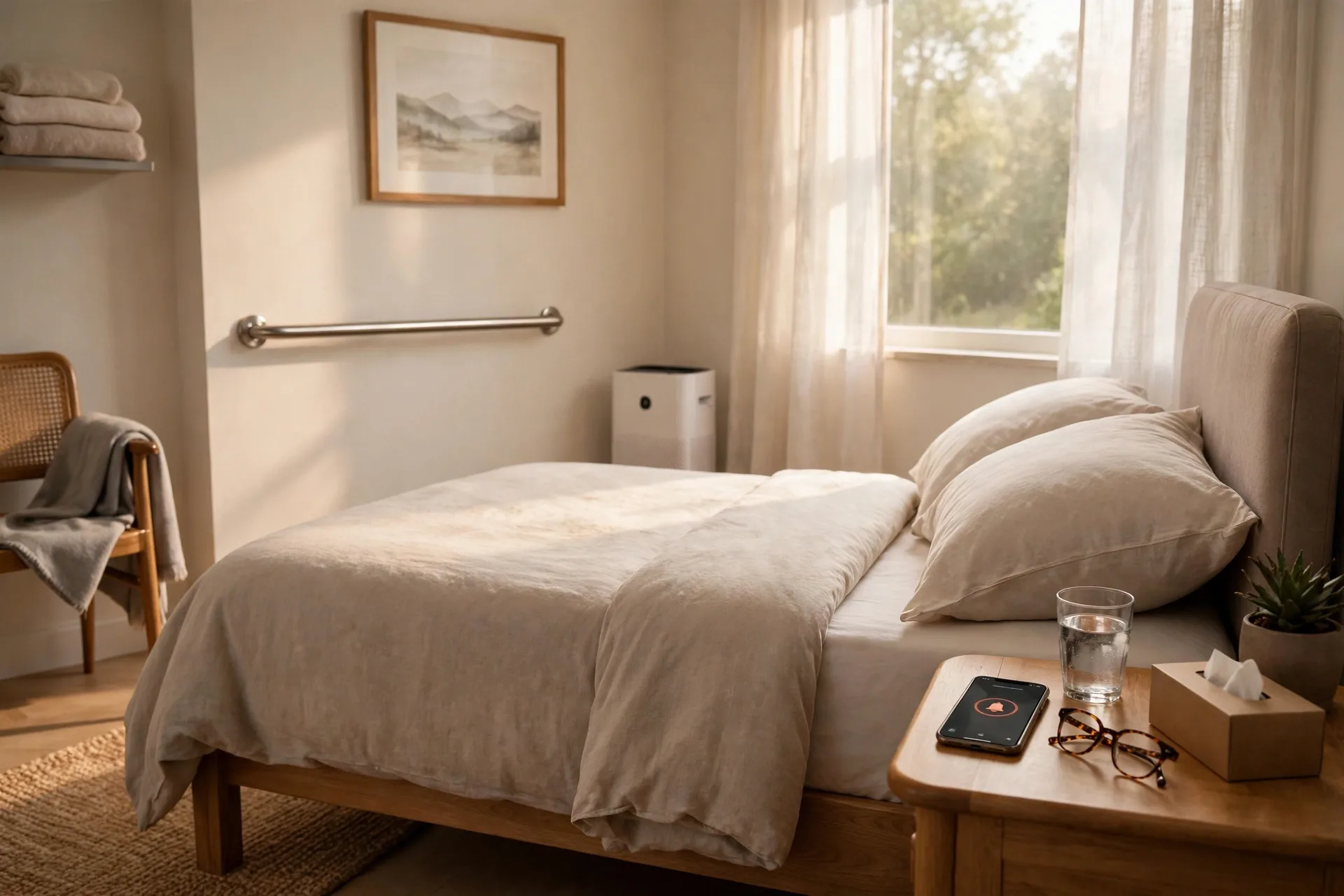
Bed sensors sit under the mattress and track sleep, breathing patterns, and bed exits. They can alert a caregiver if someone gets out of bed at night and does not return, or if they stay in bed far longer than usual. Because nothing is worn, bed sensors suit people who dislike wearables.
Wearable Health Monitors
Wearable health monitors go beyond emergencies. A smartwatch or wristband can track heart rate, activity, sleep, and in some models blood oxygen. Families can spot trends over weeks, like less walking or poorer sleep, and raise them with a doctor at the next visit.
Trends matter more than single readings. One low reading may mean a loose strap or a cold hand. Repeated nighttime drops or a steady fall in daily steps tells a clearer story. Share trends with a clinician rather than trying to diagnose from one number on a screen.
Charging is the weak point of every wearable. A watch that sits dead on a charger helps no one. Pick a device with a simple charger, set a daily charging routine, and consider a second charger by the bed. If charging will be a struggle, a passive room sensor system may be the better choice.
Smartwatches also help with everyday independence. Medication reminders, timers, calls, and messages all live on the wrist. For a senior who already uses a phone, a watch can feel like an upgrade, not a medical device. For someone who dislikes tech, a simple pendant may be kinder.
Environmental Safety Sensors
Home hazards cause real harm too. Smoke alarms, carbon monoxide detectors, water leak sensors, and temperature sensors all belong in a senior safety plan. A stove left on, a leaking washing machine, or a cold house in winter can be as dangerous as a fall, especially for someone with reduced smell or mobility.
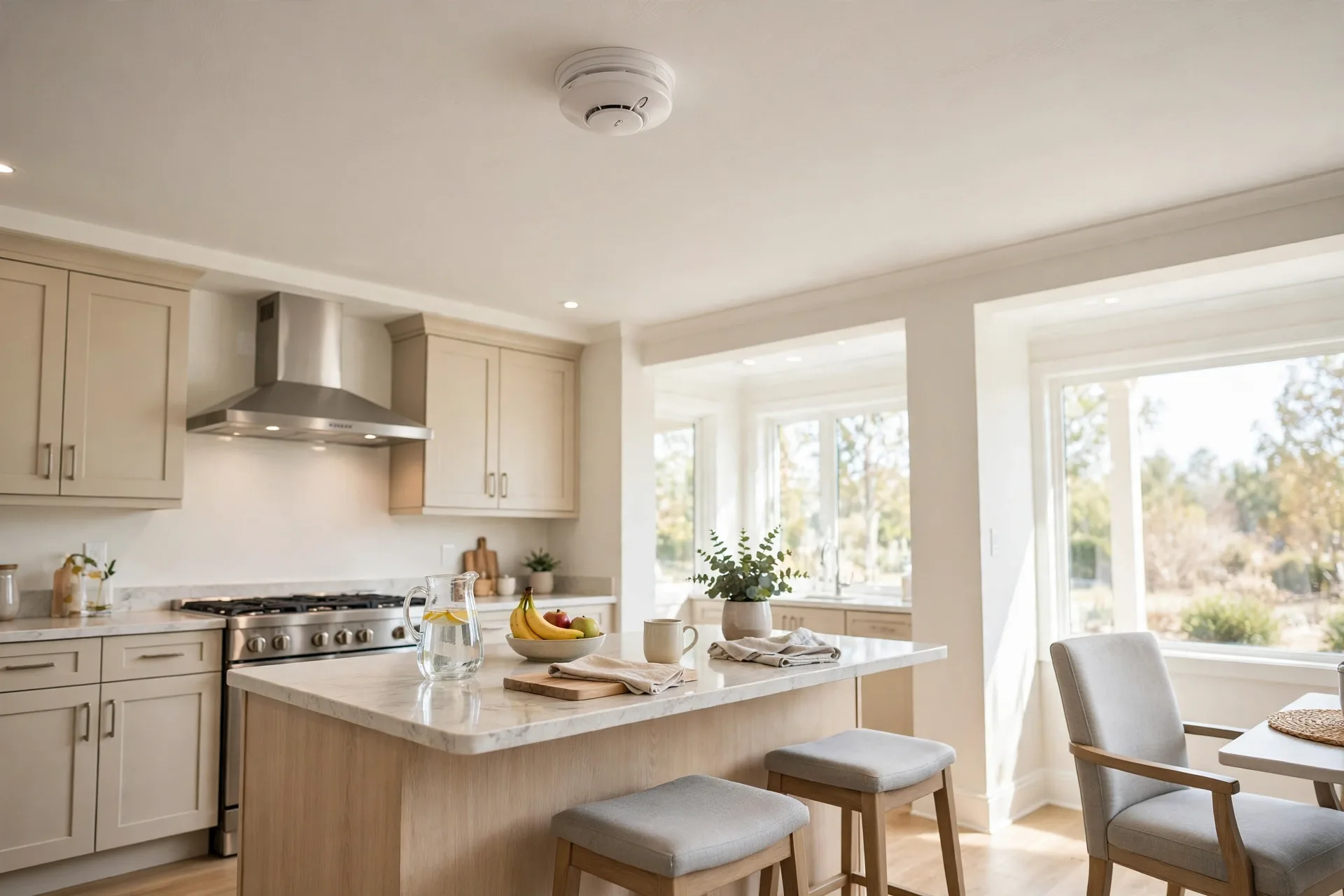
Smoke and carbon monoxide alarms need special attention in senior homes. Check that alarms are loud enough to hear from the bedroom, and consider linked alarms that all sound together. If you want to understand the different alarm types before you choose, our guide to smoke detector types explains the main options in plain terms.
Water sensors under sinks, by water heaters, and near washing machines can catch leaks early. A small leak that goes unnoticed can damage floors and create a slip hazard. A sensor that sends a phone alert lets family act before a small leak becomes a flood.
Temperature sensors help in extreme weather. Older adults may not notice a house getting too cold or too hot. An alert at a set threshold lets family check heating or cooling before health suffers. This is simple, cheap, and often overlooked.
Choosing the Right System
Caption: Elderly monitoring options compared
| System type | Needs wearing | Best for | Watch out for |
|---|---|---|---|
| Medical alert pendant | Yes | Emergencies and falls | Useless if not worn |
| Smartwatch | Yes | Active seniors who like tech | Needs daily charging |
| Room and motion sensors | No | Seniors who refuse wearables | Needs careful placement |
| Bed sensor | No | Night monitoring and sleep trends | Less useful away from home |
| Room radar fall sensor | No | Privacy friendly fall detection | Higher upfront cost |
Start with the senior, not the product. Will they wear a device every day? Do they leave the house alone? What worries the family most: falls, wandering, or a medical event with no one nearby? Answer those three questions first, and the right category usually picks itself.
Next, check the home. How big is it? Is there reliable internet and mobile signal? Do stairs, bathrooms, and the kitchen need extra coverage? A small flat may need only a pendant and two motion sensors. A larger house may need door sensors, bed sensors, and environmental alarms too.
Then check the response plan. Who gets alerts first? Who is the backup? Is there a paid monitoring center for nights and holidays? Write the plan down and share it with everyone involved. A system is only as good as the human chain behind it.
Cost varies a lot. A basic pendant system may have a modest monthly fee. Room radar systems cost more upfront. Before you sign a contract, ask about contract length, cancellation terms, and what happens if the senior moves house. Check current prices on the provider page, since fees change often and vary by region.
Setting Up Without Overwhelming Anyone
Install in stages. Start with the most important layer, usually fall detection or a medical alert, and let the senior get used to it for a week or two. Then add motion sensors or a bed sensor. A house full of new devices on day one feels like surveillance. A slow rollout feels like care.
Place motion sensors where daily life happens: the hallway, kitchen, living room, and bathroom entrance. Avoid pointing them at pets, heaters, or windows with moving curtains, since those can trigger false alerts. Test each sensor after fitting, and adjust the angle before you trust it.
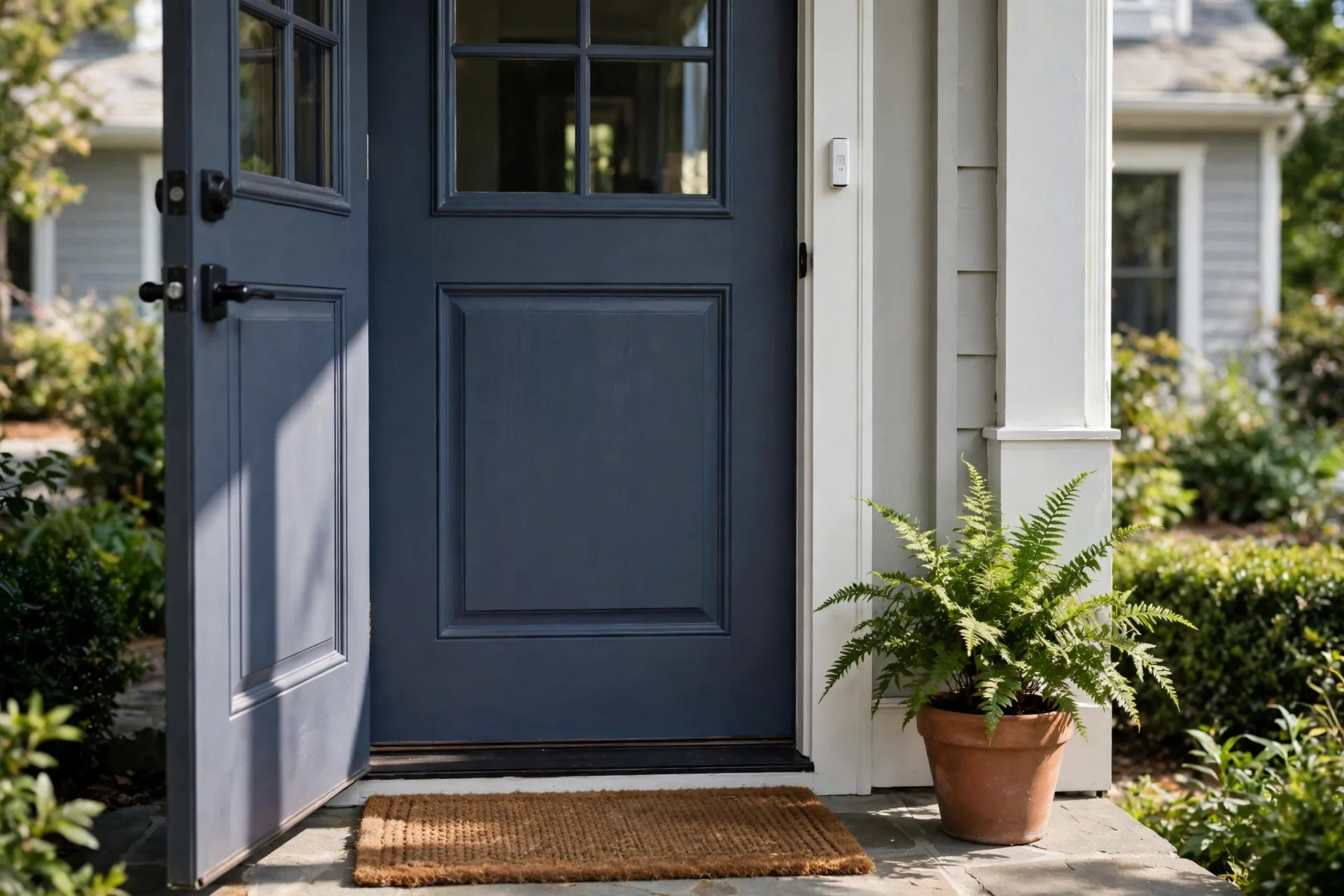
Door sensors deserve a careful fit too. A sensor on the front door tells you about exits. One on a medicine cabinet or fridge can hint at daily routines. For a fuller look at how door sensors work in a home setup, see our guide to door and window sensors. Keep the setup simple at first, and add sensors only where they answer a real question.
Test the whole chain, not just each device. Trigger a test alert and check that the right person gets it, at the right time, with clear information. Repeat the test at night, when response may be slower. A system that works at noon but fails at midnight is not finished.
Privacy, Consent, and Dignity
Monitoring an adult relative raises real questions. Who sees the data? How long is it stored? Can the senior turn anything off? Talk through these questions together, and put the answers in writing if the family is large. Consent is not a one time signature. It is an ongoing conversation.
Avoid cameras in bedrooms and bathrooms. Most families find that motion and door sensors give enough information without video. If a camera is used in a shared living space, tell everyone who enters the home, and consider a camera that only activates on an alert.
Give the senior control where you can. Let them choose the wearable color, the alert sound, and who gets notified first. Small choices build trust. A system imposed without discussion often ends up switched off, and a switched off system protects no one.
Frequently Asked Questions
What is the best elderly monitoring system for living alone?
The best system for living alone usually combines a wearable fall detector with passive home sensors, so help can be called even if the person cannot press a button. Add door sensors if wandering is a risk, and a monitored response plan for nights. Test alerts before you rely on the system.
Do elderly monitoring systems need internet?
Many home sensor systems need internet for app alerts and dashboards, but medical alert pendants often use a mobile network instead. Check each device before you buy, especially in rural areas. A system that only works on home WiFi may fail during a power cut or broadband outage.
Can monitoring systems detect falls without a wearable?
Yes, room based radar sensors can detect falls without anything worn, by tracking posture and movement in the room. They suit seniors who forget or refuse wearables and they protect privacy better than cameras. They cost more upfront than a pendant, so weigh that against daily wear compliance.
Are cameras needed for elderly monitoring?
Cameras are not needed for most elderly monitoring, and many families avoid them for privacy reasons. Motion, door, bed, and wearable sensors usually give enough information about safety and routines. If you use a camera, keep it out of bedrooms and bathrooms and tell everyone involved.
How much does an elderly monitoring system cost?
Costs vary widely by type, region, and monitoring plan, so check current prices on provider pages before you decide. Basic pendant systems often have a monthly fee, while room sensor systems cost more upfront. Ask about contracts, cancellation, and what happens if the senior moves house.
What should families do after an alert?
Families should follow a written response plan: try to call the senior first, then visit or send a nearby contact, then call emergency services if there is no response. Keep the plan simple and share it with every responder. Review the plan after any real alert and fix gaps while they are fresh.
Conclusion
Pick the system your parent will actually use, test the full alert chain, and write down who responds and when. Start with fall detection or a medical alert, then add home sensors in stages. Your next step is a short family conversation: list the top two risks, agree on who answers alerts, and only then compare products.