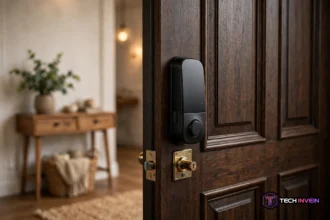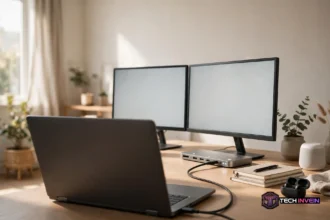


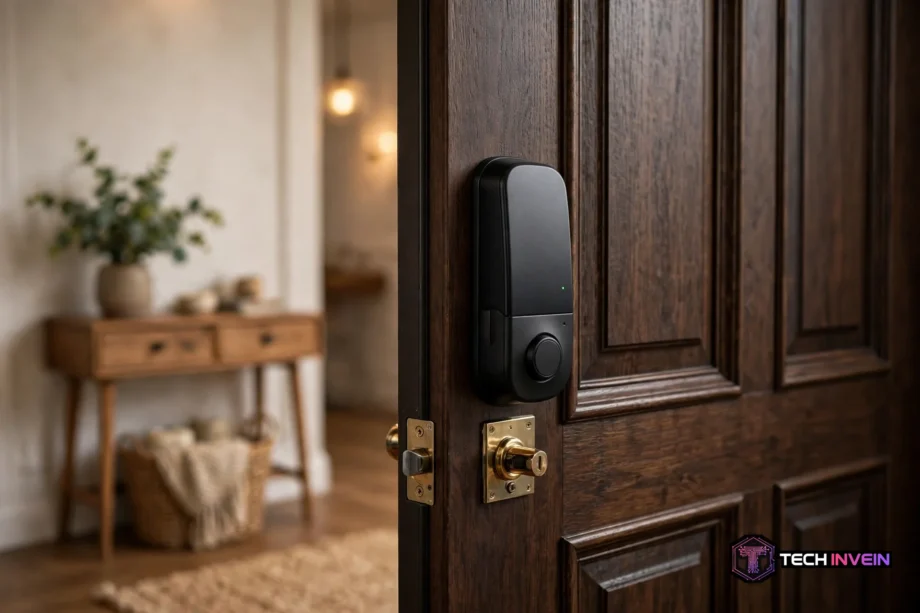
A retrofit smart lock is a motorized unit. It fits over the inside of your existing deadbolt and turns it for you. You keep your keys, your exterior hardware stays untouched, and most installs take about 10 minutes with a screwdriver. So it is the simplest way to add keyless entry, auto-lock, and remote access without replacing your lock.
- What Is a Retrofit Smart Lock?
- How the Motor Turns Your Deadbolt
- Retrofit vs Full Replacement: Which One Fits You?
- The Compatibility Checklist: Will It Fit Your Door?
- How to Install a Retrofit Smart Lock
- 5 Retrofit Models Worth a Look
- What Can Go Wrong (and How to Fix It)
- Why Renters Love This Type of Lock
- FAQs
- Can a retrofit lock fit any door?
- Do I still need my key with a retrofit lock?
- How long does the install take?
- Can renters install a retrofit lock?
- Does it still work when the Wi-Fi is down?
- Is a retrofit lock secure?
- Conclusion
Maybe you rent and your landlord won’t let you change the lock. Or maybe you like the deadbolt you already own. A retrofit lock solves both problems, because it works with the hardware on your door instead of replacing it.
What Is a Retrofit Smart Lock?
A retrofit smart lock clamps onto the interior side of your deadbolt. It replaces the thumb turn, the small lever you twist by hand, with a small motor. Tap your phone or wait for the auto-lock timer, and the motor turns the deadbolt for you.
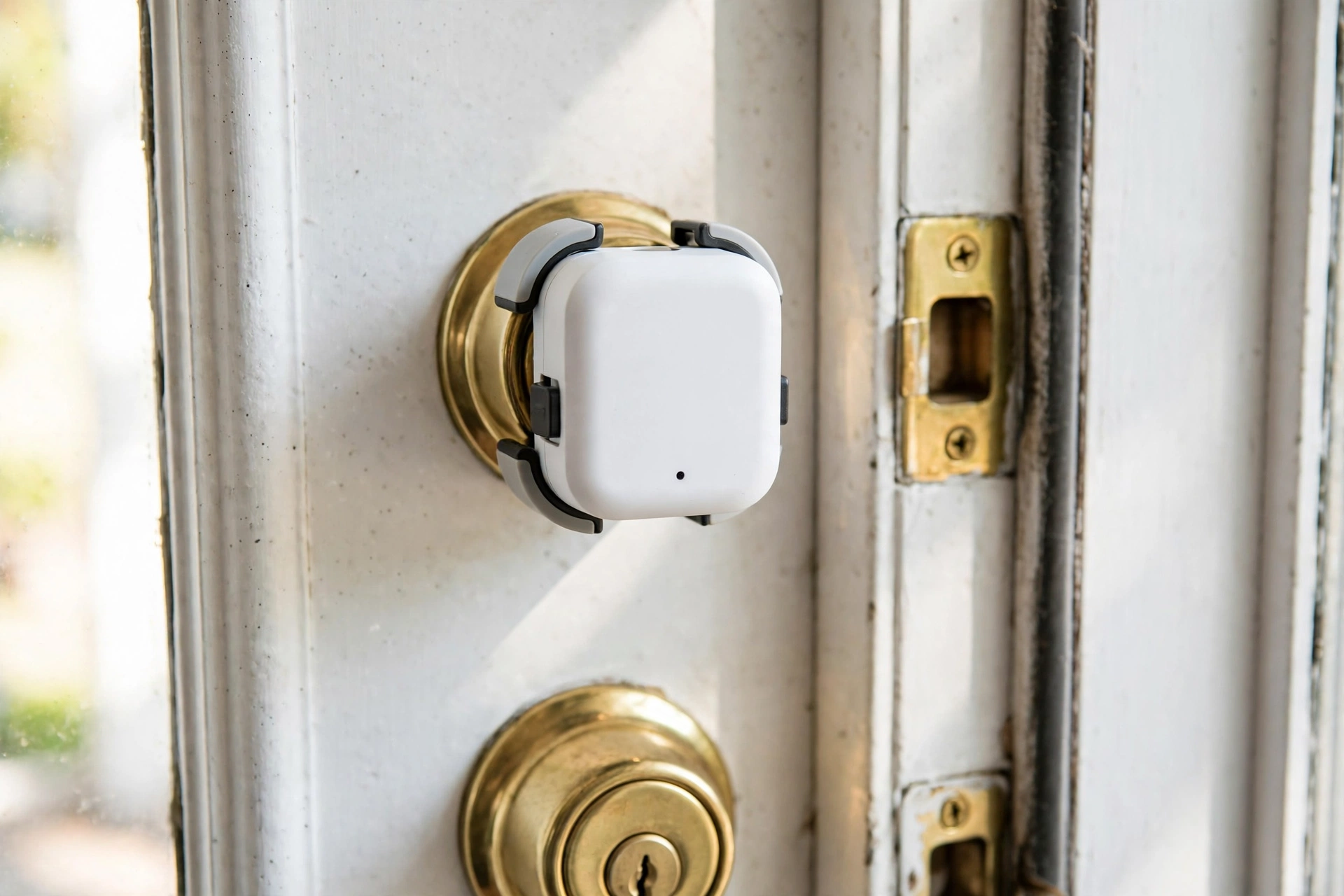
Still, nothing changes on the outside of your door. The keyhole stays where it is, your existing keys still work, and a visitor would never know anything changed.
A full replacement smart lock works differently. It swaps out the whole deadbolt and usually adds a keypad or fingerprint reader outside. Retrofit locks keep the outside simple and put all the smart parts inside.
In fact, most retrofit locks run on four AA batteries and connect over Bluetooth, Wi-Fi, or both. Some need a small plug-in bridge near the door for remote access, while newer models have Wi-Fi built in.
How the Motor Turns Your Deadbolt
The core idea is simple. Your deadbolt has a tailpiece, a flat metal bar that connects the interior thumb turn to the bolt. The retrofit lock grips that tailpiece, so when the motor spins, the bolt slides in or out.
During setup, the lock learns your deadbolt’s range of motion. It turns the bolt both ways and stores the end positions. This step is called calibration. If it misjudges the range, the lock can stop halfway and report a jam, so calibration matters.
Once it is set up, the app locks and unlocks it over Bluetooth nearby. Over Wi-Fi, it works when you are away. Afterward, auto-lock secures the door a few minutes after you close it. Auto-unlock can sense your phone approaching, though it can be flaky in apartment buildings where GPS drifts between floors.
Retrofit vs Full Replacement: Which One Fits You?
The honest answer depends on your door, your home, and who owns it. Still, neither type is better in every case. Here is how they stack up.
Table: Retrofit vs Full Replacement Smart Lock.
| Feature | Retrofit Smart Lock | Full Replacement Smart Lock |
|---|---|---|
| Install time | About 5 to 15 minutes | About 20 to 40 minutes |
| Tools needed | Phillips screwdriver | Screwdriver, sometimes a drill |
| Exterior changes | None | New keypad or fingerprint reader |
| Existing keys | Still work | Usually replaced or rekeyed |
| Built-in keypad | No, add-on only | Yes, on most models |
| Reversible | Yes, about 10 minutes | No, it is a permanent swap |
| Best for | Renters, kept finishes | Owners who want a keypad |
For example, pick a retrofit lock if you rent, if you love your current deadbolt’s finish, or if you want the fastest install. The whole job is two screws and a clip, and you can undo it just as fast.
In contrast, pick a full replacement if you own your home and want a keypad on the door itself. Codes are easier to share than phones, and a built-in keypad means guests and cleaners don’t need an app. A full replacement also has a stronger motor, since it drives a brand-new bolt instead of turning your old one.
In fact, a retrofit lock does not make your door less secure by itself. Your existing deadbolt still does the physical locking. What matters is the condition of the deadbolt you already have, which brings us to the next section.
The Compatibility Checklist: Will It Fit Your Door?
First, not every door can take a retrofit lock. Run through this checklist before you buy anything, because a return costs more time than a five-minute check.
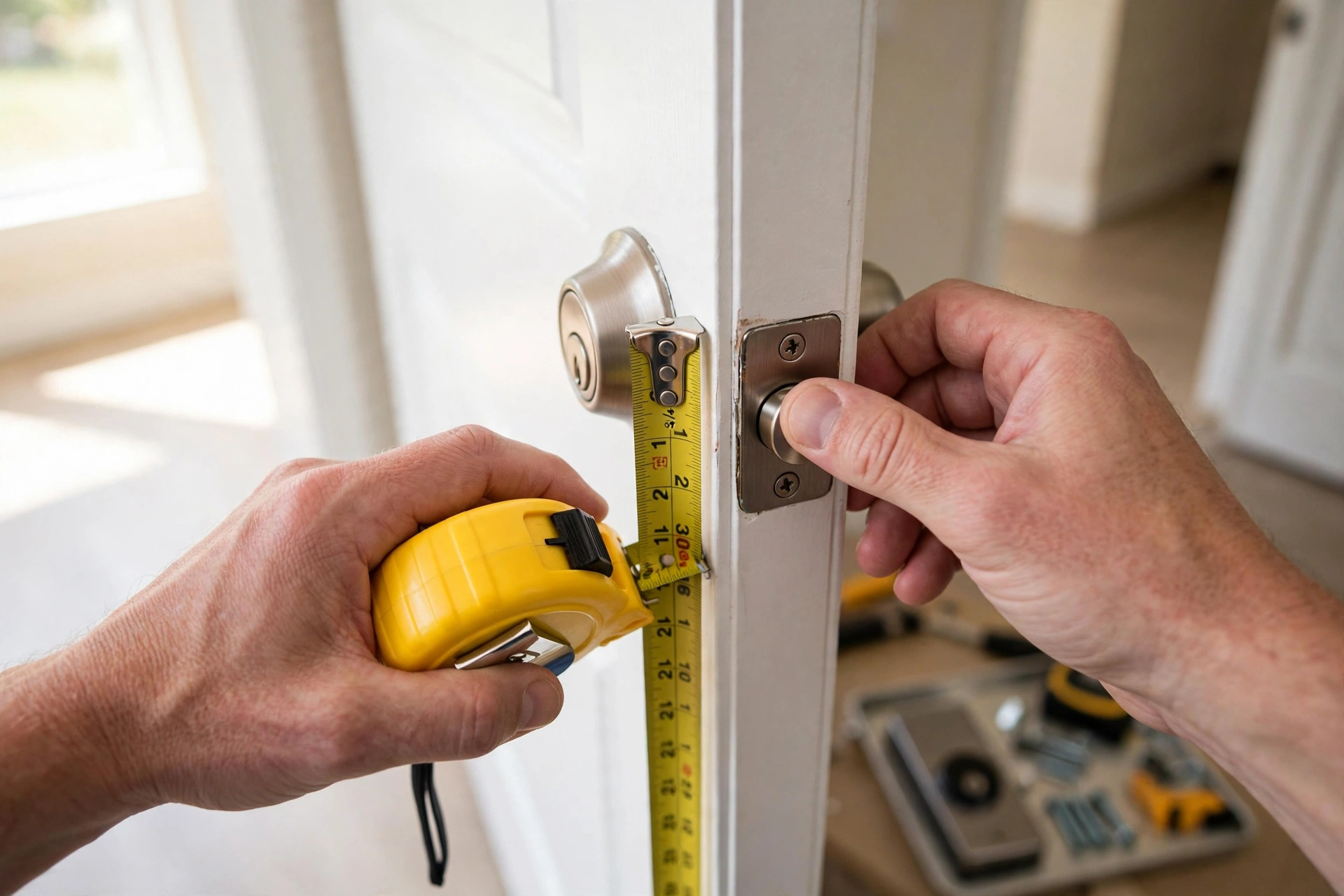
1. You need a standard single-cylinder deadbolt. That means a key on the outside and a thumb turn on the inside. It is the most common setup in US homes.
2. Your deadbolt must turn smoothly by hand. Close the door and twist the thumb turn. It should move with light pressure and no sticking. If you have to jiggle the key or push the door to get the bolt out, fix that first. A retrofit motor cannot fight a stiff bolt, and it will jam or stop halfway.
3. Measure your door thickness. Most retrofit locks fit doors from 1-3/8 inches to about 2 inches thick, so check your model’s range first. Many apartments have thinner 1-3/8 inch doors.
4. Check the tailpiece shape. Also, retrofit kits ship with several adapters for different tailpiece shapes. Match yours to the adapter that fits snugly with no wobble.
5. Make sure nothing blocks the inside of the door. The lock body sits on the interior face and needs a few inches of clear space around the thumb turn. A storm door handle can block it.
If any of these fail, a retrofit lock is the wrong pick. Mortise locks, combined handle-and-deadbolt units, and double-cylinder deadbolts do not work with standard retrofit models. Look at a full replacement instead.
How to Install a Retrofit Smart Lock
First, most people finish in about 10 minutes. You need one tool: a Phillips screwdriver. Keep your old thumb turn and screws in a bag. You will want them back if you ever remove the lock.
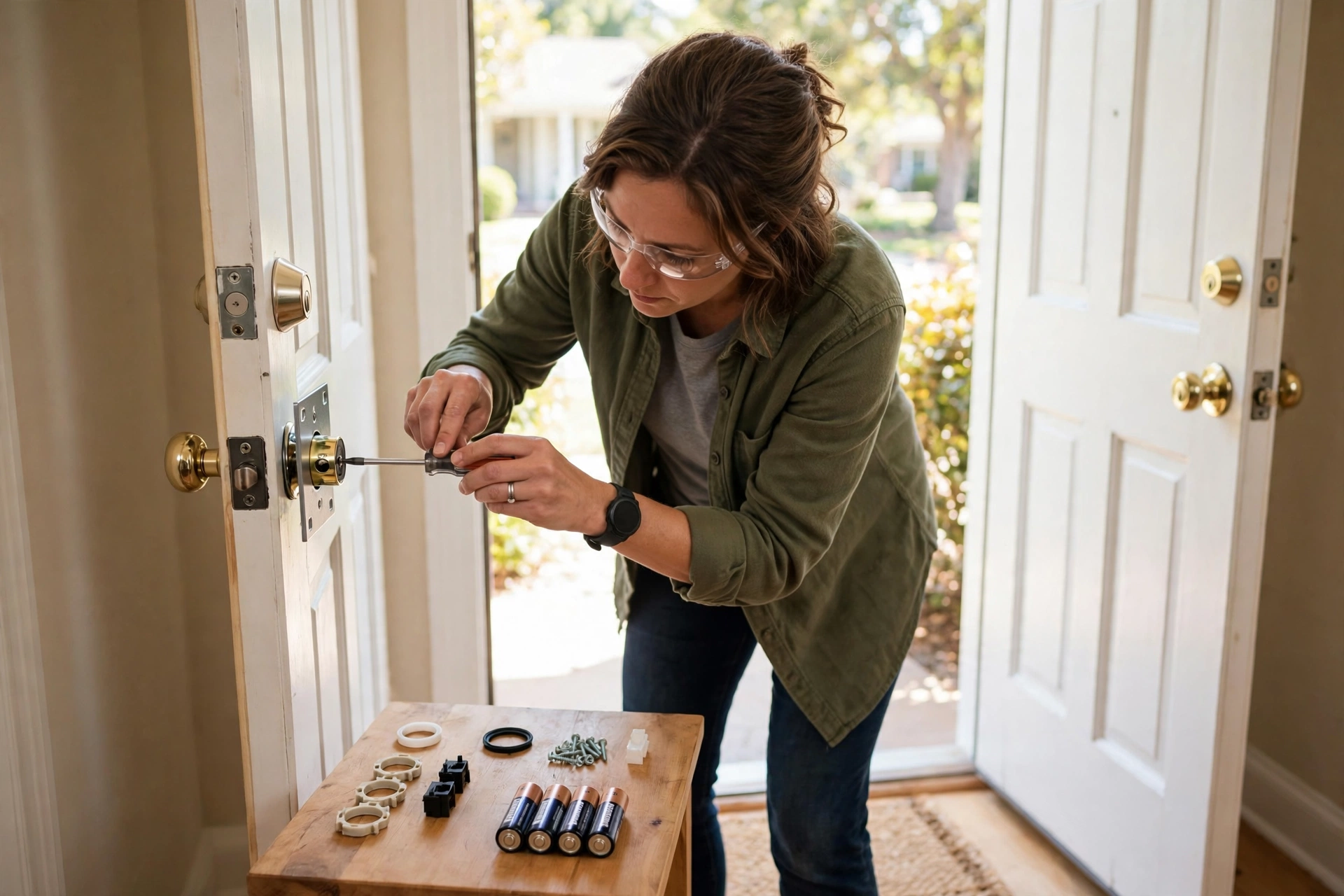
Before you start, photograph your existing hardware from both sides of the door. That photo is your reference for putting everything back later, and it takes ten seconds.
- First, remove the interior thumb turn. Unscrew the two screws on the inside plate and lift the thumb turn off. Leave the exterior cylinder where it is.
- Next, fit the mounting plate. Place the plate over the tailpiece and screw it down with the old screws. Make sure the tailpiece sits horizontal and centered in the plate’s slot.
- Then, pick the right adapter. Try the adapters in the box until one slides onto the tailpiece with a snug fit. A loose adapter will slip, and the lock will turn without moving the bolt.
- Then, attach the lock body. Slide the lock onto the mounting plate and twist or clip it into place. It should sit flush against the door with no gap.
- Next, insert the batteries. Most models take four AA batteries. Use fresh ones, and replace all four at the same time when they run low.
- Afterward, pair the app and calibrate. Download the maker’s app and follow the setup steps. The app will run calibration, turning the bolt both ways to learn its range. Do this with the door open first.
- Finally, test everything before you trust it. Lock and unlock from the app, by hand, and with your physical key from outside. Check that the bolt extends fully every time.
One warning: test with the door open before you test it closed. If calibration is off and the lock jams with the door shut, you are stuck outside.
Then, if your model uses a Wi-Fi bridge, plug it into an outlet within about 10 feet of the door. The bridge is what lets you lock up from work or let someone in while you are away.
5 Retrofit Models Worth a Look
The retrofit category is small, so these are the models worth your shortlist.
August Wi-Fi Smart Lock (4th Gen)
August built the retrofit category, and the 4th-gen model is still the default pick. It clips over your deadbolt in about five minutes, keeps your keys, and has Wi-Fi built in. Also, auto-unlock is the smoothest in the category, and it works with Alexa, Google Home, and Apple HomeKit. The trade-offs are battery life of a few months on four AAs and no built-in keypad. Codes need the optional August Smart Keypad, which costs extra. Recent listings put it around $230, but check the current price before buying.
Yale Approach
Yale’s retrofit lock replaces your interior thumb turn and keeps your original keys. It also adds DoorSense, a small sensor that tells the app whether the door is actually closed. It runs on four AA batteries. Remote access comes through the Yale Connect Wi-Fi Bridge in the box. You need a spare outlet near the door. Both brands share the Yale Access app, which is handy if you mix them in one home.
Level Bolt
Level Bolt takes a different approach: it hides the whole mechanism inside your existing deadbolt. Nothing shows on either side of the door except your original hardware, which makes it the most discreet option here. Install takes a few minutes with a screwdriver, and the kit includes three adapters for your old lock. Still, remote access needs the Level Connect bridge or a compatible hub, sold separately.
eufy Smart Lock E30
The eufy E30 is the budget pick here, with recent listings around $130. Your exterior and keys stay the same, and the eufy app handles codes and remote access. So, if price decides it for you, start here.
ULTRALOQ U-Bolt Pro WiFi
The U-Bolt Pro WiFi is a retrofit-style lock with a fingerprint reader and keypad. That gives you code and fingerprint entry without a full deadbolt swap. It is a good fit if you want a keypad but can’t change your exterior hardware.
If you want a broader comparison, our best smart lock 2026 picks cover both types side by side.
What Can Go Wrong (and How to Fix It)
Retrofit locks are simple, but a few things can go wrong.
The lock jams or stops halfway. In fact, this is almost always a stiff deadbolt, not a broken motor. First, lubricate the bolt with graphite powder and re-run calibration. If it still sticks, the door may have shifted with the seasons, and a small strike plate adjustment fixes it.
Calibration fails during setup. A failed calibration usually means the adapter is loose or the wrong one. Remove the lock, check the fit, and run setup again. Still, if it keeps failing, our guide to smart lock calibration failure walks through the causes step by step.
The batteries drain fast. Wi-Fi activity and cold weather drain them fastest. So keep a spare set of AAs in the house. Set a low-battery alert in the app so you get warned instead of surprised.
Finally, remember that batteries die at the worst moment. A dead retrofit lock still leaves you with a working key. That is the quiet advantage of keeping your old cylinder. If you ever do get caught out, here is what happens when a smart lock battery dies.
Why Renters Love This Type of Lock
Renters are the natural audience for this category. A retrofit lock changes nothing your landlord can see. The exterior stays the same, the landlord’s key still works, and the whole thing reverses in about 10 minutes.
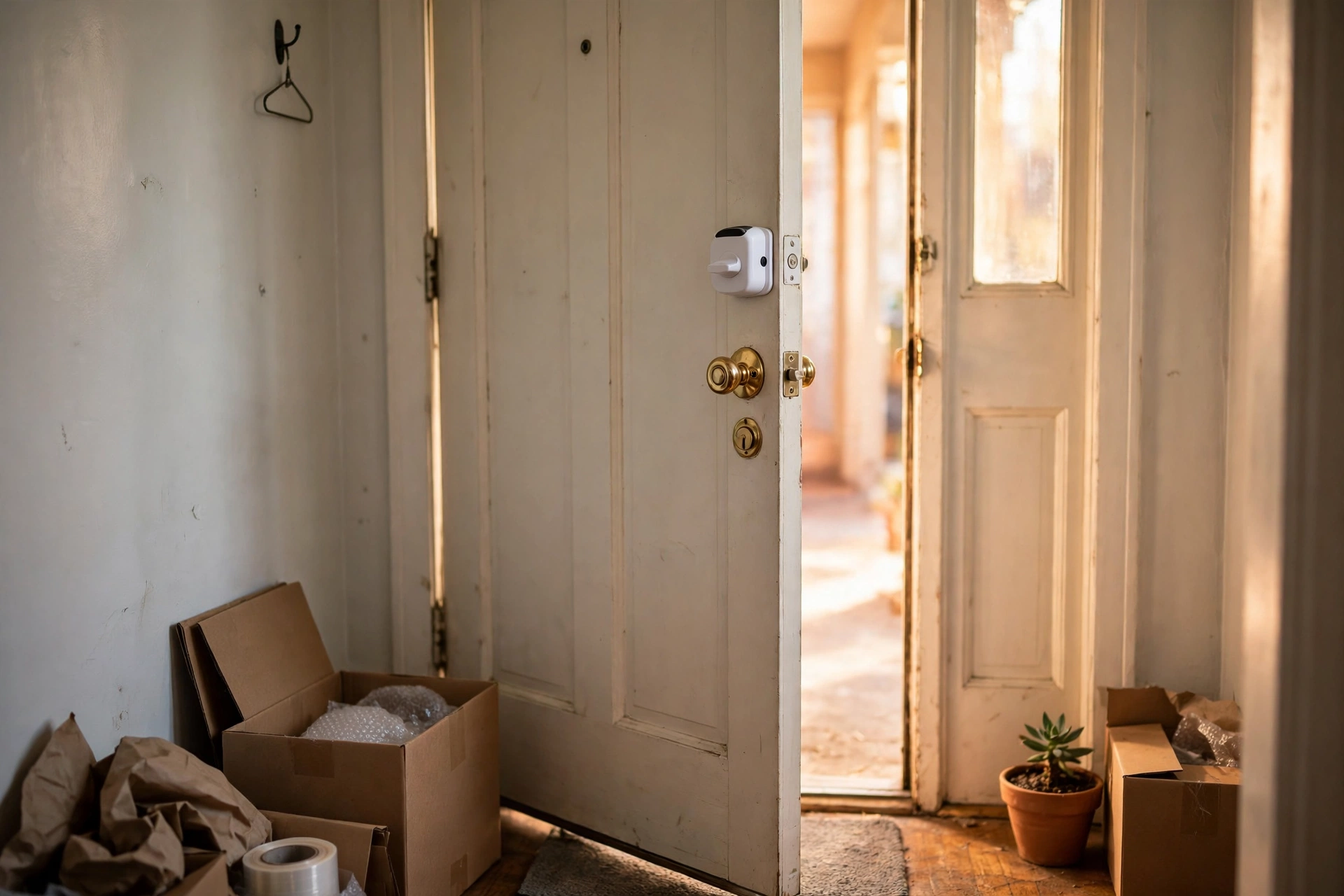
Still, tell your landlord before you install one. Most leases allow it once they see the exterior is untouched. A short message with a photo usually settles it. Get it in writing to avoid an argument at move-out.
Afterward, when you move, plan 15 minutes to remove the lock and refit the original thumb turn. Keep every original screw and plate in a labeled bag, because a missing screw on move-out day eats an hour.
For example, guest access is where renters get the most value. You can share a temporary code or app access with a friend, a cleaner, or a pet sitter. Then revoke it when they leave. If your lock has no built-in keypad, an add-on keypad or the app’s guest feature covers the same need. Our guide on how to add a guest code to a smart lock covers the setup.
In fact, a code beats a key handoff in one more way. There is nothing to lose, copy, or forget to return. The access simply stops working when you revoke it.
Hosts should also look at the Airbnb angle. A retrofit lock lets you give each guest their own code without handing out keys. You can change codes between stays in seconds. See our best smart lock for Airbnb picks for models hosts actually use.
FAQs
Can a retrofit lock fit any door?
No. A retrofit lock only works with a standard single-cylinder deadbolt, which has a key outside and a thumb turn inside. It will not fit a mortise lock, a combined handle-and-deadbolt unit, or a double-cylinder deadbolt. Check your lock type and door thickness before buying.
Do I still need my key with a retrofit lock?
Yes, and that is a feature, not a flaw. Your original key still works from outside. So you always have a backup if the batteries die or the Wi-Fi drops. Keep a spare key with someone you trust. Test the key after install to confirm the cylinder still turns smoothly.
How long does the install take?
Most installs take 5 to 15 minutes with a single Phillips screwdriver. First, you remove the interior thumb turn and fit the mounting plate. Then pick the right adapter and clip the lock body on. Reversing the install takes about 10 minutes.
Can renters install a retrofit lock?
Yes, in most cases. The exterior stays unchanged and the landlord’s key still works, so it is the most renter-friendly smart lock type. Tell your landlord first and keep the original thumb turn and screws. Removal takes about 10 minutes and leaves no trace.
Does it still work when the Wi-Fi is down?
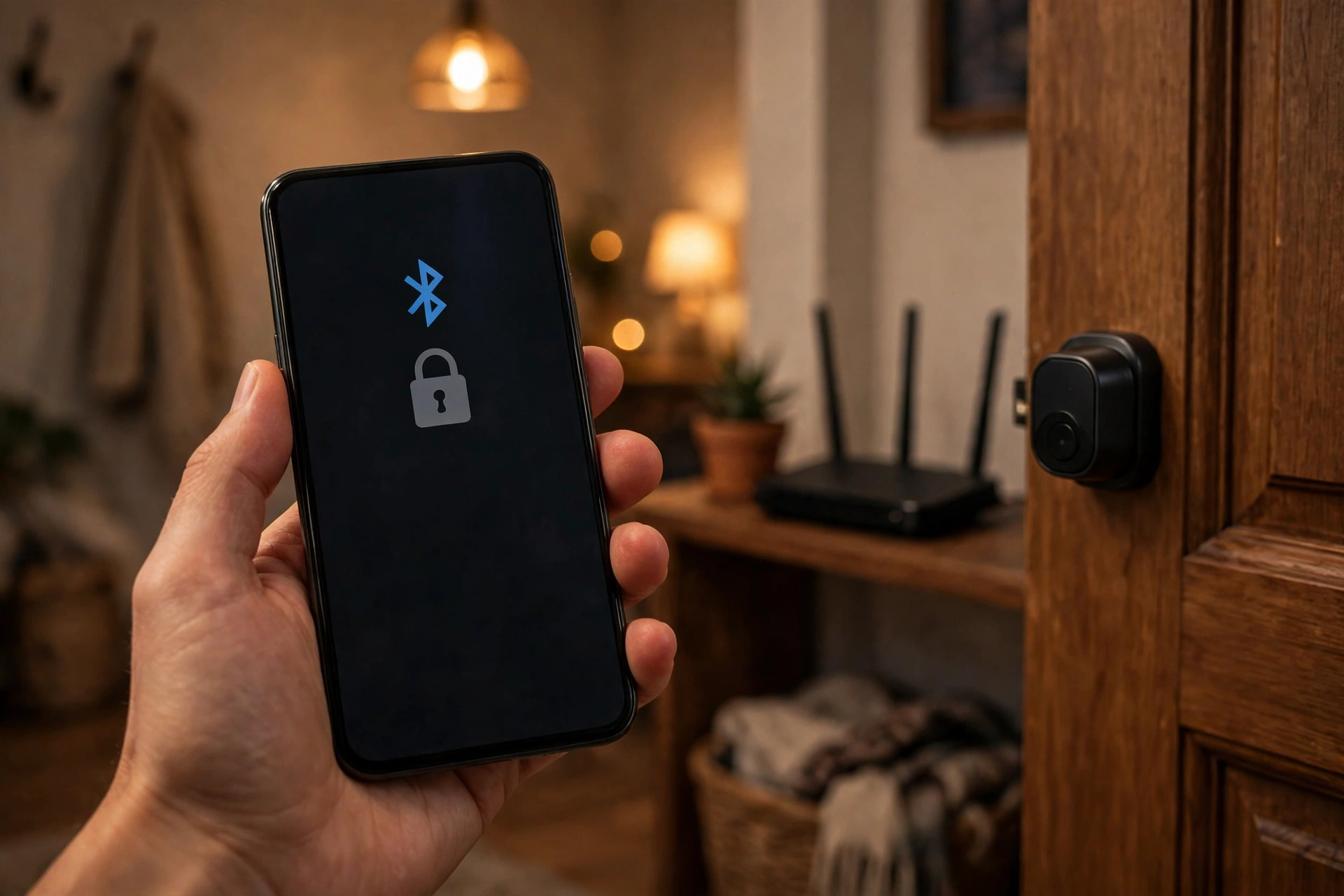
Yes. Still, Bluetooth lets your phone unlock it nearby. The manual turn works from inside, and your physical key works from outside. Only remote access stops working until the Wi-Fi comes back, so you are never locked out by an internet outage.
Is a retrofit lock secure?
It is as secure as the deadbolt it sits on, because your existing bolt still does the physical locking. In fact, a strong, well-fitted deadbolt with a retrofit motor is solid. A worn or stiff deadbolt is the weak point, so fix alignment and lubrication first.
Conclusion
So, a retrofit smart lock is the lowest-friction way to make your door smart. You keep your keys, your exterior stays the same, and the install takes minutes. Run the compatibility checklist first. Pick a model that fits your door and budget, and test it with the door open.