
The best home security camera system for most homes is a wired PoE kit with four to eight cameras and a local NVR, because it records around the clock with no monthly fee. Cameras, doorbells, and kits look alike but work very differently, so this guide sorts the differences before you spend anything.
- What Counts as a Camera System
- Best Home Security Camera System: PoE vs Wireless
- How Many Cameras Do You Actually Need
- Storage: Local NVR vs Cloud
- No-Subscription Systems
- Resolution, Night Vision and Detection That Matter
- Smart Home Integration
- How to Pick the Best Home Security Camera System for Your House
- Whole-Home Security Layers
- FAQs
- Do I need a subscription for a home security camera system?
- How many cameras do I need for an average house?
- Is a PoE system better than a wireless camera system?
- How long does footage stay on a 2TB NVR hard drive?
- Can a camera system work without internet?
- Do security cameras work with Alexa, Google Home, or HomeKit?
- Conclusion
A camera system is not one camera. It is cameras, a recorder, and an app working as one unit. A single camera watches one spot. A system watches every way into your house and lets you check any camera from one screen. That difference matters when something happens, because you need the full path of a person, not one clip at the door.
What Counts as a Camera System
Every real system has three parts. First, the cameras themselves, which capture video and send it on. Next, a recorder, an NVR for IP cameras or a DVR for analog cameras, stores footage on a hard drive. Finally, an app that shows live video and alerts on your phone.
The recorder’s channel count sets your limit. A 4-channel NVR holds four cameras, an 8-channel NVR holds eight, and so on. Buy one channel count above what you need today. A spare channel costs little now and saves you from replacing the recorder when you add a garage camera later.
Do not confuse a camera system with a pile of single cameras. Four separate Wi-Fi cameras from different brands mean four apps, four storage plans, and four things to update. A matched kit keeps one app, one timeline, and one storage pool. That is the whole point of buying a system.
Best Home Security Camera System: PoE vs Wireless
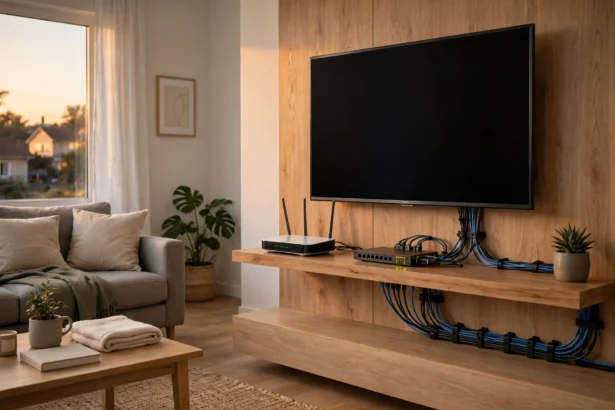
PoE stands for Power over Ethernet. One Ethernet cable carries both power and video from each camera to the NVR, therefore no camera needs a wall outlet or a battery. The result is steady 24/7 recording with no Wi-Fi dropouts and nothing to recharge. For example, Reolink’s official 4K PoE system page shows a typical kit: four 4K cameras, an 8-channel NVR, and a pre-installed hard drive, all running with no monthly subscription.
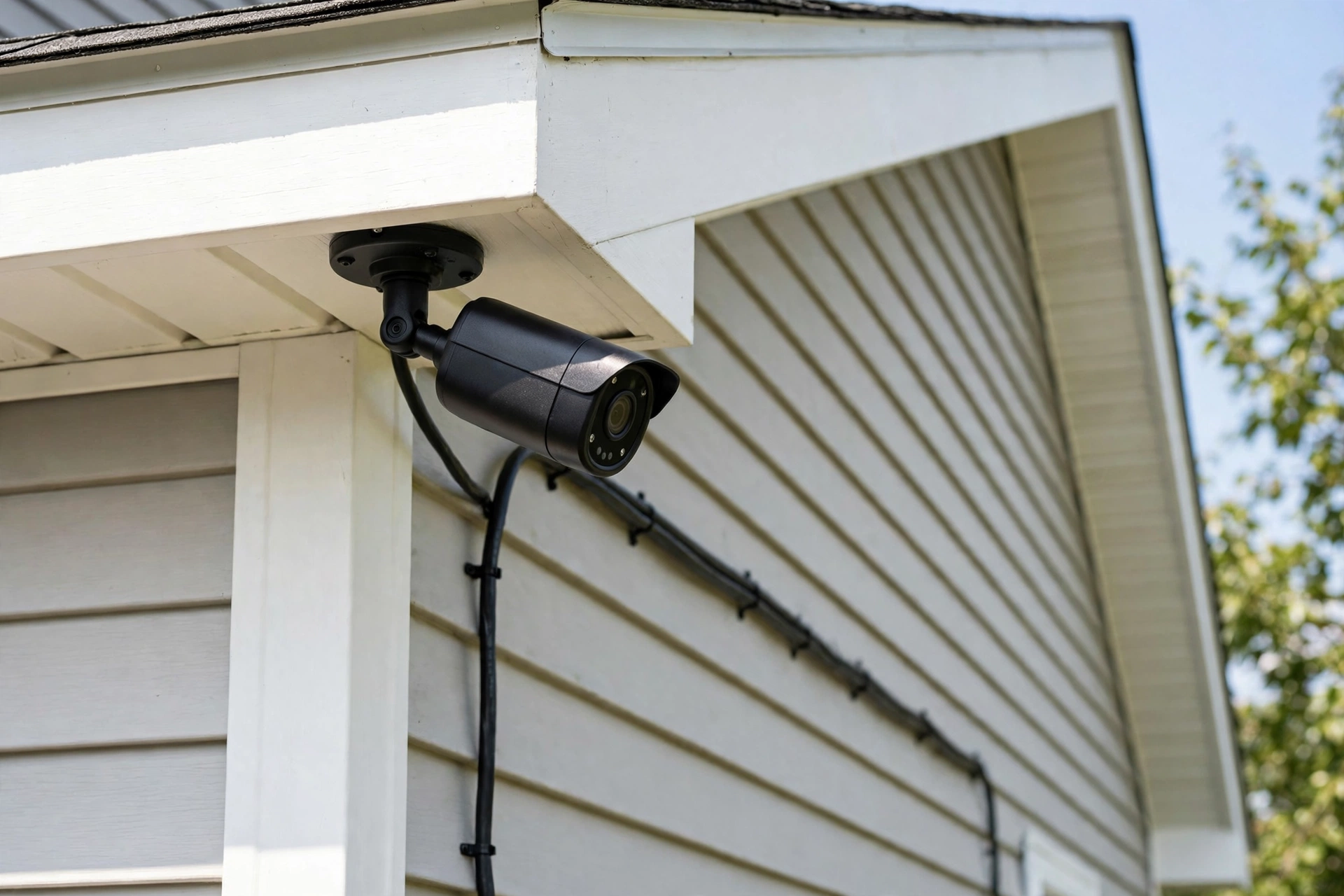
PoE has two honest costs. You must run a cable to each camera, which means drilling and routing cable through walls or eaves. Standard Ethernet runs also top out near 100 meters, about 330 feet, before the signal weakens, thus very long runs need a switch in between. If you rent, or you hate drilling, that is a real drawback.
Wireless and battery cameras solve the install problem. You stick one on a wall, add a solar panel if you like, and you are done in minutes. The trade is reliability. Batteries die, Wi-Fi drops, and many battery cameras record only short motion clips instead of continuous video. They also lean on cloud plans for full features, which brings back the monthly fee.
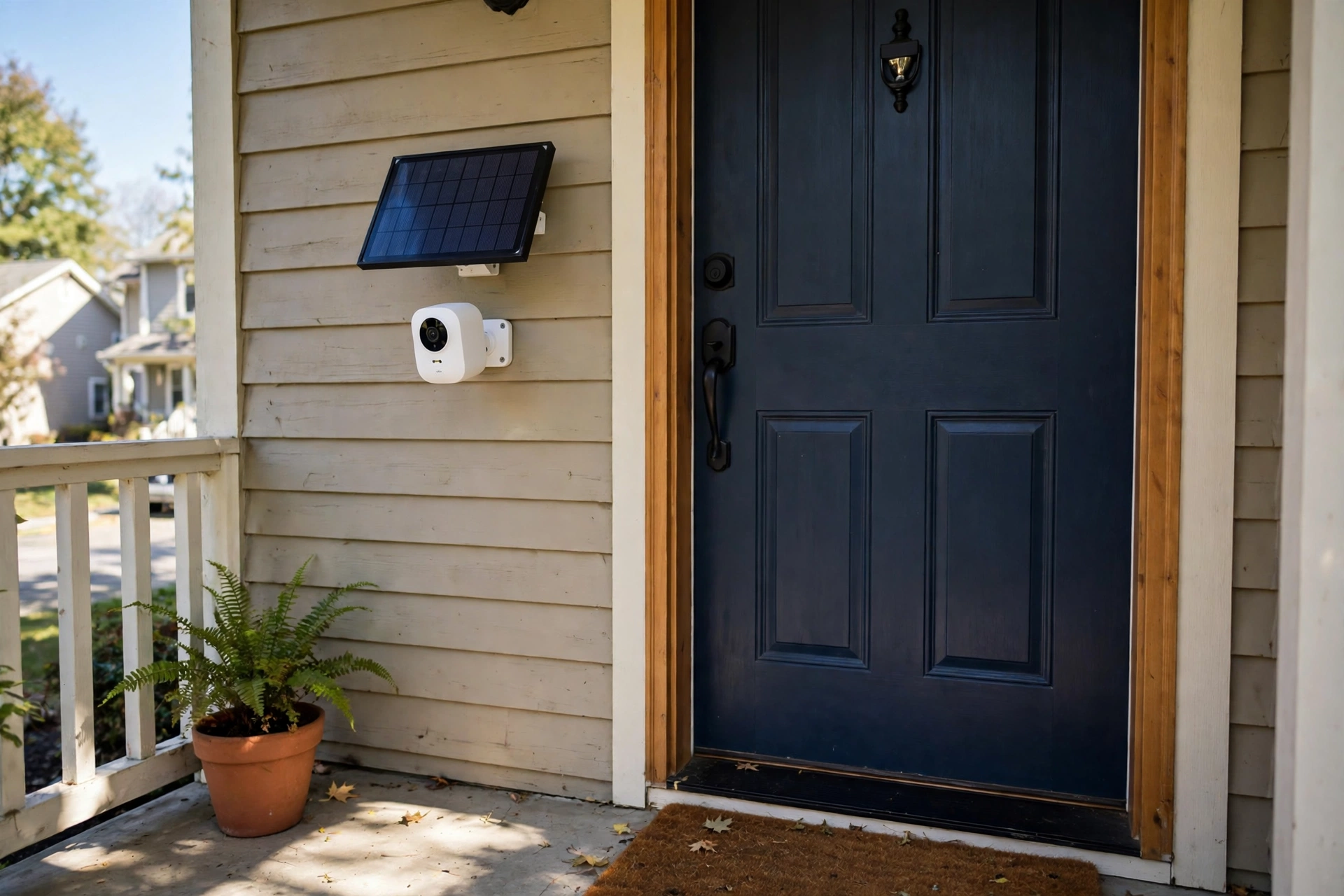
A hybrid setup often makes the most sense. Put PoE cameras on the front door, driveway, and backyard, where reliability matters most. Then add a wireless camera on a shed or side gate where running cable is painful. You get steady coverage where it counts and easy coverage everywhere else.
Table: PoE vs wireless vs hybrid camera systems.
| Feature | PoE wired | Wireless battery | Hybrid |
|---|---|---|---|
| Power | Ethernet cable | Battery or solar | Mix of both |
| Recording | Continuous 24/7 | Mostly motion clips | Continuous plus clips |
| Reliability | Very high | Depends on Wi-Fi | High where wired |
| Install effort | Cable runs needed | Minutes per camera | Moderate |
| Monthly fee | Usually none | Often needed | Usually none |
How Many Cameras Do You Actually Need
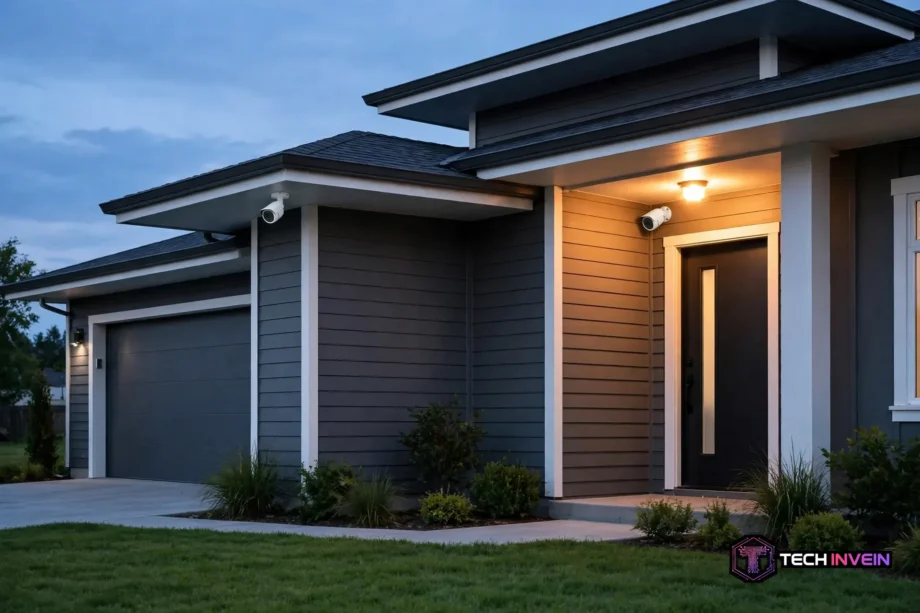
Count entry points, not rooms. Most homes have five: front door, driveway, backyard, side gate, and garage. A small flat may need only two or three cameras, while an average house usually needs four to six. A large property with a long driveway and a big yard can need eight or more.
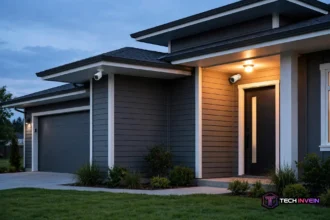
Place cameras to catch faces, not the tops of heads. Mount them about 8 to 10 feet high, then angle them down toward the path a person walks. Point them at doors and driveways, not at the street. A camera that films passing cars but misses your porch has failed its main job.
Try a night walk before you buy anything. Walk your property with the porch lights off and note spots where you cannot recognize a face at ten steps. Those spots need a camera or a light first. This one test stops the most common mistake, which is buying cameras for the wrong places.
Do not double-cover one view. A doorbell camera plus a porch camera aimed at the same doorstep wastes a channel. Spread cameras so their views just overlap at the edges, and you cover more ground with fewer cameras.
Storage: Local NVR vs Cloud
An NVR keeps footage on a hard drive in your house. It records day and night, holds weeks of video, and charges no monthly fee. Recording keeps working even if your internet drops, because the cameras talk to the NVR on your local network. Remote viewing and phone alerts pause until the connection returns, yet nothing is lost.
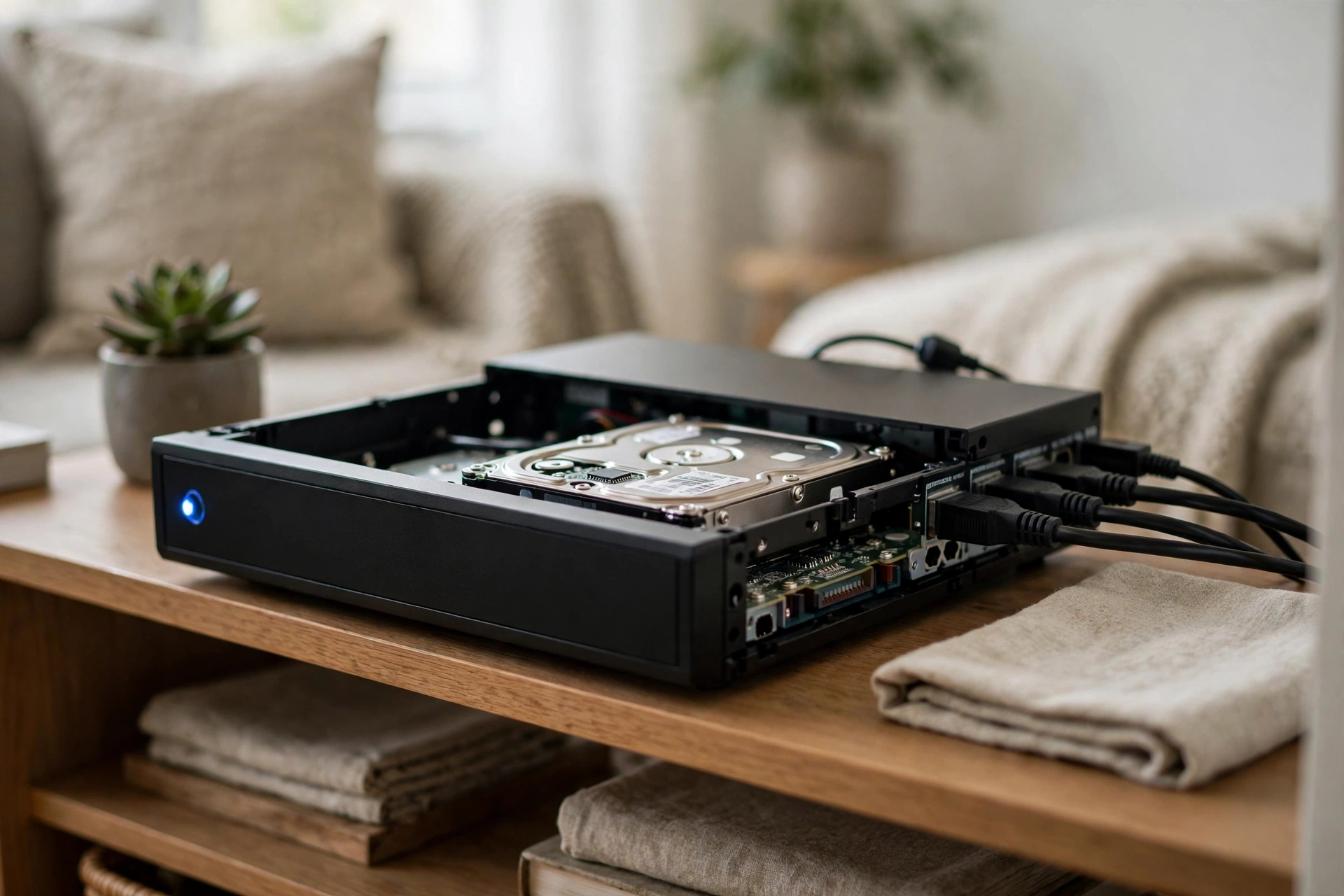
How long footage lasts depends on camera count, resolution, and whether you record nonstop or on motion only. As a guide, Reolink estimates about 7 days and 7 hours of footage from four cameras on a 2TB drive. Motion-only recording stretches that much further, since the drive rests when nothing moves.
MicroSD cards are the other local option. Each camera stores its own clips on a card, which costs little and needs no recorder. The weakness is plain: if someone steals the camera, the footage goes with it. Cards suit one or two cameras, not a whole-house system. Our guide on how to store security camera footage locally without cloud walks through the local options in more depth.
Cloud storage flips the trade. Your clips live on the vendor’s servers, safe from theft, and playback is simple. The catch is the monthly fee, which never ends, and some cameras lock features like long clip history or smart alerts behind it. Over a few years, that fee often passes the price of a hard drive.
One cheap safeguard covers both kinds of system. Put the NVR and the router on a small UPS battery backup, therefore a short power cut does not blind your cameras. A power flicker is a common moment for trouble, and a UPS keeps recording through it.
No-Subscription Systems
“No subscription” should mean the system works fully with no monthly payment. Local recording, live viewing, motion alerts, and playback should all work out of the box. Many PoE NVR kits meet that bar, and so do some Wi-Fi cameras with microSD or built-in storage.
Read the fine print before you trust the label. Some brands offer a free basic plan that keeps clips for only 24 hours or blocks downloads unless you pay. Others keep person detection free but charge for package or pet detection. Check three things: clip retention days, free downloads, and which detections work without a plan.
Doorbells deserve their own note here. A doorbell camera is not a full system, but it is often the first camera people buy, and subscription pressure is strongest there. Our guide to the best video doorbell with no subscription covers doorbells that store footage locally, so you can pair one with a camera system instead of paying two fees.
Resolution, Night Vision and Detection That Matter
Resolution decides whether you can identify a face or a plate. A 4K camera packs four times the pixels of a 1080p camera, so it holds detail at distance where 1080p turns to mush. That matters on a long driveway. On a small porch, though, 1080p is often enough, and it uses far less drive space.
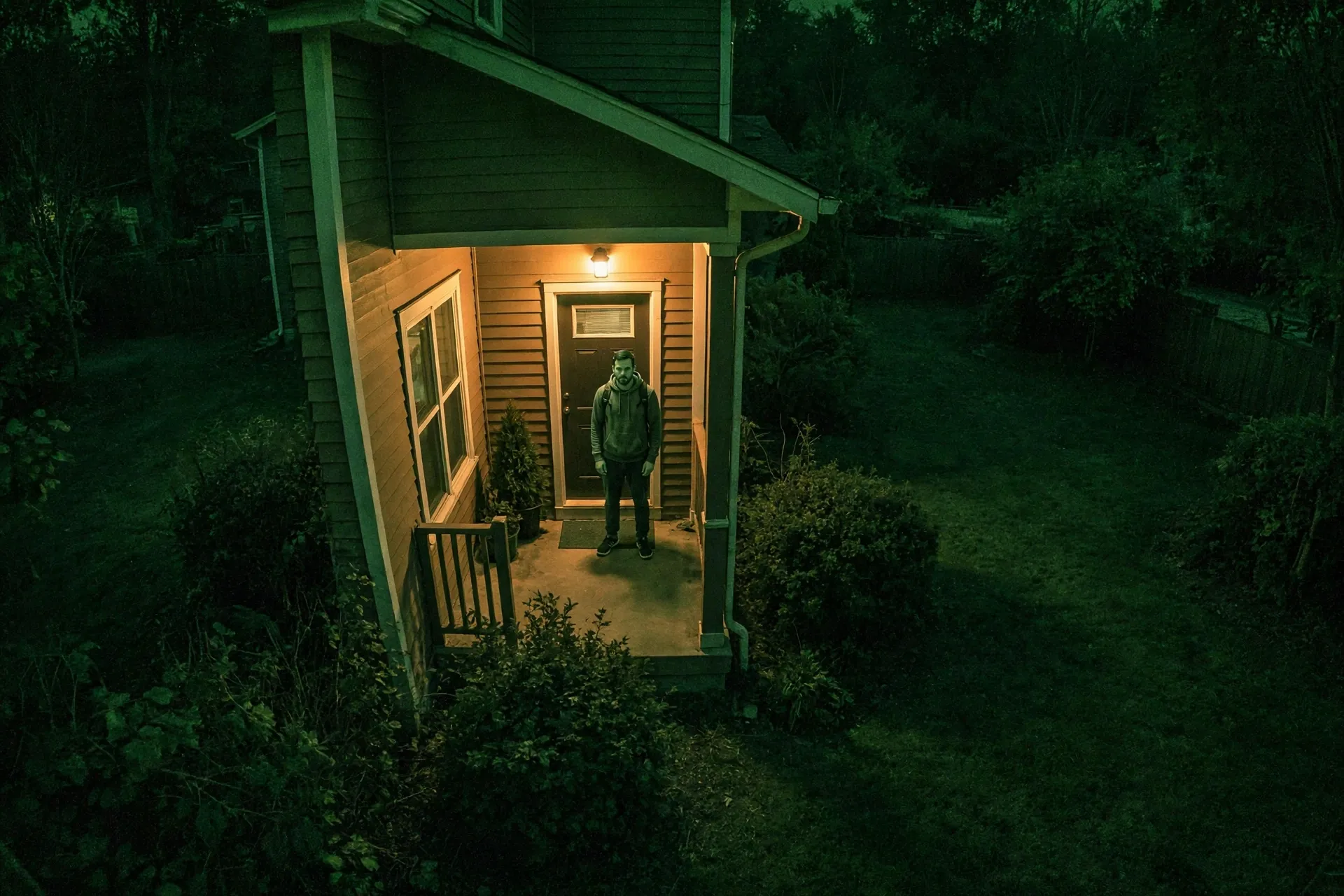
Night vision comes in two kinds. Infrared gives black-and-white video in total darkness and works well in most yards. Color night vision keeps color but needs some light, either from a porch lamp or the camera’s own spotlight. Treat “up to 100 feet” night vision claims with care, since fences, walls, and rain cut real range well below the box claim.
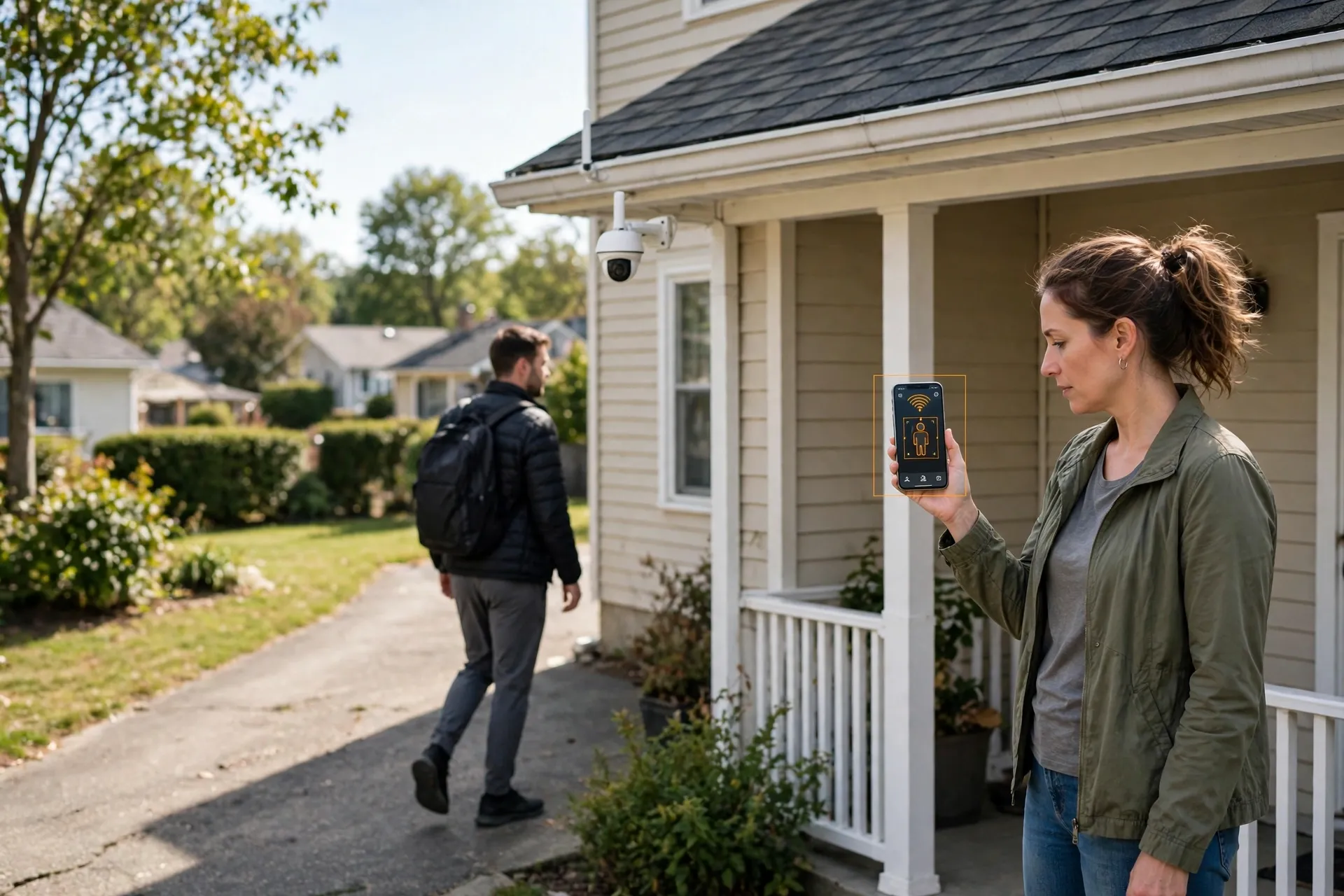
Detection decides how often your phone buzzes. Plain motion alerts fire on trees, shadows, and cats. Person, vehicle, and pet detection filters most of that noise, so you get alerts that mean something. Look for detection that runs on the camera or NVR itself, because cloud-based detection can stop working if you skip the subscription.
Two-way talk is worth having at doors, so you can speak to a visitor or warn someone off without opening the door. It matters less on a backyard camera, where you mainly want a clear recording.
Smart Home Integration
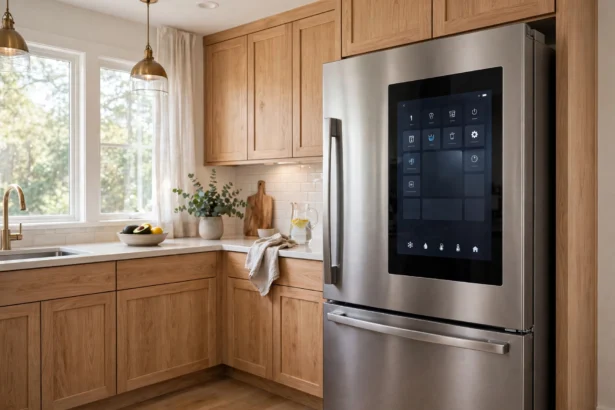
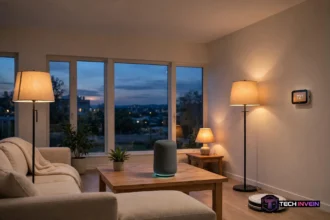
Voice assistants are the first integration most buyers want. Many Wi-Fi cameras show their feed on an Echo Show or Nest Hub and announce visitors through a smart speaker. That convenience is real, but check the exact model’s support list first, since support varies even inside one brand.
HomeKit support is rarer. Some cameras work with HomeKit Secure Video, while many popular cameras do not support it at all. If your household runs on Apple gear, confirm HomeKit support before buying, not after.
Open standards matter if you run a local smart home. RTSP and ONVIF let an NVR, Home Assistant, or a local recorder like Frigate use a camera’s stream directly. Many big cloud-first cameras block those streams, which locks you into their app. If local control matters to you, prefer cameras that publish RTSP or ONVIF support.
Here is an honest trade-off. Traditional PoE NVR kits often lack native Alexa or Google support, even though they win on reliability and storage. If voice viewing is a must, you may need a mixed setup: a PoE system for recording plus one or two Wi-Fi cameras for the voice assistant. Decide which matters more before you buy, not after the boxes arrive.
How to Pick the Best Home Security Camera System for Your House
Start with a walk, not a shopping page. List every entry point, count the cameras that list needs, and add one spare channel. That count picks your NVR size. Then choose PoE or wireless: owners who plan to stay usually gain more from PoE, while renters should pick wireless and skip the drilling.
Next, settle storage. If you want 24/7 recording and no monthly fee, pick an NVR kit with a 2TB drive or larger. If you only need one or two cameras, microSD storage may be enough. After that, check night vision and detection on the exact models, since those decide whether your footage is useful or just blurry.
Finally, confirm smart home support and budget for install. PoE cable runs take time, and an installer is worth it if you dislike drilling or your house has tricky eaves. Get the install quoted before you order, because a cheap kit plus an expensive install can cost more than a pricier kit you fit yourself.
Three mistakes show up again and again. First, buying 1080p for a long driveway and wondering why plates are unreadable. Second, pointing cameras at the street instead of at entry paths. Third, skipping the UPS, so the first power flicker takes the whole system down. Avoid those three and most systems will serve you well.
Whole-Home Security Layers
Cameras record crime, but locks stop it. A camera system works best beside a strong door, so pair it with good locks from the start. Our best smart lock 2026 picks cover locks for every door type, and a lock plus a camera at the same door is the strongest simple combination.
Lights and alarms add two more cheap layers. A motion light over each entry makes night footage far more useful, and a visible alarm sign makes many intruders pick another house. None of these replace cameras, yet each one makes the cameras work better.
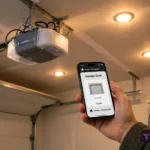
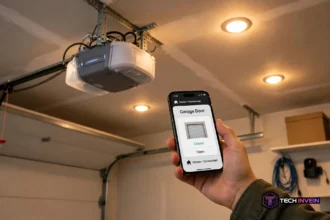
Do not forget the garage, since it is a common break-in route and often the weakest door in the house. A camera over the garage door plus a hub that tells you when the door opens covers it well. The MyQ Smart Garage Hub adds phone control and alerts to an older opener, which pairs neatly with a garage camera.
FAQs
Do I need a subscription for a home security camera system?
No, not if you pick a local storage system. An NVR kit or a camera with microSD storage records, alerts, and plays back with no monthly fee. Some brands do charge for extras like long clip history or cloud backup, so check which features work without paying before you buy.
How many cameras do I need for an average house?
Most average houses need four to six cameras: front door, driveway, backyard, side gate, and garage. Start from entry points rather than the number in the box, and buy an NVR with one spare channel so you can add a camera later without replacing the recorder.
Is a PoE system better than a wireless camera system?
For reliability, yes. PoE gives continuous 24/7 recording over one cable with no batteries to charge and no Wi-Fi dropouts. Wireless wins for renters or spots where you cannot run cable. Owners who plan to stay usually get more value from PoE over time.
How long does footage stay on a 2TB NVR hard drive?
It depends on camera count, resolution, and whether you record nonstop or on motion only. As a guide, Reolink estimates about 7 days and 7 hours of continuous footage from four cameras at default bitrate on a 2TB drive. Motion-only recording stretches that much further.
Can a camera system work without internet?
Yes, for recording. A local NVR keeps recording even when your internet drops, because the cameras talk to the recorder on your home network. You only lose remote viewing, phone alerts, and cloud backup until the connection returns, so put the NVR and router on a UPS.
Do security cameras work with Alexa, Google Home, or HomeKit?
Some do and some do not, so check the exact model before buying. Many Wi-Fi cameras show feeds on an Echo Show or Nest Hub and announce visitors. HomeKit support is rarer, and traditional PoE NVR kits often lack native voice assistant support, so confirm compatibility first.
Conclusion
A system beats a single camera every time: more coverage, one timeline, and one storage pool. For most owners, that means a PoE kit with a local NVR and no monthly fee, while renters do better with wireless cameras. Pick your camera count from entry points, check night vision and detection, and confirm smart home support. Next step: walk your property tonight, list the entry points, and count the cameras you actually need.