
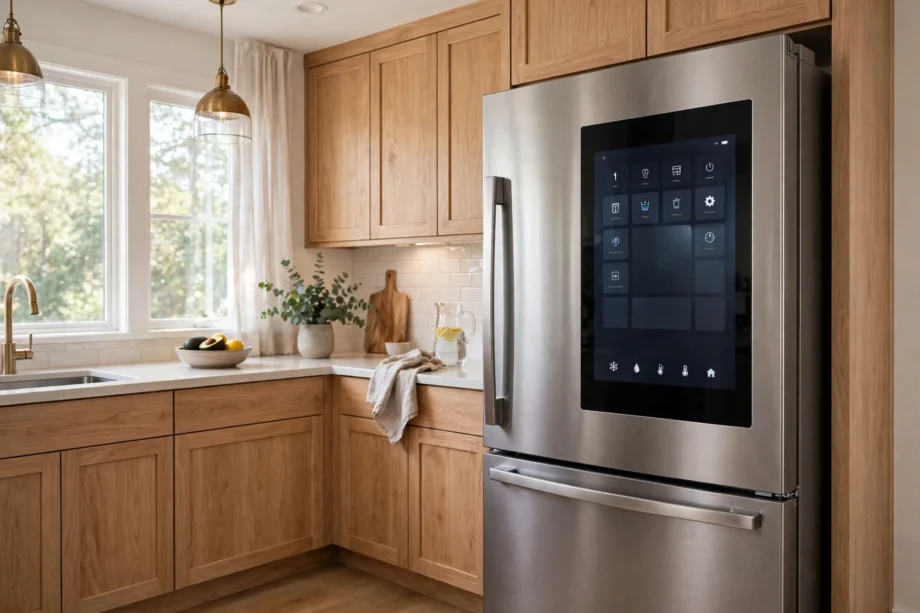
A smart fridge keeps food cold like any fridge, but it also connects to your phone, shows you what is inside, and warns you when a door stays open or the temperature rises. That extra layer helps only if its features solve a real problem in your kitchen.
- What Makes a Fridge Smart
- Smart Refrigerator With Touch Screen: Useful or Gimmick
- Inside Cameras and Food Management
- ThinQ Refrigerator Features Explained
- Cooling Tech That Actually Keeps Food Fresh
- Energy, Size, and Running Costs
- Smart Fridge Setup: First Week Checklist
- Privacy and Security in the Kitchen
- Who Should Buy a Smart Fridge, and Who Should Skip It
- Frequently Asked Questions
- What is a smart fridge?
- Do smart fridges need Wi-Fi to keep food cold?
- Is a smart refrigerator with touch screen worth it?
- What is a ThinQ refrigerator?
- Can I see inside my smart fridge from a shop?
- Do smart fridges use more energy?
- How long will smart fridge software be supported?
- Conclusion
So what makes a smart fridge worth it? This guide looks at touch screens, internal cameras, app control, and brands like LG ThinQ, plus the costs and limits buyers often miss. You will finish with a clear checklist to help you decide if a smart model fits your home.
What Makes a Fridge Smart
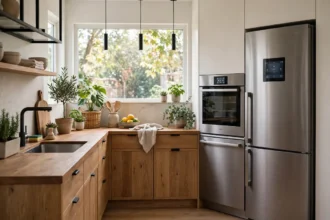
A fridge counts as smart when it connects to Wi-Fi and offers features beyond cooling. Common features include app control for temperature, door open alerts, temperature alerts, internal cameras that show shelf contents, and a touch screen on the door for notes, calendars, and recipes.
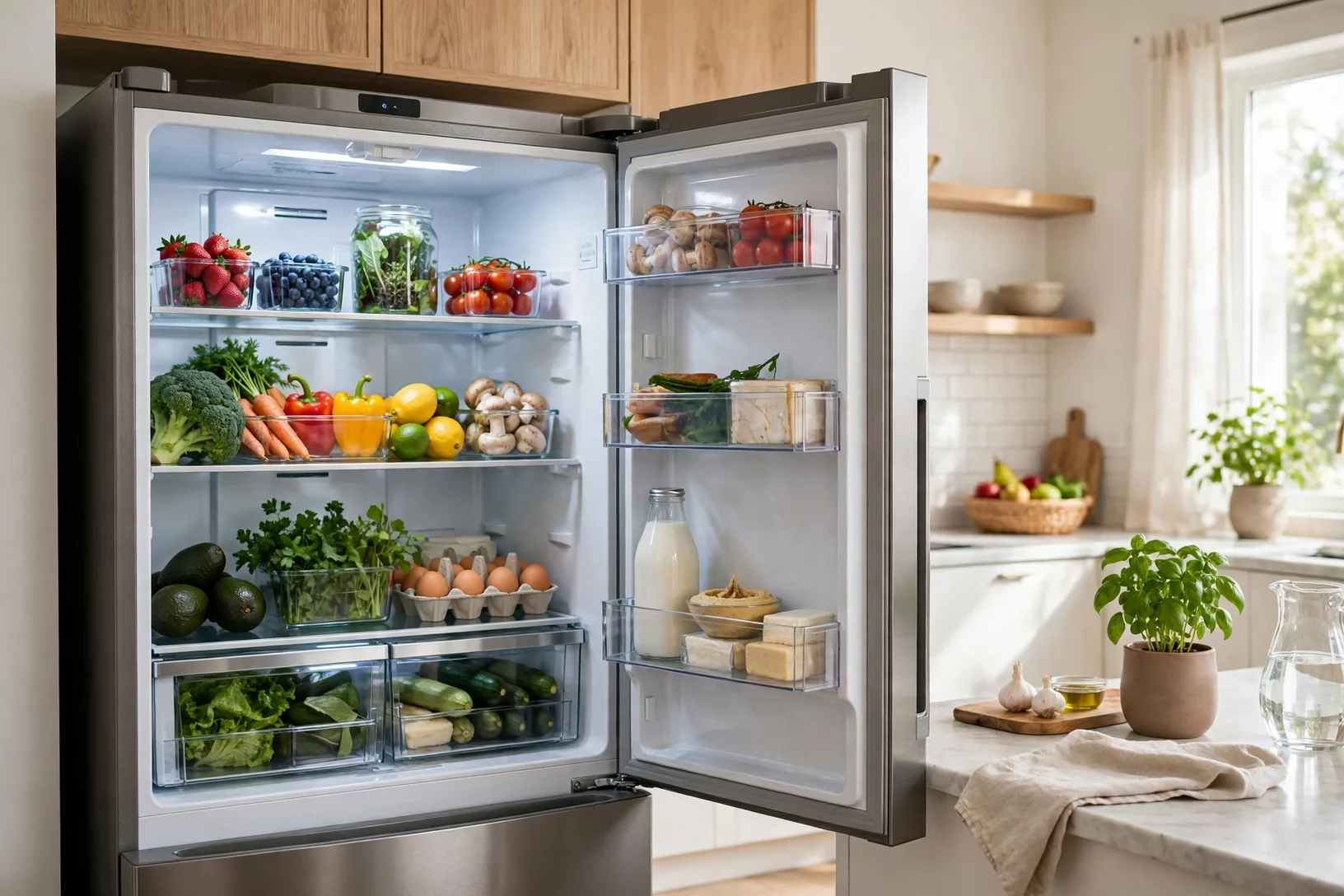
Not every smart fridge has every feature. Some models have a full touch screen and cameras, while others only offer app alerts and temperature control. That range is why two fridges with the same smart label can feel very different. Read the feature list for the exact model, not just the headline on the box.
Think of smart features in two groups. The first group protects food: temperature alerts, door alerts, and faster cooling after a big shop. The second group adds convenience: shopping lists, recipe ideas, and family notes on a screen. The first group pays for itself more often than the second.
Smart Refrigerator With Touch Screen: Useful or Gimmick
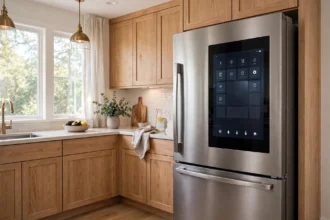
A smart refrigerator with touch screen can be useful in a busy family kitchen. You can leave notes for family, set a shopping list, check a calendar, and in some models look up a recipe without pulling out your phone with wet hands. A screen on the fridge door is easy to glance at while you cook.
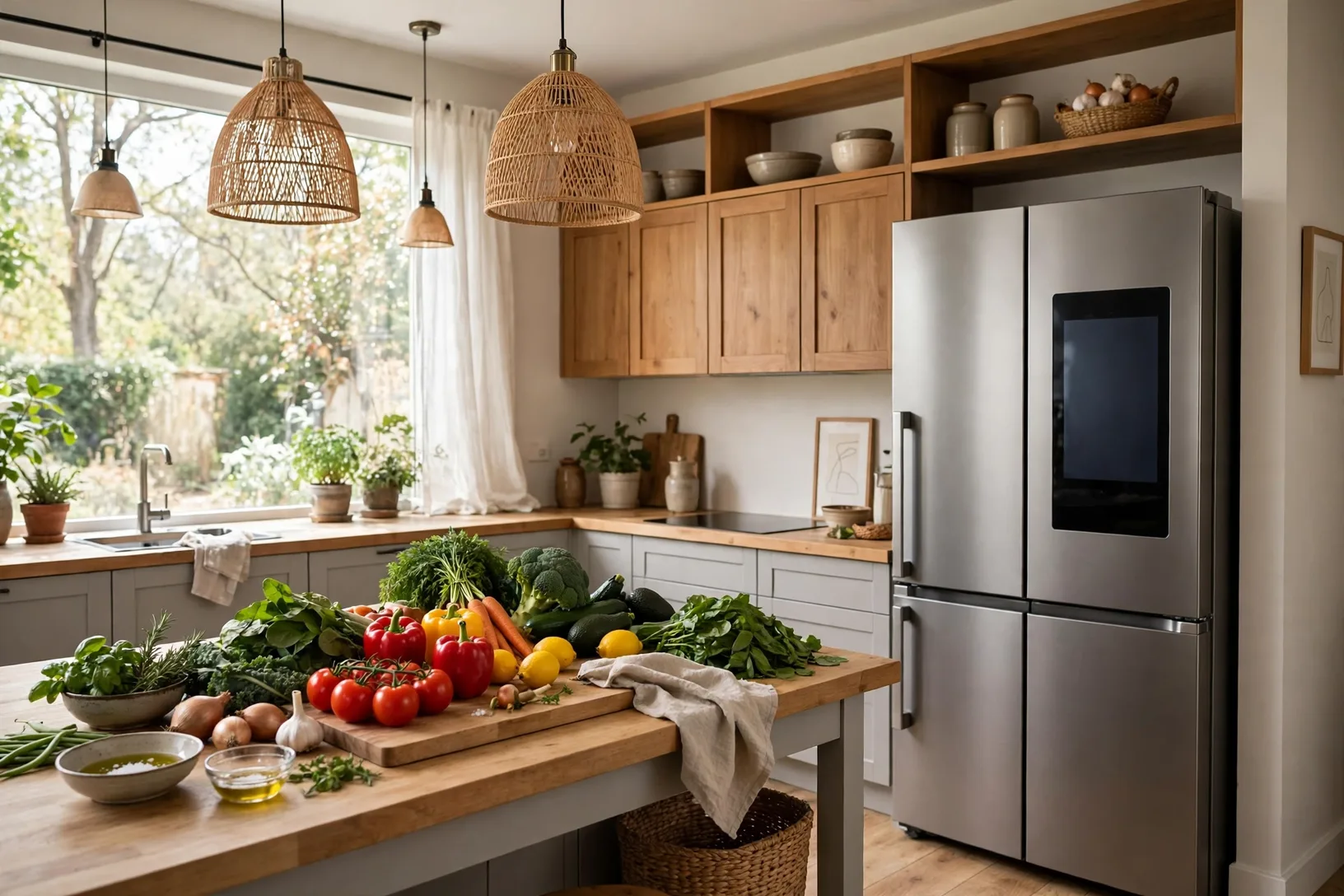
But a screen also has limits. It needs software updates, it can feel slow after a few years, and it adds cost and repair risk. If the screen fails, you still have a working fridge, but you lose the feature you paid extra for. Ask yourself how often you would actually tap that screen instead of using your phone, which you already carry and update.
One design worth knowing is the knock to view panel found on some LG models. Two knocks light up a glass panel so you can see inside without opening the door. That saves cold air and stops you opening the door just to check milk. It is a small feature, but it helps food stay fresh and it gets used every day, unlike some screen apps.
Inside Cameras and Food Management
Internal cameras let you check fridge contents from a shop. You open the app, view the shelves, and see if you need milk or eggs before you buy more. That one check can cut duplicate buys and reduce food waste, especially for a large household where no one remembers what is already at home.
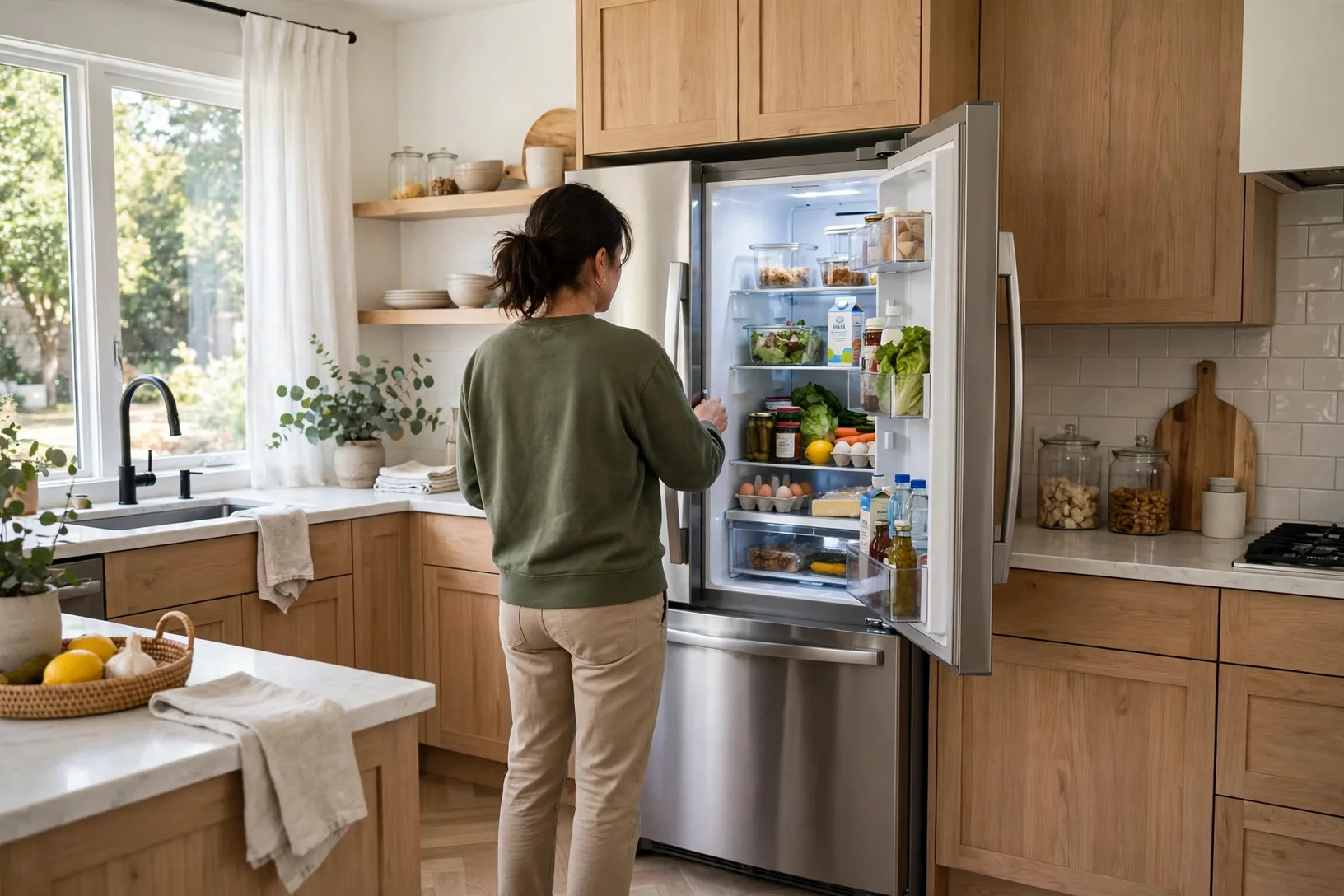
Cameras work best when shelves are tidy and items face forward. A messy shelf with items stacked behind each other can hide the very thing you want to check. Keep the front of each shelf clear, and put small items in a bin so the camera view stays readable.
Some apps add expiry tracking. You tag an item and set a date, and the app reminds you before it goes off. That helps, but it only works if you actually tag items when you put them away. If tagging feels like a chore, you will stop doing it within a week, so be honest about your habits before you pay for that feature.
ThinQ Refrigerator Features Explained
A ThinQ refrigerator is an LG smart fridge that connects to the LG ThinQ app. Through the app you can control key settings from your phone, get alerts if the temperature rises, and get a reminder if a door was left open. LG also describes ThinQ features that learn from usage, such as adjusting cooling around peak use times, and boosting ice production when you need it.
ThinQ also covers wider kitchen control. From the same app you can check other connected LG appliances, which suits a home that already uses LG for laundry or cooking. That single app view is handy, but it only helps if your other appliances are also ThinQ models. A mixed brand kitchen will still need more than one app.
Check the exact ThinQ features for your model, because they vary by range and region. Some models offer a touch LCD cover screen for family messages, while others focus on app alerts and diagnostics. The model page, not a general ThinQ advert, is the source to trust for your shortlist.
Cooling Tech That Actually Keeps Food Fresh
Smart features get attention, but cooling tech does the real work. Look for even cooling across shelves, a drawer with its own temperature control for meat, fish, and vegetables, and a frost free freezer so you never defrost by hand. Those basics matter more than any screen app.
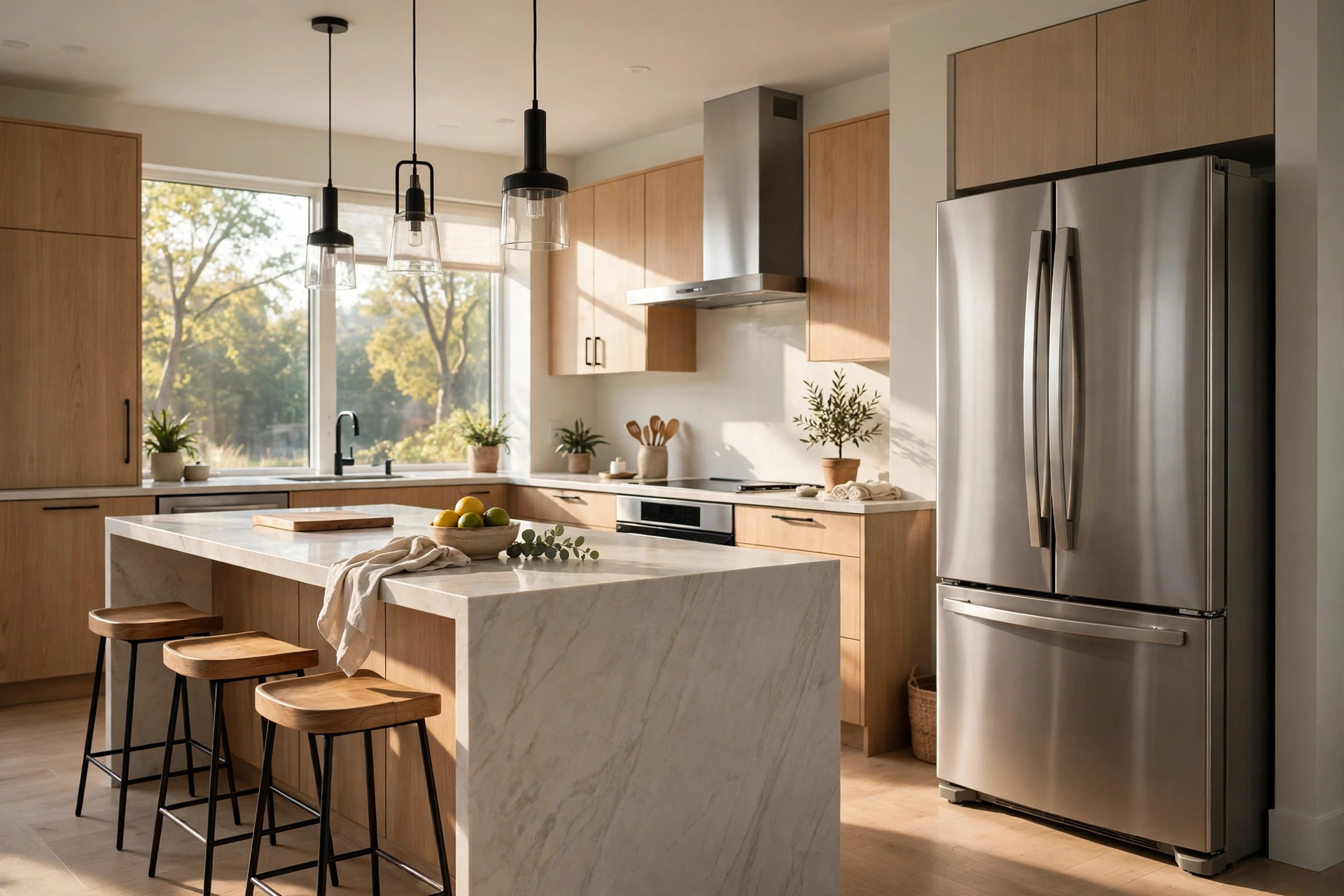
LG describes its Linear Cooling as limiting temperature fluctuation to within 0.5 degrees Celsius, which helps keep food fresh longer than a system with wider swings. That is a manufacturer claim, so treat the exact number as a guide, but the idea behind it is sound: steady temperature keeps food better than a fridge that warms and cools in large swings.
Door cooling is another practical feature. Vents near the door help cool items stored in door bins faster, which is where milk and drinks often sit. If your family opens the door often, door cooling helps those items recover faster after each open. It is not flashy, but it shows up in how long milk stays fresh.
Energy, Size, and Running Costs
A smart fridge can cost more to buy and more to run than a basic model, especially a large American style model with an ice dispenser. Check the energy rating and the yearly energy use on the label, and measure your kitchen space with care. A fridge that is too deep for your kitchen will stick out and block a walkway, no matter how smart it is.
Measure height, width, and depth, plus door swing and delivery path. Many buyers measure the kitchen gap but forget the hallway door or the stair turn on delivery day. Leave ventilation space around the fridge as the manual states, because a fridge squeezed tight against a wall works harder and uses more energy.
Running costs also include water filters, if your model has a dispenser, and any screen or camera parts after warranty. Check filter price and change interval before you buy, and check the current price on the manufacturer’s page. A cheap filter habit is easy to keep; an expensive one gets skipped, and skipped filters affect taste and flow.
Smart Fridge Setup: First Week Checklist
Let the fridge settle after delivery before you load it fully. Follow the manual for standing time and first cool down, then set fridge and freezer temperatures as the manual suggests. Load it in stages, so the cooling system is not asked to chill a full warm shop in one go.
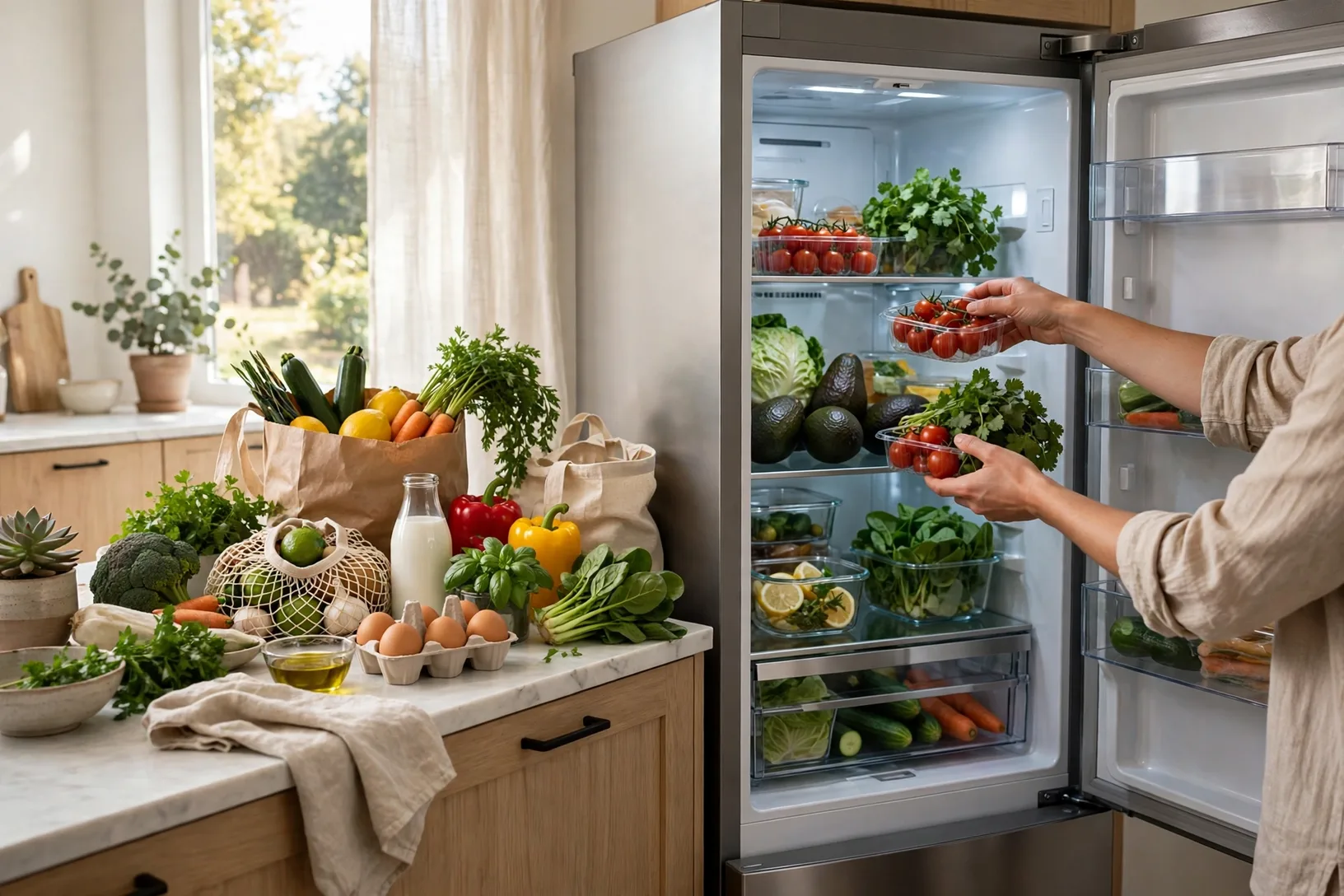
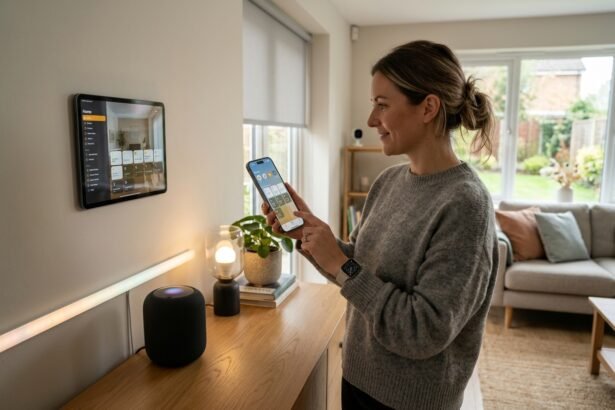
Connect Wi-Fi only after the fridge is cooling well. Install the maker’s app, sign in, and link the fridge by following the in app steps. Turn on door open alerts and temperature alerts first, because those two alerts protect food. Add other features, like shopping lists or screen notes, only after the basics work.
Test the alerts in week one. Leave a door open for a minute and check that the alert arrives on your phone. Check the internal camera view from another room, and confirm the app shows the right temperature. A test in week one is far better than discovering a missed alert after a weekend away.
Privacy and Security in the Kitchen
A smart fridge with a camera and a microphone, if your model has one, collects data about your kitchen. Read the privacy settings in the app, turn off voice features you do not use, and use a strong unique password for the appliance account. If you sell the fridge, factory reset it and remove it from your app account.
Keep firmware updated, because updates fix security issues as well as bugs. A fridge is a long life appliance, often kept for ten years or more, so software support matters. Ask how long the maker supports app updates for that model, and be wary of a screen feature that may lose support long before the fridge itself wears out.
One measured detail from my own kitchen shows why door alerts earn their keep. In a family home with young children, the fridge door was left ajar three times in the first month after a smart model was installed, and each time the phone alert arrived within a minute. Without that alert, the milk and leftovers in the door bins would have warmed each time. That single alert paid for the smart feature in food saved.
Who Should Buy a Smart Fridge, and Who Should Skip It
A smart fridge suits a busy family, a large household, or a home where food waste is a real cost. Door alerts, temperature alerts, and camera checks help those homes every week. It also suits a household that already uses the same brand app for other appliances, because one app then covers more of the kitchen.
Skip a full touch screen model if you mainly want reliable cooling and you already use your phone for lists and recipes. A simpler connected model with alerts, or even a well rated basic fridge, may serve you better for less money. Spend the saving on size, energy rating, or a better cooling system instead.
Still torn? Ask one question: which smart feature would you miss in the first month if it broke? If you can name one, like door alerts or camera checks, buy for that feature. If you cannot name one, the smart label is not solving a problem for you yet, and a basic model is the wiser buy.
For a kitchen wide view, our published guide to how to test an oven temperature sensor is a useful companion read, because accurate oven and fridge temperatures together protect both cooking results and food safety in the same kitchen.
Frequently Asked Questions
What is a smart fridge?
A smart fridge is a refrigerator with Wi-Fi and connected features, such as app temperature control, door open alerts, temperature alerts, internal cameras, or a touch screen. It still cools food like a normal fridge, but it can also report problems and show contents from your phone.
Do smart fridges need Wi-Fi to keep food cold?
No, cooling works without Wi-Fi, just like a normal fridge. Wi-Fi only adds app control, alerts, and camera views. If Wi-Fi drops, your food stays cold, but you will not get alerts or remote control until the connection returns. Plan any remote checks around that limit.
Is a smart refrigerator with touch screen worth it?
It can be worth it for a busy family that uses notes, lists, and recipes on the door every day. It is less worth it if you already use your phone for those tasks, because the screen then adds cost and repair risk without changing your routine much.
What is a ThinQ refrigerator?
A ThinQ refrigerator is an LG smart fridge linked to the LG ThinQ app. The app lets you control settings, get door and temperature alerts, and in some models use learning features that adjust cooling and ice production. Exact features vary by model and region, so check your model page.
Can I see inside my smart fridge from a shop?
Yes, if your model has internal cameras, the app can show shelf views while you shop. Keep shelves tidy and items facing forward, so the camera view stays readable and you can spot milk, eggs, and leftovers without guessing. That quick check can stop a second trip to the shop.
Do smart fridges use more energy?
Large smart models, especially with ice dispensers and screens, can use more energy than a basic fridge. Check the energy rating and yearly use on the label for your exact model, and leave proper ventilation space so the cooling system does not work harder than it needs to.
How long will smart fridge software be supported?
Support length varies by maker and model, and it is often shorter than the life of the fridge itself. Ask the maker about app and firmware support before you buy, keep updates installed, and pick alerts and cooling features over screen apps if long support worries you.
Conclusion
A smart fridge is worth it when its alerts and camera checks solve a real kitchen problem, like doors left open or food bought twice. Touch screens are nice, but cooling quality, size, energy rating, and door alerts matter more in daily use. Measure your space, check filter costs, and test alerts in week one. If those basics pass, smart features will feel helpful, not just novel.
Your next step is to shortlist two models and compare them on size, energy rating, and alert features, not just screen size. For the official ThinQ view, see the LG ThinQ smart home platform page, which lists fridge controls and alerts in LG’s own words.