
When you need to reset your smart lock keypad code, the right move depends on what actually went wrong. Forgot one user code? You can delete it with the master code in under a minute. Forgot the master code itself? Only a factory reset will bring the lock back. This guide covers how to reset smart lock keypad code problems for Schlage, Yale, Kwikset, and Ultraloq, so you fix the issue instead of making it worse.
- Reset, change, or recover: know which one you need
- Before you reset anything, try these three things
- How to reset smart lock keypad code on Schlage models
- Schlage Encode and Encode Plus
- Schlage BE468 and other keypad models
- Changing the master (programming) code on Schlage
- Yale keypad code reset
- Kwikset keypad code reset
- Ultraloq keypad code reset
- Quick comparison: reset methods by brand
- What a factory reset actually erases
- After the reset: set new codes the right way
- Mistakes that make the problem worse
- Frequently asked questions
- How to reset smart lock keypad code without the master code?
- Will a factory reset delete all my user codes?
- How to reset smart lock keypad code if I lost the default codes sticker?
- How do I delete one user code without resetting the whole lock?
- Why does my new code not work right after a reset?
- Why does my new code not work right after a reset?
- Does resetting my smart lock also remove it from the app?
- Conclusion
Reset, change, or recover: know which one you need
People use the word “reset” for three very different things, and picking the wrong one wastes your evening. A code change means you know the master code and just want to replace a user code. A master code reset means the master code itself is gone. A factory reset wipes everything back to out-of-the-box state.
Here is the rule that decides your path. If you can open the programming menu because you know the master code, you can delete or change any user code directly. No factory reset is needed, and doing one would just create extra work.
Most locks follow the same pattern. Schlage calls its master code a “programming code.” Yale and Kwikset call it a “master code.” Ultraloq calls it an “admin code.” They all do the same job: they guard the programming menu so nobody who finds your lock can add their own code to it.
Before you reset anything, try these three things
Start with the least destructive fix. First, check whether another admin in the house knows the master code. It sounds obvious, but roughly half of all “forgotten code” panics end here. Check the notes app on your phone, the inside of a kitchen cabinet, or wherever you stashed the original manual.
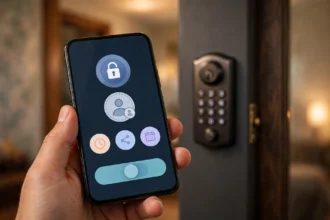
Second, try the app. If your lock is Wi-Fi connected, you can add, change, or delete codes from the app without touching the keypad. If the app still talks to your lock, you can simply delete the forgotten code and create a new one.
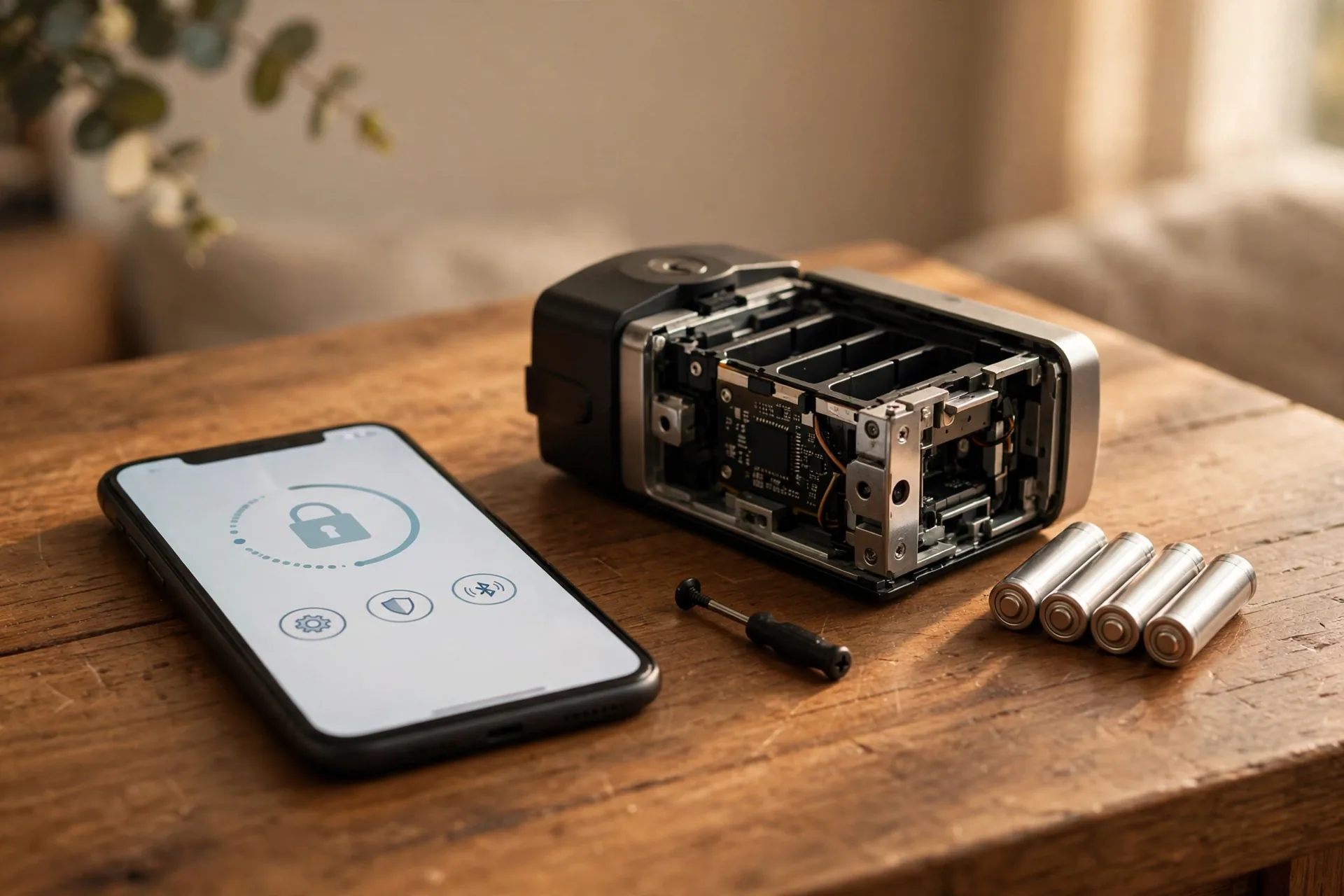
Third, rule out dead batteries. A dying lock does strange things. It may accept your code and then fail to turn the motor, or it may ignore keypad presses entirely. Fresh alkaline batteries fix more “code problems” than people expect. Weak batteries are also the reason a reset attempt can fail halfway through, so swap in a new set before you start. If your batteries are draining faster than they should, this guide on why smart lock batteries die fast walks through the usual causes and fixes.
If none of that works and you truly cannot access the programming menu, it is time for a factory reset. Keep the door open and unlocked while you work. Resetting a lock while the door is closed is one of those small mistakes that creates a much bigger problem.
How to reset smart lock keypad code on Schlage models
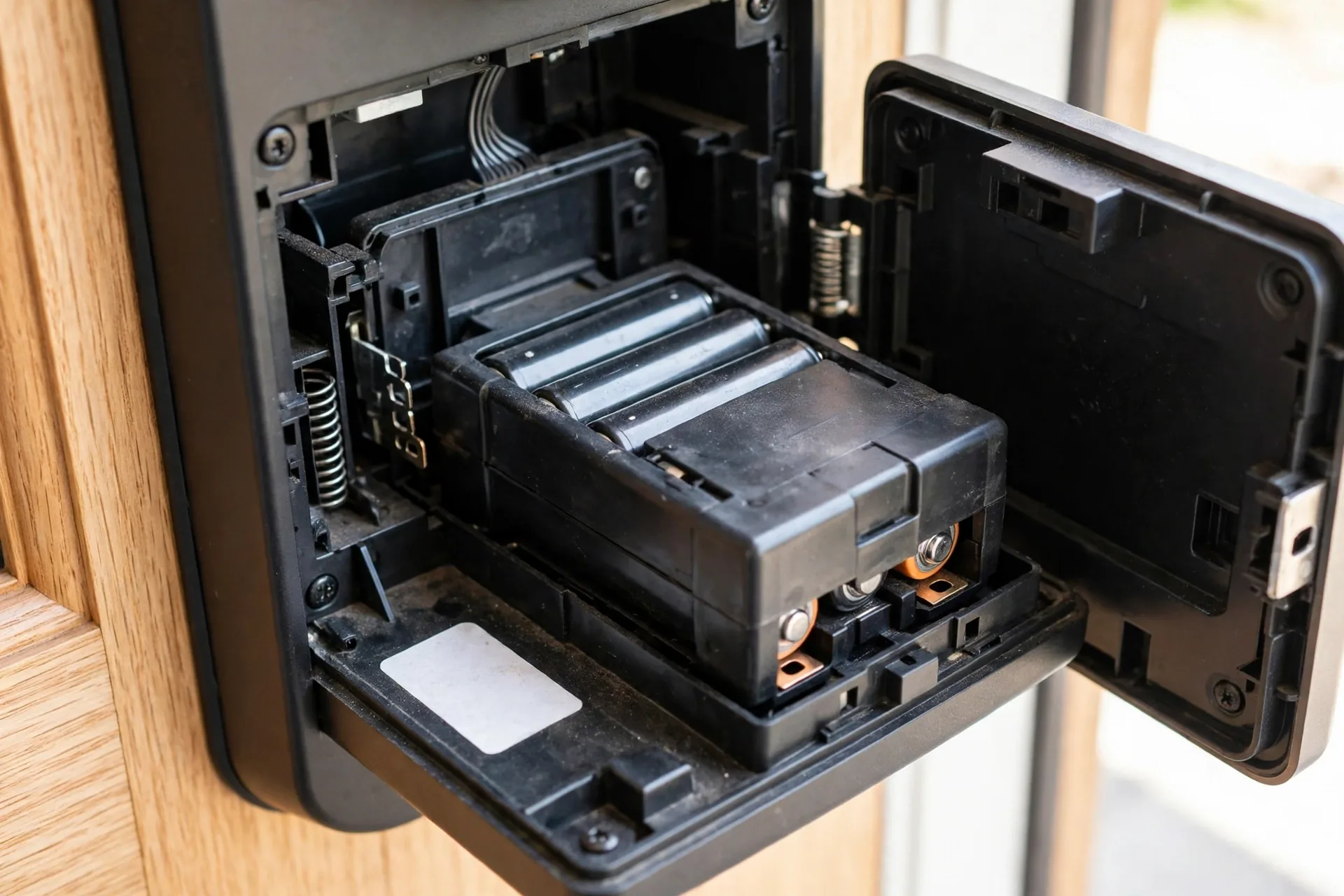
Schlage splits its locks into two families with different reset procedures. Identify your model first by popping the battery cover and reading the white sticker. The part number (BE489, BE468, BE469, FE695, BE365) tells you exactly which lock you own, and the same sticker holds the default codes you will need after the reset. Write them down before you start.
Schlage Encode and Encode Plus
The Encode family uses a dedicated reset button, which makes this the easiest reset in the lineup. Slide off the battery cover on the indoor side. Press and hold the small black reset button located to the right of the thumb turn. The LED flashes red. Keep holding until the red flashing stops, which takes about seven to ten seconds. When the LED turns solid blue, the factory reset is complete.
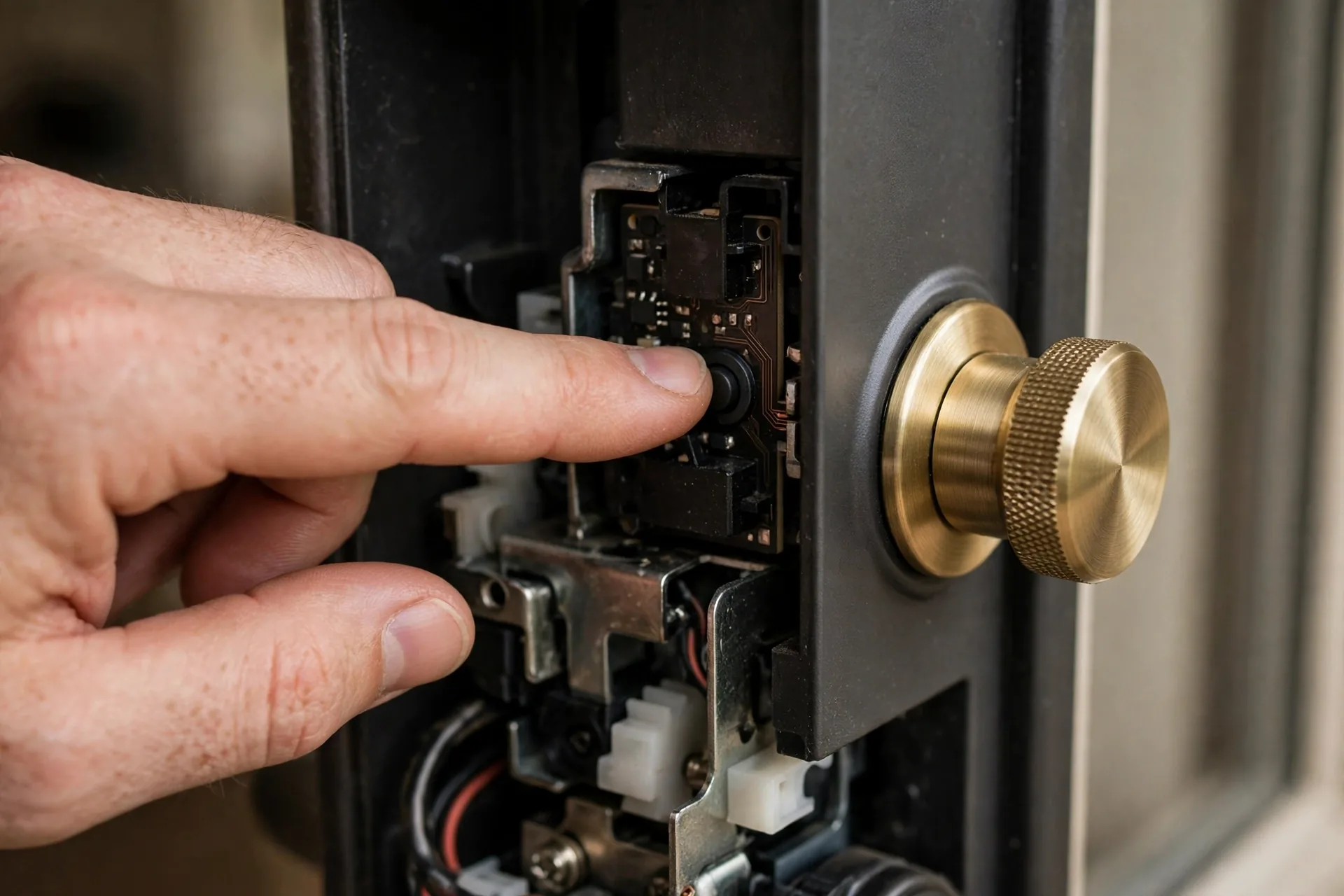
Enter one of the default user codes from the sticker to verify the reset worked. The bolt will eject and retract once. Because the Encode is a Wi-Fi lock, one more step is required. Remove the lock from the Schlage Home app, then add it back as a new device and reconnect it to Wi-Fi. If you skip this, the app will keep looking for the old lock identity and nothing will sync.
Schlage BE468 and other keypad models
These models use the battery-disconnect method. Disconnect the battery pack from the lock. Press and release the outside Schlage button two or three times. This drains any residual charge from the electronics, which matters more than people think. Reconnect the battery within about ten seconds, then press and hold the outside Schlage button until you see a green light and hear the confirmation beep.
All user codes are now erased and the default programming code from the sticker is active. Test a default user code on the keypad to confirm. This same procedure applies to most Schlage keypad deadbolts from the last decade, including the BE469 and Connect models.
Changing the master (programming) code on Schlage
If you know the current programming code, you do not need a factory reset. Enter the six-digit programming code and wait for three orange lights and three beeps. Press the Schlage button, then press 3. Enter your new six-digit code, then enter it again. A long green flash confirms success. This only works when you still know the old programming code. If it is gone, you must use the full hardware reset above. Schlage’s own support documentation explains the same code-management flow in the Schlage Home app code guide.
Yale keypad code reset
Yale hides the reset button inside the battery compartment. Open the interior cover and remove the batteries. Look for a small reset button on the inner assembly. Press and hold it while you reinsert the batteries, and keep holding for about ten to fifteen seconds until the lock beeps or the LED flashes. This returns the lock to factory defaults, including the master code.
On the Yale Assure Lock 2, deleting a single user code is simpler if you still have the master code. Enter the master code followed by the gear icon to open the menu, then manage user codes without disturbing the rest of the household.
For a step-by-step brand-by-brand factory reset walkthrough that covers Yale in more detail, see how to reset a door lock code with a factory reset.
Kwikset keypad code reset
Kwikset locks like the Halo, Premis, and SmartCode series lean on the app for code management. Open the Kwikset app, select your lock, and go to the Users section. From there you can add, edit, or delete individual user codes without any factory reset. This is the fastest path when you still have admin access.
For a full factory reset, Kwikset uses a button-press sequence on the keypad. On most SmartCode models, remove the battery pack, press and hold the Program button, then reinsert the pack while holding the button for about thirty seconds. Then add fresh codes by pressing Program once, entering your new code, and pressing the checkmark button.
Ultraloq keypad code reset
Ultraloq uses a reset needle rather than a button you can reach with a finger. Remove the battery cover on the interior side and find the small reset hole. Insert the reset needle (or an unfolded paperclip) and hold for ten seconds. You will hear one long beep followed by two short beeps. That sound pattern confirms the lock is back to factory defaults.
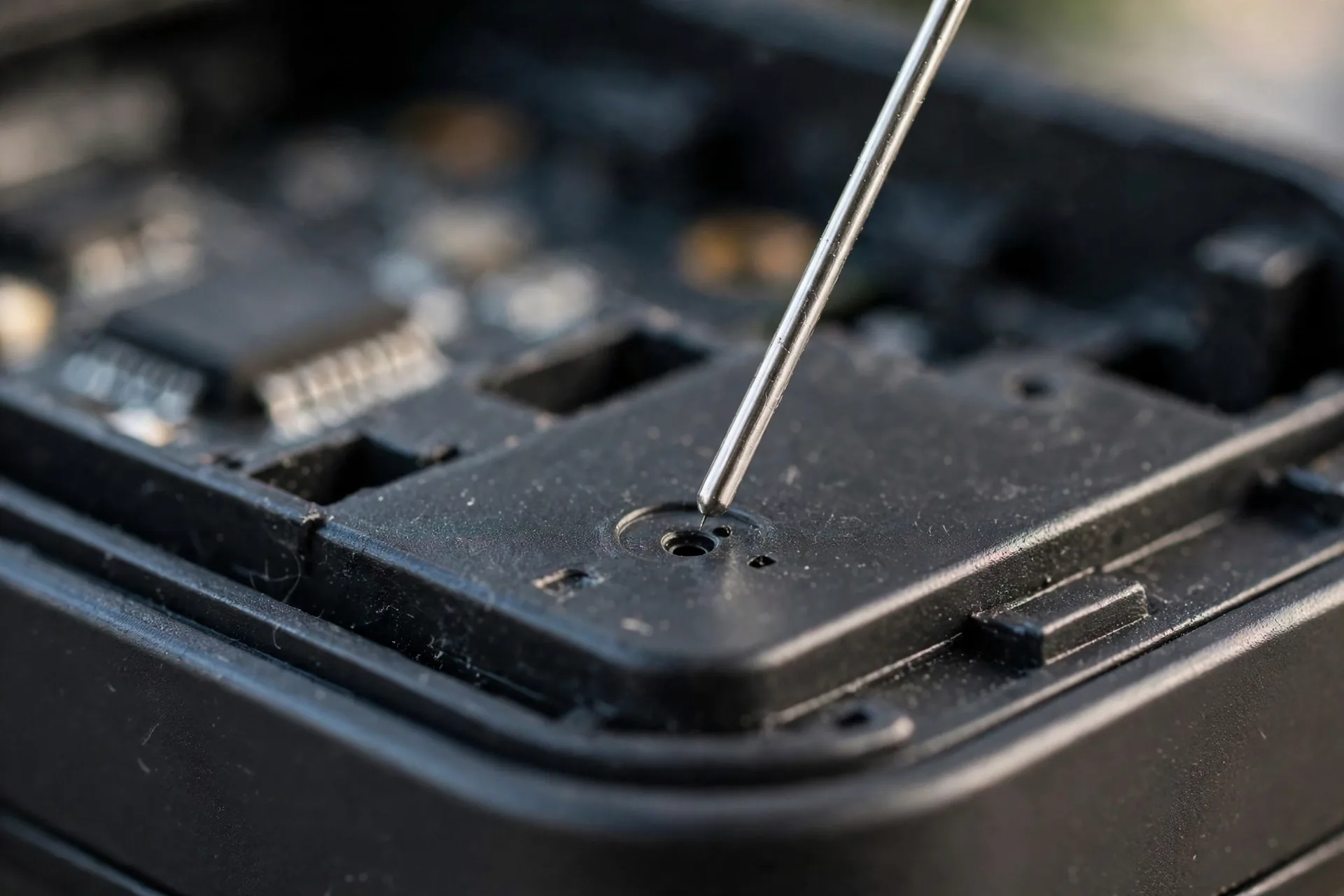
To enroll a fingerprint or add a code in standalone mode afterward, hold the ULTRALOQ button for three seconds, enter your admin code, and follow the prompts. The standalone fingerprint enrollment asks you to place and lift your finger six times, with the keypad lighting up digit pairs as each scan succeeds. If the lock was registered in the U Home app, tap “Remove Device” there too, or the old account profile can block new admin enrollment.
Quick comparison: reset methods by brand
Table 1: How the major brands handle factory resets and where they keep default codes
| Brand | Reset method | What you need first | Where default codes live |
|---|---|---|---|
| Schlage Encode / Encode Plus | Hold the reset button until the LED turns blue | Nothing, batteries stay connected | Sticker under the battery cover |
| Schlage BE468 / Connect | Disconnect battery, press Schlage button, reconnect, hold until green light | A Phillips screwdriver to reach the battery pack | Sticker inside the battery compartment |
| Yale Assure series | Hold the reset button in the battery compartment while reinserting batteries | Nothing special | Set fresh after reset in the app |
| Kwikset Halo / SmartCode | Remove battery pack, hold Program button, reinsert pack for 30 seconds | Nothing special | Set fresh after reset on the keypad |
| Ultraloq U-Bolt / Bolt | Hold the reset needle in the reset hole for 10 seconds | Reset needle or paperclip | Admin code set during setup |
What a factory reset actually erases
A factory reset does not just delete the forgotten code. It erases every user code, the master code, and most custom settings: auto-lock timers, volume settings, and app pairings. On Wi-Fi models it also drops the network connection, which means you will set up the lock like a brand-new unit afterward.
One thing a factory reset does not erase is the lock’s security. The default programming code printed on the sticker is the only way back in, and anyone who finds that sticker can take over your lock. This is why you should photograph the sticker and store the photo somewhere safe, not taped to the door frame where a visitor can read it.
Budget your time honestly. The reset itself takes under a minute of button presses, but rebuilding takes longer. For a household with three or four codes plus app setup and Wi-Fi pairing, plan fifteen to twenty minutes.
After the reset: set new codes the right way
Change the default codes immediately. Leaving the factory default active is the smart-lock equivalent of leaving your house key under the mat. The default user codes on many locks are printed on stickers that other people have seen: the installer, the previous homeowner, the delivery crew.
Set your new master code to something you can remember but a stranger cannot guess. Avoid birthdays, house numbers, and sequences like 1-2-3-4. If your lock supports it, change the six-digit programming code as well as the four-digit user codes. Then create one user code per person instead of sharing a single code. When your dog walker quits, you delete their code and everyone else keeps theirs.
Learning how a smart front door lock works helps here too, because understanding the programming menu means you will never need a full factory reset again for a simple code change.
Mistakes that make the problem worse
The biggest mistake is resetting before you locate the default codes. Schlage’s own documentation warns that customer service cannot retrieve lost default codes. If you factory reset a Schlage lock and the sticker is gone, you now own a lock you cannot program at all. The fix is a replacement interior assembly or a locksmith visit. Always photograph the sticker before you touch the reset button.
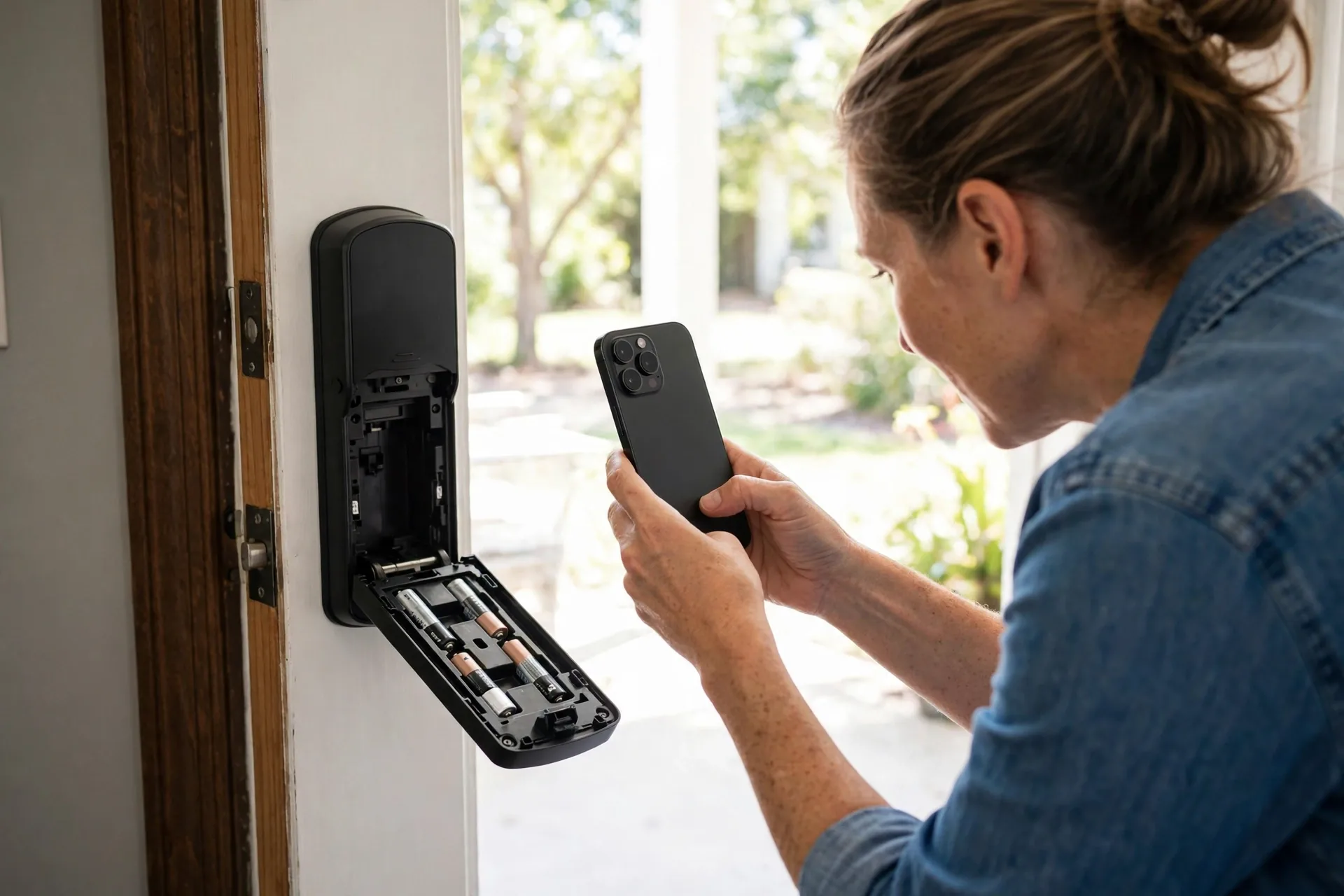
The second mistake is resetting with the door closed and locked. Do the reset with the door open and the deadbolt retracted. If something goes sideways mid-reset, you still have physical access to both sides of the lock.
The third mistake is resetting to solve a problem that is not a code problem. A lock that accepts the code but the motor barely turns is a battery problem, and a factory reset fixes none of that while costing you all your programmed codes.
Finally, do not share your master code to “help” someone reset a code for you. The master code is the one code that should never leave your phone and your head. Create a user code for anyone who needs access, and delete it when they are done.
Frequently asked questions
How to reset smart lock keypad code without the master code?
Yes, but only with a factory reset. The master code protects the programming menu, so there is no menu-level shortcut around it. A factory reset bypasses the menu entirely by wiping the lock back to its default codes. You will need the default codes from the sticker inside the battery compartment, so locate that sticker before you begin.
Will a factory reset delete all my user codes?
Yes. A factory reset erases every user code, the master code, and custom settings like auto-lock timers. It also drops the Wi-Fi pairing on connected models. After the reset you rebuild everything from scratch, which typically takes fifteen to twenty minutes for a household with several codes.
How to reset smart lock keypad code if I lost the default codes sticker?
Check the original manual and quick start guide first, since the codes are printed there too. Check your email for the original order confirmation with a photo, and check your phone for photos from installation day. If the codes are truly gone, do not reset. A Schlage lock reset without its default codes cannot be reprogrammed by you.
How do I delete one user code without resetting the whole lock?
Enter your master code to open the programming menu, then choose the option for managing user codes and delete only the forgotten one. In the app, open the lock, go to the users or manage access section, and delete the specific code. This takes under a minute and leaves every other code untouched.
Why does my new code not work right after a reset?
Why does my new code not work right after a reset?
Most new codes fail for simple reasons. The batteries are weak, the keypad timed out between digits, or the confirmation beep sequence was not completed. Re-enter the programming menu, type the code at a steady pace, and wait for the double beep that confirms the save. If the motor still does not turn, swap in fresh alkaline batteries.
Does resetting my smart lock also remove it from the app?
Not always. The lock forgets the app, but the app may still list the old lock profile. Remove the old device from the app manually and add it back as a new device after the reset. Wi-Fi models also need to be reconnected to your network, so have your Wi-Fi password handy.
Conclusion
Resetting a smart lock keypad code is straightforward once you match the problem to the right fix. Lost one user code? Delete it with the master code. Lost the master code? Factory reset with the default codes from the sticker in hand. The one rule that prevents most disasters: never start a reset until you know exactly how you will get back in. If you are shopping for a lock with a simpler reset process, our roundup of the best front door smart locks compares the friendliest options for 2026.