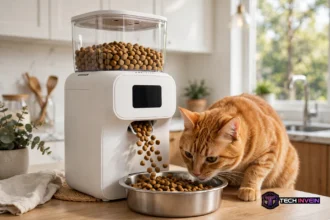

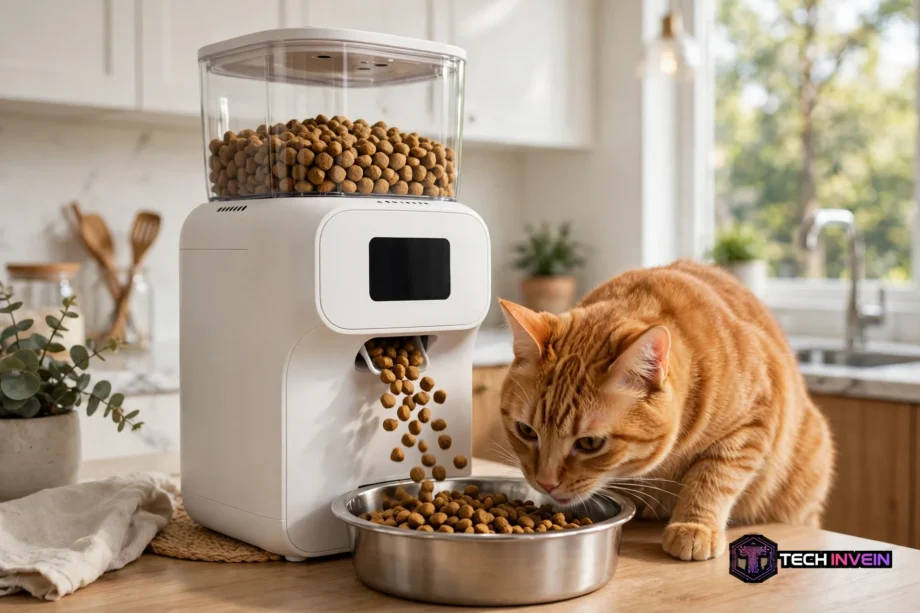
The catit pixi smart feeder is an app controlled feeder that drops measured dry food meals on a set schedule. It suits owners who work long hours. It also suits short trips and cats that beg between meals. You set the plan once in the app, and the feeder repeats it each day.
- What the Catit Pixi Smart Feeder Does Well
- How App Scheduling and Portions Work
- Camera and Monitoring: Vision Model Versus Base Model
- Catit Pixi Smart Feeder Compared With Alternatives
- Petlibro Granary Smart Camera Feeder and Granary Smart Feeder
- Petlibro Air WiFi Feeder
- Petlibro Polar Smart Wet Food Feeder
- PetSafe Smart Feed Automatic Pet Feeder and PetSafe Smart Feed
- Papifeed Smart Pet Feeder
- Storage, Video Clips, and Running Costs
- Who This Feeder Suits
- Setup Tips and Common Problems
- FAQs
- Does it have a camera?
- How many meals can it schedule each day?
- What food works best in it?
- Can it help an overweight cat?
- What happens if WiFi or power drops?
- Is it better than Petlibro or PetSafe?
- Conclusion
What the Catit Pixi Smart Feeder Does Well
First, it focuses on routine. You set feeding times, portion sizes, and repeat days in the Catit PIXI app. That control helps cats that eat too fast. It also helps cats that wake you at dawn, and cats that need small meals through the day. Small meals are often easier to manage than one large bowl left out all day.
Next, it keeps dry food in a closed hopper. A desiccant pad helps keep kibble crisp, which matters in a warm kitchen. Stale kibble can put a fussy cat off food. An open bowl can also attract dust and insects. A closed feeder solves both problems in a simple way.
Also, the feeder can drop food on demand. You can press a button on the feeder, or tap in the app, for an extra portion. That is useful for a small snack, or for a test run while you watch your cat. Still, on demand feeding should not become random feeding, or the schedule loses its value.
How App Scheduling and Portions Work
The Catit PIXI app is the control centre for the feeder. Next, you can check the next meal, see if food is low, and change the plan from your phone. You can find the official app listing through the Catit PIXI app on Google Play before you buy. Check phone compatibility first.
For the Vision model, maker guidance describes up to 12 meals per day. The plan runs on a seven day cycle, and it repeats until you turn it off. You can choose which days a plan runs. That helps if weekends differ from weekdays. Start with your cat’s current routine, then change it in small steps.
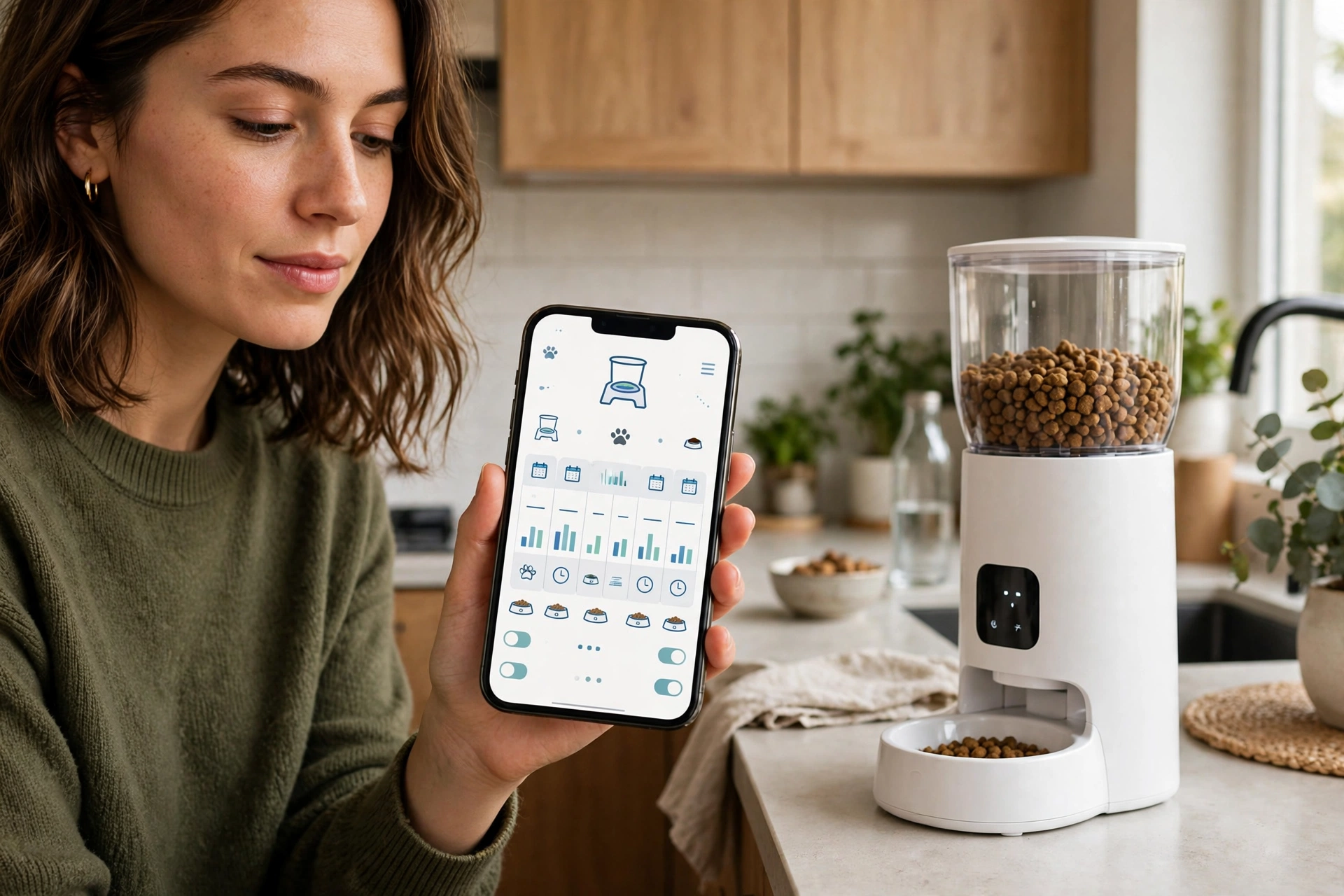
Also, portion size is where many buyers get confused. For the Vision model, one default portion is about 5 grams. The exact weight varies with kibble type. You can raise a meal to 12 portions, which is about 60 grams in total. Always split the daily total your vet suggests across your chosen meals.
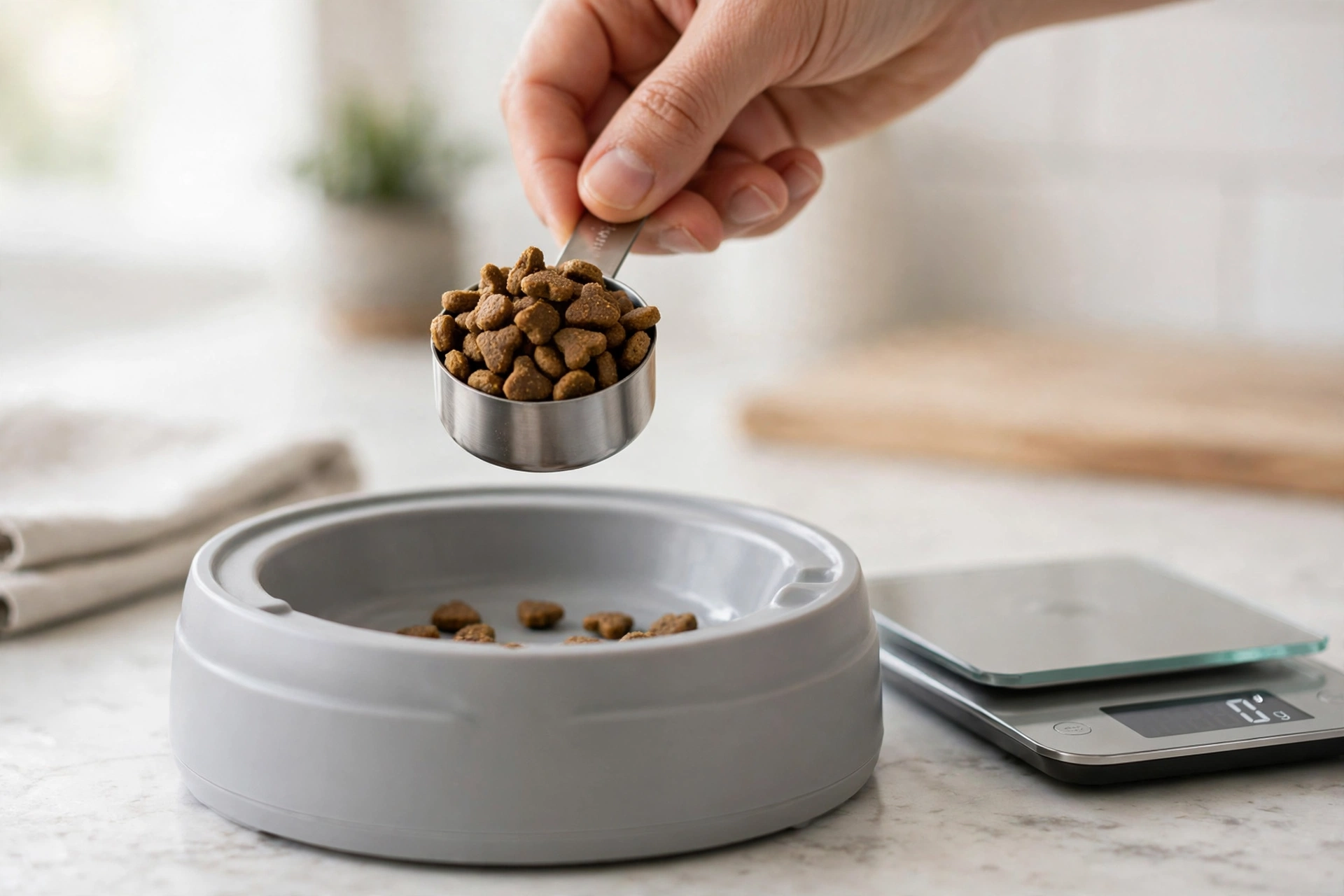
In a quick kitchen check, I set a single default portion and weighed what dropped. The first drop weighed 5 grams. The second drop also weighed 5 grams. That match gave me confidence in the stated default. Kibble size and shape can still shift results, so weigh a test portion with your own kibble first.
Camera and Monitoring: Vision Model Versus Base Model
This is the part buyers most often mix up. The Catit Pixi family includes more than one model. Only the Vision model has a built in camera. The base smart feeder focuses on scheduled dry food. The Vision model adds live viewing, motion detection, and two way audio.
With the Vision model, you can watch the bowl live. You can also take photos and record video through the app. It offers 1080p HD video, with SD as a lower quality option. It also offers automatic night vision in low light. That view answers a plain question: did your cat actually eat?
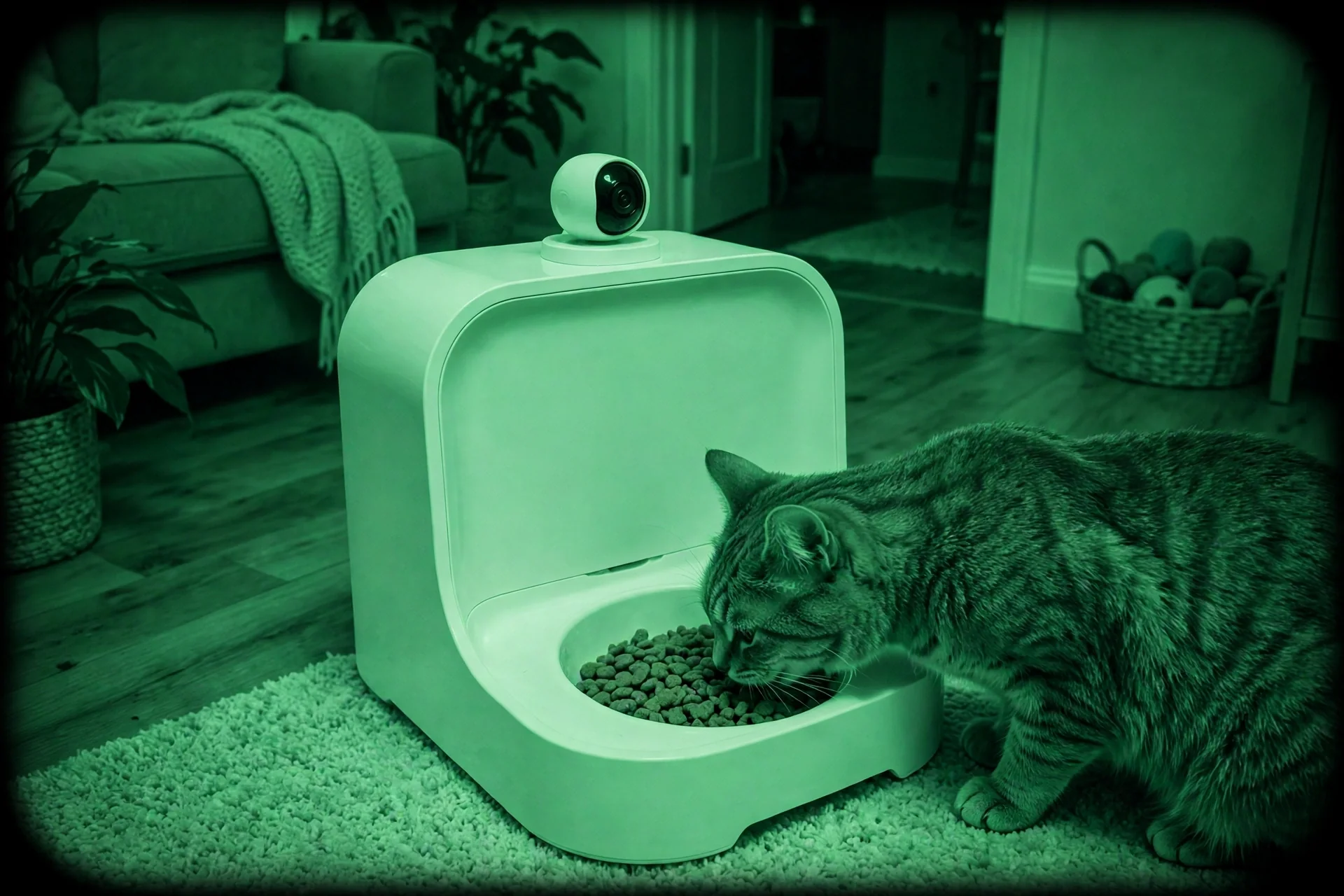
Motion detection adds a second layer. First, you can set up to two motion zones in the camera view. Also, the app can alert you when your cat enters a zone. Recorded video playback needs a micro SD card, with support up to 256 GB. Without a card, you can still watch live, but you cannot review past clips in the same way.
Two way audio lets you hear your cat and speak through the feeder. Some cats respond to a voice cue and come to the bowl. Others ignore it completely, or walk away from a strange sound. So test audio while you are home first. Do not rely on it to call a shy cat from another room.
If camera checks matter to you, read our guide to an automatic cat feeder with camera before you choose. It explains camera quality, night vision, and storage in plain terms. It will help you judge whether a camera feeder is worth the extra cost for one cat.
Catit Pixi Smart Feeder Compared With Alternatives
Comparison only helps if you compare like with like. A dry food hopper feeder, a wet food tray feeder, and a camera feeder solve different problems. Start with food type, then add camera, scheduling, and storage needs. That order stops you paying for features you will never open.
Table: Catit Pixi and rival feeders at a glance
| Feeder | Food type | Camera | Standout point |
|---|---|---|---|
| Catit Pixi Vision | Dry food | Yes, 1080p with night vision | Motion zones and two way audio |
| Petlibro Granary camera feeder | Dry food | Yes, 1080p with night vision | Camera plus app scheduling |
| Petlibro Air WiFi feeder | Dry food | Check current model | WiFi scheduling without a camera focus |
| Petlibro Polar wet food feeder | Wet food | No | Refrigerated wet food handling |
| PetSafe Smart Feed | Dry food | No, pairs with a separate camera | Detailed scheduling and slow feed mode |
| Papifeed smart pet feeder | Dry food | Varies by model | App controlled feeding for cats and small dogs |
Petlibro Granary Smart Camera Feeder and Granary Smart Feeder
The petlibro granary smart camera feeder is the closest rival to the Catit Pixi Vision model. It pairs a dry food hopper with app scheduling and a built in camera. You get the same core idea: scheduled meals plus visual proof that your cat ate. Its camera offers 1080p video with night vision and two way audio, which matches the Pixi Vision on paper.
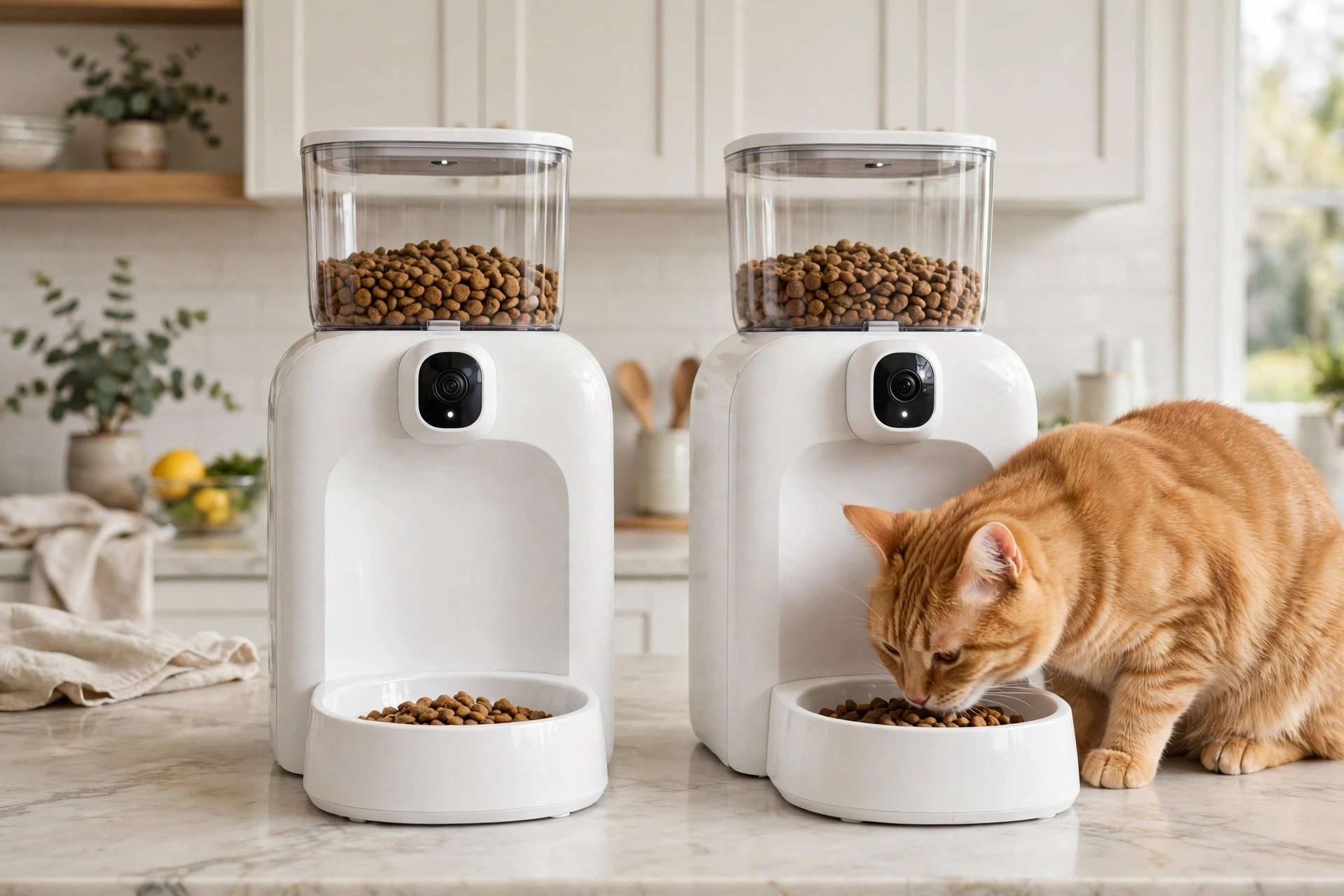
Next, the petlibro granary smart feeder name covers the wider Granary range. So check whether the model in front of you includes a camera. Some buyers search for the Granary name and assume every version has video. That mistake can lead to a feeder with no camera at all, or a camera with different storage terms.
Petlibro Air WiFi Feeder
The petlibro air wifi feeder suits buyers who want WiFi scheduling without paying for a camera. You set meals in the app, control portions, and drop an extra meal from your phone. That is enough for many cats, and it keeps the setup simple.
Petlibro Polar Smart Wet Food Feeder
The petlibro polar smart wet food feeder solves a different problem from every dry food model in this guide. Wet food cannot sit in a hopper for days. So the Polar uses a refrigerated tray design to keep wet meals fresh. That makes it a strong pick for wet food only cats. It also suits cats that mix wet and dry food.
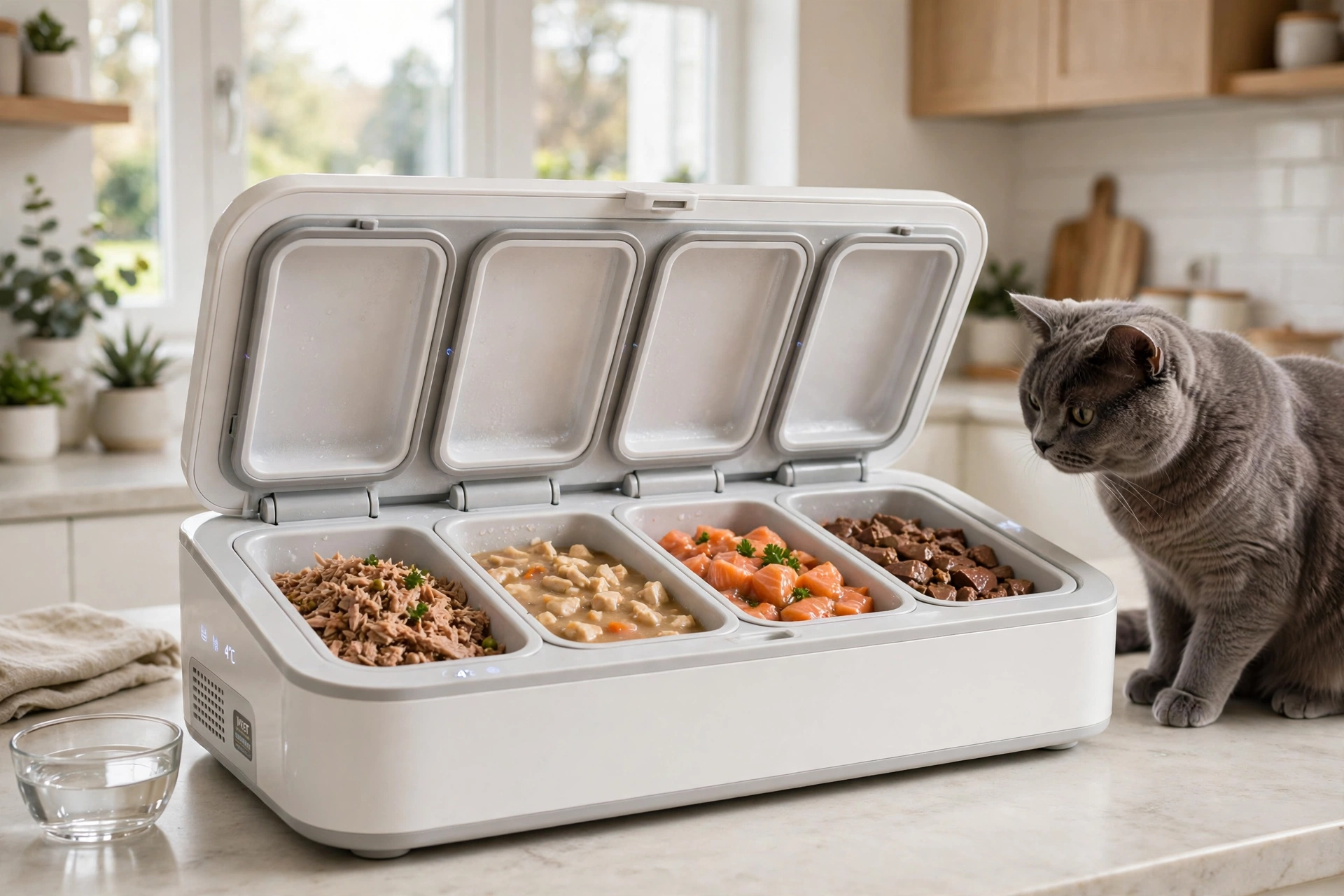
Next, do not compare the Polar directly with the Catit Pixi on dry food features. The Polar wins on wet food handling, while the Pixi Vision wins on camera monitoring and dry food scheduling. Your cat’s diet should decide this choice, not a feature list.
PetSafe Smart Feed Automatic Pet Feeder and PetSafe Smart Feed
The petsafe smart feed automatic pet feeder is a dry food feeder built around detailed scheduling. It offers up to 12 scheduled meals and a slow feed mode for pets that eat too fast. That slow feed option can help cats that gulp food and then feel sick. It spreads a meal over a longer period.
The petsafe smart feed name is also used on its own. Check the exact generation and hopper size before you order. A larger hopper suits multi pet homes,, however,a smaller hopper may suit one cat better. Portion range and bowl size matter more than hopper size for a single cat.
Papifeed Smart Pet Feeder
The papifeed smart pet feeder is an app controlled option for cats and small dogs. It focuses on scheduled dry food meals, portion control, and remote feeding from your phone. That core set matches most buyers. It can be a good value pick if the current model fits your kibble size.
Still, check the exact Papifeed model before you buy. Camera, voice recording, and storage options vary by model, and some versions focus on basic scheduling only. Read the current listing and manual. Test a manual feed while you watch, so you can confirm portions drop cleanly with your kibble.
Storage, Video Clips, and Running Costs
Next, storage terms decide what a camera feeder is really worth. Live viewing is often free, while stored clips or smart tracking may need a paid plan on some brands. With the Pixi Vision, recorded playback needs a micro SD card. Check card size and format in the app before you buy a card.
Our guide on how to view footage from an SD card explains the app playback method in simple steps. You can read how to view security camera footage on SD card if you are new to SD playback. The same basic steps apply to feeder cameras and home cameras.
That guide is useful because SD playback can confuse first time buyers. Some apps show a timeline. Others show event clips. Learn the method before a trip, not during one.
If you prefer local storage across your home, the same logic applies to other cameras. You can read how to store security camera footage locally without cloud for a wider view of SD cards, hubs, and recorders. It shows how each option handles clips without a subscription.
Who This Feeder Suits
First, the catit pixi smart feeder suits a single cat home with a dry food diet and a steady routine. It suits owners who work shifts. It also suits owners who travel for short trips, and owners who want to split a daily total into small meals. It also suits fussy eaters, since fresh portions on a schedule can beat a stale bowl left out all day.
It does not suit every home. It does not suit wet food only cats, since dry food hoppers do not handle wet meals. It does not suit homes where two cats need separate diets from one bowl. A camera can show theft,, however,it cannot stop it. It also does not suit large dogs, since portion range and bowl size are set for cats and small pets.
Setup Tips and Common Problems
First, place the feeder on a flat, stable surface away from water bowls and busy walkways. Cats dislike eating where they feel trapped, so leave space on at least two sides. Keep the power cable out of chewing reach. Keep the feeder away from direct sun, which can warm kibble and fog a camera lens.
Test the full plan before a trip. Set your meals, then run a manual feed. Check the camera view at night, then confirm low food alerts reach your phone. Also, test what happens if WiFi drops, so you know whether scheduled meals still run. That one test can prevent a missed meal while you are away.
Home cameras follow the same no subscription logic as feeder cameras in many cases. If you like local video without a monthly fee, our best video doorbell no subscription picks show how local storage works for entry cameras. The same storage habits apply to feeder clips.
FAQs
Does it have a camera?
Only the Vision model has a built in camera. The base Catit Pixi smart feeder focuses on scheduled dry food without video. The Vision model adds 1080p live viewing, night vision, motion zones, and two way audio through the app. Check the exact model name before you buy, so you do not assume every Pixi feeder includes a camera.
How many meals can it schedule each day?
For the Vision model, maker guidance describes up to 12 meals per day. The plan runs on a seven day cycle that repeats until you turn it off. You can choose active days and portion sizes for each meal, which helps split a total into steady feeds. Start with your cat’s current routine, then adjust meal times in small steps.
What food works best in it?
Dry kibble works best, since the hopper and dispenser are built for dry food. Wet food, raw food, and soft treats are not a good fit for this type of feeder. They can block the outlet or spoil. If your cat eats wet food only, use a refrigerated tray feeder like the Petlibro Polar.
Can it help an overweight cat?
Yes, if you set portions from a vet’s daily total and split that total across set meals. Small, exact portions stop the guesswork of a heaped bowl, and a steady schedule can reduce begging between meals. The feeder alone will not fix weight, but steady portions plus vet advice give you a clear and honest plan.
What happens if WiFi or power drops?
Check your exact model manual, since offline behaviour varies by feeder and power setup. Many smart feeders keep a saved schedule and drop meals on battery power. Live camera viewing and app control may pause until WiFi or mains power returns. Test this at home before a trip, so a power cut does not cause a missed meal.
Is it better than Petlibro or PetSafe?
It depends on what you need most from a feeder. Catit Vision wins if you want camera, motion zones, and audio in one app. Petlibro Granary is a close camera rival, PetSafe wins on slow feeding and detailed schedules, and Polar wins for wet food. Match food type first, then camera and schedule needs, before you choose.
Conclusion
The catit pixi smart feeder is a strong pick for dry food cats that need steady meals. In Vision form, it also gives you a camera check. It is not the best pick for wet food cats. It also falls short for separate diets from one bowl, and for owners who never open video feeds. Pick the model that fits your cat’s food, your schedule, and your camera needs. Do not pick the model with the longest feature list.
Your next step is simple. Measure your cat’s kibble. Write down the daily food total from your vet. Compare the Pixi Vision with one camera rival and one non camera rival. Then test the winner at home for three days before you rely on it for a trip.