
Home assistant green vs yellow comes down to one simple fact in 2026: the Green is the hub you can still buy new, while the Yellow is the more expandable hub that Nabu Casa stopped making. If you want the easiest start, buy the Green. If you already own a Yellow, keep it, because it still gets software updates.
- Home Assistant Green vs Yellow at a Glance
- What Each Hub Actually Is
- Home Assistant Green: the plug-and-play appliance
- Home Assistant Yellow: the expandable carrier board
- Spec Comparison: Green vs Yellow
- Price and What Is in the Box
- Radios: The Yellow’s Biggest Advantage
- Storage and Performance in Real Homes
- Setup: What You Actually Do
- Who Should Buy Which Hub
- What About a Raspberry Pi Instead
- Home Assistant Green vs Yellow: Which One Should You Buy
- FAQs
- Is the Home Assistant Yellow discontinued?
- Can I still buy a Home Assistant Yellow new?
- Does the Home Assistant Green have Zigbee built in?
- Which is faster, Green or Yellow?
- Can I upgrade the Home Assistant Green later?
- Should I buy a used Yellow or a new Green?
- Do Green and Yellow run the same software?
- Conclusion
Both boxes run the same Home Assistant software, so automations and dashboards feel identical on either one. The difference is the hardware underneath: the Green is a sealed appliance, while the Yellow is a carrier board with a radio and storage slots the Green lacks.
This guide compares them side by side, with specs and prices checked in November 2026, plus who each hub suits.
Home Assistant Green vs Yellow at a Glance
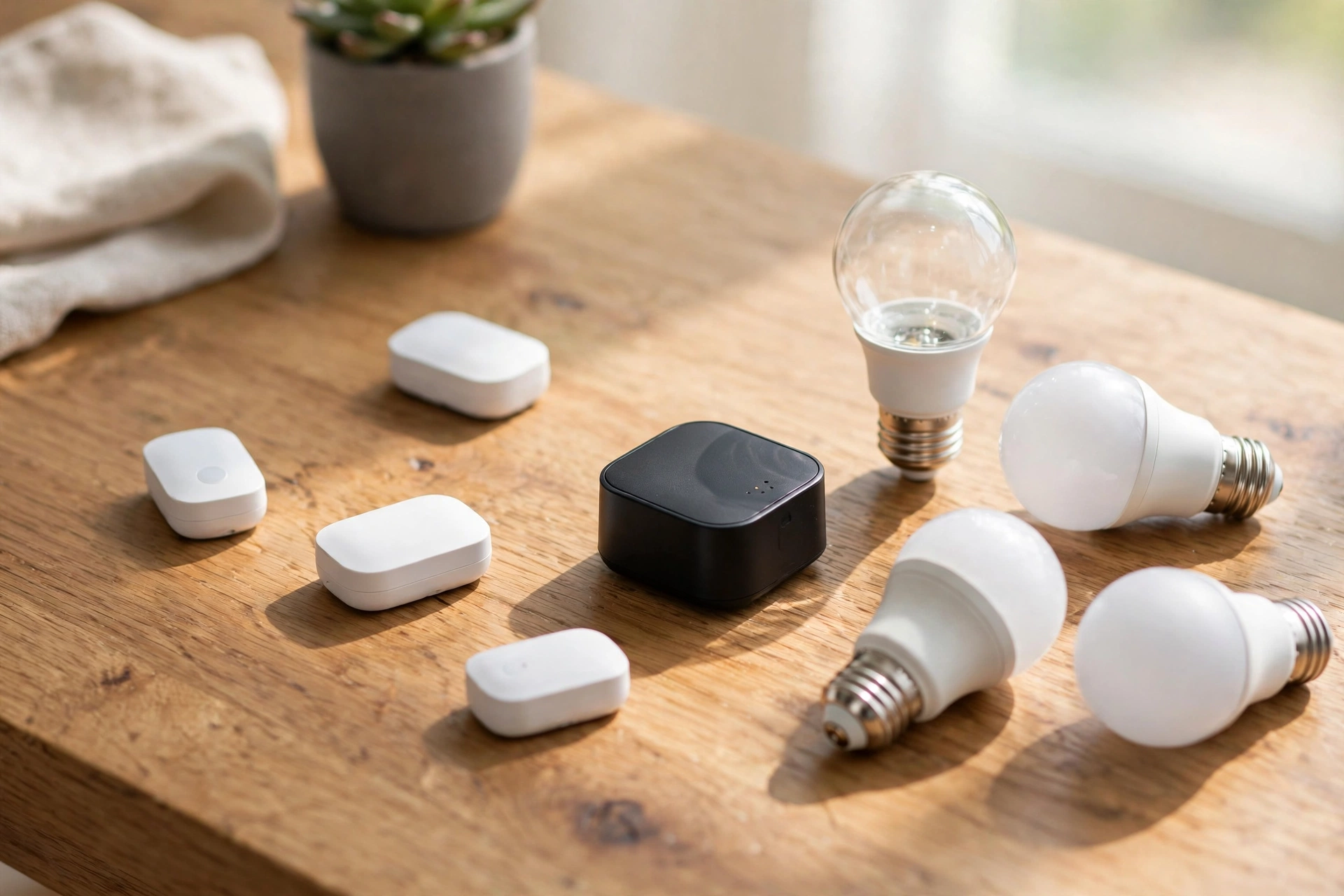
Think of the Green as the appliance and the Yellow as the project box. The Green arrives ready to run: plug in power and Ethernet, open a browser, and follow the setup wizard. Nothing needs assembling or flashing.
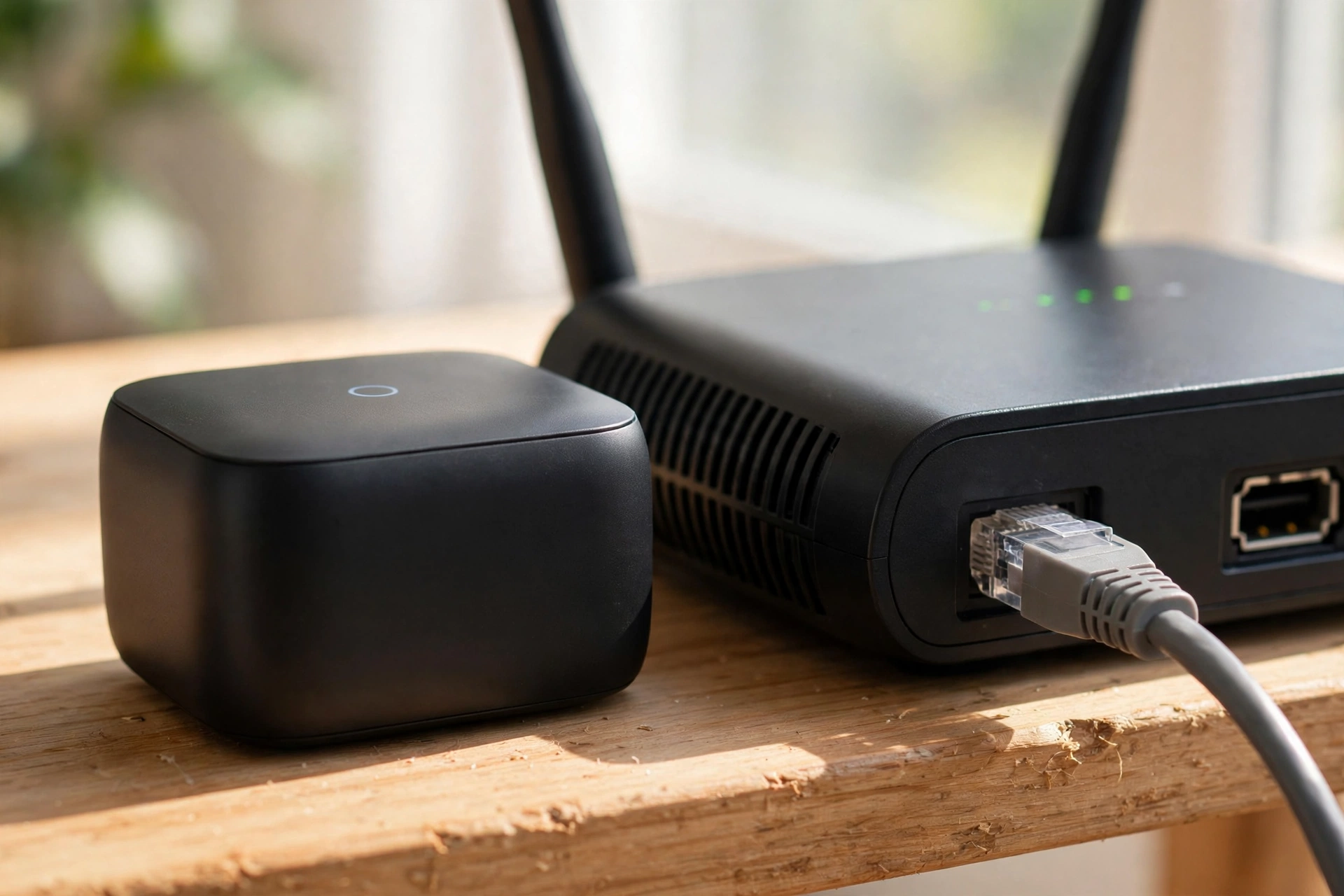
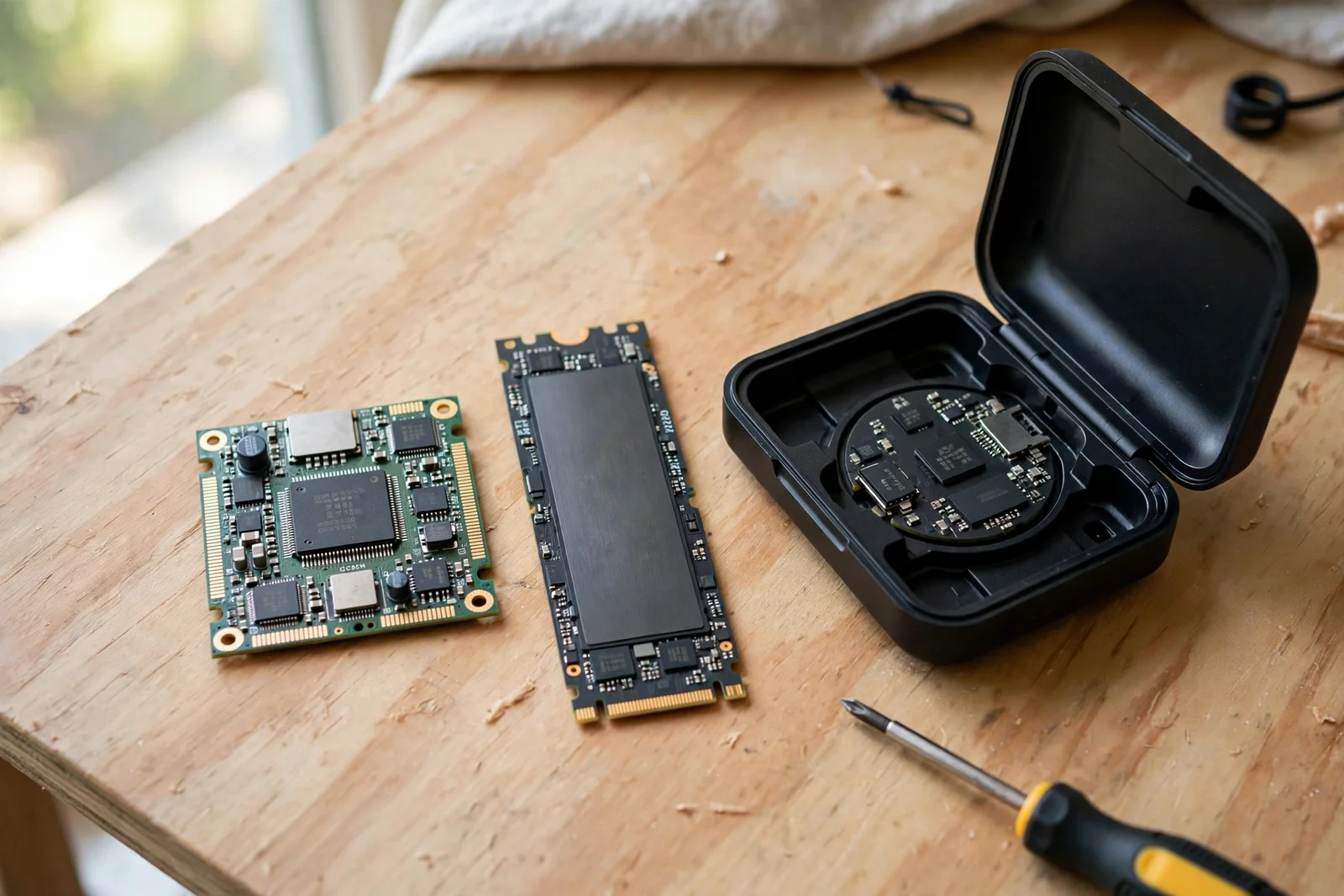
The Yellow, in contrast, takes a different path. It’s a board that holds a Raspberry Pi Compute Module 4, known as a CM4. Kit versions asked you to supply your own CM4 and put the parts together. In return, you got a built-in Zigbee and Thread radio, plus room for a fast NVMe SSD.
That trade, in fact, sits at the heart of this comparison: the Green trades expandability for simplicity, and the Yellow trades simplicity for room to grow.
What Each Hub Actually Is
Home Assistant Green: the plug-and-play appliance
The Green is Nabu Casa’s entry-level hub, launched in 2023. It’s a small, fanless box with Home Assistant OS already installed. You don’t flash an SD card, and you don’t pick a processor.
Inside, it runs a Rockchip RK3566 chip with a quad-core Arm Cortex-A55 processor at 1.8 GHz, 4 GB of RAM, and 32 GB of eMMC storage. For example, those numbers sound modest next to a modern mini PC, yet they handle a typical home with ease: lights, sensors, climate, and dozens of automations run fine.
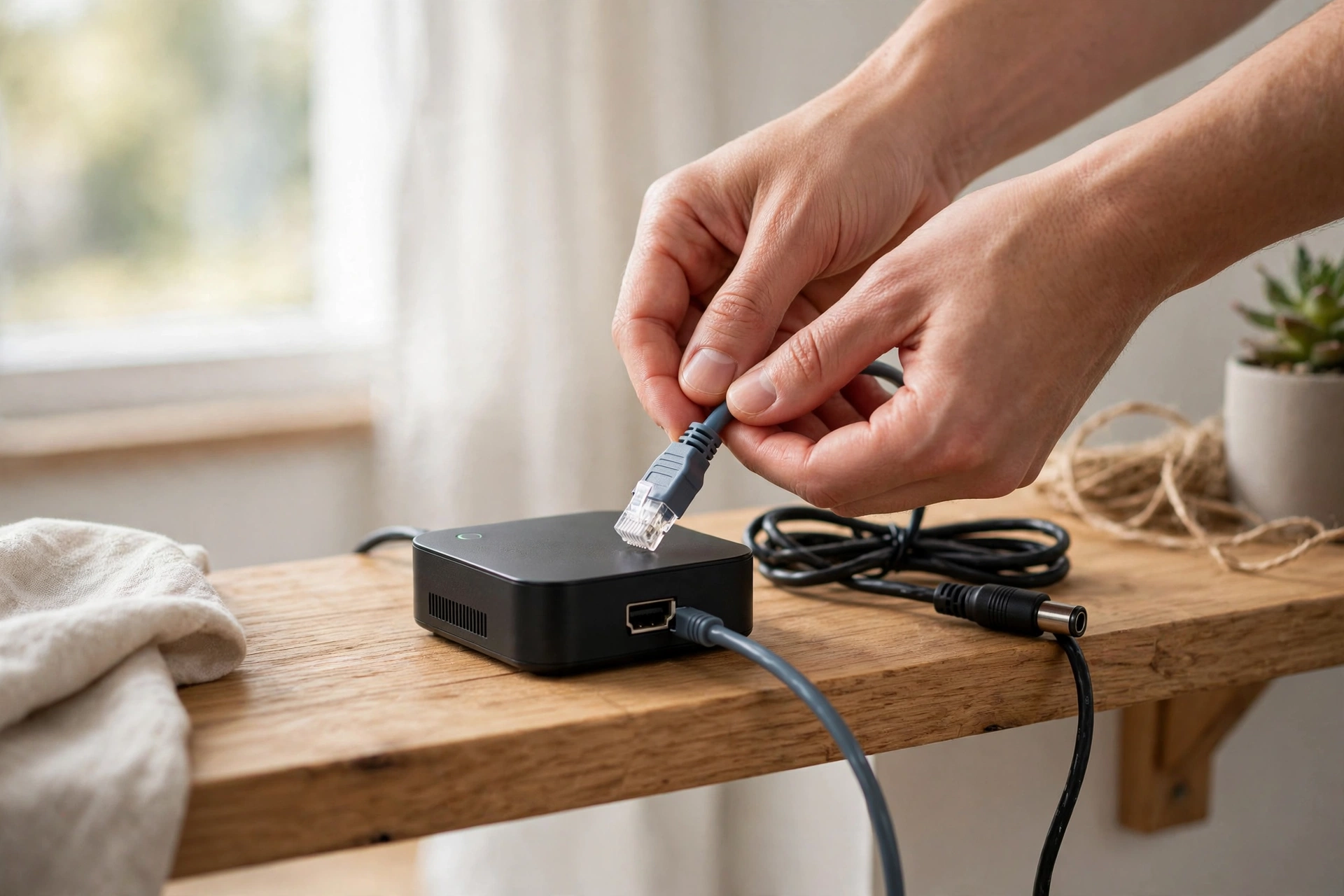
The catch is that nothing inside can be upgraded. The RAM is fixed, the storage is soldered in, and there is no slot for an SSD.
Home Assistant Yellow: the expandable carrier board
The Yellow started life in 2021 as a crowdfunding project called Amber, then became the Yellow. Instead of a fixed chip, it uses a Raspberry Pi Compute Module 4 that slots into a custom carrier board. That module supplies the processor, RAM, and base storage, and you could swap it later for a better one.
The board adds the good stuff: a Silicon Labs MGM210P radio with Zigbee 3.0, OpenThread, and Matter support, an M.2 slot for NVMe SSDs in sizes from 2230 to 2280, and a case that can hold extra storage. One kit version even supported Power over Ethernet, so a single network cable carried power and data.
Here is the part that changes the buying advice today. Nabu Casa ended Yellow production on October 15, 2025. Existing Yellows keep getting software updates, but no new stock is coming. Any Yellow you find now is leftover retail stock or second-hand. The official Home Assistant Yellow page lists its full specs.
Spec Comparison: Green vs Yellow
Numbers tell this story better than adjectives. The table below lines up the official specs.
Table: Home Assistant Green vs Yellow official specs
| Feature | Home Assistant Green | Home Assistant Yellow |
|---|---|---|
| Processor | Rockchip RK3566, quad-core Cortex-A55, 1.8 GHz | CM4, quad-core Cortex-A72, 1.5 GHz |
| RAM | 4 GB LPDDR4X, fixed | Up to 8 GB, via CM4 |
| Storage | 32 GB eMMC, fixed | Up to 32 GB eMMC, plus NVMe slot |
| Built-in radio | None | MGM210P: Zigbee, Thread, Matter |
| USB ports | 2 x USB 3.0 | 2 x USB 2.0, 1 x USB-C |
| Ethernet | Gigabit | Gigabit, PoE on one kit |
| Power | Included power supply | 12 V barrel jack, or PoE |
| Upgrades | None | Swap CM4, add NVMe SSD |
| Status in 2026 | On sale new | Production ended October 2025 |
Read that table closely and one pattern jumps out. The Yellow wins on radios, storage, and upgrades. The Green wins on simplicity and availability. The Yellow’s real speed advantage came from its NVMe slot, not its clock speed.
Why does that matter? Home Assistant stores a history of every sensor reading, and reads it back for graphs and automations. An NVMe SSD answers those reads far faster than the Green’s eMMC flash. On a small setup you will never notice.
Price and What Is in the Box
The Green launched at $99, but its price has risen since. The official product page now lists $199, or 179 euros, updated in April 2026. Retailers may charge more or less, so check the seller before you buy. The full specs sit on the official Home Assistant Green page.
In the box: the hub, a power supply, and an Ethernet cable. No Zigbee dongle is included. If you want Zigbee or Thread devices, budget for a separate USB radio such as the Connect ZBT-2.
The Yellow’s price was always harder to pin down, because it came in several forms. The board-only kit needed a CM4 bought separately, while the ready-to-run Standard version shipped pre-assembled with a CM4, a heatsink, and the OS pre-installed. At launch, a ready-to-run Yellow cost roughly twice the original $99 Green, depending on which CM4 you chose.
Yellow pricing, however, is a moving target. Remaining stock sells at whatever the retailer asks, and second-hand prices swing with demand. Before you pay a premium for a used Yellow, compare it against a new Green plus a radio dongle, which is often cheaper and comes with a warranty.
Radios: The Yellow’s Biggest Advantage
Here is where the Yellow genuinely pulled ahead. Its onboard Silicon Labs radio speaks Zigbee 3.0 out of the box, and it can run Thread for Matter-over-Thread devices. You pair sensors, bulbs, and plugs straight from Home Assistant, with no extra hardware on a USB port.
The Green, however, doesn’t have a radio at all. It connects over Ethernet, and Wi-Fi devices join through your network, but Zigbee and Thread need a USB dongle. That is not a dealbreaker, since the official Connect dongle is small and easy to set up, yet it is an extra purchase.
One honest caveat: the Yellow’s radio runs one protocol at a time, so you pick Zigbee or Thread firmware, and switching means reflashing it. Running both at once needs a second radio, just like on the Green. That means the Yellow saves you one dongle. Not every dongle you might ever want. Z-Wave is the same story on both hubs: neither has a Z-Wave radio built in.
If you are planning a Zigbee sensor network, our guide to the best motion sensor for smart lighting with Zigbee shows what those sensors can do once paired.
Storage and Performance in Real Homes
For a typical home, the Green’s 32 GB of eMMC storage is plenty. Home Assistant itself is small, and a few dozen devices generate only a modest history. Most Green owners never think about storage.
Problems start at the edges, because long histories, camera footage, and big add-on collections eat space over time. On the Green, your only real lever is trimming how much history you keep. There’s no SSD to add when the box fills up.
The Yellow answers that with its M.2 slot. Pop in an NVMe SSD and you get faster reads plus room for years of history or camera clips. You can even boot from the SSD if you fit a CM4 Lite with no eMMC of its own.
Once your hub is running, lighting automations are usually the first win. Our walkthrough of Home Assistant motion sensor lights shows how a sensor and a rule can transform a hallway.
Setup: What You Actually Do
Green setup is about as simple as smart home gear gets. Plug in the power supply and the Ethernet cable, then wait a minute for the box to boot. Open a browser on the same network and visit homeassistant.local:8123, or use the companion app, which usually finds the hub on its own.
The onboarding wizard then asks for a username, password, and location, and scans for devices on your network. Most people go from sealed box to first dashboard in under half an hour. There is no flashing, no imaging tool, and no parts to choose.
Yellow setup, in contrast, depends on which version you bought. The Standard version was nearly as easy, since it arrived assembled with the OS pre-installed. Kit versions needed more work: fit the CM4, attach the heatsink, close the case, and install the OS before the wizard could start. That assembly step is the Yellow’s hidden cost, and it is why Nabu Casa pointed beginners at the Green.
Outdoor lighting is a great second project. See our guide to automating outdoor lights at sunset and sunrise in Home Assistant for a reliable first automation.
Who Should Buy Which Hub
Buy the Green if you are new to Home Assistant, or if you want a hub that just works. It suits renters, busy households, and anyone who would rather automate lights than tinker. Add a Zigbee dongle later if your devices grow in that direction.

Instead, buy a Yellow only if you find one at a fair price and you specifically want its strengths: the built-in radio, the NVMe slot, or the swappable Compute Module. Do not pay a collector’s premium for one, because the software experience is the same on the cheaper Green.
Already own a Yellow? Keep it. Nabu Casa has promised software support far into the future, and the older Blue hub from 2020 receives updates today. There’s no reason to swap a working Yellow for a Green, since you would lose the radio and the SSD slot for no software gain.
Already own a Green and hitting its limits? Before you shop for new hardware, trim your recorder history and check which add-ons you actually use. Many “slow hub” complaints trace back to a bloated history, not the processor. If you genuinely outgrow it, a mini PC is the usual next step.
Circadian lighting shows off what either hub can do well. Our circadian lighting setup for Home Assistant walks through lights that shift with the time of day.
What About a Raspberry Pi Instead
You may wonder why not just run Home Assistant on a Raspberry Pi you already own. That is a fair question, and for many people it is the right answer, since a Pi is flexible and well documented. The official hubs exist for people who do not want that project: the Green removes every decision, while the Yellow gave enthusiasts a tidier board with a radio and SSD slot included.
Presence-based lighting is another area where either hub shines. Our guide to presence detection lighting in Home Assistant explains how rooms can respond to people.
Home Assistant Green vs Yellow: Which One Should You Buy
In short, for almost every buyer in 2026, the answer is the Green. It is the only official hub in production, it is simpler to set up, and paired with a USB radio it covers the same devices as a Yellow. The Yellow’s advantages were real, but they now come with second-hand prices and no new stock.
The exception is the buyer who already owns a Yellow, or finds one cheap and wants its NVMe slot and built-in radio. That buyer gets a fine hub with ongoing support. Everyone else should buy the Green, add a radio dongle if needed, and spend the savings on sensors and lights instead.
FAQs
Is the Home Assistant Yellow discontinued?
Yes, production ended on October 15, 2025, when Nabu Casa announced it would no longer manufacture the Yellow. Existing units still receive Home Assistant OS updates, and the company says support will continue far into the future. Any Yellow sold now comes from leftover stock or the second-hand market, so check the seller and price carefully.
Can I still buy a Home Assistant Yellow new?
For now, only while leftover stock lasts, and availability varies by region and retailer. Some sellers list Yellow kits, but because stock is not replenished, it sells out fast. If you cannot find one at a sensible price, buy a Green instead and add a USB radio dongle. You get the same software and a warranty, usually for less money.
Does the Home Assistant Green have Zigbee built in?
No, the Green has no built-in Zigbee, Thread, or Z-Wave radio. It connects over Ethernet, and Wi-Fi devices join through your home network. To use Zigbee or Thread sensors and bulbs, add a USB radio such as the official Connect dongle. Home Assistant detects the dongle during onboarding or when you add the integration later.
Which is faster, Green or Yellow?
For everyday automations, you will not notice a difference between them. The Yellow pulls ahead in heavy setups thanks to its NVMe SSD slot, which reads history and camera data faster than the Green’s eMMC storage. A Yellow with an SSD and 8 GB of RAM also handles bigger device counts better.
Can I upgrade the Home Assistant Green later?
No, the Green’s RAM and storage are fixed and cannot be upgraded. There is no SSD slot and no module to swap. You can still expand what it controls by adding USB radios and more devices, and you can trim stored history to keep it running smoothly. If you truly outgrow it, a mini PC is the usual next step.
Should I buy a used Yellow or a new Green?
Buy the new Green in most cases, because you get a warranty, current stock, and a lower price once a radio dongle is included. A used Yellow only makes sense if it is cheap and you specifically want its built-in radio, NVMe slot, or swappable Compute Module. Confirm which CM4 is fitted before you pay.
Do Green and Yellow run the same software?
Yes, both run Home Assistant OS, so the interface, automations, dashboards, and integrations are identical. Updates arrive through the same system, and backups move between devices in most cases. The difference is purely hardware: radios, storage, and upgrade options. Your daily experience after setup feels the same on either hub.
Conclusion
Home assistant green vs yellow is no longer a close race. The Yellow was the enthusiast’s hub, and it earned that title with its radio, SSD slot, and swappable module. The Green is the hub you can buy today, and for most homes it is right.
Finally, your next step is simple. If you are starting fresh, order a Green from an official retailer, and add a Zigbee dongle if your devices need one. If you own a Yellow, keep enjoying it, and check the official product pages for full specs before you spend anything.