

LED lights flickering when dimmed is almost always a compatibility problem between your bulbs, your dimmer, and your wiring. The most common fixes are switching to dimmable LED bulbs from the manufacturer’s compatibility list, adjusting the dimmer’s low-end trim, or adding a bypass capacitor. Here’s how to diagnose and fix it step by step.
- Why LEDs Flicker on Dimmers (But Old Bulbs Didn’t)
- Diagnose First: What Kind of Flicker Do You Have?
- Fix 1: Match the Bulb to the Dimmer
- Fix 2: Adjust the Dimmer’s Low-End Trim
- Fix 3: Add a Bypass Capacitor
- Fix 4: Check the Minimum Load
- Fix 5: Use the Right Dimmer Type
- Fix 6: Tighten Your Connections
- Smart Switch Specific Flicker Issues
- How to Test Whether the Dimmer or the Bulb Is the Problem
- Upgrading Your Dimmer: What to Buy
- Preventing Flicker in New Installations
- When Flicker Means Something Serious
- FAQs
- Why do my LED lights flicker when dimmed but not at full brightness?
- Can a smart switch cause LED flickering?
- Will a bypass capacitor stop LED flickering?
- Do I need special bulbs for a smart dimmer switch?
- Why do my smart bulbs flicker on a dimmer switch?
- Is LED flickering dangerous?
- Conclusion
Why LEDs Flicker on Dimmers (But Old Bulbs Didn’t)
Your old incandescent bulbs were simple. Power in, heat and light out. Dimming just meant less power, and the filament didn’t care.
LEDs are different. Every LED bulb has a tiny electronic driver inside that converts your home’s AC power into the DC the diodes need. A dimmer chops up the AC waveform to reduce brightness. The bulb’s driver has to interpret that chopped signal and produce smooth light. When the driver and dimmer disagree about what the signal means, you get flicker.
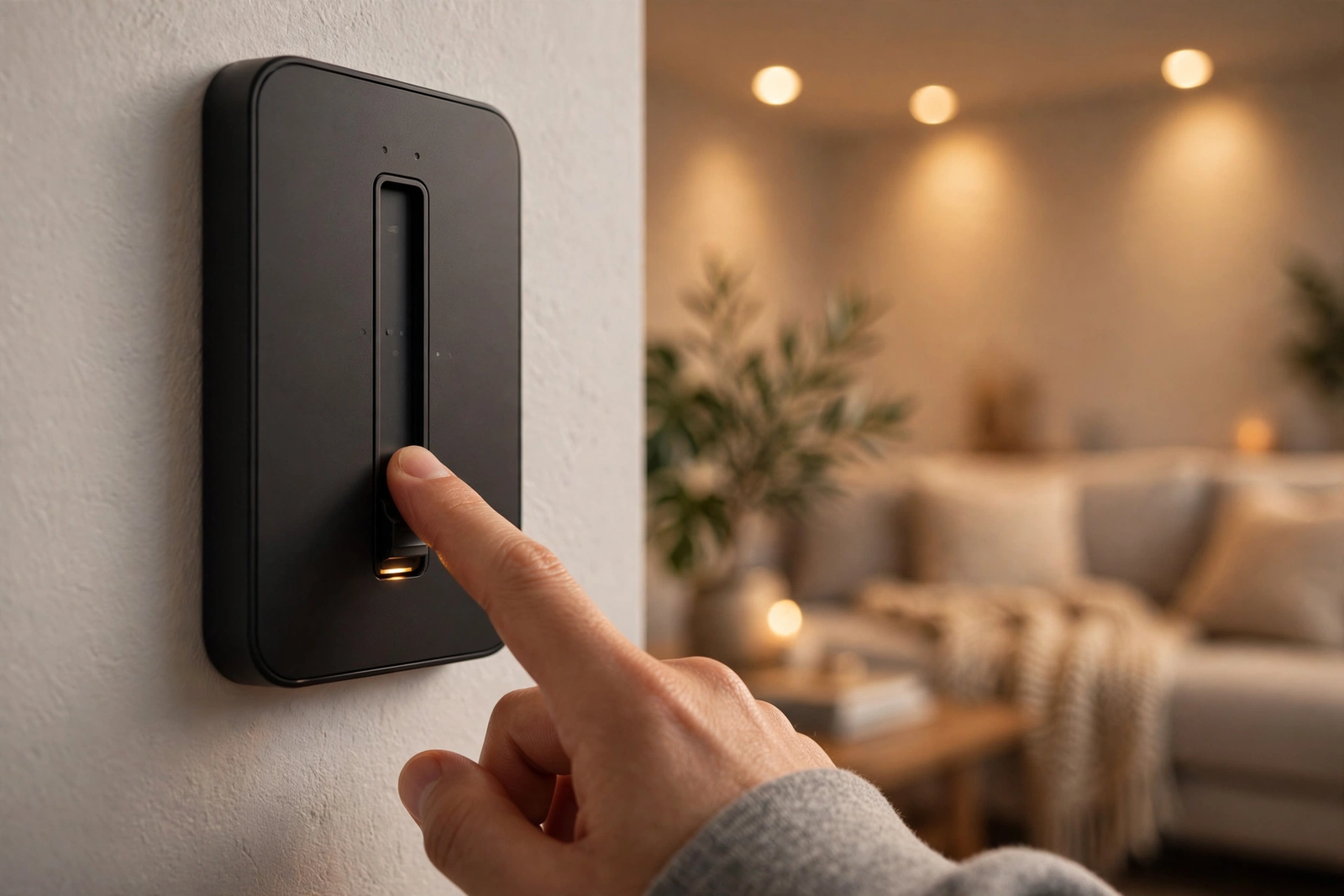
Smart switches add another wrinkle. A no-neutral smart switch leaks a tiny standby current through the bulb to power its own radio. That leakage can be enough to make an LED flicker or glow faintly even when “off.” It’s not dangerous, but it’s annoying.
Diagnose First: What Kind of Flicker Do You Have?
Not all flicker is the same, and the pattern tells you the cause.
Table: Flicker patterns and their likely causes
| Flicker pattern | Likely cause | First thing to try |
|---|---|---|
| Flickers only at low brightness | Dimmer’s minimum level set too low | Raise the low-end trim |
| Flickers at all brightness levels | Incompatible bulb and dimmer pairing | Swap to a tested bulb |
| Flickers or glows when switched off | Standby leakage (no-neutral switch) | Add a bypass capacitor |
| Buzzing plus flicker | Wrong dimmer type (leading vs trailing edge) | Use an LED-rated dimmer |
| Random occasional flicker | Loose wire connection | Check and tighten connections |
The 30-Second Bulb Check
Look at the bulb or its box. Does it say “dimmable”? If it says “not for use with dimmers” or has no dimming marking at all, that’s your problem. Non-dimmable LEDs will flicker, buzz, or strobe on any dimmer. Replace them with dimmable bulbs before you touch anything else.
This one check solves more flicker complaints than everything else combined. I mention it first because people always want to blame the switch.
Fix 1: Match the Bulb to the Dimmer
Even dimmable bulbs aren’t universal. LED makers test specific bulb-and-dimmer pairings and publish compatibility lists. Lutron has an LED compatibility tool on their site. Philips, Cree, and others publish similar lists.

If your exact bulb isn’t on the list, pick one that is. This sounds boring, but a tested pairing removes the biggest variable in the whole system. When I standardized my living room on one tested dimmer-and-bulb combination, three different flicker problems disappeared at once.
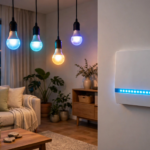
What about smart bulbs? Smart bulbs like Philips Hue dim themselves over Zigbee or Wi-Fi. They need constant full power. A smart bulb on a dimmer circuit will flicker, drop commands, and may buzz. The fix: replace the dimmer with a plain on/off switch (or enable Smart Bulb Mode on a compatible switch) and dim through the app instead.
Fix 2: Adjust the Dimmer’s Low-End Trim
Most quality dimmers let you set a minimum brightness level. If the flicker only happens at the bottom of the dim range, the dimmer is trying to dim the bulb lower than its driver can handle. Raising the floor fixes it.
On a Lutron Maestro dimmer, for example, you press and hold the lower rocker and the tap switch together for about 6 seconds until an indicator blinks, then hold the lower rocker until the lights reach the dimmest stable point, tap the raise rocker if they flicker, and tap once to save. Lutron’s official flicker troubleshooting guide walks through this with diagrams. Other brands have similar procedures in their manuals.
Set the minimum just above the point where flicker starts. You lose a tiny bit of the dimming range, but you gain rock-steady light everywhere else. Fair trade.
Fix 3: Add a Bypass Capacitor
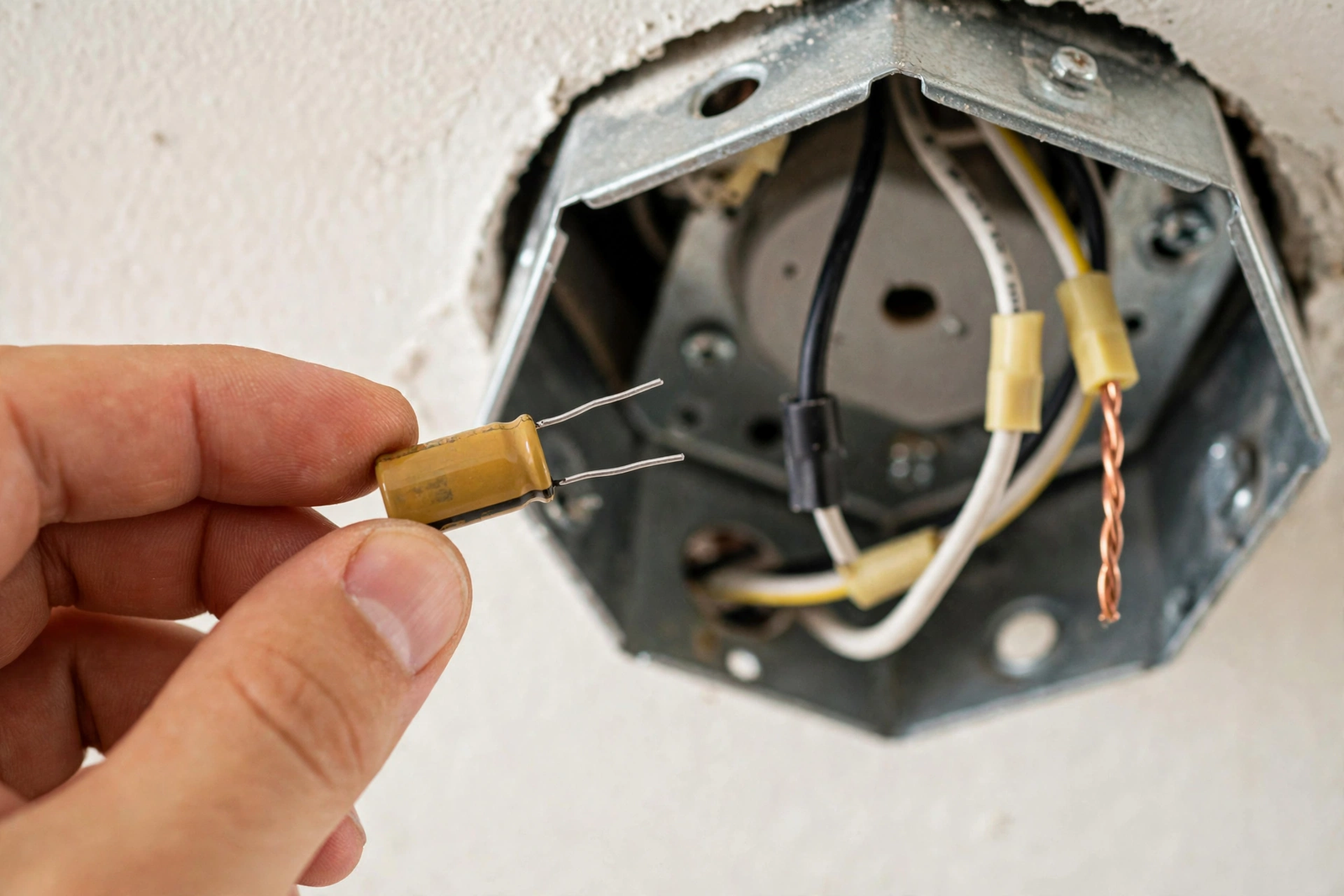
If your LEDs flicker or glow faintly when the switch is off, especially with a no-neutral smart switch, a bypass capacitor usually fixes it. The capacitor absorbs the switch’s tiny standby current so it never reaches the bulb.
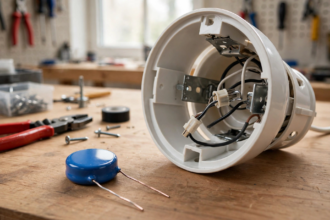
The classic example is the Lutron LUT-MLC. It wires in parallel with the light fixture: one lead to the load wire, one to neutral, tucked inside the fixture’s electrical box. It takes about ten minutes once the breaker is off.
A few honest notes. The capacitor doesn’t fix a bad bulb-dimmer pairing. It only fixes leakage-related flicker and glow. And while it’s a simple part, you’re still working inside an electrical box, so breaker off and tester verified, always.
Fix 4: Check the Minimum Load
Every dimmer has a minimum wattage it needs to operate cleanly. Old dimmers designed for incandescents might need 40W or more. A single 6W LED bulb doesn’t come close, and the dimmer can’t regulate properly at such a tiny load.
Solutions: add more bulbs to the circuit, switch to a slightly higher-wattage bulb, use an LED-rated dimmer with a low minimum load (some go down to a watt or two), or add that bypass capacitor to give the circuit something to chew on. The bypass capacitor is often the cheapest fix here too.
Fix 5: Use the Right Dimmer Type
There are two main dimmer technologies, and they matter for LEDs:
- Leading-edge (TRIAC): the old standard. Cuts the front of the AC waveform. Designed for incandescent and halogen. High minimum load. Flicker-prone with LEDs.
- Trailing-edge (ELV/reverse phase): cuts the back of the waveform. Lower minimum load, smoother with LEDs. This is what you want for most residential LED setups.
If your dimmer is an old leading-edge model from the incandescent era, replacing it with a modern LED-rated trailing-edge dimmer solves a huge class of flicker problems in one shot. Check the dimmer’s specs before you buy.
Fix 6: Tighten Your Connections
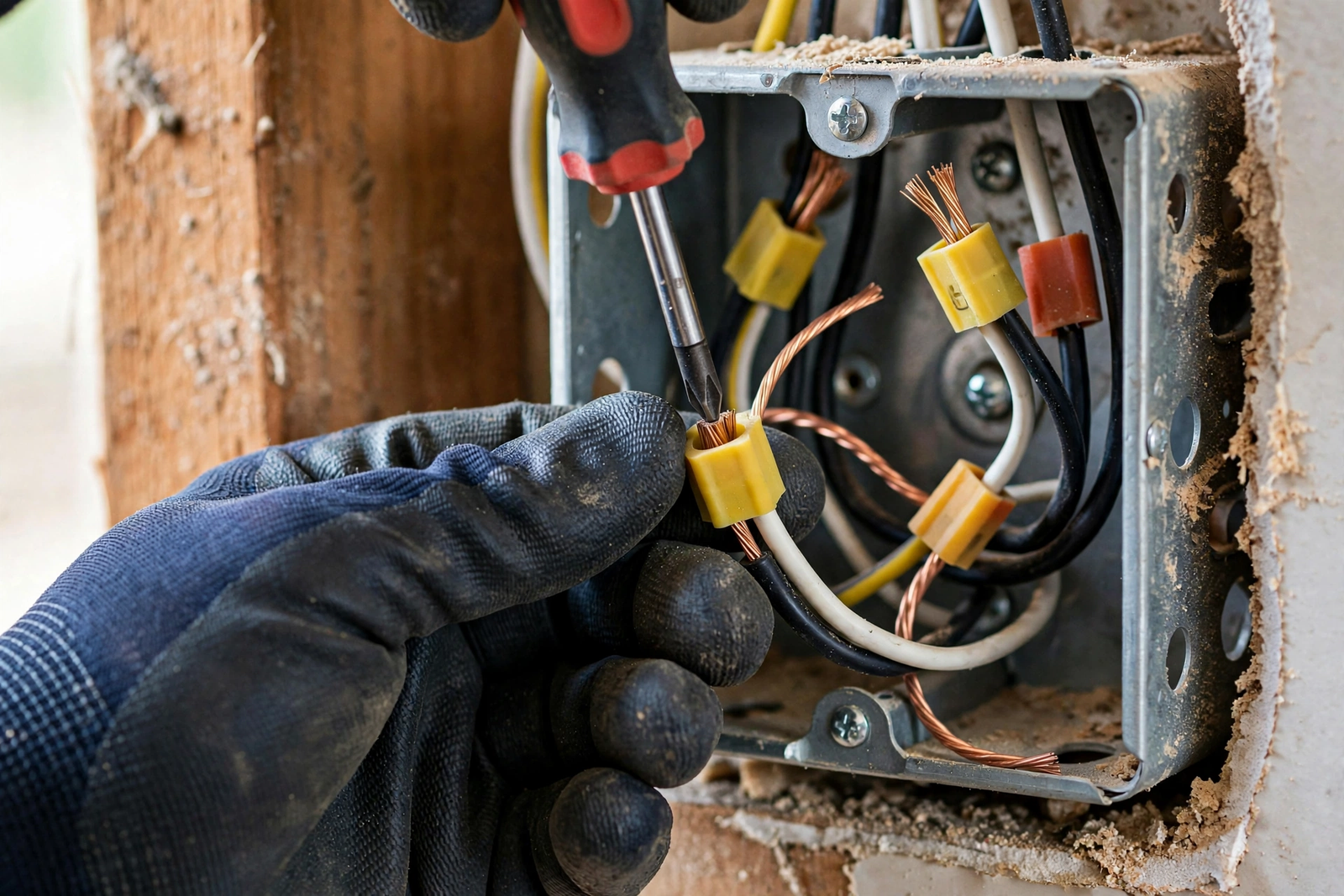
Random, occasional flicker that comes and goes is often a loose wire. Turn off the breaker, pull the switch, and check every wire nut and terminal screw. Wires expand and contract with heat cycles over the years, and connections loosen.
While you’re in there, look for scorch marks, melted insulation, or a burning smell. Those mean stop and call an electrician. Loose connections cause heat, and heat causes fires. This isn’t the place to be casual.
Smart Switch Specific Flicker Issues
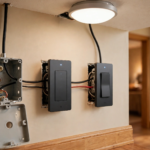
Smart dimmers have a few quirks that dumb dimmers don’t. If the switch itself reboots or drops off your network when the lights flicker, the switch may be starved for power. This happens with no-neutral switches on very low-wattage LED loads.
The fixes overlap with the list above: a compatible bulb with slightly higher draw, a bypass capacitor, or moving to a neutral-wire switch if your box has one. Also check for firmware updates. Switch makers do fix power-management bugs in firmware, and an update has resolved flicker for more than a few people.
One more: don’t put two smart dimmers on the same circuit controlling the same lights. Most manufacturers support only one smart dimmer per circuit, with a companion or Pico remote at the other location. Two smart dimmers will fight each other and the lights will let you know.
How to Test Whether the Dimmer or the Bulb Is the Problem
Here’s a quick test that saves a lot of guessing. Swap one flickering bulb with a plain old incandescent or halogen bulb if you have one lying around. If the incandescent dims smoothly with no flicker, your dimmer is fine and the LED bulbs are the problem. If the incandescent also flickers, the dimmer or the wiring is suspect.
Another useful test: move a flickering LED bulb to a lamp with no dimmer at all. If it runs steady there, the bulb itself is healthy and the issue is the dimmer pairing or the circuit. These two swaps take five minutes and tell you exactly where to focus.
What about testing with a different dimmer? If you have another dimmed circuit in the house that works fine, try one of its bulbs in the problem fixture. Same logic. Isolate the variable, test one thing at a time. Randomly replacing parts gets expensive fast.
Reading Your Dimmer’s Specs Like a Pro
Pull up your dimmer’s spec sheet and look for three numbers: minimum load, maximum LED load, and dimmer type (leading or trailing edge). A dimmer rated for 150W LED max with a 10W minimum tells you a lot. Three 6W bulbs give you 18W total, which clears the minimum. One 6W bulb doesn’t.
Check whether the dimmer is single-pole only or supports 3-way too. Using a single-pole dimmer in a 3-way circuit causes all kinds of weird behavior including flicker. The spec sheet answers this in one line, but people skip it constantly.
Upgrading Your Dimmer: What to Buy
If testing points at the dimmer, here’s what to look for in a replacement. An LED-rated trailing-edge dimmer with adjustable low-end trim and a low minimum load covers most residential situations. Lutron’s Caseta and Maestro lines, Leviton’s Decora smart dimmers, and the Inovelli Blue all handle LEDs well when paired with compatible bulbs.

For smart home users, the choice also depends on your ecosystem. Zigbee users lean toward the Inovelli Blue. HomeKit households often pick Lutron Caseta. Z-Wave setups have the Inovelli Red or Zooz options. The Apple Home ecosystem in particular plays very nicely with Caseta through the Smart Bridge.
Whatever you buy, check the bulb compatibility list before you check out, not after. Keep the receipt until you’ve tested the pairing in your actual fixture. Specs on paper don’t always match reality in your walls.
Preventing Flicker in New Installations
Doing fresh work? You can avoid this whole mess. Run neutral wires to every switch box, even if the switch you’re installing today doesn’t need one. Future you, or the next homeowner, will thank you. Neutral wires cost almost nothing during rough-in and save hours of troubleshooting later.
Second, buy your bulbs and dimmers as a tested pair from the start. Pick the dimmer, check its compatibility list, buy those exact bulbs. Don’t mix random sale bulbs across a dimmed circuit. Consistency is the whole game with LED dimming.
Third, if you’re going smart, decide on smart bulbs vs smart switches for each room before you wire. Smart bulbs need constant power and dumb switches (or Smart Bulb Mode). Smart switches need dumb dimmable bulbs. Mixing the two approaches in one fixture is where most smart-home flicker stories begin.
When Flicker Means Something Serious
Most flicker is a nuisance. But flicker plus a burning smell, warm switch plate, buzzing from inside the wall, or lights dimming when the microwave runs can indicate overloaded circuits or failing wiring. Don’t troubleshoot those with a bulb swap. Call an electrician.
Also: if your whole house flickers and not just one circuit, the problem may be at the panel or the utility connection. That’s definitely electrician territory.
FAQs
Why do my LED lights flicker when dimmed but not at full brightness?
Flicker at low brightness usually means the dimmer’s minimum level is set below what the bulb’s driver can handle. The driver can’t maintain smooth output at such a chopped signal. Raise the dimmer’s low-end trim just above the flicker point. If that doesn’t help, the bulb and dimmer are likely an incompatible pairing.
Can a smart switch cause LED flickering?
Yes, especially no-neutral smart switches. They pass a tiny standby current through the bulb to power their radio, which can make LEDs flicker or glow when off. Fixes include using bulbs from the manufacturer’s compatibility list, adding a bypass capacitor across the fixture, or switching to a neutral-wire smart switch if your box has a neutral.
Will a bypass capacitor stop LED flickering?
A bypass capacitor like the Lutron LUT-MLC fixes flicker and faint glow caused by standby leakage current from no-neutral smart switches. It wires in parallel with the light fixture and absorbs the leakage so it never reaches the bulb. It won’t fix flicker from incompatible bulb-dimmer pairings or non-dimmable bulbs.
Do I need special bulbs for a smart dimmer switch?
You need dimmable LED bulbs, and ideally ones on the switch maker’s compatibility list. Non-dimmable bulbs will flicker, buzz, or strobe on any dimmer. Smart bulbs are a separate case: they dim themselves and need constant full power, so they shouldn’t be on a dimmer circuit at all unless the switch has a Smart Bulb Mode.
Why do my smart bulbs flicker on a dimmer switch?
Smart bulbs contain their own dimming electronics and expect full line voltage at all times. A wall dimmer chops the power, which confuses the bulb’s driver and causes flicker, dropped commands, or buzzing. Replace the dimmer with an on/off switch, enable Smart Bulb Mode if your switch supports it, and dim through the bulb’s app instead.
Is LED flickering dangerous?
Ordinary dimmer flicker is annoying but not dangerous. However, flicker combined with a burning smell, a hot switch plate, buzzing inside the wall, or scorch marks indicates an electrical problem that could be a fire risk. Turn off the breaker for that circuit and call an electrician rather than troubleshooting it yourself.
Conclusion
Start with the bulb check, then work through compatibility, low-end trim, and the bypass capacitor. Nine times out of ten, one of those fixes it. Next step: look at one flickering bulb right now and check whether it actually says “dimmable” on it. You might be done in five minutes.