

To install LED strip under kitchen cabinets, measure your cabinet runs, choose a 24V strip with a power supply rated 20 percent above your total wattage, clean the cabinet undersides with isopropyl alcohol, mount the strip toward the front lip, connect to power, and test before finalizing. The whole job takes two to three hours for a typical kitchen.
- How to Install LED Strip Under Kitchen Cabinets: What You’ll Need
- Step 1: Measure and Plan Your Runs
- Step 2: Choose Power Supply Location
- Step 3: Mount the Aluminum Channels
- Step 4: Prepare the Strip Segments
- Step 5: Wire Everything
- Step 6: Mount the Strips
- Step 7: Add Control
- Common Mistakes to Avoid
- Troubleshooting Common Issues
- FAQs
- Can I plug under-cabinet LED strips into a regular outlet?
- How bright should under-cabinet strips be?
- Do I need waterproof strips in the kitchen?
- How do I hide the power supply?
- Can I connect strips around the stove gap?
- My cabinets have no outlet nearby. What are my options?
- Should the strips face straight down or angled?
- Conclusion
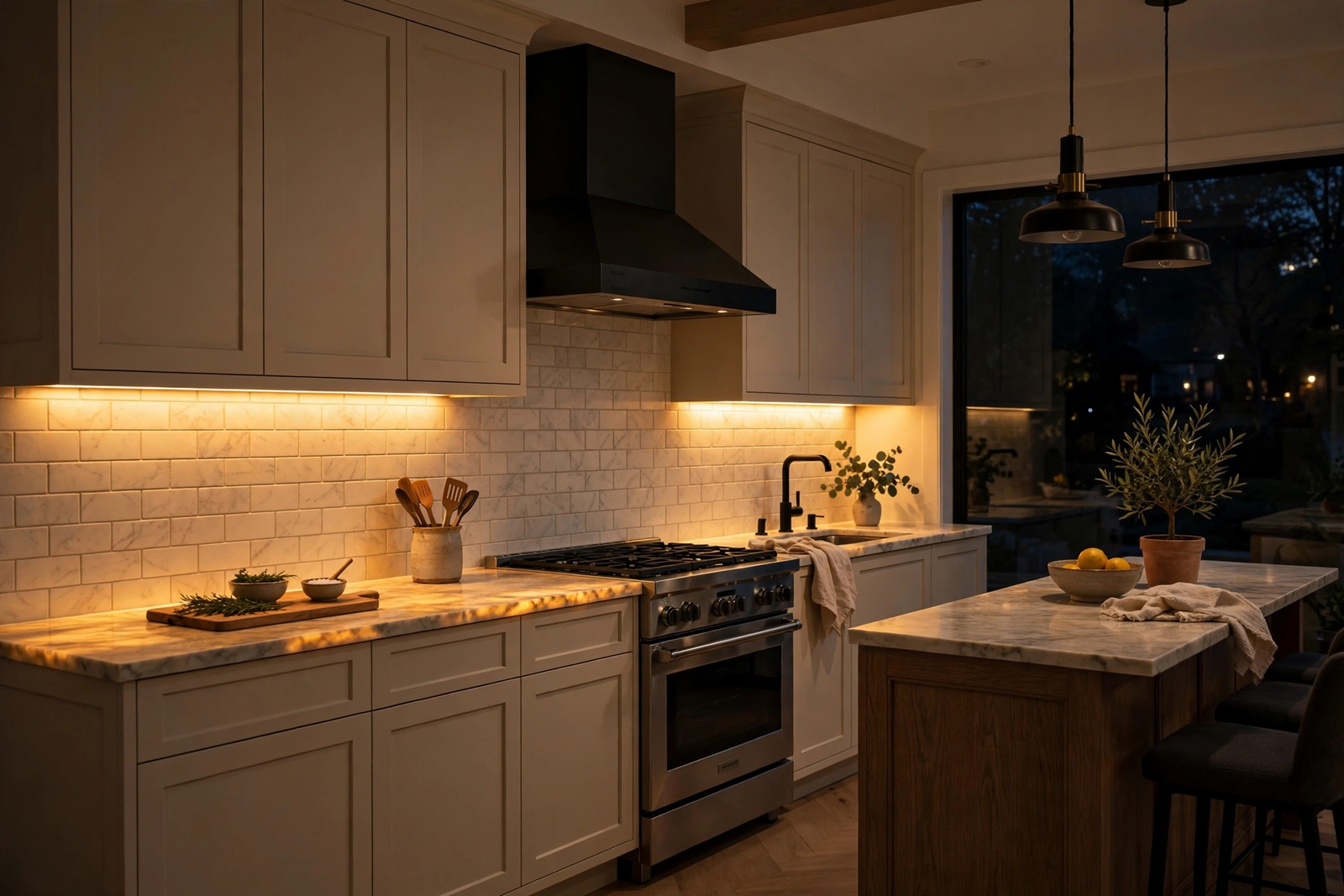
Under-cabinet lighting is one of those upgrades that changes how your kitchen feels every single day. Dark counters become bright workspaces. The kitchen looks bigger, cleaner, more modern. And it’s genuinely one of the easiest electrical DIY projects you can do, no electrician needed for the low-voltage part.
How to Install LED Strip Under Kitchen Cabinets: What You’ll Need
First, gather everything before you start. Mid-project hardware store runs kill momentum.
- LED strip, 24V recommended for runs over 10 feet (less voltage drop)
- Power supply (LED driver) sized to your total wattage plus 20 percent headroom
- Aluminum channels with diffusers (highly recommended)
- Isopropyl alcohol and clean cloths
- Measuring tape
- Scissors or flush cutters
- Wire connectors or soldering iron
- 18 AWG stranded wire for longer wire runs
- Wire clips or cable management
- Drill with small bits (for running wires between cabinets)
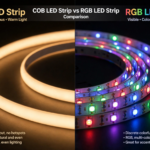
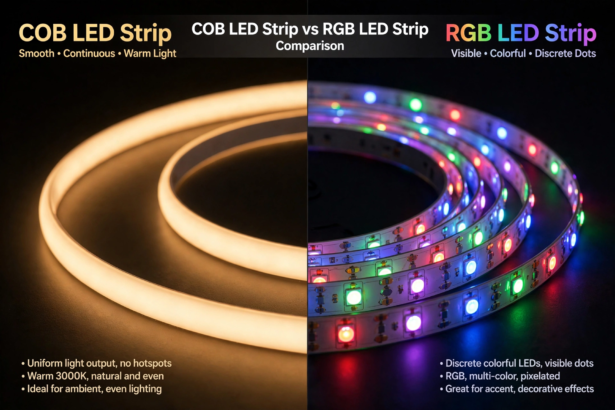
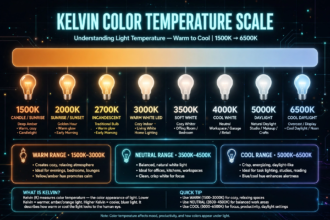
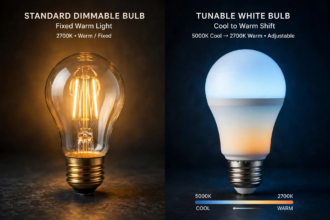
Meanwhile, for strip choice, go with 3000K to 4000K color temperature for kitchens. Warm white (3000K) feels cozy; natural white (4000K) is better for food prep visibility. High CRI (90+) makes food look right. Avoid cheap RGB strips for task lighting; the white is terrible.
Step 1: Measure and Plan Your Runs
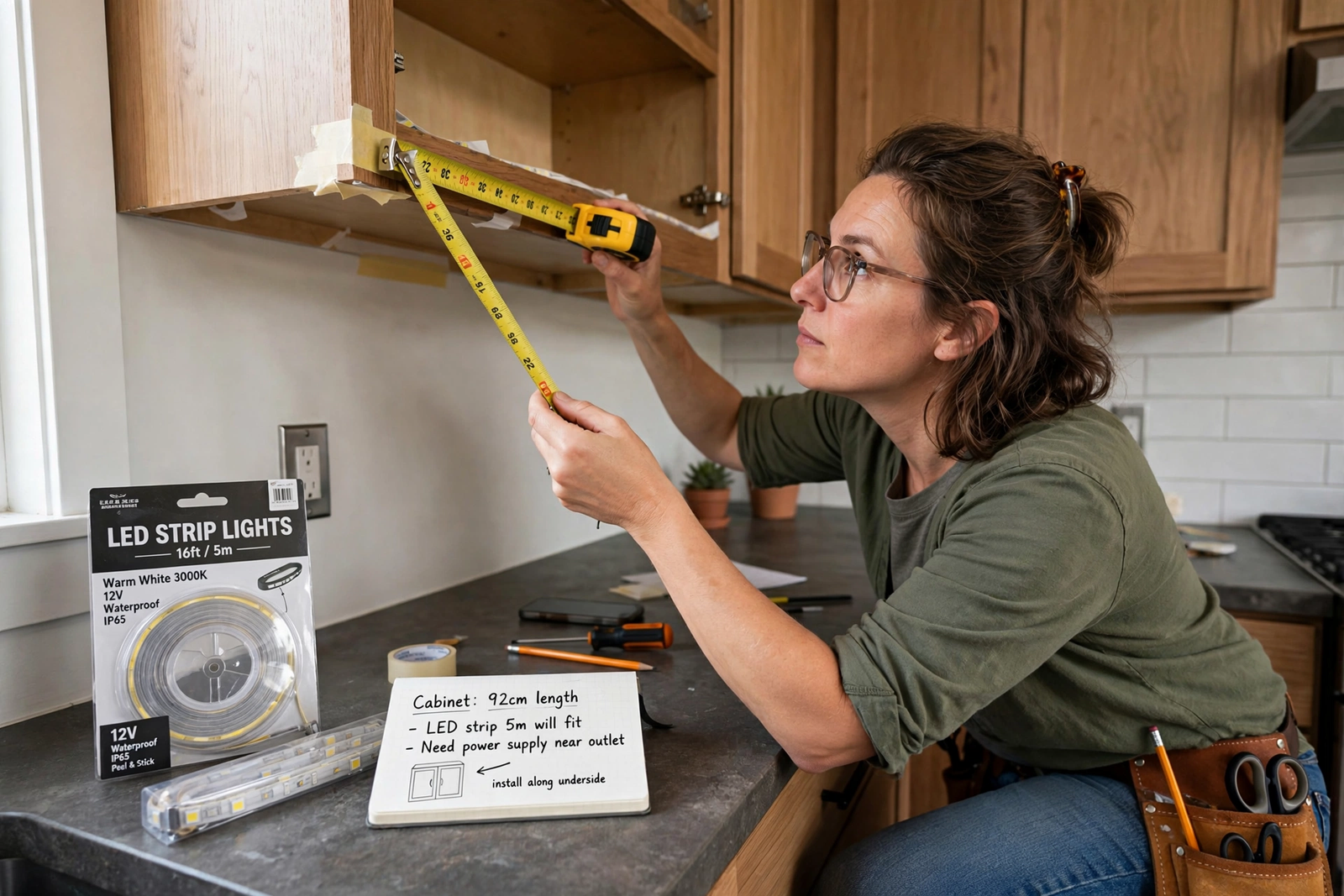
Next, measure the underside of each cabinet section. Note where the gaps are: the stove, the sink window, the refrigerator. Each continuous cabinet section gets its own strip segment.
Then sketch a simple wiring diagram on paper. Mark where the power supply will live, usually inside a cabinet or on top of the cabinets, and how wires will run from the supply to each strip segment. Planning the wire routes now saves headaches later.
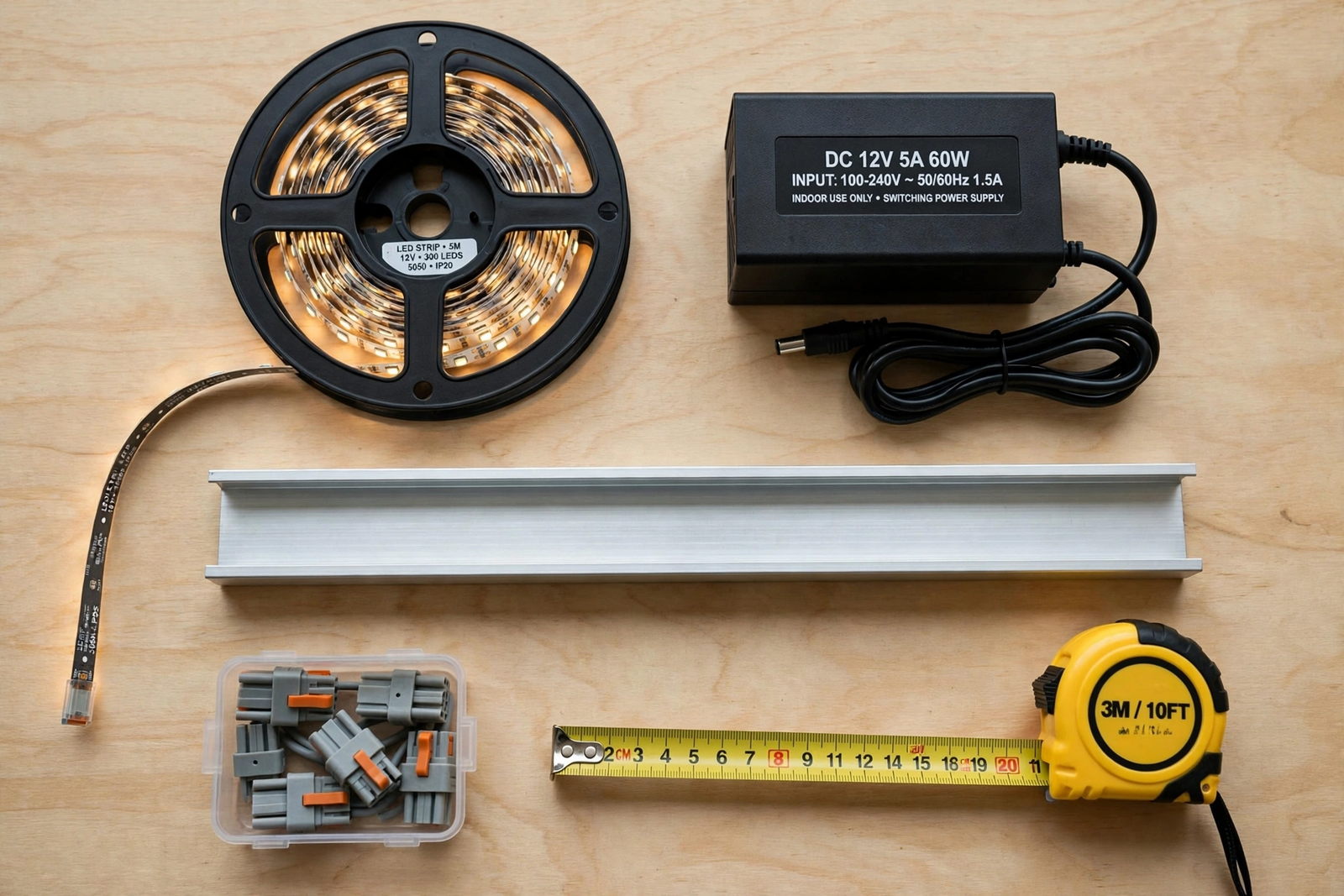
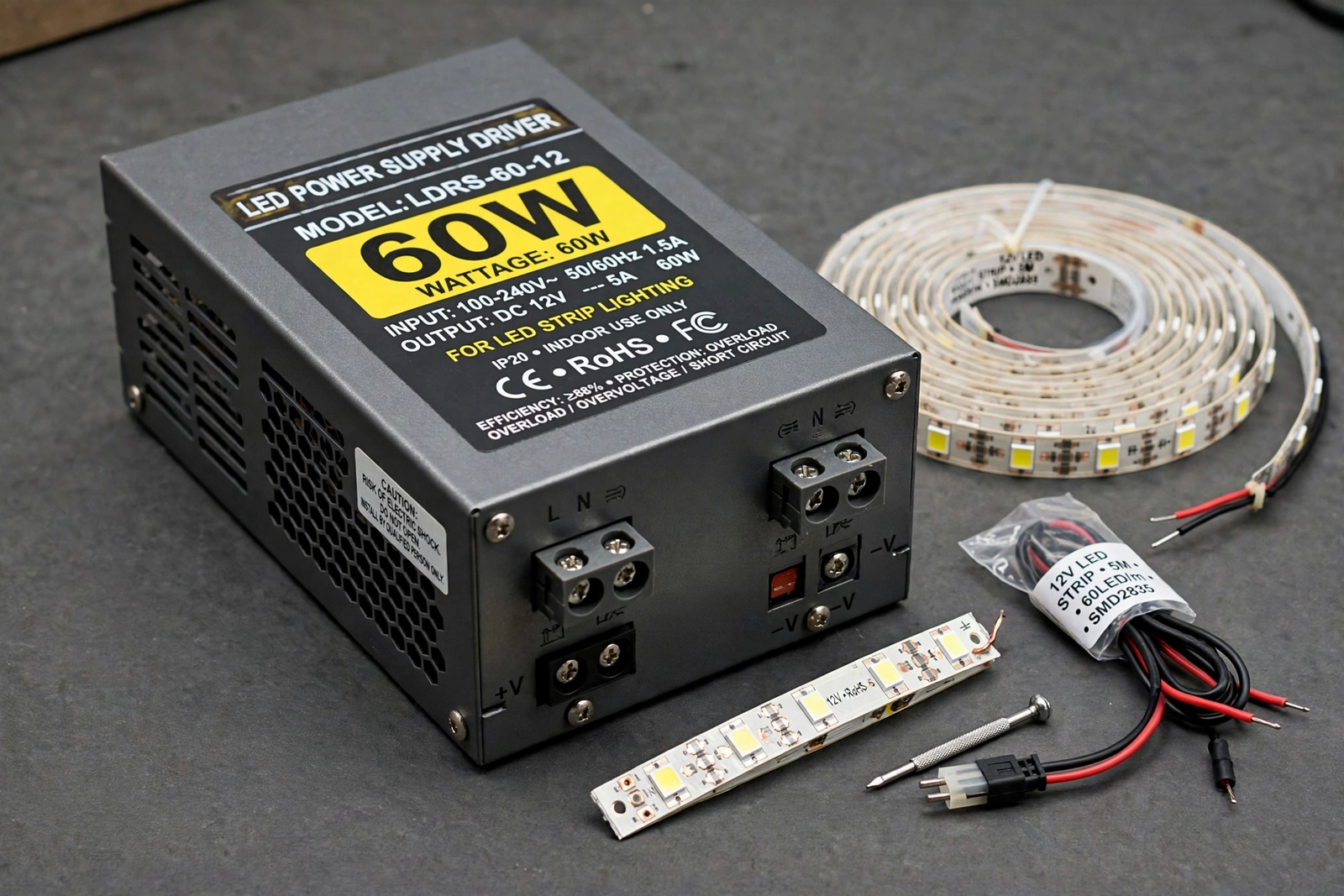
Consequently, add up the total strip length and calculate wattage. If your strip uses 4.8 watts per meter and you have 6 meters, that’s about 29 watts. Your power supply should handle at least 35 watts (29 plus 20 percent). Never run a supply at 100 percent; it runs hot and dies early. This under-cabinet lighting guide includes helpful planning tools for sizing your setup.
Step 2: Choose Power Supply Location
However, the power supply needs to be accessible, ventilated, and near an outlet. Inside the cabinet above the microwave is a classic spot. On top of the cabinets works too if there’s clearance. Under the sink is convenient but risky with moisture; avoid it if you can.
Therefore, keep the low-voltage wire runs from the supply to the strips as short as practical. Long thin wires cause voltage drop, making the far end dimmer. If a run must be long, use thicker 18 AWG wire instead of the thin wire that comes with strip kits.
Step 3: Mount the Aluminum Channels
In fact, I recommend channels for every under-cabinet install, and here’s why: they eliminate LED dots reflecting off your countertop, they cool the strip for longer life, and they give the adhesive a perfect mounting surface. The visual difference is night and day.
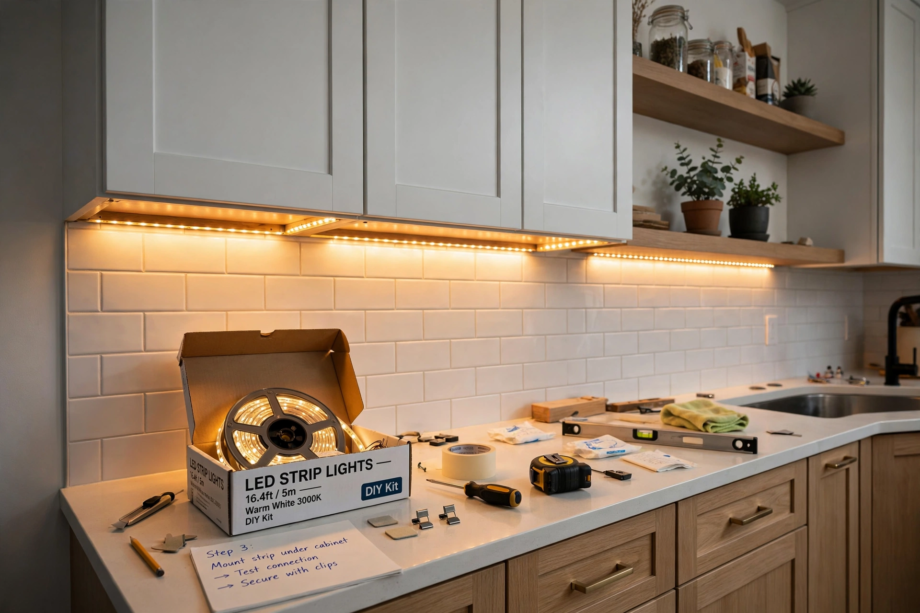
Specifically, position the channel toward the front lip of the cabinet, about one to two inches back from the front edge. This throws light across the full counter while hiding the strip from direct view when you’re standing in the kitchen. Mounting too far back leaves the front of the counter in shadow.
Afterward, cut channels to length with a hacksaw, mount with the included clips or screws, and test-fit the strip before peeling any adhesive.
Step 4: Prepare the Strip Segments
Next, cut the LED strip at the marked cut lines to fit each cabinet section. Remember: cut only at the scissor-marked points. Cutting anywhere else kills that section.
On the other hand, if you’re connecting multiple segments to one power supply, plan whether they’ll run in series (daisy-chained) or parallel (each with its own wire home run). For under-cabinet runs, parallel wiring gives more even brightness. Daisy-chaining more than 16 feet on 12V strips causes visible dimming at the far end, which is why 24V is better for kitchens.
Step 5: Wire Everything
Then connect each strip segment to the power supply, watching polarity: positive to positive, negative to negative. Use proper wire connectors or solder the joints. Don’t twist wires together and wrap with tape; that’s how you get flickering six months later.
Also, drill small holes through cabinet sides to pass wires between sections. A 3/8-inch bit is plenty. Feed the wires through, connect, and secure loose wires with clips so nothing droops into view.
If your cabinets have a light valance or lip at the bottom front, wires can hide behind it completely. No valance? Run wires tight against the cabinet bottom and use paint-matched cable clips. From normal standing height, they’re invisible.
Step 6: Mount the Strips
Finally, clean the inside of each channel with isopropyl alcohol. Peel the strip’s adhesive backing and press it firmly into the channel, working from one end to the other. Press along the full length; don’t just tack the ends.
Snap the diffuser covers on. Install the end caps. Then power up and check every segment before you call it done. Look for even brightness, correct color, and no dark sections.
Step 7: Add Control
For example, a basic install just plugs in. But a dimmer or smart controller transforms the experience. A simple inline dimmer lets you drop the brightness for evening ambiance. A smart controller adds app control, schedules, and voice commands.
Moreover, motion sensors are brilliant for kitchens. Walk in, lights fade up. Leave, they fade down after a few minutes. No switches, no thinking. If your controller supports it, this is the upgrade that makes guests say wow.
For smart home integration, make sure your controller works with your platform. Check compatibility with Apple Home, Google, or Alexa before buying. The strip itself doesn’t matter for compatibility; the controller does.
Common Mistakes to Avoid
However, undersizing the power supply is the number one mistake. When the supply is maxed out, it overheats, the lights flicker, and the supply dies within a year. The 20 percent headroom rule exists for a reason. When in doubt, go bigger.
Second, mounting the strip at the back of the cabinet is number two. It seems logical to hide it deep, but then the front half of your counter sits in shadow. Front-third positioning lights the whole workspace and keeps the strip hidden from view.
Third, skipping the test-before-finalize step is number three. Always power up and check everything before snapping diffusers on and tidying wires. Finding a dead segment after everything is sealed means undoing your work.
Table: 12V vs 24V Strips for Kitchens
| Feature | 12V Strips | 24V Strips |
|---|---|---|
| Max single run | About 16 feet | About 32 feet |
| Voltage drop | Noticeable on long runs | Minimal |
| Cut intervals | Every 3 LEDs (shorter) | Every 6 LEDs (longer) |
| Wire gauge needed | Thicker for long runs | Standard is fine |
| Best for | Small kitchens, short runs | Most kitchens |
Troubleshooting Common Issues
Even a careful install can hit snags. Here’s how to fix the most common problems without tearing everything apart.
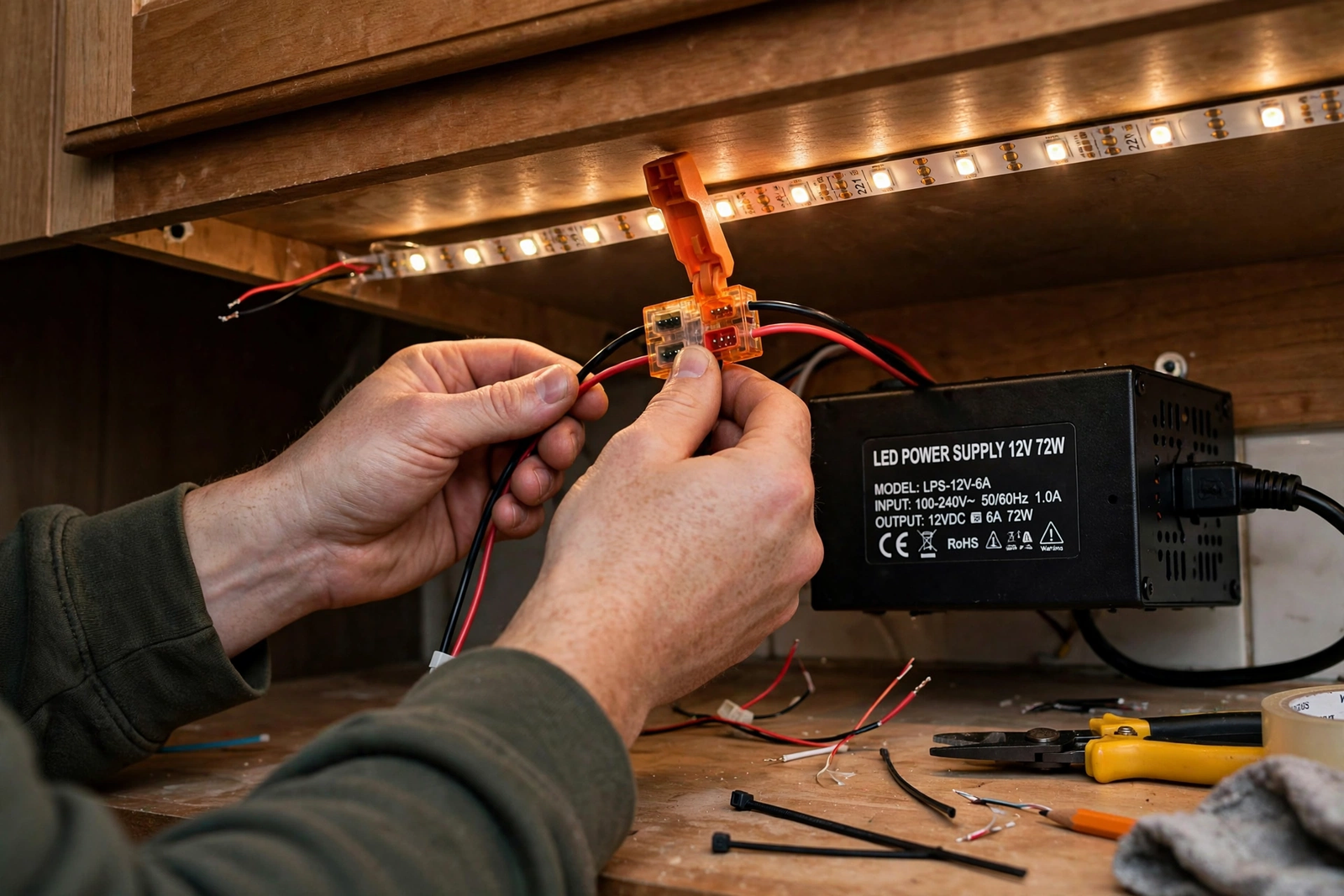
If a section doesn’t light up, check the connections first. Nine times out of ten, it’s a loose wire or reversed polarity at a join. Power down, check each connection point, and look for wires that pulled loose when you tucked everything into place. A multimeter set to continuity mode finds breaks in seconds.
Flickering usually means an undersized power supply or a loose connection. If the whole run flickers, the supply is likely maxed out. Upgrade to a larger one. If only one section flickers, the connection to that section is the culprit. Re-seat the connector or re-solder the joint.
Uneven brightness, bright at the power end and dim at the far end, is voltage drop. This happens on long daisy-chained runs, especially with 12V strips. The fix is to run a separate wire from the power supply to the far end (power injection) or to split the run into parallel segments. For future installs, this is why 24V strips are recommended for kitchens.
Wrong colors on RGB strips mean the channels are mixed up. Red and green swapped is the classic. Power down, check your wiring against the controller’s labels, and swap the wires. Label everything with tape before disconnecting so you don’t make it worse.
FAQs
Can I plug under-cabinet LED strips into a regular outlet?
Yes, and it’s the easiest approach. Use a plug-in LED power supply, mount it inside a cabinet near an outlet, and run the low-voltage wire to your strips. No hardwiring needed. If you want the install hardwired to a wall switch, that’s a job for an electrician, but plug-in works great and you can add a smart plug for remote control.
How bright should under-cabinet strips be?
Aim for 200 to 400 lumens per foot for task lighting you can actually cook by. In strip specs, that usually means 60 to 120 LEDs per meter at decent wattage. Brighter isn’t always better; too bright creates harsh reflections on glossy counters. A dimmer solves this by letting you tune the brightness. Start bright enough for tasks, then dim for ambiance.
Do I need waterproof strips in the kitchen?
Not usually. IP20 (non-waterproof) strips are fine under cabinets away from the sink and stove. If a section goes right over the sink where splashing happens, use IP65 for that segment. Full waterproofing everywhere adds cost and makes the strips stiffer and harder to install. Match the rating to the actual exposure.
How do I hide the power supply?
Inside the cabinet above the microwave or range hood is the most common spot. On top of wall cabinets works if there’s a soffit or enough clearance to stay out of sight. Some people mount it in the basement or a nearby closet and run low-voltage wire up through the wall. Just keep it ventilated, accessible for future replacement, and away from moisture.
Can I connect strips around the stove gap?
Yes, run a wire (not the strip) behind or through the cabinets to bridge the gap. Never run LED strip over or near the stove’s heat zone; the heat will destroy it. Use 18 AWG wire for the bridge, keep it tucked out of sight, and resume the strip on the other side. Wire the bridged sections in parallel for even brightness.
My cabinets have no outlet nearby. What are my options?
Battery-powered LED strips exist but they’re dim and eat batteries; not recommended for primary task lighting. Better options: run a low-voltage wire from the nearest outlet through or behind cabinets, use a nearby outlet inside an adjacent cabinet, or have an electrician add an outlet inside a cabinet. The one-time cost of an outlet beats replacing batteries forever.
Should the strips face straight down or angled?
Straight down from the front third of the cabinet is the standard and works well. Angled mounting, using a 45-degree corner channel aimed slightly toward the backsplash, reduces glare on glossy counters and lights the backsplash nicely as a bonus. If your counters are matte, straight down is fine. For glossy granite or quartz, try the angled approach.
Conclusion
Installing LED strips under kitchen cabinets is a weekend project with daily payoff. Measure carefully, size your power supply with headroom, mount in channels near the front lip, wire neatly, and test before finalizing. Two to three hours of work gets you years of beautiful task lighting.
Next step: measure your cabinet runs tonight and order the strip, channels, and power supply. You’ll be cooking under proper light by the weekend. Take photos of your wiring before sealing everything up; future you will thank present you when it’s time to troubleshoot or upgrade. Good documentation turns a confusing mess into a simple fix.