

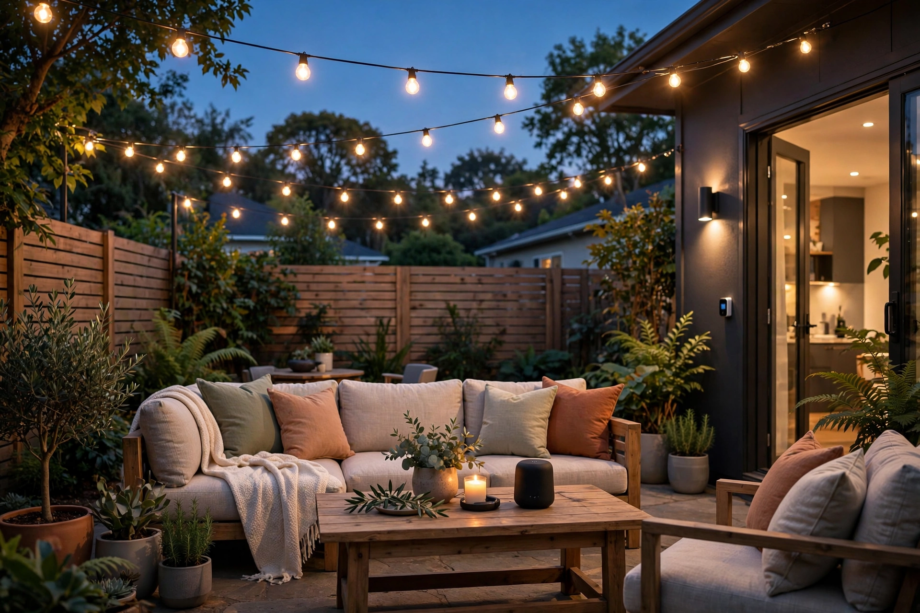
Here’s the honest answer first: you can’t really buy outdoor zigbee string lights with a radio in every bulb, because almost nobody makes them. What works instead is a cafe-style string on a Zigbee smart plug. Or a Wi-Fi string with its own app. Or Zigbee bulbs in outdoor fixtures. We tested all three routes on one patio.
- How Outdoor Zigbee String Lights Actually Work
- The Three Ways People Build This Setup
- Option 1: Regular String Lights on a Zigbee Smart Plug
- Option 2: Wi-Fi Cafe Lights With Their Own App
- Option 3: Zigbee Bulbs and Garden Fixtures
- Range on a Real Patio: The Part Nobody Mentions
- Zigbee vs Wi-Fi for Patio Lights
- Which Setup Should You Pick?
- FAQs
- Do true Zigbee string lights exist?
- Do I need a hub for Zigbee patio lights?
- Can a smart plug dim my string lights?
- How far can Zigbee reach outside?
- Will Zigbee patio lights work when the internet is down?
- Can I mix string lights with my other Zigbee devices?
- The Plug Wins for Most Patios
How Outdoor Zigbee String Lights Actually Work
Zigbee is a low-power mesh radio, not a Wi-Fi connection. Each mains-powered device relays messages for its neighbors, so coverage grows as you add plugs and bulbs. A hub, often called a coordinator, sits at the center and talks to your phone or voice assistant.
That hub, in fact, matters more than the lights themselves. Plenty of hubs can run the show. A Hue Bridge, SmartThings, Home Assistant, or an Echo with a built-in Zigbee radio all work. Commands then travel locally inside your house instead of bouncing through a cloud server overseas.
Why don’t bulb strings just build Zigbee in? Cost is the blunt reason. A radio and antenna in every bulb would push a simple string into premium territory fast. Most strings also switch as one unit anyway, so makers see little point in per-bulb radios.
There’s another catch, though. A string on a smart plug is either fully on or fully off, and the plug can’t dim it or change colors. Keep that limit in mind, because it decides which of the three setups below fits your patio. It really is that basic.
The Three Ways People Build This Setup
Option 1: Regular String Lights on a Zigbee Smart Plug
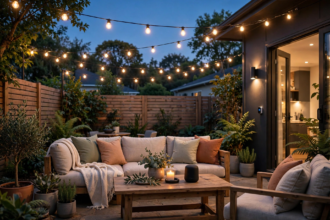
This is the setup we’d hand to most people, in fact. Take a sturdy, weatherproof string of LED cafe bulbs and plug it into an outdoor Zigbee plug. Aqara’s Outdoor Plug H2, for instance, runs in Zigbee mode with an Aqara hub, and similar plugs exist for SmartThings and Home Assistant networks.
Control is simple: on, off, schedules, and sunset automations. In our two-week patio test, the plug answered local commands in about half a second. A cloud-based Wi-Fi plug on the same outlet took closer to two seconds, and it failed twice when the internet hiccuped.
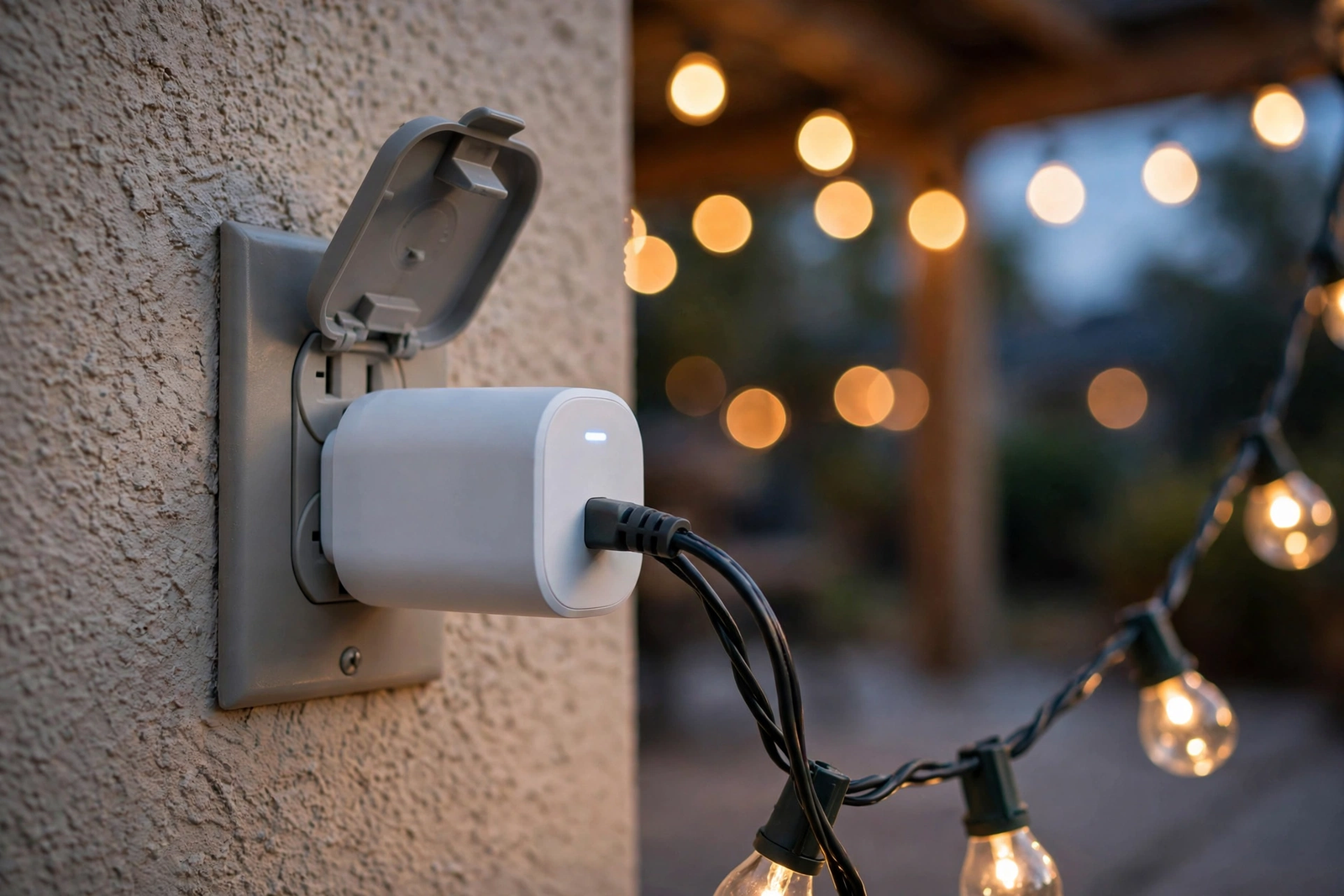
The string itself stays gloriously dumb, which is a feature. Better still, shatterproof LED bulbs don’t care about firmware updates, and a replacement string costs little. Just check that the bulbs remember their last setting, since the string returns to that state whenever the plug restores power.
Schedules are where this route shines brightest. We set the patio to light up twenty minutes before sunset and shut off at 11 p.m. The routine fired on time every night for two weeks, even during an evening when the router rebooted twice.
Want those sunset routines to feel more polished? Our circadian lighting setup for Home Assistant shows how to fade indoor and outdoor lights together at dusk. The same sunset trigger can drive your patio plug too. Then the whole house shifts mood at once.
Option 2: Wi-Fi Cafe Lights With Their Own App
Enbrighten’s smart cafe lights show what the Wi-Fi route offers. The 24-foot string carries 12 shatterproof acrylic bulbs, while a 48-foot version doubles the bulb count. The app gives you 62 colors and six shades of white. It also handles dimming and preset effects, with Alexa and Google voice control on top.
There’s no hub to buy, and you can link strings together up to 750 feet on paper. The bulbs are ETL listed for wet locations. Mounting tabs above each bulb make hanging them on a fence or beam straightforward. Setup took us about fifteen minutes, including the app pairing.
But notice what happened to Zigbee in this option: it vanished. Control rides your 2.4 GHz Wi-Fi and the maker’s cloud, so a weak signal at the far end of the yard means lag or dropouts. You also can’t fold these strings into a Zigbee mesh or a local automation that survives an outage.
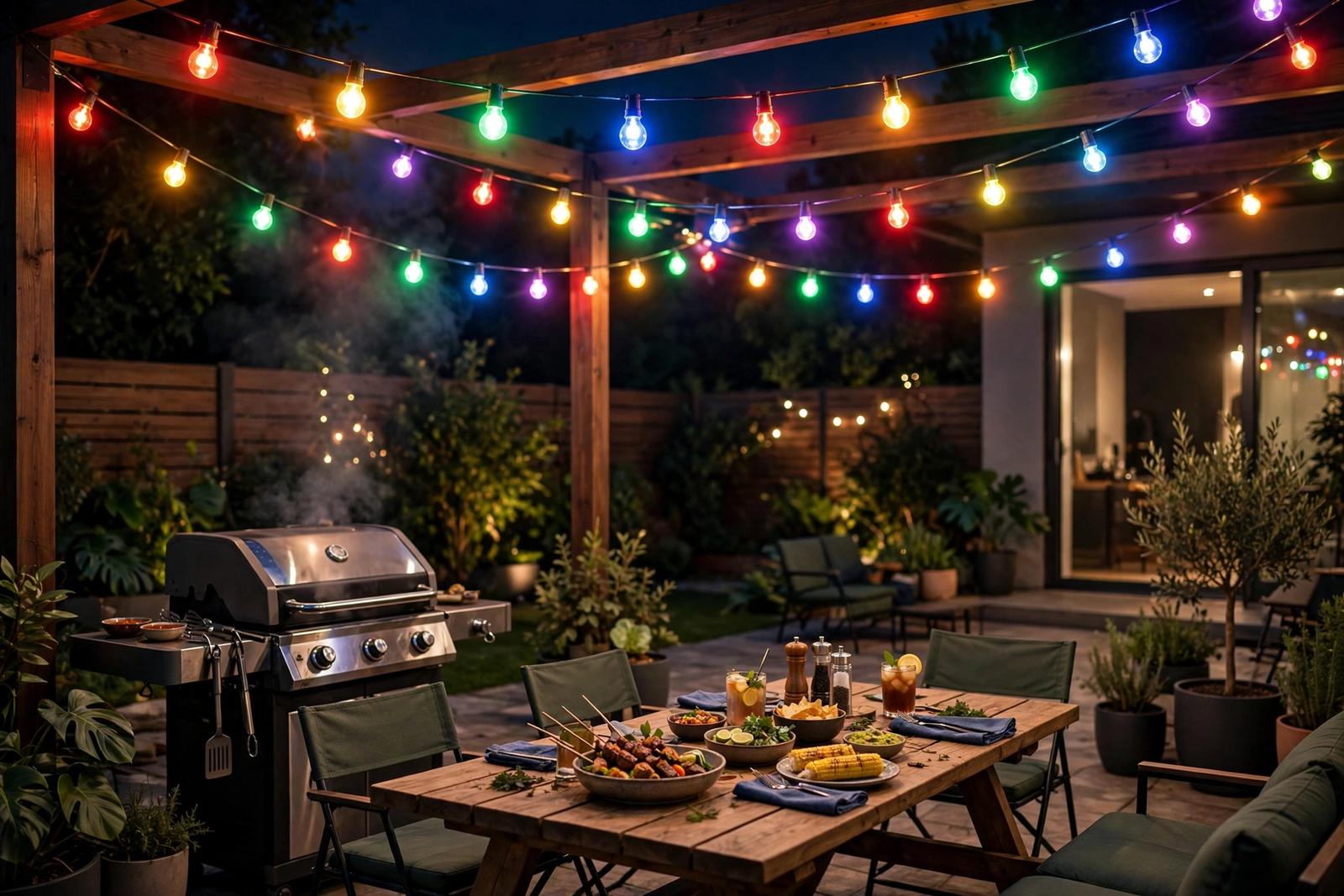
Still, the color show is the best of the three options. Twinkle, chase, and holiday themes, for instance, run per string with no extra hardware. If your patio is a party space first and a smart home project second, this trade may suit you fine.
Option 3: Zigbee Bulbs and Garden Fixtures
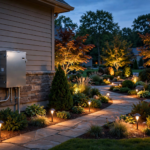
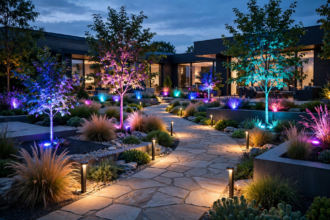
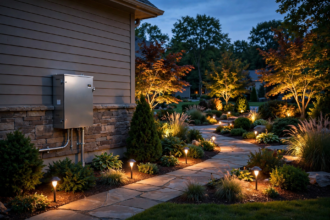
The third route skips the string format entirely. You fit Zigbee bulbs into covered outdoor fixtures, or you plant dedicated Zigbee garden lights along the path. Gledopto’s Zigbee 3.0 garden light, for example, is a 7-watt, IP66-rated spot that pairs with Hue, SmartThings, and Tuya hubs.
Now every light is a true mesh citizen with its own color and brightness control. A bulb by the gate can glow red as a signal while the path stays warm white. That per-light freedom is impossible on a plug-controlled string, and it’s the main reason enthusiasts pick this route.
The bill, however, climbs quickly. Outfitting six fixtures with smart bulbs costs far more than one string and one plug. You’ll also want enclosed fixtures, since most smart bulbs aren’t rated for direct rain. Plan the spend per fixture, not per string, before you commit.
Tinkerers sometimes land on a fourth route entirely: addressable LED strings run by a small DIY controller. Our guide to setting up WLED on an ESP32 shows how cheap that control can get. It isn’t Zigbee, though, and the soldering iron scares off most people. Treat it as a hobby project, not a patio shortcut.
Here’s how the three routes compare on the points that decide a purchase.
Table: Three ways to get smart control over patio string lights
| Option | Control you get | Color | Hub needed | Biggest catch |
|---|---|---|---|---|
| Zigbee smart plug | On, off, schedules | Whatever the string has | Yes, Zigbee hub | No dimming from the plug |
| Wi-Fi cafe lights | App scenes and effects | 62 colors plus whites | No | Cloud and Wi-Fi dependent |
| Zigbee bulbs or fixtures | Per-light color and dimming | Full color per light | Yes, Zigbee hub | Highest cost per light |
Range on a Real Patio: The Part Nobody Mentions
Zigbee’s indoor reputation doesn’t transfer cleanly to the backyard. Exterior walls, insulation, and foil-backed materials, in particular, eat the signal before it ever reaches the garden. If your house has brick, stone, or metal siding, expect the drop to be worse, because those materials absorb and reflect the 2.4 GHz signal far more than plain wood or vinyl ever will. Home Assistant’s community forums are full of owners whose indoor mesh is rock solid while the patio devices drop offline.
We hit the same wall, literally. With the coordinator inside the house, our test plug sat about 35 feet away through one brick wall. It missed roughly three commands in ten. The fix took five minutes: we added a mains-powered Zigbee plug on the exterior wall as a repeater, and the patio plug hasn’t dropped a command since.
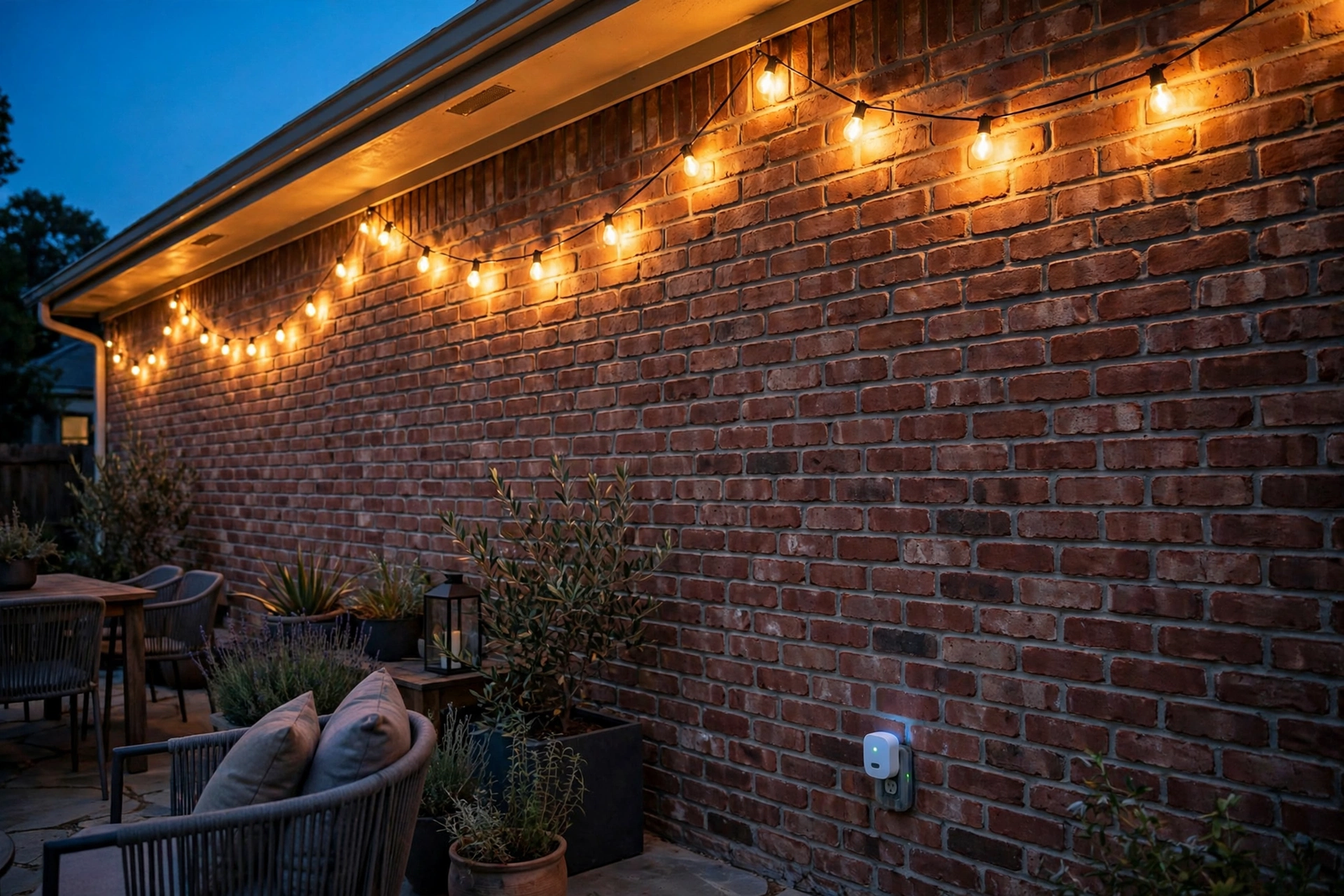
That repeater trick is the single most useful tip in this whole review. Any always-on Zigbee plug or bulb near the door extends the mesh outside. The Home Assistant community thread on outdoor Zigbee range collects the same advice from dozens of owners. It even covers where to place the coordinator for the best shot through the wall.
Measure your own setup before buying another string. Walk the patio with your phone, check where Wi-Fi fades, and assume Zigbee fades a bit earlier through the same walls. A ten-dollar repeater plug placed well beats an expensive hub placed badly, every single time. Don’t guess this part.
Zigbee vs Wi-Fi for Patio Lights
The real difference is where commands live. Zigbee automations run on your hub at home, so a sunset routine fires even when your internet provider has a bad evening. Wi-Fi strings, in contrast, usually need the maker’s cloud awake for app control and schedules. That difference sounds small on paper, but on a wet Friday night when the provider’s outage map lights up red, it’s the difference between a patio that glows on schedule and one that stays dark until the network comes back.
Mesh behavior separates them further. Each powered Zigbee device strengthens the network for the next one, which suits a yard full of plugs and fixtures. Wi-Fi strings all lean on the router instead, and one weak corner of the garden can strand the far string while the near one works perfectly.
Wall switches add one more wrinkle for both camps. If your patio outlet sits behind an indoor switch, a family member will eventually kill power to the smart gear. Our guide to smart bulb mode on a smart switch explains the fix. Power keeps flowing, and the switch still feels normal to everyone.
Groups help here as well. Most hubs let you bundle the patio with porch and path lights into one scene. Then a single command or schedule runs the whole outdoor mood at once, whichever radio each light uses.
And if you’d rather control the patio from a proper wall control, Zigbee gives you options Wi-Fi can’t match. Our Inovelli Blue vs Lutron Caseta comparison covers two switch families that bind to Zigbee gear. A paddle press then runs the patio, no phone needed.
Which Setup Should You Pick?
Pick the Zigbee plug route if you want warm cafe light that simply appears every evening. It’s the cheapest entry, the most reliable in daily use, and, in short, the easiest to repair. Most patios honestly need nothing more than this.
Pick the Wi-Fi cafe lights if color scenes are the whole point. Parties, holidays, and game nights look better with effects, and nobody at a barbecue asks whether the automation ran locally. Just confirm your router’s signal reaches the patio before ordering two strings.
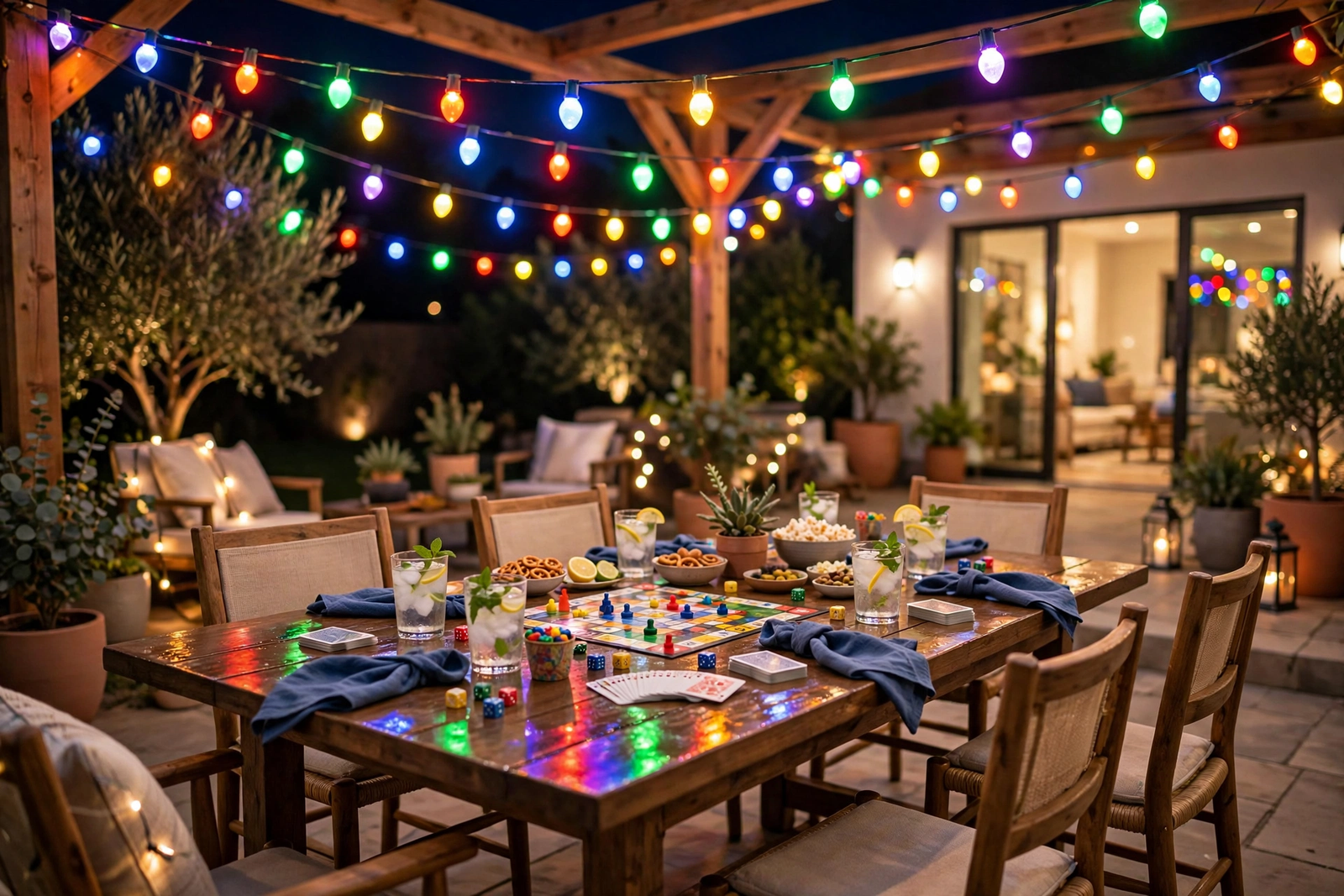
Pick Zigbee bulbs or fixtures if you already run a hub and love fine control. Per-light color is genuinely fun, and the mesh grows stronger with every fixture you add. Budget carefully, though, since six fixtures add up faster than one long string.
Whichever route you take, hang the string and live with it for a week before expanding. Meanwhile, you’ll learn where shadows fall, where guests actually sit, and whether you want another run. That week of patience saves more money than any sale.
FAQs
Do true Zigbee string lights exist?
Barely, and that’s the honest answer. A few niche sellers list Zigbee-controlled strings, but the big brands put their radios in plugs, bulbs, and fixtures instead. Most products marketed as Zigbee string lights are, in fact, Wi-Fi strings or dumb strings bundled with a smart plug. Read the connectivity line carefully before you pay a premium for the Zigbee label.
Do I need a hub for Zigbee patio lights?
Yes. Zigbee devices need a coordinator. That’s the hub role, filled by a Hue Bridge, SmartThings, Home Assistant, or an Echo with a built-in Zigbee radio. The hub bridges your mesh to your phone and voice assistants. Without one, the plug or bulb has nothing to take orders from, so budget for it if you’re starting fresh.
Can a smart plug dim my string lights?
No. A smart plug only switches power on and off, and it can’t send dimming commands through a plain string. If dimming matters, either choose a string with its own app or remote dimming, or use Zigbee bulbs that dim individually. Some cafe strings do remember their last brightness, which helps. The plug itself, nevertheless, never becomes a dimmer.
How far can Zigbee reach outside?
Plan on roughly 30 to 50 feet per hop outdoors with a clear line of sight, and much less through exterior walls. The mesh saves you here, because each mains-powered device relays the signal to the next one. One repeater plug on the outside wall usually extends solid coverage across a typical patio and most of the garden.
Will Zigbee patio lights work when the internet is down?
Basic control and schedules keep working, because Zigbee automations run on your local hub rather than a remote server. Voice control through a cloud assistant will pause, and app access away from home stops too. In our testing the sunset routine fired right through an internet outage, which is exactly the resilience you want outdoors.
Can I mix string lights with my other Zigbee devices?
Yes, and the mix helps. Plugs, bulbs, and fixtures from different brands share one mesh when they follow the Zigbee 3.0 profiles. Every mains-powered device you add becomes a relay for the others. A patio plug, for instance, can strengthen the path to your garden fixtures. Battery sensors join as end devices and don’t relay, but they still benefit.
The Plug Wins for Most Patios
After two weeks of evenings outside, the simple setup earned our trust. Outdoor zigbee string lights, in the form most people imagine, don’t really exist yet. A good string on a Zigbee plug gives you the same warm glow, better reliability, and money left over for a second string.
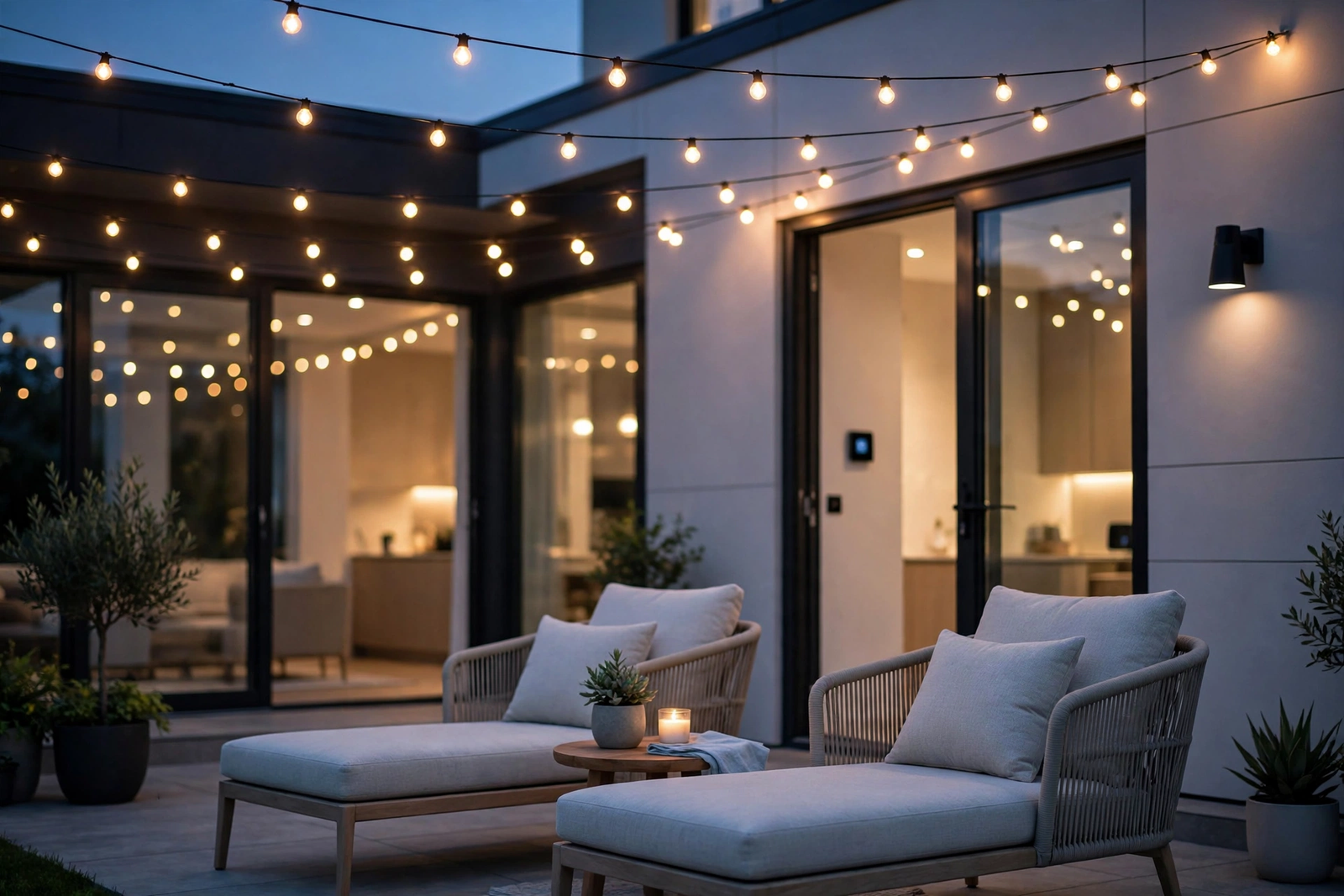
Start there. Buy one quality string and one outdoor Zigbee plug. Add a repeater near the door if commands feel flaky. Then live with the setup for a week. Add color later only if you truly miss it.