

The Short Answer First
Philips Hue Natural Light scenes are the fastest route to circadian lighting: one scene adjusts color and brightness all day on its own. Custom routines take longer to build, but they bend around shift work, weekends, and odd hours. Most homes end up using both.
- The Short Answer First
- How Philips Hue Natural Light Scenes Work
- What You Need Before Either Approach Works
- How Custom Routines Work Instead
- Head-to-Head: The Differences That Matter
- What a Real Week With Each Feels Like
- Where the Automatic Scene Falls Short
- When Custom Routines Win
- The Setup I Recommend for Most Homes
- FAQs
- Does the Natural Light scene work without a Hue Bridge?
- Can I edit the Natural Light schedule?
- Which approach is better for shift workers?
- Do custom routines follow sunrise and sunset?
- Why do my lights flash the old color when they turn on?
- Can I use both approaches in the same house?
- Pick One Room and Test for a Week
Both tools live inside the same Hue app, which causes the confusion. People pick one, fight it for a month, and assume Hue circadian lighting is overrated. In reality, each tool is built for a different kind of household. The trick is matching the tool to your schedule, not your budget.
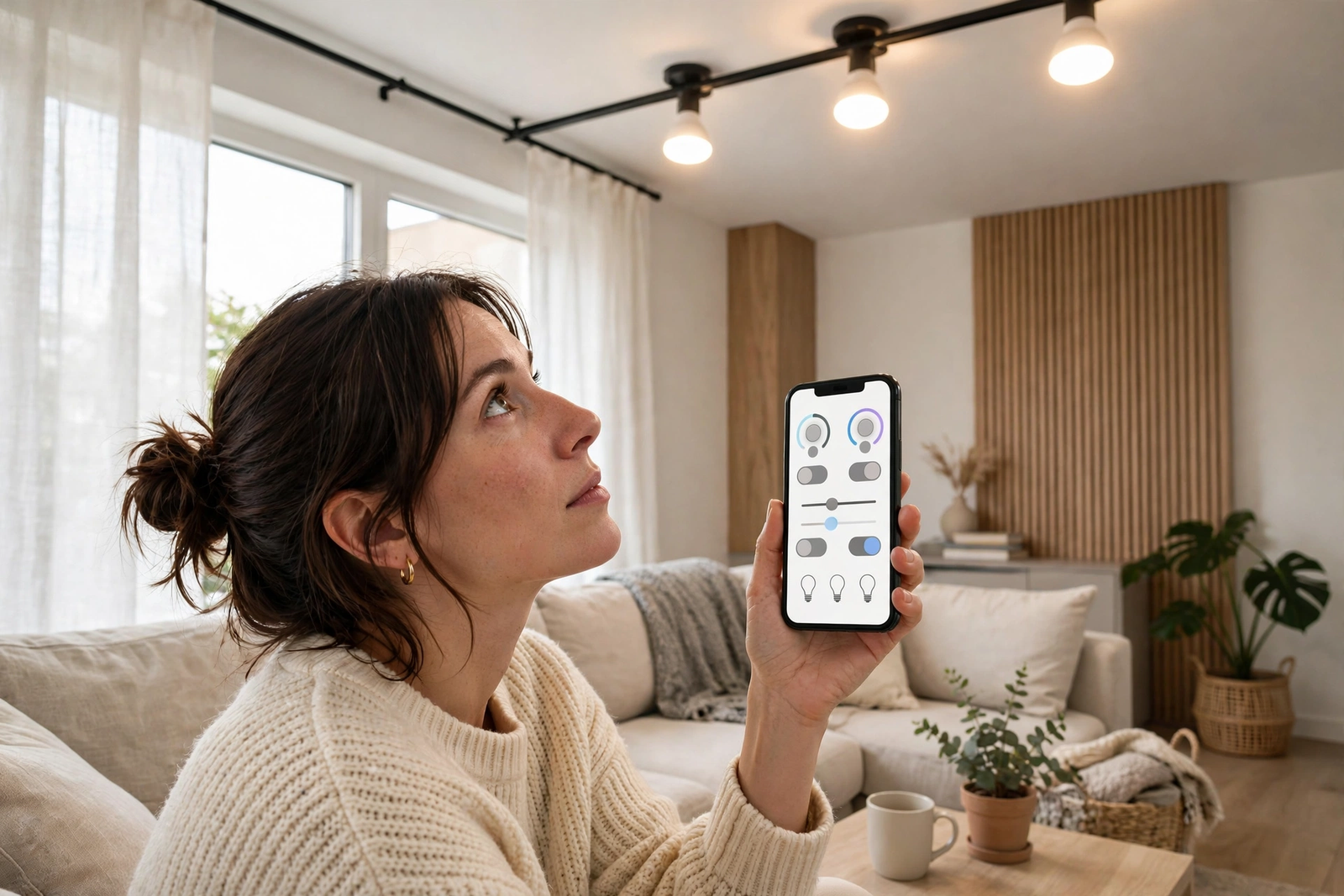
Signify explains the idea behind the scene on Philips Hue’s wellbeing and circadian lighting page: light that supports you from morning focus to evening wind-down. This comparison tests that promise against what custom routines can do on their own.
I have run both approaches in the same rooms for weeks at a time. The differences below come from that daily use, not from spec sheets. Spec sheets, in fact, make the two look identical, because they drive the same bulbs. The gap only shows up in how your evenings and mornings actually feel.
How Philips Hue Natural Light Scenes Work
The Natural Light scene sits in the Hue scene gallery. You add it to a room, turn it on, and the Bridge starts steering your lights through a full day of white shades. Mornings run bright and cool to help you feel awake. Evenings drift warm and golden so the room feels calm.
The curve is not fully fixed. You can open the scene and adjust each period’s length and brightness to suit your home. Every period must last at least 30 minutes, though. The lights also begin shifting about a minute before the next period starts, so changes feel gradual rather than sudden.
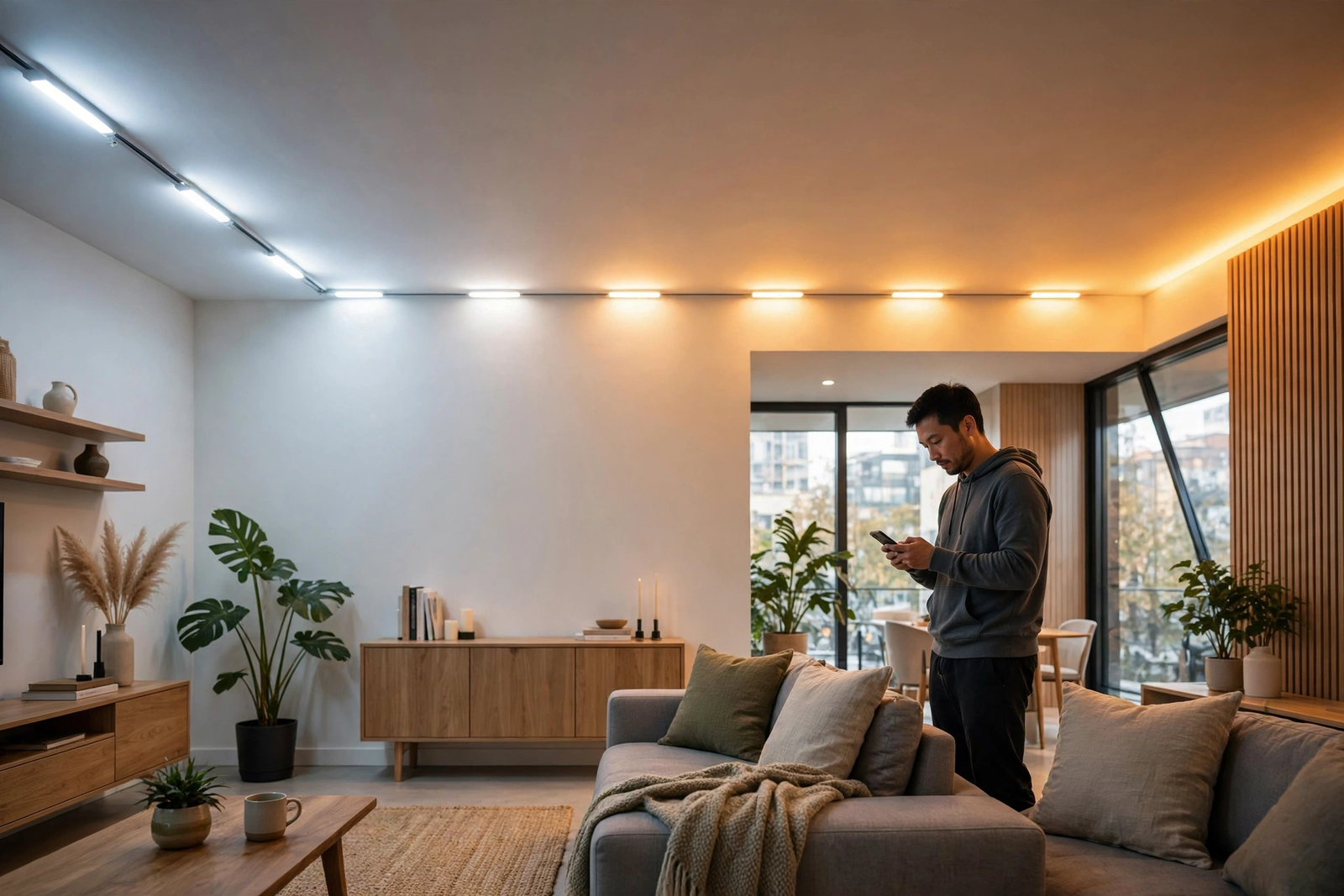
You need the right hardware first. The scene requires a Hue Bridge, a current version of the app, and at least one White Ambiance or White and Color Ambiance bulb in the room. Plain dimmable white bulbs cannot change color temperature, so the scene has nothing to steer.
That last point catches many buyers out. The difference in our tunable white vs dimmable smart bulbs comparison decides whether circadian features work at all, because dimming alone never changes the color signal your body reads.
What You Need Before Either Approach Works
- A Hue Bridge connected to your router, with the app fully updated.
- White Ambiance or White and Color Ambiance bulbs in each room you automate.
- Wall switches left on, so the bulbs keep power and keep their schedules.
- Your real wake time and bedtime, written down before you start tapping.
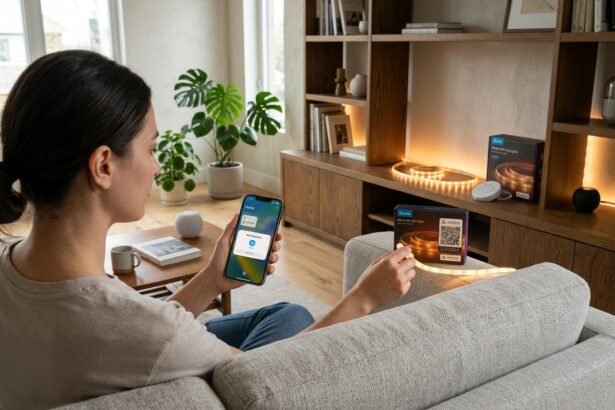
Setup order matters here. First, update the app and the Bridge firmware, because older versions hide newer scenes. Then add your bulbs room by room, and name them by position rather than by brand. Clear names make every later automation easier to build and easier to fix.
If you are still choosing bulbs, start with the rooms you use at wake-up and wind-down. Our roundup of the best circadian rhythm smart bulbs for the bedroom compares Hue White Ambiance models with rival bulbs that handle low-level dimming smoothly.
How Custom Routines Work Instead
Custom routines live in the Automations tab. You choose a trigger, pick your lights, and set exactly what they do. Triggers include fixed times, sunrise and sunset with offsets, motion, and arriving home. Each routine can call a scene, set a brightness, or run a slow fade.
The two routines most people build first are Wake Up and Go to Sleep. Wake Up fades your bedroom lights in over 10 to 30 minutes, ending at your alarm time. Go to Sleep does the reverse at night. Activity scenes add a third layer: a Concentrate scene near 4000K for desk work, then a Relax scene when work ends.
Sunrise and sunset triggers deserve special mention. A fixed 7 a.m. routine feels wrong by January, when the sun rises much later. An offset routine fires 20 minutes before actual sunrise all year. It corrects itself through the seasons and through daylight saving changes, so you stop editing it every few months.
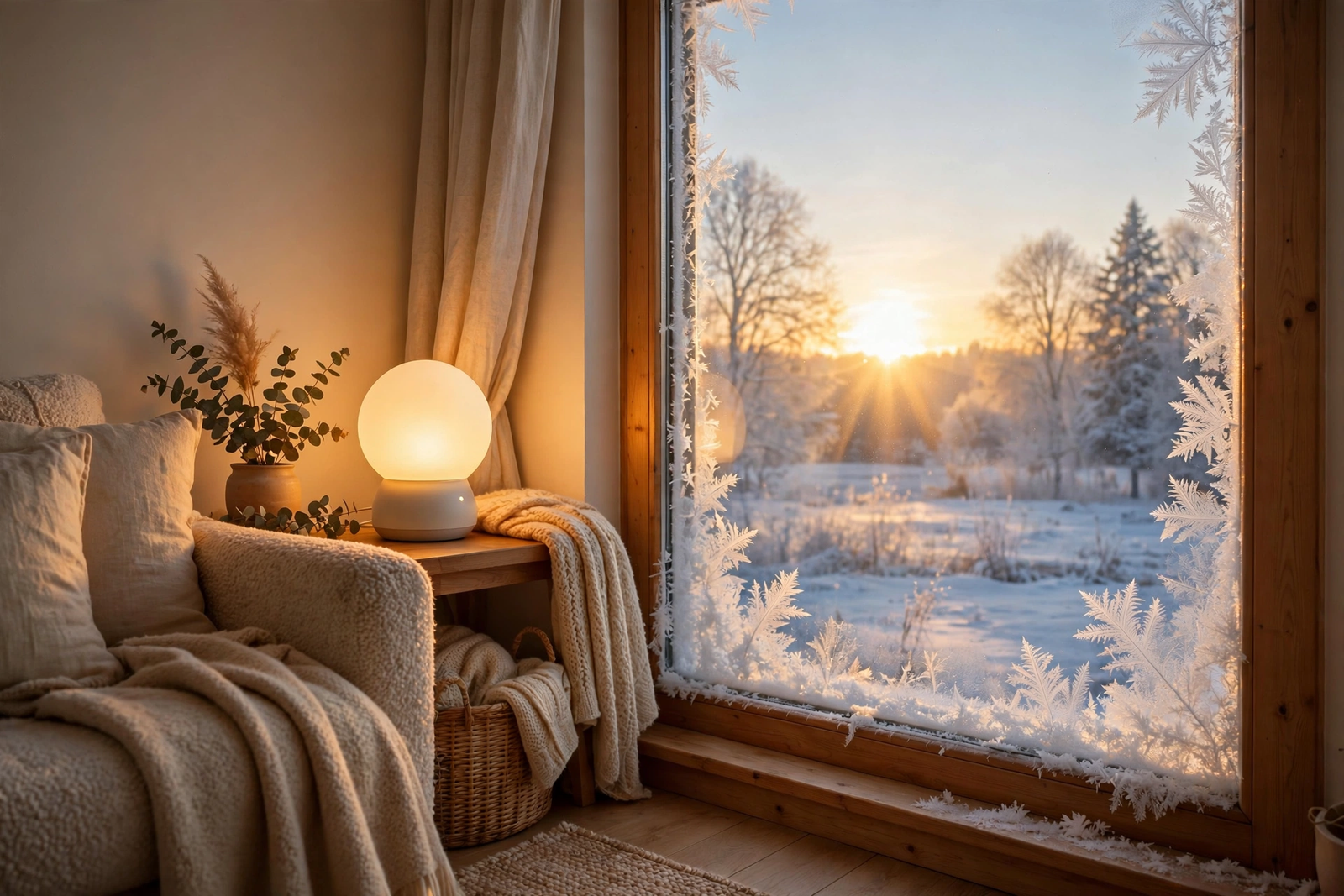
For example, a hallway routine can answer motion at night with 10 percent warm light, then fade out two minutes later. Nobody sets that up on day one. Still, it is the kind of small, personal rule that a fixed scene can never offer, because the scene only knows the time, not your habits.
Head-to-Head: The Differences That Matter
Table: Natural Light scene vs custom routines at a glance
| Feature | Natural Light Scene | Custom Routines |
|---|---|---|
| Setup time | About 3 minutes | 15 to 30 minutes |
| Follows the real sun | Yes, automatically | Yes, with offset triggers |
| Odd schedules and shifts | Poor fit | Excellent fit |
| Control per room | One curve per room | Scene by scene, room by room |
| Brightness control | Adjustable per period | Fully manual |
| Ongoing maintenance | Almost none | Occasional tweaks |
Read the table as a lifestyle split, not a quality split. The scene wins whenever your day looks roughly like the sun’s day. Routines win whenever your life runs on a different clock. Neither result says anything about the bulbs themselves, because both approaches drive the same hardware.
What a Real Week With Each Feels Like
Instead, live with the scene for a week and watch the pattern emerge. For instance, the first two days feel novel, because the light keeps changing without your input. By day four, you stop noticing it entirely. In my living room, the evening warm-down became invisible within a week, yet the room felt calmer at dinner. That invisibility is the product working as designed.
A routine week feels different. First, you notice the wins: the bedroom fade wakes you before the alarm, so mornings feel owned rather than suffered. Then you notice the upkeep. A shifted meeting, a late film, a guest on the sofa, and suddenly one routine fires at the wrong moment. So routines reward people who enjoy light admin, while the scene rewards people who want to forget lighting exists.
Where the Automatic Scene Falls Short
The scene assumes a standard day. If you work from home until 7 p.m., it may start warming and dimming your office light at 5 p.m. while you still need focus. Your energy dips, and you blame the bulb. Really, the curve simply followed a schedule that was never yours.
There is also a continuity quirk worth knowing. If you switch the lights off and back on later, the scene does not always pick up its progression cleanly. Some users also see a brief flash of the previous color before the current setting applies. These are small annoyances, yet they appear exactly when guests are watching.
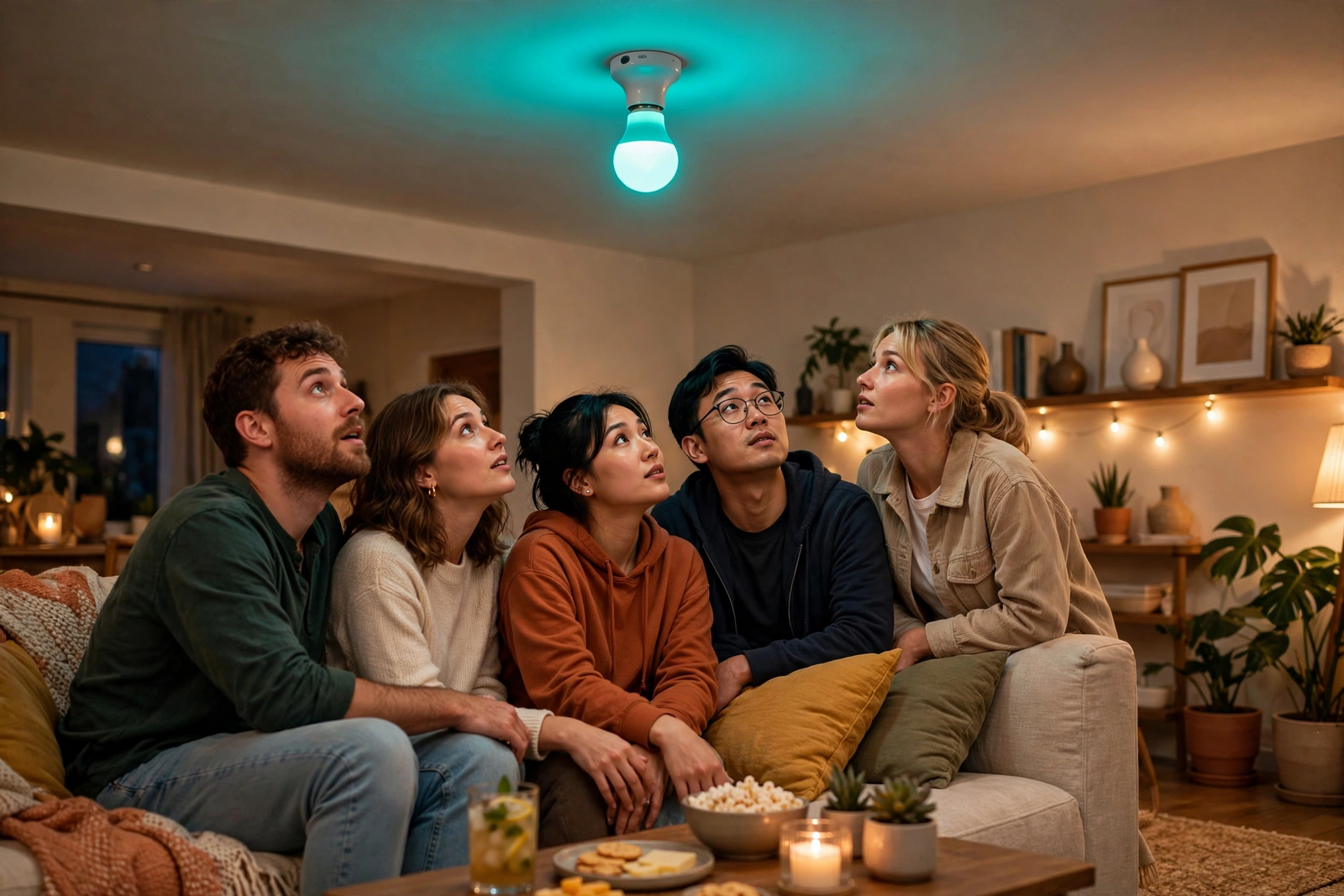
Overrides are clumsy too. A film night or a dinner party wants warm, dim light at 7 p.m., while the scene still plans bright focus light. You can pause the scene in the app, of course. However, many people forget to resume it, and then the next morning starts wrong. Routines suffer the same problem, yet they are easier to duplicate and edit for special days.
The wall switch makes everything worse. Cut the power, and the bulb forgets what it was doing until the app sorts it out. Our guide to leaving the light switch on with a smart bulb explains why Hue bulbs need constant power to behave.
When Custom Routines Win
Shift workers are the clearest case. A nurse who sleeps from 8 a.m. to 4 p.m. needs bright light at midnight and darkness at dawn. The automatic scene does the exact opposite. Custom routines, built around her roster, follow her clock instead of the sun’s.
Families with mixed schedules win too. Children can have an early wind-down in their rooms while the living room stays bright for the adults. A single automatic curve across the house would force everyone onto one rhythm. Routines let each room keep its own.
Travel adds another case. Arrival automations can greet you with warm light when your phone crosses the geofence, so the house feels lived-in after a trip. Meanwhile, an away routine can mimic your normal evening pattern for security. The automatic scene can fake presence too, but only on its own fixed curve.
If your routines outgrow the Hue app entirely, our circadian lighting Home Assistant setup moves the same logic onto a platform that adds calendars, presence sensors, and far finer control.
The Setup I Recommend for Most Homes
Run a hybrid. Put the Natural Light scene in living areas, where a gentle all-day curve suits everyone. Build custom routines in the bedroom, where wake and sleep times are personal. Add one manual Focus scene in the office if you work from home.
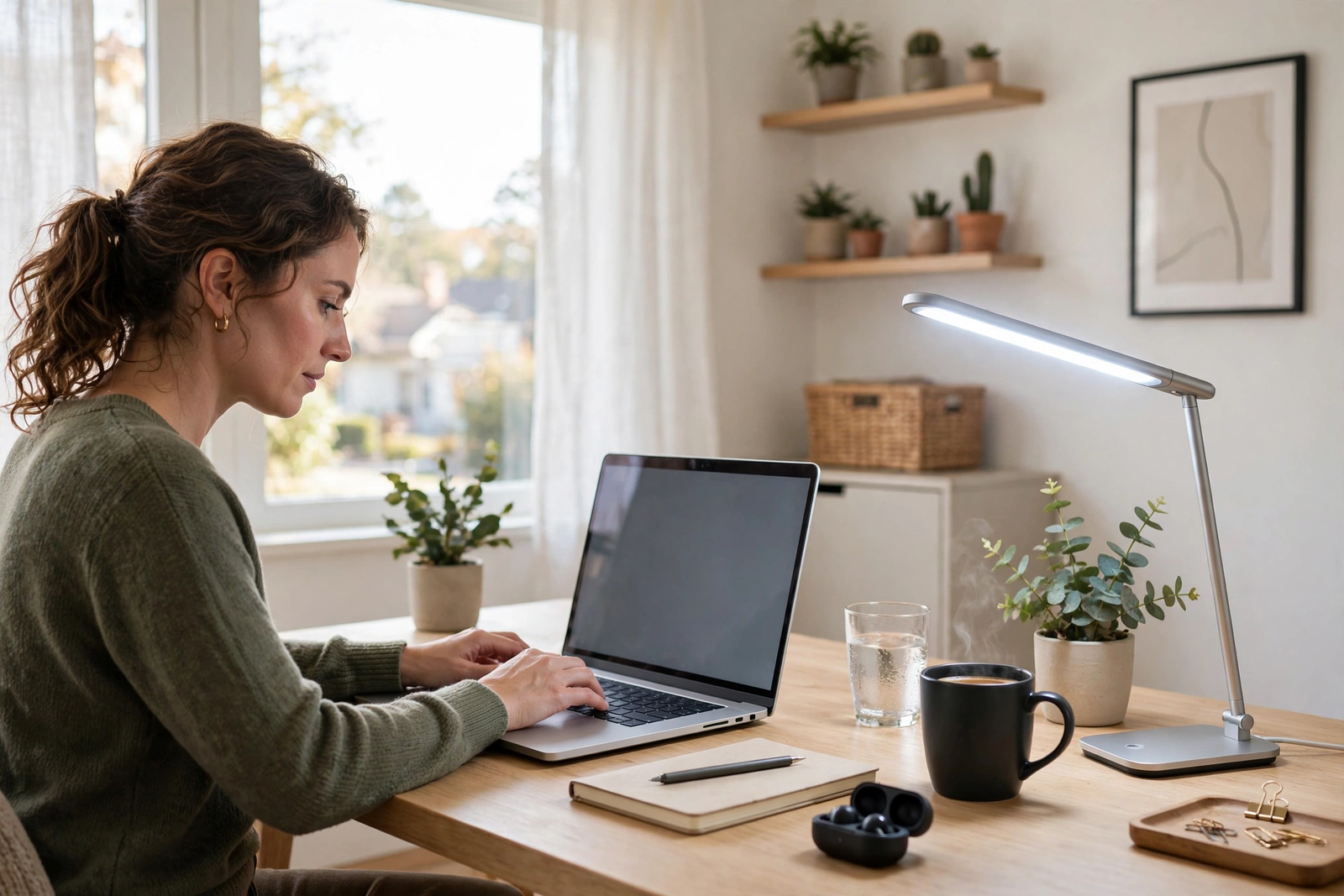
- Enable Natural Light in the living room and hallway first.
- Add a Wake Up routine with a 30-minute fade in the bedroom.
- Add a Go to Sleep routine that warms and dims over 15 minutes.
- Live with it for a week, then adjust one period at a time.
For the evening side of that hybrid, the settings in our Adaptive Lighting sleep mode guide show how low and warm your lights should go before bed, whichever platform runs them.
Expect the first week to need one or two tweaks. Maybe the morning period starts too early, or the evening block feels dim during dinner. Change a single block, live with it for two days, and only then judge it. Small steps keep you from rebuilding the whole setup every night.
One more tip from experience: photograph your settings once they work. A phone screenshot of each period and routine takes ten seconds. Then, when an app update or a curious guest scrambles something, you can rebuild in minutes instead of guessing. Small habits like that keep a good setup good.
FAQs
Does the Natural Light scene work without a Hue Bridge?
No. The scene needs a Hue Bridge, a current app, and White Ambiance or White and Color Ambiance bulbs. The Bluetooth version of the app offers basic Wake Up and Go to Sleep routines for single rooms, but the full day-long scene and multi-room control require the Bridge.
Can I edit the Natural Light schedule?
Yes, within limits. You can change each period’s length and its brightness to match your day. Every period must stay at least 30 minutes long, though, and you cannot add triggers like motion or arrival. For that level of control, you need custom routines instead.
Which approach is better for shift workers?
Custom routines, and it is not close. The Natural Light scene follows the real sun, which fights a night worker’s schedule at every step. Routines can anchor bright light to your shift and darkness to your daytime sleep. That flexibility is the whole point of building your own.
Do custom routines follow sunrise and sunset?
Yes. Hue automations can trigger at sunrise or sunset, with an offset you choose in minutes. That beats fixed clock times across the year, because the routine self-corrects as days lengthen and shorten. It also survives daylight saving changes without any editing from you.
Why do my lights flash the old color when they turn on?
That brief flash is a known quirk. The bulb shows its previous state for a moment before the Bridge applies the current scene or period. Keeping wall switches on reduces it, because the bulbs stay powered and synced. It is annoying, but it does not mean your setup is broken.
Can I use both approaches in the same house?
Yes, and most homes should. Run the automatic scene in shared living spaces and custom routines in bedrooms or a home office. Just avoid stacking both on the same lights at the same times, because two systems steering one bulb will fight and produce odd jumps.
Pick One Room and Test for a Week
So start tonight with a single room. If your days follow the sun, enable the Natural Light scene and leave it alone for seven days. If your schedule is unusual, build one Wake Up routine and one Go to Sleep routine instead.
Afterward, you’ll know which tool your household actually needs. Then expand the winner room by room, and keep the other tool for the spaces where it fits better. That’s how a Hue system grows without turning into a chore.