
Smart home wiring design ideas 2026 start with one rule: put cables in the walls before you need them. A good wiring plan gives every room a wired option, a tidy central panel, and spare capacity for gear you will buy later. This guide shows how to plan it for a new home or a home you already live in.
- Why Plan Wiring Before You Buy Smart Gear
- Start With a Room by Room Wiring Plan
- Ethernet Runs: The Backbone of the Plan
- The Central Panel: Where Everything Meets
- Home Network With Router: How It All Connects
- Network Sockets Work in a Home: New Build vs Retrofit
- Future-Proofing Ideas for 2026 and Beyond
- Testing Before You Close the Walls
- Frequently Asked Questions
- How much does smart home wiring cost?
- Is Cat6 enough for a smart home in 2026?
- Can I add ethernet to a finished home without damage?
- Do I need a network panel, or can cables go straight to the router?
- Should every room get an ethernet socket?
- What is the biggest wiring mistake to avoid?
- Conclusion
Why Plan Wiring Before You Buy Smart Gear
Most smart home problems are really wiring problems in disguise. A camera drops offline because its Wi-Fi is weak. A TV buffers because too many devices share one wireless link. A smart speaker stutters in a far room. Cables fix those problems at the root, because a wired device does not fight walls or neighbours for airtime.
Here is the timing trap. Wiring is cheap and easy while walls are open. Once plaster, paint, and furniture are in place, every new cable becomes a project. So plan the wiring first, even if you buy the smart gear slowly over the next year. The cables will wait patiently in the walls.
What does a good plan cover? It covers ethernet runs to key rooms, power where smart gear will sit, a central panel where cables meet, and spare runs for future ideas. It also covers the boring details, like labelling every cable, that save hours later.
Start With a Room by Room Wiring Plan
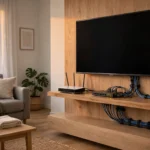
Walk through your home with a notebook. For each room, write down what will live there. A living room might hold a TV, a console, a streaming box, and a speaker. An office might hold a desktop, a printer, and a video call setup. A bedroom might need only a TV and a charging spot.
Now mark two things per room. First, where will a wired device sit? Second, where will the wall socket go? Put sockets behind the TV unit, beside the desk, and near any spot a camera hub might sit. A socket in the wrong place is almost as useless as no socket at all.
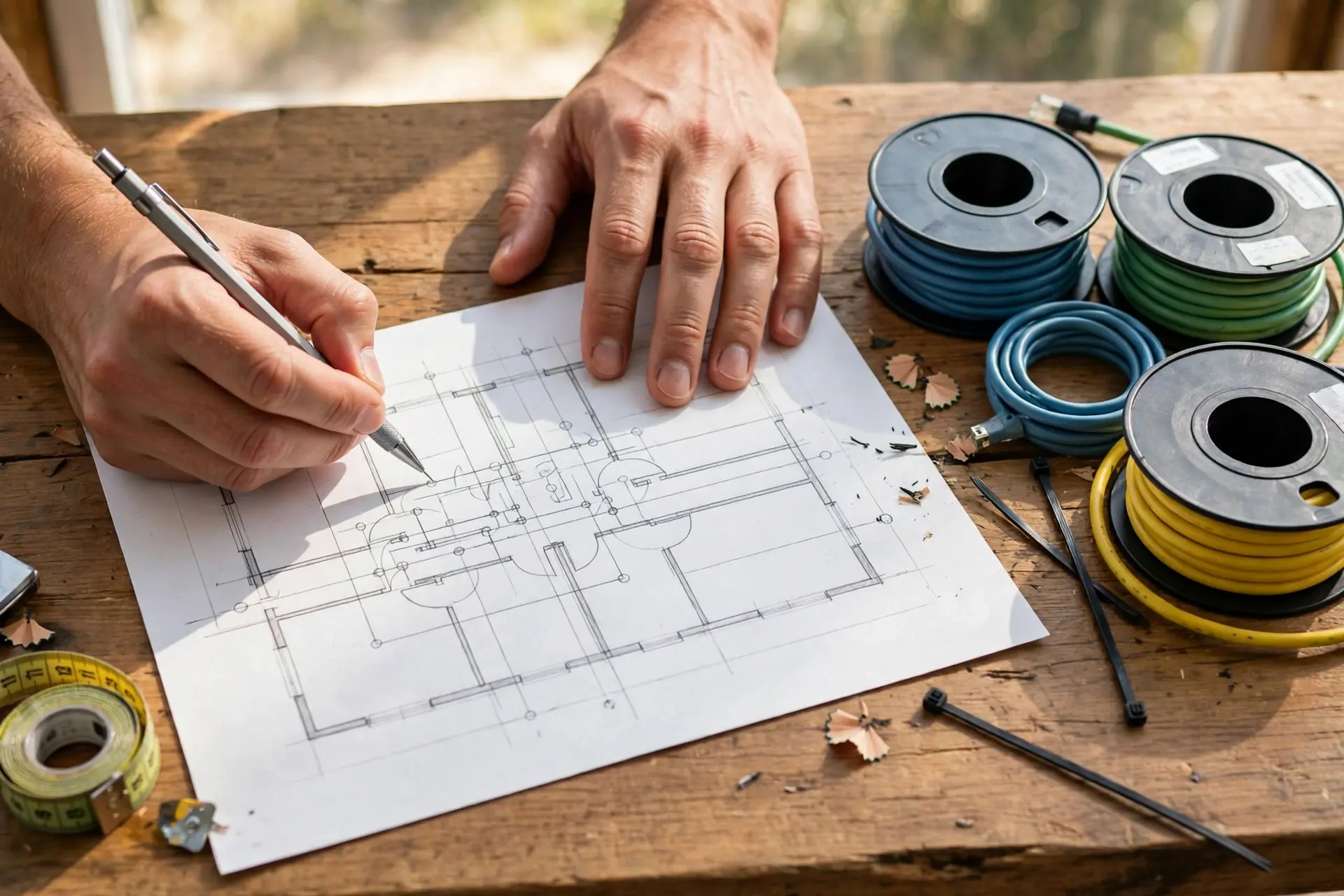
Think about height too. A TV socket sits best behind the TV, out of sight. A desk socket sits just above desk height so cables do not trail across the floor. A camera socket, if you use wired cameras, sits high near the ceiling or in the loft space above.
Do you need a socket in every room? Not quite. A spare bedroom used only for guests can live on Wi-Fi. But run a cable to any room where video, work, or gaming happens. And run one to the spot where your main Wi-Fi access point will sit, because a wired access point covers a room far better than a wireless repeater.
Ethernet Runs: The Backbone of the Plan
Ethernet installation is the heart of a smart home wiring plan. Each ethernet run is a cable from a room socket back to your central panel. The cable carries data at full speed, without the drops and interference that Wi-Fi can suffer.
Which cable should you choose? For most homes in 2026, Cat6 is the sensible pick. It handles gigabit speeds with ease and supports faster speeds over short home runs. Cat6a costs more but gives extra headroom for multi-gigabit gear later. Cat5e still works for gigabit, but for new work inside walls, Cat6 is worth the small extra cost.
Run two cables to key spots, not one. A TV unit with two sockets can feed a TV and a console without a switch. An office with two sockets can feed a desktop and a spare device later. The second cable costs little while walls are open, yet it doubles your options for years.
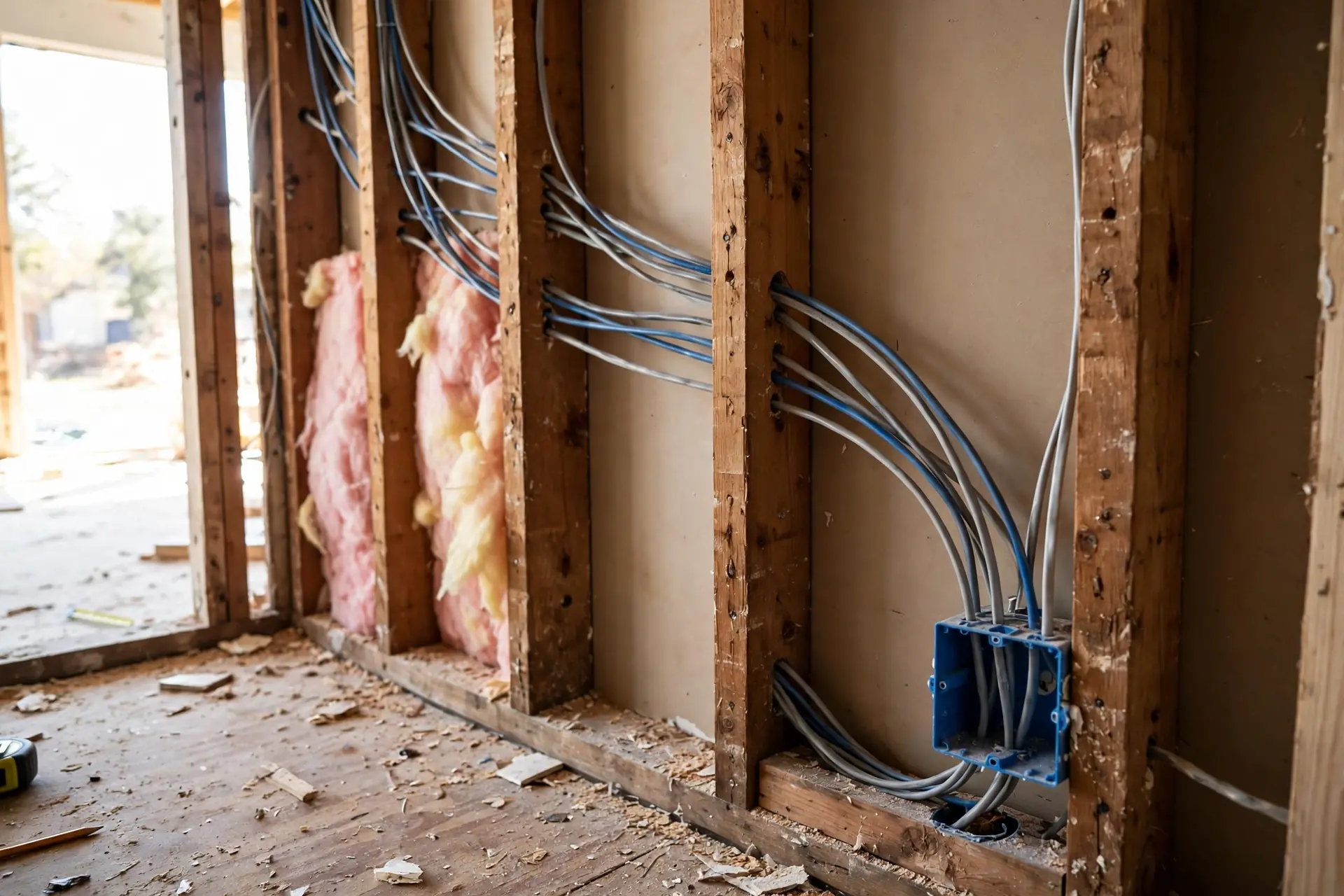
Keep data cables away from mains power cables where you can. Running them side by side over a long stretch can add interference. Cross power cables at a right angle instead, and keep a small gap between parallel runs. Your electrician will know this rule, but it helps to mention it when you discuss the plan.
How many runs does a typical three-bedroom home need? As a guide, plan two for the living room, two for the office, one for each main bedroom, one for the access point spot, and one for a camera hub. That is about nine runs. Your home may differ, but that count gives you a realistic starting point for quotes.
TP-Link’s guide to what ethernet is and how wired networking works explains cable types and the wired versus wireless trade-off in plain terms.
The Central Panel: Where Everything Meets
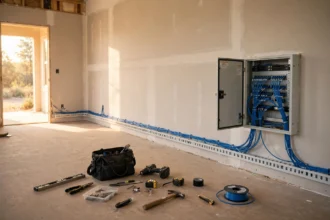
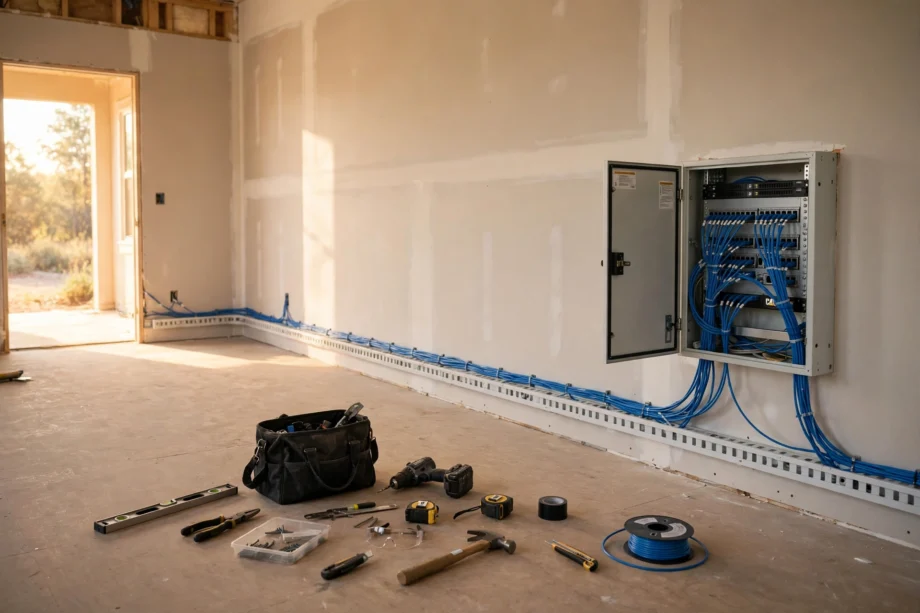
Every run in your home should end in one central panel. That panel holds a patch panel, where cables terminate, and a switch, which connects them to your router. Think of it as the heart of the system. When something goes wrong, you check one place, not ten.
Where should the panel sit? Pick a spot with power, ventilation, and easy access. A utility cupboard, a garage wall, or a loft space near the router all work. Avoid a sealed cupboard with no airflow, because switches and routers get warm. Leave room to add a second switch later.
Label every cable at both ends. At the panel, mark each port with its room. At the room socket, mark the socket if you have more than one. I once spent an afternoon tracing eight unlabelled cables in a panel because nobody had marked them. A ten-minute labelling job at install time would have saved the whole afternoon.
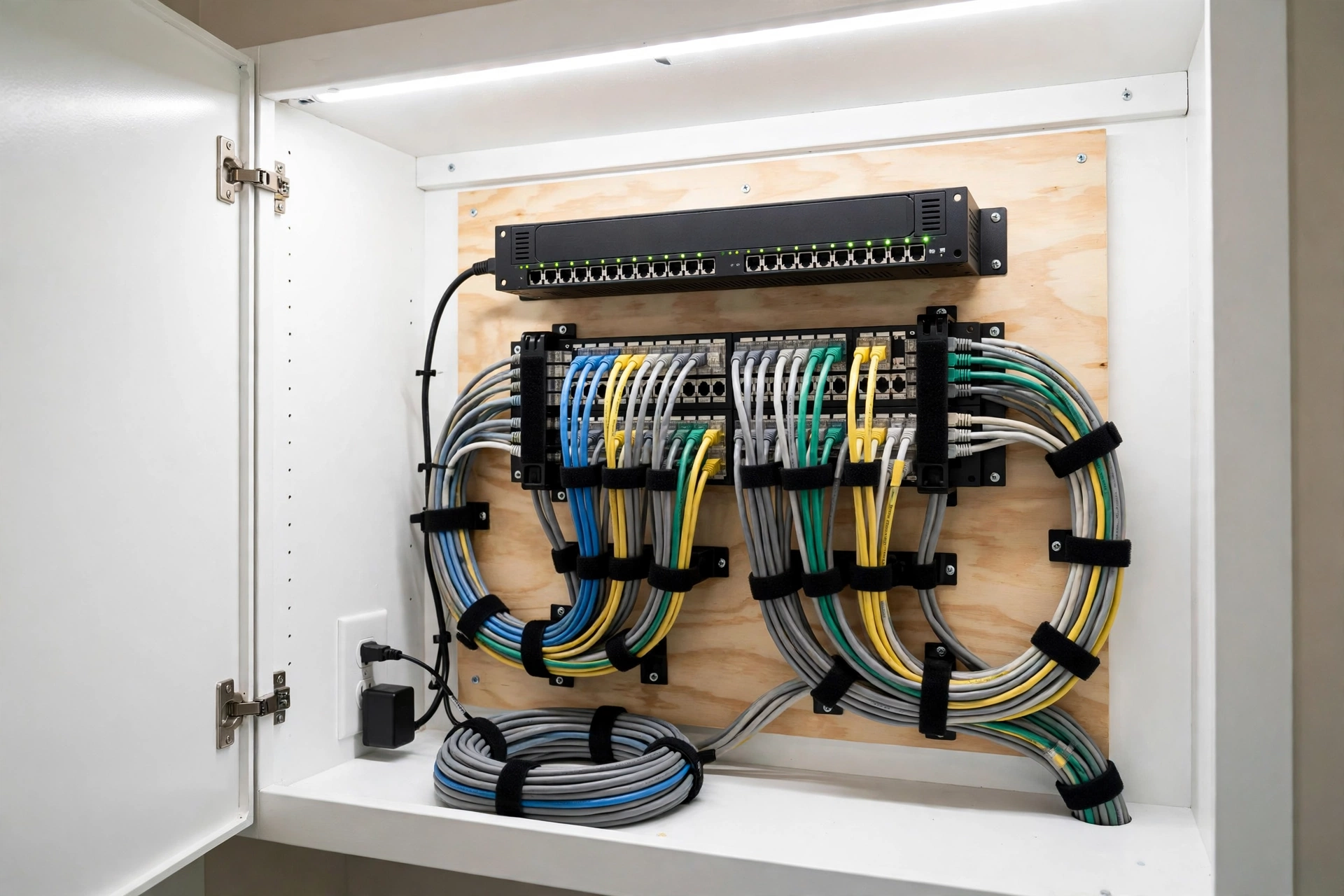
Plan power at the panel too. You will need sockets for the router, the switch, and possibly a camera recorder or a smart home hub. A small uninterruptible power supply, often called a UPS, keeps the network alive during a short power cut. That matters if your cameras and locks depend on the network.
Here is a simple panel checklist. Patch panel with one port per run, plus two spare ports. A switch with at least as many ports as runs. A router nearby, or a cable from the panel to the router spot. Power strip with spare sockets. Labels on every cable. Ventilation around the gear.
Home Network With Router: How It All Connects
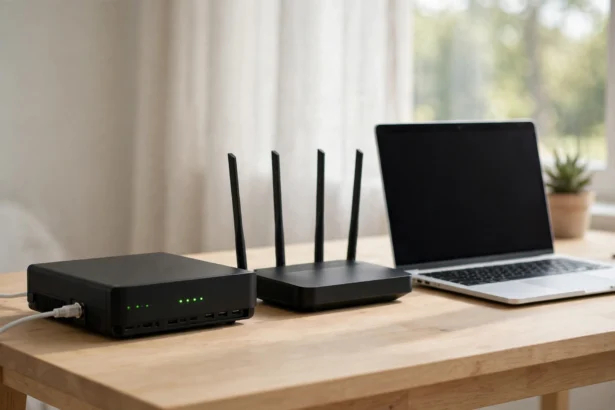
So how does a home network with a router actually fit together? The internet line enters your home and connects to the modem. The modem connects to the router. The router connects to the switch in your panel. The switch connects to every room socket. Devices plugged into those sockets get a fast, stable link.
Wi-Fi still has a job. The router, or access points wired back to the panel, create Wi-Fi for phones and tablets. Because the access points use cables for their backhaul, the Wi-Fi stays fast even when many devices connect. That wired backbone is what separates a solid smart home from a flaky one.
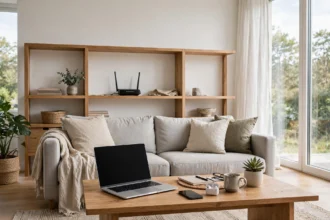
Place one access point per floor in a larger home, wired back to the panel. In a flat, the router’s own Wi-Fi may be enough. The rule stays the same either way: wire the access point when you can, and let Wi-Fi serve only the devices that move.
Network Sockets Work in a Home: New Build vs Retrofit
How to do network sockets work in a home depends on whether walls are open. In a new build or a full renovation, the work is straightforward. Cables run through stud walls or conduits before plaster goes up. Sockets mount in standard back boxes, just like power sockets. Ask for conduit, a hollow tube, where you can, because conduit lets you pull a new cable later without opening the wall.
In a finished home, retrofit work needs more care. Cables can run through the loft and drop down inside walls, or along skirting boards inside trunking. A good installer will find a route that hides most of the cable. You may accept one visible trunking run in a cupboard or behind furniture in exchange for a wired TV.
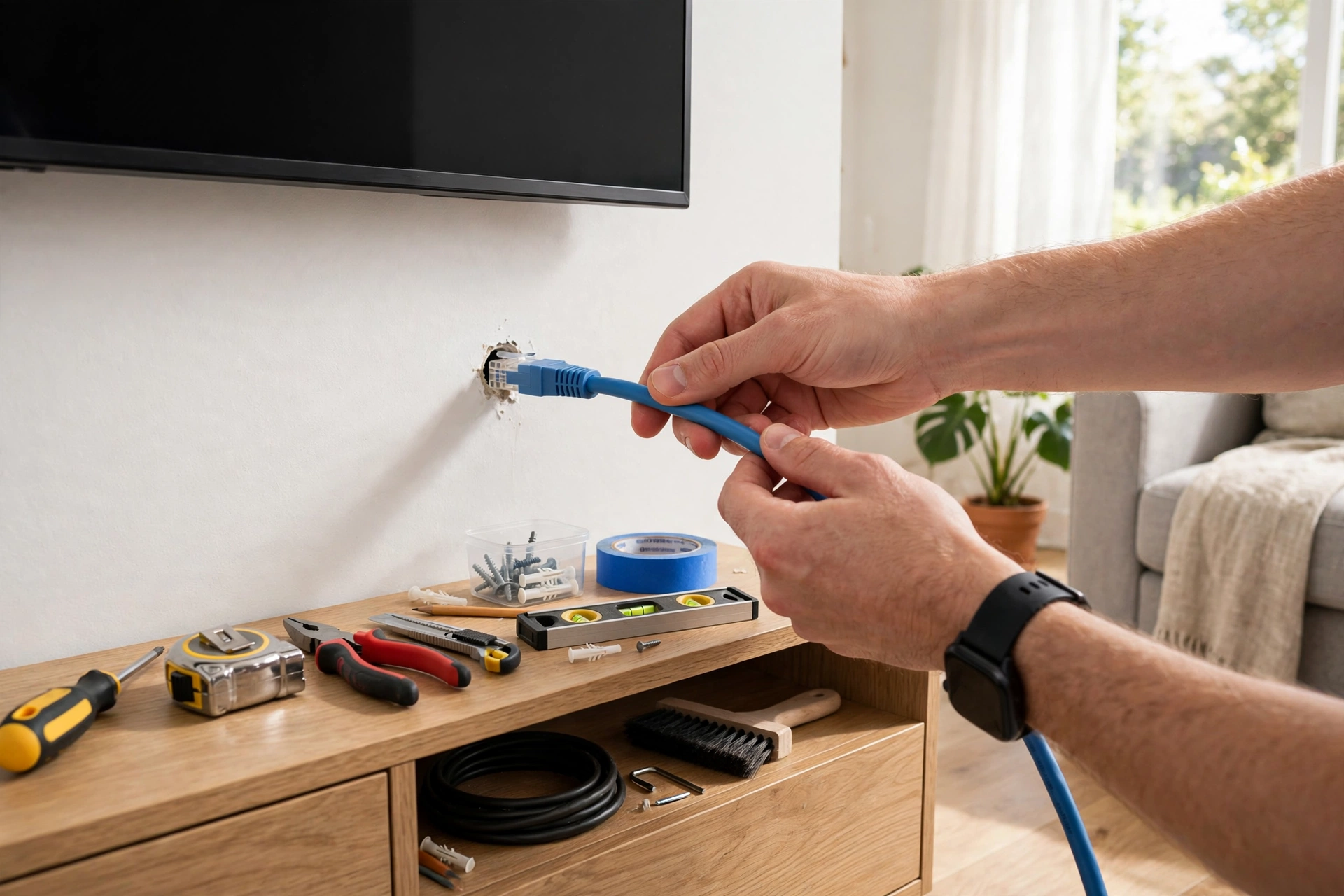
What about hiring help? Ethernet cable installation services vary in price, so get two or three quotes and ask the same questions each time. How many runs are included? Which cable type? Are sockets and the panel included? Will cables be labelled and tested? A quote that includes testing is worth more than a cheaper quote that leaves you to find faults yourself.
Safety first, always. Mains electrical work belongs to a qualified electrician. Low-voltage ethernet work is safer, but still keep it away from mains cables and never drill blind into a wall. If you are unsure what sits behind a wall, stop and check. A cable tester and a stud finder cost little and prevent expensive mistakes.
One wiring detail often gets missed: the neutral wire. Some smart switches need a neutral wire in the switch box, and older homes may not have one. If you plan smart switches, check your switch boxes early. Our guide on how to identify a neutral wire in a light switch box shows what to look for.
Check the switch box depth too. Some smart switches are deeper than old switches, and a shallow box can make fitting them a struggle. If a box looks tight, ask your electrician about a deeper box before you order a full set of switches.
Another detail: three-way switch wiring. Hallways and stairs often use two switches for one light, and smart versions of those circuits need careful wiring. If your plan includes smart switches on stairs, read our guide to 3-way smart switch wiring with no neutral before you buy the switches.
Future-Proofing Ideas for 2026 and Beyond
Future-proofing does not mean buying the most expensive cable today. It means leaving options open. Run spare cables to the TV wall, even if you only use one now. Run a cable to the spot where a future office might go. Add a spare conduit from the panel to the loft, so a future run takes an hour, not a day.
Think about devices you do not own yet. A doorbell camera at the front door, a camera at the back garden, a smart display in the kitchen, a second TV in a bedroom. Each one is easier with a cable or a power point planned now. You do not need to wire for every fantasy, just for the spots that seem likely.
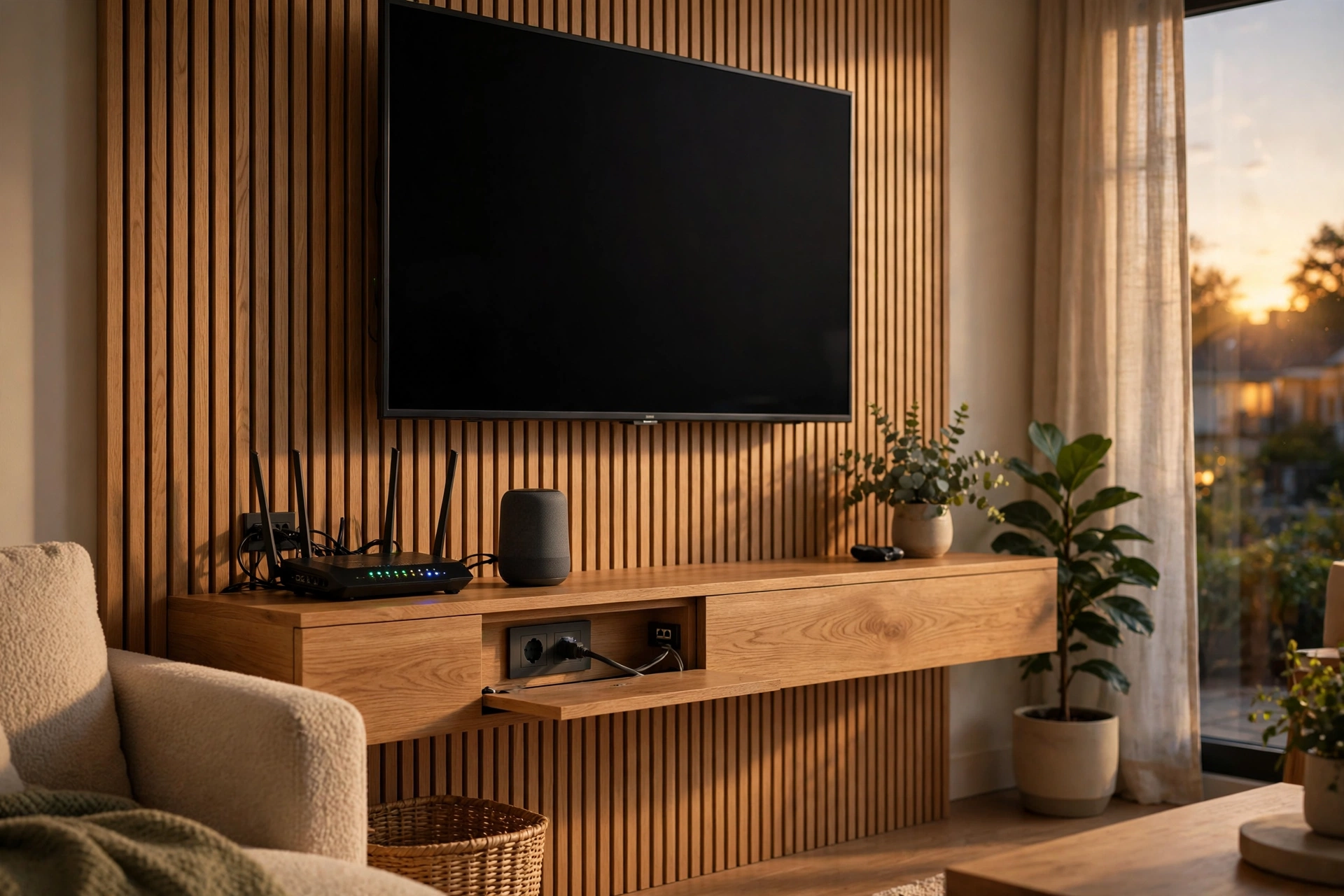
Power planning matters as much as data planning. Smart hubs, camera recorders, and access points all need power. Add a double socket at the panel, a socket behind each TV, and a socket near any shelf where a hub might sit. USB charging points near beds and desks also help, though they do not replace a proper socket.
Also plan for a bigger switch. Start with a switch that has two or four spare ports beyond your current runs. When you add a device later, you plug it in instead of replacing the switch. That small margin costs little now and saves a swap later.
Future-proofing checklist: spare runs and ports
| Spot | Run now | Why it helps later |
|---|---|---|
| Main TV wall | Two ethernet runs | TV plus console or streaming box |
| Home office | Two ethernet runs | Desktop plus spare or printer |
| Panel to loft | One spare conduit | Easy future runs to upstairs rooms |
| Front door area | One run plus power | Doorbell camera or access point |
| Each floor | One access point run | Strong Wi-Fi without wireless repeaters |
Testing Before You Close the Walls
Test every run before plaster or furniture hides it. A cable tester checks each wire in the cable and flags a bad termination in seconds. Test from the panel to each socket, and fix faults while the cable is still easy to reach. A fault found after the walls close costs ten times more to fix.
Also test with a real device. Plug a laptop into each socket and check it gets an internet connection at good speed. That live test catches problems a simple continuity check can miss, like a socket wired to the wrong panel port.
Keep a record. Photograph the panel with labels visible, and save a copy of your room plan with socket positions marked. Years later, when you add a device, that record tells you exactly which port feeds which room.
Frequently Asked Questions
How much does smart home wiring cost?
Cost varies with the number of runs, the cable type, and whether walls are open. A new build run costs far less per run than a retrofit run through finished walls. Get itemised quotes per run, including sockets, panel, and testing, so you can compare like with like.
Is Cat6 enough for a smart home in 2026?
Yes, Cat6 suits most homes well. It handles gigabit speeds easily and supports faster speeds over short runs. Choose Cat6a only if you plan multi-gigabit gear soon or have very long runs. For most rooms, Cat6 gives the best balance of cost and performance.
Can I add ethernet to a finished home without damage?
Yes, in most cases, with careful routing. Installers often run cables through lofts, under floors, or inside discreet trunking. Some small holes are usually needed, but a good installer patches and hides them. Ask to see photos of past retrofit work before you hire.
Do I need a network panel, or can cables go straight to the router?
A panel is better once you pass four or five runs. It keeps cables tidy, labelled, and easy to change. With only two runs, direct connections to the router work fine. Beyond that, a panel saves confusion and makes fault-finding far quicker.
Should every room get an ethernet socket?
Not every room needs one, but every room where video, work, or gaming happens should have one. Guest bedrooms and hallways can rely on Wi-Fi. Prioritise the living room, office, main bedrooms, and the access point spots, then add spare runs where they cost little.
What is the biggest wiring mistake to avoid?
The biggest mistake is closing walls before testing. An untested run can hide a bad termination that only shows up when you plug a device in months later. Test every run, label every cable, and photograph the panel before you finish. Those three habits prevent most wiring headaches.
Conclusion
Good smart home wiring is quiet work that pays off every day. Plan room by room, run ethernet to the spots that matter, build a tidy labelled panel, and leave spare capacity for what comes next. Start with your living room and office, test every run, and your smart home will have a backbone it can grow on.