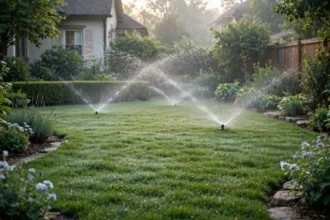

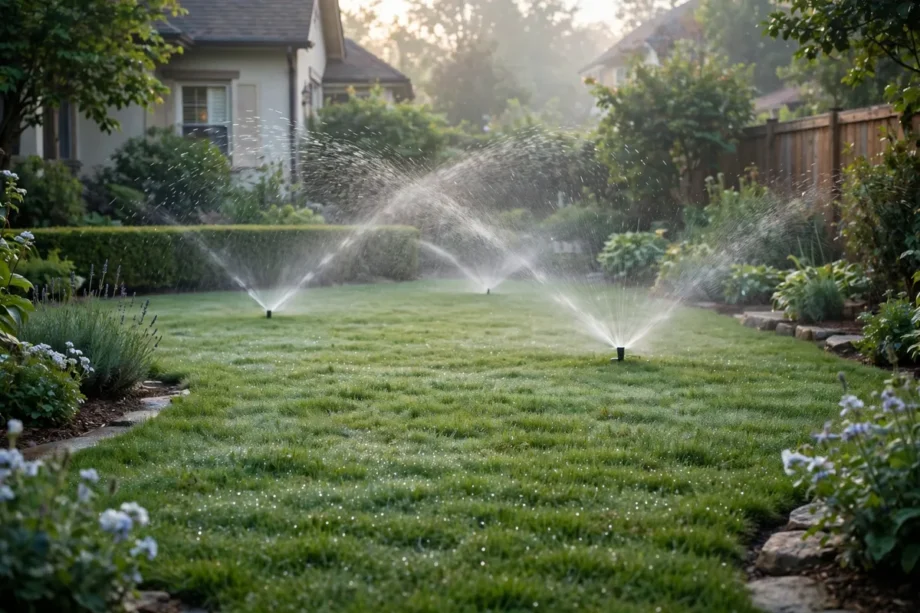
A smart sprinkler is a Wi-Fi controller or timer that waters your lawn based on weather, soil, and zone needs, not just a fixed clock. You set zones in the app, and it skips watering after rain, adjusts for heat, and runs a zone from your phone. It suits a lawn that is too dry or too soggy.
- How a Smart Sprinkler System Works
- Types: Controller, Wi-Fi Water Timer, and Hose Timer
- Water Savings and Lawn Health
- How to Set Up a Smart Sprinkler
- Smart Sprinkler Systems and Outdoor Automation
- Common Problems and Fixes
- Frequently Asked Questions
- What is a smart sprinkler?
- Do smart sprinklers save water?
- Can I install a smart sprinkler controller myself?
- What happens if Wi-Fi goes out?
- Do smart sprinklers need a subscription?
- Is a Wi-Fi water timer enough for a lawn?
- Conclusion
Why does a fixed timer fail so often? Because weather does not follow a clock. A timer that waters every Monday will water in rain, in a heatwave, and in a cool spell, all for the same time. A smart system reads the forecast and recent rain, then changes the plan. That one shift can save water and keep grass healthier at the same time.
Do you need a whole new sprinkler system? Usually no. In most homes, you only replace the old controller box, often in under an hour, and keep the existing pipes, valves, and heads. That is why a smart sprinkler timer is such a popular first outdoor upgrade. The hard part is already in the ground.
How a Smart Sprinkler System Works
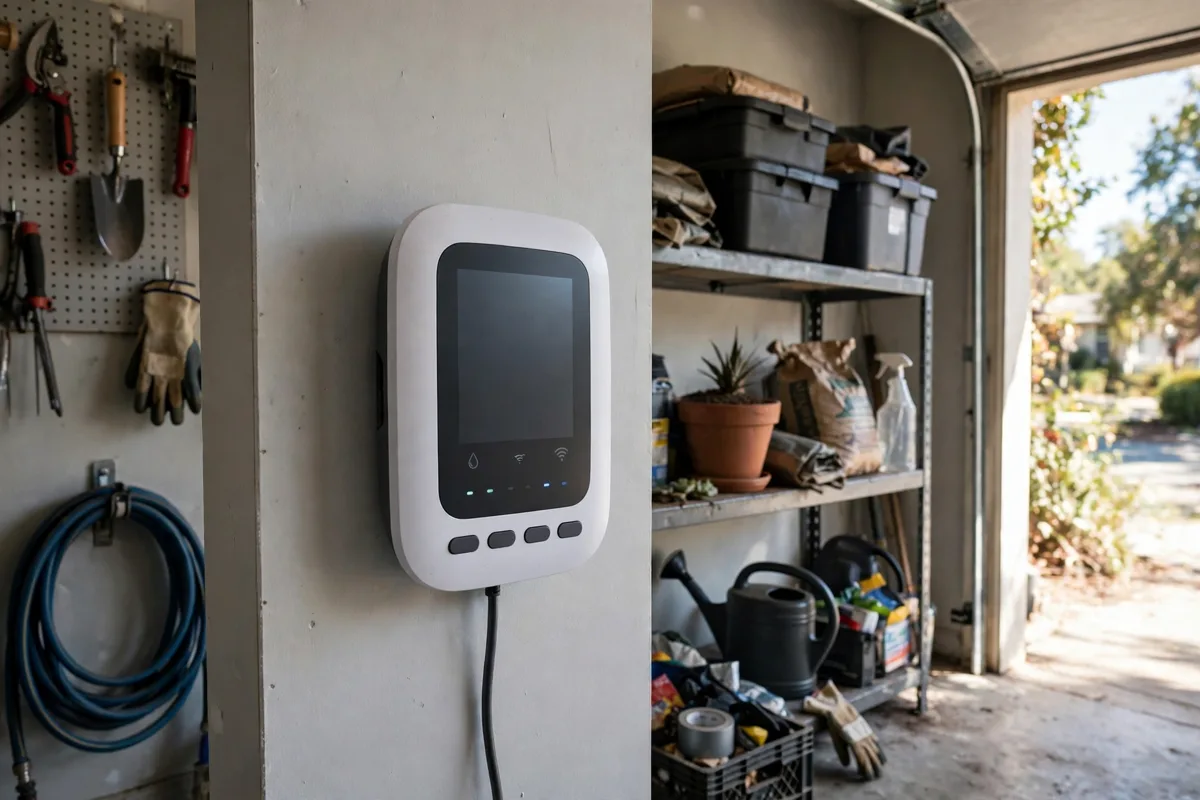
A smart sprinkler system has three parts. The controller replaces your old timer and connects to Wi-Fi. Valves open zones one at a time, just as before. The app or cloud service adds weather data, zone settings, and schedules. When rain is forecast, the system skips or shortens a run. When heat rises, it may add water, within limits you set.
Zones are the heart of good watering. A sunny front lawn, a shady bed, and a drip line for shrubs do not need the same water. You name each zone, pick its plant type and soil type, and set its heads. The controller then waters each zone for its own time, not for a single average that suits no zone well.
Weather intelligence comes in two forms. Some systems use local forecast data, while others add a rain sensor or soil sensor on site. Forecast data is easy and needs no extra hardware. A soil sensor is more precise, since it measures what is actually in the ground. For most homes, forecast plus a rain skip is enough to start.
A Wi-Fi watering system also gives you remote control. You can run a quick test from the app, pause a schedule before a party, or start a zone while you are away. That control helps when you spot a dry patch on a walk. You fix it from your phone, instead of waiting for the next fixed run.
Types: Controller, Wi-Fi Water Timer, and Hose Timer
An in ground smart sprinkler controller is best for homes with buried pipes and valves. It replaces the old box in the garage or outside, and controls 8 or 16 zones on many models. It suits lawns with several zones and a need for weather based schedules. Check your zone count and wiring before you buy.
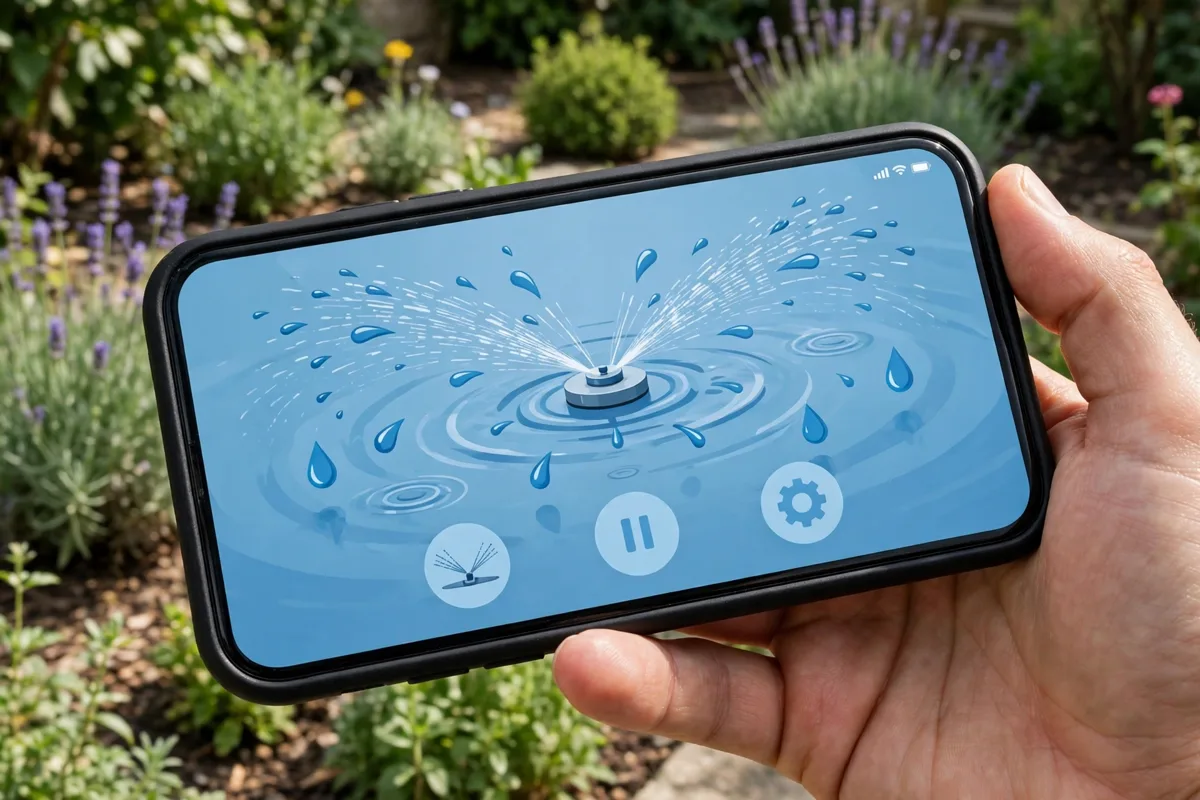
A Wi-Fi water timer fits a hose and a tap, with no buried system. You screw it to an outdoor tap, connect a hose or drip line, and control it from the app. It suits small gardens, pots, and raised beds. It will not run a large lawn well, but for a patio garden it is a neat, low cost start.
A smart lawn sprinkler head upgrade is a smaller step. Better heads spread water more evenly and cut runoff on slopes. Heads alone do not make a system smart, but they improve any controller’s result. If your lawn has dry spots next to puddles, heads and pressure may be the real problem, not the timer.
Table: Smart sprinkler options compared
| Option | Best for | Limit to know |
|---|---|---|
| Smart sprinkler controller | In ground systems with many zones | Needs existing valves and wiring |
| Wi-Fi water timer | Hose, pots, and small beds | Not made for large lawns |
| Smart sprinkler timer | Replacing an old fixed timer | Check zone count first |
| Soil sensor add on | Precise watering by ground moisture | Extra cost and setup |
Water Savings and Lawn Health
Water savings claims vary, so read them with care. Some makers claim 20 percent or more saved against a fixed timer, and some installers claim up to 30 or 50 percent in homes that overwatered before. Your saving depends on how wasteful your old schedule was. A home that already watered well will save less than a home that watered in rain.
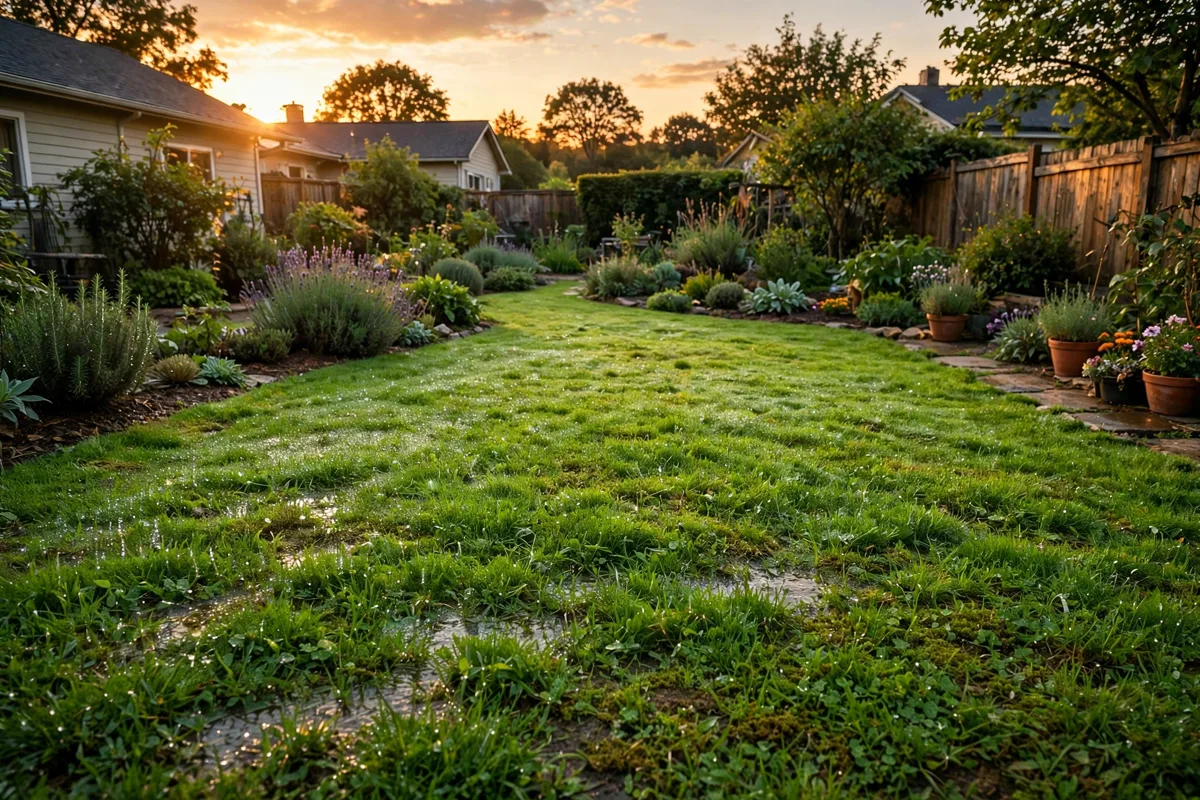
Lawn health improves when watering matches need. Overwatering leads to shallow roots, fungus, and runoff. Underwatering leads to dry patches and stress. A smart system that waters deeply but less often, with soak cycles on slopes, helps roots grow deeper. Deep roots handle heat better than shallow roots fed daily.
Soak and cycle watering is a useful feature on slopes and clay soil. Instead of one long run that runs off, the system splits watering into short cycles with soak gaps. Water sinks in, instead of flowing to the path. If your lawn pools after watering, ask if your controller offers this mode before you blame the heads.
In my own garden test, I ran a simple check over two weeks on a small lawn zone. I set a fixed schedule for week one, then a weather based schedule for week two, and I checked soil with a cheap probe each morning. Week one left the top soil wet after rain. Week two skipped two runs after rain, and the probe still showed moist soil at the same depth. That is a small test, but it showed me the skip logic was working.
How to Set Up a Smart Sprinkler
Start by mapping zones. Walk the garden, note which valve feeds which area, and take a photo of the old controller wiring before you touch it. Label each wire by zone number. That photo saves you if a wire slips during the swap. Most controllers use the same common wire plus one wire per zone.
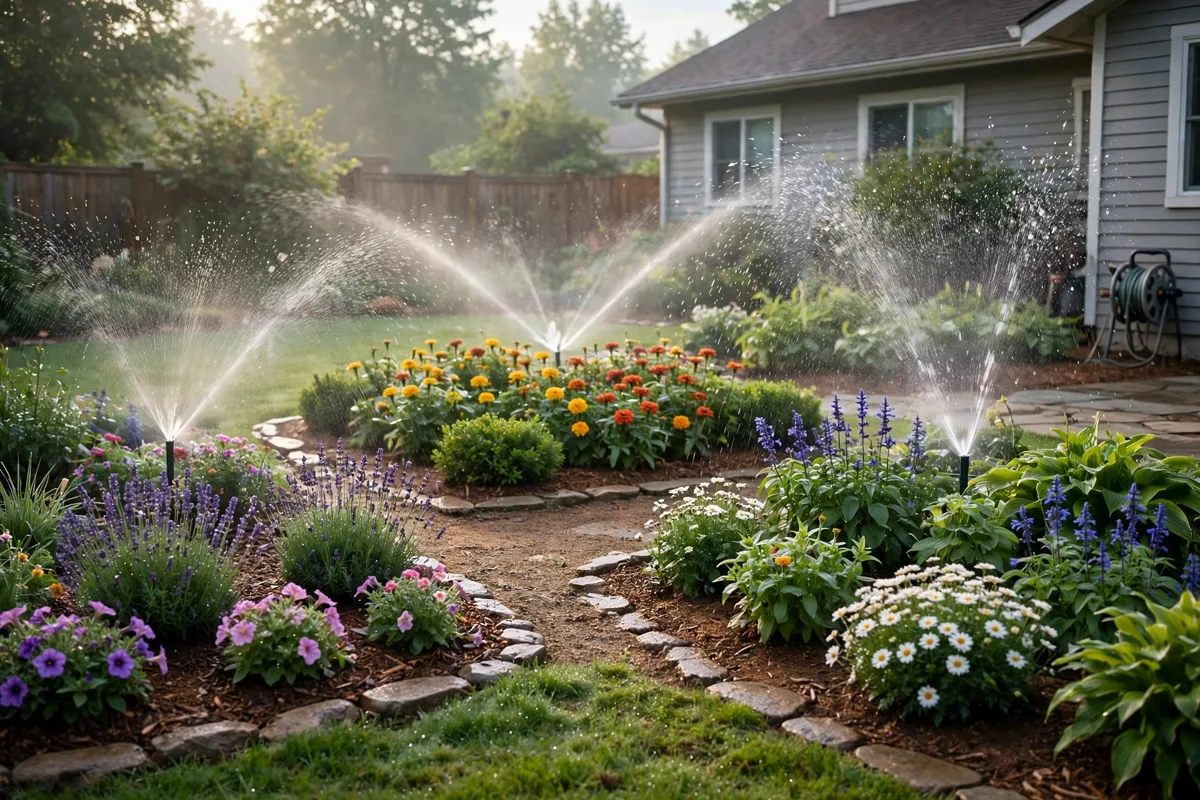
- Turn off power to the old controller and photo the wiring.
- Mount the new controller, move wires one by one to matching terminals.
- Power it on, join Wi-Fi, and name each zone in the app.
- Set plant type, soil type, sun, and slope for each zone as best you can.
- Run a quick test on each zone and watch heads for coverage and leaks.
- Turn on rain skip and weather adjustments, then check the first week daily.
Wi-Fi reach to a garage or outside wall can be weak. Check signal where the controller will sit before you buy. A mesh node near the garage often fixes a drop. If Wi-Fi fails, most smart controllers keep running their last saved schedule, so your lawn is not left dry while you fix the link.
Do not set and forget in week one. Check each zone after the first few runs. Look for dry edges, overspray onto paths, and heads blocked by grass. Small tweaks in week one give you a system you can trust for the season. A smart system still needs eyes on the garden, just fewer trips to a dial.
Smart Sprinkler Systems and Outdoor Automation
A smart sprinkler fits well with other outdoor smart gear. Outdoor lights can turn on at dusk, a camera can watch the garden, and a sprinkler can water at dawn. Together they make the outside of your home feel managed, not just the inside. Start with the sprinkler, since water waste is the costliest outdoor habit to fix.
Voice control is a bonus on some systems through Alexa or Google Home. You can ask to run a zone or pause watering, but detailed schedules still belong in the app. Voice is handy when your hands are dirty in the garden. It is not a replacement for a good zone setup.
Presence detection in a garden setting works differently than indoors. It can trigger lights when someone walks to the door, but it should not trigger watering. Keep watering on weather and time logic, and keep lights on motion logic. Mixing the two leads to wet guests and dark paths, which no one wants.
Check local watering rules before you set a final schedule. Some areas limit watering days or hours, and a smart schedule should respect those rules. Set allowed days in the app first, then let weather logic work inside those limits. That order keeps you compliant and still saves water.
Rebates can cut the cost. Some water providers offer rebates for WaterSense certified controllers, so check your local provider before you buy. Check the current price and rebate terms on the Rachio product page, since offers change by area and season. A rebate can turn a mid range controller into a clear win.
Common Problems and Fixes
A zone that will not run often has a wiring or valve issue, not an app issue. Check the wire at the controller, then check the valve box for a stuck valve. Run a manual test from the app and listen for the valve click. If one zone fails while others run, the fault is usually in that zone’s wire or valve.
Watering in rain usually means rain skip is off, or the forecast source missed a local shower. Turn on rain skip, check the weather source in the app, and add a rain sensor if local showers are common. A sensor on site catches rain the forecast missed, and it is a cheap fix for a wet lawn.
High water bills after a smart upgrade often point to a leak or a zone set too long. Check the app history for run times, then walk zones for puddles or a head stuck on. Flow monitoring on some systems can flag unusual use, but a simple walk still finds most leaks fast.
Winter care matters in cold areas. Drain or blow out lines as your local guidance states, and set the controller to a winter mode or off. A smart controller does not protect pipes from frost on its own. Seasonal care is still your job, and skipping it can cost far more than a controller.
Frequently Asked Questions
What is a smart sprinkler?
A smart sprinkler is a Wi-Fi controller or timer that adjusts watering based on weather, zone needs, and soil, instead of a fixed clock alone. You set zones in the app, and the system can skip rain days, adjust for heat, and let you control zones from your phone. It replaces an old timer in most homes.
Do smart sprinklers save water?
Yes, in most homes that overwatered with a fixed timer, since rain skips and weather adjustments cut wasted runs. Savings vary with your old schedule, climate, and zone setup, and some makers claim 20 percent or more. Your best guide is your own water bill over a full season, not a single week.
Can I install a smart sprinkler controller myself?
Yes, many owners swap a controller in under an hour by moving wires one by one from the old box. Photo the old wiring first, turn power off, and test each zone after the swap. If wiring looks damaged, or you are unsure about power, ask a local irrigation pro to check it before you proceed.
What happens if Wi-Fi goes out?
Most smart controllers keep running their last saved schedule when Wi-Fi drops, so watering does not stop at once. Remote control and weather updates pause until the link returns, then the system updates its schedule. Check your model manual, since offline behavior can vary by brand and model.
Do smart sprinklers need a subscription?
Basic remote control and weather based scheduling are usually free on major controllers, with no monthly fee for core features. Some brands offer paid add ons for extra weather data or reports, but most homes do not need them. Check the model page for fee terms before you buy, since terms vary.
Is a Wi-Fi water timer enough for a lawn?
A Wi-Fi water timer suits hoses, pots, and small beds, but it is not made for a large in ground lawn with many zones. For a lawn, a full smart sprinkler controller with zone control and rain skip is the better fit. Match the tool to the size of the area, not just to the price.
Conclusion
A smart sprinkler turns a fixed timer into a system that watches weather and waters each zone as needed. Map your zones, check Wi-Fi at the controller, and watch the first week closely. Your next step is simple. Count your zones, photo your old controller wiring, and compare two controllers that fit that zone count.