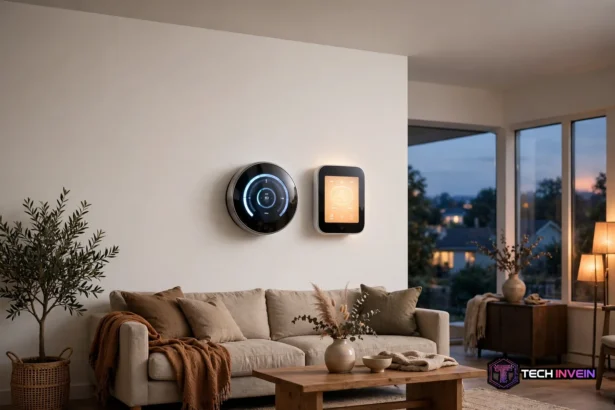

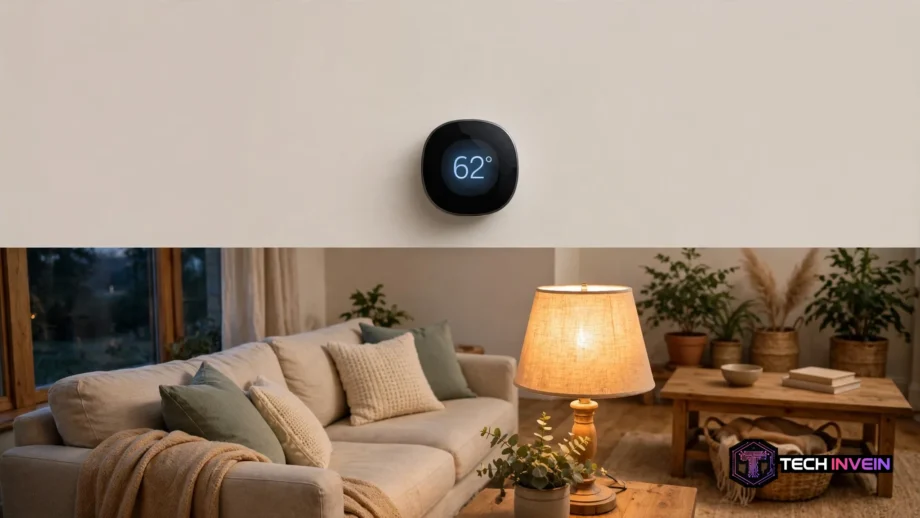
This guide shows how to lower heating bill with smart thermostat settings that work. Set it back 7 to 10 degrees for 8 hours a day. The US Department of Energy says you can save up to 10 percent a year on heating and cooling. The thermostat does the work for you, once you set it up right.
- How a Smart Thermostat Actually Saves Money
- 7 Ways to Lower Heating Bill With Smart Thermostat
- Set a Real Schedule
- Use a Deeper Night Setback
- Turn On Geofencing
- Add Room Sensors
- Run the Fan a Little Each Hour
- Widen the Differential
- Join a Demand-Response Program
- The Schedule That Saves the Most
- Heat Pumps Need a Different Setback
- What to Check Before You Buy
- Work Out Your Own Saving
- Mistakes That Erase the Saving
- FAQs
- How much can a smart thermostat save on heating?
- What temperature should I set my thermostat to in winter?
- Do smart thermostats work with heat pumps?
- Is 62 degrees too cold for the house at night?
- Do I need a C-wire for a smart thermostat?
- Will a smart thermostat pay for itself?
- Conclusion
This guide walks through the seven settings that matter most. You will get a schedule that fits a real day. You will also get the right setback for your system, and the small tweaks that add up over a season. No new equipment needed, and no cold mornings either.
How a Smart Thermostat Actually Saves Money
A smart thermostat saves money in one way only. It runs your heating less when you do not need it. Your house loses heat faster when the gap between inside and outside is wide. When the thermostat drops the temperature while you sleep or while you are out, the house leaks less heat. So the boiler or furnace runs less. That is the whole trick. The smart part is that it does this on its own, every day, without you touching a dial.
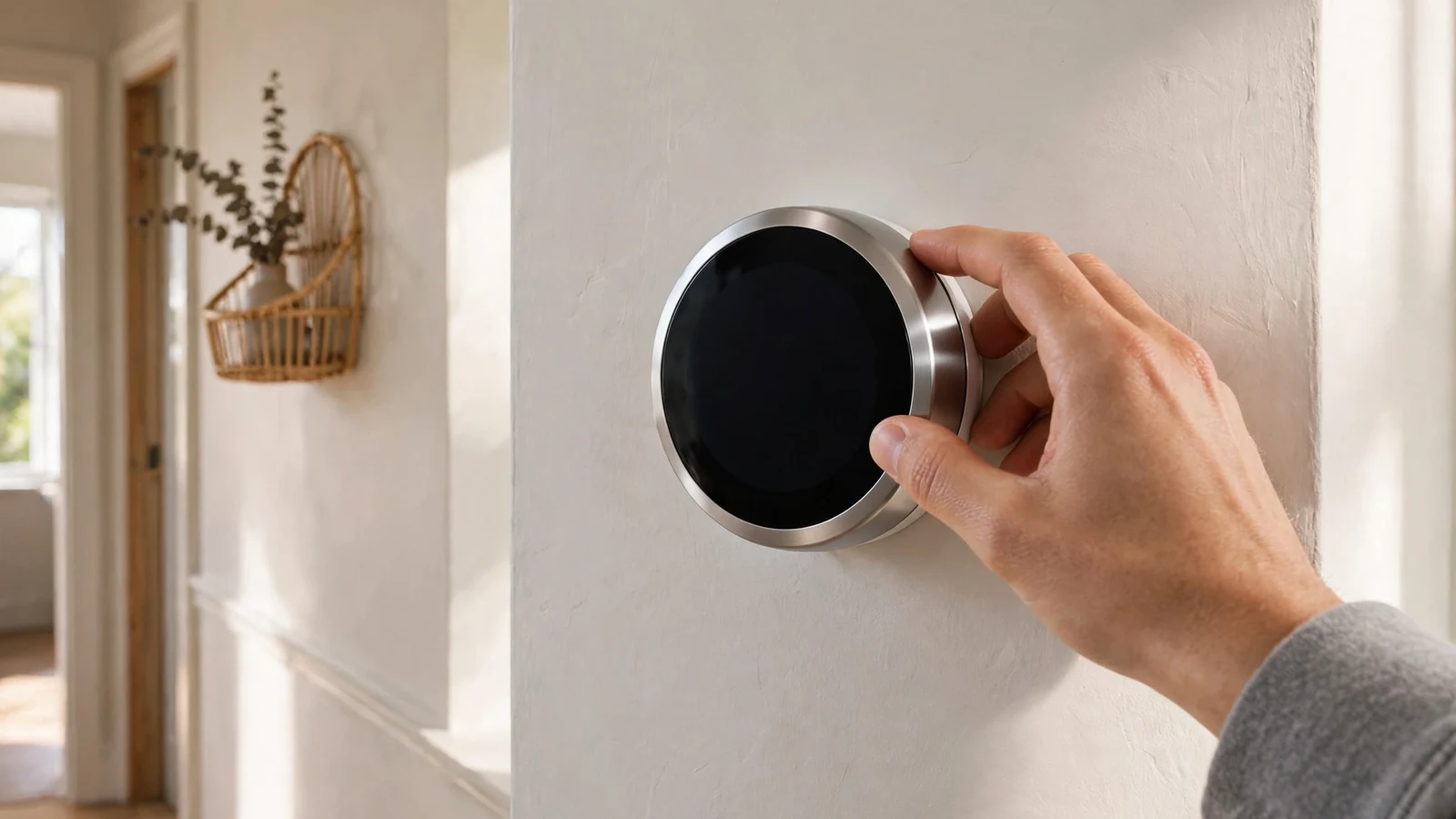
In fact, the numbers back it up. The US Department of Energy says you can save up to 10 percent a year on heating and cooling. So just turn the thermostat back 7 to 10 degrees for 8 hours a day. ENERGY STAR puts the average certified smart thermostat at about 8 percent of heating and cooling bills. That works out to roughly $50 a year. Nest claims up to 23 percent. In fact, that figure is measured against a thermostat held at 72 degrees around the clock. That is the most wasteful way to run one.
Here is the catch. The thermostat only saves money if you actually set it up. A 2026 study by Lawrence Berkeley National Laboratory found that 40 percent of smart thermostat owners never programmed a schedule. Instead, they relied on manual overrides. Those homes got almost none of the saving. So the seven settings below are the real purchase. The thermostat is just the tool that runs them.
7 Ways to Lower Heating Bill With Smart Thermostat
These seven settings work together. The first three do most of the saving, and the last four add smaller wins on top. Set them in order, then check the result after a month.
Set a Real Schedule
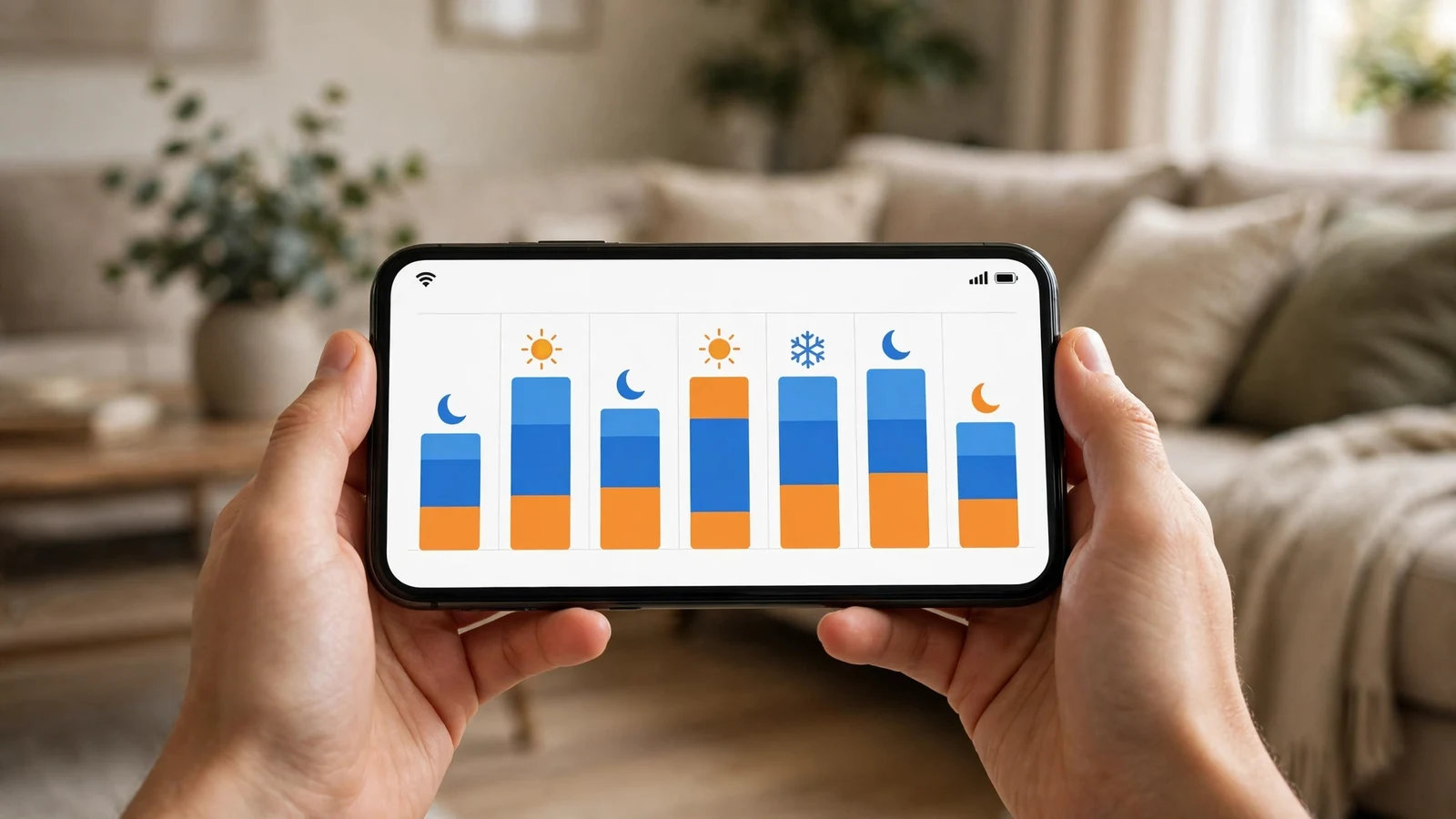
First, start with four blocks that match your day: wake, leave, return, and sleep. Set 68 to 70 degrees while you are awake and at home. Then set 62 degrees while you are out, and 62 to 65 degrees while you sleep. Set the warm-up to start 30 to 60 minutes before you wake, so the house is warm when you get up. If you are choosing between the two big brands, our Ecobee vs Nest guide compares them side by side. It also covers their schedules, sensors, and learning features.
Use a Deeper Night Setback
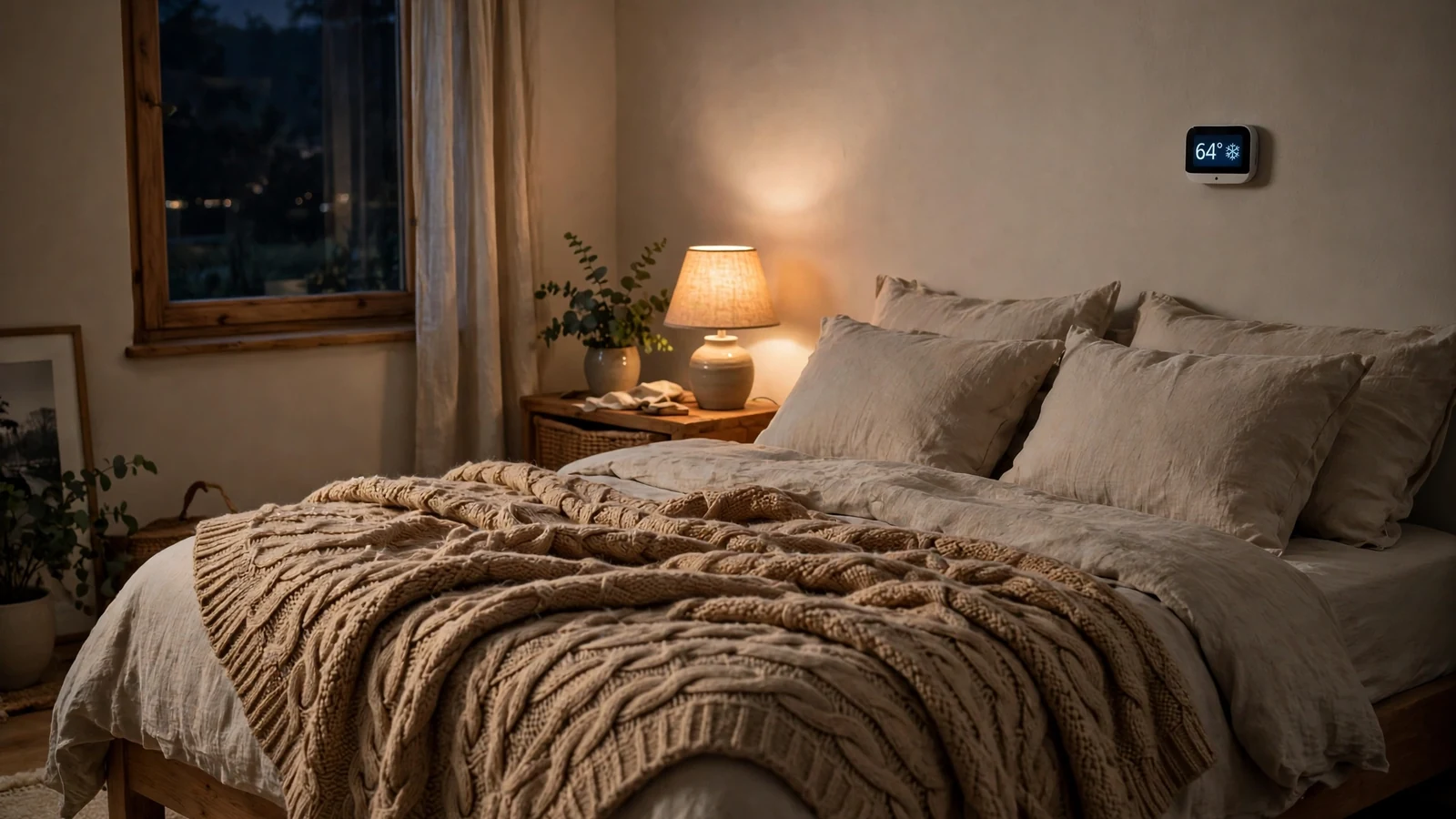
Night is the longest stretch your house sits empty of activity. So it is the best time for a deep setback. Drop the temperature 7 to 10 degrees from your daytime setting for the 8 hours you sleep. The DOE says every degree you lower for 8 hours saves roughly 1 percent on your heating bill. So a 7-degree setback is worth about 7 percent on its own. Use a warm blanket and you will not feel the difference.
Turn On Geofencing
A fixed schedule cannot know when you leave early or come home late. Geofencing can. It uses your phone’s location to switch the thermostat to away mode when the last person leaves. Then it switches back to comfort mode when the first person comes home. Then set your away temperature to 62 degrees and let the phone do the work. Just make sure every person in the house is in the geofence, or the house will heat for nobody.
Add Room Sensors
Most thermostats measure the temperature in one spot, usually a hallway. That hallway is rarely where you sit. Room sensors fix this by measuring the rooms you actually use. Then the thermostat heats to the sensor in the room you are in. Put one in the bedroom at night and one in the living room during the day. You stop heating empty rooms, so the rooms you use stay comfortable.
Run the Fan a Little Each Hour
Warm air rises. So the upstairs can be five degrees warmer than the downstairs while the thermostat reads the middle. Running the fan for 10 to 15 minutes each hour mixes the air and evens out the rooms. So the thermostat calls for heat less often. Our guide to what the fan setting means on a thermostat explains auto, on, and circulate in plain terms.
Widen the Differential
The differential is how far the temperature can drift before the heating kicks in again. A narrow differential of 0.5 degrees makes the system cycle on and off all day, which wastes energy on restarts. A wider differential of 1.5 to 2 degrees lets the system run longer but less often, and that is more efficient. If your thermostat shows a cycle rate, try 2 cycles per hour instead of 3.
Join a Demand-Response Program
Many utilities pay you to let them nudge your thermostat during peak demand. That usually means the hottest or coldest days of the year. You sign up through the thermostat app and set the lowest temperature you will accept. Then the utility adjusts it a few degrees for a few hours. Credits run from $20 to $200 a year depending on your utility. You can opt out of any single event. It is free money for a setting you already have.
The Schedule That Saves the Most
Here is a schedule that works for a typical weekday. It uses the DOE’s 68-degree awake target and a 62-degree setback, with a 30-minute warm-up before you wake. Adjust the times to your life. Still, keep the shape: warm when you are home and awake, cool when you are out or asleep.
Table: Weekday schedule, 68°F awake, 62°F away and asleep.
| Period | Time | Heating setpoint | Why it saves |
|---|---|---|---|
| Wake | 6:00–8:00 a.m. | 68°F | Warm when you get up |
| Leave | 8:00 a.m.–5:00 p.m. | 62°F | Empty house, deep setback |
| Return | 5:00–10:00 p.m. | 68°F | Warm for the evening |
| Sleep | 10:00 p.m.–6:00 a.m. | 62°F | Deep setback while you sleep |
Two rules make this schedule work. First, never drop below 55 degrees in winter, because pipes in exterior walls can freeze below that. Second, give the house 30 to 60 minutes to warm up before you need it. A cold house at wake-up time will make you override the schedule. And one override can undo a week of saving.
If you work from home some days, set a second schedule for those days instead of overriding the first one. Most thermostats hold more than one schedule, and a home-day schedule with a smaller setback beats a daily override. Also check the energy report in the app each month. Trim the setback by a degree if the house feels cold. Or deepen it by a degree if you never notice it.
Heat Pumps Need a Different Setback
Everything above assumes a furnace or a boiler. If your home has a heat pump, the rules change. A heat pump heats slowly, and a deep setback makes it call for backup electric resistance heat to catch up. That backup heat costs three to four times more than the heat pump itself. So it can wipe out the whole saving from the setback.
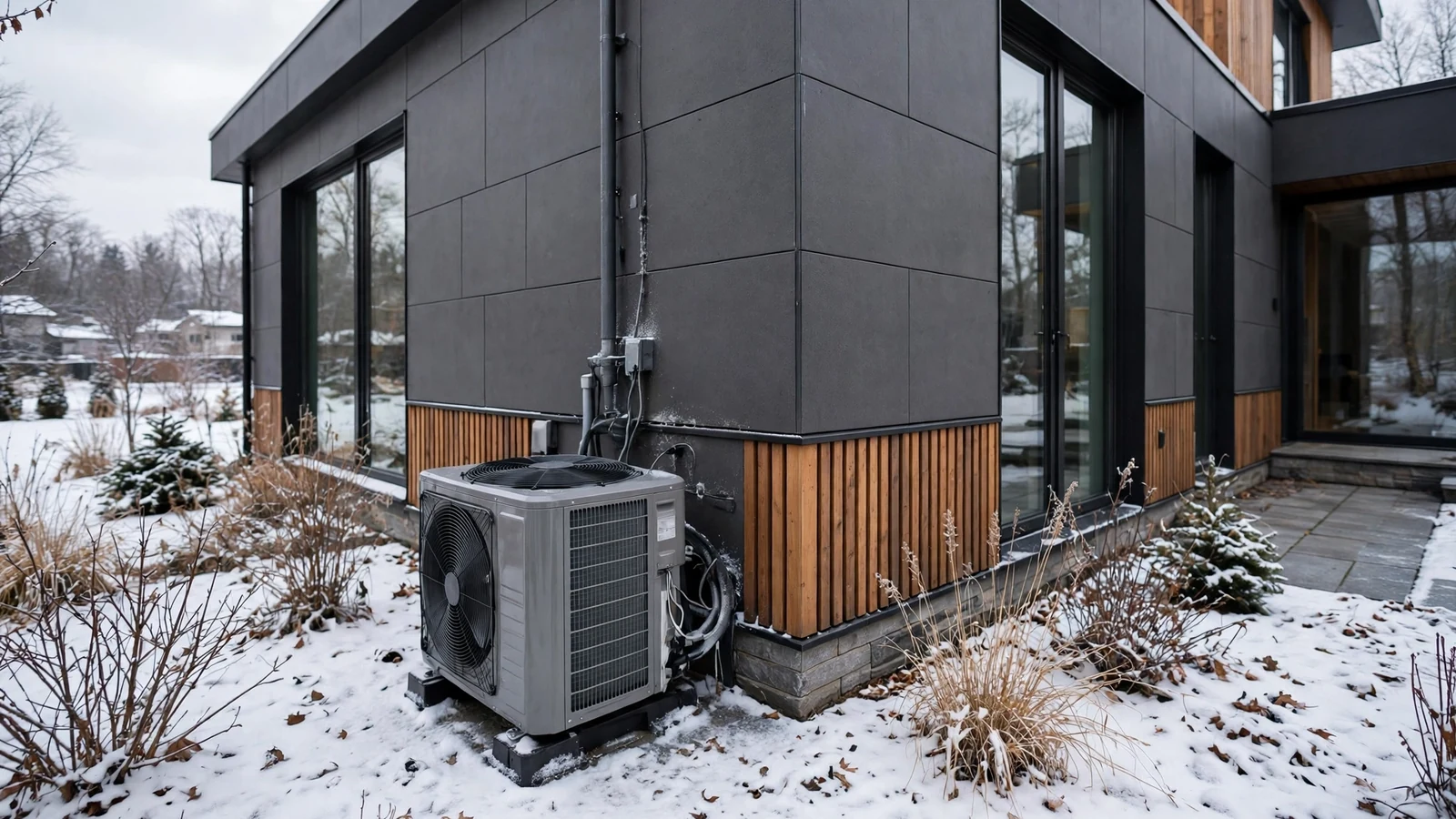
So keep the setback small on a heat pump: 3 to 5 degrees at most. Then let the thermostat’s smart recovery bring the house back up slowly. Smart recovery starts the heat pump early, so it avoids the backup heat entirely. If your thermostat has a setting for auxiliary heat lockout or compressor lockout, set it to 25 to 30 degrees outside. Then the backup only runs on the coldest days.
Also check your thermostat’s energy report for auxiliary heat hours. If the backup ran for hours last month, your setback is too deep or your recovery starts too late. Shallow the setback by two degrees and watch the next month’s report. The fix is free, and it usually shows up in the very next bill.
What to Check Before You Buy
If you do not own a smart thermostat yet, check three things first. First, look for a C-wire, the wire that powers the thermostat. Most smart thermostats need one, and homes built before the 1990s often lack it. No C-wire means you need an adapter or a model that works without one. Second, check that the thermostat supports your system type. This matters most with a heat pump, a multi-stage furnace, or a dual-fuel setup.
Third, buy an ENERGY STAR certified model. Certification means the thermostat proved real savings in field tests, not just in a lab. In fact, the average certified model saves about 8 percent on heating and cooling. Also check whether room sensors come in the box or cost extra. Sensors are where the next chunk of saving hides. A $170 thermostat with two sensors beats a $130 thermostat with none.
Work Out Your Own Saving
You do not need to trust the averages. Run your own numbers with the DOE’s rule. For example, every degree of setback for 8 hours saves roughly 1 percent on heating and cooling. Take your winter heating bill, multiply by the degrees you set back, and you have your monthly saving. Then multiply by the months you heat, and you have the season.
Table: Worked example, $200 a month winter heating bill, DOE 1 percent per degree rule.
| Setback | Monthly saving | Season saving (5 months) |
|---|---|---|
| 3°F | $6 | $30 |
| 7°F | $14 | $70 |
| 10°F | $20 | $100 |
The table uses a $200 monthly winter bill and the DOE’s 1-percent-per-degree rule. Your numbers will differ, but the shape holds. A $120 bill saves about $8 a month on a 7-degree setback, and a $300 bill saves about $21. If you want to check the real result, a home energy monitor shows what your heating costs each month. Then you can compare the bill before and after you set the schedule.
Mistakes That Erase the Saving
The first mistake is buying the thermostat and never setting a schedule. Four in ten owners do exactly that, so they get almost no saving at all. So set the schedule on the day you install it, before the novelty wears off.
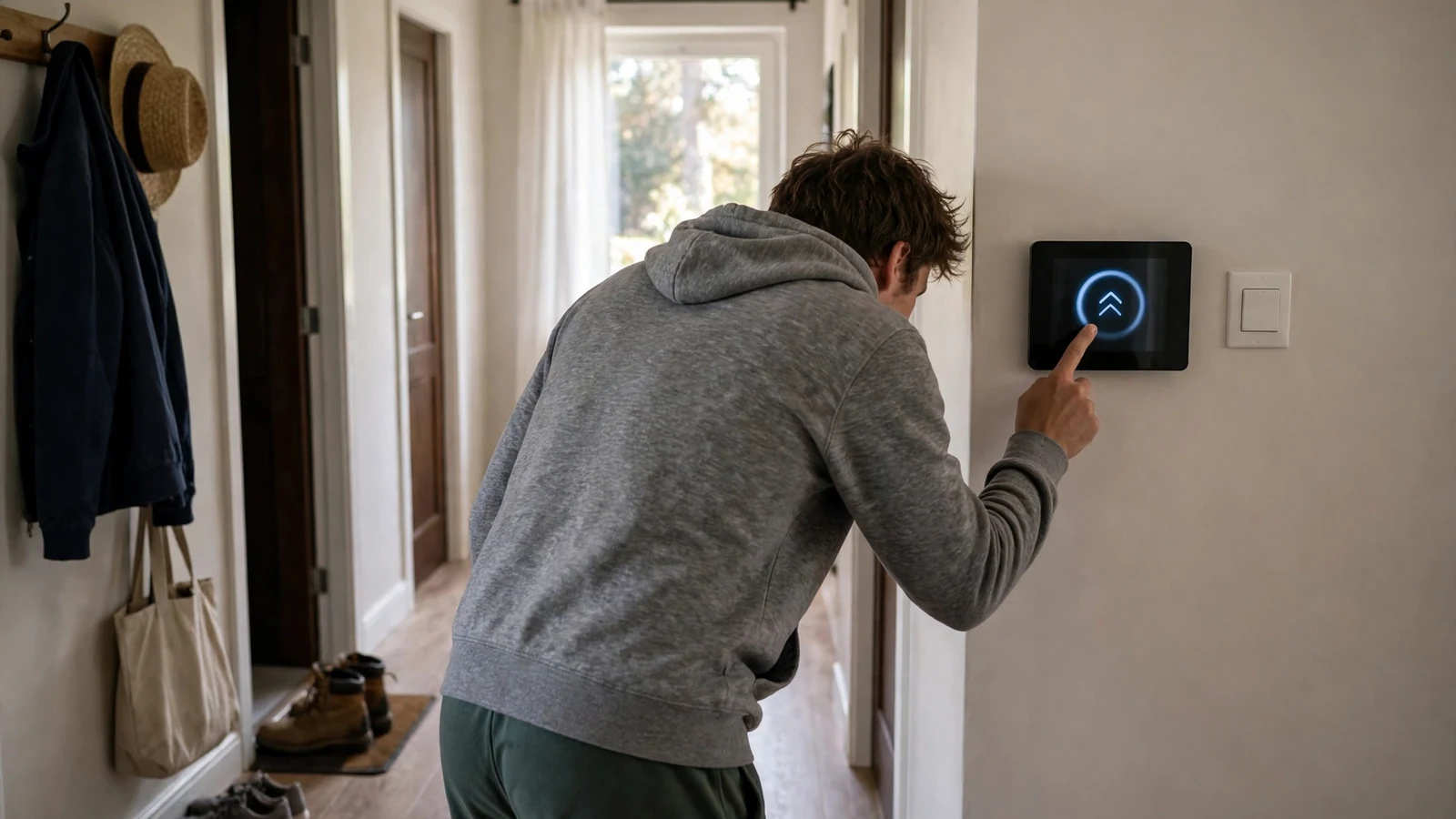
The second mistake is overriding the schedule every day. Every manual bump teaches the thermostat the wrong lesson. Learning models will start to follow your overrides instead of your schedule. If you override more than twice a week, the schedule is wrong for your life. Fix the schedule, not the temperature.
The third mistake is a deep setback on a heat pump. So it triggers backup heat and costs more than it saves. Keep heat pump setbacks to 3 to 5 degrees, as the section above explains.
The fourth mistake is leaving eco mode at the factory default. Eco mode is the temperature your thermostat holds when it thinks the house is empty. The default is often 65 degrees or higher. Set it to 62 degrees yourself. Then set it to engage on occupancy sensing rather than a timer when your model allows it. If your thermostat keeps dropping its schedule or showing the wrong temperature, a full reset can clear the glitch. Our Honeywell thermostat reset guide walks through the steps.
FAQs
How much can a smart thermostat save on heating?
An ENERGY STAR certified smart thermostat saves about 8 percent on heating and cooling bills. That is about $50 a year. The US Department of Energy says a 7 to 10 degree setback can save up to 10 percent. It needs 8 hours a day. Homes that held one temperature can save more, but that is the best case.
What temperature should I set my thermostat to in winter?
Set 68 to 70 degrees while you are awake and at home. Set 62 degrees while you sleep or while the house is empty. Never drop below 55 degrees, because pipes in exterior walls can freeze. If you have a heat pump, keep the setback to 3 to 5 degrees instead. Then the expensive backup heat never kicks in.
Do smart thermostats work with heat pumps?
Yes, they do, but the settings are different. Keep setbacks to 3 to 5 degrees. A deep setback makes the heat pump call for backup heat, which costs three to four times more. Turn on smart recovery so the heat pump starts early and warms the house. Set an auxiliary heat lockout near 25 to 30 degrees outside.
Is 62 degrees too cold for the house at night?
No, not for most healthy adults. Sleep experts say a cool bedroom helps you sleep. And 62 to 65 degrees is in the ideal range for sleep. Use a warm blanket and warm sleep clothes. Babies, elderly family members, and anyone with a health condition need warmer minimums. So keep their rooms at 68 degrees or higher.
Do I need a C-wire for a smart thermostat?
Most smart thermostats need a C-wire, the wire that supplies constant power. Homes built before the 1990s often lack one, so check your wiring before you buy. If you have no C-wire, use a power extender kit or pick a model that works without one. Never guess at wiring, and turn the power off at the breaker first.
Will a smart thermostat pay for itself?
Yes, in most homes it does. A $130 to $250 thermostat that saves about $50 a year pays for itself in three to five years. Many utilities offer rebates of $50 to $100 that cut that time in half. Homes that held one temperature all day pay back faster, because the schedule does the work from day one.
Conclusion
A smart thermostat lowers your heating bill by doing one simple thing well. It keeps the house cool when nobody needs it warm. The setback does the saving, and the schedule makes it automatic. Set the four blocks, add geofencing and room sensors, and let the thermostat do its job.
Your next step takes ten minutes. Open your thermostat app today, set the wake, leave, return, and sleep temperatures from this guide, and turn on geofencing. Then check your energy report after a month. If the saving is smaller than you hoped, deepen the setback by one degree and check again.