
The best ethernet cable for most homes is a Cat6 patch cable. It handles gigabit speed, costs a few dollars, and works with every router, console, and smart TV you own. You only need Cat6a if you run 10-gigabit gear or long in-wall runs. So here is how to pick the right one.
- The Best Ethernet Cable for Most Homes
- Cat5e vs Cat6 vs Cat6a vs Cat8: What the Numbers Mean
- Best Ethernet Cable for Gaming
- Ethernet Cable vs Cat6: Clearing Up the Confusion
- Patch Cables, Crossover Cables, and Straight-Through Wiring
- Length, Build, and Shielding: The Details That Matter
- Ethernet Cable for Streaming and TV
- The Fastest Ethernet Cable Is Not What You Think
- Mistakes to Avoid When You Buy
- FAQs
- Does an ethernet cable make internet faster?
- Is Cat6 enough for 1gb ethernet?
- What is the longest ethernet cable I can run?
- Do I still need a crossover cable?
- Is a flat ethernet cable as good as a round one?
- Can ethernet cables go bad?
- Conclusion
The Best Ethernet Cable for Most Homes
Start with Cat6 and you’ll rarely go wrong. In fact, it carries 1 gigabit per second over the full 100-metre run. It can also carry 10 gigabits over shorter runs of about 55 metres. That covers nearly every home internet plan, gaming setup, and home office today. It’s cheap and easy to find in any length.
Cat6a is the better buy in two cases. First, Cat6a holds 10 gigabits over the full 100 metres. That makes it the pick for in-wall wiring that should last a decade. Second, if you already own a 10-gigabit switch or a NAS, Cat6a specifically removes the cable as a bottleneck.
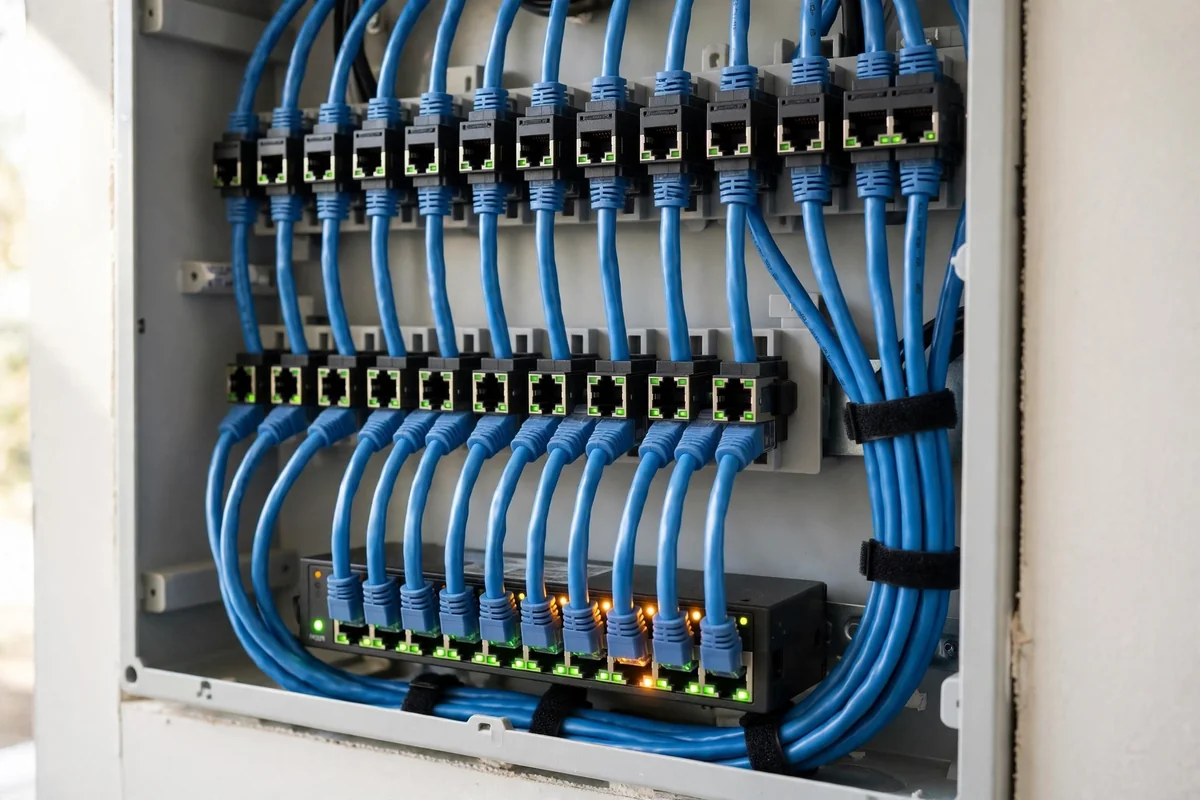
First, check what your network can actually use before you buy. A cable cannot make a gigabit port faster than gigabit, so match the cable to your slowest piece of hardware. Our home network installation guide walks through the router, switch, and wall runs. It helps you spot the real bottleneck before you spend money.
Also measure the route with a tape, not a guess. Too short, and the cable ends up stretched across a walkway. Too long, and it turns into a coil of clutter behind the TV stand. Add a metre of slack.
Cat5e vs Cat6 vs Cat6a vs Cat8: What the Numbers Mean
Every ethernet cable carries a category printed on its jacket. That category tells you how much bandwidth the cable is tested to carry. Higher numbers mean more bandwidth, yet they do not always mean a faster connection in your home. The table below puts the five common categories side by side.
Table: Ethernet cable categories compared
| Category | Top speed | Distance at top speed | Bandwidth | Best for |
|---|---|---|---|---|
| Cat5e | 1 Gbps | 100 m | 100 MHz | Basic gigabit homes |
| Cat6 | 10 Gbps | About 55 m | 250 MHz | Most homes and gaming |
| Cat6a | 10 Gbps | 100 m | 500 MHz | Long 10-gigabit runs |
| Cat7 | 10 Gbps | 100 m | 600 MHz | Skip it at home |
| Cat8 | 25 to 40 Gbps | 30 m | 2000 MHz | Data centres only |
Cat5e still works fine if your whole network tops out at 1 gigabit, and it is often the cheapest option. Cat6 is the sensible default when you buy new. It costs only a little more, and it also leaves room for faster gear later. Cat6a is the pick for new in-wall wiring.
Cat7 deserves a warning. It isn’t a recognised TIA standard for Ethernet, so many cables sold as Cat7 meet no real spec. Cat8 is a real standard, but it is built for short links between switches and servers in data centres. No home device has a 25-gigabit port, so its 30-metre limit rules it out for most house wiring. This Cat6 vs Cat6a vs Cat8 guide matches the same numbers and reaches the same verdict.
Best Ethernet Cable for Gaming
Gaming cares about latency far more than raw speed, and a wired cable wins that fight every time. A cable gives you a steady, low-latency link to the router, because WiFi adds jitter and lag spikes. That steadiness keeps your shots registering and your voice chat in sync.
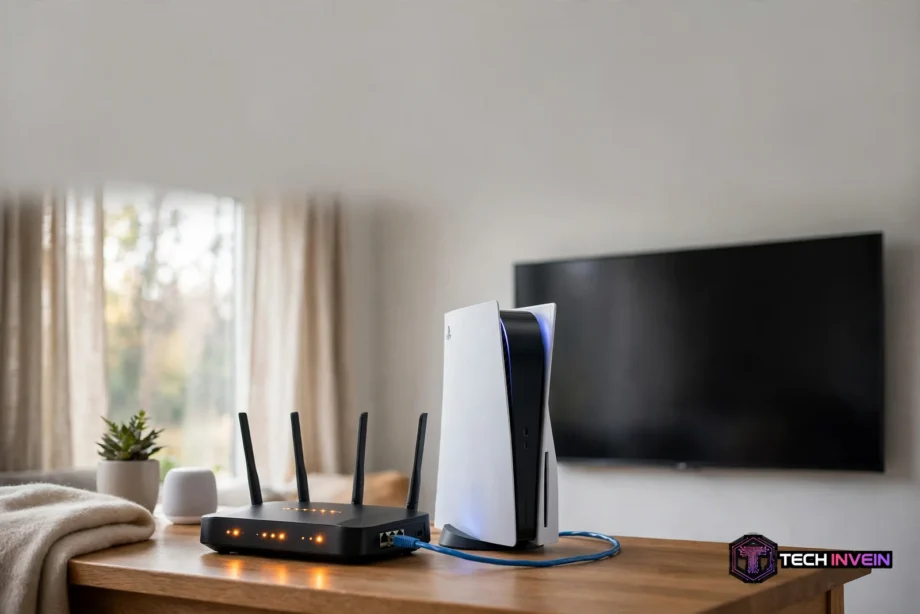
For most gamers, a quality Cat6 patch cable is the right buy. Both the PS5 and the Xbox Series X have gigabit Ethernet ports. The console itself tops out at 1 gigabit, so no cable can push it past that limit. A good Cat6 lead still gives you plenty of headroom.
Also remember that the cable is only one part of the chain. Your router settings, the game server, and your internet plan all shape your ping. No fancy cable can fix a bad route, because the delay lives in the network, not the wire. If lag sticks around after you go wired, check your router settings next. Our guide to configuring a router covers the settings that matter most.
Here is a simple test you can run in five minutes. First, run a speed test and a ping test on WiFi, and write down both numbers. Then plug in the cable, run the same two tests, and write those numbers down too. If the wired ping is lower and steadier, the cable did its job, and you can stop shopping. If nothing changes, the bottleneck sits elsewhere.
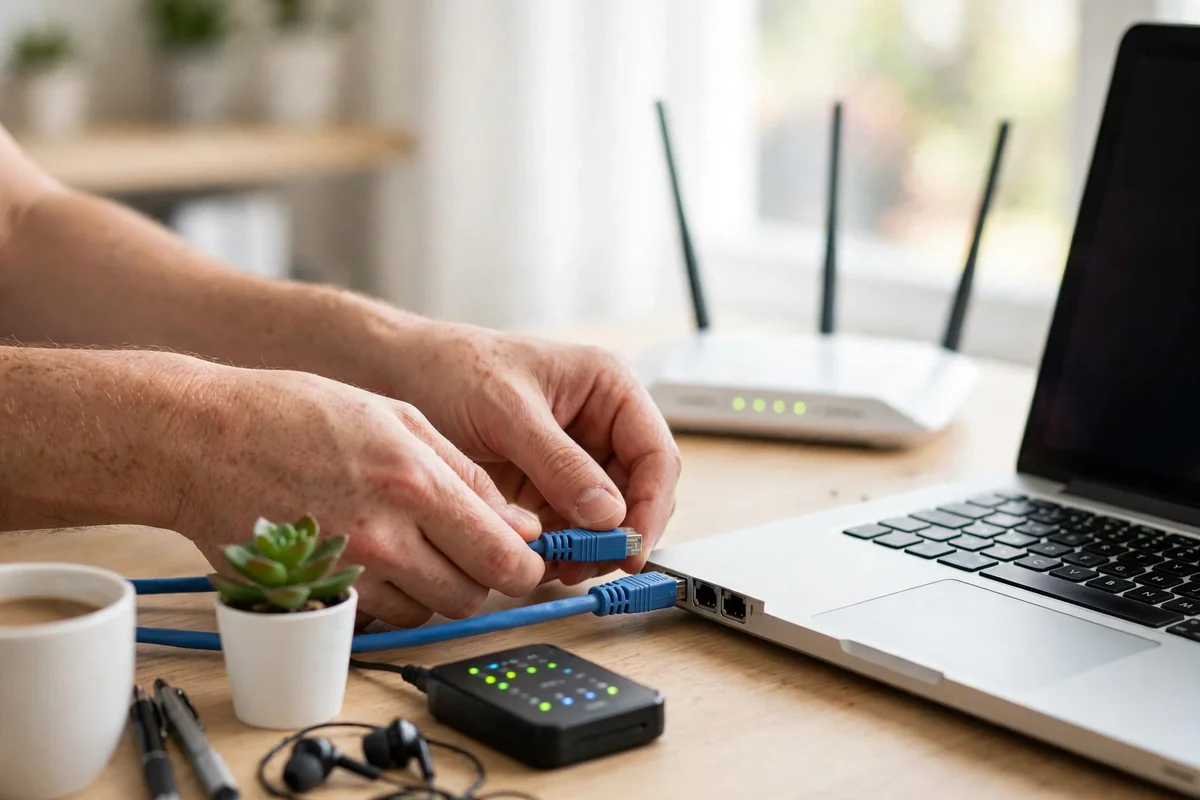
For the cable itself, pick a stranded patch lead in the shortest length that reaches comfortably. Avoid flat cables for long runs through walls. A short Cat6 lead from a known brand beats a long, stiff Cat8 lead from a no-name seller. The trueCABLE gaming cable guide makes the same point. In particular, its author notes that build quality matters far more than the category number on the jacket.
Ethernet Cable vs Cat6: Clearing Up the Confusion
People search for both phrases, yet they are not two different products. Ethernet cable is the general name for the cable itself. Cat6 is one category of that cable. So every Cat6 cable is an ethernet cable, but not every ethernet cable is Cat6.
This mix-up causes real buying mistakes. A listing that just says ethernet cable with no category could be old Cat5, and that tops out well below gigabit speed, so check the specs first. Always look for the category printed on the jacket or in the product specs. Treat a listing with no category as a red flag.
Patch Cables, Crossover Cables, and Straight-Through Wiring
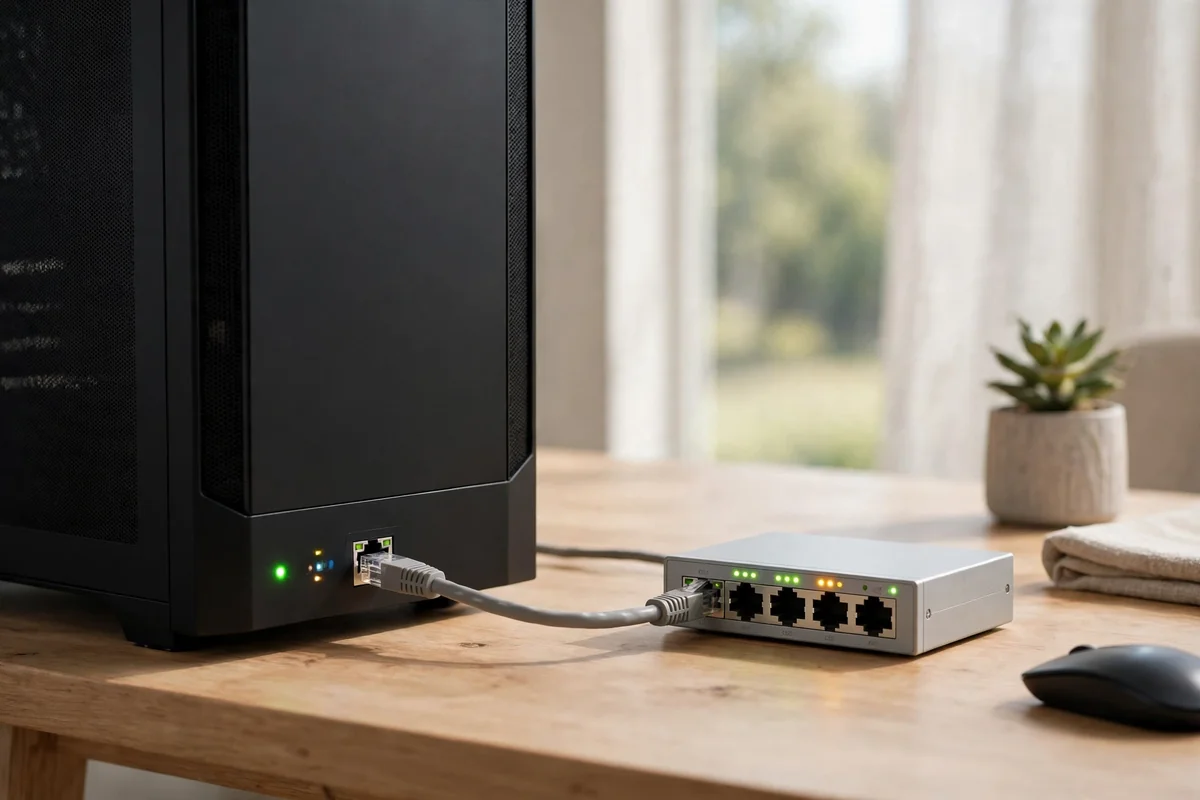
Nearly every ethernet cable you buy today is a patch cable, which is also called a straight-through cable. It’s wired the same way at both ends, usually to the T568B standard. Pin one connects to pin one, and so on down the line. You use it to link different devices, such as a PC to a switch.
A crossover cable is wired differently. One end uses T568A and the other uses T568B, so the transmit and receive pairs swap places. In the old days you needed one to connect two similar devices directly, like PC to PC or switch to switch. Without the swap, the link would not come up.
As a result, you almost never need a crossover cable today. Nearly every modern port has Auto-MDI/MDIX. That feature lets the port sense the cable type and swap its own pins to match, instead of needing a special cable. A plain straight-through cable now works even between two similar devices. The swap moved from the cable into the chip, and the special cable became a niche item. Keep one only for very old gear.
Length, Build, and Shielding: The Details That Matter
The hard limit for a single ethernet run is 100 metres, and that figure includes patch leads at both ends. Go past it, and the signal degrades as a result. Inside a normal home, you’ll never hit that limit, since most runs stay well under 30 metres. Still, keep runs short, and avoid daisy-chaining long cables.
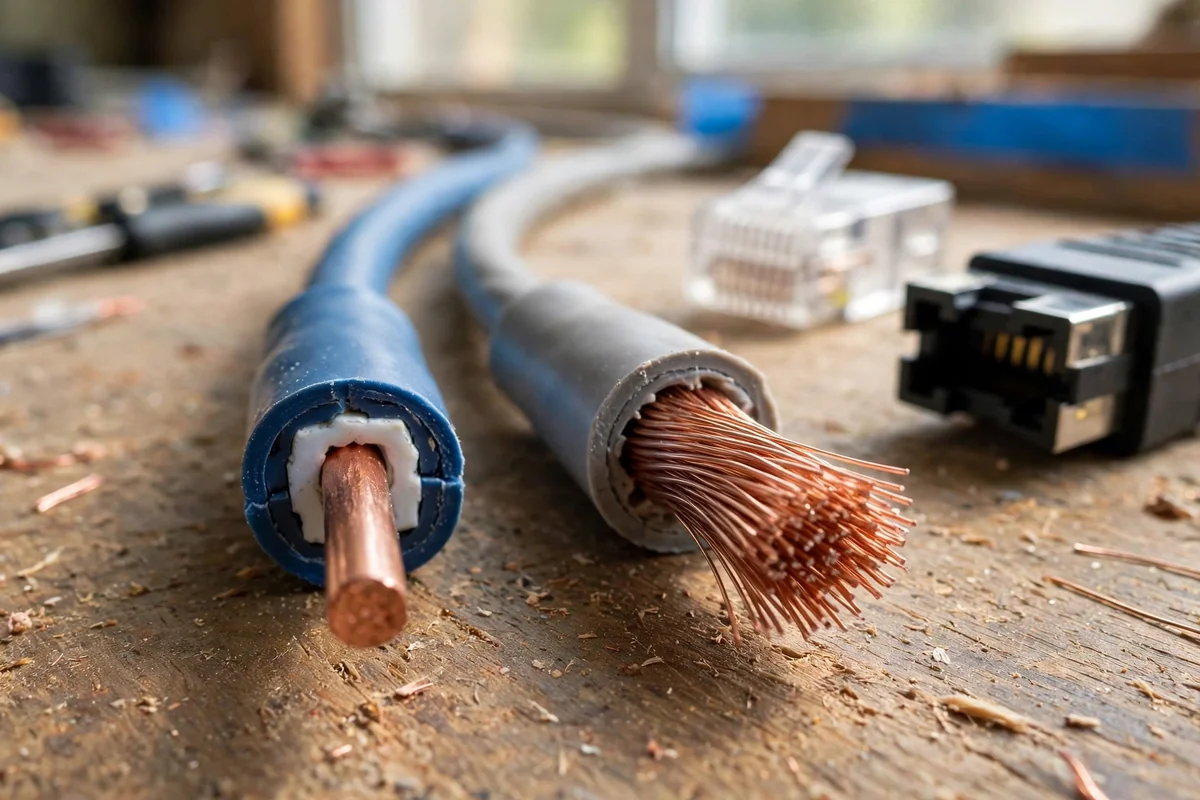
Next, look at the conductor type. Solid-core cable uses a single thick copper wire per conductor. It’s the right choice for fixed runs inside walls, because it holds its shape and ends cleanly in keystone jacks. Stranded cable uses many thin wires, so it bends easily and survives being plugged and unplugged. That makes it the right choice for patch leads. Never use solid-core cable as a patch lead, since bending can crack the conductor.
Shielding is where many buyers overspend. Unshielded cable, known as U/UTP, is the right pick for almost every home. There is little electrical noise in a living room, so it needs no special grounding. Shielded cable only helps when it is grounded properly at both ends. A half-grounded shield can actually make interference worse, because the shield itself picks up noise. If you plan fixed runs, our smart home wiring design guide helps with the planning. It covers cable routes and wall jacks.
Flat cables look tidy under a rug, and they are fine for a short run across a room. Round cables are still the better choice for anything longer. Their twisted pairs hold their shape and shed heat more evenly. Also check the jacket print before you buy. Look for solid copper conductors and a UL or ETL mark. Skip anything labelled copper-clad aluminium, often shortened to CCA. CCA is cheaper for a reason, and it breaks more easily and carries power over Ethernet poorly.
Ethernet Cable for Streaming and TV
Streaming is the one place where a cable makes a difference you can see on screen. A 4K stream needs only about 25 megabits per second, which sounds small. Yet WiFi can still stutter when the signal dips or a neighbour’s network interferes. A wired link removes that wobble.
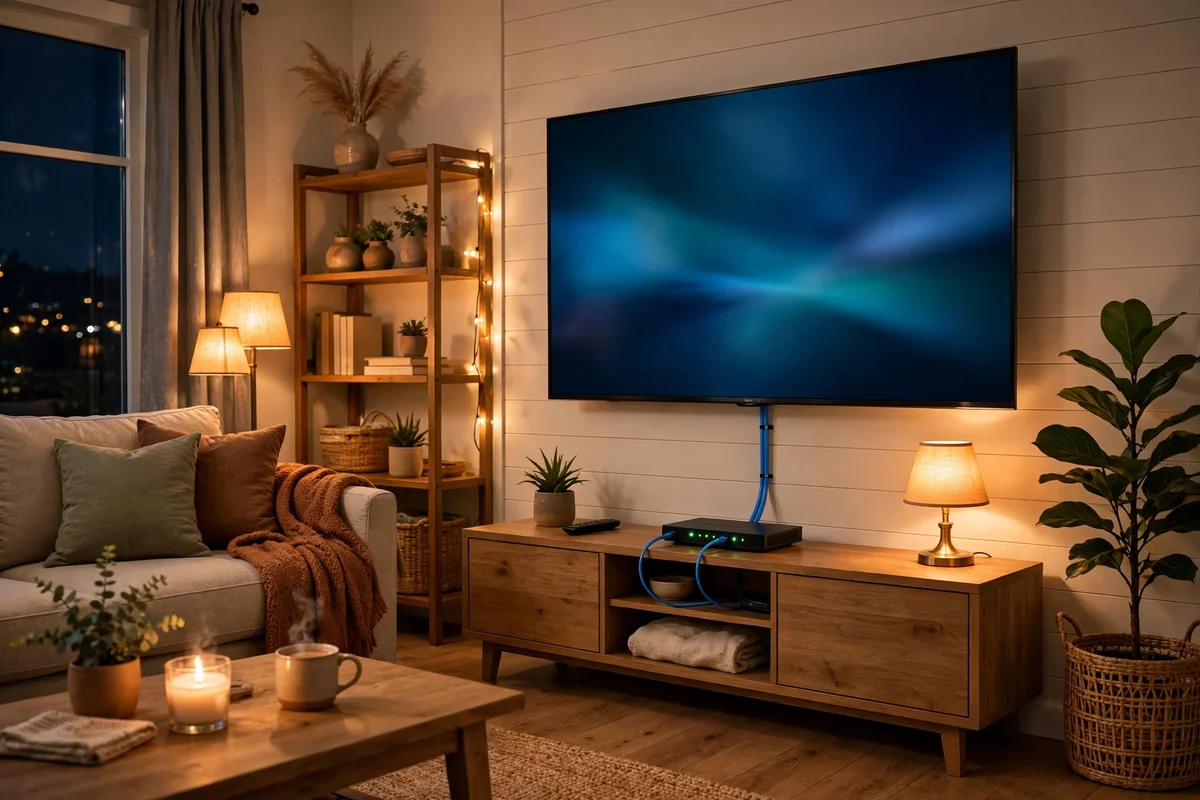
Most smart TVs have an Ethernet port on the back, and it is often a 100-megabit port rather than a gigabit one. That’s still four times more than a 4K stream needs, so don’t worry about the port speed. Plug the TV in with a short Cat6 lead, and let WiFi handle the phones and tablets instead. If you want to know what else your TV can do once it is online, read our guide on how smart TVs work. It explains the apps and settings in plain terms.
Run the cable neatly and you’ll forget it’s there. A short lead along the skirting board beats a long one across the floor. Clips every half metre stop it sagging behind the stand. Meanwhile, if the TV sits far from the router, a small switch nearby can serve the TV, console, and streaming box from one long run.
Once the picture is steady, sound is the next upgrade worth your money. Built-in TV speakers are weak. A soundbar or a pair of speakers changes movie night far more than any cable ever will. Our guide to connecting speakers to a TV walks through the ports and settings. It shows you how to get the audio working without a tangle of extra cables.
The Fastest Ethernet Cable Is Not What You Think
There’s no single fastest ethernet cable, because speed is set by the slowest link in the chain. Your internet plan, your router port, your switch port, and your device port all cap the speed. The cable only matters when it is the slowest part, in other words when everything else is faster than the wire. Plug a Cat8 cable into a gigabit port and you still get gigabit speed.
So the real question is not which cable is fastest, but which cable stops being the bottleneck. For a gigabit home, Cat6 already clears that bar, since the port caps the speed first. For a 2.5-gigabit or 5-gigabit home, Cat6 still clears it over normal room lengths. Only a true 10-gigabit setup with long runs needs Cat6a, therefore Cat6 covers the rest. That’s why fastest-cable marketing is mostly noise. Sellers push big numbers because they are easy to print on a box. Yet the number that matters is the speed of your slowest port.
Mistakes to Avoid When You Buy
A few common mistakes waste more money than any other part of home networking. They are all easy to dodge once you know them.
- Buying Cat8 for a gigabit network, then wondering why nothing got faster.
- Buying copper-clad aluminium cable because it was the cheapest listing.
- Buying a 30-metre cable for a 3-metre gap.
- Using solid-core cable as a patch lead.
- Trusting a listing with no category printed anywhere in the specs.
- Running cable next to mains power with no gap.
Each has a simple fix, and most cost nothing. Buy Cat6 or Cat6a from a known brand, check the jacket print, and measure the run first. Do that, and the cable will be the most boring, reliable part of your network. That’s exactly what you want it to be.
FAQs
Does an ethernet cable make internet faster?
It can, but only when WiFi was the bottleneck. A cable gives you a steady link with lower latency and no wireless interference, so downloads and streams stop stuttering. If your internet plan itself is slow, though, no cable will beat that limit. Test your speed on WiFi first, then on cable, and compare the two numbers.
Is Cat6 enough for 1gb ethernet?
Yes, Cat6 is more than enough for gigabit ethernet. It carries 1 gigabit per second over the full 100-metre run, with headroom for 2.5-gigabit and 5-gigabit gear as well. You only need Cat6a if you plan to run 10 gigabits over a long distance. For a normal gigabit home, Cat6 is still the right buy.
What is the longest ethernet cable I can run?
The standard limit is 100 metres for a channel, including the patch leads at both ends. Past that point the signal weakens and errors creep in. Very long runs need a switch in the middle to repeat the signal. Most homes never come close to this limit, since a run across a house is well under 30 metres.
Do I still need a crossover cable?
Almost certainly not. Nearly every modern port supports Auto-MDI/MDIX, which senses the cable type and swaps the transmit and receive pins on its own. A normal patch cable now works even between two similar devices, so a crossover is rarely worth buying. You only need one for very old gear without auto-sensing, or for some industrial controllers.
Is a flat ethernet cable as good as a round one?
For short runs, yes. A flat cable works fine across a room or under a rug, and it is easier to hide. For longer runs or in-wall work, round cable is better. Its twisted pairs hold their shape and handle heat more evenly. Pick flat only where tidiness matters most, and use round cable everywhere else instead.
Can ethernet cables go bad?
Yes, they can, and the signs are easy to spot. A cable that was kinked, chewed by a pet, or bent hard at the connector can fail. It may drop packets or lose the link. If your wired connection keeps cutting out, try a known-good cable before you blame the router. It’s the cheapest test you can run.
Conclusion
Buy a Cat6 patch cable in the right length, and you are done for most homes. Go Cat6a only for long in-wall runs or true 10-gigabit gear, and skip Cat7 and Cat8 entirely. First, check your router ports, measure your run, and run the five-minute test once the cable is in. Your next step is simple: plug it in, test it, and enjoy a connection that just works.