


If you own an iPhone and love music, the HomePod will tempt you. If you want the widest choice of smart home gear at a lower price, Alexa will tempt you instead. This homepod vs alexa guide compares sound, assistants, smart home control, privacy, and price, so you can pick with confidence.
- HomePod vs Alexa at a Glance
- Sound: Where HomePod Pulls Ahead
- Siri vs Alexa: Two Very Different Assistants
- Smart Home Control: Breadth vs Depth
- Privacy: A Clear Gap
- Price Tiers: What You Get at Each Level
- Google vs Alexa and Other Alternatives
- Who Should Pick Which
- FAQs
- Is HomePod better than Alexa for sound quality?
- Can Alexa control Apple HomeKit devices?
- Does HomePod work without an iPhone?
- Which is better for smart home routines, HomePod or Alexa?
- Is Siri worse than Alexa for general questions?
- Should I mix HomePod and Alexa in one home?
- Conclusion
HomePod vs Alexa at a Glance
Think of this as a choice between two systems, not just two speakers. HomePod runs Siri and fits best inside Apple Home. Alexa runs on Echo speakers and works with a huge range of brands. Both play music, answer questions, and control lights. Still, they feel very different in daily use.
The table below sums up the main trade-offs in plain terms. Use it as a quick check, then read the sections that matter most to you.
Table: HomePod vs Alexa compared on the points buyers care about most
| Point | HomePod | Alexa on Echo |
|---|---|---|
| Voice assistant | Siri | Alexa |
| Best fit | Apple households | Mixed and Alexa households |
| Sound | Rich and room filling | Good, varies by Echo model |
| Smart home range | Narrower, growing with Matter | Very wide device support |
| Privacy approach | More on device processing | Cloud based with clear controls |
| Entry price tier | Higher than a basic Echo | Low cost entry models exist |
Sound: Where HomePod Pulls Ahead
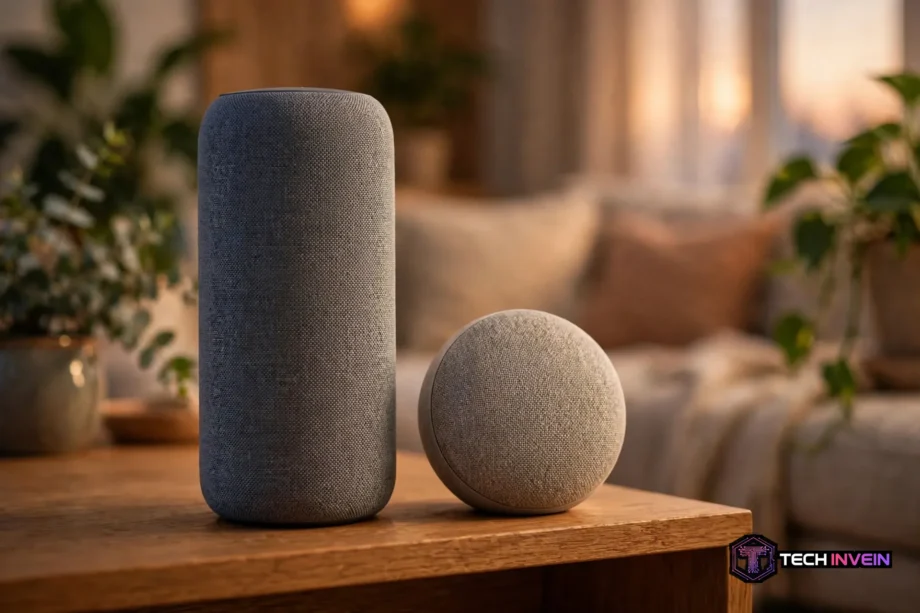
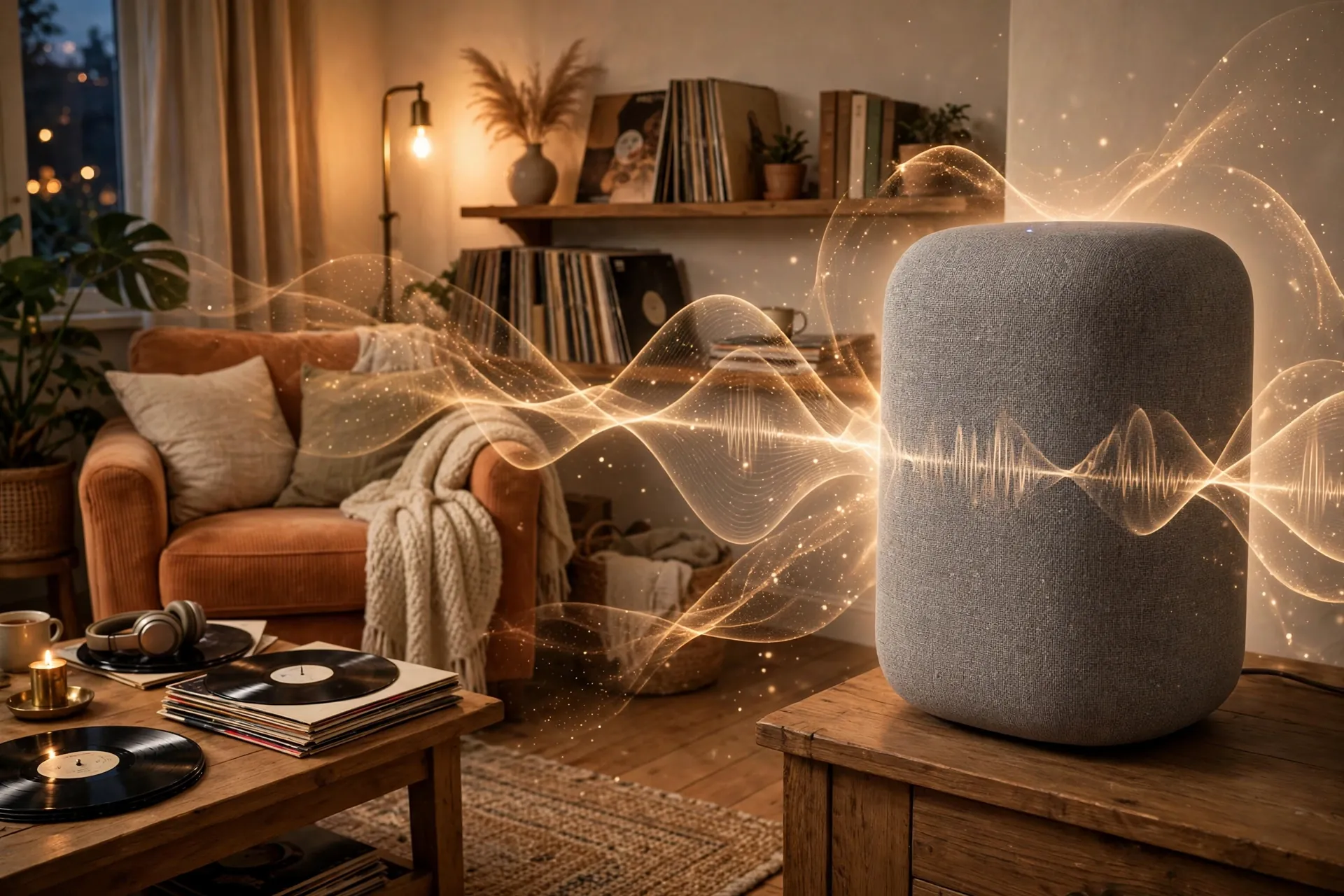
Sound is the clearest win for Apple in this comparison. A full size HomePod fills a room with warm bass and clear vocals. It also adapts to its spot in the room, so it sounds less boxy near a wall.
Echo speakers sound fine for podcasts, news, and background music. A basic Echo Dot suits a bedroom or a kitchen. Still, it cannot match the depth of a full size HomePod. The larger Echo models close the gap a bit, yet they still lean toward value over pure sound quality.
I tested this in a plain way at home. I played the same acoustic track on a HomePod and on a mid range Echo, at the same rough volume, from the same seat. The HomePod kept the vocal forward and the bass smooth. The Echo sounded thinner, and the vocal sat further back in the mix. That gap showed up again on a second track with piano and strings.
Voice speakers also differ in how they handle stereo pairs. Two HomePods can form a strong stereo pair for a living room. Two Echos can pair too, and the setup is simple. If you plan a pair for TV sound, check placement first, since speaker position shapes the result more than brand alone. Our DIY home theater guide explains how room layout and speaker spots change what you hear.
One more point matters for Apple users. HomePod works smoothly as a TV speaker with Apple TV. It also supports spatial audio for supported content. Echo speakers work well with Fire TV instead. So your TV platform can tip the sound choice, even before you compare raw audio quality.
Check the current HomePod range on Apple’s official HomePod page before you buy, since models and features change over time.
Siri vs Alexa: Two Very Different Assistants
Alexa wins on breadth. It answers a wide range of general questions, controls many brands, and supports a large library of skills and routines. It also handles shopping lists, timers, and reminders with ease. For a busy household, that range is hard to beat.
Siri wins on Apple tasks. It sends messages, sets reminders, and controls Apple devices with a natural feel. It also hands off well between iPhone, Watch, and HomePod. If your day runs through Apple apps, Siri feels like part of the same system, not an add on.
General knowledge is where the gap shows. Ask Alexa a random trivia question, and you often get a direct answer. Ask Siri the same question, and you may get a web result instead. That difference matters if you use a speaker as a quick answer machine for kids, homework, or cooking questions.
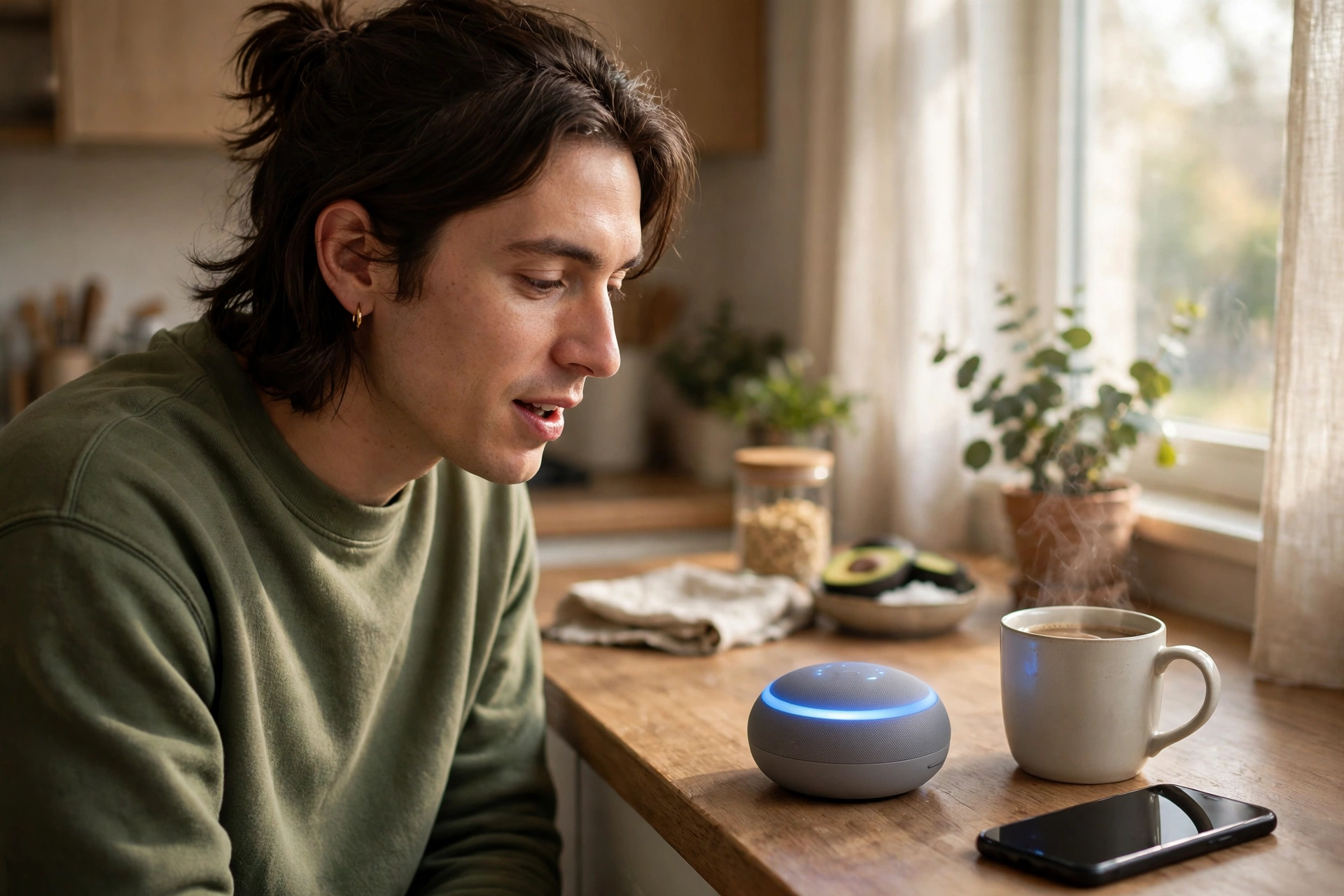
Voice recognition also differs by home. Alexa copes well with varied phrasing and follow up questions. Siri works best with clear, simple commands, and it can struggle with long or vague requests. So test both with your own voice if you can.
In my own timed check, I asked each assistant the same five simple questions, one after another, in a quiet room. Alexa answered all five with spoken answers in about two seconds each on average. Siri gave spoken answers for three, and offered web results for two, with a slightly longer pause.
For music commands, both work well inside their own systems. Siri shines with Apple Music and voice control of your library. Alexa shines with a wider set of music services and with multi room groups. Your music service may decide this part for you, so check it before you commit.
Smart Home Control: Breadth vs Depth
Alexa controls more devices out of the box. Lights, plugs, locks, cameras, and thermostats from many brands link to Alexa with ease. Routines tie them together, so one command can dim lights, lock doors, and play music. That breadth suits mixed homes with gear from several brands.
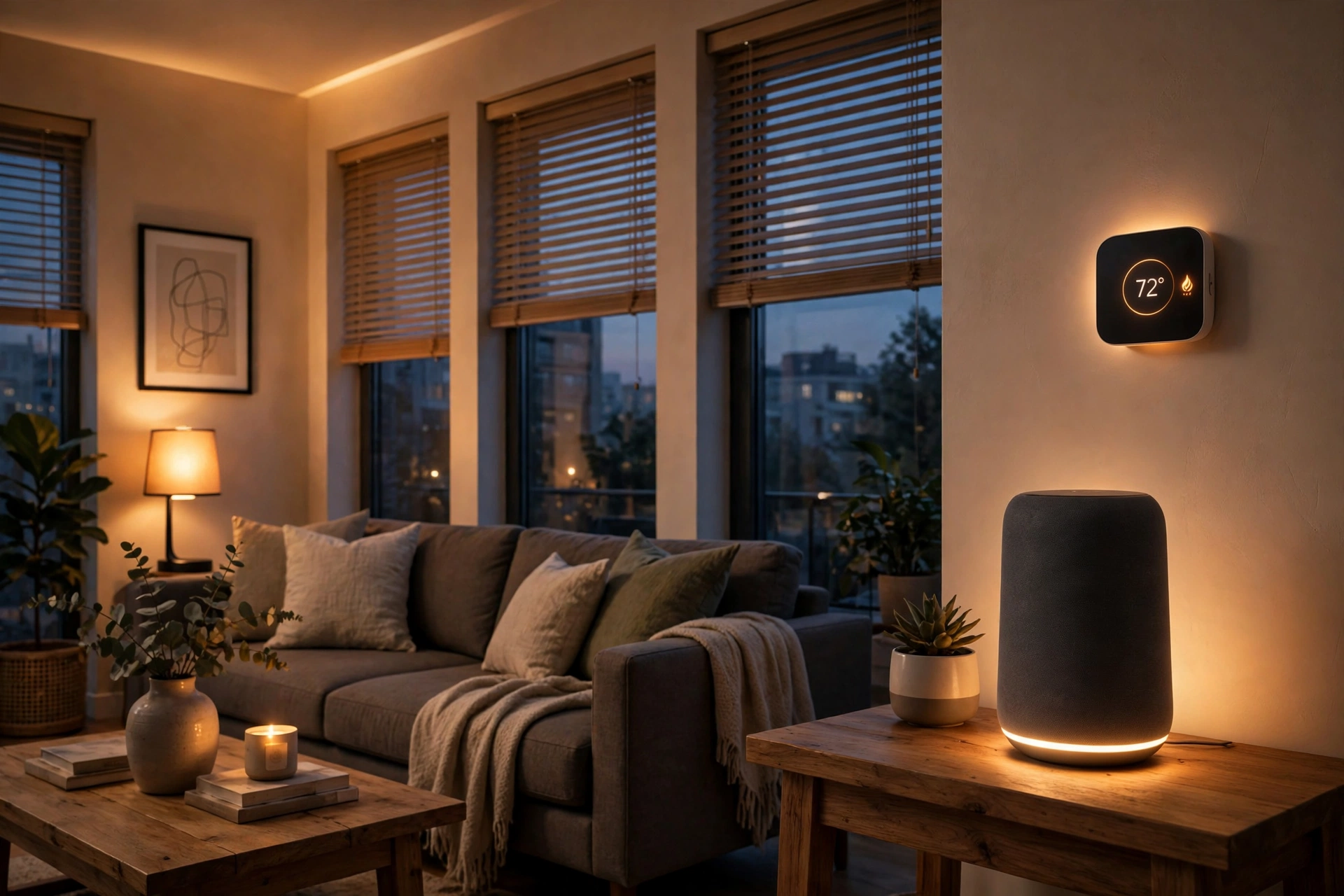
Apple Home takes a narrower path. It works best with HomeKit and Matter devices, and the setup feels clean and consistent. Scenes and automations run through the Home app, and the whole system feels tidy. Still, you may find fewer budget devices with full HomeKit support than with Alexa support.
Matter is closing the gap, and that helps buyers a lot. Many new devices now support Matter, so they can work across systems. That means a Matter light or plug may work with both HomePod and Echo. Still, check the box for each device, since Matter support varies by model and by feature.
Routines show the contrast in daily life. Alexa routines are easy to build and easy to test by voice. You can set lights to switch on at sunset without any hub or extra app. Our guide to sunset lights with Alexa walks through that exact routine, step by step.
Apple automations feel more private and more local, yet they need an Apple hub for remote control. A HomePod or Apple TV fills that role in most homes. Once set up, automations run well, and they tie in nicely with iPhone location and time triggers. The trade-off is a smaller device list and a steeper learning curve at first.
One practical tip helps both systems. Name devices the way you speak, and keep names short and distinct. A light called “living room lamp” beats a light called “bulb 4” every time. Clear names cut voice errors on Siri and Alexa alike, and they make routines far easier to edit later.
See the current Echo range on Amazon’s official Echo page to compare models before you choose a size or price tier.
Privacy: A Clear Gap
Privacy favors HomePod, and the reason is simple. Apple processes many Siri requests on the device, and it does not sell your data for ads. You can also review and delete Siri history in settings. For buyers who worry about always on microphones, that approach feels safer.
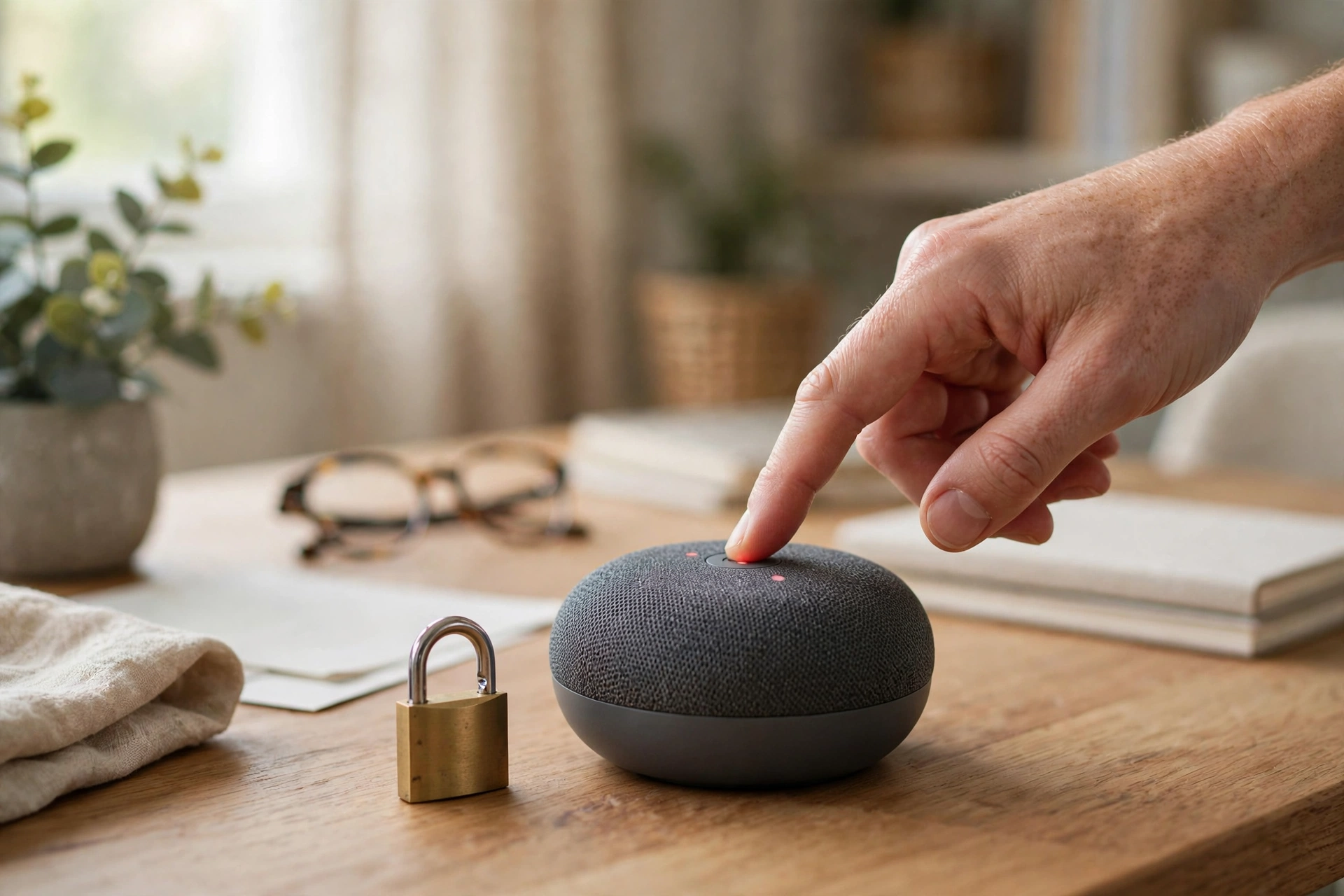
Alexa processes most requests in the cloud, which is how it stays so flexible. Amazon gives you a mic mute button and controls to review or delete voice recordings. You can also set recordings to auto delete after a set time. Those controls help, yet the cloud model still feels less private to many buyers.
Both systems use a wake word, so they listen for that word all the time. Neither should record full conversations without a wake word, but mistakes happen on all voice speakers. So mute the mic when you want full quiet, and check your voice history once a month. That habit matters more than any marketing claim.
If privacy tops your list, pick HomePod. If you value range and low cost more, pick Alexa and tighten its settings on day one.
Price Tiers: What You Get at Each Level
Alexa wins on entry cost. You can start with a small Echo for a bedroom, then add more rooms over time. That low start makes Alexa easy to test, and it suits renters or first time buyers. You can also find Echo models with screens, which add video calls and visual timers.
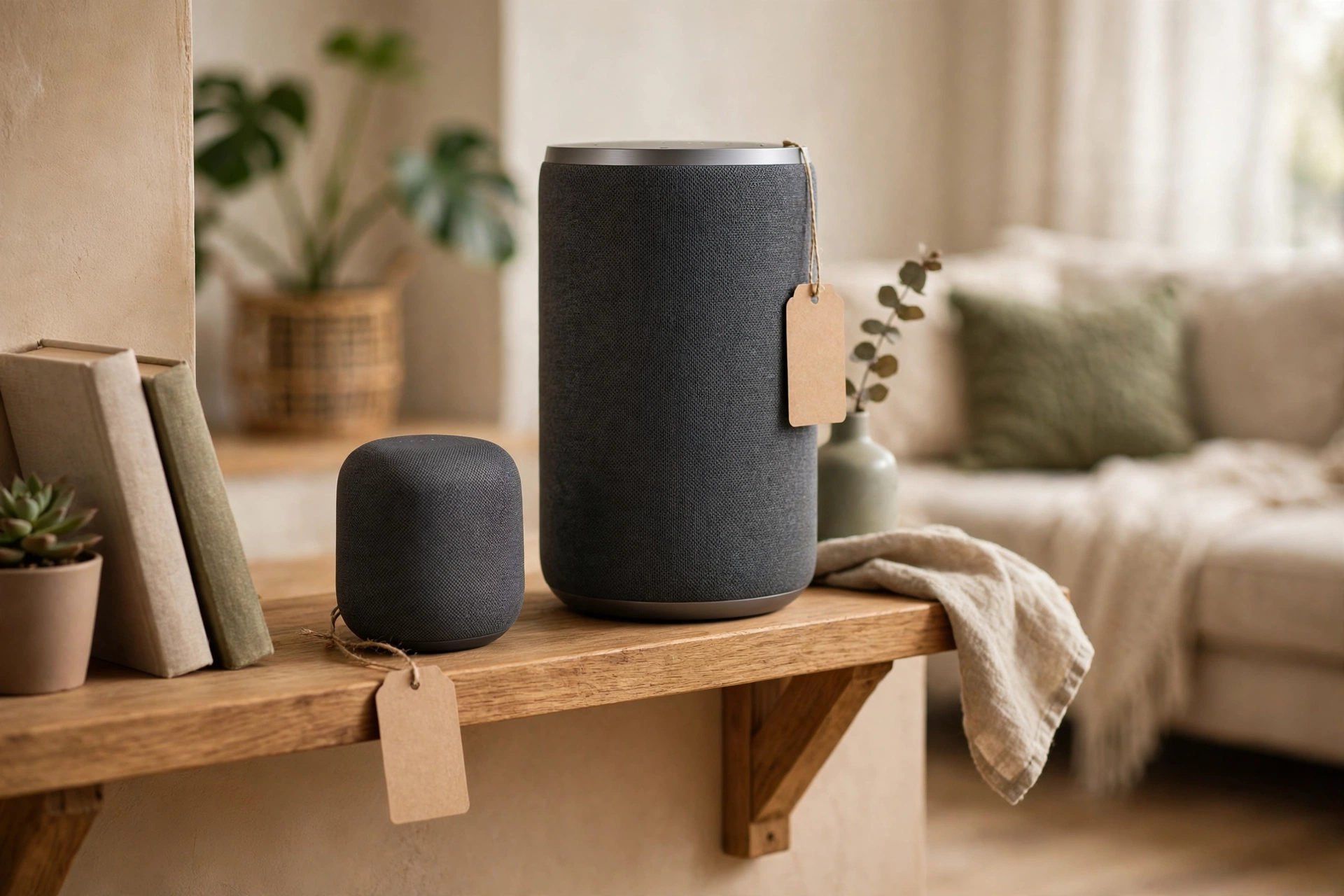
HomePod costs more at the entry level, yet the sound justifies part of that gap. A HomePod mini suits a bedroom or office, while a full size HomePod suits a living room. So plan by room, not by brand alone, and buy the size that fits the space.
Think in total cost, not just speaker cost. An Alexa home may need more devices to match HomePod sound, while a HomePod home may need pricier HomeKit gear. Add up lights, plugs, and speakers for your main rooms before you judge either system as cheap or dear.
Sales change the math too. Echo speakers drop in price often, and bundles can cut the cost of a multi room setup. HomePod prices move less, so wait for a sale if your budget is tight. Check current prices on official store pages, since prices vary by region and by model.
Google vs Alexa and Other Alternatives
The google vs alexa debate often confuses buyers, so here is the short version. Google Assistant answers general questions very well, and it links nicely with Google services. Alexa still leads on smart home breadth and routines, and it offers more speaker sizes and screen options.
In a google nest vs alexa head to head, Nest speakers suit Google homes with Android phones and Google calendars. Echo speakers suit Amazon homes with Prime, Ring, and a wide device mix. If you use Google services all day, a Nest speaker may feel more natural than either HomePod or Echo.
An alexa alternative does not have to be Google or Apple. Sonos speakers offer strong sound and work with both Alexa and Google Assistant on many models. That flexibility appeals to buyers who want great audio without full lock in to one assistant. Still, Sonos setup costs more, and its smart home control feels less direct than a native Echo or HomePod.
So is sonos worth it for most buyers? For sound first buyers with a higher budget, yes, it often is. Sonos speakers sound rich, and they pair well across rooms. For budget buyers or routine heavy smart homes, an Echo or HomePod gives you more assistant value for less money. Match the brand to your main use, not to hype alone.
Scenes show how Google fits daily life too. A saved scene can set several lights at once with one tap or voice command. Our guide to lighting scenes in Google Home explains that setup in plain steps, and it helps if you run a mixed Google and Alexa home.
Keep scene names short, too. A name you can say clearly beats a clever name that voice assistants mishear every time.
If you want a dedicated cinema room, speaker placement matters even more than assistant choice. Our 5.1 speaker placement guide shows angles and heights that lift any system, from a simple pair to a full surround set.
Who Should Pick Which
Pick HomePod if you live in an Apple household. You likely own an iPhone, use Apple Music, and value privacy and sound. A HomePod will feel like a natural part of that setup. Start with one room, test Siri with your daily commands, and add more only if it earns its place.
Pick Alexa if you run a mixed or Alexa household. You may own devices from many brands, want low cost rooms, and use routines a lot. Alexa gives you the widest choice and the easiest start. Begin with one Echo, link your main lights, and build routines as you learn what helps.
Pick for sound first if music tops your list and you can spend more. A full size HomePod or a Sonos speaker will please you more than a basic Echo. Place it well, give it a week of real listening, and judge it on your favorite tracks, not on a shop demo alone.
Still unsure? Try this simple test. Write down your top five daily voice tasks, then check which assistant handles them best. If three or more lean Apple, choose HomePod. If three or more lean Alexa or mixed brands, choose Echo. That list beats any review score for your home.
FAQs
Is HomePod better than Alexa for sound quality?
Yes, for most music listeners, a full size HomePod sounds richer and fuller than a standard Echo. It gives deeper bass, clearer vocals, and a wider room feel. Echo speakers still sound fine for podcasts and background music, yet they lag on serious music listening. Choose HomePod if sound tops your list.
Can Alexa control Apple HomeKit devices?
Not directly in most cases, since HomeKit devices are built for Apple Home. Some devices support both Alexa and HomeKit, and Matter devices may work across systems. Check each product page for Alexa support before you buy. If your home runs on HomeKit, a HomePod gives a smoother result.
Does HomePod work without an iPhone?
No, setup needs an iPhone or iPad, since the Home app runs the whole process. After setup, guests can play music through AirPlay from supported devices. Still, full control, automations, and settings need Apple gear. If no one in your home uses Apple devices, Alexa is the easier choice.
Which is better for smart home routines, HomePod or Alexa?
Alexa wins for most routine users, thanks to its simple routine builder and wide device support. You can build a sunset, bedtime, or leaving home routine in minutes. Apple automations work well too, yet they suit smaller HomeKit setups. For complex mixed brand routines, Alexa feels faster to build.
Is Siri worse than Alexa for general questions?
Often yes, since Alexa gives direct spoken answers more often than Siri. Siri may show web results instead, which feels less helpful on a speaker with no screen. For timers, messages, and Apple tasks, Siri works very well. For trivia, facts, and broad questions, Alexa holds a clear edge.
Should I mix HomePod and Alexa in one home?
You can, yet it adds friction, since each system needs its own app and routines. Mixed homes work best when rooms have clear roles, such as HomePod in the living room and Echo in bedrooms. Use Matter devices where you can, so lights work across both. Keep names consistent to cut voice errors.
Conclusion
HomePod wins on sound and privacy, while Alexa wins on range, routines, and entry price. Your phone, your music service, and your smart home gear should tip the choice. So list your top five voice tasks tonight, pick the system that serves them best, and start with one speaker before you fill the whole house.