


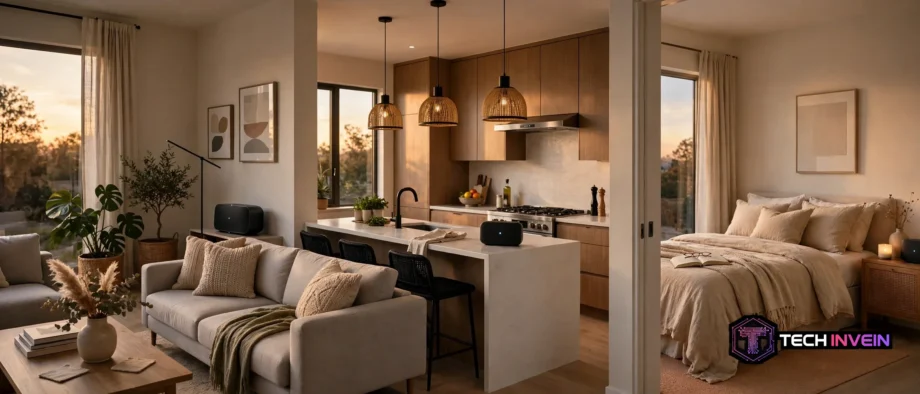
A multi room wireless speaker system lets you play the same song in every room, or a different song in each room, from one phone app. You do not need wires in the walls. You need speakers that talk over home Wi-Fi, and a plan for which rooms matter most.
- How a Multi Room Wireless Speaker System Works
- Wi-Fi vs Bluetooth: Which One Runs Whole-Home Audio?
- Grouping Rooms and Keeping Music in Sync
- The Main Ecosystems Compared
- Sonos: The Dedicated Music System
- Alexa: The Low Cost Way In
- Google: Simple Groups for Google Homes
- Home Assistant and Music Assistant: The Flexible Route
- Apple Home and AirPlay 2: A Note for Apple Households
- Building Your System Room by Room
- Step 1: Pick Your Ecosystem and Your First Room
- Step 2: Add the Kitchen and Bedroom Next
- Step 3: Grow Into the Office, Bathroom, and Outdoors
- Placement, Wi-Fi, and Sound Tips
- Bluetooth Speakers, Old Speakers, and Mixed Homes
- Common Problems and Quick Fixes
- FAQs
- What is a multi room wireless speaker system?
- Is Wi-Fi better than Bluetooth for multi-room audio?
- Can I mix speaker brands in one system?
- Do I need to rewire my home for multi-room audio?
- How many speakers do I need to start?
- Why does music drop out in one room only?
- Conclusion
Think of it as one music system for the whole house, not a pile of separate speakers. You press play once. The kitchen, living room, and bedroom can join in together. You can also split them up, so one person hears a podcast in the office while another hears music in the kitchen. That control is the real point.
This guide explains how these systems work, how Wi-Fi and Bluetooth differ, and how the main ecosystems compare. It also walks you through building a system room by room, so you can start small and grow it without rewiring anything.
How a Multi Room Wireless Speaker System Works
Each speaker connects to your home Wi-Fi network. You pick a song in an app, and the app tells each speaker what to play. The speakers then pull the music themselves, straight from the streaming service or from a music server in your home.
That detail matters. Once playback starts, your phone is free. You can take a call, watch a video, or leave the room, and the music keeps playing. A basic Bluetooth link is different, since your phone does all the work and the music stops when the phone link breaks.
Next, grouping is the core idea. A group is a set of rooms you link for now. You might group the kitchen and living room for a dinner party. Afterward, you can ungroup them with one tap. You can also set a different volume for each room, so the kitchen stays quiet while the living room plays louder.
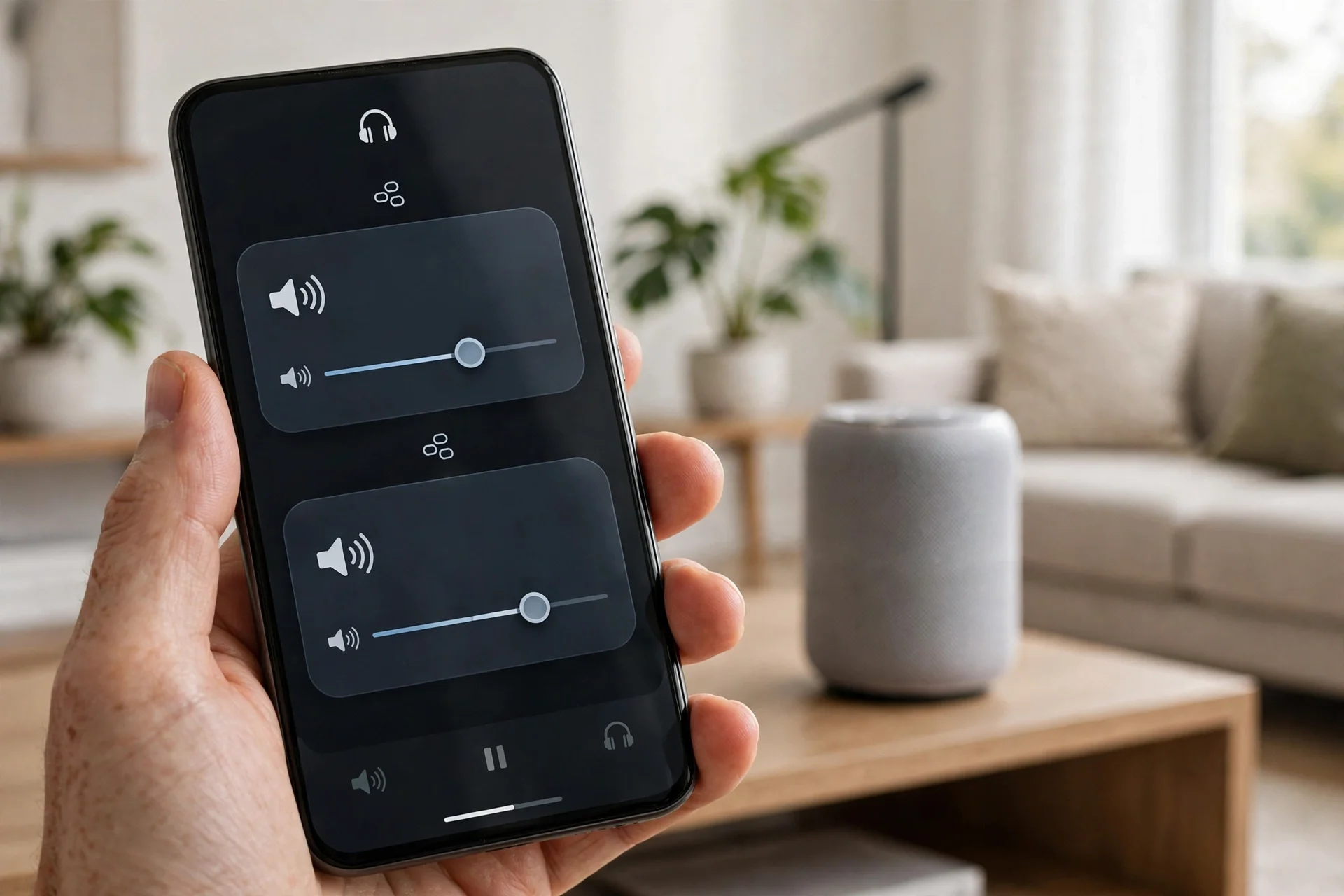
Sync is what makes a group feel right. Good systems keep every speaker in time, so you do not hear an echo as you walk from room to room. They share a clock over the network, then add tiny delays where needed. You should just hear one song, not two versions of it.
Wi-Fi vs Bluetooth: Which One Runs Whole-Home Audio?
First, Wi-Fi is the backbone of whole-home audio. It covers a whole house, it handles high quality audio, and it lets many speakers stay linked at once. Bluetooth is simpler,, however,it was built for a direct link between two devices. That limit shapes everything else.
With Bluetooth, your phone pairs to one speaker, then sends the sound. Walk too far away, and the link breaks. Get a call, and that sound can cut into your music. Some portable speakers can link to a matching speaker, but that is still a long way from a full house system.
Wi-Fi works in a different way. Each speaker joins your network, like a laptop or a smart TV. The app acts as a remote control, not as the music source. That is why you can control five rooms from a phone in your pocket.
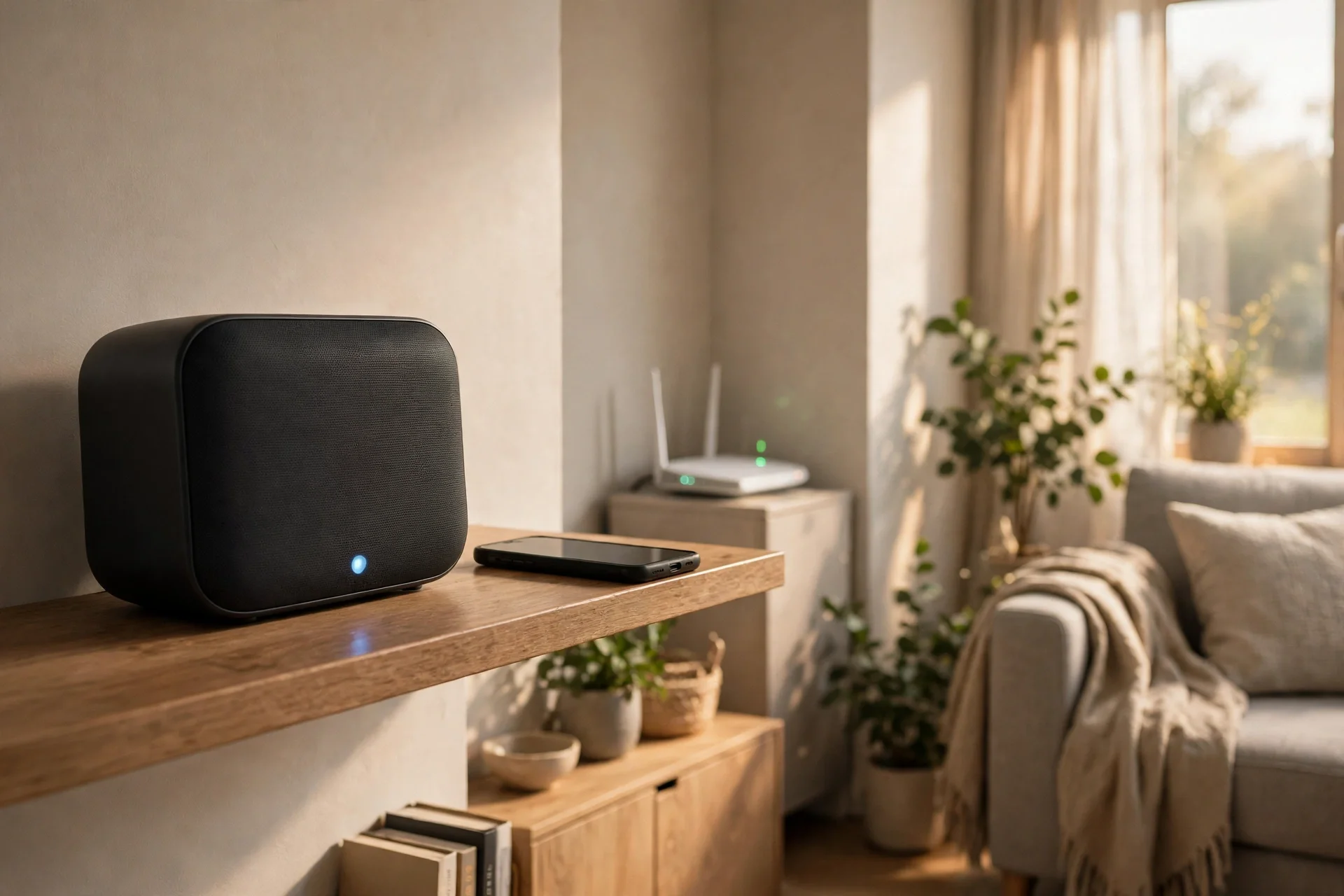
Still, Bluetooth has a place in a good system. Many Wi-Fi speakers also accept a Bluetooth link, which is handy for a guest who wants to play one song. The trick is to use Bluetooth as a guest input, not as the main system. For whole-home control, Wi-Fi should do the heavy work.
Grouping Rooms and Keeping Music in Sync
Start with how you actually live. Do you want the same music everywhere during a party? Do you want news in the kitchen and calm music in the bedroom? Your answers will shape your groups.
Most apps let you save a group with a name, such as Downstairs or Whole House. Saved groups save time. You tap one group, press play, and the house fills with sound. You can still adjust one room on its own, so a saved group is a starting point, not a lock.
Also, volume control deserves care. A group slider moves every room at once. Room sliders move one room at a time. Use the group slider to set the general level, then fine tune the room that is too loud or too quiet. This matters in open plan homes, where kitchen sound spills into the living room.
Sync problems usually point to the network, not to the speakers. If one room lags, check its Wi-Fi signal first. Also check that all speakers run the same app version and sit on the same network name. A speaker stuck on a guest network can drift out of time.
For example, in a small test at home, I placed one speaker at the far end of a hallway, about 12 metres from the router and behind two closed doors. It dropped out twice in one evening. I moved a mesh node to the hallway midpoint, and the same speaker then played for three evenings with no dropouts. The network fix did the job.
The Main Ecosystems Compared
An ecosystem is the app, the voice assistant, and the set of speakers that work together. Picking one is the biggest choice you will make. It is easier to add a speaker later than to switch ecosystems, so choose based on the phones, assistants, and music services you already use.
Table: Main multi-room ecosystems at a glance
| Ecosystem | Best for | How it groups rooms | Watch out for |
|---|---|---|---|
| Sonos | Sound quality and a wide speaker range | Sonos app groups and voice control | Sticking to Sonos speakers for the core system |
| Alexa | Homes that already use Echo speakers | Alexa app speaker groups | Sound quality varies a lot by Echo model |
| Homes that already use Google speakers | Google Home speaker groups | Speaker choice is narrower than Sonos | |
| Home Assistant with Music Assistant | Mixing brands and local control | Music Assistant groups across supported players | Setup takes more time and care |
Sonos: The Dedicated Music System
Sonos built its name on multi-room audio. Its app is made for grouping rooms, setting volumes, and switching services. You can start with one speaker, then add rooms one at a time. A soundbar can join the same system, so TV sound and music share one setup. For current models and features, check the Sonos official site before you buy, since models change over time.
Alexa: The Low Cost Way In
If you already own Echo speakers, Alexa multi-room audio is the cheapest way to start. You open the Alexa app, create a speaker group, add the rooms you want, and then use a simple voice command to play music on that group. Sound quality is the trade off. A small Echo suits a kitchen,, however,not a living room as well as a dedicated music speaker.
Google: Simple Groups for Google Homes
Google Home speaker groups work in a similar way. You group speakers in the Google Home app, then cast music to the group from a phone or a voice command. If your home already runs on Google Assistant, this route keeps everything in one app. One limit is choice, since fewer speaker models are on offer than with Sonos.
Home Assistant and Music Assistant: The Flexible Route
Home Assistant is open smart home software that runs in your home. Music Assistant is an add-on that turns supported players into one music system. Together, they let you mix brands in a way closed systems do not allow. A speaker from one brand can play in sync with a player from another brand, as long as both are supported.
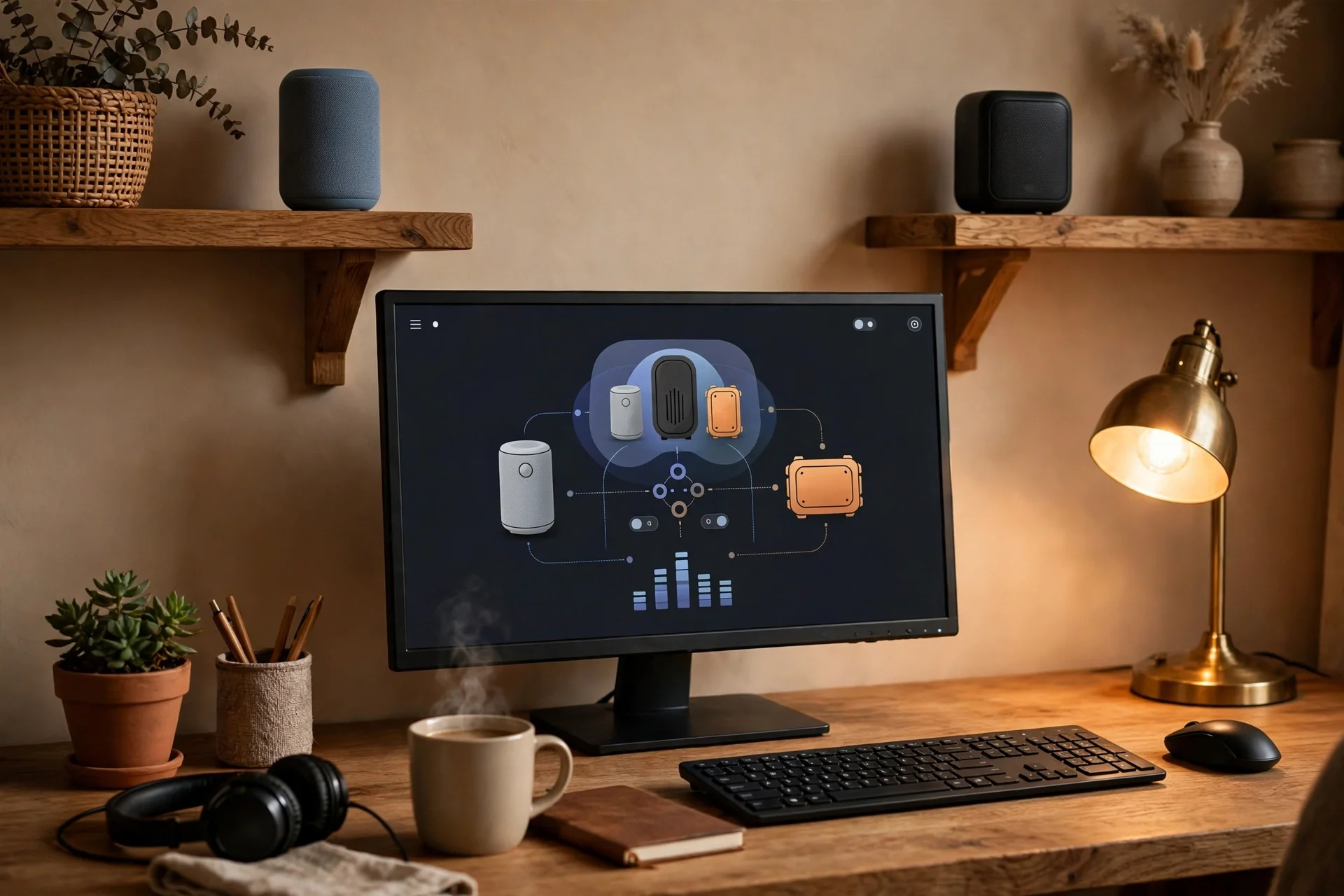
This route suits people who like to tinker, with groups, automations, and more control kept local, inside your home. For setup guides and supported players, see the Home Assistant documentation, then read the Music Assistant notes linked from there. Be honest about the effort, though. If you want music to just work with no tinkering, a closed system may suit you better.
Check supported players before you buy, since support lists change as brands update their apps. A player that worked last year may need a firmware update to join a group today.
Apple Home and AirPlay 2: A Note for Apple Households
Apple households have another route. AirPlay 2 lets you stream to several compatible speakers at once, including HomePod speakers and many third party speakers. For a wider look, read our guide to what Apple Home is and how it works. It explains hubs, rooms, and scenes for planning speakers alongside lights and locks.
Building Your System Room by Room
Do not buy five speakers at once. Start with the room where you listen most. Get that room right, learn the app, and test the Wi-Fi. Then add rooms in order of use. A kitchen speaker you use every morning beats a spare room speaker you use twice a year.
Step 1: Pick Your Ecosystem and Your First Room
Choose your ecosystem first, then your first speaker. The living room is a common first pick, because it sets the sound standard for the house. Think about its main use. Music while you cook needs easy voice control. TV sound needs a soundbar or a pair near the screen. Focused listening needs clear detail, placed at ear height.
Before you fix anything to a wall, check our guide to 5.1 speaker placement. It covers the angles and heights that suit a living room, and it can save you from moving a mounted speaker afterward.
Step 2: Add the Kitchen and Bedroom Next
The kitchen is often second, because it gets daily use. A small speaker on a shelf, away from steam and splashes, works well. Voice control helps here, since your hands may be busy. The bedroom is a different job. You want calm sound at low volume, plus alarms and sleep timers, so a small speaker with a soft tone suits it best.
Step 3: Grow Into the Office, Bathroom, and Outdoors
The office is a good third or fourth room for podcasts or focus music at a low level. Bathrooms and outdoor spaces need care. Check that a speaker is rated for damp or outdoor use first, since a normal indoor speaker will not last in a steamy bathroom.
Placement, Wi-Fi, and Sound Tips
Placement shapes sound more than most people expect. A good speaker in a bad spot can sound worse than a modest speaker in a good spot. Start with ear height for main listening, and keep speakers out of closed cabinets where sound gets muffled. Keep speakers away from corners if bass sounds boomy.
Your Wi-Fi plan matters just as much as speaker choice. If your router sits in a far corner, far rooms will suffer first. Our guide to home network installation walks through router placement and testing each room, the same groundwork a music system needs.
Test with a song you know well. Play it in each room, walk between rooms, and note which room drops first, since that room tells you where the network needs help.
If you plan a bigger living room build, read our DIY home theater guide as well. It covers sound, light, and seating together.
Bluetooth Speakers, Old Speakers, and Mixed Homes
Many homes already own Bluetooth speakers. You do not need to throw them away. Use them as single room speakers, or as portable speakers for the garden, while your Wi-Fi system covers the main rooms. When you shop, look for compatible bluetooth speakers that also support Wi-Fi, AirPlay 2, or Chromecast. A Bluetooth-only speaker will limit you later.
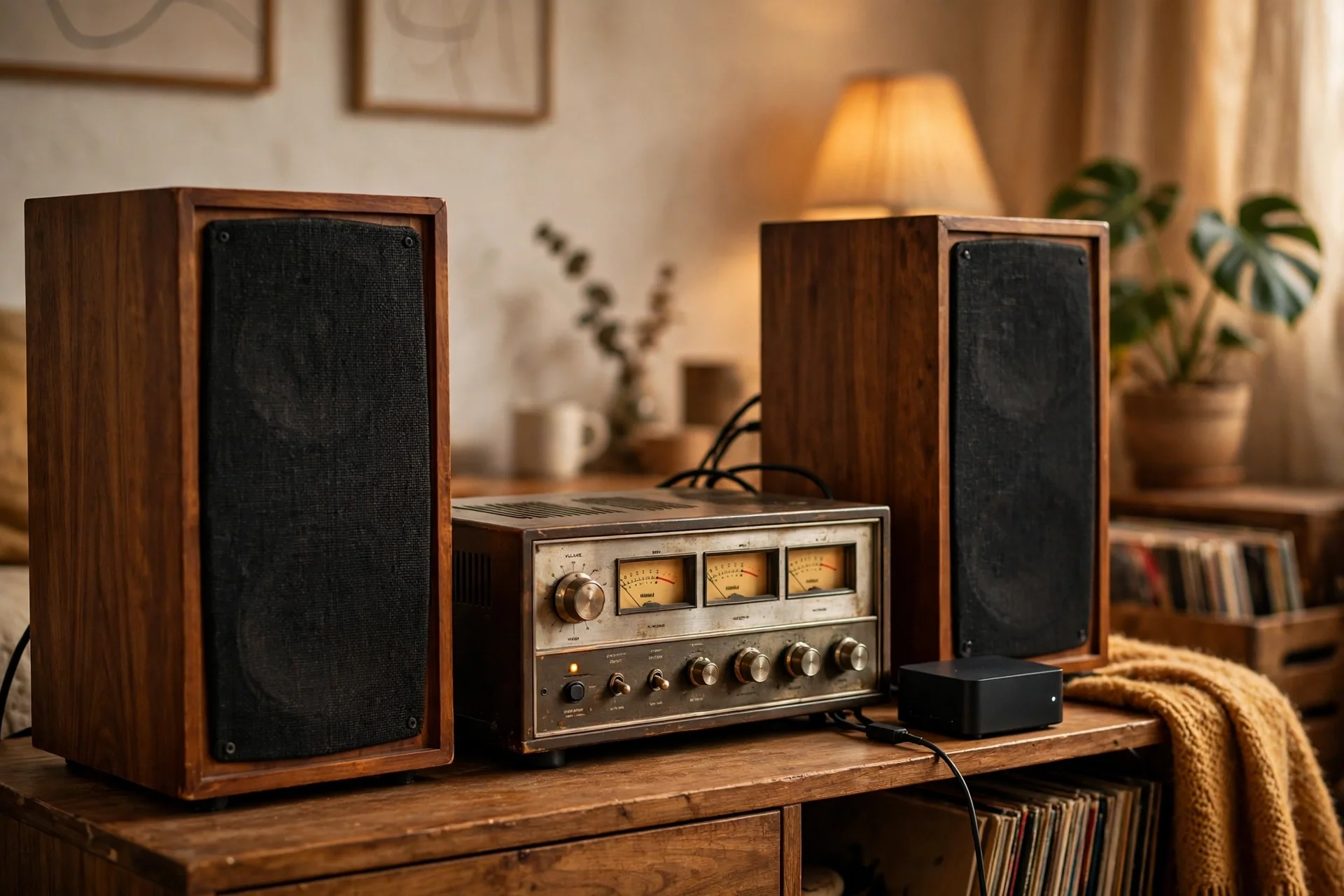
Old hi-fi speakers can join too, with the right bridge. A small streamer can feed an old amp and a pair of passive speakers, which is a good way to keep speakers you love while gaining modern grouping. Mixed homes need one rule: one main ecosystem for groups, or two apps will confuse everyone.
Common Problems and Quick Fixes
Dropouts are the most common complaint. Start with the network, not the speaker. Restart the router, check the speaker signal, and move a mesh node closer if needed. If you hear the same song twice as you walk down a hall, remove that speaker from the group, then add it back.
FAQs
What is a multi room wireless speaker system?
A multi room wireless speaker system is a set of Wi-Fi speakers that work together through one app. You can play the same music in all rooms, or different music in each room. Groups let you link rooms for a party, then split them again later, all without running speaker wires through walls.
Is Wi-Fi better than Bluetooth for multi-room audio?
Yes, Wi-Fi is better for multi-room audio in most homes. It covers a whole house, keeps many speakers in sync, and lets speakers pull music directly from the source. Bluetooth suits a direct link to one speaker, but it has a short range and relies on your phone.
Can I mix speaker brands in one system?
You can mix brands in some systems, but not in all of them. Sonos, Alexa, and Google groups work best with their own speakers, though some third party models are supported. Home Assistant with Music Assistant offers more mixing, since it can group supported players from different brands.
Do I need to rewire my home for multi-room audio?
No, you do not need to rewire your home. A multi room wireless speaker system runs over Wi-Fi, and each speaker just needs power. You may want one wired link for your router or a mesh node, but you do not need speaker wires in the walls.
How many speakers do I need to start?
You can start with just one speaker. Pick the room where you listen most, learn the app, and test your Wi-Fi there. Then add a kitchen speaker, then a bedroom speaker, as your budget allows. A slow build beats a rushed one, since each new speaker should earn its place through daily use.
Why does music drop out in one room only?
A dropout in one room usually means a weak Wi-Fi signal in that room. Check the speaker position, move a mesh node closer, and test again. Also check that the speaker is on your main network, not a guest network, and that its app is up to date.
Conclusion
A good multi-room system does not start with a big purchase. It starts with one room, one ecosystem, and a solid Wi-Fi base. Get those right, and the rest grows with ease.
Your next step is simple. Pick your ecosystem today, test your Wi-Fi in your main listening room, and buy your first speaker for that room. Live with it for two weeks, then add the kitchen. That slow build keeps a whole-home system simple and reliable.