


For most Xfinity homes, the best modem router combo for Xfinity is the NETGEAR Nighthawk CAX30 on plans up to 1 Gbps. The ARRIS SURFboard G34 is the pick if you pay for faster speeds. Both are DOCSIS 3.1, both carry WiFi 6, and both end the monthly rental fee for good.
- What a Modem Router Combo Actually Does
- How to Pick the Best Modem Router Combo for Xfinity
- Start With DOCSIS 3.1
- Match the Combo to Your Plan Speed
- Check the Approved List Before You Buy
- Watch for the Voice Trap
- Best Modem Router Combo for Xfinity: Our Top Picks
- 1. NETGEAR Nighthawk CAX30: Best Overall
- 2. ARRIS SURFboard G34: Best for Fast Plans
- 3. Motorola MG8702: Best for Big Homes
- 4. Motorola MG7550: Best Budget Pick
- 5. ARRIS SURFboard G54: Best for Future-Proofing
- What You Actually Save
- Combo or Separate Modem and Router?
- How to Set Up Your New Combo
- Mistakes to Avoid
- FAQs
- Can I use my own modem router with Xfinity?
- Do I need DOCSIS 3.1 for Xfinity?
- Will a combo work with Xfinity Voice?
- How much money does owning a modem save?
- Is a combo or a separate modem and router better?
- What happens if my modem is not on the approved list?
- Conclusion
That rental fee is the real story here. Xfinity charges about $15 a month for its xFi Gateway. That is roughly $180 a year for a box you never own. A combo you buy once replaces that box. It pays for itself, then keeps saving you money every year after that.
What a Modem Router Combo Actually Does
A modem router combo is one box that does two jobs. The modem part talks to the cable line and turns the signal from Xfinity into internet. The router part shares that internet with your phones, laptops, TVs, and smart home gear over WiFi and Ethernet. So you plug in one box, one power cable, and you are done.
That simplicity is the whole appeal: fewer cables, one app, and no second box to find a shelf for. It is also the main trade-off. When WiFi standards move on, you cannot swap just the router. You replace the whole box instead. If you want to understand the two jobs first, read our guide on a modem vs router before you shop.
How to Pick the Best Modem Router Combo for Xfinity
Four filters decide almost everything: speed, DOCSIS version, Xfinity approval, and home size. Everything else on the box is marketing.
Start With DOCSIS 3.1
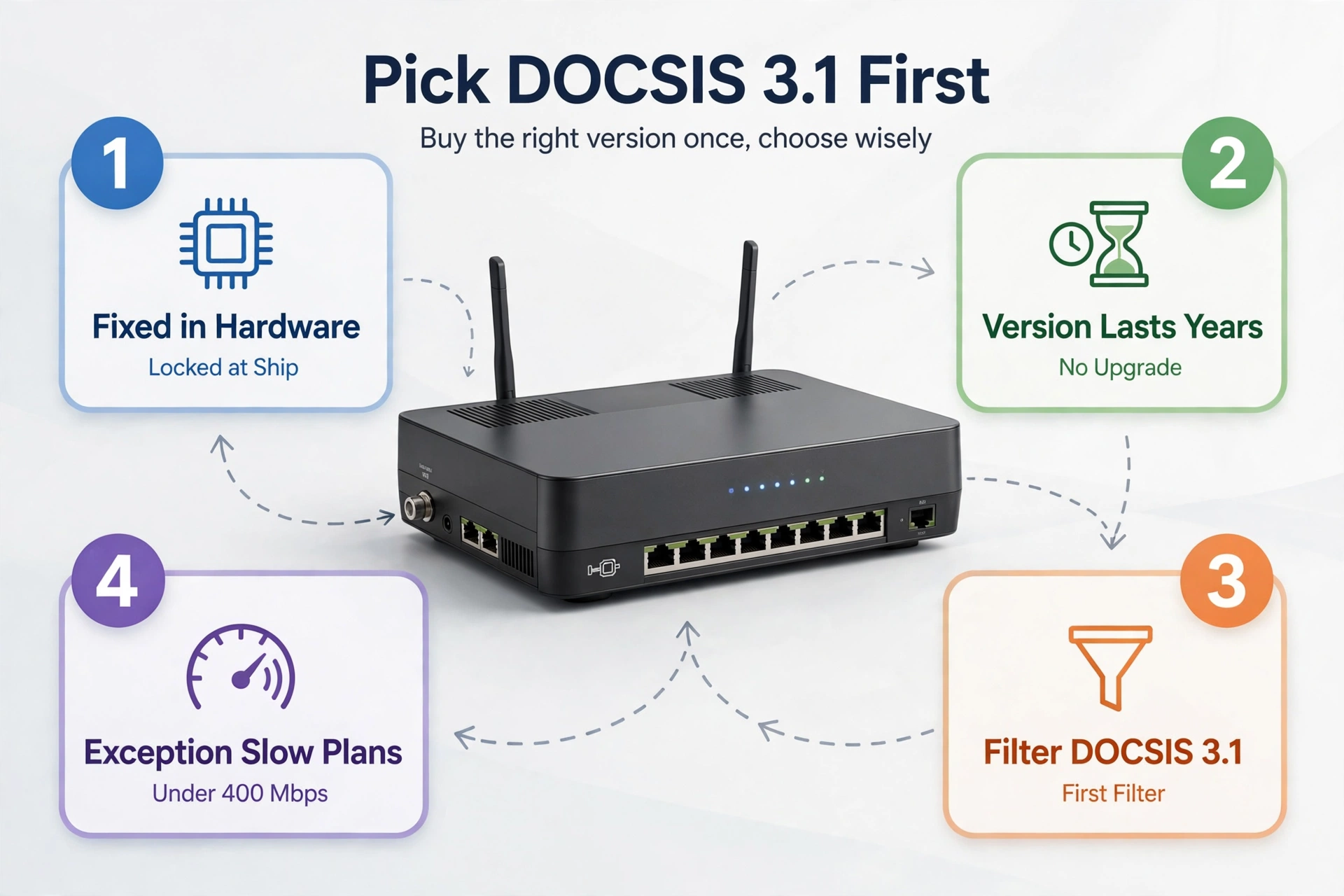
DOCSIS is the language your modem speaks to the cable network. Version 3.1 is the current one, and it is the version Xfinity builds its gigabit plans around. Version 3.0 is the older one, and it tops out well below gigabit speeds. So a DOCSIS 3.0 combo on a gigabit plan will hold you back. No router setting or firmware update can fix that later.
DOCSIS is fixed in hardware on the day the modem ships. That means the version you buy is the version you live with for years. So make DOCSIS 3.1 your first filter. The only exception is a slow plan under 400 Mbps, where a cheap DOCSIS 3.0 box still does the job.
Match the Combo to Your Plan Speed
Every combo has its own speed ceiling, and that ceiling changes by provider. The same box can be approved for 800 Mbps on Xfinity and 1 Gbps on another cable company. So check your plan speed first, then check the combo’s approved ceiling for Xfinity specifically.
Here is a quick rule of thumb. On a 200 or 300 Mbps plan, almost any approved combo works fine. On a 400 to 800 Mbps plan, you want DOCSIS 3.1 with WiFi 6. On a gigabit plan or faster, you want DOCSIS 3.1 plus a strong WiFi radio and a multi-gig Ethernet port if you can get one.
Check the Approved List Before You Buy
Xfinity keeps a public list of approved devices, and that list is the real gate. A modem can support DOCSIS 3.1 and still be unapproved for your plan tier, so the list matters more than the box. Search the list for your exact model number, not just the brand name. Then check the wired download figure Xfinity lists for it. That number comes from tests on its own network, not a lab.
Every pick in this guide appears on that list, but approvals change over time. So confirm your model on Xfinity’s approved equipment page before you order. Check again if you wait a few months to buy.
Watch for the Voice Trap
If your plan bundles Xfinity Voice home phone service, stop here. None of the combos in this guide has a phone jack, and none of them supports Xfinity Voice. You need a voice-capable gateway with a telephone port, and only Xfinity supplies that. So keep renting the gateway if you use the home phone, or drop the voice line first. This is the single most common reason a modem purchase gets returned, and it is easy to avoid.
Best Modem Router Combo for Xfinity: Our Top Picks
We compared official specs against Xfinity’s approved device list. We also checked what real buyers report after months of use. Every pick below is DOCSIS 3.1 except the budget one, and every one is approved for Xfinity. So pick by your plan speed and home size, not by the biggest number on the box.
Table: Quick comparison of the best modem router combos for Xfinity
| Model | Best For | DOCSIS | WiFi | Xfinity Plan |
|---|---|---|---|---|
| NETGEAR Nighthawk CAX30 | Most homes | 3.1 | WiFi 6 AX2700 | Up to 1 Gbps |
| ARRIS SURFboard G34 | Fast plans | 3.1 | WiFi 6 AX3000 | Up to 1 Gbps |
| Motorola MG8702 | Big homes | 3.1 | WiFi 5 AC3200 | Up to 1 Gbps |
| Motorola MG7550 | Budget, slow plans | 3.0 | WiFi 5 AC1900 | Up to 400 Mbps |
| ARRIS SURFboard G54 | Future-proofing | 3.1 | WiFi 7 BE18000 | Up to 10 Gbps |
1. NETGEAR Nighthawk CAX30: Best Overall
The CAX30 is the pick for most Xfinity homes. It pairs a DOCSIS 3.1 modem with a WiFi 6 router rated AX2700. Xfinity’s own device list rates it at up to 949 Mbps wired and flags it as Recommended. That Recommended tag is rare. It comes from tests on Xfinity’s network, not a lab bench.
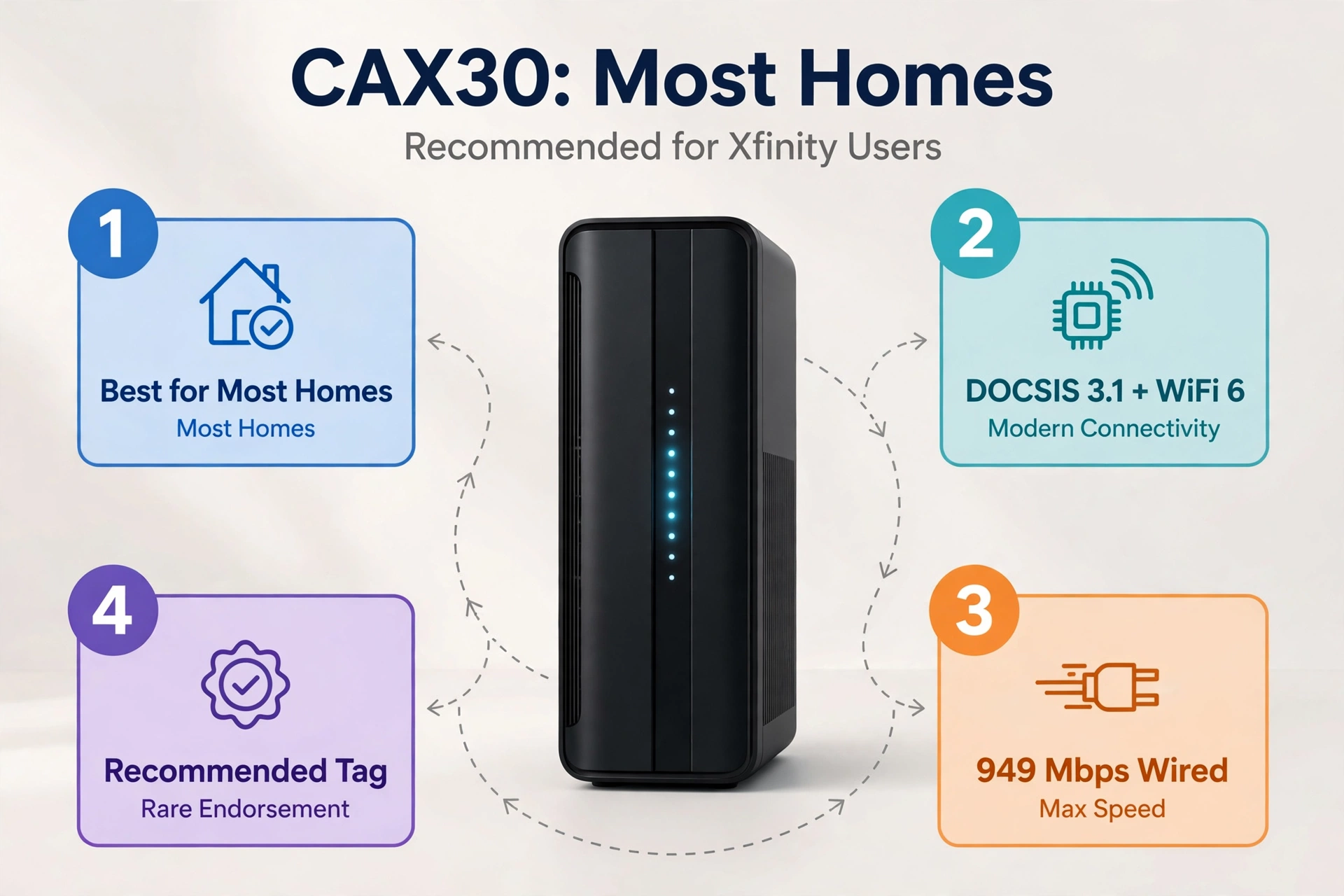
WiFi 6 matters here because it handles a house full of devices better than WiFi 5. It talks to many devices at once instead of queuing them up one by one. So the evening pile-up, when the TV streams 4K and a laptop runs a video call, stays smooth.
Four Gigabit Ethernet ports cover a console, a PC, and a TV box, plus a USB 3.0 port for shared storage. There is no multi-gig port, so wired connections top out at gigabit per port. The CAX30 is approved for Xfinity plans up to 800 Mbps. Other cable companies approve the same box up to 1 Gbps. So check your plan before you assume gigabit speeds.
One trap to dodge: the CAX30S is the same hardware at more than twice the price. The only difference is a bundled security subscription. So buy the plain CAX30 and skip the subscription if you do not want it. NETGEAR Armor comes as a 30-day trial either way, and you can simply let it lapse.
2. ARRIS SURFboard G34: Best for Fast Plans
The G34 is the strongest pick if your plan runs fast. It combines a DOCSIS 3.1 modem with a dual-band WiFi 6 router rated AX3000. It also sits on Xfinity’s enhanced-speeds list. That means it supports faster uploads in upgraded areas, where most standard modems still cap out near 35 Mbps up.
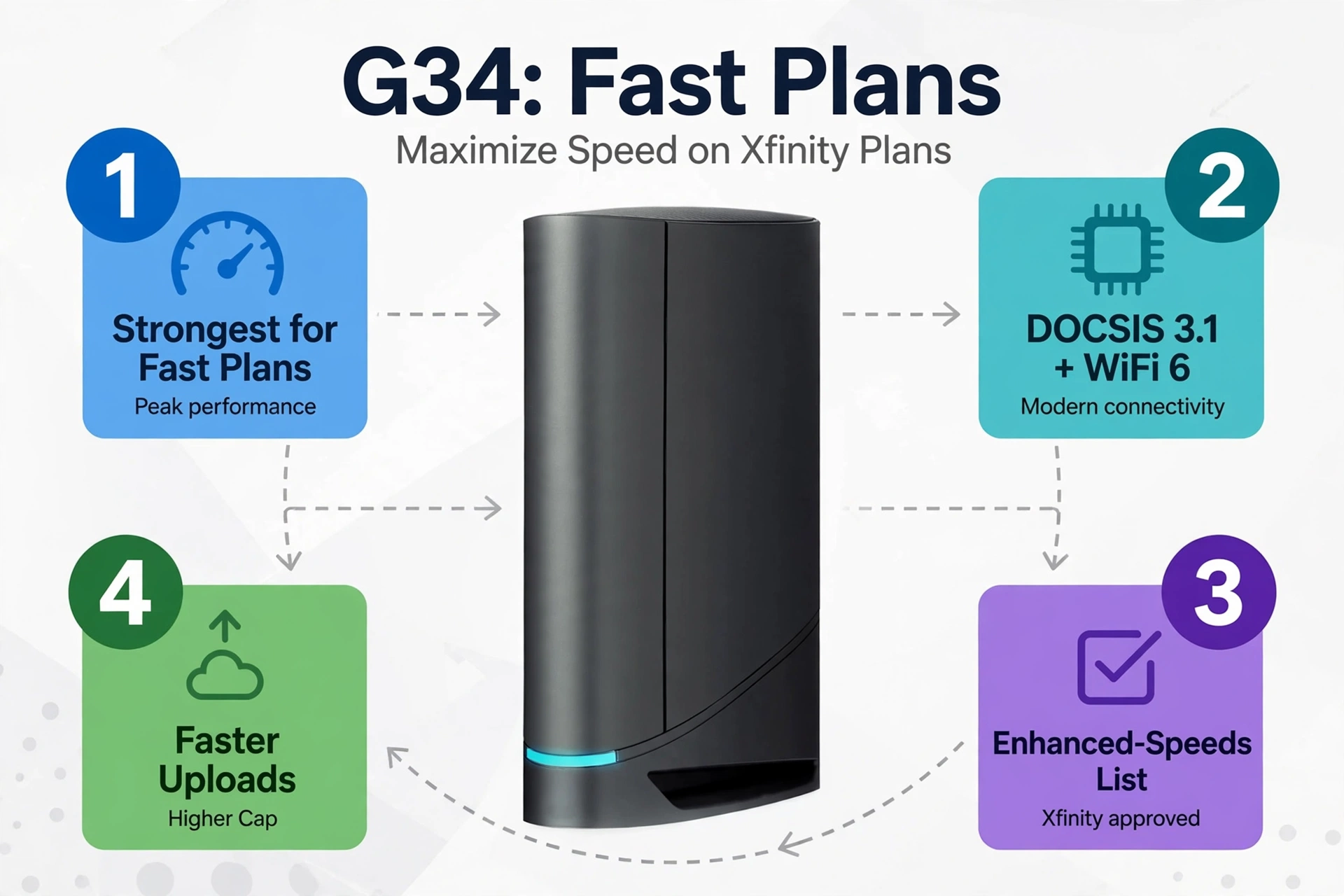
Xfinity’s own device list rates the G34 at up to 934 Mbps wired. Four Gigabit LAN ports cover your wired gear. The AX3000 radio is a step up from the CAX30 for homes with many devices. So if you pay for a gigabit plan and you want headroom, this is the box to buy first.
3. Motorola MG8702: Best for Big Homes
The MG8702 is the workhorse of this list. It combines a DOCSIS 3.1 modem with an AC3200 WiFi 5 router across four antennas. It is the only box here approved by Xfinity, Cox, and Spectrum. That matters if you move or switch providers later, since the same box follows you.
Coverage is where it earns its place. The four-antenna design pushes signal further through walls than the smaller boxes here. So a two-story home gets steadier WiFi in the far rooms. Four Gigabit LAN ports and a USB 3.0 port round out the hardware, and Motorola backs it with a two-year warranty.
4. Motorola MG7550: Best Budget Pick
The MG7550 is the cheapest way to stop renting. It is also the fastest payback on this list. It pairs a DOCSIS 3.0 modem with an AC1900 WiFi 5 router, and it suits Xfinity plans up to 400 Mbps. On a 200 or 300 Mbps tier, it does everything the expensive models do. It costs a fraction of the money.
5. ARRIS SURFboard G54: Best for Future-Proofing
The G54 is the newest combo here and the only one with WiFi 7. It pairs a DOCSIS 3.1 modem with a quad-band WiFi 7 router rated BE18000, and it supports plans up to 10 Gbps. Coverage runs to around 5,000 square feet. So it suits large homes and anyone who wants strong WiFi in every corner.
If WiFi 7 sounds tempting but you are unsure how it fits a smart home, read our guide to the best WiFi 7 router. It explains the new standard in plain terms.
What You Actually Save
The math is simple, and it is the strongest argument for owning your gear. Xfinity charges about $15 a month for its xFi Gateway, so that is roughly $180 a year. A combo you buy once ends that line on your bill. So the payback question is just how many months of rental equal the price of the box.
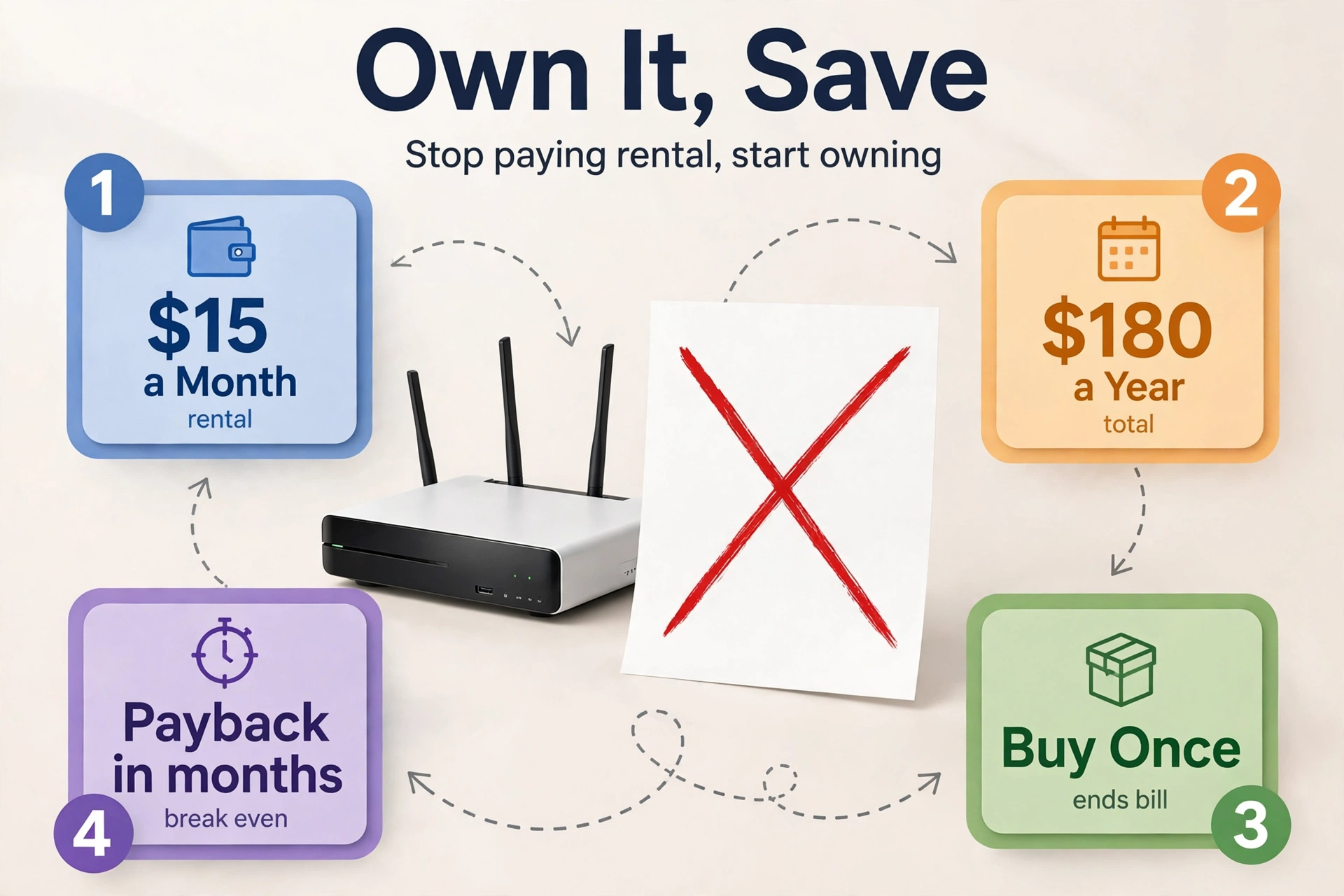
At that $15 monthly rate, a mid-range combo pays for itself in roughly a year. A budget combo pays for itself in under five months. After that, the $180 a year stays in your pocket. Over five years, that adds up to around $900 in avoided rental fees, minus the price of the box.
Table: Rental fee savings at a $15 monthly equipment charge
| Time Period | Rental Fees Paid | What You Keep by Owning |
|---|---|---|
| 1 year | About $180 | About $180 minus the box price |
| 3 years | About $540 | About $540 minus the box price |
| 5 years | About $900 | About $900 minus the box price |
Combo or Separate Modem and Router?
A combo is simpler, cheaper, and takes one power socket instead of two. A separate modem and router is the better long-term choice. You can upgrade the router, where almost all the useful improvements happen, without replacing a modem that still works well. So the honest answer depends on how you like to buy gear.
Separates also win for big or tricky homes. A mesh system or a high-end router covers dead zones better than any single combo box can. So if your house has thick walls or multiple floors, a separate modem plus a mesh router is worth the extra box. Our home network installation guide walks through placement and wiring for that kind of setup.
How to Set Up Your New Combo
Setup takes about 15 to 30 minutes. Most of that is waiting for activation. First, unplug the Xfinity gateway and connect the coax cable to your new combo. Then plug in the power and wait for the lights to settle, which usually takes a few minutes.
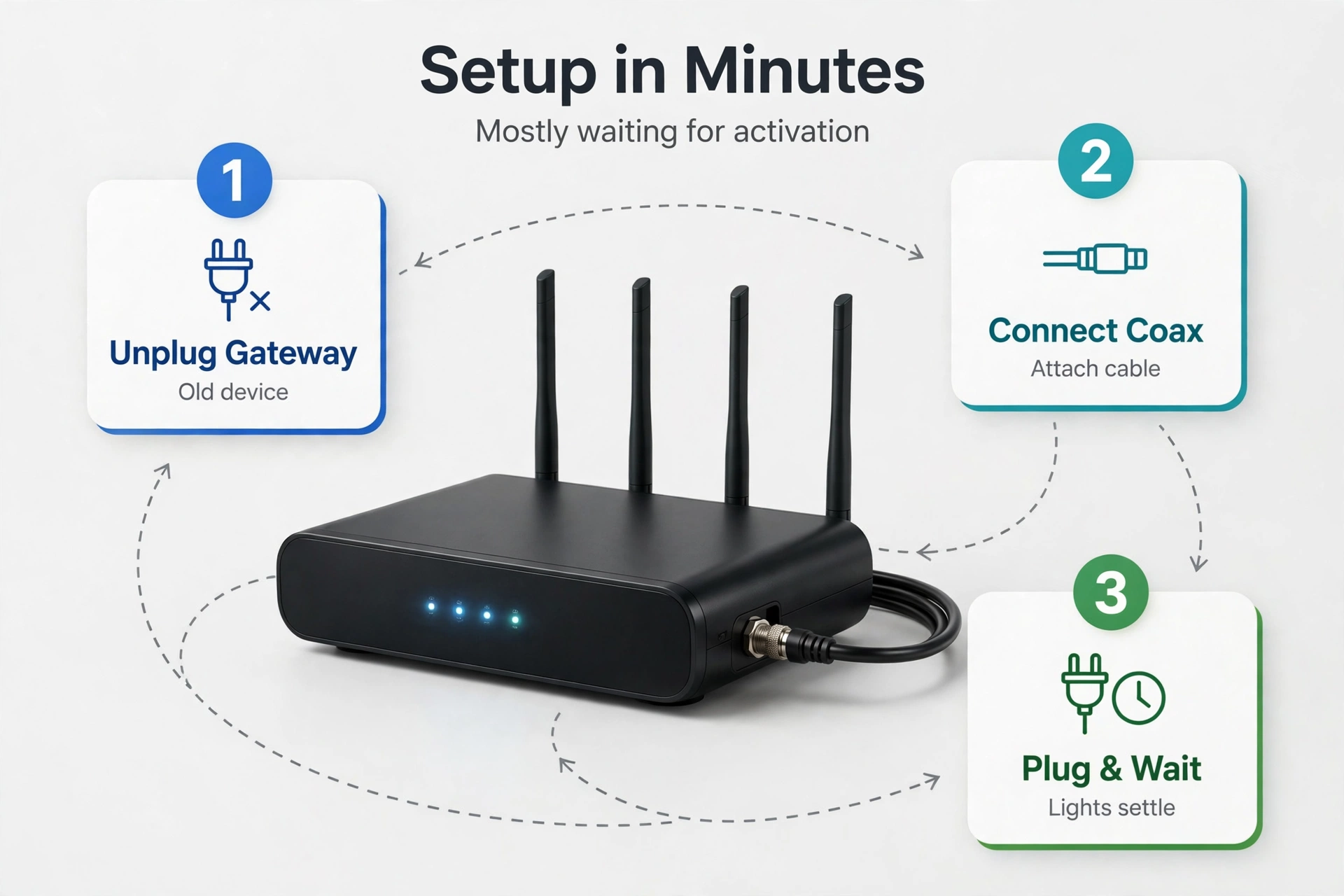
Next, open the maker’s app and follow the prompts. The app will ask for your Xfinity account details and run activation. Xfinity may also ask for the modem’s MAC address. It is printed on a sticker on the bottom of the box.
Finally, return the Xfinity gateway. The rental fee keeps coming until Xfinity has the box back. So drop it at an Xfinity store and keep the receipt. Then check your next bill to confirm the equipment line is gone. If the fee is still there, call and dispute it with the receipt in hand. For the router side, our guide on how to configure a router covers the settings worth changing after the first boot.
Mistakes to Avoid
The most expensive mistake is buying the wrong DOCSIS version. A DOCSIS 3.0 box on a gigabit plan caps your speed from day one. So match DOCSIS to your plan before you look at WiFi numbers.
The second mistake is skipping the approved list. An unapproved modem may activate and then behave unpredictably, or it may not activate at all. So search Xfinity’s list for your exact model number before you order, not after the box arrives.
The third mistake is forgetting the voice line. If your bundle includes Xfinity Voice, no combo here will run it. So check your plan for a home phone service before you buy, or you will be sending the box back.
The fourth mistake is keeping the rental box. People buy their own modem, set it up, and leave the Xfinity gateway in a closet. The fee keeps coming for months. So return it the same week and check the next bill.
FAQs
Can I use my own modem router with Xfinity?
Yes, you can use your own modem router with Xfinity. The model must sit on its approved device list for your plan. You buy the box, activate it with the MAC address, and return the rented gateway to stop the fee. So check the list for your exact model number before you order.
Do I need DOCSIS 3.1 for Xfinity?
You need DOCSIS 3.1 for Xfinity gigabit plans, because those plans use channels that only DOCSIS 3.1 hardware can process. A DOCSIS 3.0 modem cannot deliver gigabit speeds, no matter how many channels it bonds. So buy DOCSIS 3.1 unless your plan runs at 400 Mbps or slower.
Will a combo work with Xfinity Voice?
No, none of the combos in this guide supports Xfinity Voice, because none of them has a phone jack. Xfinity Voice needs a voice-capable gateway with a telephone port, and only Xfinity supplies that device. So keep renting the gateway if you use the home phone service.
How much money does owning a modem save?
Owning a modem saves about $15 a month, or roughly $180 a year, at Xfinity’s usual equipment charge. A mid-range combo pays for itself in about a year. A budget combo pays for itself in under five months. So after payback, the full $180 a year stays in your pocket.
Is a combo or a separate modem and router better?
A combo is better if you want the simplest setup and the lowest upfront cost. One box does both jobs. A separate modem and router is better if you want to upgrade your WiFi later. It also wins if your home needs mesh coverage. So pick the combo for simplicity and the split for flexibility.
What happens if my modem is not on the approved list?
An unapproved modem may fail activation, or it may activate and then behave unpredictably on the network. Xfinity can also refuse support for connection problems when the modem is not approved. So always confirm your exact model on the approved list before you buy.
Conclusion
For most homes, the best modem router combo for Xfinity is the NETGEAR Nighthawk CAX30. The ARRIS SURFboard G34 is the pick for faster plans and bigger upload needs. Both are DOCSIS 3.1, both carry WiFi 6, and both end a rental fee of about $15 a month. So check your plan speed, confirm your model on Xfinity’s approved list, and order the box that fits. Then return the rented gateway the same week.